Cheat
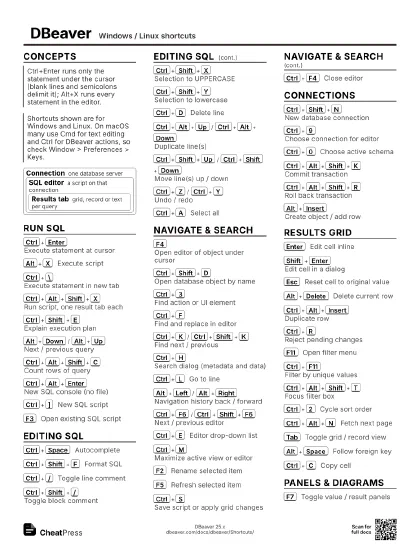
DBeaver Windows / Linux shortcuts
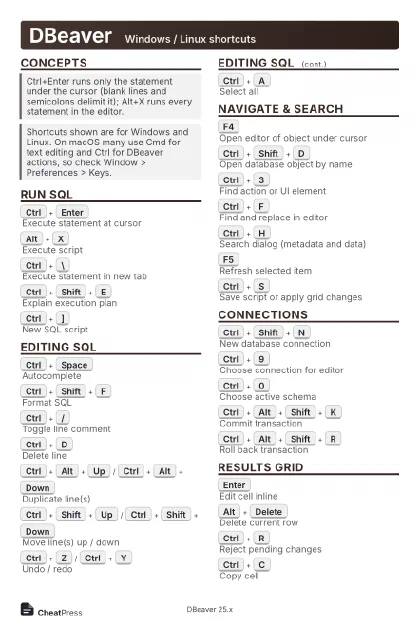 Light · Postcard
102 × 152 mm · PDF
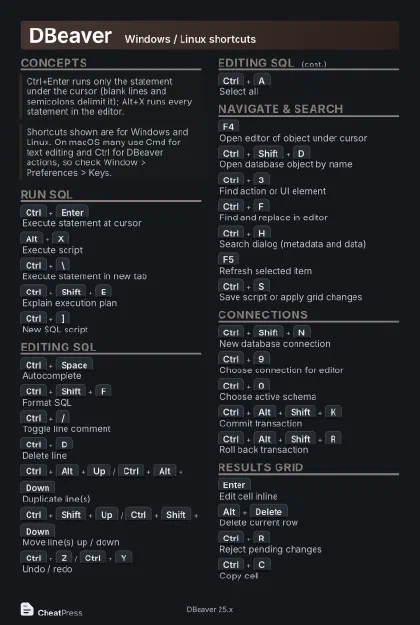 Dark · Postcard
102 × 152 mm · PDF
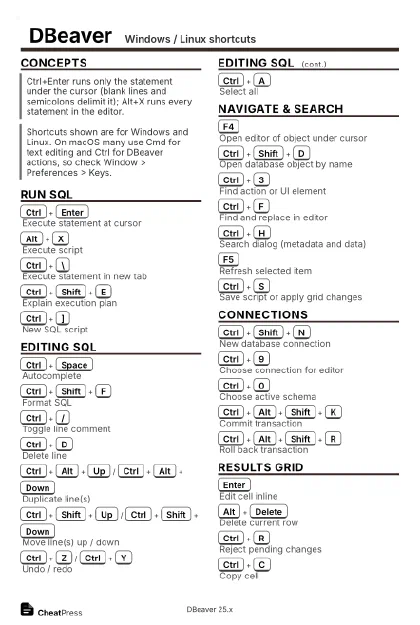 Ink saver · Postcard
102 × 152 mm · PDF
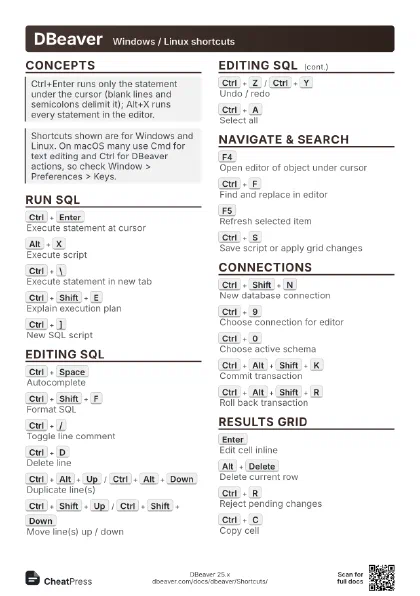
 Light · A4 landscape
297 × 210 mm · PDF
 Dark · A4 landscape
297 × 210 mm · PDF
 Ink saver · A4 landscape
297 × 210 mm · PDF
 Light · A3 landscape
420 × 297 mm · PDF
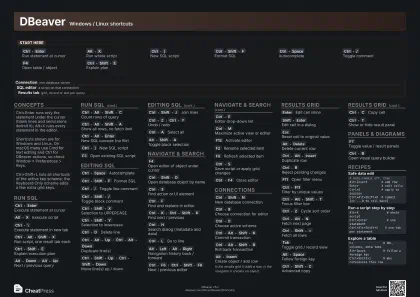 Dark · A3 landscape
420 × 297 mm · PDF
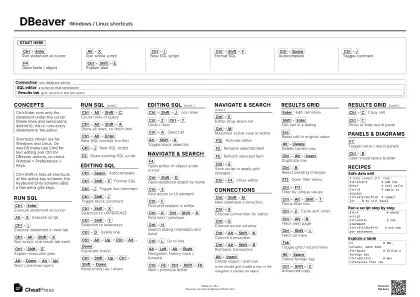 Ink saver · A3 landscape
420 × 297 mm · PDF
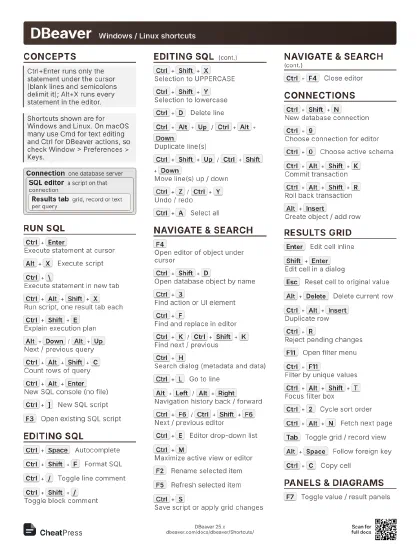
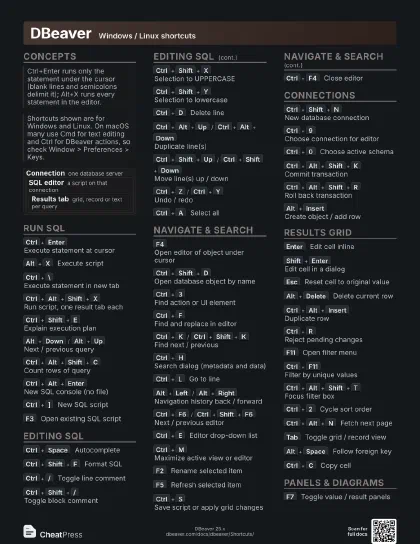
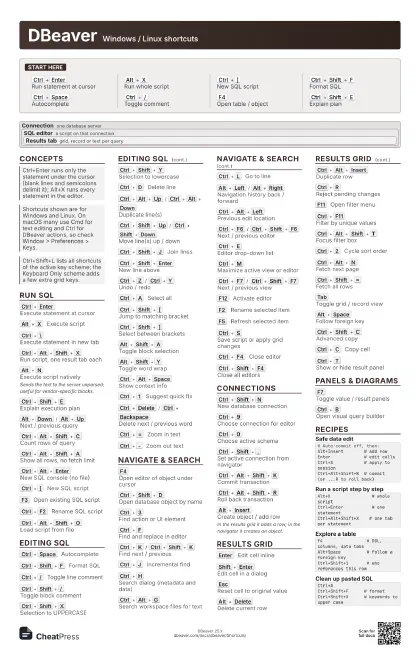
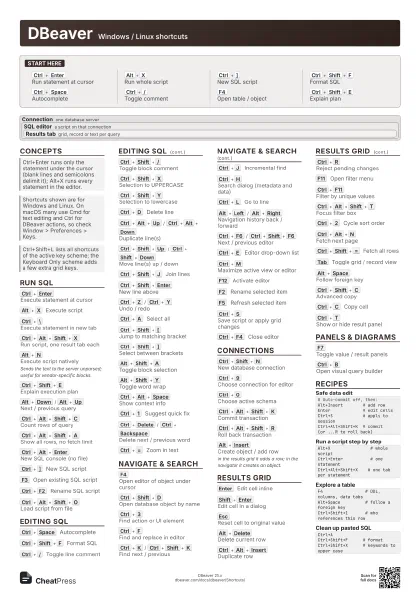
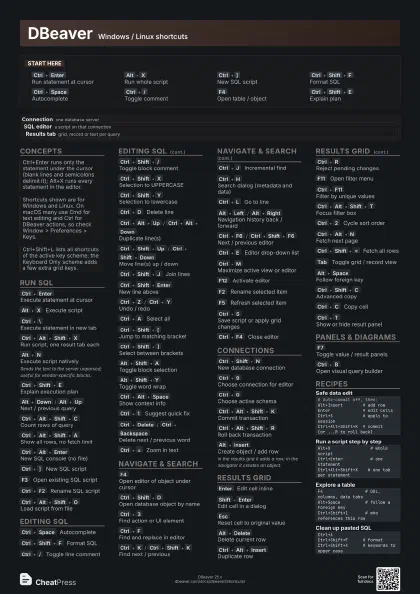
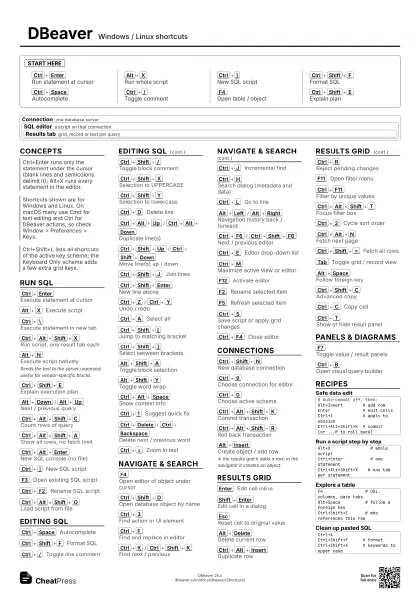
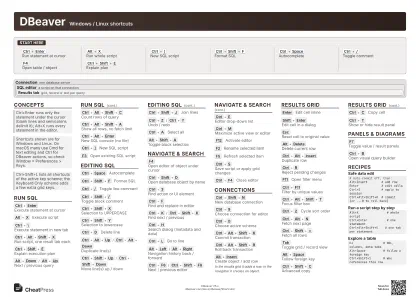
Start here
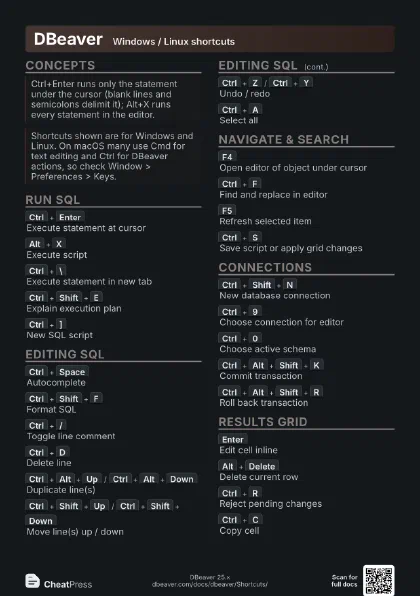
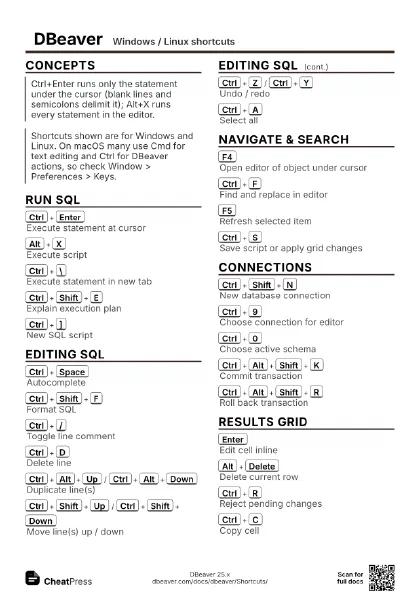
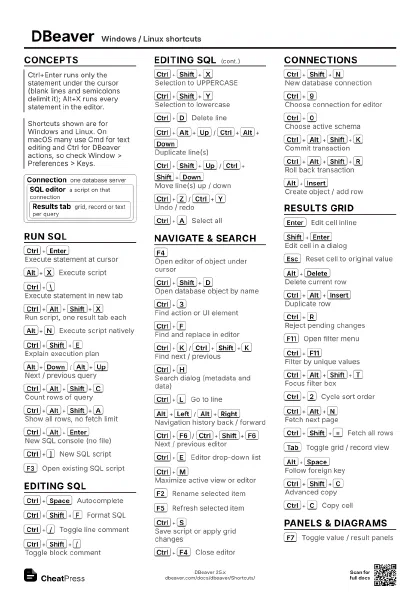
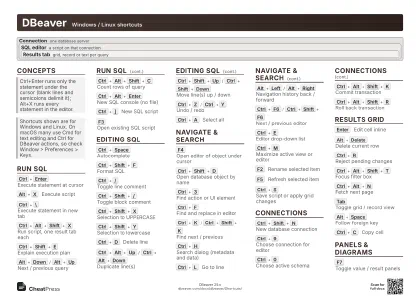
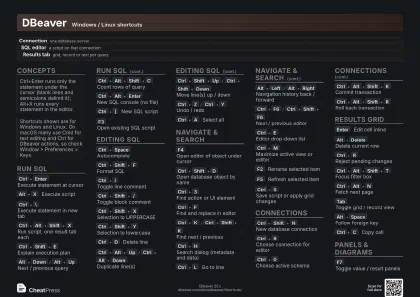
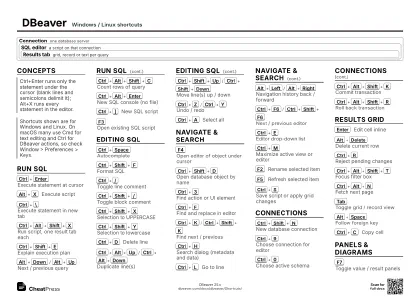
Ctrl+Enter
Run statement at cursor
Alt+X
Run whole script
Ctrl+]
New SQL script
Ctrl+Shift+F
Format SQL
Ctrl+Space
Autocomplete
Ctrl+/
Toggle comment
F4
Open table / object
Ctrl+Shift+E
Explain plan
Concepts
Connection one database server
SQL editor
a script on that connection
Results tab
grid, record or text per query
Run SQL
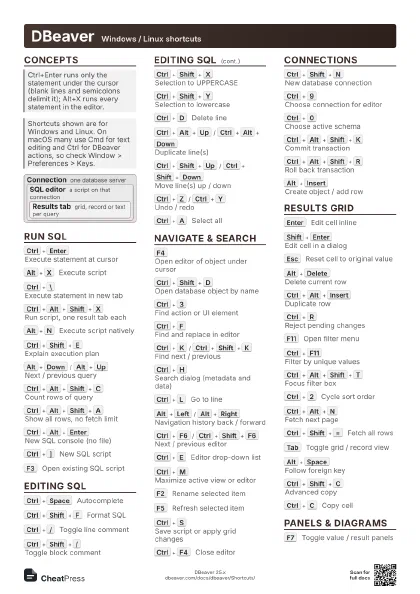
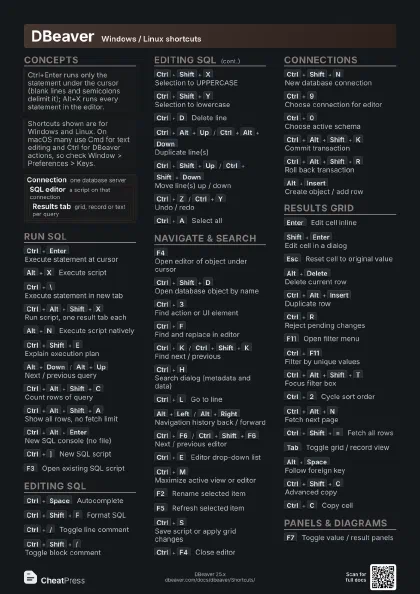
Ctrl+Enter
Execute statement at cursor
Alt+X
Execute script
Ctrl+\
Execute statement in new tab
Ctrl+Alt+Shift+X
Run script, one result tab each
Alt+N
Execute script natively
Sends the text to the server unparsed; useful for
vendor-specific blocks.
Ctrl+Shift+E
Explain execution plan
Alt+Down
/
Alt+Up
Next / previous query
Ctrl+Alt+Shift+C
Count rows of query
Ctrl+Alt+Shift+A
Show all rows, no fetch limit
Ctrl+Alt+Enter
New SQL console (no file)
Ctrl+]
New SQL script
F3
Open existing SQL script
Ctrl+F2
Rename SQL script
Ctrl+Alt+Shift+O
Load script from file
Ctrl+O
Open a file
Editing SQL
Ctrl+Space
Autocomplete
Ctrl+Shift+F
Format SQL
Ctrl+/
Toggle line comment
Ctrl+Shift+/
Toggle block comment
Ctrl+Shift+X
Selection to UPPERCASE
Ctrl+Shift+Y
Selection to lowercase
Ctrl+D
Delete line
Ctrl+Alt+Up
/
Ctrl+Alt+Down
Duplicate line(s)
Ctrl+Shift+Up
/
Ctrl+Shift+Down
Move line(s) up / down
Ctrl+Shift+J
Join lines
Ctrl+Shift+Enter
New line above
Ctrl+Z
/
Ctrl+Y
Undo / redo
Ctrl+A
Select all
Ctrl+Shift+[
Jump to matching bracket
Ctrl+Shift+]
Select between brackets
Alt+Shift+A
Toggle block selection
Alt+Shift+Y
Toggle word wrap
Ctrl+Alt+Space
Show context info
Ctrl+1
Suggest quick fix
Ctrl+Delete
/
Ctrl+Backspace
Delete next / previous word
Ctrl+=
Zoom in text
Ctrl+-
Zoom out text
Navigate & search
F4
Open editor of object under cursor
Ctrl+Shift+D
Open database object by name
Ctrl+3
Find action or UI element
Ctrl+F
Find and replace in editor
Ctrl+K
/
Ctrl+Shift+K
Find next / previous
Ctrl+J
Incremental find
Ctrl+H
Search dialog (metadata and data)
Ctrl+Alt+G
Search workspace files for text
Ctrl+L
Go to line
Alt+Left
/
Alt+Right
Navigation history back / forward
Ctrl+Alt+Left
Previous edit location
Ctrl+F6
/
Ctrl+Shift+F6
Next / previous editor
Ctrl+E
Editor drop-down list
Ctrl+M
Maximize active view or editor
Ctrl+F7
/
Ctrl+Shift+F7
Next / previous view
F12
Activate editor
F2
Rename selected item
F5
Refresh selected item
Ctrl+S
Save script or apply grid changes
Ctrl+F4
Close editor
Ctrl+Shift+F4
Close all editors
F1
Open documentation
Connections
Ctrl+Shift+N
New database connection
Ctrl+9
Choose connection for editor
Ctrl+0
Choose active schema
Ctrl+Shift+.
Set active connection from navigator
Ctrl+Alt+Shift+K
Commit transaction
Ctrl+Alt+Shift+R
Roll back transaction
Alt+`
Database tools menu
Ctrl+Alt+Shift+B
Database dashboard
Ctrl+Shift+O
Server output console
Ctrl+Alt+Shift+U
Insert generated UUID
Ctrl+Alt+Shift+D
Add bookmark
Ctrl+Shift+A
Set as default object
Ctrl+Shift+,
Link navigator with editor
Alt+Insert
Create object / add row
In the results grid it adds a row; in the navigator it creates
an object.
Results grid
Enter
Edit cell inline
Shift+Enter
Edit cell in a dialog
Esc
Reset cell to original value
Alt+Delete
Delete current row
Ctrl+Alt+Insert
Duplicate row
Ctrl+R
Reject pending changes
Ctrl+Backspace
Set cell to default
Ctrl+Alt+D
Copy values from row below
F11
Open filter menu
Ctrl+F11
Filter by unique values
Ctrl+Alt+Shift+T
Focus filter box
Ctrl+2
Cycle sort order
Ctrl+Alt+N
Fetch next page
Ctrl+Shift+=
Fetch all rows
Tab
Toggle grid / record view
Ctrl+`
Cycle result presentation
Alt+Space
Follow foreign key
Ctrl+Shift+1
Show referencing tables
Ctrl+G
Go to row
Ctrl+Shift+G
Go to column
Ctrl+Alt+Right
/
Ctrl+Alt+Left
Next / previous row
Ctrl+Alt+Shift+Left
/
Ctrl+Alt+Shift+Right
First / last row
Ctrl+Shift+C
Advanced copy
Ctrl+Shift+V
Advanced paste
Ctrl+C
Copy cell
Ctrl+T
Show or hide result panel
Ctrl+Shift+T
Maximize results panel
Ctrl+Shift+\
Close results tab
Panels & diagrams
F7
Toggle value / result panels
Ctrl+Alt+F2
Value panel
Ctrl+Alt+F3
References panel
Ctrl+Alt+F4
Metadata panel
Ctrl+Alt+F5
Grouping panel
Ctrl+Alt+F6
Calc panel
Ctrl+Tab
Switch focus grid / value panel
Ctrl+B
Open visual query builder
Ctrl+Shift+B
Show or hide generated SQL
Arrows
Move between tables in a diagram
Shift+Arrows
Select several diagram tables
Ctrl+Shift+I
Switch to AI chat
Alt+F11
Toggle full screen
Recipes
# Auto-commit off, then:Alt+Insert # add rowEnter # edit cellsCtrl+S # apply to sessionCtrl+Alt+Shift+K # commit (or ...R to roll back)Alt+X # whole scriptCtrl+Enter # one statementCtrl+Alt+Shift+X # one tab per statementF4 # DDL, columns, data tabsAlt+Space # follow a foreign keyCtrl+Shift+1 # who references this rowCtrl+ACtrl+Shift+F # formatCtrl+Shift+X # keywords to upper case