Cheat
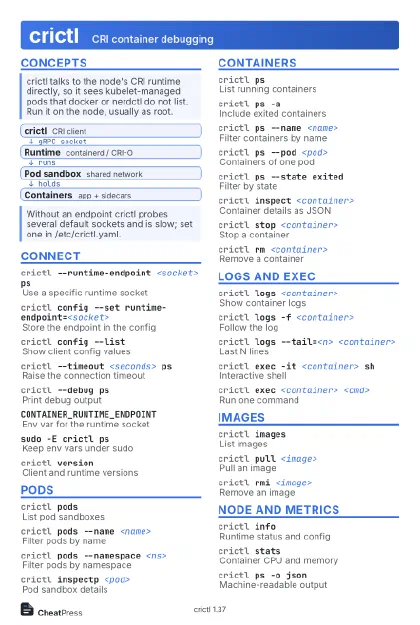
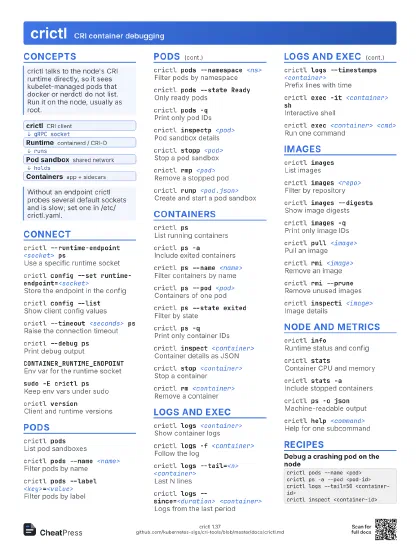
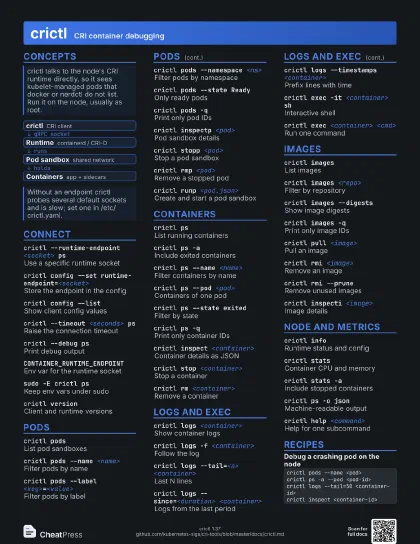
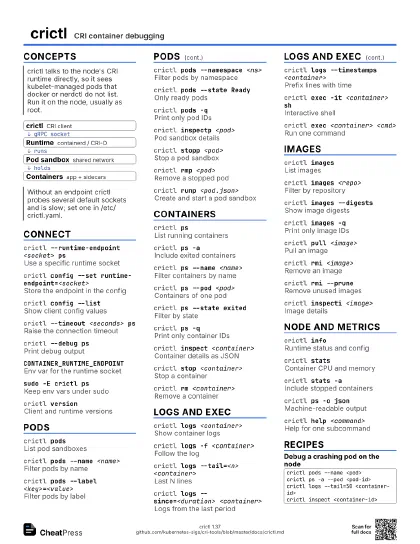
crictl CRI container debugging
 Light · Postcard
102 × 152 mm · PDF
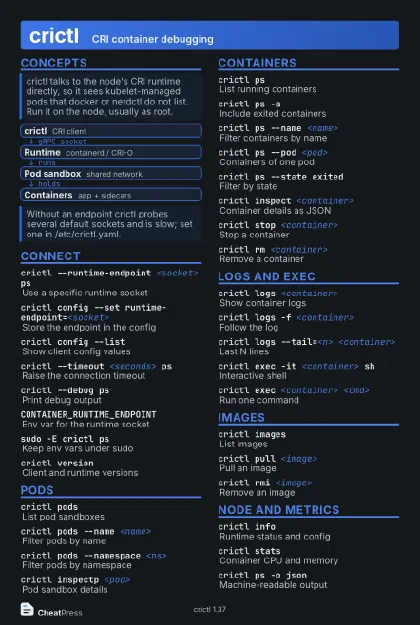 Dark · Postcard
102 × 152 mm · PDF
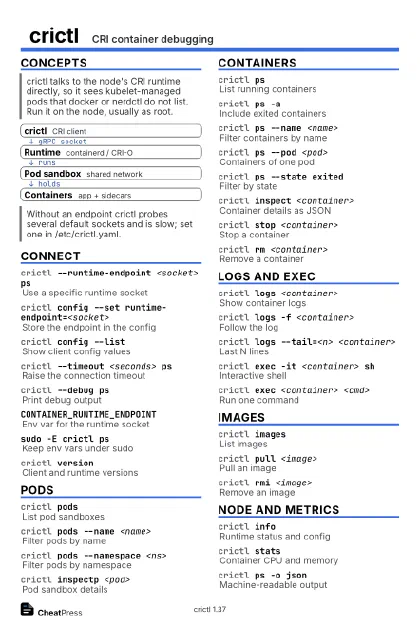 Ink saver · Postcard
102 × 152 mm · PDF
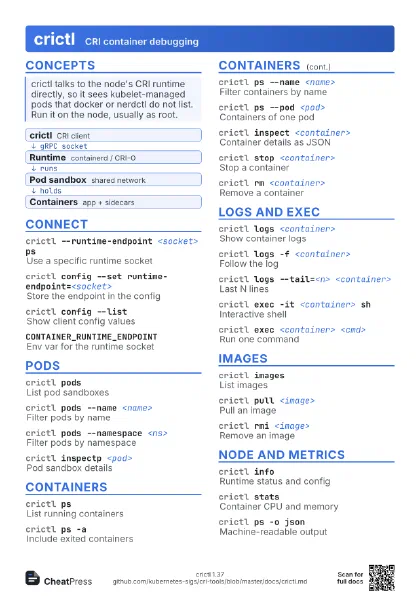
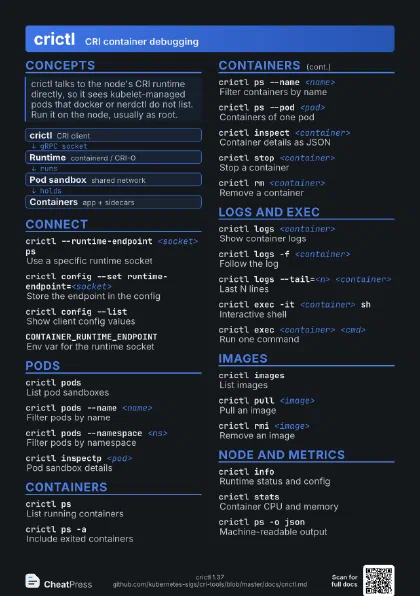
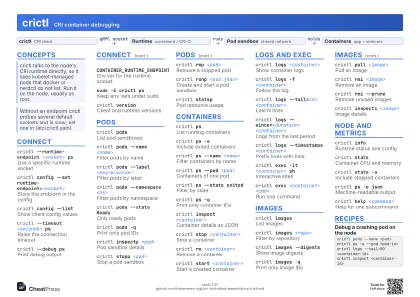 Light · A4 landscape
297 × 210 mm · PDF
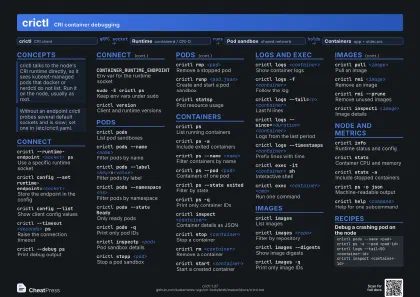 Dark · A4 landscape
297 × 210 mm · PDF
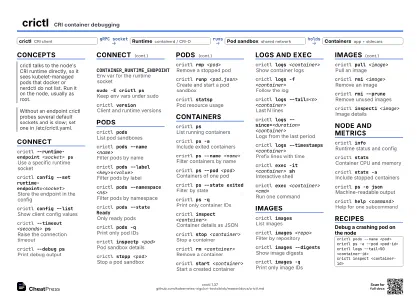 Ink saver · A4 landscape
297 × 210 mm · PDF
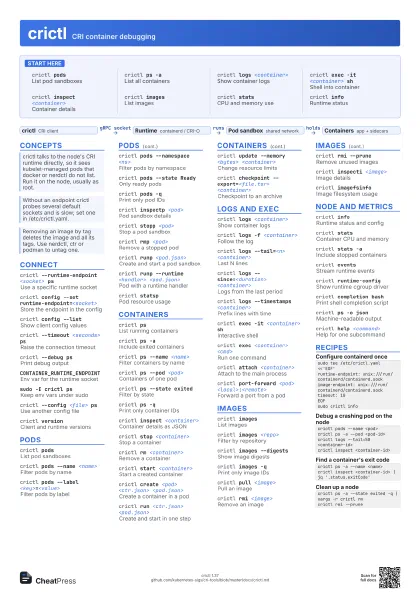
 Light · A3 landscape
420 × 297 mm · PDF
 Dark · A3 landscape
420 × 297 mm · PDF
 Ink saver · A3 landscape
420 × 297 mm · PDF
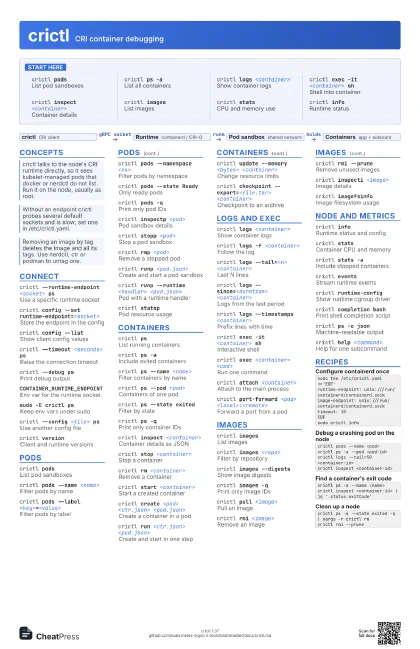
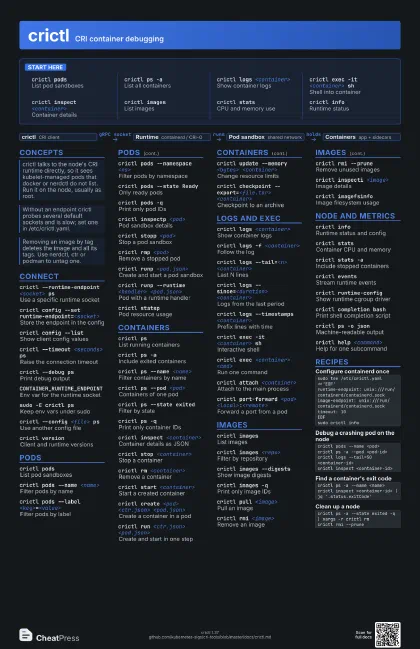
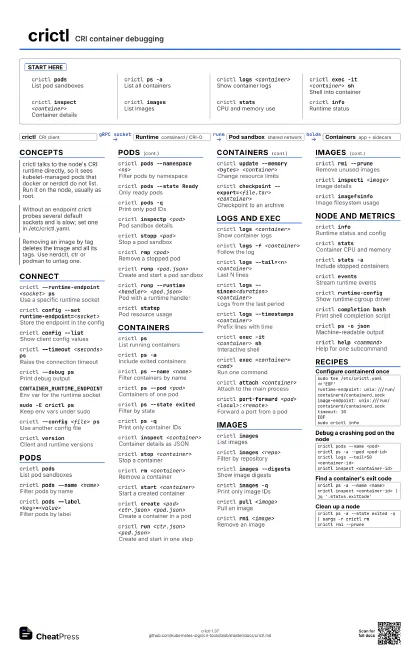
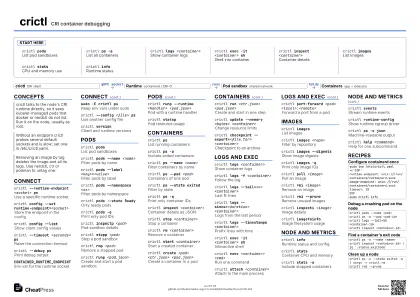
Start here
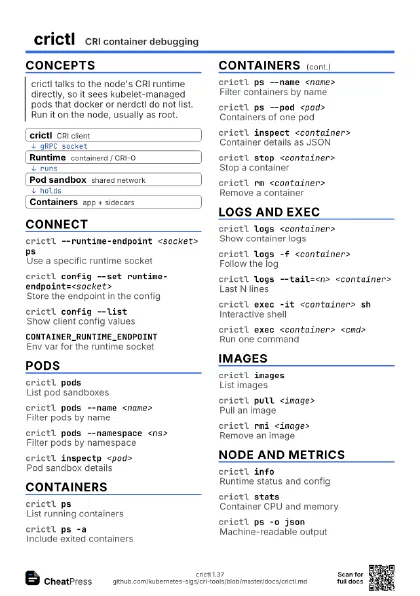
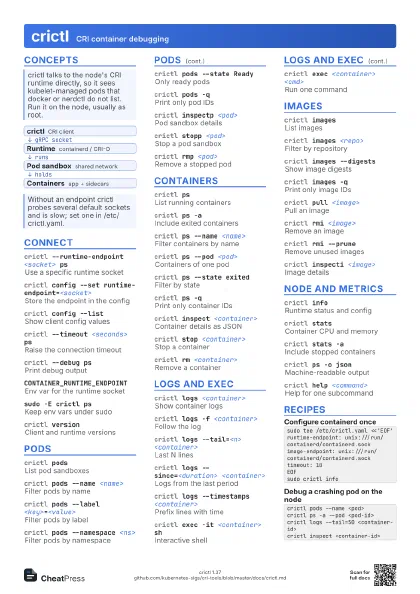
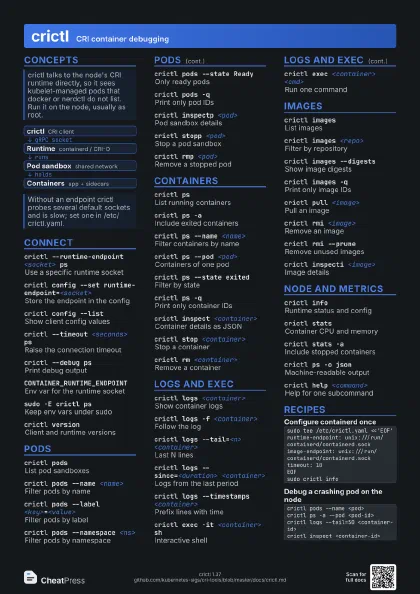
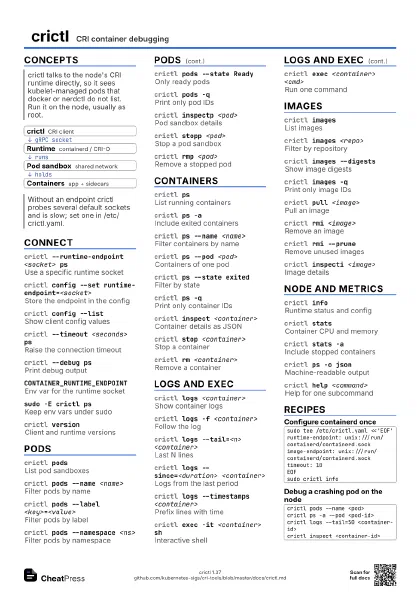
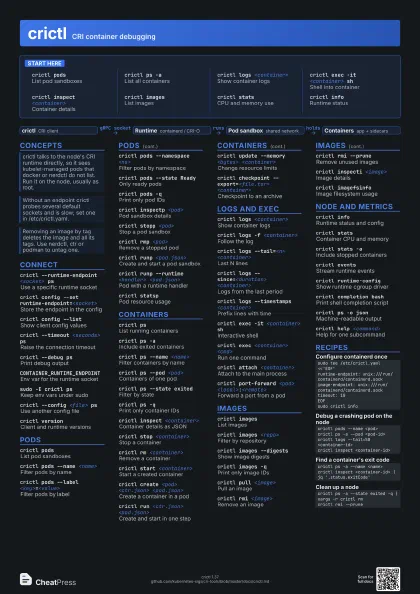
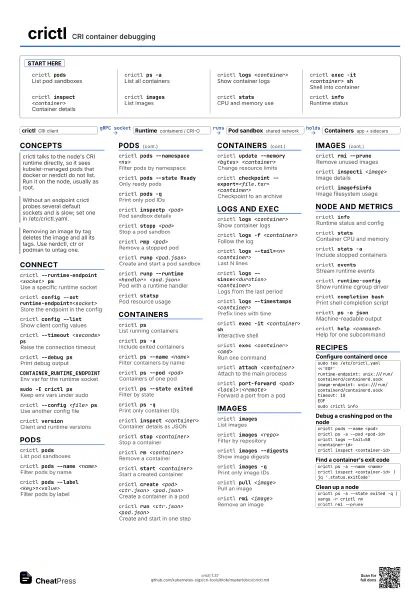
crictl podsList pod sandboxes
crictl ps -aList all containers
crictl logs <container>
Show container logs
crictl exec -it <container> sh
Shell into container
crictl inspect <container>
Container details
crictl imagesList images
crictl statsCPU and memory use
crictl infoRuntime status
Concepts
- crictl CRI client
- Runtime containerd / CRI-O
- Pod sandbox shared network
- Containers app + sidecars
Connect
crictl --runtime-endpoint <socket> ps
Use a specific runtime socket
crictl config --set runtime-endpoint=<socket>
Store the endpoint in the config
crictl config --list
Show client config values
crictl --timeout <seconds> ps
Raise the connection timeout
crictl --debug ps
Print debug output
CONTAINER_RUNTIME_ENDPOINT
Env var for the runtime socket
sudo -E crictl ps
Keep env vars under sudo
crictl --config <file> ps
Use another config file
crictl versionClient and runtime versions
Pods
crictl podsList pod sandboxes
crictl pods --name <name>
Filter pods by name
crictl pods --label <key>=<value>
Filter pods by label
crictl pods --namespace <ns>
Filter pods by namespace
crictl pods --state Ready
Only ready pods
crictl pods -qPrint only pod IDs
crictl inspectp <pod>
Pod sandbox details
crictl stopp <pod>
Stop a pod sandbox
crictl rmp <pod>
Remove a stopped pod
crictl runp <pod.json>
Create and start a pod sandbox
crictl runp --runtime <handler>
                    <pod.json>
Pod with a runtime handler
crictl statspPod resource usage
Containers
crictl psList running containers
crictl ps -aInclude exited containers
crictl ps --name <name>
Filter containers by name
crictl ps --pod <pod>
Containers of one pod
crictl ps --state exited
Filter by state
crictl ps -qPrint only container IDs
crictl inspect <container>
Container details as JSON
crictl stop <container>
Stop a container
crictl rm <container>
Remove a container
crictl start <container>
Start a created container
crictl create <pod> <ctr.json>
                    <pod.json>
Create a container in a pod
crictl run <ctr.json> <pod.json>
Create and start in one step
crictl update --memory <bytes>
                    <container>
Change resource limits
crictl checkpoint --export=<file.tar>
                    <container>
Checkpoint to an archive
Logs and exec
crictl logs <container>
Show container logs
crictl logs -f <container>
Follow the log
crictl logs --tail=<n> <container>
Last N lines
crictl logs --since=<duration>
                    <container>
Logs from the last period
crictl logs --timestamps <container>
Prefix lines with time
crictl exec -it <container> sh
Interactive shell
crictl exec <container> <cmd>
Run one command
crictl attach <container>
Attach to the main process
crictl port-forward <pod>
                    <local>:<remote>
Forward a port from a pod
Images
crictl imagesList images
crictl images <repo>
Filter by repository
crictl images --digests
Show image digests
crictl images -q
Print only image IDs
crictl pull <image>
Pull an image
crictl rmi <image>
Remove an image
crictl rmi --prune
Remove unused images
crictl inspecti <image>
Image details
crictl imagefsinfo
Image filesystem usage
Node and metrics
crictl infoRuntime status and config
crictl statsContainer CPU and memory
crictl stats -aInclude stopped containers
crictl eventsStream runtime events
crictl runtime-config
Show runtime cgroup driver
crictl completion bash
Print shell completion script
crictl ps -o json
Machine-readable output
crictl help <command>
Help for one subcommand
Recipes
sudo tee /etc/crictl.yaml <<'EOF'runtime-endpoint: unix:///run/containerd/containerd.sockimage-endpoint: unix:///run/containerd/containerd.socktimeout: 10EOFsudo crictl infocrictl pods --name <pod>crictl ps -a --pod <pod-id>crictl logs --tail=50 <container-id>crictl inspect <container-id>crictl ps -a --name <name>crictl inspect <container-id> | jq '.status.exitCode'crictl ps -a --state exited -q | xargs -r crictl rmcrictl rmi --prune