Cheat
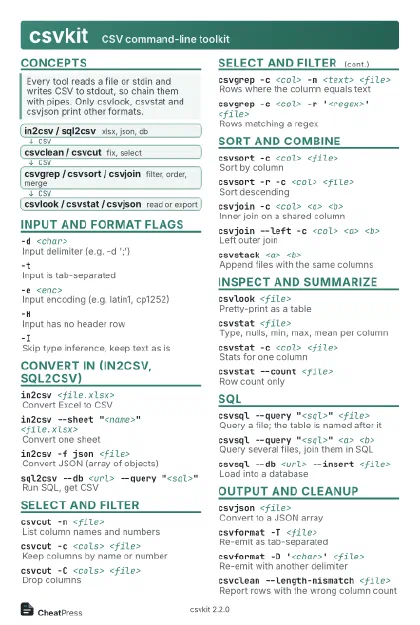
csvkit CSV command-line toolkit
 Light · Postcard
102 × 152 mm · PDF
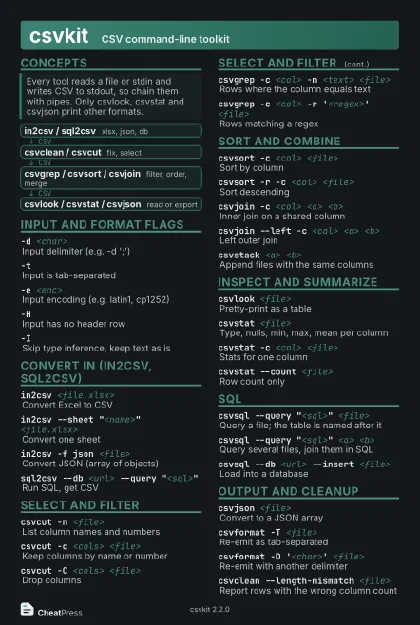 Dark · Postcard
102 × 152 mm · PDF
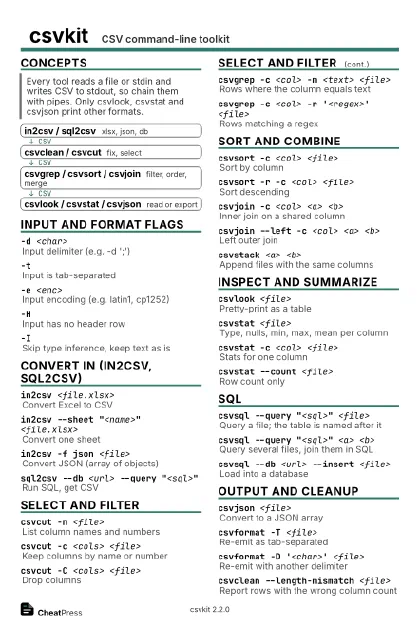 Ink saver · Postcard
102 × 152 mm · PDF
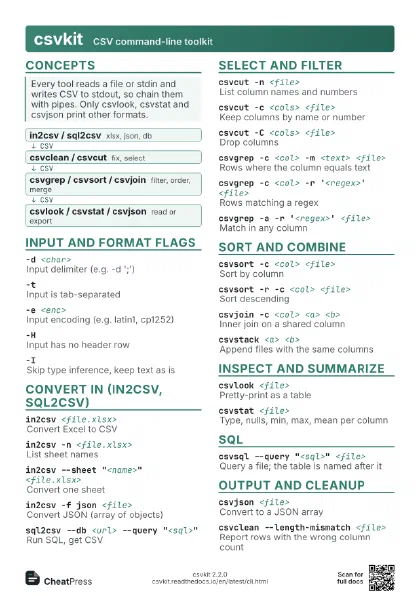
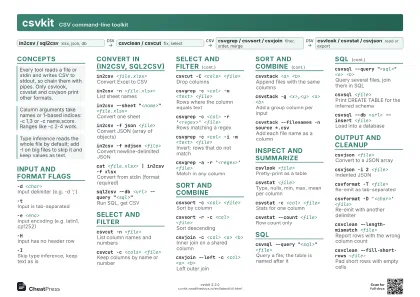 Light · A4 landscape
297 × 210 mm · PDF
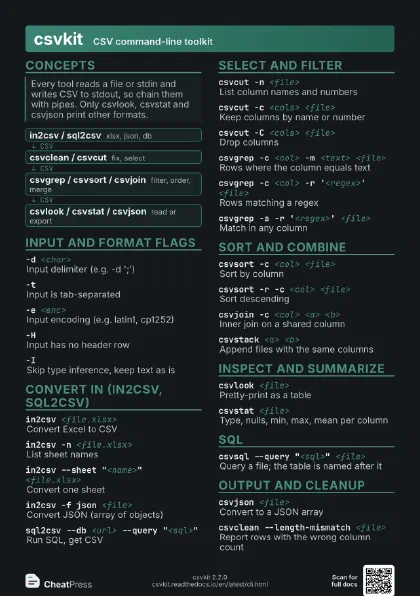
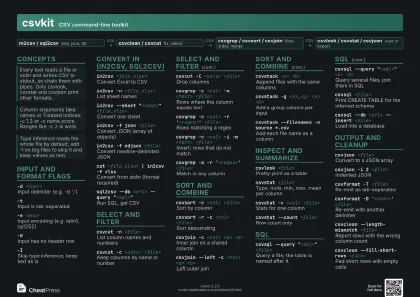 Dark · A4 landscape
297 × 210 mm · PDF
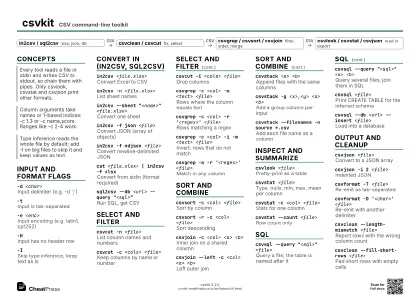 Ink saver · A4 landscape
297 × 210 mm · PDF
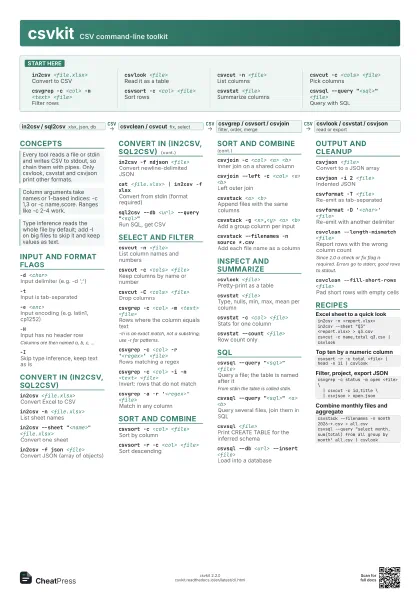
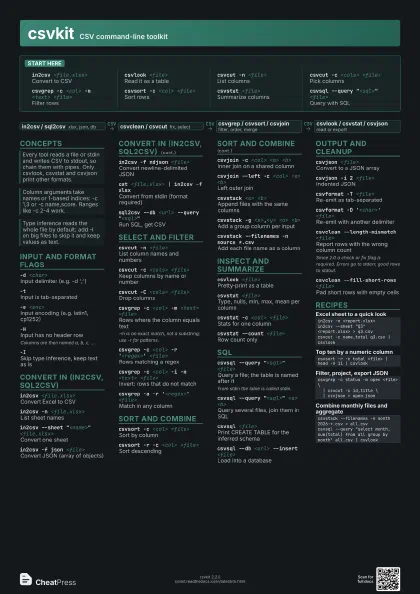
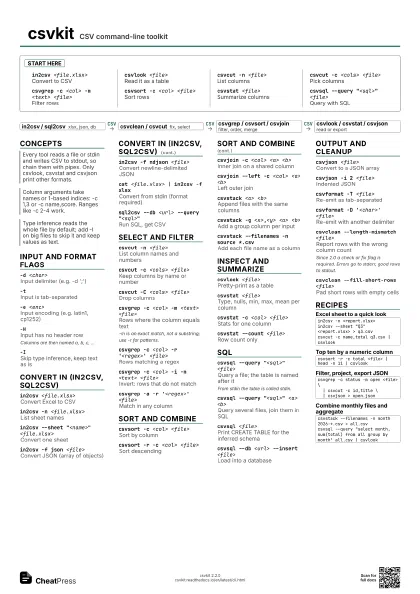
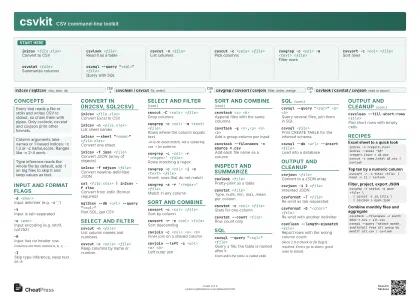 Light · A3 landscape
420 × 297 mm · PDF
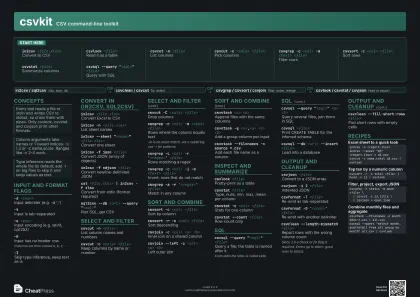 Dark · A3 landscape
420 × 297 mm · PDF
 Ink saver · A3 landscape
420 × 297 mm · PDF
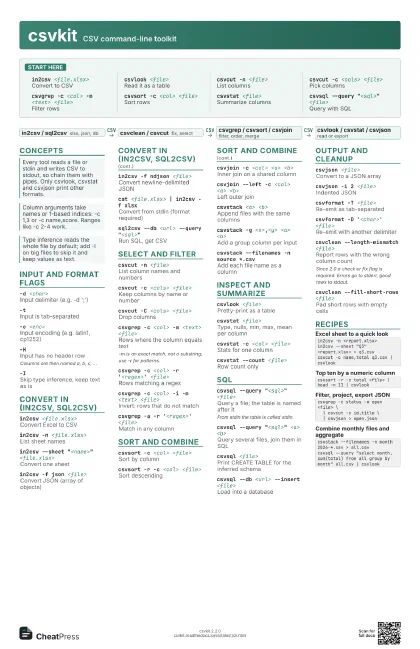
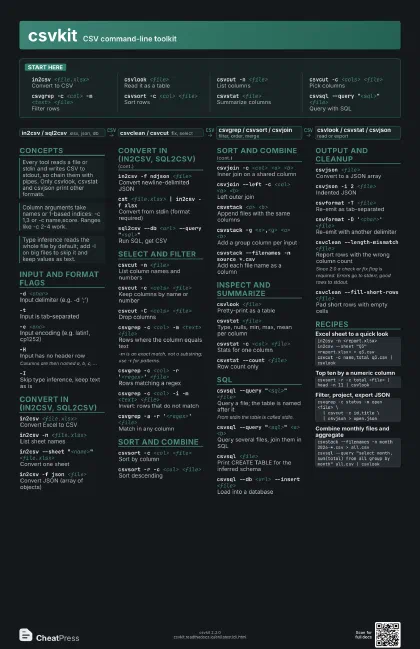
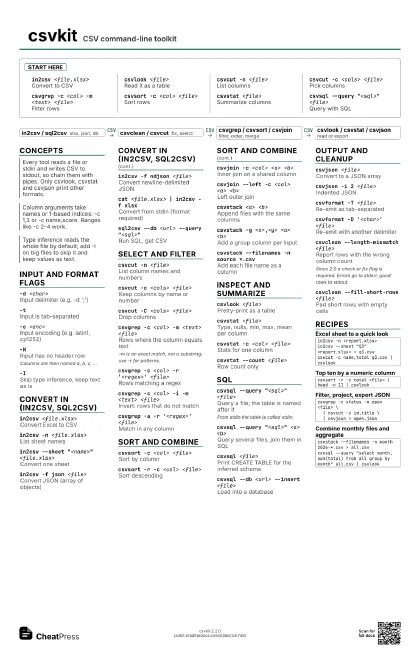
Start here
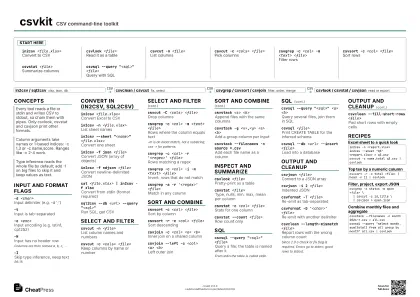
in2csv <file.xlsx>
Convert to CSV
csvlook <file>
Read it as a table
csvcut -n <file>
List columns
csvcut -c <cols> <file>
Pick columns
csvgrep -c <col> -m <text> <file>
Filter rows
csvsort -c <col> <file>
Sort rows
csvstat <file>
Summarize columns
csvsql --query "<sql>" <file>
Query with SQL
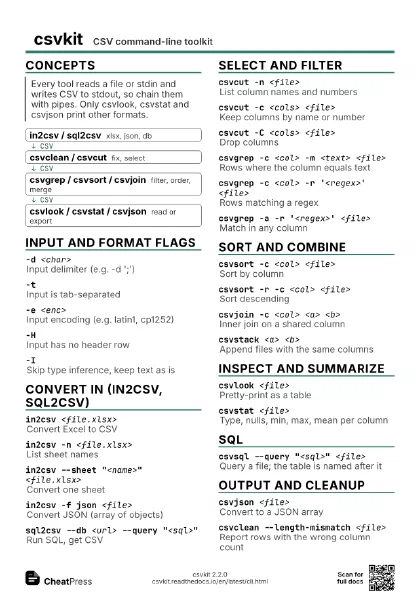
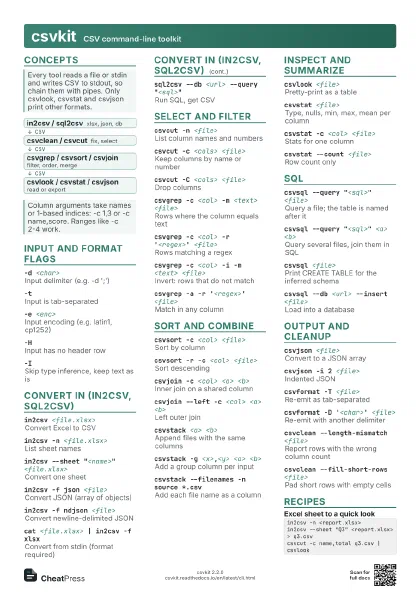
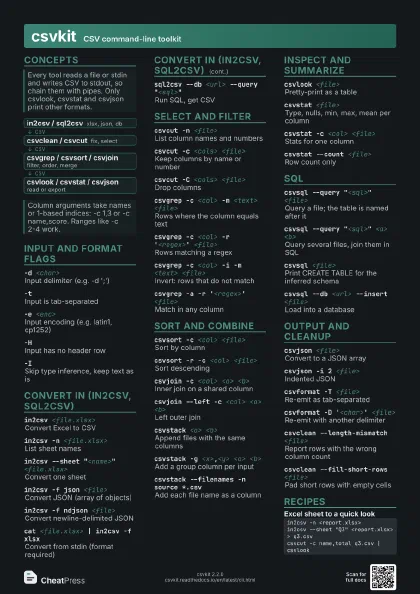
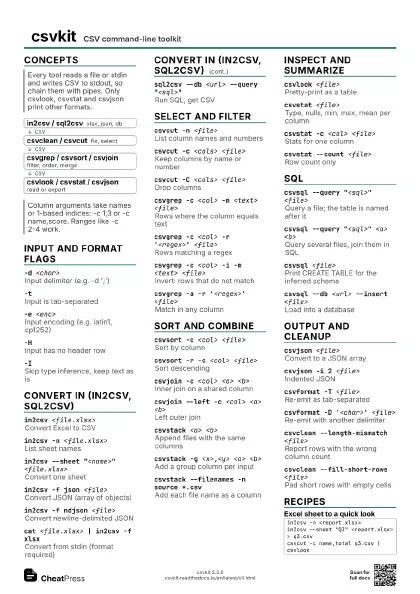
Concepts
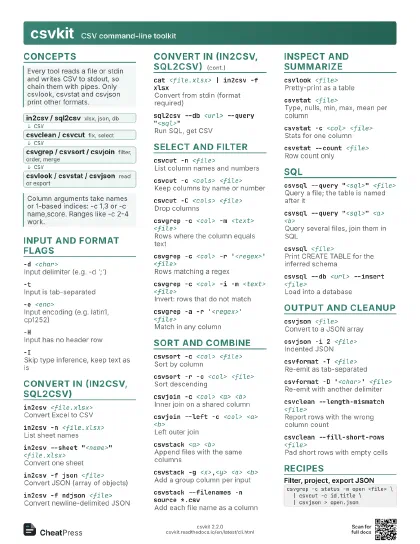
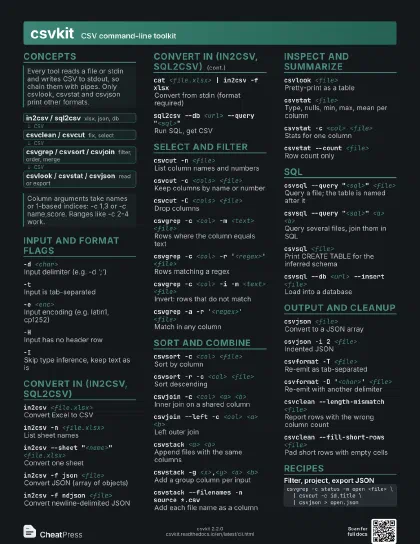
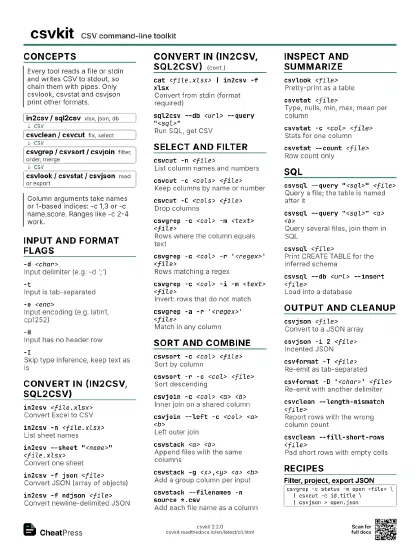
- in2csv / sql2csv xlsx, json, db
- csvclean / csvcut fix, select
- csvgrep / csvsort / csvjoin filter, order, merge
- csvlook / csvstat / csvjson read or export
Input and format flags
-d <char>Input delimiter (e.g. -d ';')
-tInput is tab-separated
-e <enc>Input encoding (e.g. latin1, cp1252)
-HInput has no header row
Columns are then named a, b, c, ...
-ISkip type inference, keep text as is
Convert in (in2csv, sql2csv)
in2csv <file.xlsx>
Convert Excel to CSV
in2csv -n <file.xlsx>
List sheet names
in2csv --sheet "<name>"
                    <file.xlsx>
Convert one sheet
in2csv -f json <file>
Convert JSON (array of objects)
in2csv -f ndjson <file>
Convert newline-delimited JSON
cat <file.xlsx> | in2csv -f xlsx
Convert from stdin (format required)
sql2csv --db <url> --query
                    "<sql>"
Run SQL, get CSV
Select and filter
csvcut -n <file>
List column names and numbers
csvcut -c <cols> <file>
Keep columns by name or number
csvcut -C <cols> <file>
Drop columns
csvgrep -c <col> -m <text> <file>
Rows where the column equals text
-m is an exact match, not a substring; use -r for patterns.
csvgrep -c <col> -r '<regex>'
                    <file>
Rows matching a regex
csvgrep -c <col> -i -m <text>
                    <file>
Invert: rows that do not match
csvgrep -a -r '<regex>' <file>
Match in any column
Sort and combine
csvsort -c <col> <file>
Sort by column
csvsort -r -c <col> <file>
Sort descending
csvjoin -c <col> <a> <b>
Inner join on a shared column
csvjoin --left -c <col> <a> <b>
Left outer join
csvstack <a> <b>
Append files with the same columns
csvstack -g <x>,<y> <a> <b>
Add a group column per input
csvstack --filenames -n source *.csv
Add each file name as a column
Inspect and summarize
csvlook <file>
Pretty-print as a table
csvstat <file>
Type, nulls, min, max, mean per column
csvstat -c <col> <file>
Stats for one column
csvstat --count <file>
Row count only
SQL
csvsql --query "<sql>" <file>
Query a file; the table is named after it
From stdin the table is called stdin.
csvsql --query "<sql>" <a>
                    <b>
Query several files, join them in SQL
csvsql <file>
Print CREATE TABLE for the inferred schema
csvsql --db <url> --insert <file>
Load into a database
Output and cleanup
csvjson <file>
Convert to a JSON array
csvjson -i 2 <file>
Indented JSON
csvformat -T <file>
Re-emit as tab-separated
csvformat -D '<char>' <file>
Re-emit with another delimiter
csvclean --length-mismatch <file>
Report rows with the wrong column count
Since 2.0 a check or fix flag is required. Errors go to
stderr, good rows to stdout.
csvclean --fill-short-rows <file>
Pad short rows with empty cells
Recipes
in2csv -n <report.xlsx>in2csv --sheet "Q3" <report.xlsx> > q3.csvcsvcut -c name,total q3.csv | csvlookcsvsort -r -c total <file> | head -n 11 | csvlookcsvgrep -c status -m open <file> \ | csvcut -c id,title \ | csvjson > open.jsoncsvstack --filenames -n month 2026-*.csv > all.csvcsvsql --query "select month, sum(total) from all group by month" all.csv | csvlook