Cheat
conda Package and env manager
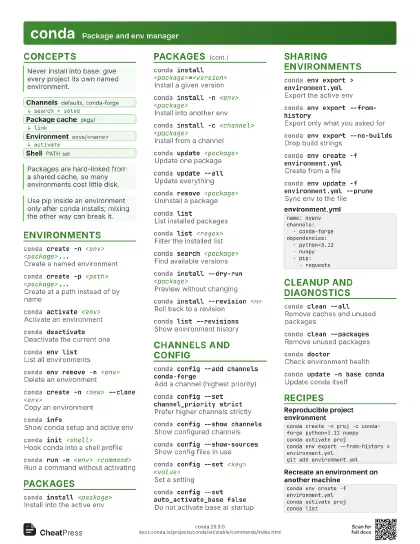
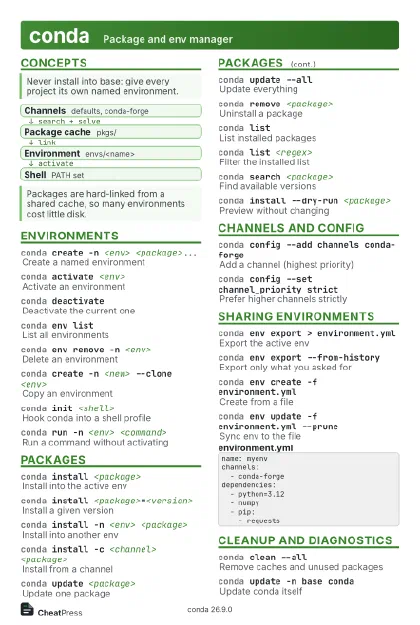 Light · Postcard
102 × 152 mm · PDF
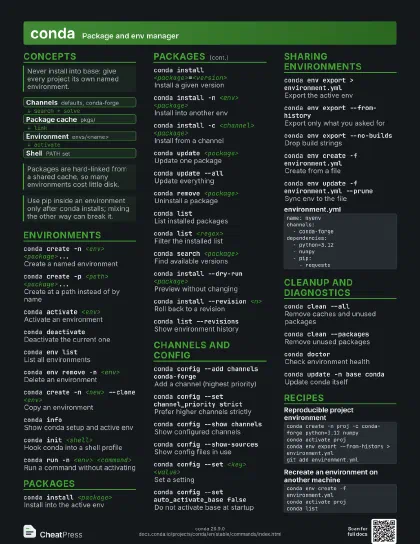
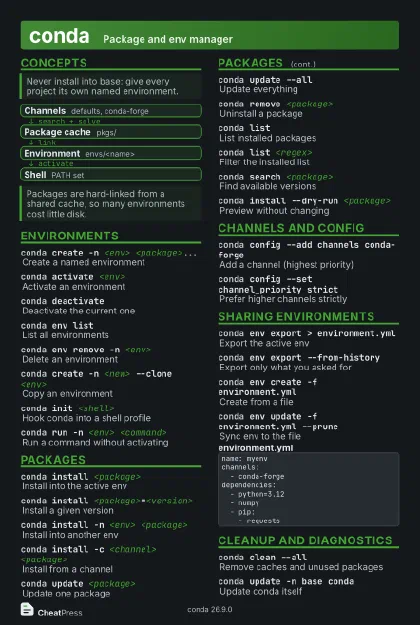 Dark · Postcard
102 × 152 mm · PDF
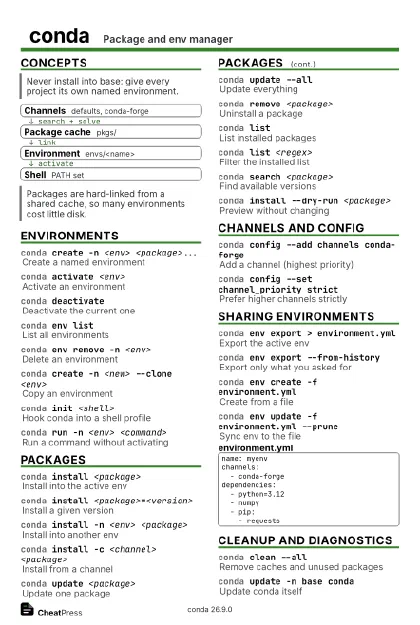 Ink saver · Postcard
102 × 152 mm · PDF
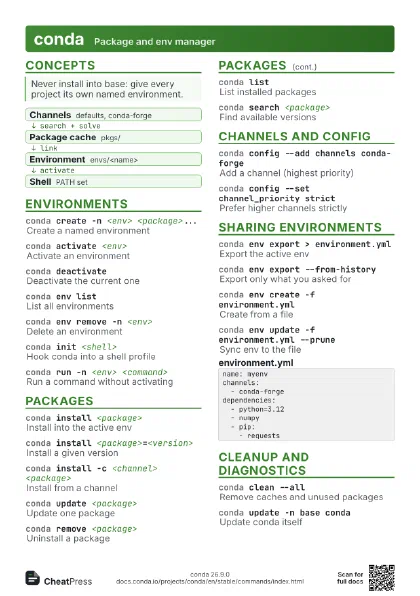
 Light · A4 landscape
297 × 210 mm · PDF
 Dark · A4 landscape
297 × 210 mm · PDF
 Ink saver · A4 landscape
297 × 210 mm · PDF
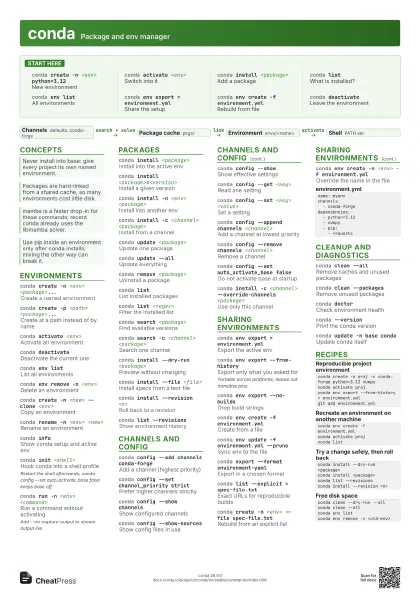
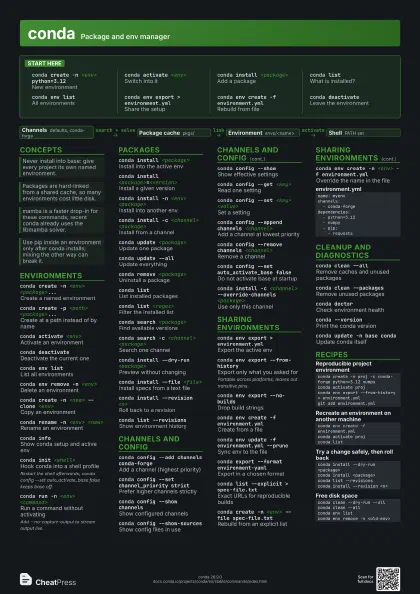
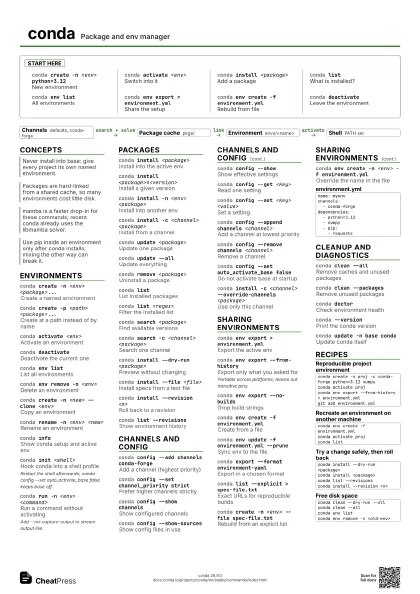
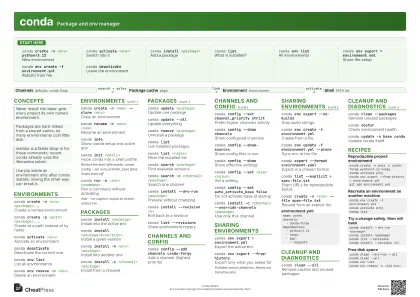 Light · A3 landscape
420 × 297 mm · PDF
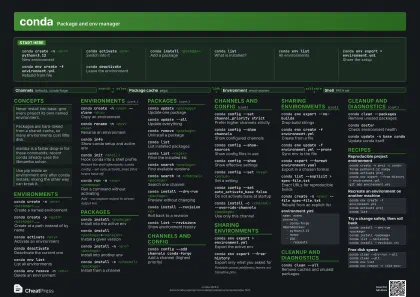 Dark · A3 landscape
420 × 297 mm · PDF
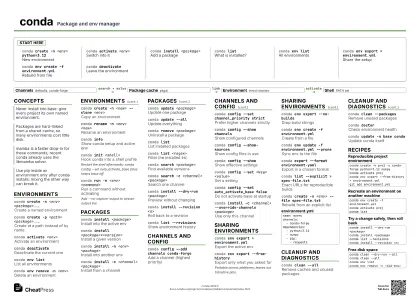 Ink saver · A3 landscape
420 × 297 mm · PDF
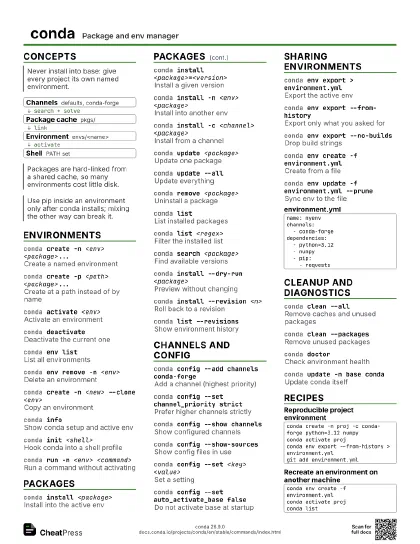
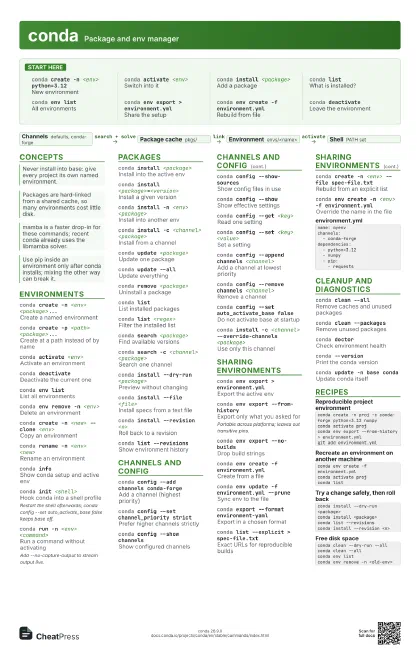
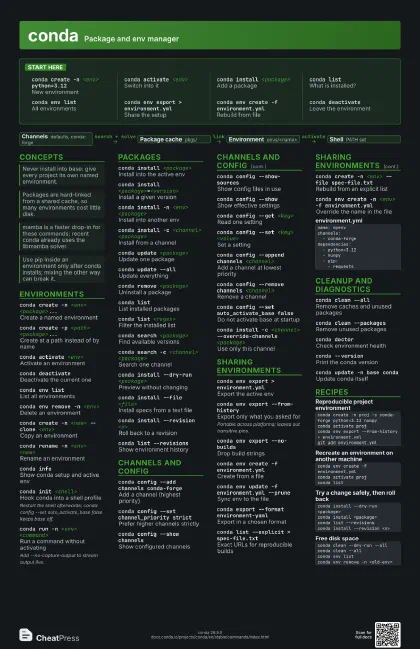
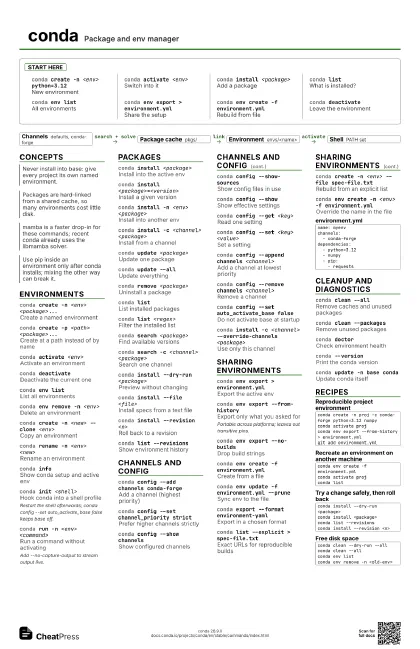
Start here
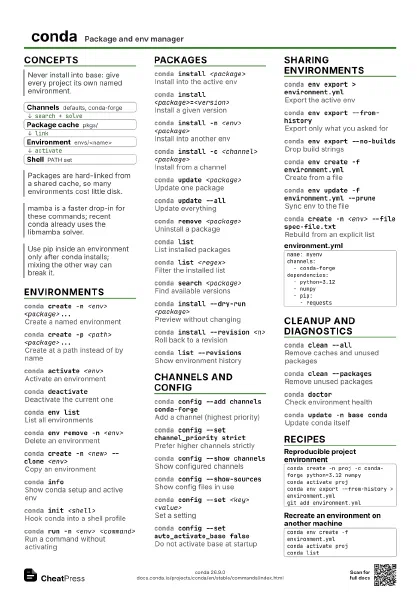
conda create -n <env> python=3.12
New environment
conda activate <env>
Switch into it
conda install <package>
Add a package
conda listWhat is installed?
conda env listAll environments
conda env export > environment.yml
Share the setup
conda env create -f environment.yml
Rebuild from file
conda deactivate
Leave the environment
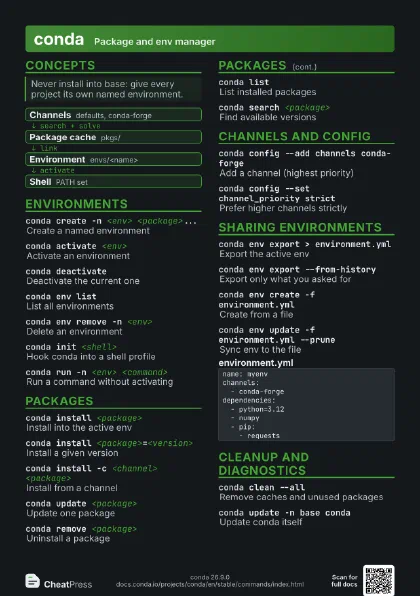
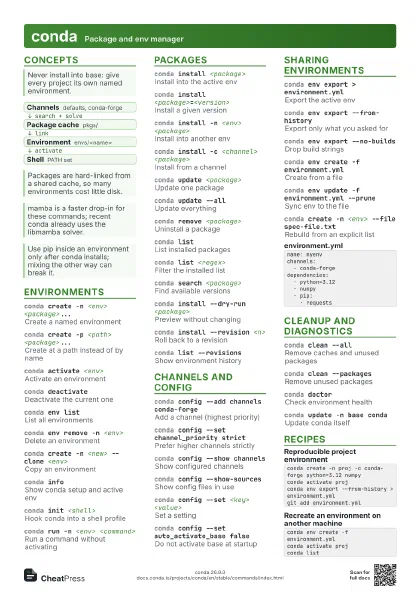
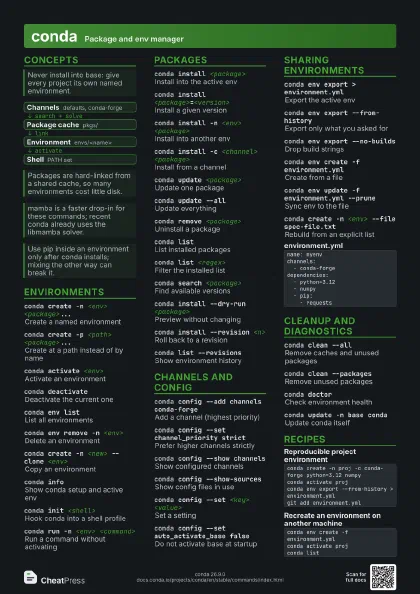
Concepts
- Channels defaults, conda-forge
- Package cache pkgs/
- Environment envs/<name>
- Shell PATH set
Environments
conda create -n <env> <package>...
Create a named environment
conda create -p <path> <package>...
Create at a path instead of by name
conda activate <env>
Activate an environment
conda deactivate
Deactivate the current one
conda env listList all environments
conda env remove -n <env>
Delete an environment
conda create -n <new> --clone <env>
Copy an environment
conda rename -n <env> <new>
Rename an environment
conda infoShow conda setup and active env
conda init <shell>
Hook conda into a shell profile
Restart the shell afterwards; conda config --set
auto_activate_base false keeps base off.
conda run -n <env> <command>
Run a command without activating
Add --no-capture-output to stream output live.
Packages
conda install <package>
Install into the active env
conda install <package>=<version>
Install a given version
conda install -n <env> <package>
Install into another env
conda install -c <channel> <package>
Install from a channel
conda update <package>
Update one package
conda update --all
Update everything
conda remove <package>
Uninstall a package
conda listList installed packages
conda list <regex>
Filter the installed list
conda search <package>
Find available versions
conda search -c <channel> <package>
Search one channel
conda install --dry-run <package>
Preview without changing
conda install --file <file>
Install specs from a text file
conda install --revision <n>
Roll back to a revision
conda list --revisions
Show environment history
Channels and config
conda config --add channels conda-forge
Add a channel (highest priority)
conda config --set channel_priority strict
Prefer higher channels strictly
conda config --show channels
Show configured channels
conda config --show-sources
Show config files in use
conda config --show
Show effective settings
conda config --get <key>
Read one setting
conda config --set <key> <value>
Set a setting
conda config --append channels <channel>
Add a channel at lowest priority
conda config --remove channels <channel>
Remove a channel
conda config --set auto_activate_base false
Do not activate base at startup
conda install -c <channel> --override-channels
                    <package>
Use only this channel
Sharing environments
conda env export > environment.yml
Export the active env
conda env export --from-history
Export only what you asked for
Portable across platforms; leaves out transitive pins.
conda env export --no-builds
Drop build strings
conda env create -f environment.yml
Create from a file
conda env update -f environment.yml --prune
Sync env to the file
conda export --format environment-yaml
Export in a chosen format
conda list --explicit > spec-file.txt
Exact URLs for reproducible builds
conda create -n <env> --file spec-file.txt
Rebuild from an explicit list
conda env create -n <env> -f environment.yml
Override the name in the file
name: myenvchannels: - conda-forgedependencies: - python=3.12 - numpy - pip: - requestsCleanup and diagnostics
conda clean --all
Remove caches and unused packages
conda clean --packages
Remove unused packages
conda doctorCheck environment health
conda --versionPrint the conda version
conda update -n base conda
Update conda itself
Recipes
conda create -n proj -c conda-forge python=3.12 numpyconda activate projconda env export --from-history > environment.ymlgit add environment.ymlconda env create -f environment.ymlconda activate projconda listconda install --dry-run <package>conda install <package>conda list --revisionsconda install --revision <n>conda clean --dry-run --allconda clean --allconda env listconda env remove -n <old-env>