Cheat
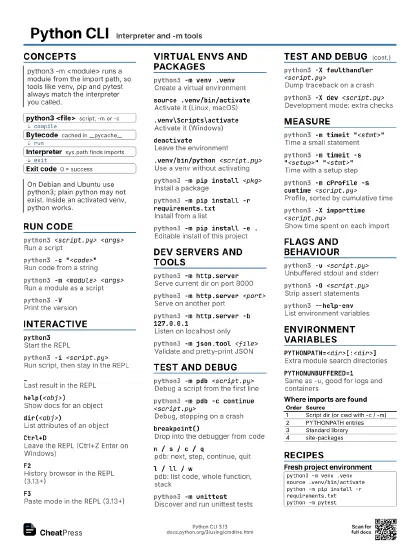
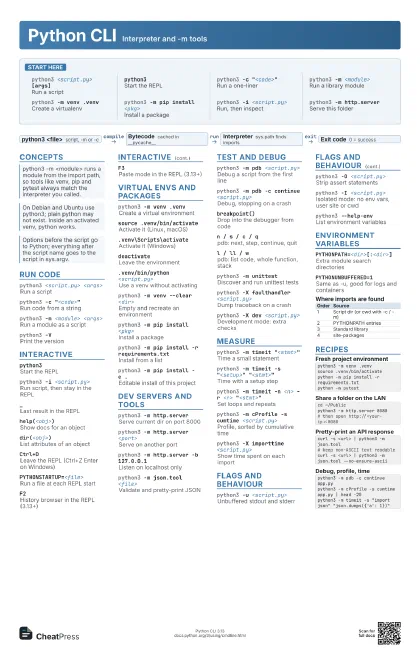
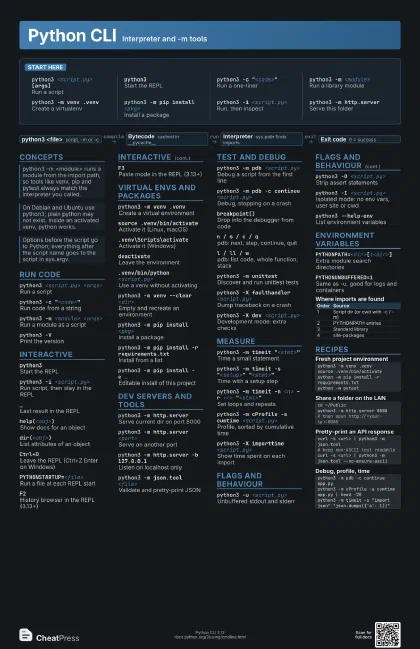
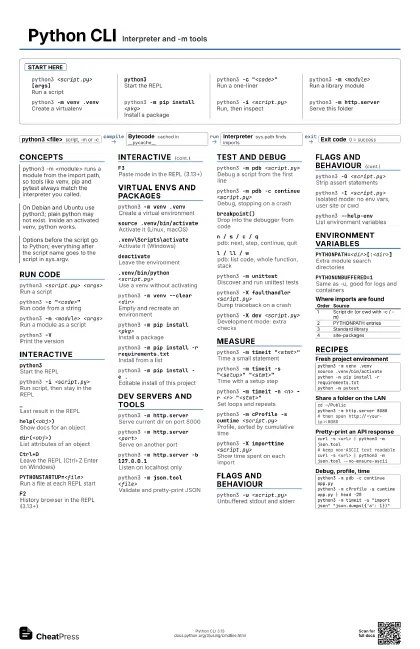
Python CLI Interpreter and -m tools
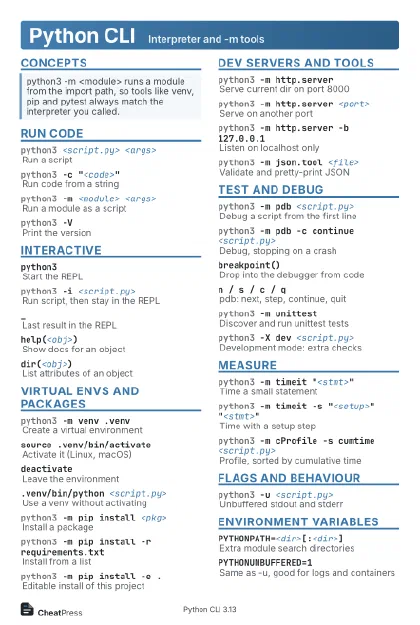 Light · Postcard
102 × 152 mm · PDF
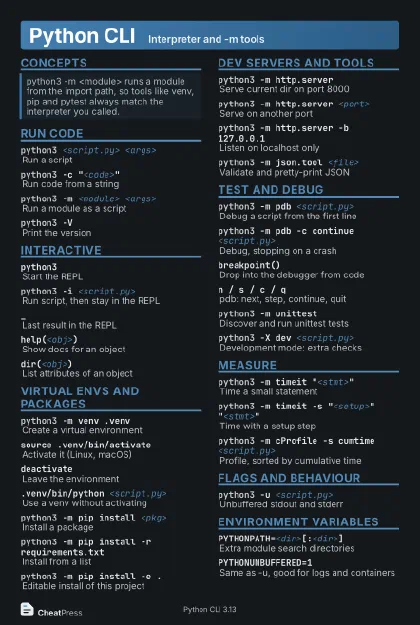 Dark · Postcard
102 × 152 mm · PDF
 Ink saver · Postcard
102 × 152 mm · PDF
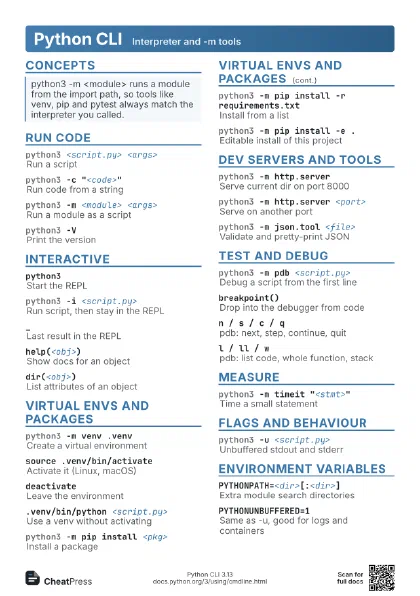
 Light · A4 landscape
297 × 210 mm · PDF
 Dark · A4 landscape
297 × 210 mm · PDF
 Ink saver · A4 landscape
297 × 210 mm · PDF
 Light · A3 landscape
420 × 297 mm · PDF
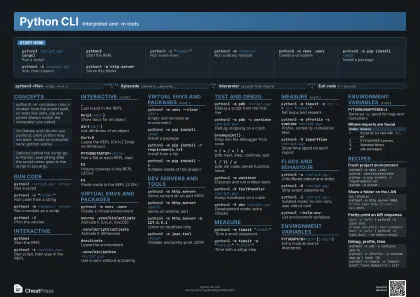 Dark · A3 landscape
420 × 297 mm · PDF
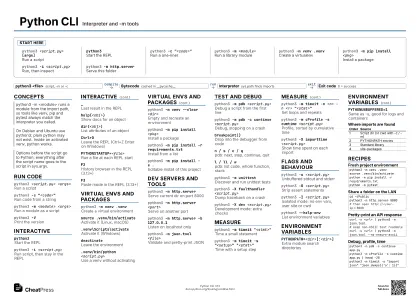 Ink saver · A3 landscape
420 × 297 mm · PDF
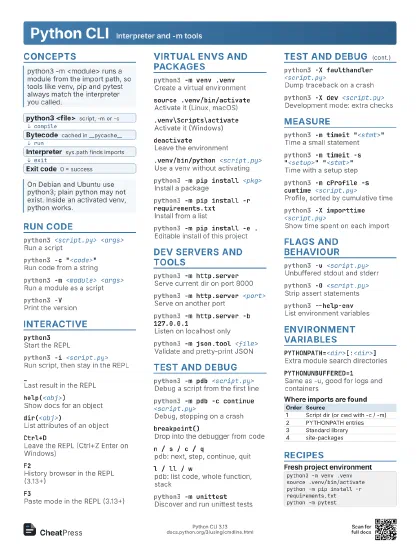
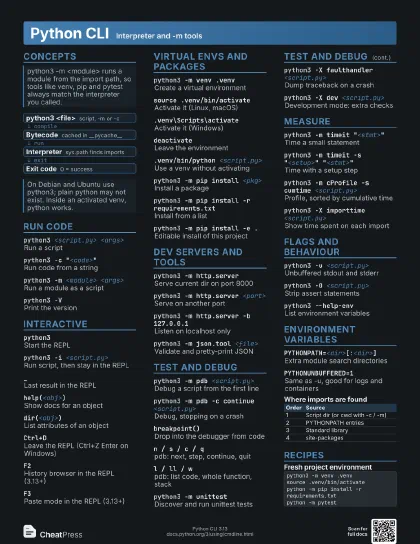
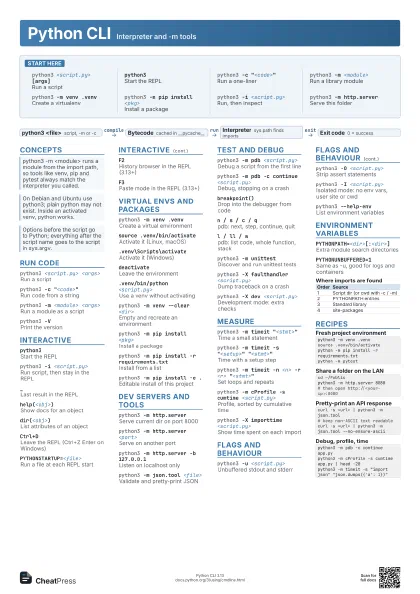
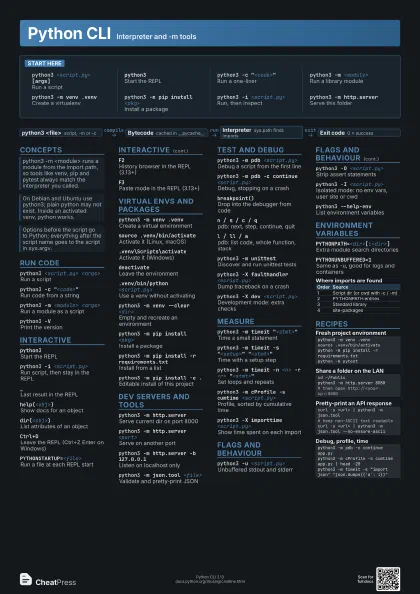
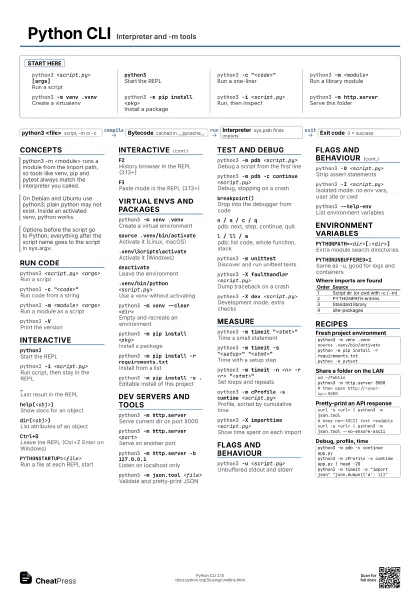
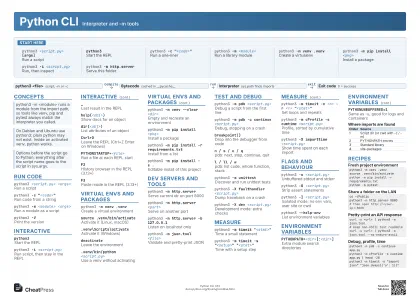
Start here
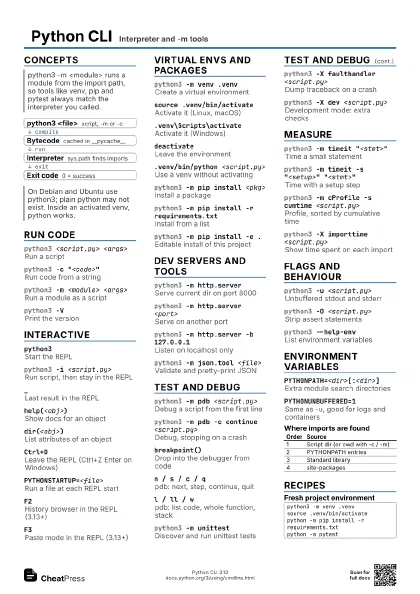
python3 <script.py> [args]
Run a script
python3Start the REPL
python3 -c "<code>"
Run a one-liner
python3 -m <module>
Run a library module
python3 -m venv .venv
Create a virtualenv
python3 -m pip install <pkg>
Install a package
python3 -i <script.py>
Run, then inspect
python3 -m http.server
Serve this folder
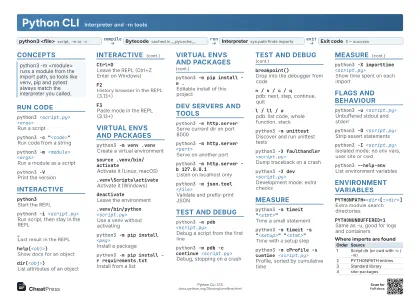
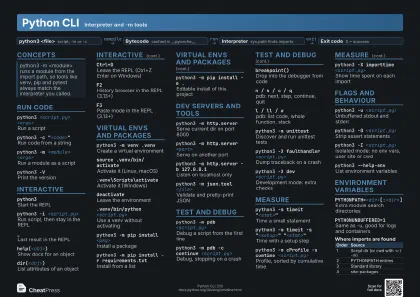
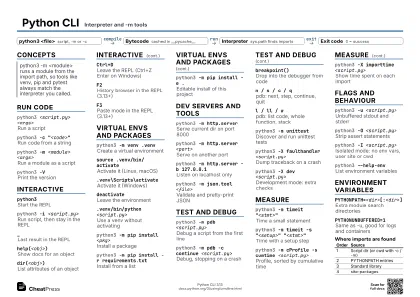
Concepts
- python3 <file> script, -m or -c
- Bytecode cached in __pycache__
- Interpreter sys.path finds imports
- Exit code 0 = success
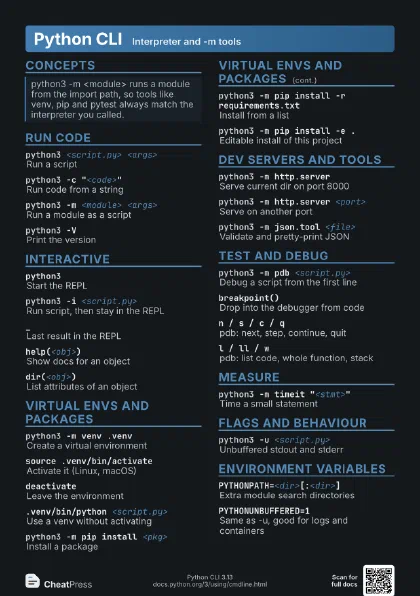
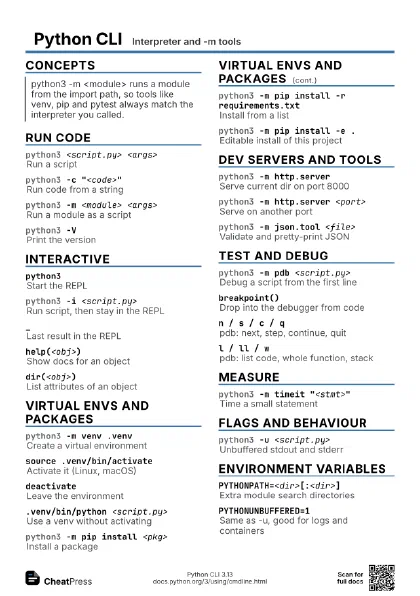
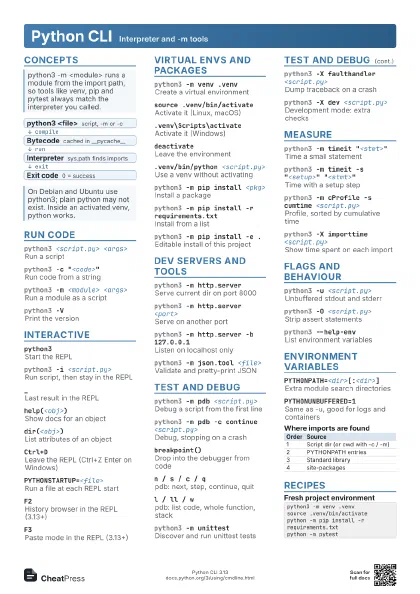
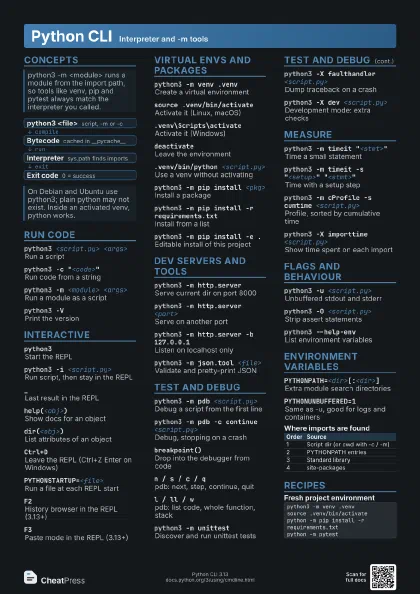
Run code
python3 <script.py> <args>
Run a script
python3 -c "<code>"
Run code from a string
python3 -m <module> <args>
Run a module as a script
python3 -VPrint the version
Interactive
python3Start the REPL
python3 -i <script.py>
Run script, then stay in the REPL
_Last result in the REPL
help(<obj>)
Show docs for an object
dir(<obj>)
List attributes of an object
Ctrl+D
Leave the REPL (Ctrl+Z Enter on Windows)
PYTHONSTARTUP=<file>
Run a file at each REPL start
F2History browser in the REPL (3.13+)
F3Paste mode in the REPL (3.13+)
Virtual envs and packages
python3 -m venv .venv
Create a virtual environment
source .venv/bin/activate
Activate it (Linux, macOS)
.venv\Scripts\activate
Activate it (Windows)
deactivateLeave the environment
.venv/bin/python <script.py>
Use a venv without activating
python3 -m venv --clear <dir>
Empty and recreate an environment
python3 -m pip install <pkg>
Install a package
python3 -m pip install -r requirements.txt
Install from a list
python3 -m pip install -e .
Editable install of this project
Dev servers and tools
python3 -m http.server
Serve current dir on port 8000
python3 -m http.server <port>
Serve on another port
python3 -m http.server -b 127.0.0.1
Listen on localhost only
python3 -m json.tool <file>
Validate and pretty-print JSON
Test and debug
python3 -m pdb <script.py>
Debug a script from the first line
python3 -m pdb -c continue <script.py>
Debug, stopping on a crash
breakpoint()Drop into the debugger from code
n / s / c / qpdb: next, step, continue, quit
l / ll / wpdb: list code, whole function, stack
python3 -m unittest
Discover and run unittest tests
python3 -X faulthandler <script.py>
Dump traceback on a crash
python3 -X dev <script.py>
Development mode: extra checks
Measure
python3 -m timeit "<stmt>"
Time a small statement
python3 -m timeit -s "<setup>"
                    "<stmt>"
Time with a setup step
python3 -m timeit -n <n> -r <r>
                    "<stmt>"
Set loops and repeats
python3 -m cProfile -s cumtime <script.py>
Profile, sorted by cumulative time
python3 -X importtime <script.py>
Show time spent on each import
Flags and behaviour
python3 -u <script.py>
Unbuffered stdout and stderr
python3 -O <script.py>
Strip assert statements
python3 -I <script.py>
Isolated mode: no env vars, user site or cwd
python3 --help-env
List environment variables
Environment variables
PYTHONPATH=<dir>[:<dir>]
Extra module search directories
PYTHONUNBUFFERED=1
Same as -u, good for logs and containers
| Order | Source |
|---|---|
| 1 | Script dir (or cwd with -c / -m) |
| 2 | PYTHONPATH entries |
| 3 | Standard library |
| 4 | site-packages |
Recipes
python3 -m venv .venvsource .venv/bin/activatepython -m pip install -r requirements.txtpython -m pytestcd ~/Publicpython3 -m http.server 8080# then open http://<your-ip>:8080curl -s <url> | python3 -m json.tool# keep non-ASCII text readablecurl -s <url> | python3 -m json.tool --no-ensure-asciipython3 -m pdb -c continue app.pypython3 -m cProfile -s cumtime app.py | head -20python3 -m timeit -s "import json" "json.dumps({'a': 1})"