Cheat
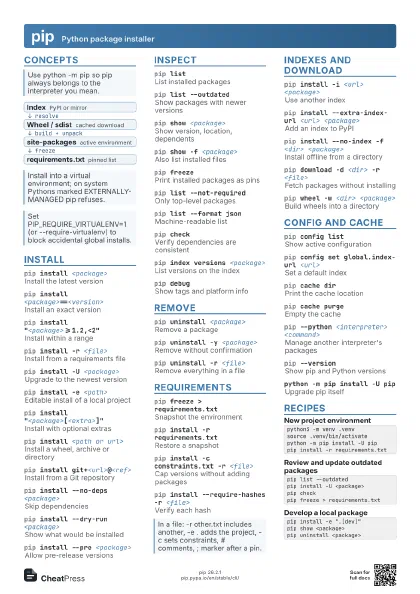
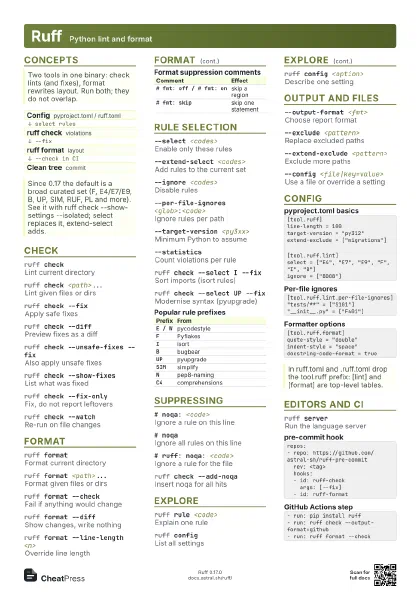
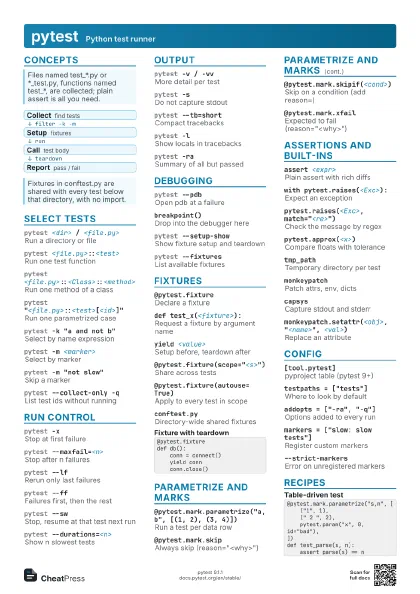
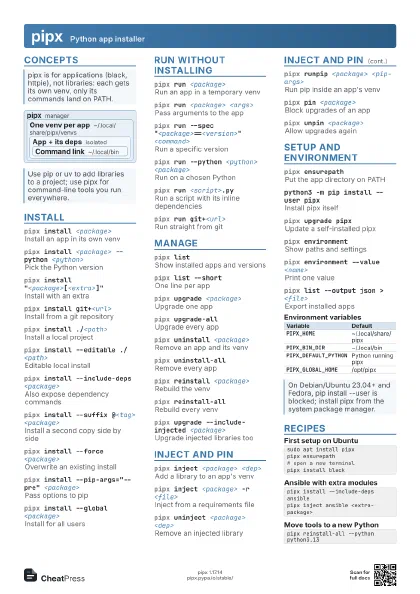
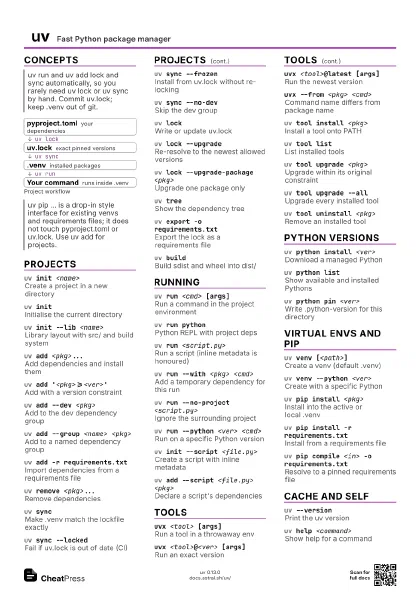
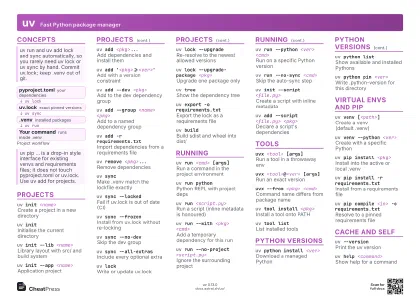
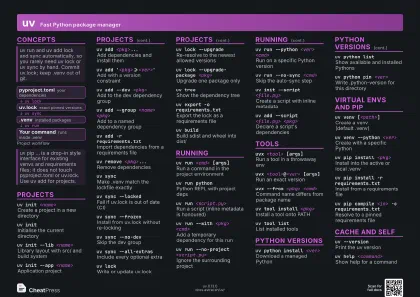
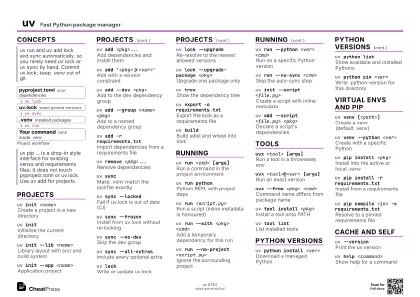
uv Fast Python package manager
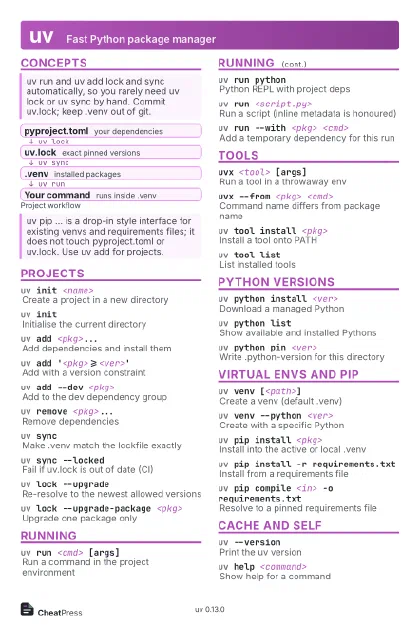 Light · Postcard
102 × 152 mm · PDF
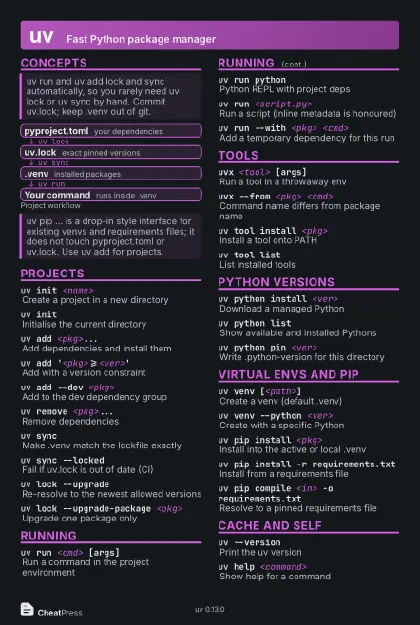 Dark · Postcard
102 × 152 mm · PDF
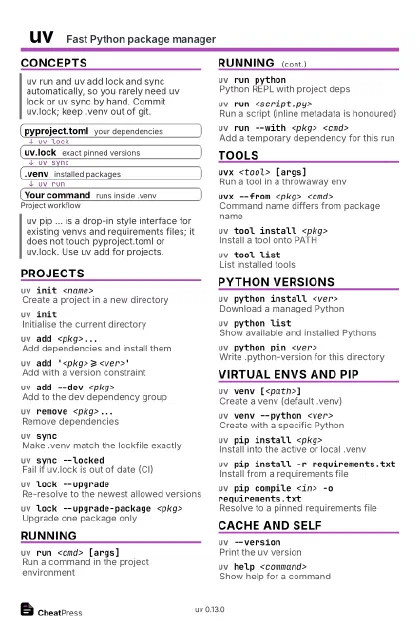 Ink saver · Postcard
102 × 152 mm · PDF
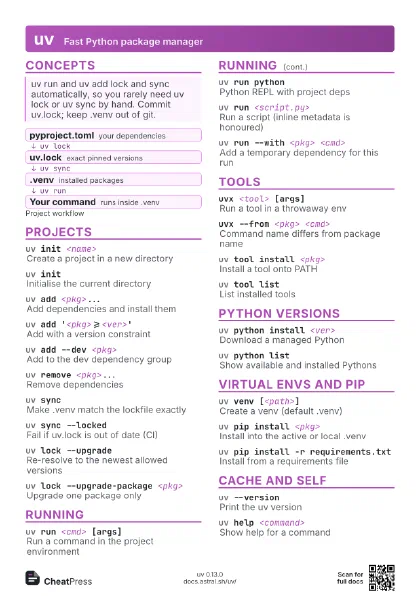
 Light · A4 landscape
297 × 210 mm · PDF
 Dark · A4 landscape
297 × 210 mm · PDF
 Ink saver · A4 landscape
297 × 210 mm · PDF
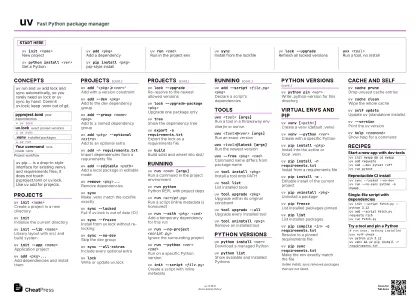
 Light · A3 landscape
420 × 297 mm · PDF
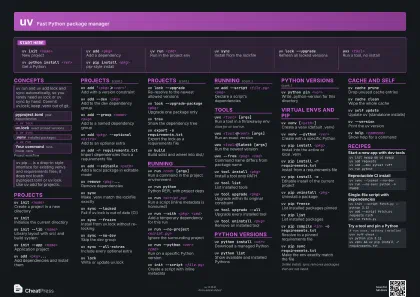 Dark · A3 landscape
420 × 297 mm · PDF
 Ink saver · A3 landscape
420 × 297 mm · PDF
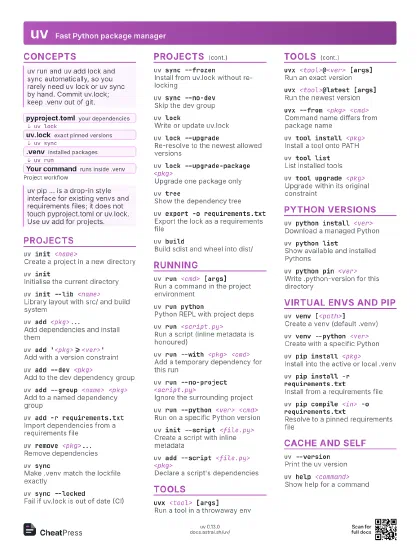
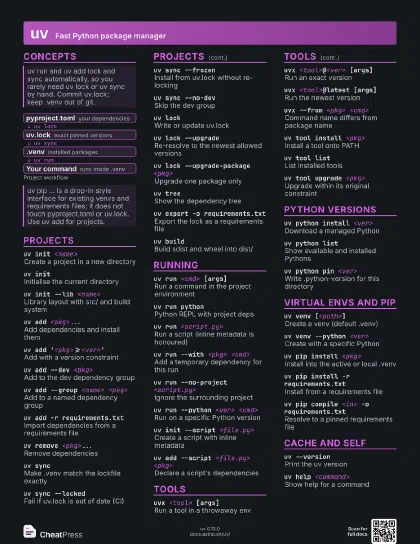
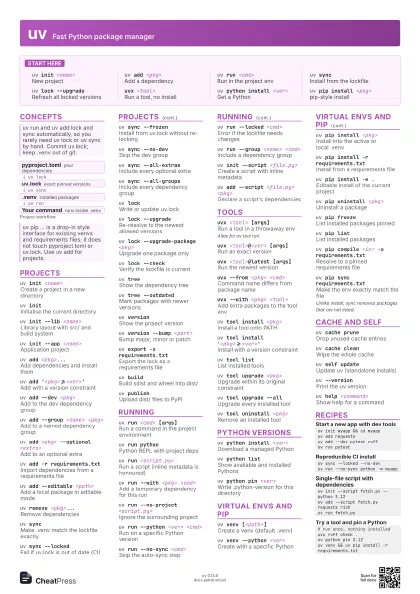
Start here
uv init <name>
New project
uv add <pkg>
Add a dependency
uv run <cmd>
Run in the project env
uv syncInstall from the lockfile
uv lock --upgrade
Refresh all locked versions
uvx <tool>
Run a tool, no install
uv python install <ver>
Get a Python
uv pip install <pkg>
pip-style install
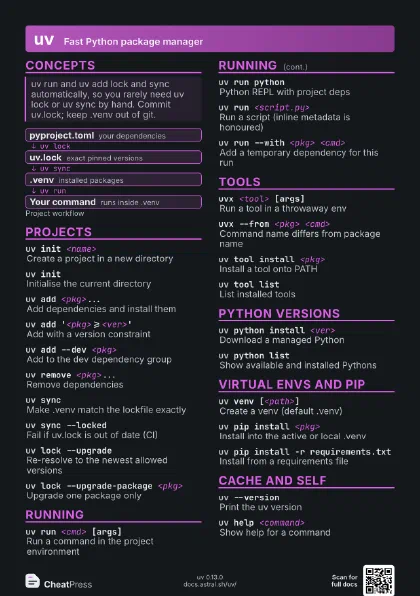
Concepts
- pyproject.toml your dependencies
- uv.lock exact pinned versions
- .venv installed packages
- Your command runs inside .venv
Projects
uv init <name>
Create a project in a new directory
uv initInitialise the current directory
uv init --lib <name>
Library layout with src/ and build system
uv init --app <name>
Application project
uv add <pkg>...
Add dependencies and install them
uv add '<pkg>>=<ver>'
Add with a version constraint
uv add --dev <pkg>
Add to the dev dependency group
uv add --group <name> <pkg>
Add to a named dependency group
uv add <pkg> --optional <extra>
Add to an optional extra
uv add -r requirements.txt
Import dependencies from a requirements file
uv add --editable <path>
Add a local package in editable mode
uv remove <pkg>...
Remove dependencies
uv syncMake .venv match the lockfile exactly
uv sync --locked
Fail if uv.lock is out of date (CI)
uv sync --frozen
Install from uv.lock without re-locking
uv sync --no-dev
Skip the dev group
uv sync --all-extras
Include every optional extra
uv sync --all-groups
Include every dependency group
uv lockWrite or update uv.lock
uv lock --upgrade
Re-resolve to the newest allowed versions
uv lock --upgrade-package <pkg>
Upgrade one package only
uv lock --checkVerify the lockfile is current
uv treeShow the dependency tree
uv tree --outdated
Mark packages with newer versions
uv versionShow the project version
uv version --bump <part>
Bump major, minor or patch
uv export -o requirements.txt
Export the lock as a requirements file
uv buildBuild sdist and wheel into dist/
uv publishUpload dist/ files to PyPI
Running
uv run <cmd> [args]
Run a command in the project environment
uv run pythonPython REPL with project deps
uv run <script.py>
Run a script (inline metadata is honoured)
uv run --with <pkg> <cmd>
Add a temporary dependency for this run
uv run --no-project <script.py>
Ignore the surrounding project
uv run --python <ver> <cmd>
Run on a specific Python version
uv run --no-sync <cmd>
Skip the auto-sync step
uv run --locked <cmd>
Error if the lockfile needs changes
uv run --group <name> <cmd>
Include a dependency group
uv init --script <file.py>
Create a script with inline metadata
uv add --script <file.py> <pkg>
Declare a script's dependencies
uv lock --script <file.py>
Lock a script's dependencies
Tools
uvx <tool> [args]
Run a tool in a throwaway env
Alias for uv tool run.
uvx <tool>@<ver> [args]
Run an exact version
uvx <tool>@latest [args]
Run the newest version
uvx --from <pkg> <cmd>
Command name differs from package name
uvx --with <pkg> <tool>
Add extra packages to the tool env
uv tool install <pkg>
Install a tool onto PATH
uv tool install '<pkg>>=<ver>'
Install with a version constraint
uv tool listList installed tools
uv tool upgrade <pkg>
Upgrade within its original constraint
uv tool upgrade --all
Upgrade every installed tool
uv tool uninstall <pkg>
Remove an installed tool
uv tool update-shell
Add the tool bin dir to your PATH
uv tool dirPrint the tools directory
Python versions
uv python install <ver>
Download a managed Python
uv python install <ver> <ver>
Install several versions
uv python listShow available and installed Pythons
uv python find [<ver>]
Print the path of a matching interpreter
uv python pin <ver>
Write .python-version for this directory
uv python upgrade [<ver>]
Move to the latest patch release
uv python uninstall <ver>
Remove a managed Python
uv python dirPrint where Pythons are stored
Virtual envs and pip
uv venv [<path>]
Create a venv (default .venv)
uv venv --python <ver>
Create with a specific Python
uv pip install <pkg>
Install into the active or local .venv
uv pip install -r requirements.txt
Install from a requirements file
uv pip install -e .
Editable install of the current project
uv pip uninstall <pkg>
Uninstall a package
uv pip freezeList installed packages pinned
uv pip listList installed packages
uv pip show <pkg>
Show package details
uv pip treeShow installed dependency tree
uv pip checkCheck installed packages are compatible
uv pip compile <in> -o requirements.txt
Resolve to a pinned requirements file
uv pip compile <in> --upgrade-package
                    <pkg>
Upgrade one pin while compiling
uv pip sync requirements.txt
Make the env exactly match the file
Unlike install, sync removes packages that are not listed.
Cache and self
uv cache dirPrint the cache location
uv cache pruneDrop unused cache entries
uv cache cleanWipe the whole cache
uv self updateUpdate uv (standalone installs)
uv self versionShow uv's own version
uv --versionPrint the uv version
uv help <command>
Show help for a command
uv generate-shell-completion <shell>
Print a shell completion script
Recipes
uv init myapp && cd myappuv add requestsuv add --dev pytest ruffuv run pytestuv sync --locked --no-devuv run --no-sync python -m myappuv init --script fetch.py --python 3.12uv add --script fetch.py requests richuv run fetch.py# run once, nothing installeduvx ruff check .uv python pin 3.12uv venv && uv pip install -r requirements.txt