Cheat
Conan C/C++ package manager
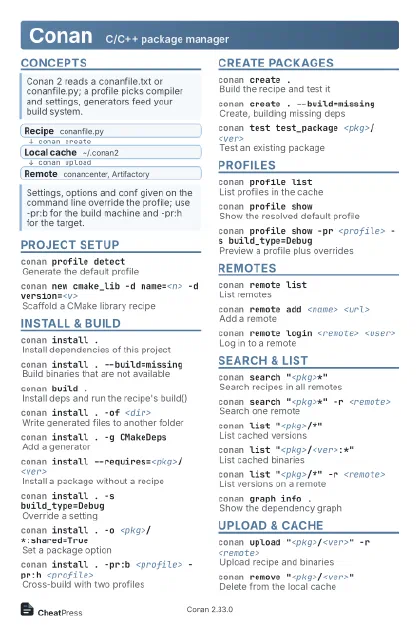 Light · Postcard
102 × 152 mm · PDF
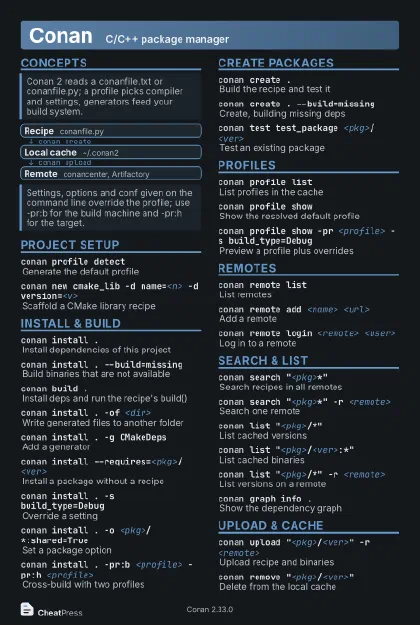 Dark · Postcard
102 × 152 mm · PDF
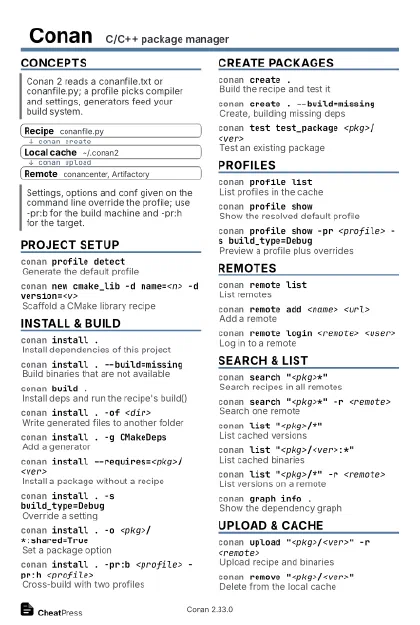 Ink saver · Postcard
102 × 152 mm · PDF
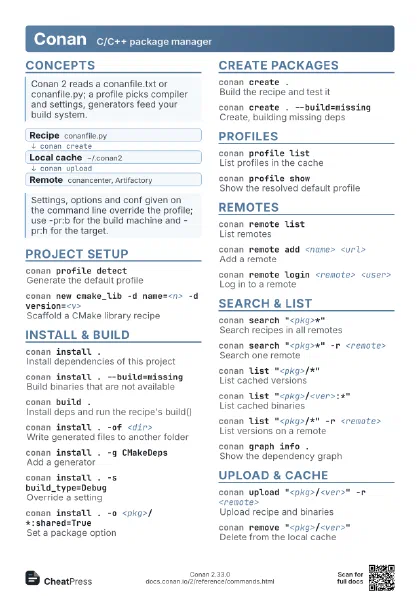
 Light · A4 landscape
297 × 210 mm · PDF
 Dark · A4 landscape
297 × 210 mm · PDF
 Ink saver · A4 landscape
297 × 210 mm · PDF
 Light · A3 landscape
420 × 297 mm · PDF
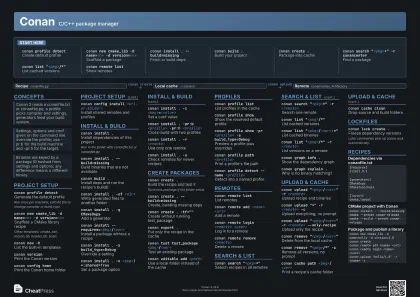 Dark · A3 landscape
420 × 297 mm · PDF
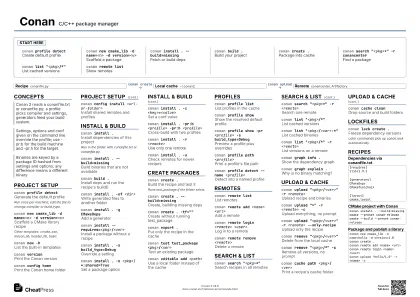 Ink saver · A3 landscape
420 × 297 mm · PDF
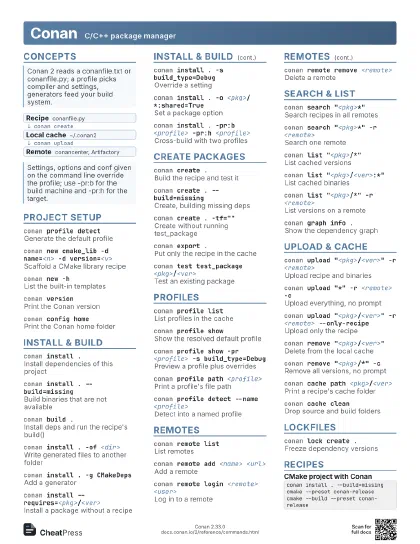
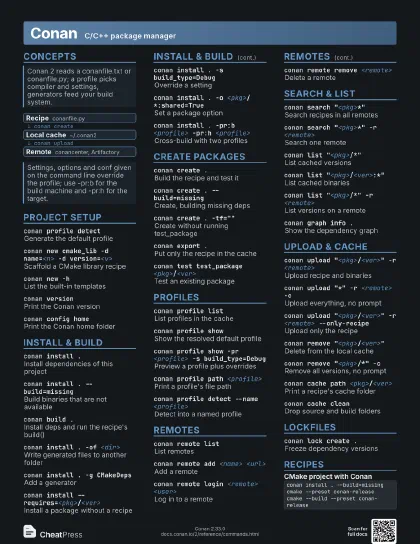
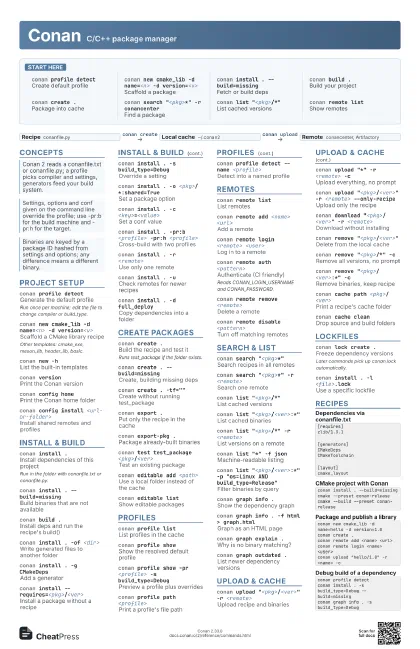
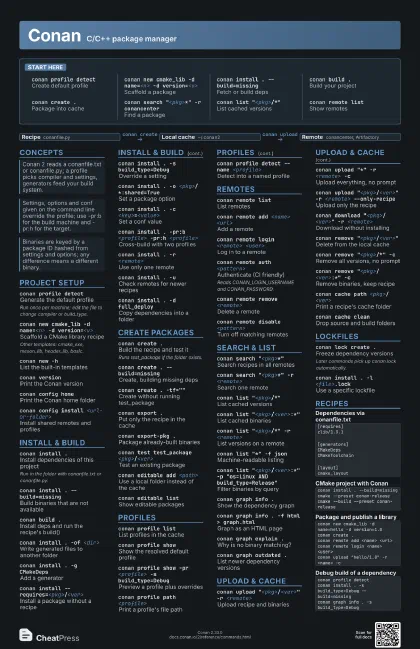
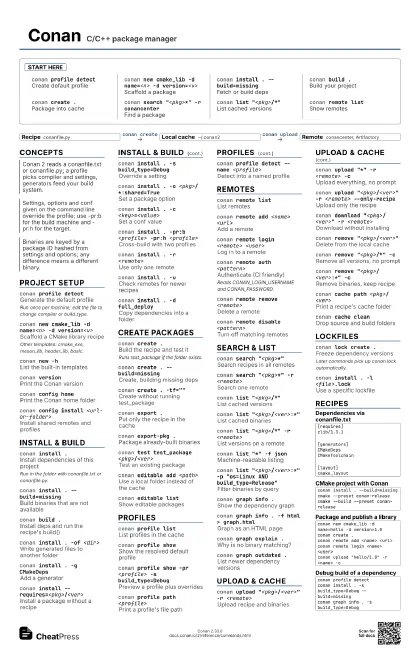
Start here
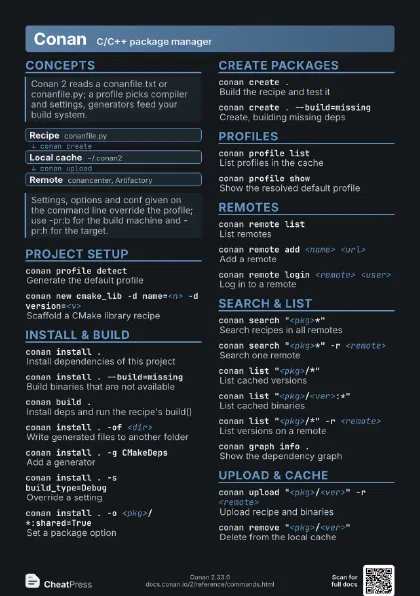
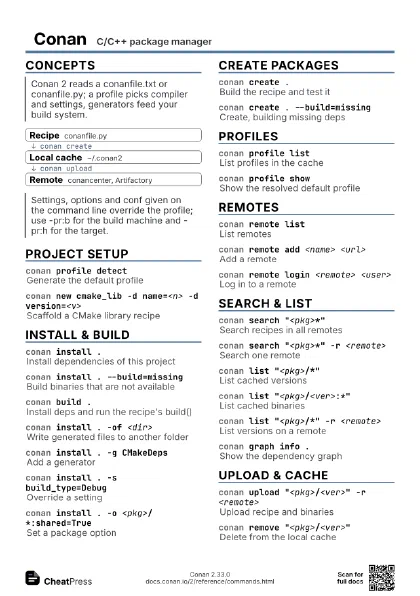
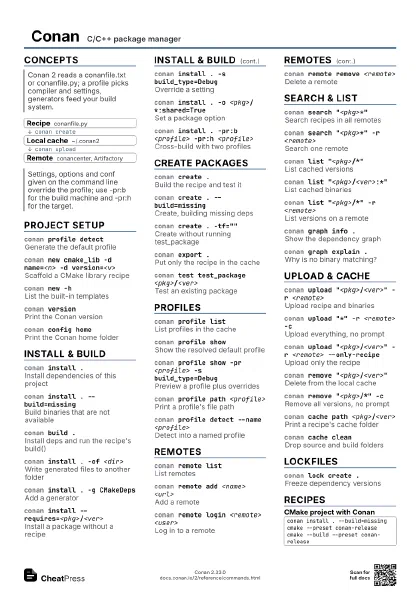
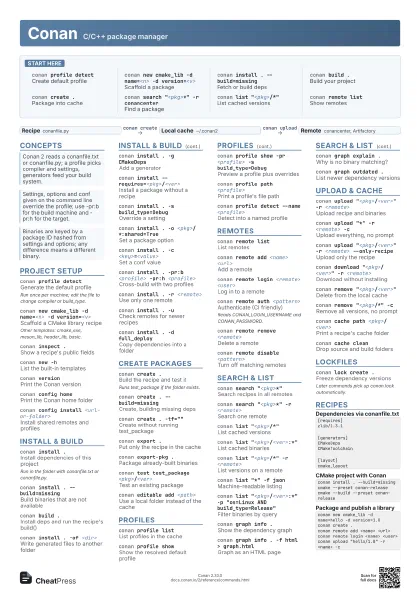
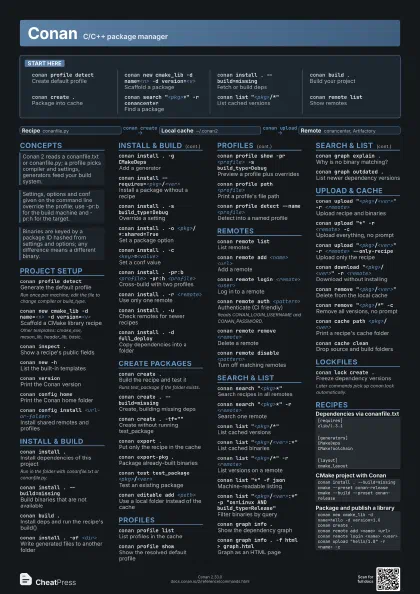
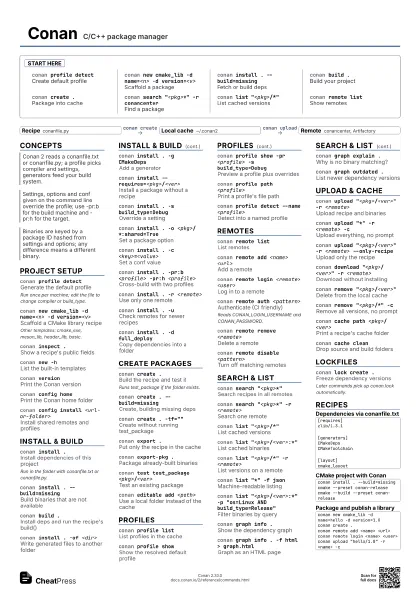
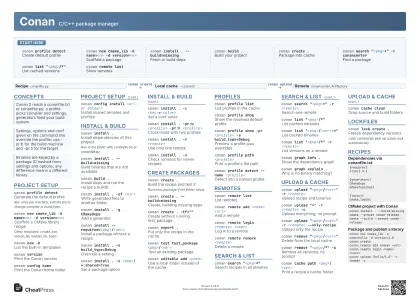
conan profile detect
Create default profile
conan new cmake_lib -d name=<n> -d
                    version=<v>
Scaffold a package
conan install . --build=missing
Fetch or build deps
conan build .Build your project
conan create .Package into cache
conan search "<pkg>*" -r conancenter
Find a package
conan list "<pkg>/*"
List cached versions
conan remote list
Show remotes
Concepts
- Recipe conanfile.py
- Local cache ~/.conan2
- Remote conancenter, Artifactory
Project setup
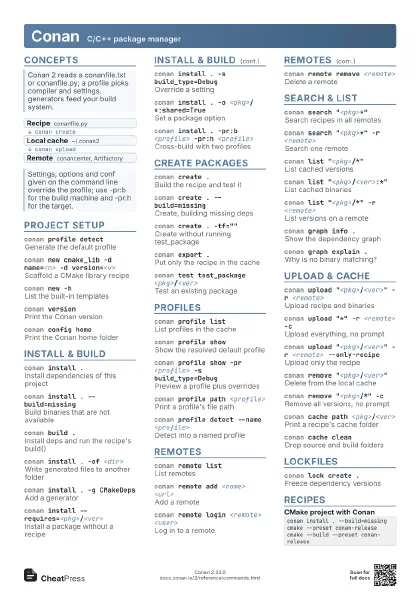
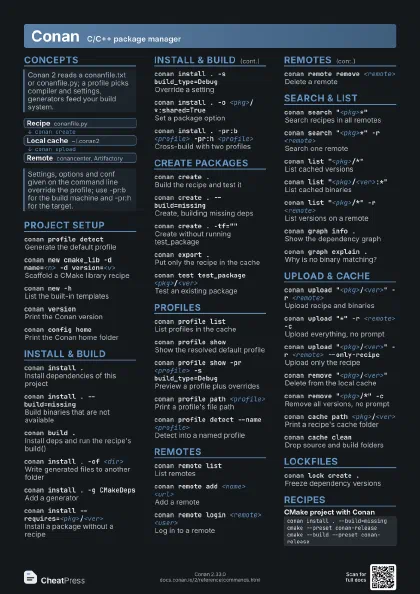
conan profile detect
Generate the default profile
Run once per machine; edit the file to change compiler or
build_type.
conan new cmake_lib -d name=<n> -d
                    version=<v>
Scaffold a CMake library recipe
Other templates: cmake_exe, meson_lib, header_lib, basic.
conan inspect .Show a recipe's public fields
conan new -hList the built-in templates
conan versionPrint the Conan version
conan config home
Print the Conan home folder
conan config install <url-or-folder>
Install shared remotes and profiles
conan config list
List all configuration keys
Install & build
conan install .Install dependencies of this project
Run in the folder with conanfile.txt or conanfile.py.
conan install . --build=missing
Build binaries that are not available
conan build .
Install deps and run the recipe's build()
conan install . -of <dir>
Write generated files to another folder
conan install . -g CMakeDeps
Add a generator
conan install --requires=<pkg>/<ver>
Install a package without a recipe
conan install . -s build_type=Debug
Override a setting
conan install . -o <pkg>/*:shared=True
Set a package option
conan install . -c <key>=<value>
Set a conf value
conan install . -pr:b <profile> -pr:h
                    <profile>
Cross-build with two profiles
conan install . -r <remote>
Use only one remote
conan install . -u
Check remotes for newer recipes
conan install . -d full_deploy
Copy dependencies into a folder
Create packages
conan create .Build the recipe and test it
Runs test_package if the folder exists.
conan create . --build=missing
Create, building missing deps
conan create . -tf=""
Create without running test_package
conan export .Put only the recipe in the cache
conan export-pkg .
Package already-built binaries
conan test test_package <pkg>/<ver>
Test an existing package
conan source .Run the recipe's source() locally
conan editable add <path>
Use a local folder instead of the cache
conan editable remove <path>
Stop using the folder as editable
conan editable list
Show editable packages
conan create . --version=<ver> --user=<u>
                    --channel=<c>
Set the reference fields
Profiles
conan profile list
List profiles in the cache
conan profile show
Show the resolved default profile
conan profile show -pr <profile> -s
                    build_type=Debug
Preview a profile plus overrides
conan profile path <profile>
Print a profile's file path
conan profile detect --name <profile>
Detect into a named profile
conan profile detect --force
Overwrite the detected profile
Remotes
conan remote list
List remotes
conan remote add <name> <url>
Add a remote
conan remote login <remote> <user>
Log in to a remote
conan remote auth <pattern>
Authenticate (CI friendly)
Reads CONAN_LOGIN_USERNAME and CONAN_PASSWORD.
conan remote logout <remote>
Clear stored credentials
conan remote remove <remote>
Delete a remote
conan remote disable <pattern>
Turn off matching remotes
conan remote enable <pattern>
Turn matching remotes back on
conan remote update <remote> --url <url>
Change a remote's URL
conan remote list-users
Show who is logged in
Search & list
conan search "<pkg>*"
Search recipes in all remotes
conan search "<pkg>*" -r <remote>
Search one remote
conan list "<pkg>/*"
List cached versions
conan list "<pkg>/<ver>:*"
List cached binaries
conan list "<pkg>/*" -r <remote>
List versions on a remote
conan list "*" -f json
Machine-readable listing
conan list "<pkg>/<ver>:*" -p
                    "os=Linux AND build_type=Release"
Filter binaries by query
conan graph info .
Show the dependency graph
conan graph info . -f html > graph.html
Graph as an HTML page
conan graph explain .
Why is no binary matching?
conan graph outdated .
List newer dependency versions
Upload & cache
conan upload "<pkg>/<ver>" -r
                    <remote>
Upload recipe and binaries
conan upload "*" -r <remote> -c
Upload everything, no prompt
conan upload "<pkg>/<ver>" -r
                    <remote> --only-recipe
Upload only the recipe
conan upload "<pkg>/<ver>" -r
                    <remote> --dry-run
Preview what would upload
conan download "<pkg>/<ver>" -r
                    <remote>
Download without installing
conan remove "<pkg>/<ver>"
Delete from the local cache
conan remove "<pkg>/*" -c
Remove all versions, no prompt
conan remove "<pkg>/<ver>:*" -c
Remove binaries, keep recipe
conan cache path <pkg>/<ver>
Print a recipe's cache folder
conan cache path <pkg>/<ver>:<id>
                    --folder build
Print a package's build folder
conan cache clean
Drop source and build folders
conan cache check-integrity "*"
Verify the local cache
conan cache save "*" --file <f>.tgz
Archive packages from the cache
conan cache restore <f>.tgz
Restore an archived cache
Lockfiles
conan lock create .
Freeze dependency versions
Later commands pick up conan.lock automatically.
conan install . -l <file>.lock
Use a specific lockfile
conan lock add --requires=<pkg>/<ver>
Add a version to a lockfile
conan lock update --requires=<pkg>/<ver>
Bump a version in a lockfile
conan lock merge --lockfile=<a>
                    --lockfile=<b>
Merge lockfiles
Recipes
[requires]zlib/1.3.1[generators]CMakeDepsCMakeToolchain[layout]cmake_layoutconan install . --build=missingcmake --preset conan-releasecmake --build --preset conan-releaseconan new cmake_lib -d name=hello -d version=1.0conan create .conan remote add <name> <url>conan remote login <name> <user>conan upload "hello/1.0" -r <name> -cconan profile detectconan install . -s build_type=Debug --build=missingconan graph info . -s build_type=Debug