Cheat
mise Tool versions, env and tasks
 Light · Postcard
102 × 152 mm · PDF
 Dark · Postcard
102 × 152 mm · PDF
 Ink saver · Postcard
102 × 152 mm · PDF
 Light · A4 landscape
297 × 210 mm · PDF
 Dark · A4 landscape
297 × 210 mm · PDF
 Ink saver · A4 landscape
297 × 210 mm · PDF
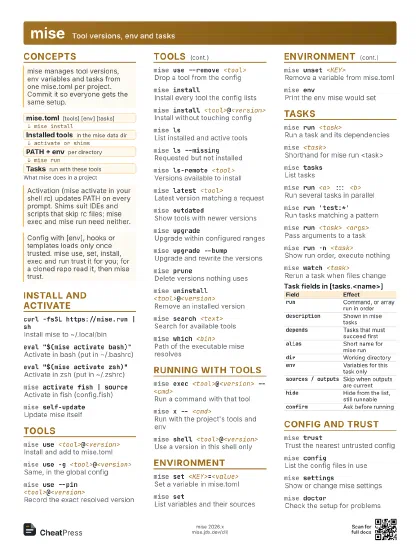
 Light · A3 landscape
420 × 297 mm · PDF
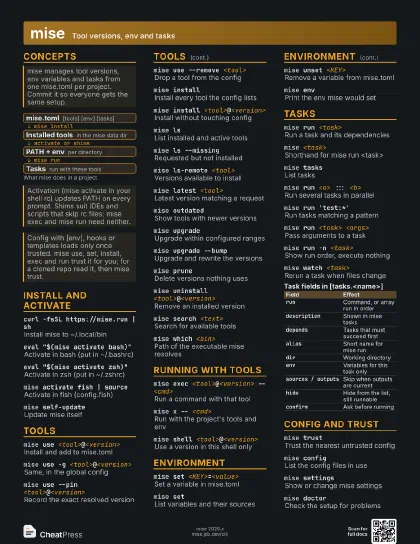
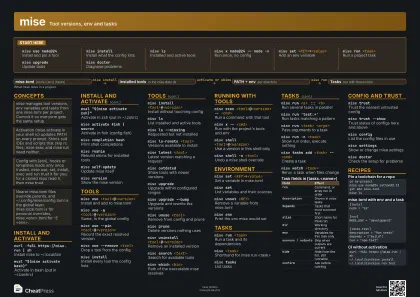 Dark · A3 landscape
420 × 297 mm · PDF
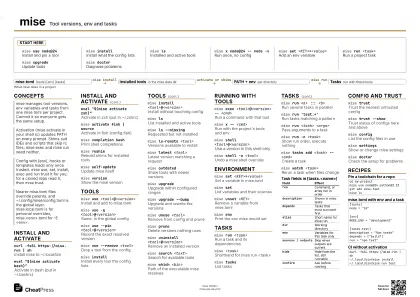 Ink saver · A3 landscape
420 × 297 mm · PDF
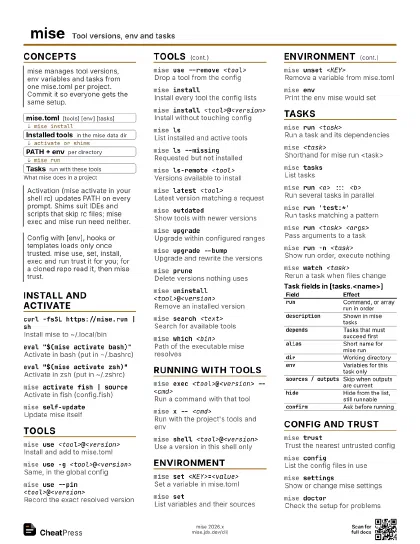
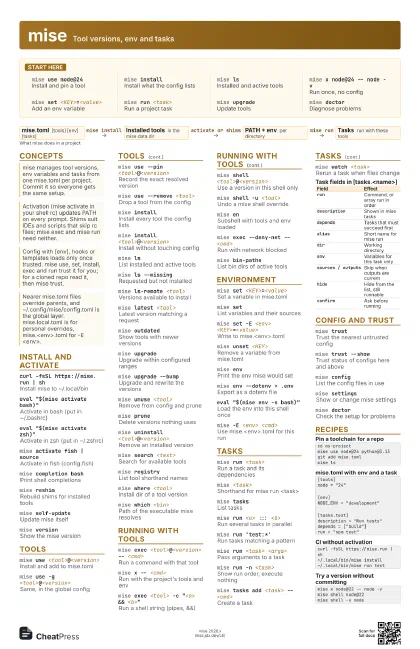
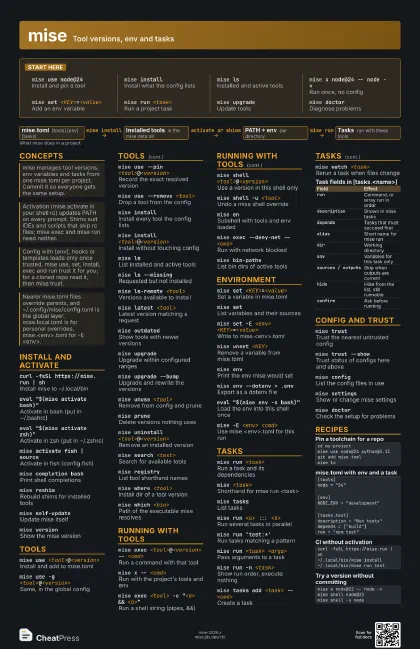
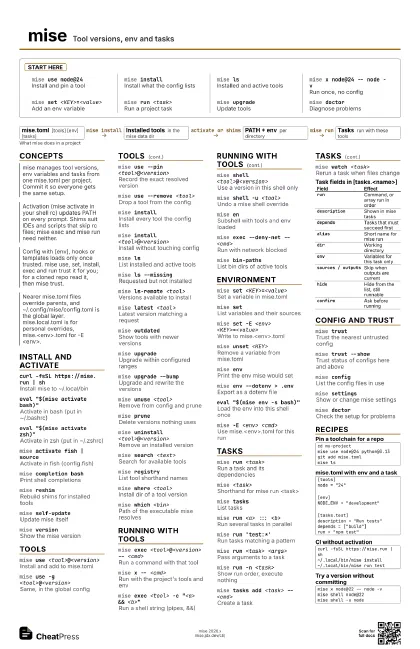
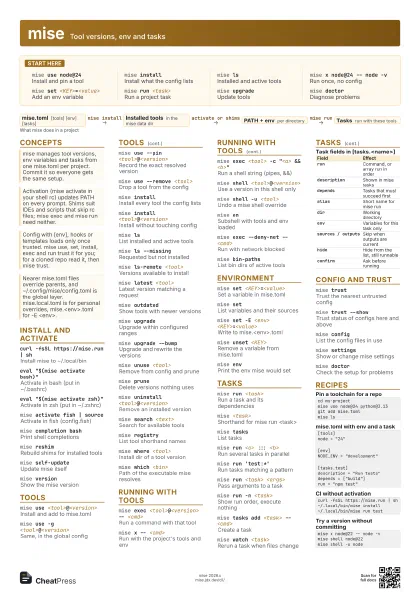
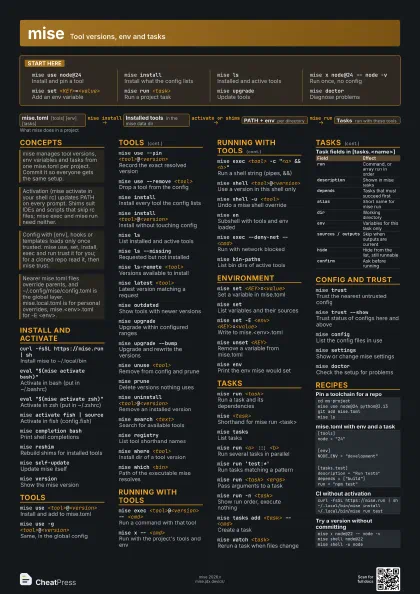
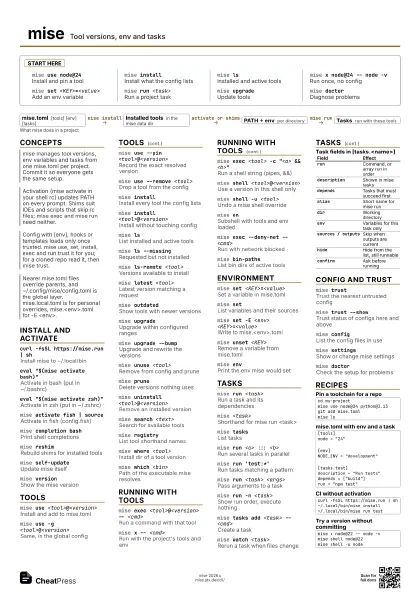
Start here
mise use node@24
Install and pin a tool
mise installInstall what the config lists
mise lsInstalled and active tools
mise x node@24 -- node -v
Run once, no config
mise set <KEY>=<value>
Add an env variable
mise run <task>
Run a project task
mise upgradeUpdate tools
mise doctorDiagnose problems
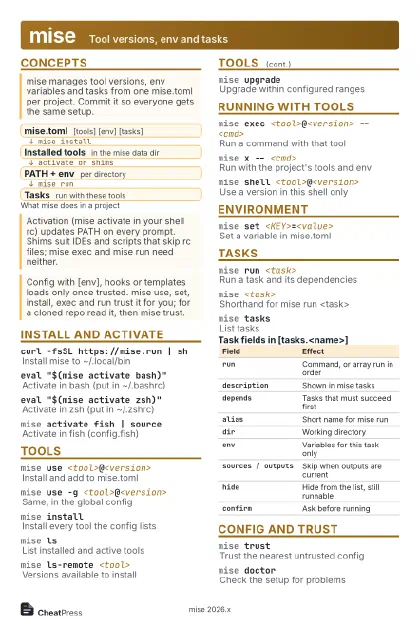
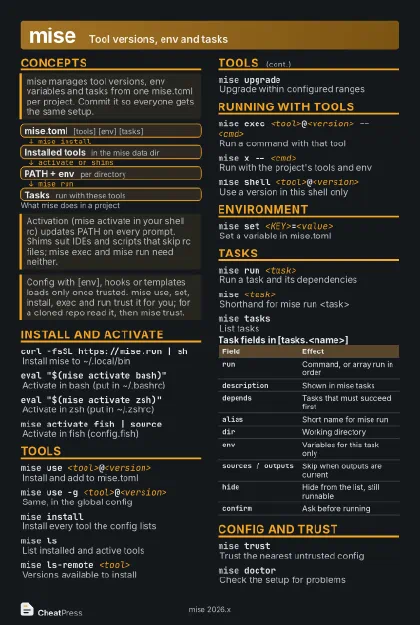
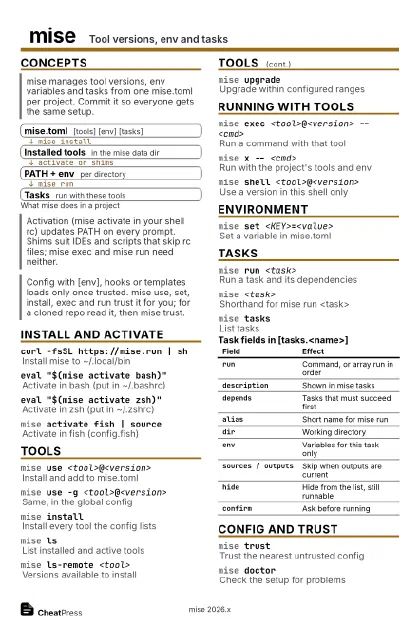
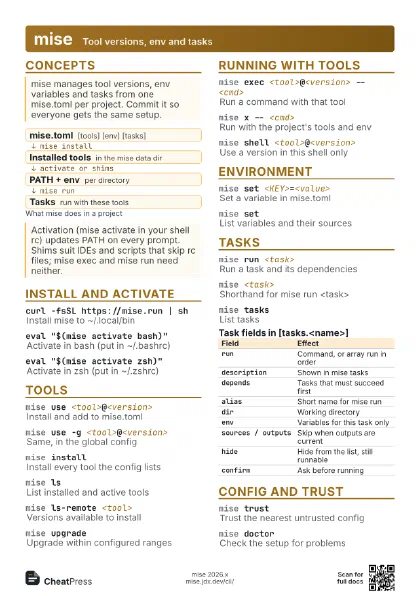
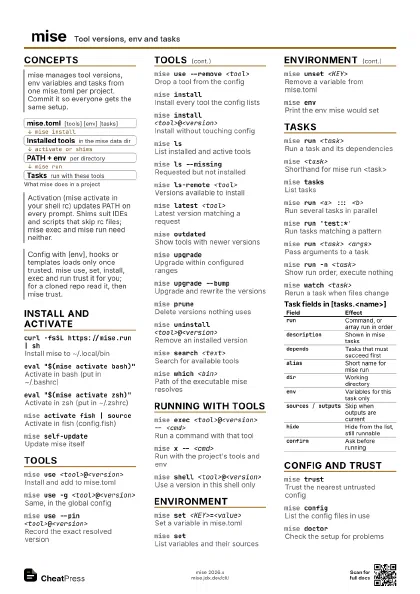
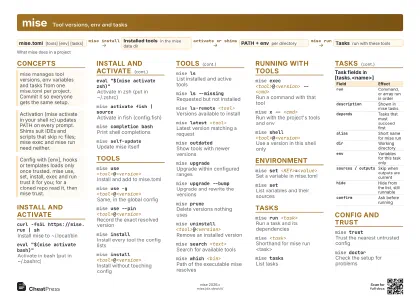
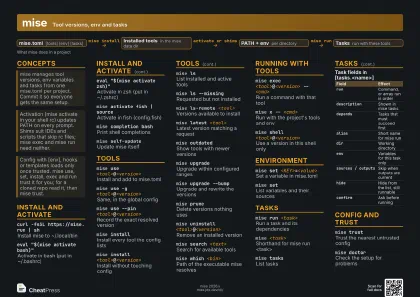
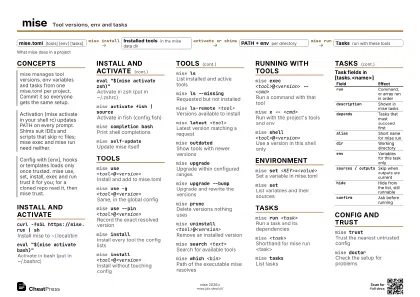
Concepts
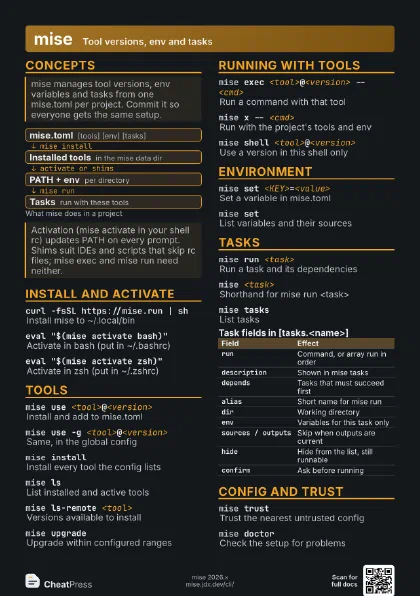
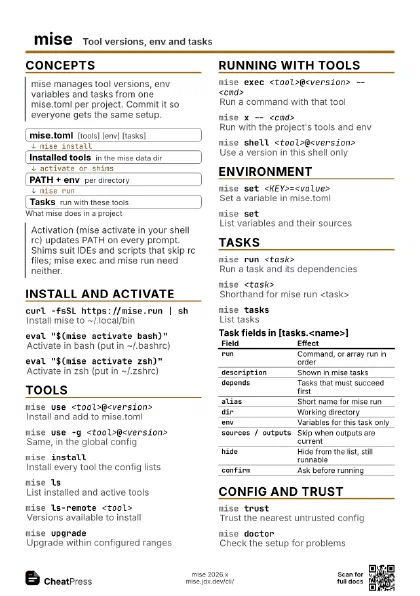
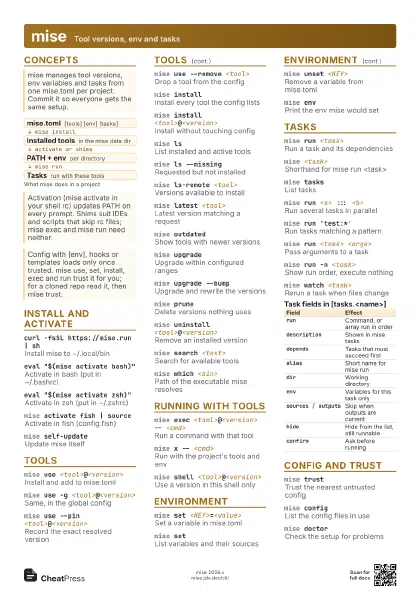
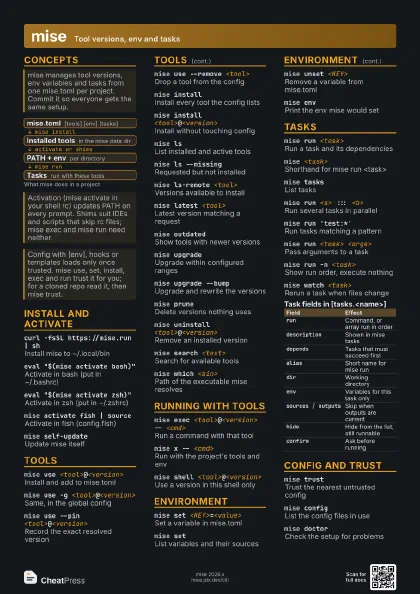
- mise.toml [tools] [env] [tasks]
- Installed tools in the mise data dir
- PATH + env per directory
- Tasks run with these tools
Install and activate
curl -fsSL https://mise.run | sh
Install mise to ~/.local/bin
eval "$(mise activate bash)"
Activate in bash (put in ~/.bashrc)
eval "$(mise activate zsh)"
Activate in zsh (put in ~/.zshrc)
mise activate fish | source
Activate in fish (config.fish)
mise completion bash
Print shell completions
mise reshimRebuild shims for installed tools
mise self-update
Update mise itself
mise versionShow the mise version
Tools
mise use <tool>@<version>
Install and add to mise.toml
mise use -g <tool>@<version>
Same, in the global config
mise use --pin <tool>@<version>
Record the exact resolved version
mise use --remove <tool>
Drop a tool from the config
mise installInstall every tool the config lists
mise install <tool>@<version>
Install without touching config
mise lsList installed and active tools
mise ls --missing
Requested but not installed
mise ls-remote <tool>
Versions available to install
mise latest <tool>
Latest version matching a request
mise outdatedShow tools with newer versions
mise upgradeUpgrade within configured ranges
mise upgrade --bump
Upgrade and rewrite the versions
mise unuse <tool>
Remove from config and prune
mise pruneDelete versions nothing uses
mise uninstall <tool>@<version>
Remove an installed version
mise search <text>
Search for available tools
mise registryList tool shorthand names
mise where <tool>
Install dir of a tool version
mise which <bin>
Path of the executable mise resolves
Running with tools
mise exec <tool>@<version> -- <cmd>
Run a command with that tool
mise x -- <cmd>
Run with the project's tools and env
mise exec <tool> -c "<a> &&
                    <b>"
Run a shell string (pipes, &&)
mise shell <tool>@<version>
Use a version in this shell only
mise shell -u <tool>
Undo a mise shell override
mise enSubshell with tools and env loaded
mise exec --deny-net -- <cmd>
Run with network blocked
mise bin-pathsList bin dirs of active tools
Environment
mise set <KEY>=<value>
Set a variable in mise.toml
mise setList variables and their sources
mise set -E <env> <KEY>=<value>
Write to mise.<env>.toml
mise unset <KEY>
Remove a variable from mise.toml
mise envPrint the env mise would set
mise env --dotenv > .env
Export as a dotenv file
eval "$(mise env -s bash)"
Load the env into this shell once
mise -E <env> <cmd>
Use mise.<env>.toml for this run
Tasks
mise run <task>
Run a task and its dependencies
mise <task>
Shorthand for mise run <task>
mise tasksList tasks
mise run <a> ::: <b>
Run several tasks in parallel
mise run 'test:*'
Run tasks matching a pattern
mise run <task> <args>
Pass arguments to a task
mise run -n <task>
Show run order, execute nothing
mise run -f <task>
Run even if outputs are current
mise run -j 1 <a> ::: <b>
Limit parallel jobs
mise tasks add <task> -- <cmd>
Create a task
mise tasks info <task>
Show one task's details
mise watch <task>
Rerun a task when files change
| Field | Effect |
|---|---|
run |
Command, or array run in order |
description |
Shown in mise tasks |
depends |
Tasks that must succeed first |
alias |
Short name for mise run |
dir |
Working directory |
env |
Variables for this task only |
sources / outputs |
Skip when outputs are current |
hide |
Hide from the list, still runnable |
confirm |
Ask before running |
Config and trust
mise trustTrust the nearest untrusted config
mise trust --show
Trust status of configs here and above
mise configList the config files in use
mise settingsShow or change mise settings
mise doctorCheck the setup for problems
Recipes
cd my-projectmise use node@24 python@3.13git add mise.tomlmise ls[tools]node = "24"[env]NODE_ENV = "development"[tasks.test]description = "Run tests"depends = ["build"]run = "npm test"curl -fsSL https://mise.run | sh~/.local/bin/mise install~/.local/bin/mise run testmise x node@22 -- node -vmise shell node@22mise shell -u node