Cheat
Git Version control
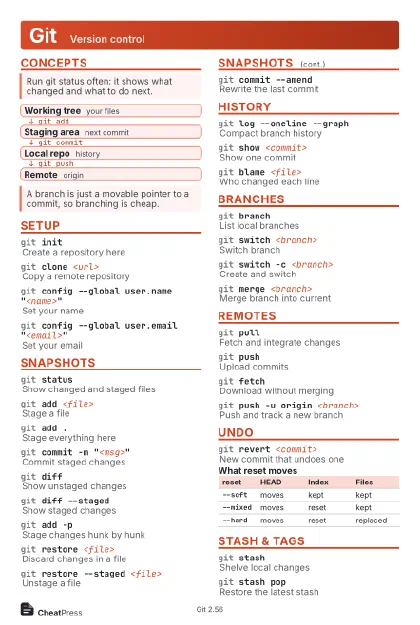 Light · Postcard
102 × 152 mm · PDF
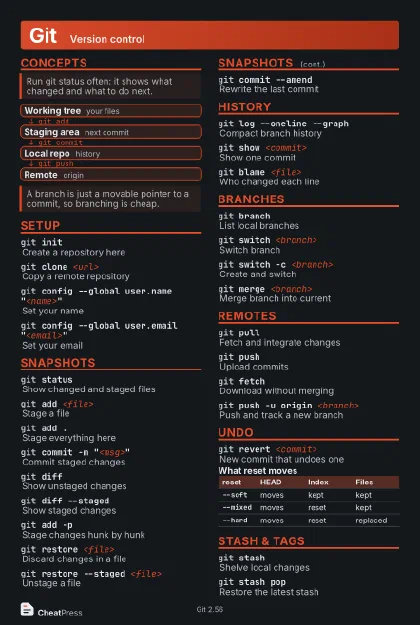 Dark · Postcard
102 × 152 mm · PDF
 Ink saver · Postcard
102 × 152 mm · PDF

 Light · A4 landscape
297 × 210 mm · PDF
 Dark · A4 landscape
297 × 210 mm · PDF
 Ink saver · A4 landscape
297 × 210 mm · PDF
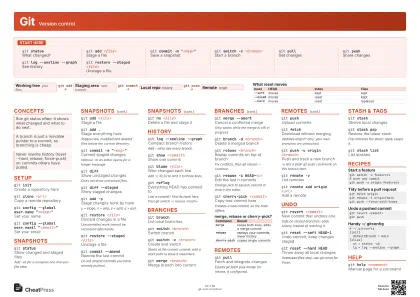 Light · A3 landscape
420 × 297 mm · PDF
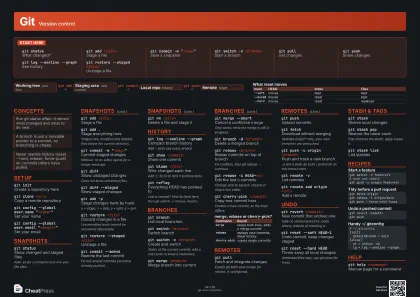 Dark · A3 landscape
420 × 297 mm · PDF
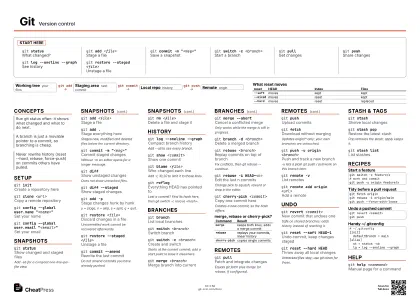 Ink saver · A3 landscape
420 × 297 mm · PDF
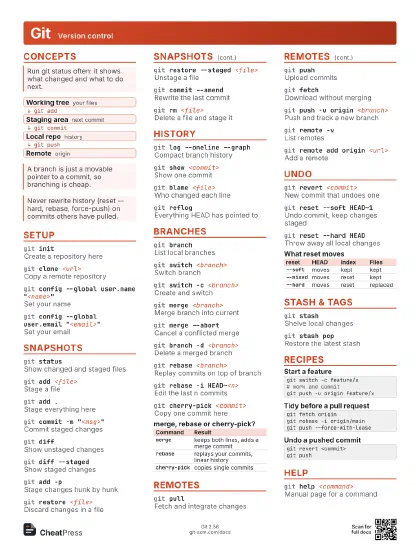
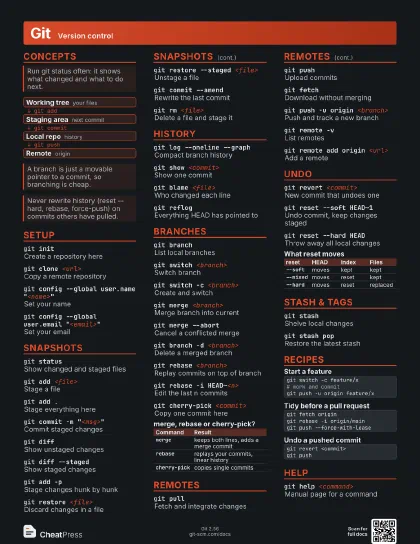
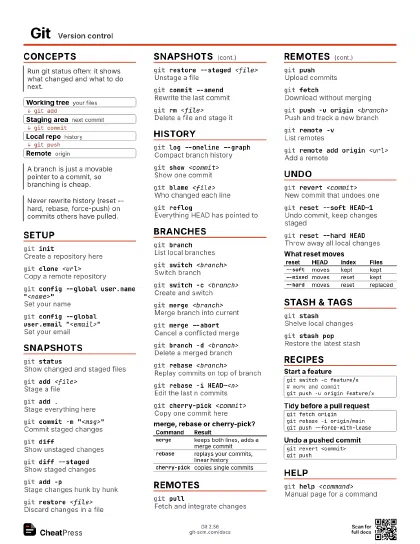
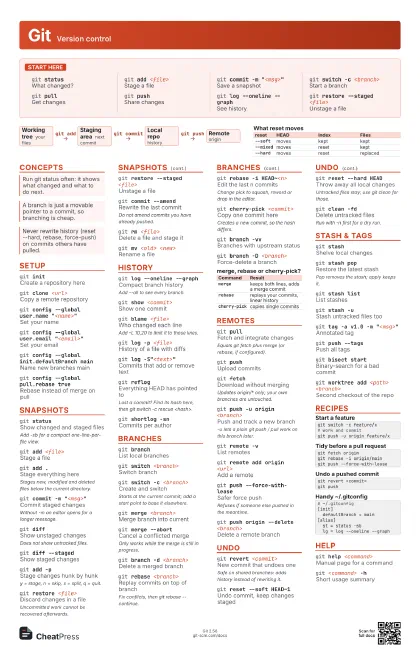
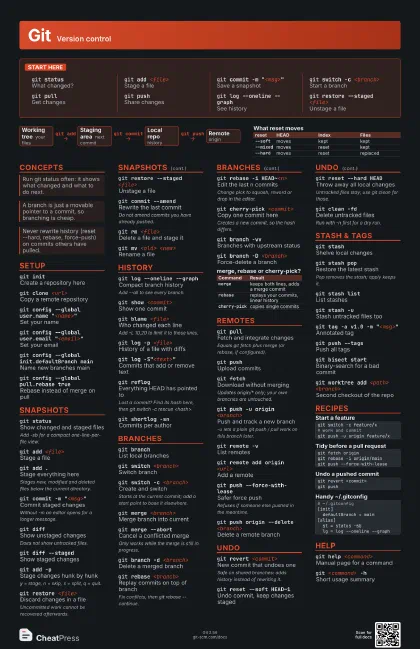
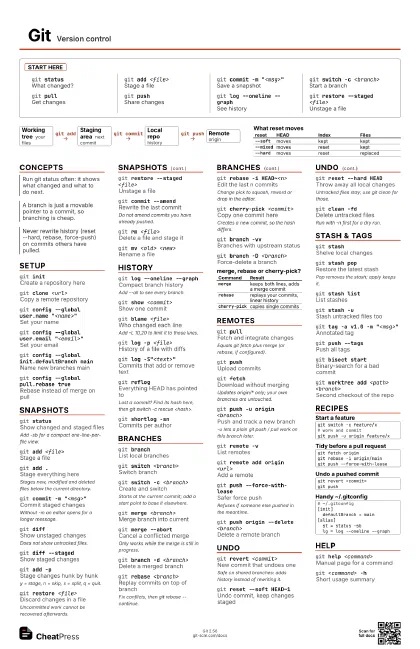
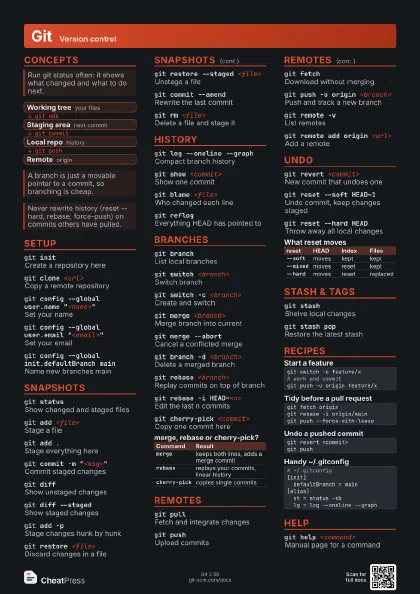
Start here
git statusWhat changed?
git add <file>
Stage a file
git commit -m "<msg>"
Save a snapshot
git switch -c <branch>
Start a branch
git pullGet changes
git pushShare changes
git log --oneline --graph
See history
git restore --staged <file>
Unstage a file
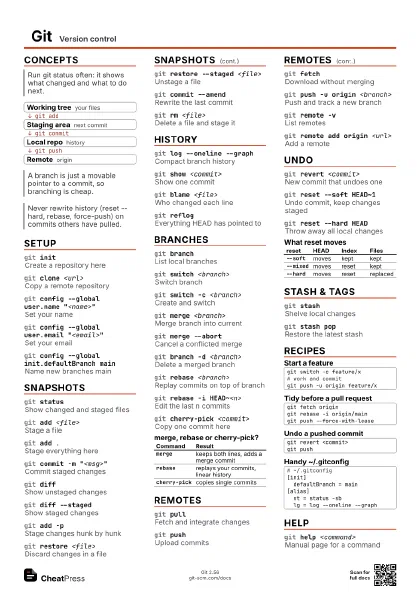
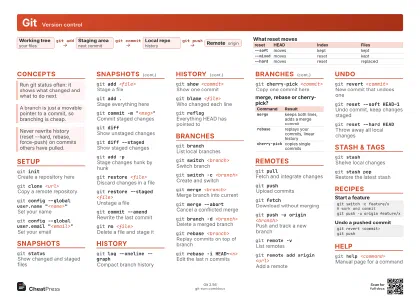
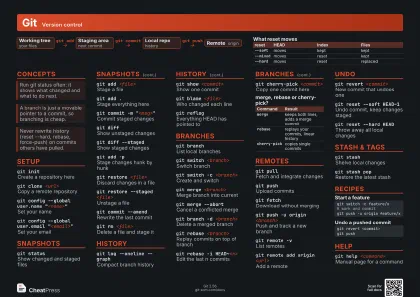
Concepts
- Working tree your files
- Staging area next commit
- Local repo history
- Remote origin
Setup
git initCreate a repository here
git clone <url>
Copy a remote repository
git config --global user.name "<name>"
Set your name
git config --global user.email
                    "<email>"
Set your email
git config --global init.defaultBranch main
Name new branches main
git config --global pull.rebase true
Rebase instead of merge on pull
git config --list --show-origin
Show settings and where they come from
Snapshots
git statusShow changed and staged files
Add -sb for a compact one-line-per-file view.
git add <file>
Stage a file
git add .Stage everything here
Stages new, modified and deleted files below the current
directory.
git commit -m "<msg>"
Commit staged changes
Without -m an editor opens for a longer message.
git diffShow unstaged changes
Does not show untracked files.
git diff --staged
Show staged changes
git add -pStage changes hunk by hunk
y = stage, n = skip, s = split, q = quit.
git restore <file>
Discard changes in a file
Uncommitted work cannot be recovered afterwards.
git restore --staged <file>
Unstage a file
git commit --amend
Rewrite the last commit
Do not amend commits you have already pushed.
git rm <file>
Delete a file and stage it
git mv <old> <new>
Rename a file
History
git log --oneline --graph
Compact branch history
Add --all to see every branch.
git show <commit>
Show one commit
git blame <file>
Who changed each line
Add -L 10,20 to limit it to those lines.
git log -p <file>
History of a file with diffs
git log -S"<text>"
Commits that add or remove text
git reflogEverything HEAD has pointed to
Lost a commit? Find its hash here, then git switch -c rescue
<hash>.
git shortlog -sn
Commits per author
Branches
git branchList local branches
git switch <branch>
Switch branch
git switch -c <branch>
Create and switch
Starts at the current commit; add a start point to base it
elsewhere.
git merge <branch>
Merge branch into current
git merge --abort
Cancel a conflicted merge
Only works while the merge is still in progress.
git branch -d <branch>
Delete a merged branch
git rebase <branch>
Replay commits on top of branch
Fix conflicts, then git rebase --continue.
git rebase -i HEAD~<n>
Edit the last n commits
Change pick to squash, reword or drop in the editor.
git cherry-pick <commit>
Copy one commit here
Creates a new commit, so the hash differs.
git branch -vvBranches with upstream status
git branch -D <branch>
Force-delete a branch
| Command | Result |
|---|---|
merge |
keeps both lines, adds a merge commit |
rebase |
replays your commits, linear history |
cherry-pick |
copies single commits |
Remotes
git pullFetch and integrate changes
Equals git fetch plus merge (or rebase, if configured).
git pushUpload commits
git fetchDownload without merging
Updates origin/* only; your own branches are untouched.
git push -u origin <branch>
Push and track a new branch
-u lets a plain git push / pull work on this branch later.
git remote -vList remotes
git remote add origin <url>
Add a remote
git push --force-with-lease
Safer force push
Refuses if someone else pushed in the meantime.
git push origin --delete <branch>
Delete a remote branch
Undo
git revert <commit>
New commit that undoes one
Safe on shared branches: adds history instead of rewriting it.
git reset --soft HEAD~1
Undo commit, keep changes staged
git reset --hard HEAD
Throw away all local changes
Untracked files stay; use git clean for those.
git clean -fdDelete untracked files
Run with -n first for a dry run.
| reset | HEAD | Index | Files |
|---|---|---|---|
--soft |
moves | kept | kept |
--mixed |
moves | reset | kept |
--hard |
moves | reset | replaced |
Stash & Tags
git stashShelve local changes
git stash popRestore the latest stash
Pop removes the stash; apply keeps it.
git stash listList stashes
git stash -uStash untracked files too
git tag -a v1.0 -m "<msg>"
Annotated tag
git push --tagsPush all tags
git bisect start
Binary-search for a bad commit
git worktree add <path> <branch>
Second checkout of the repo
Recipes
git switch -c feature/x# work and commitgit push -u origin feature/xgit fetch origingit rebase -i origin/maingit push --force-with-leasegit revert <commit>git push# ~/.gitconfig[init] defaultBranch = main[alias] st = status -sb lg = log --oneline --graphHelp
git help <command>
Manual page for a command
git <command> -h
Short usage summary