Cheat
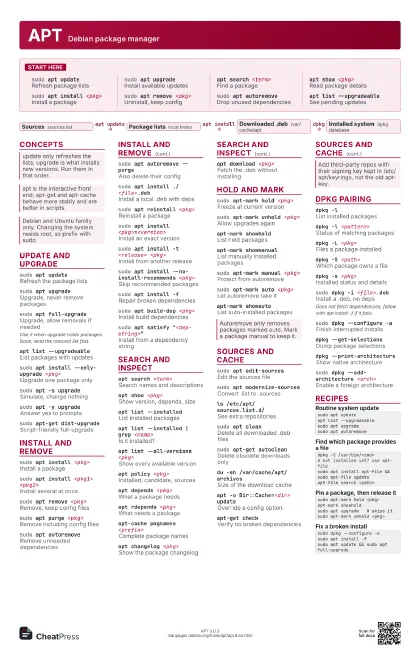
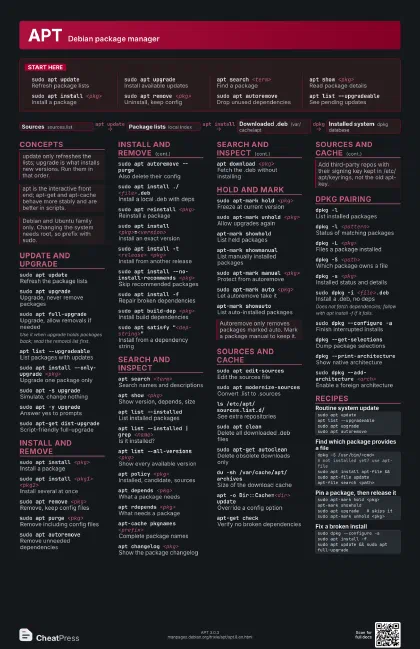
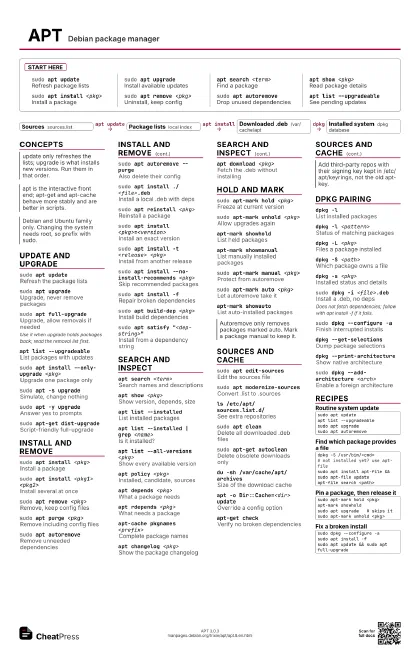
APT Debian package manager
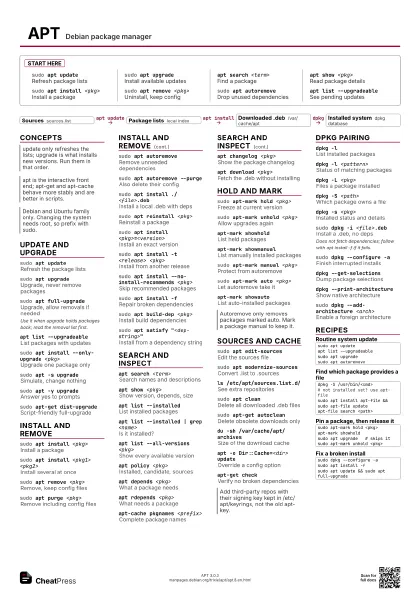
 Light · Postcard
102 × 152 mm · PDF
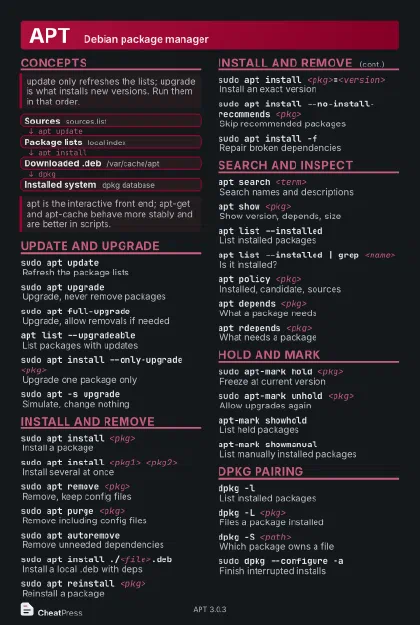 Dark · Postcard
102 × 152 mm · PDF
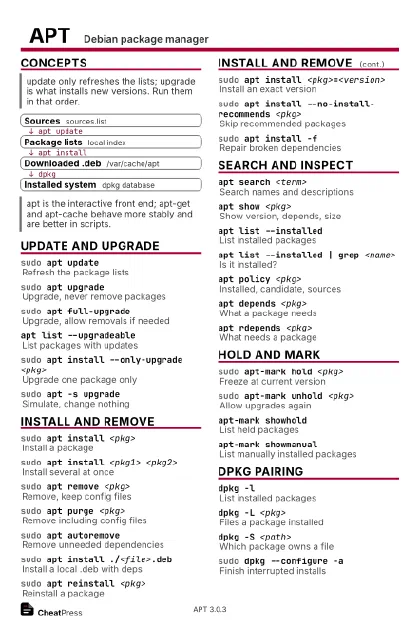 Ink saver · Postcard
102 × 152 mm · PDF
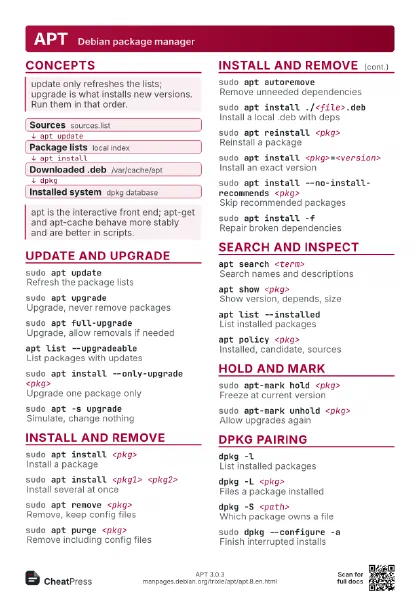
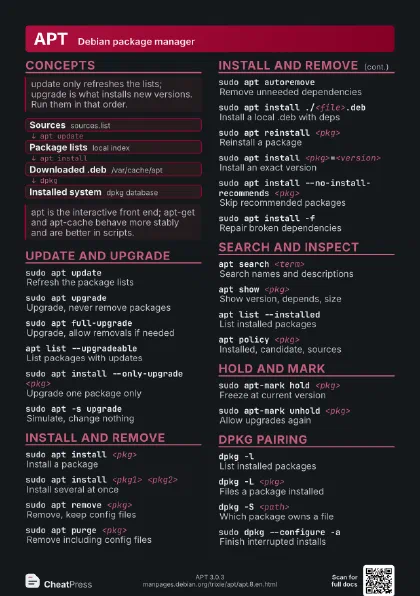
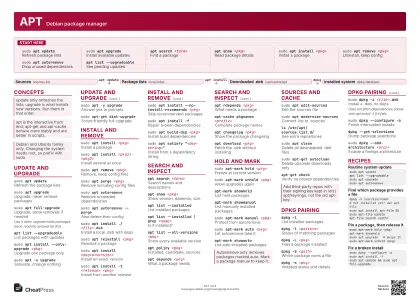
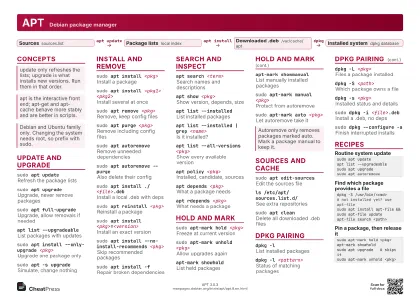 Light · A4 landscape
297 × 210 mm · PDF
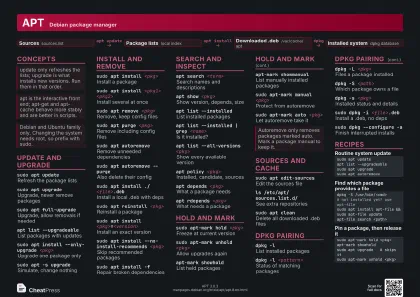 Dark · A4 landscape
297 × 210 mm · PDF
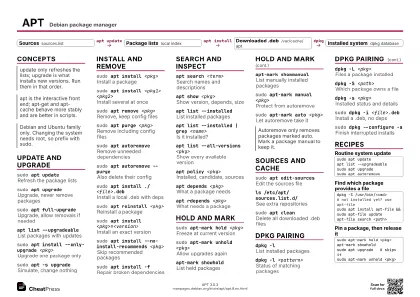 Ink saver · A4 landscape
297 × 210 mm · PDF
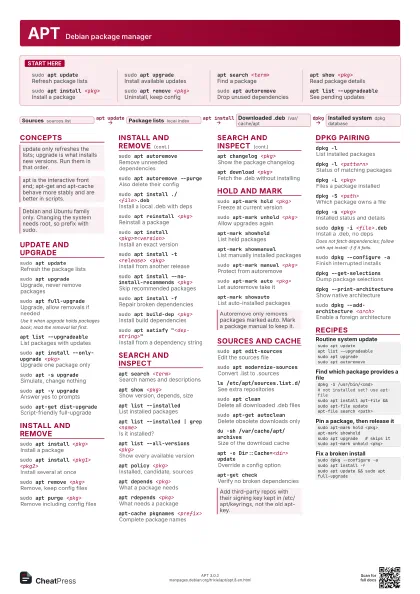
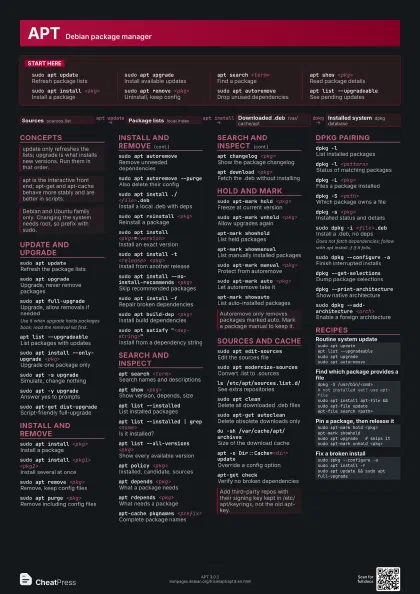
 Light · A3 landscape
420 × 297 mm · PDF
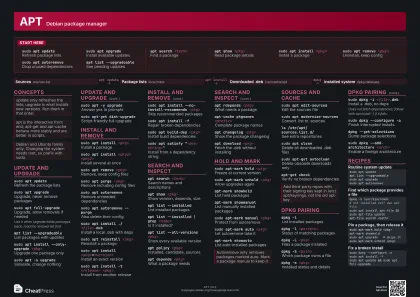 Dark · A3 landscape
420 × 297 mm · PDF
 Ink saver · A3 landscape
420 × 297 mm · PDF
Start here
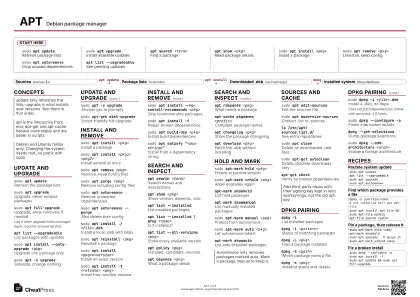
sudo apt updateRefresh package lists
sudo apt upgrade
Install available updates
apt search <term>
Find a package
apt show <pkg>
Read package details
sudo apt install <pkg>
Install a package
sudo apt remove <pkg>
Uninstall, keep config
sudo apt autoremove
Drop unused dependencies
apt list --upgradeable
See pending updates
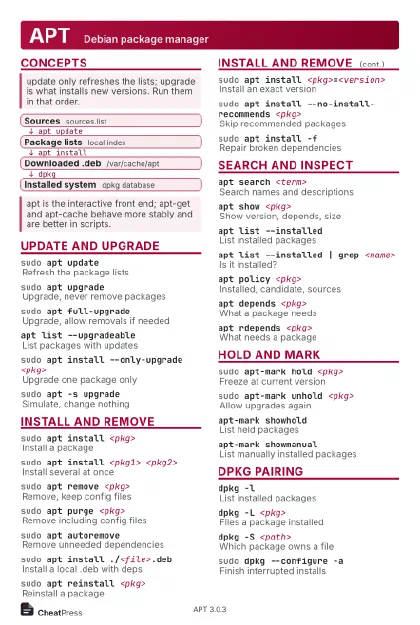
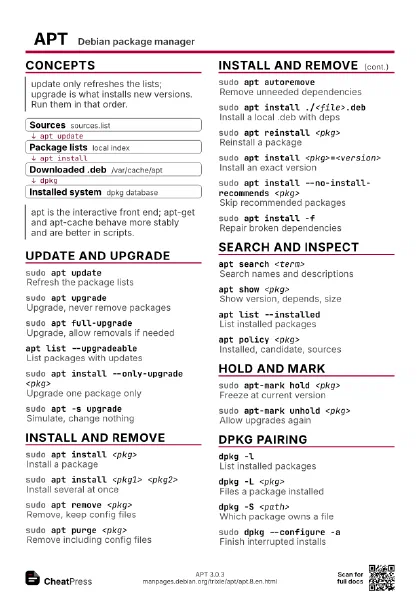
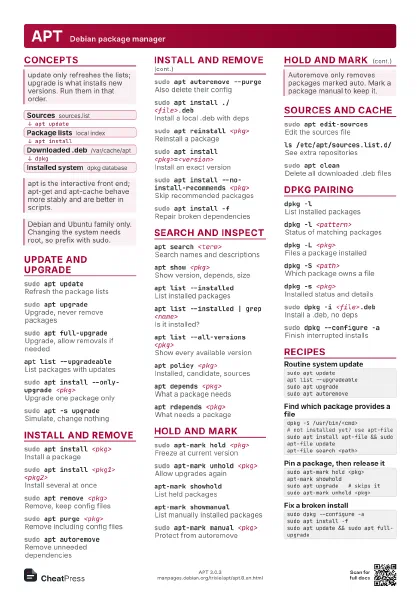
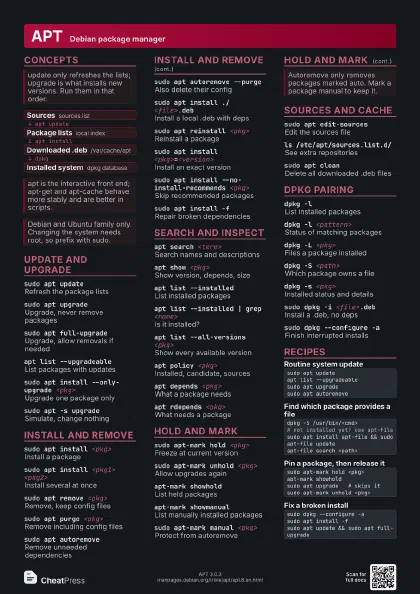
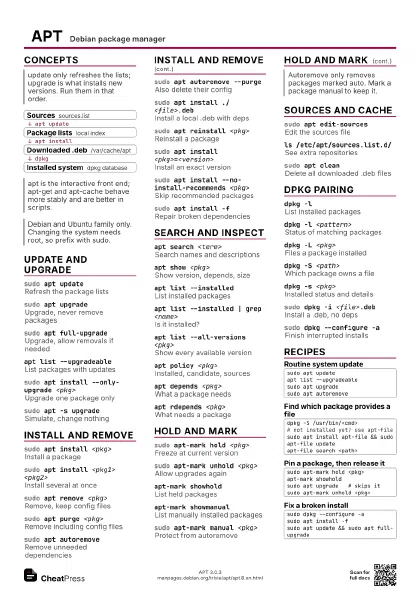
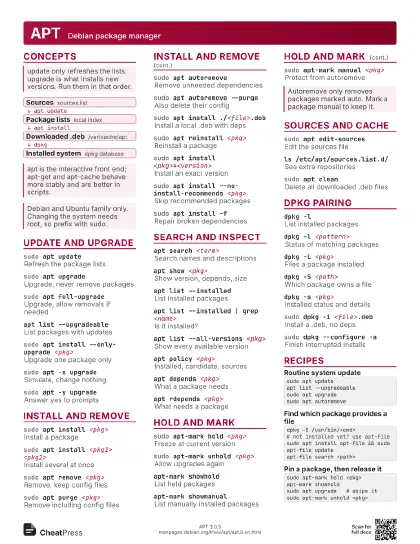
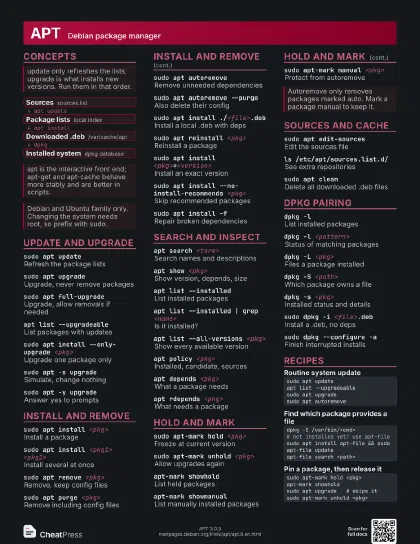
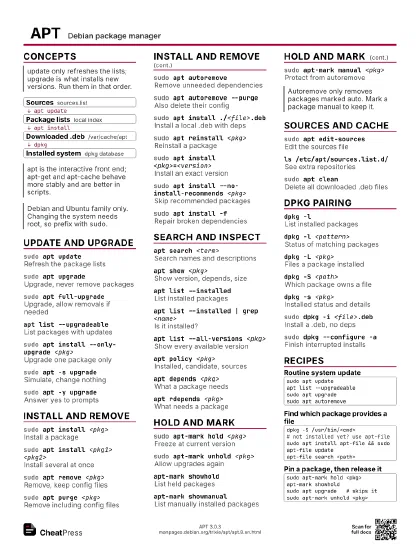
Concepts
- Sources sources.list
- Package lists local index
- Downloaded .deb /var/cache/apt
- Installed system dpkg database
Update and upgrade
sudo apt updateRefresh the package lists
sudo apt upgrade
Upgrade, never remove packages
sudo apt full-upgrade
Upgrade, allow removals if needed
Use it when upgrade holds packages back; read the removal list
first.
apt list --upgradeable
List packages with updates
sudo apt install --only-upgrade <pkg>
Upgrade one package only
sudo apt -s upgrade
Simulate, change nothing
sudo apt -y upgrade
Answer yes to prompts
sudo apt-get dist-upgrade
Script-friendly full-upgrade
Install and remove
sudo apt install <pkg>
Install a package
sudo apt install <pkg1> <pkg2>
Install several at once
sudo apt remove <pkg>
Remove, keep config files
sudo apt purge <pkg>
Remove including config files
sudo apt autoremove
Remove unneeded dependencies
sudo apt autoremove --purge
Also delete their config
sudo apt install ./<file>.deb
Install a local .deb with deps
sudo apt reinstall <pkg>
Reinstall a package
sudo apt install <pkg>=<version>
Install an exact version
sudo apt install -t <release> <pkg>
Install from another release
sudo apt install --no-install-recommends <pkg>
Skip recommended packages
sudo apt install -f
Repair broken dependencies
sudo apt build-dep <pkg>
Install build dependencies
sudo apt satisfy "<dep-string>"
Install from a dependency string
Search and inspect
apt search <term>
Search names and descriptions
apt show <pkg>
Show version, depends, size
apt list --installed
List installed packages
apt list --installed | grep <name>
Is it installed?
apt list --all-versions <pkg>
Show every available version
apt policy <pkg>
Installed, candidate, sources
apt depends <pkg>
What a package needs
apt rdepends <pkg>
What needs a package
apt-cache pkgnames <prefix>
Complete package names
apt changelog <pkg>
Show the package changelog
apt download <pkg>
Fetch the .deb without installing
Hold and mark
sudo apt-mark hold <pkg>
Freeze at current version
sudo apt-mark unhold <pkg>
Allow upgrades again
apt-mark showhold
List held packages
apt-mark showmanual
List manually installed packages
sudo apt-mark manual <pkg>
Protect from autoremove
sudo apt-mark auto <pkg>
Let autoremove take it
apt-mark showauto
List auto-installed packages
Sources and cache
sudo apt edit-sources
Edit the sources file
sudo apt modernize-sources
Convert .list to .sources
ls /etc/apt/sources.list.d/
See extra repositories
sudo apt cleanDelete all downloaded .deb files
sudo apt-get autoclean
Delete obsolete downloads only
du -sh /var/cache/apt/archives
Size of the download cache
apt -o Dir::Cache=<dir> update
Override a config option
apt-get checkVerify no broken dependencies
dpkg pairing
dpkg -lList installed packages
dpkg -l <pattern>
Status of matching packages
dpkg -L <pkg>
Files a package installed
dpkg -S <path>
Which package owns a file
dpkg -s <pkg>
Installed status and details
sudo dpkg -i <file>.deb
Install a .deb, no deps
Does not fetch dependencies; follow with apt install -f if it
fails.
sudo dpkg --configure -a
Finish interrupted installs
dpkg --get-selections
Dump package selections
dpkg --print-architecture
Show native architecture
sudo dpkg --add-architecture <arch>
Enable a foreign architecture
Recipes
sudo apt updateapt list --upgradeablesudo apt upgradesudo apt autoremovedpkg -S /usr/bin/<cmd># not installed yet? use apt-filesudo apt install apt-file && sudo apt-file updateapt-file search <path>sudo apt-mark hold <pkg>apt-mark showholdsudo apt upgrade # skips itsudo apt-mark unhold <pkg>sudo dpkg --configure -asudo apt install -fsudo apt update && sudo apt full-upgrade