Cheat
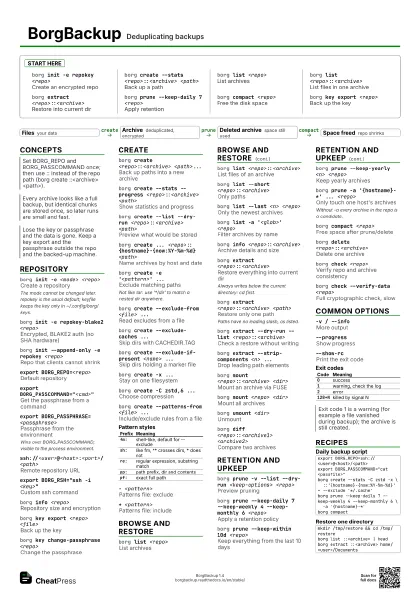
BorgBackup Deduplicating backups
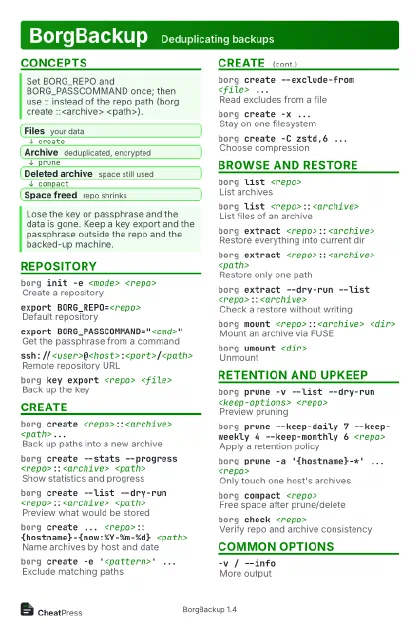 Light · Postcard
102 × 152 mm · PDF
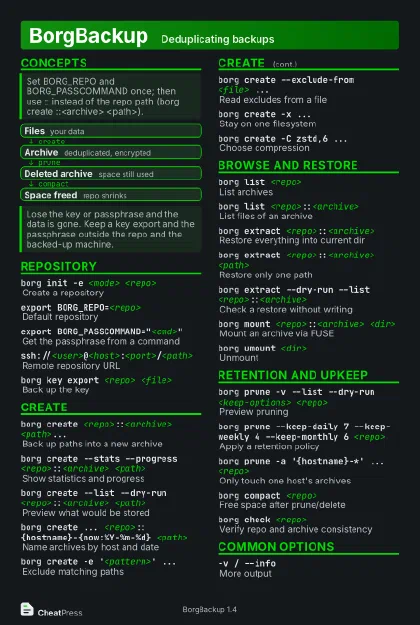 Dark · Postcard
102 × 152 mm · PDF
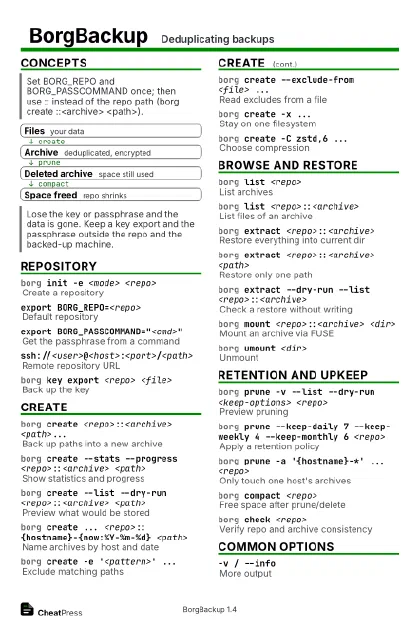 Ink saver · Postcard
102 × 152 mm · PDF
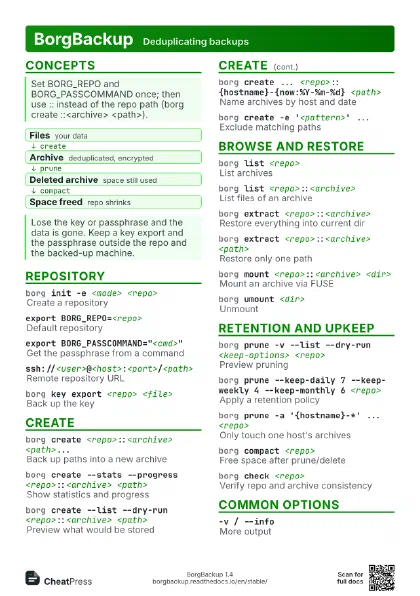
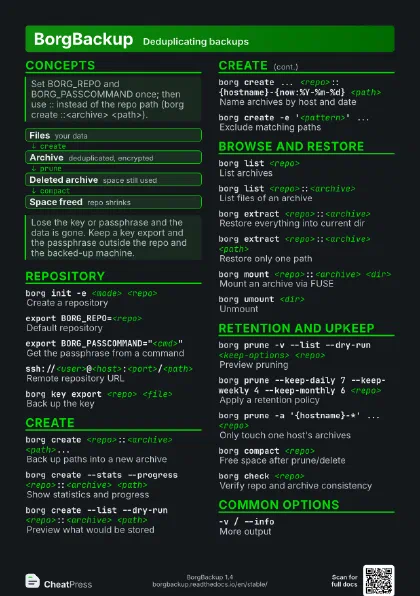
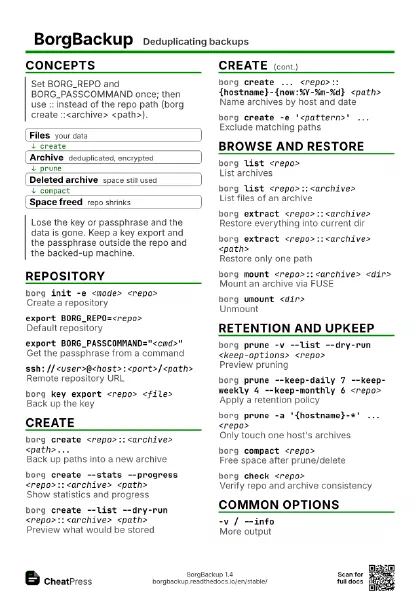
 Light · A4 landscape
297 × 210 mm · PDF
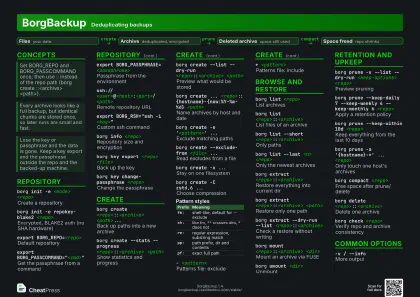 Dark · A4 landscape
297 × 210 mm · PDF
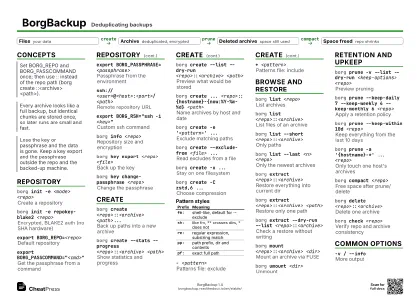 Ink saver · A4 landscape
297 × 210 mm · PDF
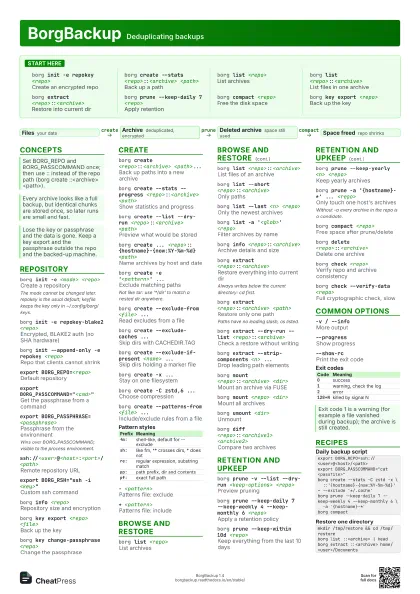
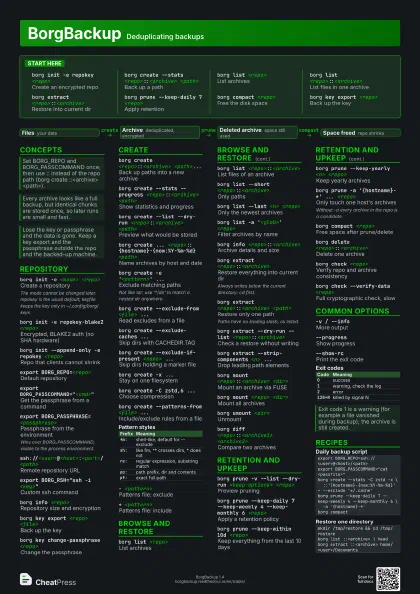
 Light · A3 landscape
420 × 297 mm · PDF
 Dark · A3 landscape
420 × 297 mm · PDF
 Ink saver · A3 landscape
420 × 297 mm · PDF
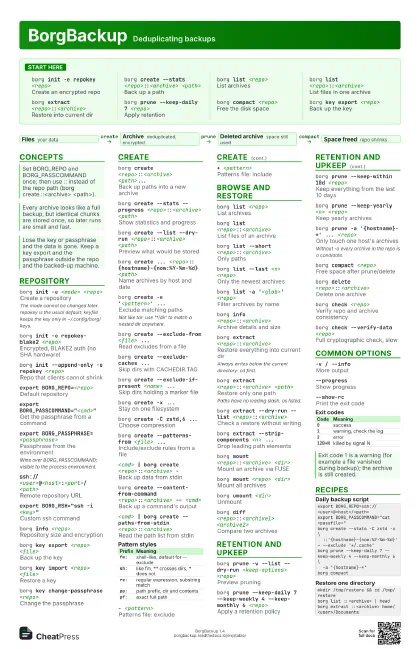
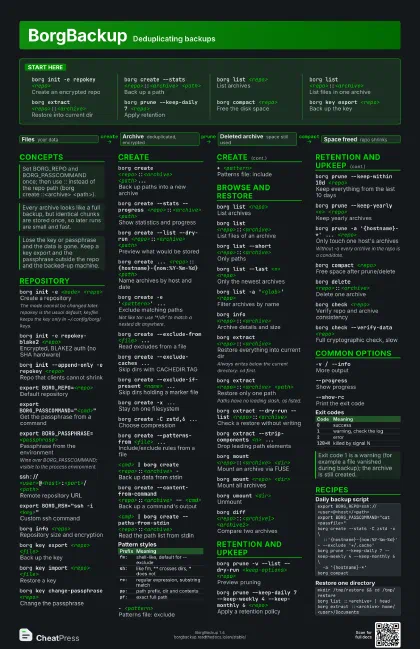
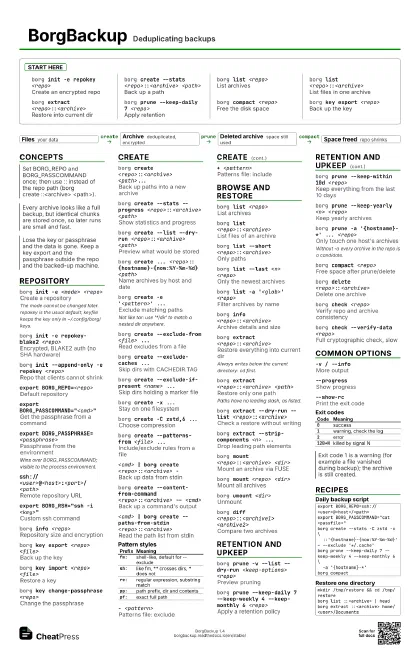
Start here
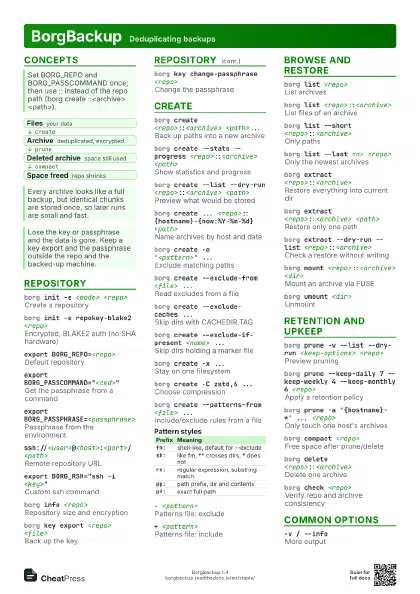
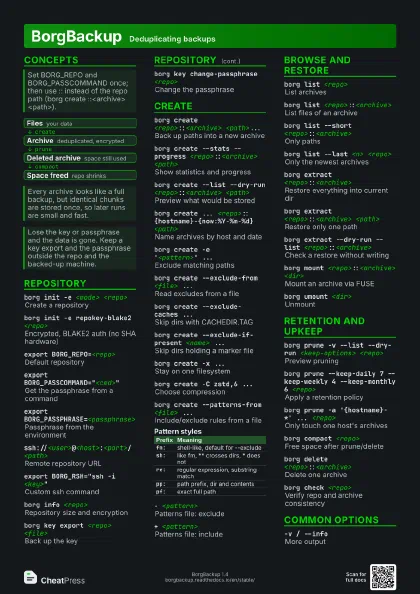
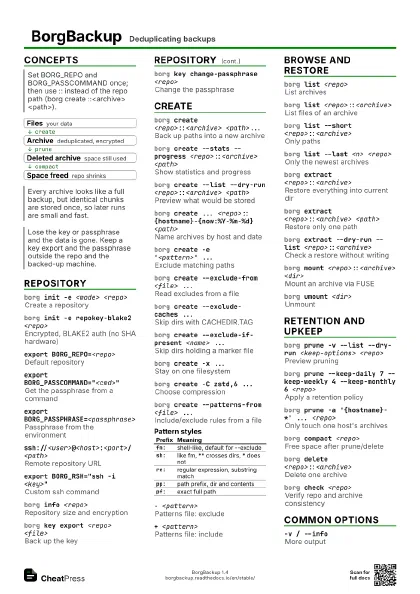
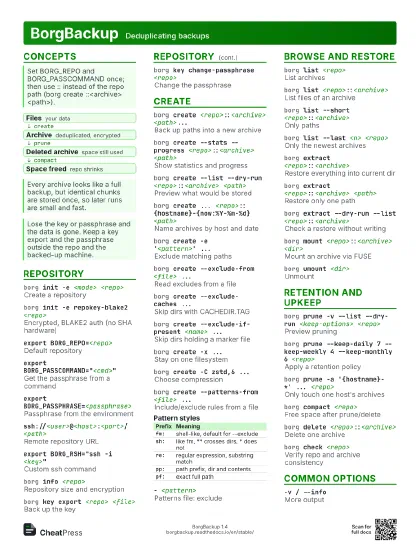
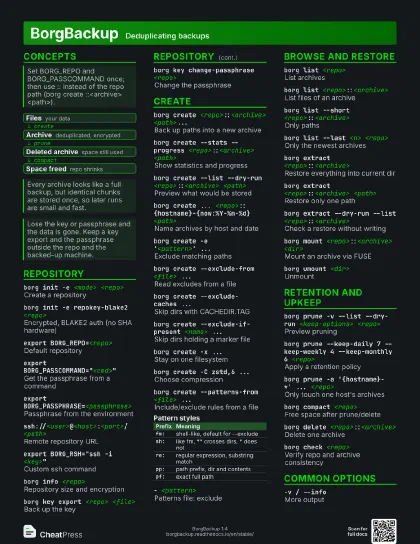
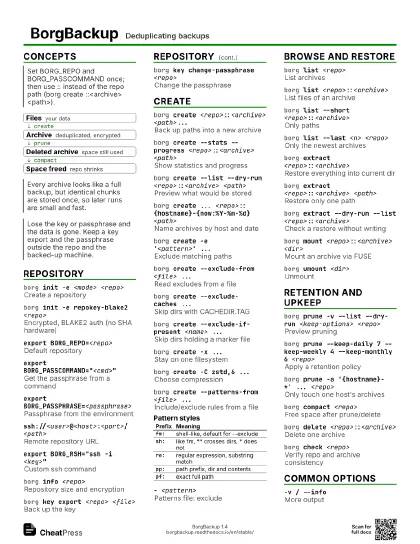
borg init -e repokey <repo>
Create an encrypted repo
borg create --stats <repo>::<archive>
                    <path>
Back up a path
borg list <repo>
List archives
borg list <repo>::<archive>
List files in one archive
borg extract <repo>::<archive>
Restore into current dir
borg prune --keep-daily 7 <repo>
Apply retention
borg compact <repo>
Free the disk space
borg key export <repo>
Back up the key
Concepts
- Files your data
- Archive deduplicated, encrypted
- Deleted archive space still used
- Space freed repo shrinks
Repository
borg init -e <mode> <repo>
Create a repository
The mode cannot be changed later. repokey is the usual
default; keyfile keeps the key only in ~/.config/borg/keys.
borg init -e repokey-blake2 <repo>
Encrypted, BLAKE2 auth (no SHA hardware)
borg init --append-only -e repokey <repo>
Repo that clients cannot shrink
export BORG_REPO=<repo>
Default repository
export BORG_PASSCOMMAND="<cmd>"
Get the passphrase from a command
export BORG_PASSPHRASE=<passphrase>
Passphrase from the environment
Wins over BORG_PASSCOMMAND; visible to the process
environment.
ssh://<user>@<host>:<port>/<path>
Remote repository URL
export BORG_RSH="ssh -i <key>"
Custom ssh command
borg info <repo>
Repository size and encryption
borg key export <repo> <file>
Back up the key
borg key import <repo> <file>
Restore a key
borg key change-passphrase <repo>
Change the passphrase
Create
borg create <repo>::<archive>
                    <path>...
Back up paths into a new archive
borg create --stats --progress
                    <repo>::<archive> <path>
Show statistics and progress
borg create --list --dry-run <repo>::<archive>
                    <path>
Preview what would be stored
borg create ... <repo>::{hostname}-{now:%Y-%m-%d}
                    <path>
Name archives by host and date
borg create -e '<pattern>' ...
Exclude matching paths
Not like tar: use '*/dir' to match a nested dir
anywhere.
borg create --exclude-from <file> ...
Read excludes from a file
borg create --exclude-caches ...
Skip dirs with CACHEDIR.TAG
borg create --exclude-if-present <name> ...
Skip dirs holding a marker file
borg create -x ...
Stay on one filesystem
borg create -C zstd,6 ...
Choose compression
borg create --patterns-from <file> ...
Include/exclude rules from a file
<cmd> | borg create <repo>::<archive>
                    -
Back up data from stdin
borg create --content-from-command
                    <repo>::<archive> -- <cmd>
Back up a command's output
<cmd> | borg create --paths-from-stdin
                    <repo>::<archive>
Read the path list from stdin
| Prefix | Meaning |
|---|---|
fm: |
shell-like, default for --exclude |
sh: |
like fm, ** crosses dirs, * does not |
re: |
regular expression, substring match |
pp: |
path prefix, dir and contents |
pf: |
exact full path |
- <pattern>
Patterns file: exclude
+ <pattern>
Patterns file: include
R <path>Patterns file: root to back up
Browse and restore
borg list <repo>
List archives
borg list <repo>::<archive>
List files of an archive
borg list --short <repo>::<archive>
Only paths
borg list --last <n> <repo>
Only the newest archives
borg list -a '<glob>' <repo>
Filter archives by name
borg info <repo>::<archive>
Archive details and size
borg extract <repo>::<archive>
Restore everything into current dir
Always writes below the current directory: cd first.
borg extract <repo>::<archive>
                    <path>
Restore only one path
Paths have no leading slash, as listed.
borg extract --dry-run --list
                    <repo>::<archive>
Check a restore without writing
borg extract --strip-components <n> ...
Drop leading path elements
borg extract --stdout <repo>::<archive>
                    <path>
Write file data to stdout
borg mount <repo>::<archive> <dir>
Mount an archive via FUSE
borg mount <repo> <dir>
Mount all archives
borg umount <dir>
Unmount
borg diff <repo>::<archive1>
                    <archive2>
Compare two archives
Retention and upkeep
borg prune -v --list --dry-run <keep-options>
                    <repo>
Preview pruning
borg prune --keep-daily 7 --keep-weekly 4 --keep-monthly 6
                    <repo>
Apply a retention policy
borg prune --keep-within 10d <repo>
Keep everything from the last 10 days
borg prune --keep-yearly <n> <repo>
Keep yearly archives
borg prune -a '{hostname}-*' ... <repo>
Only touch one host's archives
Without -a every archive in the repo is a candidate.
borg compact <repo>
Free space after prune/delete
borg delete <repo>::<archive>
Delete one archive
borg delete <repo>
Delete the whole repository
borg check <repo>
Verify repo and archive consistency
borg check --verify-data <repo>
Full cryptographic check, slow
borg check --repair <repo>
Try to fix damage
Potentially destructive; copy the repo first.
borg break-lock <repo>
Remove a stale lock
Common options
-v / --infoMore output
--progressShow progress
--show-rcPrint the exit code
| Code | Meaning |
|---|---|
0 |
success |
1 |
warning, check the log |
2 |
error |
128+N |
killed by signal N |
Recipes
export BORG_REPO=ssh://<user>@<host>/<path>export BORG_PASSCOMMAND="cat <passfile>"borg create --stats -C zstd -x \ ::'{hostname}-{now:%Y-%m-%d}' ~ --exclude '*/.cache'borg prune --keep-daily 7 --keep-weekly 4 --keep-monthly 6 \ -a '{hostname}-*'borg compactmkdir /tmp/restore && cd /tmp/restoreborg list ::<archive> | headborg extract ::<archive> home/<user>/Documentsmkdir /tmp/mntborg mount ::<archive> /tmp/mntcp /tmp/mnt/<path> .borg umount /tmp/mnt