Cheat
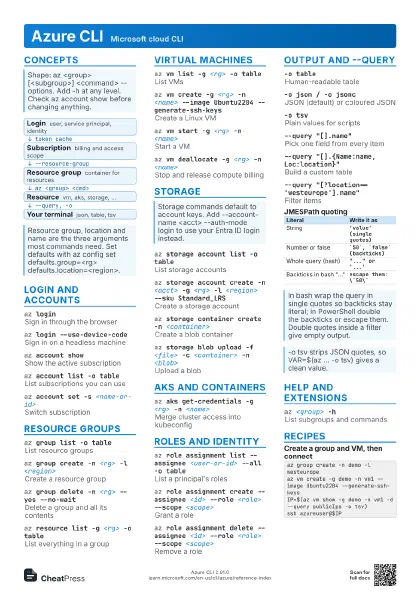
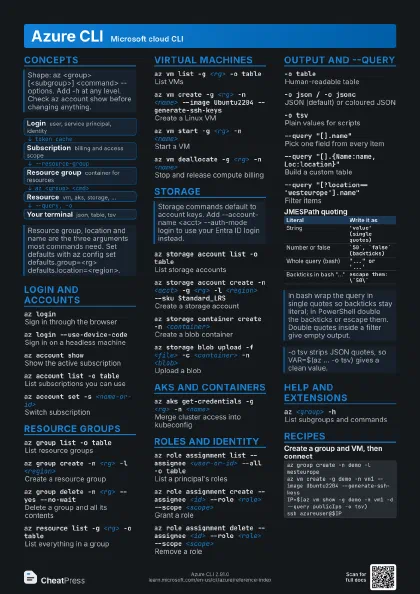
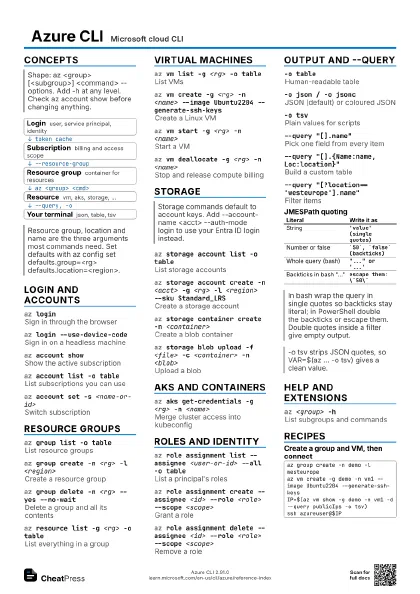
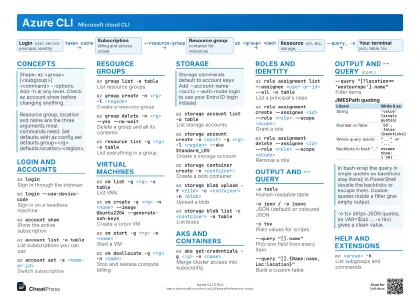
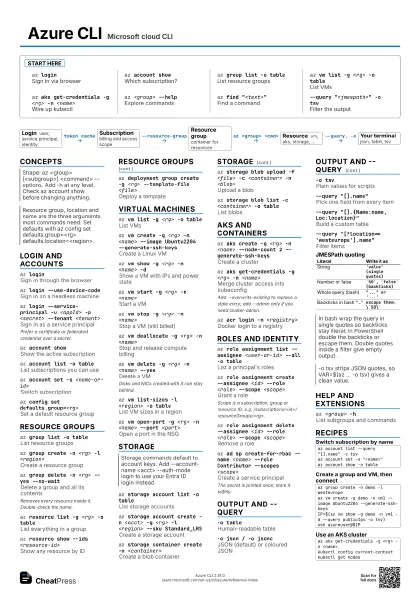
Azure CLI Microsoft cloud CLI
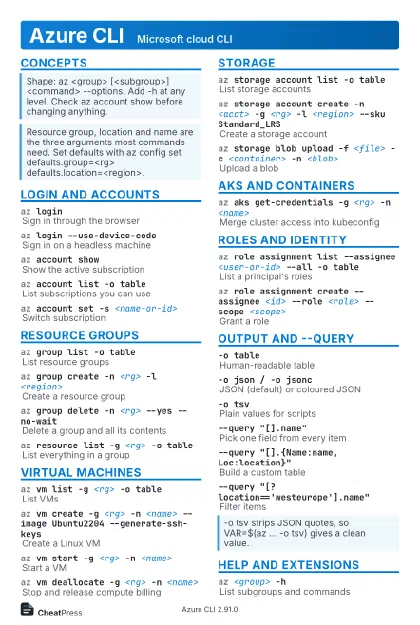 Light · Postcard
102 × 152 mm · PDF
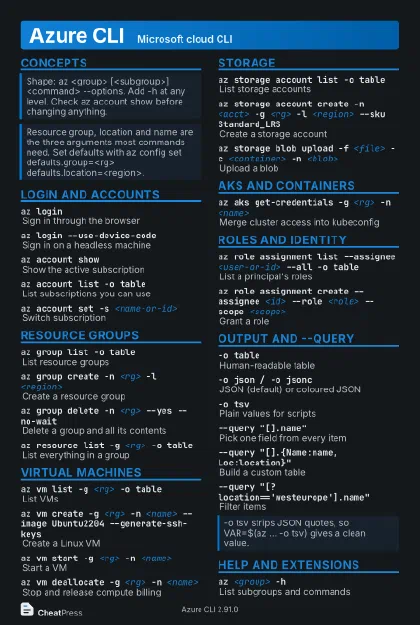 Dark · Postcard
102 × 152 mm · PDF
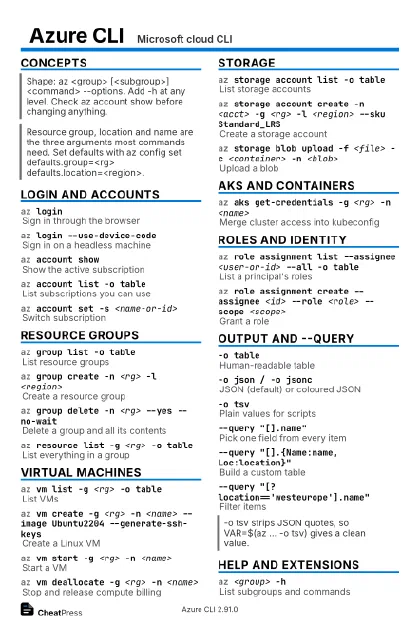 Ink saver · Postcard
102 × 152 mm · PDF
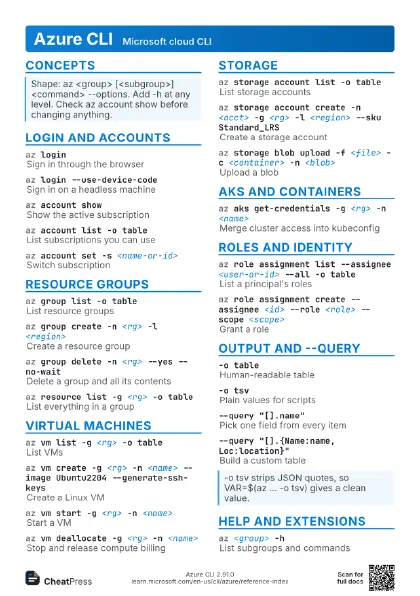
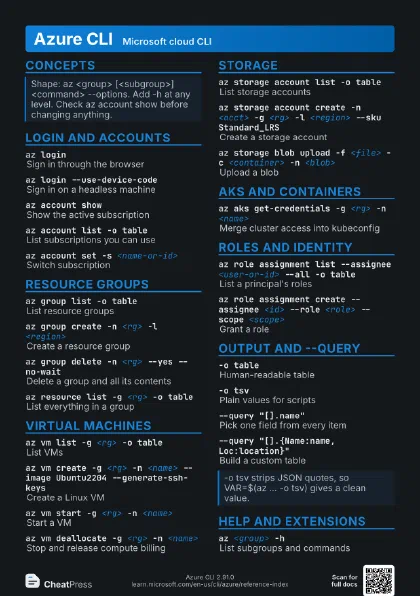
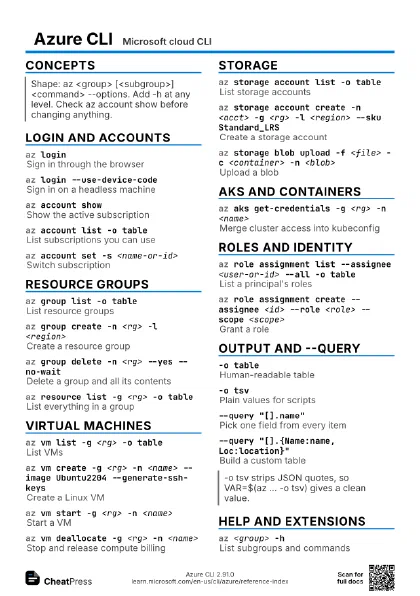
 Light · A4 landscape
297 × 210 mm · PDF
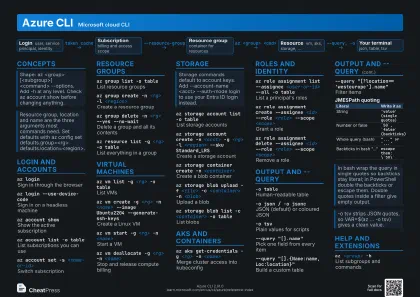 Dark · A4 landscape
297 × 210 mm · PDF
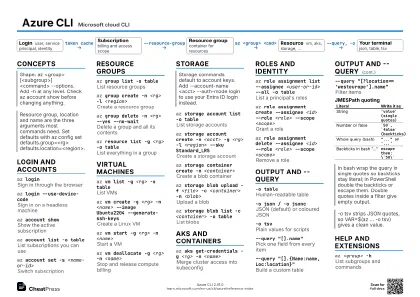 Ink saver · A4 landscape
297 × 210 mm · PDF
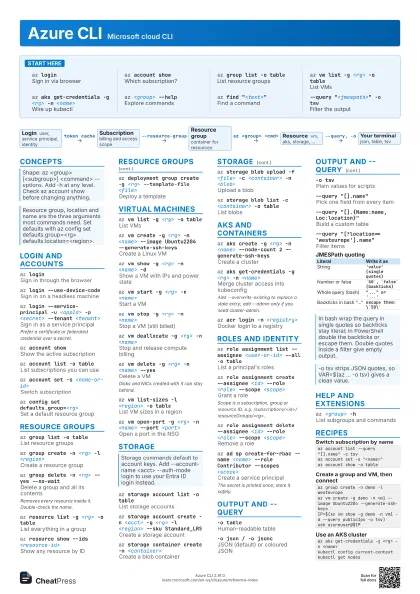
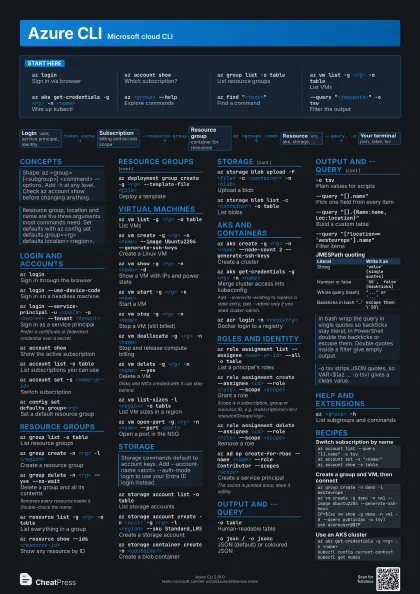
 Light · A3 landscape
420 × 297 mm · PDF
 Dark · A3 landscape
420 × 297 mm · PDF
 Ink saver · A3 landscape
420 × 297 mm · PDF
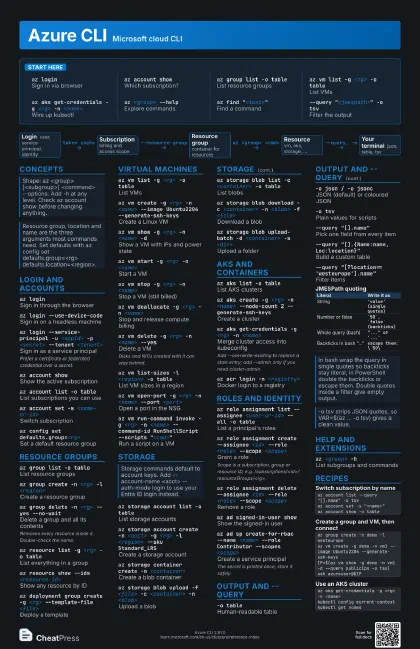
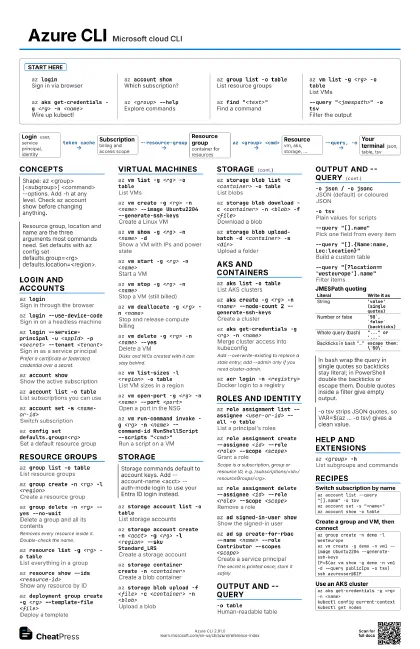
Start here
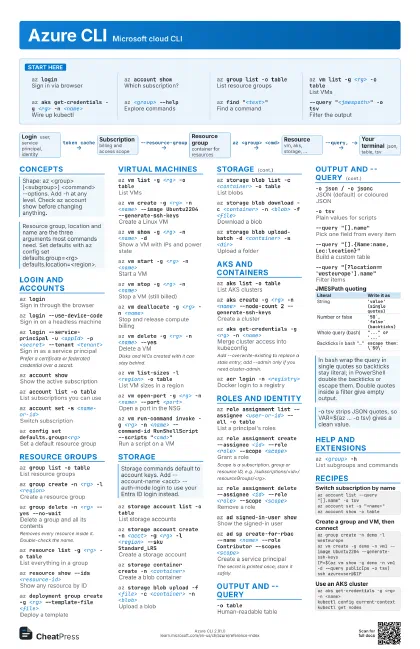
az loginSign in via browser
az account showWhich subscription?
az group list -o table
List resource groups
az vm list -g <rg> -o table
List VMs
az aks get-credentials -g <rg> -n <name>
Wire up kubectl
az <group> --help
Explore commands
az find "<text>"
Find a command
--query "<jmespath>" -o tsv
Filter the output
Concepts
- Login user, service principal, identity
- Subscription billing and access scope
- Resource group container for resources
- Resource vm, aks, storage, ...
- Your terminal json, table, tsv
Login and accounts
az loginSign in through the browser
az login --use-device-code
Sign in on a headless machine
az login --service-principal -u <appId> -p
                    <secret> --tenant <tenant>
Sign in as a service principal
Prefer a certificate or federated credential over a secret.
az account showShow the active subscription
az account list -o table
List subscriptions you can use
az account set -s <name-or-id>
Switch subscription
az logoutSign out
az config set defaults.group=<rg>
Set a default resource group
Resource groups
az group list -o table
List resource groups
az group create -n <rg> -l <region>
Create a resource group
az group show -n <rg>
Show one group
az group delete -n <rg> --yes --no-wait
Delete a group and all its contents
Removes every resource inside it. Double-check the name.
az resource list -g <rg> -o table
List everything in a group
az resource show --ids <resource-id>
Show any resource by ID
az tag update --resource-id <id> --operation merge
                    --tags env=dev
Merge tags onto a resource
az deployment group create -g <rg> --template-file
                    <file>
Deploy a template
Virtual machines
az vm list -g <rg> -o table
List VMs
az vm create -g <rg> -n <name> --image
                    Ubuntu2204 --generate-ssh-keys
Create a Linux VM
az vm show -g <rg> -n <name> -d
Show a VM with IPs and power state
az vm start -g <rg> -n <name>
Start a VM
az vm stop -g <rg> -n <name>
Stop a VM (still billed)
az vm deallocate -g <rg> -n <name>
Stop and release compute billing
az vm restart -g <rg> -n <name>
Reboot a VM
az vm delete -g <rg> -n <name> --yes
Delete a VM
Disks and NICs created with it can stay behind.
az vm list-sizes -l <region> -o table
List VM sizes in a region
az vm open-port -g <rg> -n <name> --port
                    <port>
Open a port in the NSG
az vm run-command invoke -g <rg> -n <name>
                    --command-id RunShellScript --scripts
                    "<cmd>"
Run a script on a VM
az ssh vm -g <rg> -n <name>
SSH with Entra ID auth
Needs the ssh extension and the AAD login extension on the VM.
Storage
az storage account list -o table
List storage accounts
az storage account create -n <acct> -g <rg> -l
                    <region> --sku Standard_LRS
Create a storage account
az storage container create -n <container>
Create a blob container
az storage blob upload -f <file> -c <container>
                    -n <blob>
Upload a blob
az storage blob list -c <container> -o table
List blobs
az storage blob download -c <container> -n
                    <blob> -f <file>
Download a blob
az storage blob upload-batch -d <container> -s
                    <dir>
Upload a folder
az storage blob generate-sas -c <container> -n
                    <blob> --permissions r --expiry <date> --as-user
                    --full-uri
Make a read-only SAS link
AKS and containers
az aks list -o table
List AKS clusters
az aks create -g <rg> -n <name> --node-count 2
                    --generate-ssh-keys
Create a cluster
az aks get-credentials -g <rg> -n <name>
Merge cluster access into kubeconfig
Add --overwrite-existing to replace a stale entry; add --admin
only if you need cluster-admin.
az aks show -g <rg> -n <name>
Show a cluster
az aks scale -g <rg> -n <name> --node-count
                    <n>
Resize the node pool
az aks get-upgrades -g <rg> -n <name> -o
                    table
See available upgrades
az aks upgrade -g <rg> -n <name>
                    --kubernetes-version <ver>
Upgrade the cluster
az acr login -n <registry>
Docker login to a registry
az aks update -g <rg> -n <name> --attach-acr
                    <registry>
Let the cluster pull from a registry
Roles and identity
az role assignment list --assignee <user-or-id> --all
                    -o table
List a principal's roles
az role assignment create --assignee <id> --role
                    <role> --scope <scope>
Grant a role
Scope is a subscription, group or resource ID, e.g.
/subscriptions/<id>/resourceGroups/<rg>.
az role assignment delete --assignee <id> --role
                    <role> --scope <scope>
Remove a role
az role definition list -o table
List built-in and custom roles
az ad signed-in-user show
Show the signed-in user
az ad sp create-for-rbac --name <name> --role
                    Contributor --scopes <scope>
Create a service principal
The secret is printed once; store it safely.
az ad user show --id <upn>
Look up a user
az keyvault secret show --vault-name <vault> -n
                    <name> --query value -o tsv
Read a Key Vault secret
Output and --query
-o tableHuman-readable table
-o json / -o jsonc
JSON (default) or coloured JSON
-o tsvPlain values for scripts
--query "[].name"
Pick one field from every item
--query "[].{Name:name, Loc:location}"
Build a custom table
--query
                    "[?location=='westeurope'].name"
Filter items
--query "sort_by([], &name)[0]"
Sort, then take the first
--query "[?contains(name,'dev')]"
Match part of a string
--output noneSuppress all output
--debugShow the underlying REST calls
| Literal | Write it as |
|---|---|
| String | 'value' (single quotes) |
| Number or false | `50`, `false` (backticks) |
| Whole query (bash) | "..." or '...' |
| Backticks in bash "..." | escape them: \`50\` |
Help and extensions
az <group> -h
List subgroups and commands
az find "<text>"
Search commands by keyword
az versionShow CLI and extension versions
az upgradeUpdate the CLI
az extension add -n <name>
Install an extension
az rest --method get --url <url>
Call an Azure REST API directly
Auth headers for the signed-in account are added for you.
Recipes
az account list --query "[].name" -o tsvaz account set -s "<name>"az account show -o tableaz group create -n demo -l westeuropeaz vm create -g demo -n vm1 --image Ubuntu2204 --generate-ssh-keysIP=$(az vm show -g demo -n vm1 -d --query publicIps -o tsv)ssh azureuser@$IPaz aks get-credentials -g <rg> -n <name>kubectl config current-contextkubectl get nodesaz group list --query "[?starts_with(name,'demo')].name" -o tsvaz group delete -n demo --yes --no-wait