Cheat
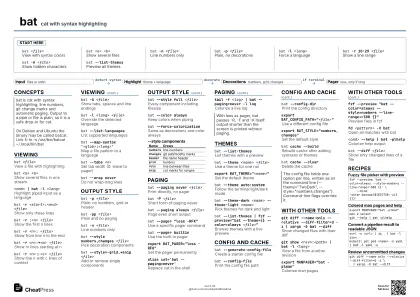
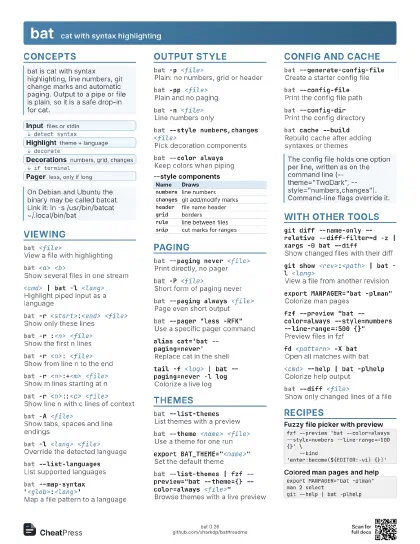
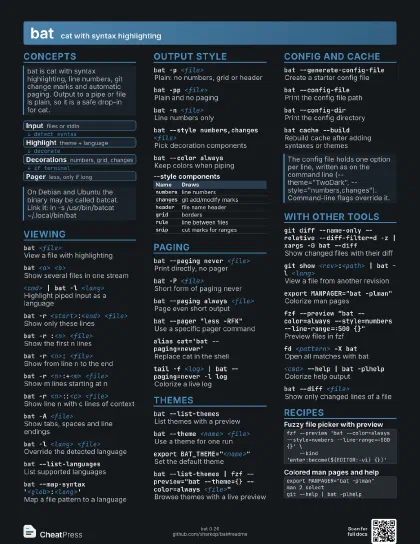
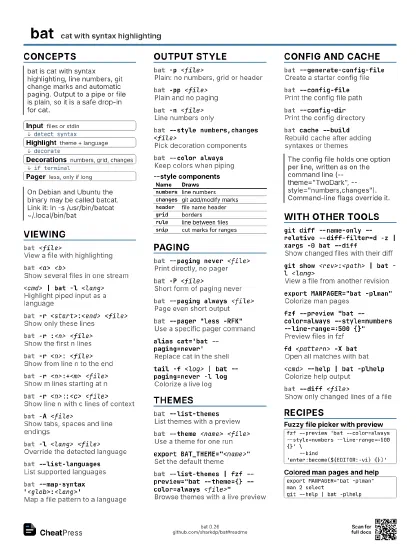
bat cat with syntax highlighting
 Light · Postcard
102 × 152 mm · PDF
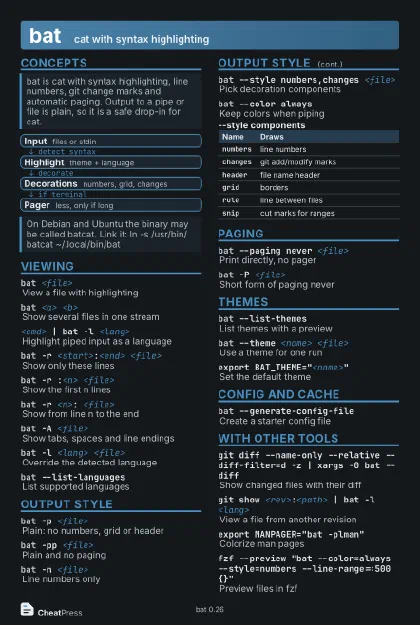 Dark · Postcard
102 × 152 mm · PDF
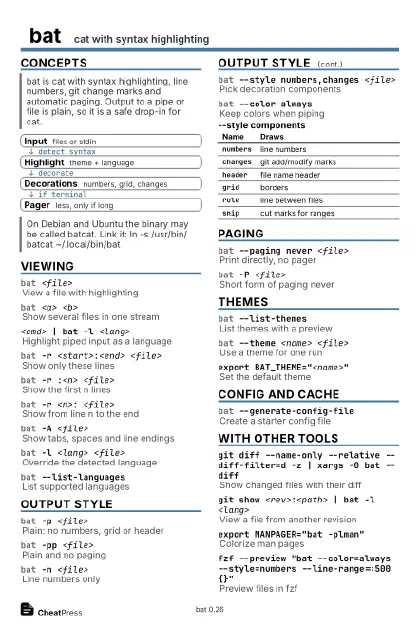 Ink saver · Postcard
102 × 152 mm · PDF
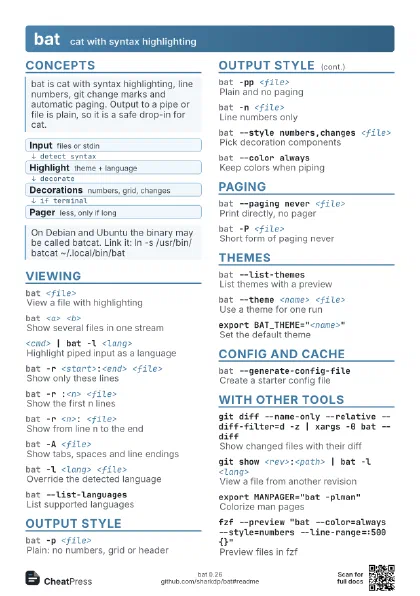
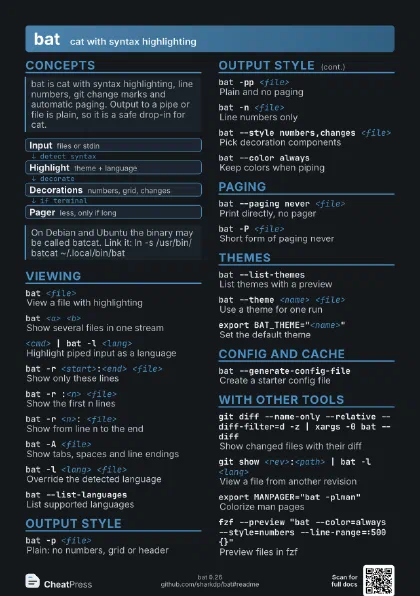
 Light · A4 landscape
297 × 210 mm · PDF
 Dark · A4 landscape
297 × 210 mm · PDF
 Ink saver · A4 landscape
297 × 210 mm · PDF
 Light · A3 landscape
420 × 297 mm · PDF
 Dark · A3 landscape
420 × 297 mm · PDF
 Ink saver · A3 landscape
420 × 297 mm · PDF
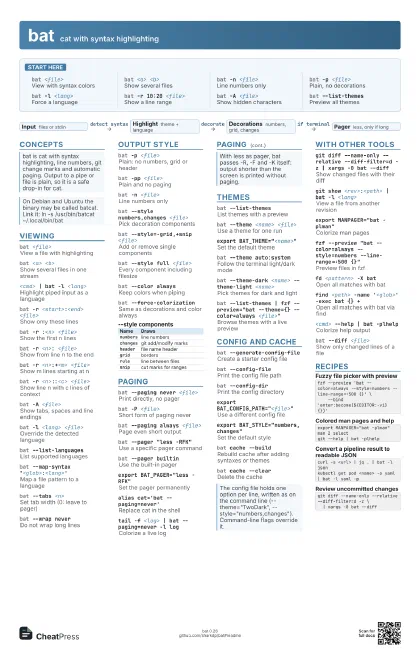
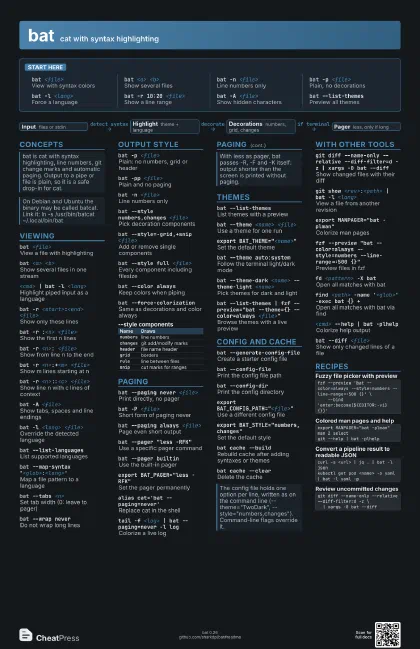
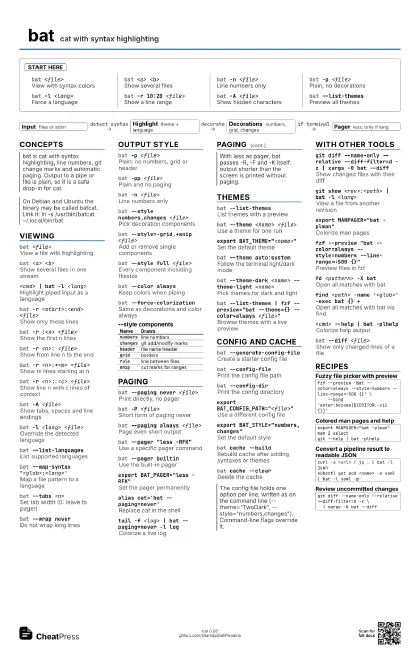
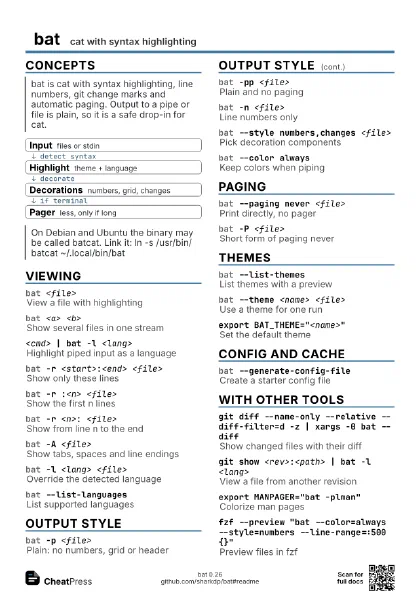
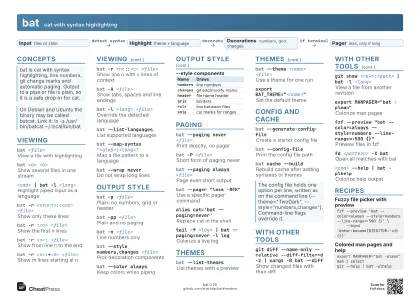
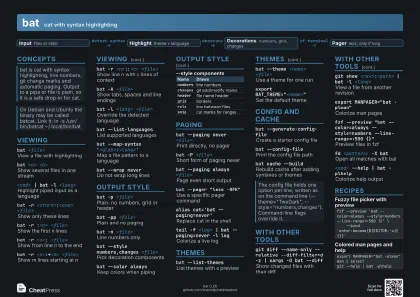
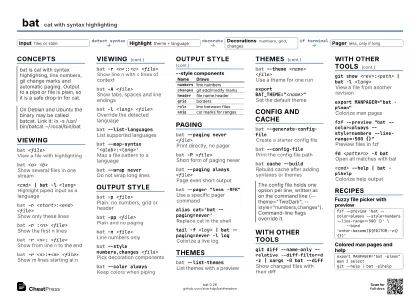
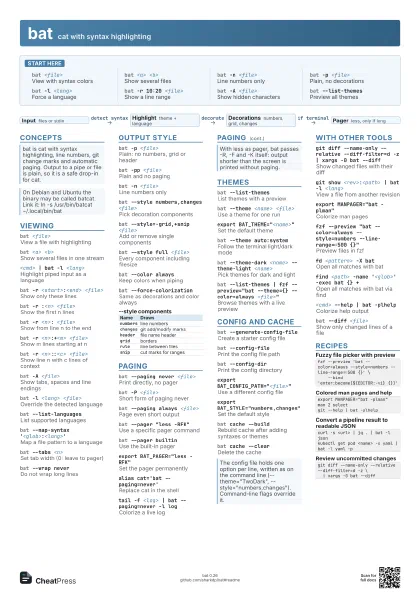
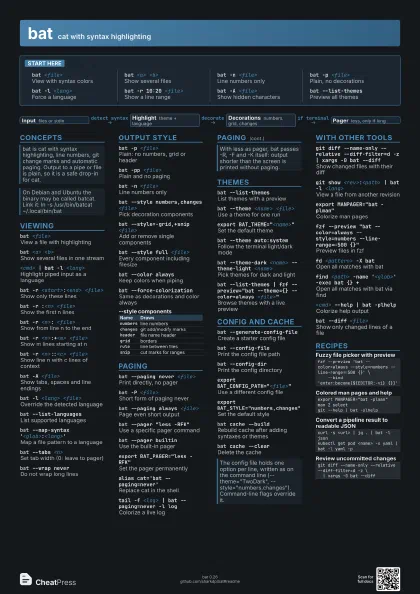
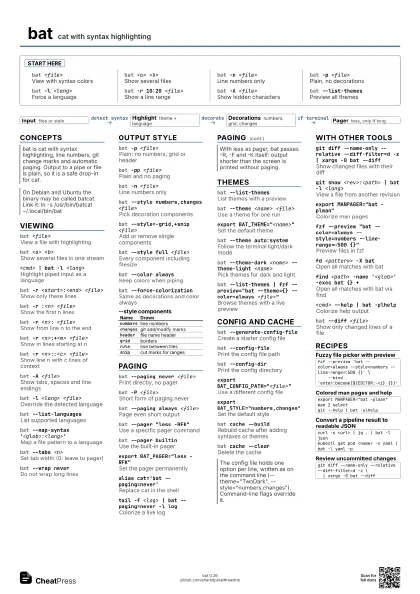
Start here
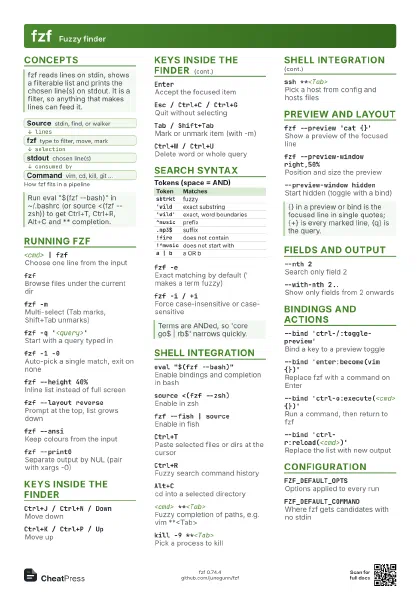
bat <file>
View with syntax colors
bat <a> <b>
Show several files
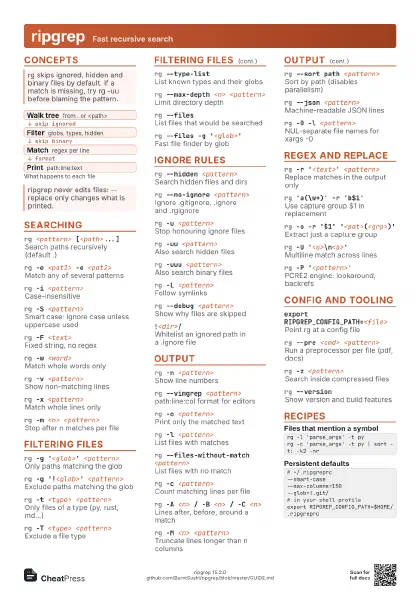
bat -n <file>
Line numbers only
bat -p <file>
Plain, no decorations
bat -l <lang>
Force a language
bat -r 10:20 <file>
Show a line range
bat -A <file>
Show hidden characters
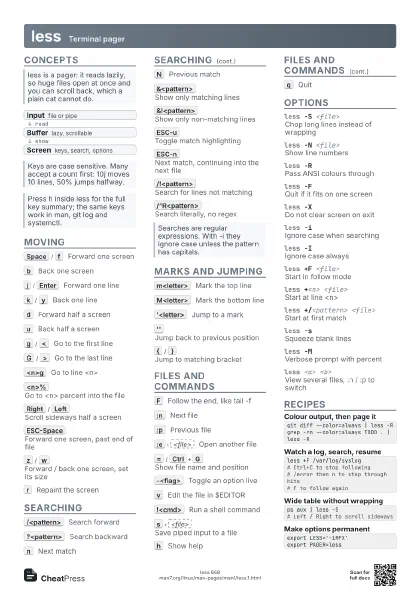
bat --list-themes
Preview all themes
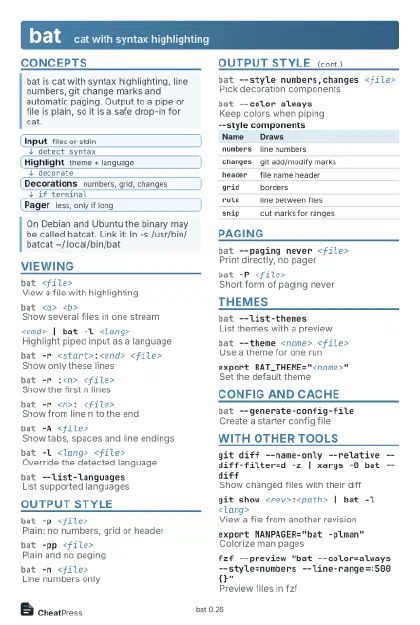
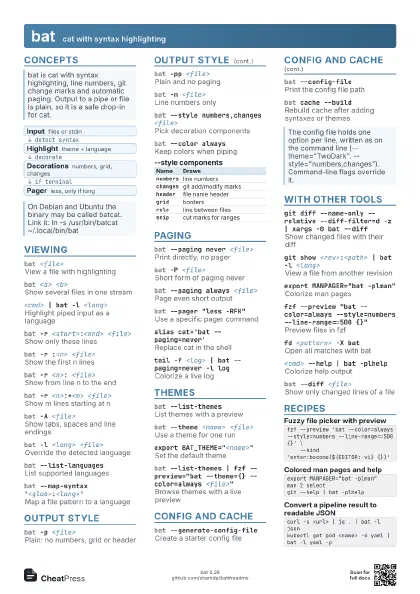
Concepts
- Input files or stdin
- Highlight theme + language
- Decorations numbers, grid, changes
- Pager less, only if long
Viewing
bat <file>
View a file with highlighting
bat <a> <b>
Show several files in one stream
<cmd> | bat -l <lang>
Highlight piped input as a language
bat -r <start>:<end> <file>
Show only these lines
bat -r :<n> <file>
Show the first n lines
bat -r <n>: <file>
Show from line n to the end
bat -r <n>:+<m> <file>
Show m lines starting at n
bat -r <n>::<c> <file>
Show line n with c lines of context
bat -A <file>
Show tabs, spaces and line endings
bat -l <lang> <file>
Override the detected language
bat --list-languages
List supported languages
bat --map-syntax '<glob>:<lang>'
Map a file pattern to a language
bat --tabs <n>
Set tab width (0: leave to pager)
bat --wrap never
Do not wrap long lines
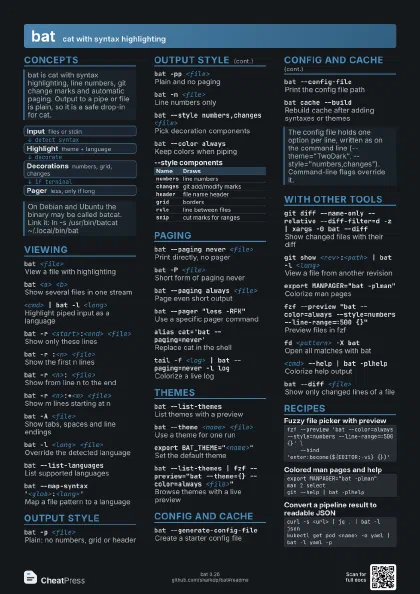
Output style
bat -p <file>
Plain: no numbers, grid or header
bat -pp <file>
Plain and no paging
bat -n <file>
Line numbers only
bat --style numbers,changes <file>
Pick decoration components
bat --style=-grid,+snip <file>
Add or remove single components
bat --style full <file>
Every component including filesize
bat --color always
Keep colors when piping
bat --force-colorization
Same as decorations and color always
| Name | Draws |
|---|---|
numbers |
line numbers |
changes |
git add/modify marks |
header |
file name header |
grid |
borders |
rule |
line between files |
snip |
cut marks for ranges |
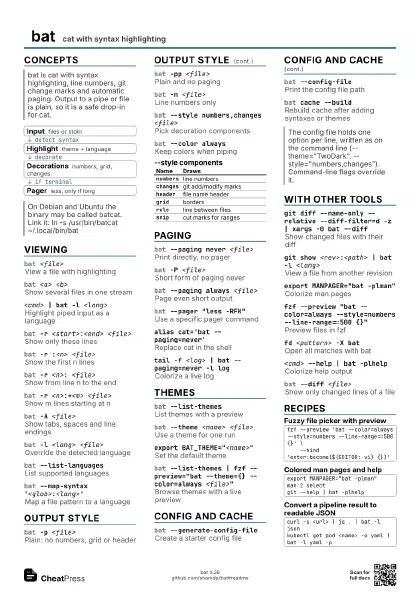
Paging
bat --paging never <file>
Print directly, no pager
bat -P <file>
Short form of paging never
bat --paging always <file>
Page even short output
bat --pager "less -RFK"
Use a specific pager command
bat --pager builtin
Use the built-in pager
export BAT_PAGER="less -RFK"
Set the pager permanently
alias cat='bat --paging=never'
Replace cat in the shell
tail -f <log> | bat --paging=never -l log
Colorize a live log
Themes
bat --list-themes
List themes with a preview
bat --theme <name> <file>
Use a theme for one run
export BAT_THEME="<name>"
Set the default theme
bat --theme auto:system
Follow the terminal light/dark mode
bat --theme-dark <name> --theme-light
                    <name>
Pick themes for dark and light
bat --list-themes | fzf --preview="bat --theme={}
                    --color=always <file>"
Browse themes with a live preview
Config and cache
bat --generate-config-file
Create a starter config file
bat --config-file
Print the config file path
bat --config-dir
Print the config directory
export BAT_CONFIG_PATH="<file>"
Use a different config file
export BAT_STYLE="numbers,changes"
Set the default style
bat cache --build
Rebuild cache after adding syntaxes or themes
bat cache --clear
Delete the cache
With other tools
git diff --name-only --relative --diff-filter=d -z | xargs
                    -0 bat --diff
Show changed files with their diff
git show <rev>:<path> | bat -l
                    <lang>
View a file from another revision
export MANPAGER="bat -plman"
Colorize man pages
fzf --preview "bat --color=always --style=numbers
                    --line-range=:500 {}"
Preview files in fzf
fd <pattern> -X bat
Open all matches with bat
find <path> -name '<glob>' -exec bat {}
                    +
Open all matches with bat via find
<cmd> --help | bat -plhelp
Colorize help output
bat --diff <file>
Show only changed lines of a file
Recipes
fzf --preview 'bat --color=always --style=numbers --line-range=:500 {}' \ --bind 'enter:become(${EDITOR:-vi} {})'export MANPAGER="bat -plman"man 2 selectgit --help | bat -plhelpcurl -s <url> | jq . | bat -l jsonkubectl get pod <name> -o yaml | bat -l yaml -pgit diff --name-only --relative --diff-filter=d -z \ | xargs -0 bat --diff