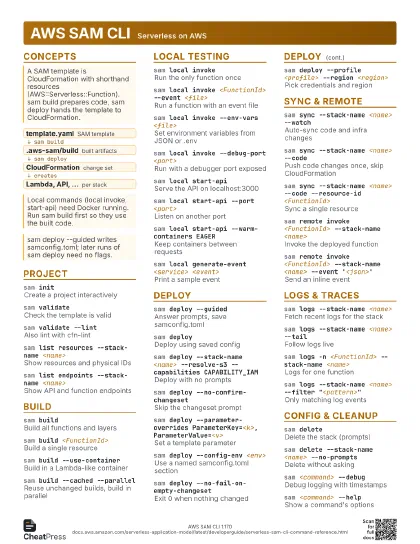
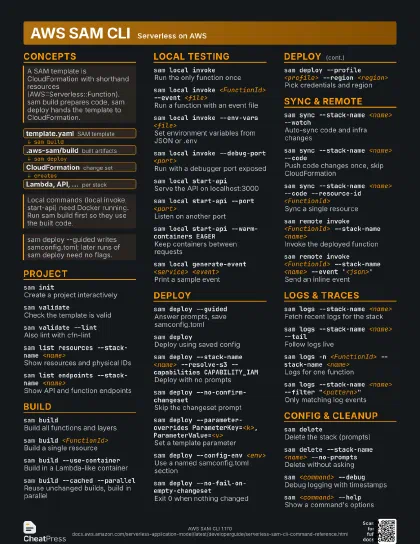
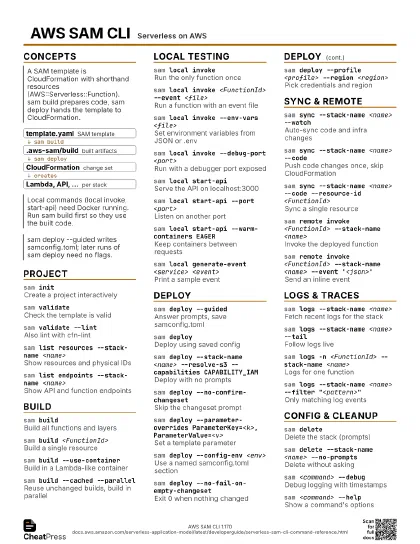
Cheat
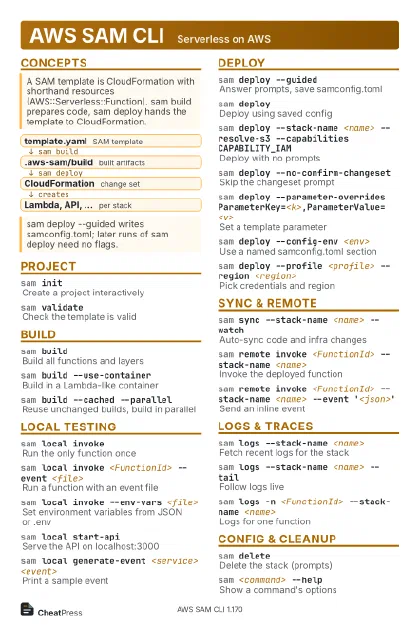
AWS SAM CLI Serverless on AWS
 Light · Postcard
102 × 152 mm · PDF
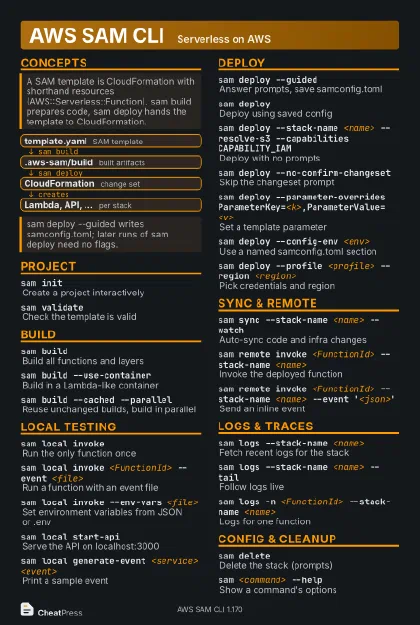 Dark · Postcard
102 × 152 mm · PDF
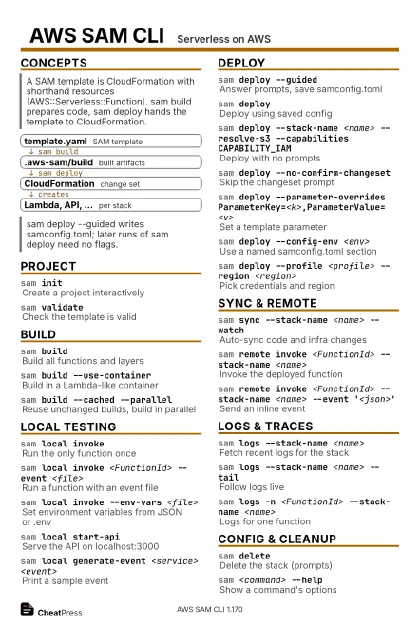 Ink saver · Postcard
102 × 152 mm · PDF
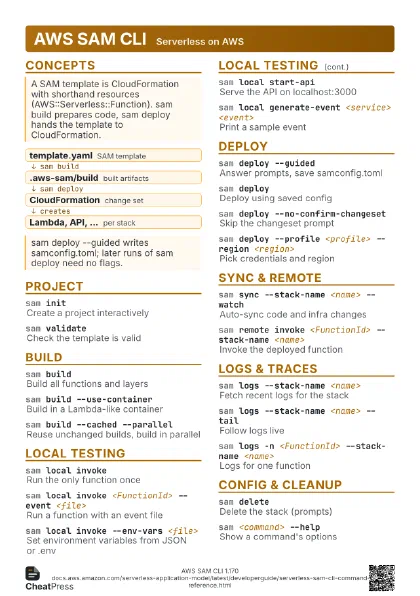
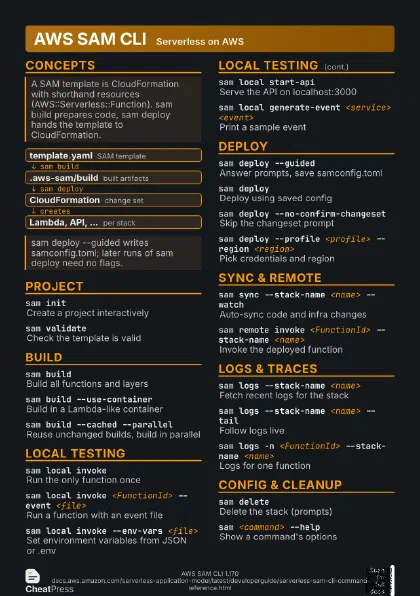
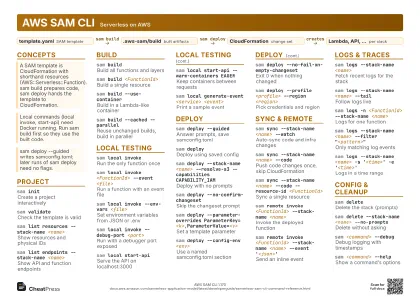 Light · A4 landscape
297 × 210 mm · PDF
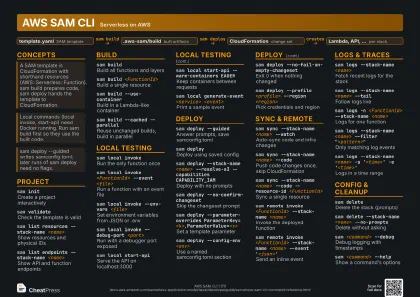 Dark · A4 landscape
297 × 210 mm · PDF
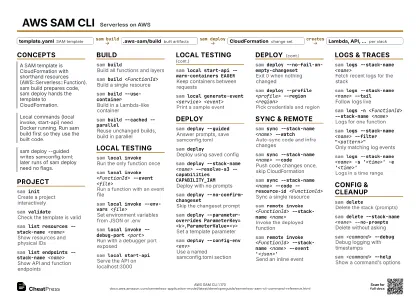 Ink saver · A4 landscape
297 × 210 mm · PDF
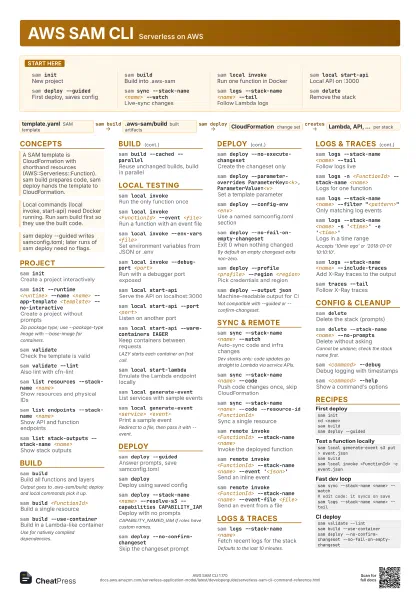
 Light · A3 landscape
420 × 297 mm · PDF
 Dark · A3 landscape
420 × 297 mm · PDF
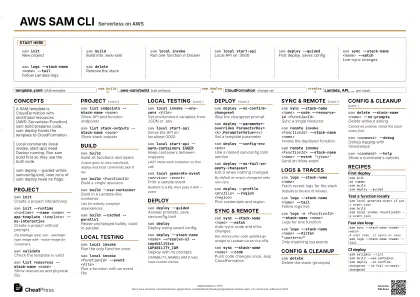 Ink saver · A3 landscape
420 × 297 mm · PDF
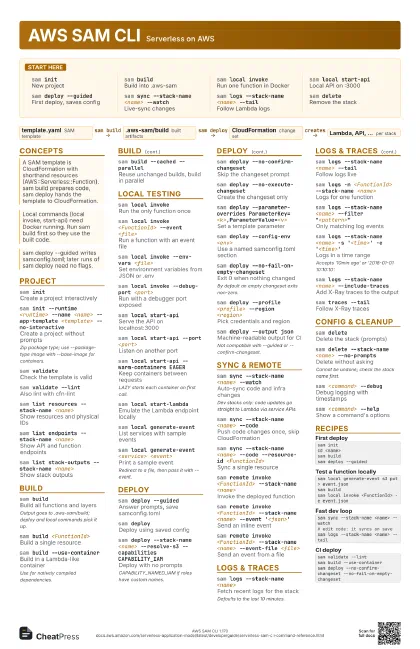
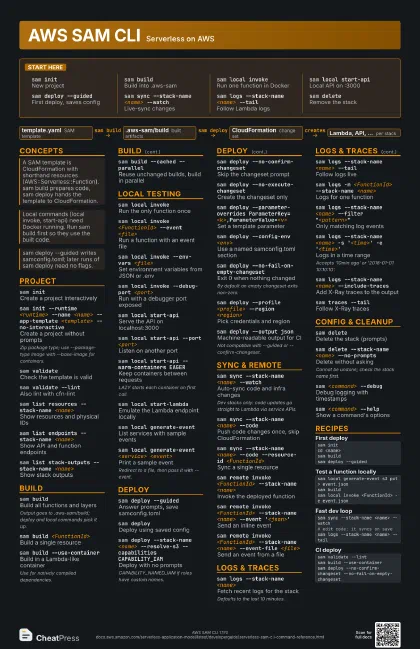
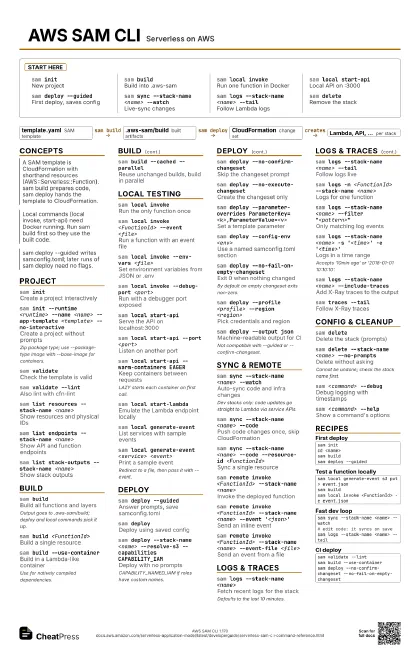
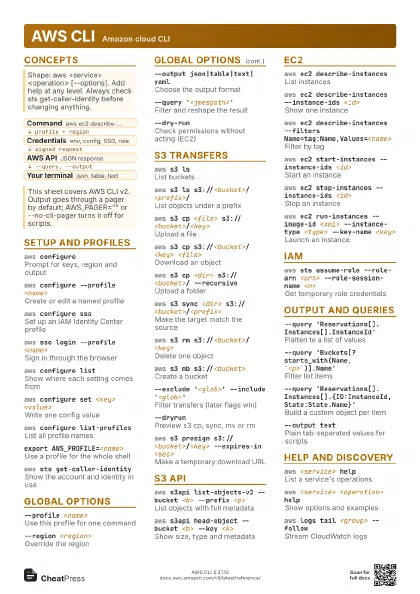
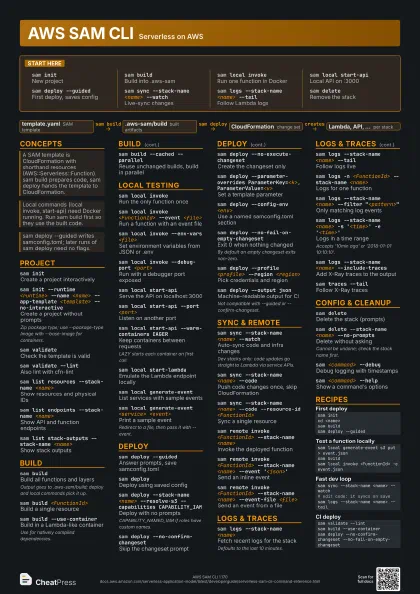
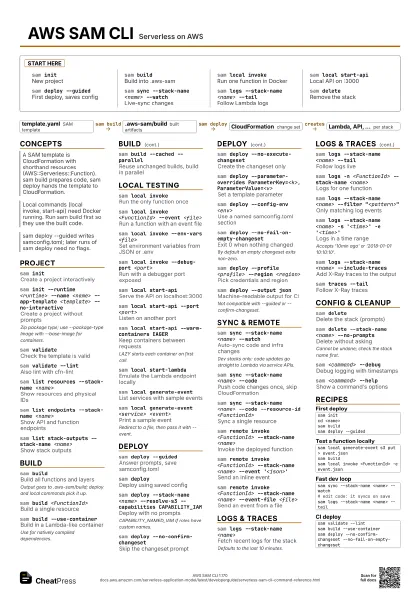
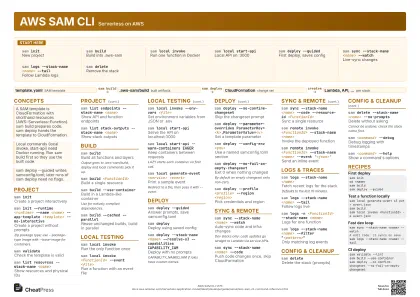
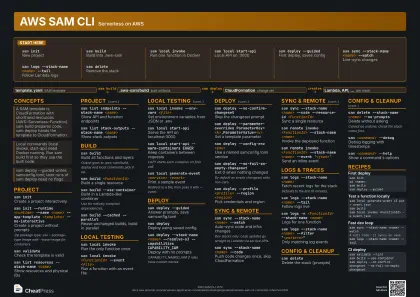
Start here
sam initNew project
sam buildBuild into .aws-sam
sam local invoke
Run one function in Docker
sam local start-api
Local API on :3000
sam deploy --guided
First deploy, saves config
sam sync --stack-name <name> --watch
Live-sync changes
sam logs --stack-name <name> --tail
Follow Lambda logs
sam deleteRemove the stack
Concepts
- template.yaml SAM template
- .aws-sam/build built artifacts
- CloudFormation change set
- Lambda, API, ... per stack
Project
sam initCreate a project interactively
sam init --runtime <runtime> --name <name>
                    --app-template <template> --no-interactive
Create a project without prompts
Zip package type; use --package-type Image with --base-image
for containers.
sam validateCheck the template is valid
sam validate --lint
Also lint with cfn-lint
sam list resources --stack-name <name>
Show resources and physical IDs
sam list endpoints --stack-name <name>
Show API and function endpoints
sam list stack-outputs --stack-name <name>
Show stack outputs
Build
sam buildBuild all functions and layers
Output goes to .aws-sam/build; deploy and local commands pick
it up.
sam build <FunctionId>
Build a single resource
sam build --use-container
Build in a Lambda-like container
Use for natively compiled dependencies.
sam build --cached --parallel
Reuse unchanged builds, build in parallel
Local Testing
sam local invoke
Run the only function once
sam local invoke <FunctionId> --event
                    <file>
Run a function with an event file
sam local invoke --env-vars <file>
Set environment variables from JSON or .env
sam local invoke --debug-port <port>
Run with a debugger port exposed
sam local start-api
Serve the API on localhost:3000
sam local start-api --port <port>
Listen on another port
sam local start-api --warm-containers EAGER
Keep containers between requests
LAZY starts each container on first call.
sam local start-lambda
Emulate the Lambda endpoint locally
sam local generate-event
List services with sample events
sam local generate-event <service>
                    <event>
Print a sample event
Redirect to a file, then pass it with --event.
Deploy
sam deploy --guided
Answer prompts, save samconfig.toml
sam deployDeploy using saved config
sam deploy --stack-name <name> --resolve-s3
                    --capabilities CAPABILITY_IAM
Deploy with no prompts
CAPABILITY_NAMED_IAM if roles have custom names.
sam deploy --no-confirm-changeset
Skip the changeset prompt
sam deploy --no-execute-changeset
Create the changeset only
sam deploy --parameter-overrides
                    ParameterKey=<k>,ParameterValue=<v>
Set a template parameter
sam deploy --config-env <env>
Use a named samconfig.toml section
sam deploy --no-fail-on-empty-changeset
Exit 0 when nothing changed
By default an empty changeset exits non-zero.
sam deploy --profile <profile> --region
                    <region>
Pick credentials and region
sam deploy --output json
Machine-readable output for CI
Not compatible with --guided or --confirm-changeset.
Sync & Remote
sam sync --stack-name <name> --watch
Auto-sync code and infra changes
Dev stacks only: code updates go straight to Lambda via
service APIs.
sam sync --stack-name <name> --code
Push code changes once, skip CloudFormation
sam sync --stack-name <name> --code --resource-id
                    <FunctionId>
Sync a single resource
sam remote invoke <FunctionId> --stack-name
                    <name>
Invoke the deployed function
sam remote invoke <FunctionId> --stack-name
                    <name> --event '<json>'
Send an inline event
sam remote invoke <FunctionId> --stack-name
                    <name> --event-file <file>
Send an event from a file
Logs & Traces
sam logs --stack-name <name>
Fetch recent logs for the stack
Defaults to the last 10 minutes.
sam logs --stack-name <name> --tail
Follow logs live
sam logs -n <FunctionId> --stack-name
                    <name>
Logs for one function
sam logs --stack-name <name> --filter
                    "<pattern>"
Only matching log events
sam logs --stack-name <name> -s
                    '<time>' -e '<time>'
Logs in a time range
Accepts '10min ago' or '2018-01-01 10:10:10'.
sam logs --stack-name <name> --include-traces
Add X-Ray traces to the output
sam traces --tail
Follow X-Ray traces
Config & Cleanup
sam deleteDelete the stack (prompts)
sam delete --stack-name <name> --no-prompts
Delete without asking
Cannot be undone; check the stack name first.
sam <command> --debug
Debug logging with timestamps
sam <command> --help
Show a command's options
Recipes
sam initcd <name>sam buildsam deploy --guidedsam local generate-event s3 put > event.jsonsam buildsam local invoke <FunctionId> -e event.jsonsam sync --stack-name <name> --watch# edit code: it syncs on savesam logs --stack-name <name> --tailsam validate --lintsam build --use-containersam deploy --no-confirm-changeset --no-fail-on-empty-changeset