Cheat
AWS CDK Infrastructure in code
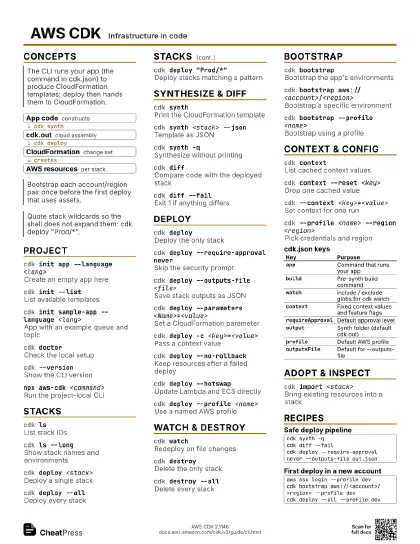
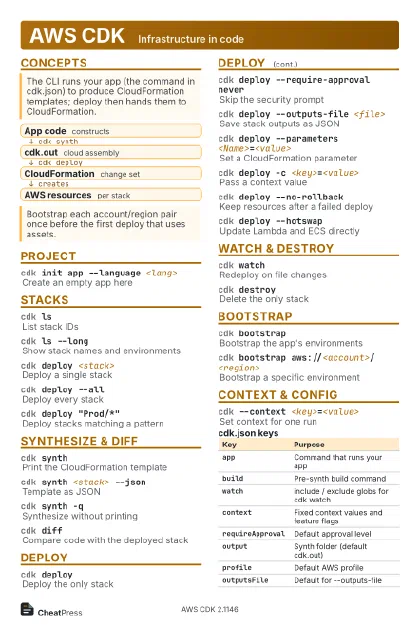 Light · Postcard
102 × 152 mm · PDF
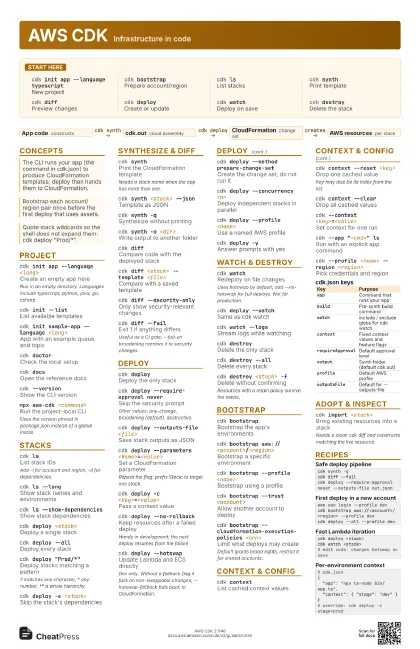
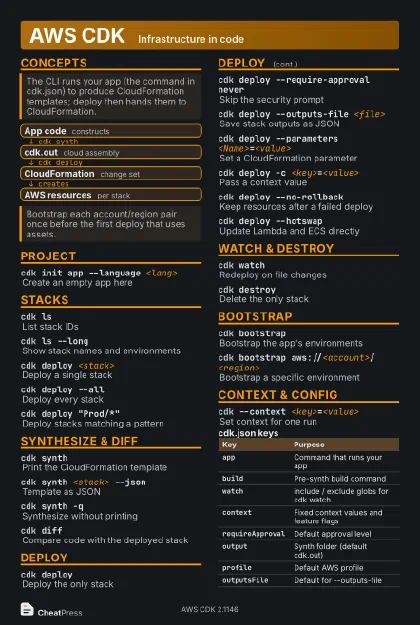 Dark · Postcard
102 × 152 mm · PDF
 Ink saver · Postcard
102 × 152 mm · PDF
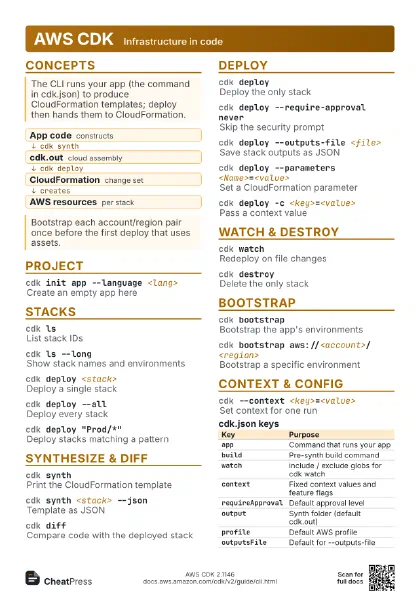
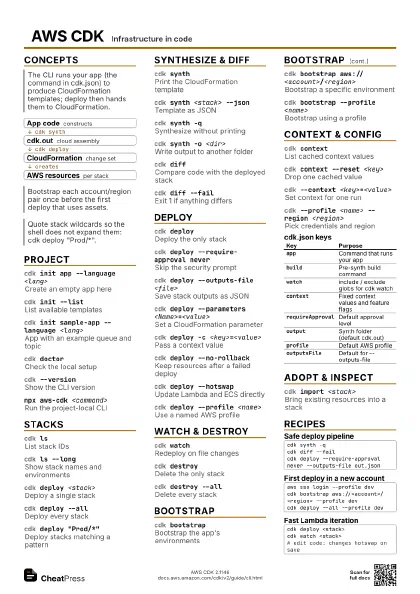
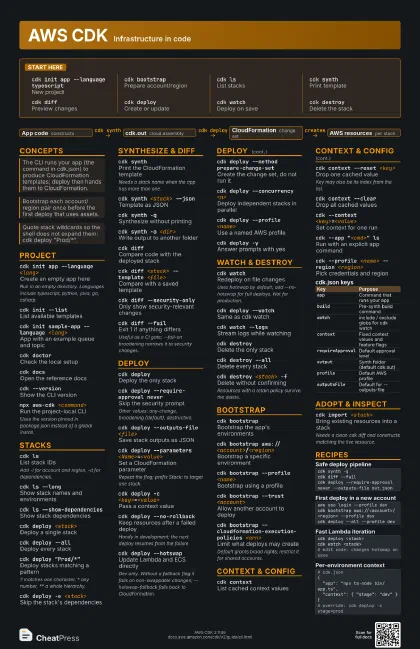
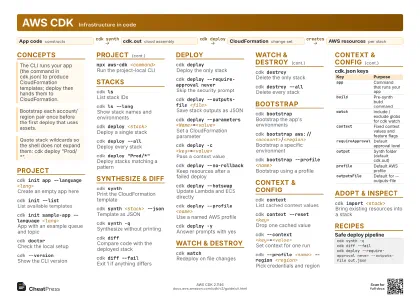 Light · A4 landscape
297 × 210 mm · PDF
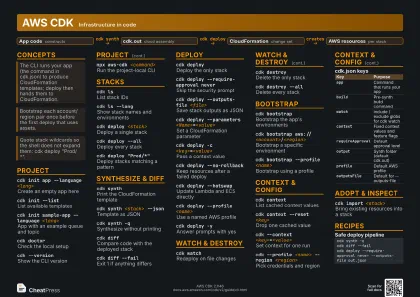 Dark · A4 landscape
297 × 210 mm · PDF
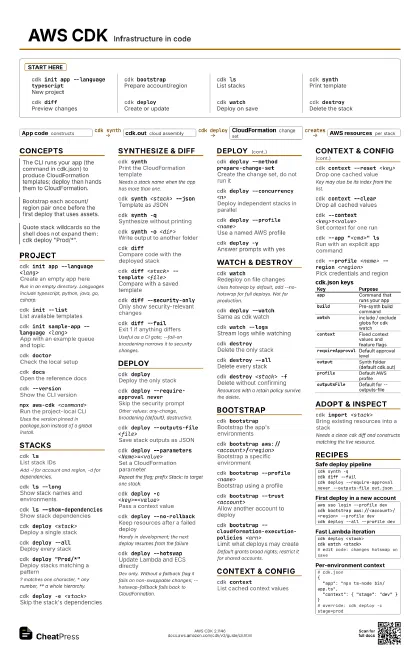
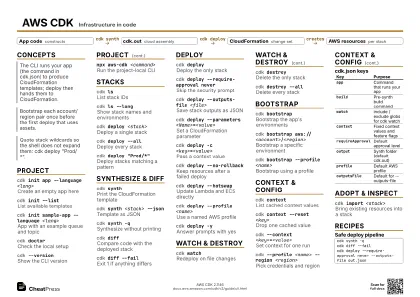 Ink saver · A4 landscape
297 × 210 mm · PDF
 Light · A3 landscape
420 × 297 mm · PDF
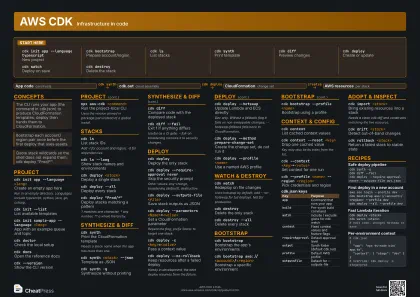 Dark · A3 landscape
420 × 297 mm · PDF
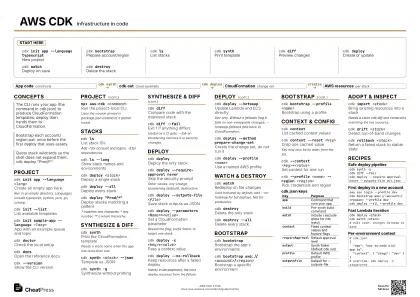 Ink saver · A3 landscape
420 × 297 mm · PDF
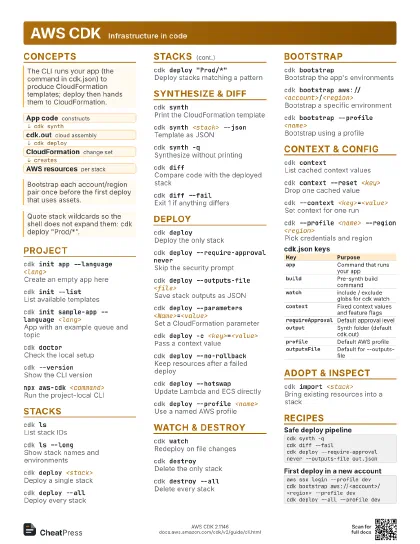
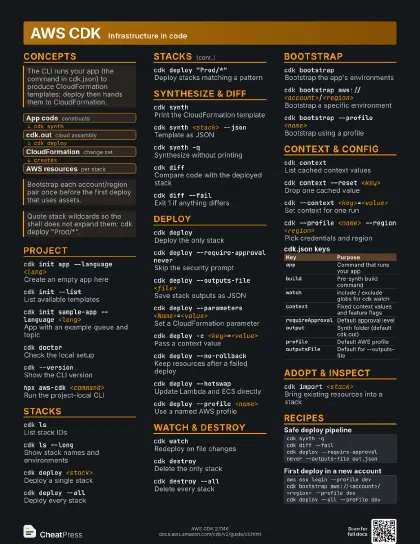
Start here
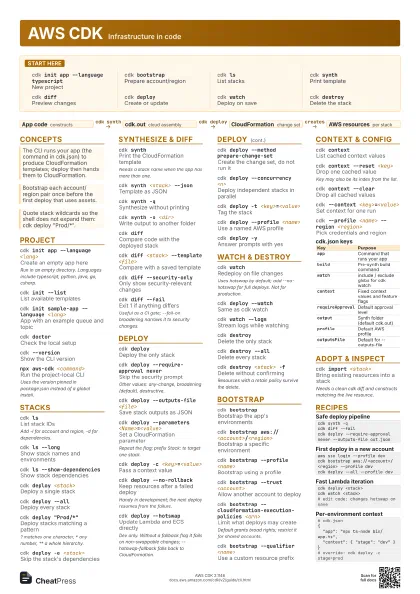
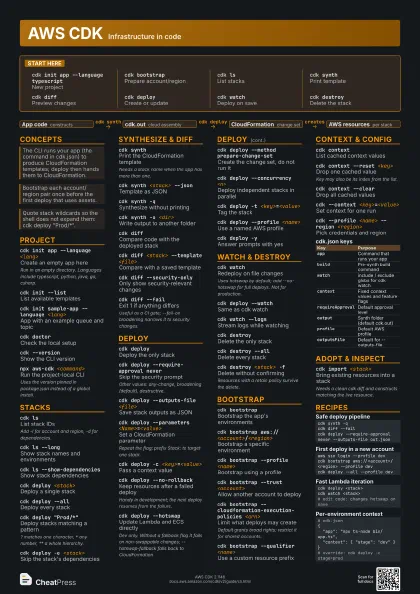
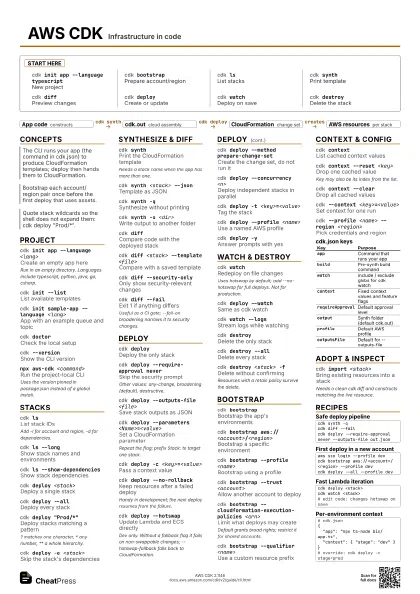
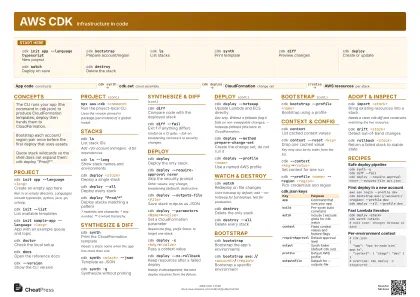
cdk init app --language typescript
New project
cdk bootstrapPrepare account/region
cdk lsList stacks
cdk synthPrint template
cdk diffPreview changes
cdk deployCreate or update
cdk watchDeploy on save
cdk destroyDelete the stack
Concepts
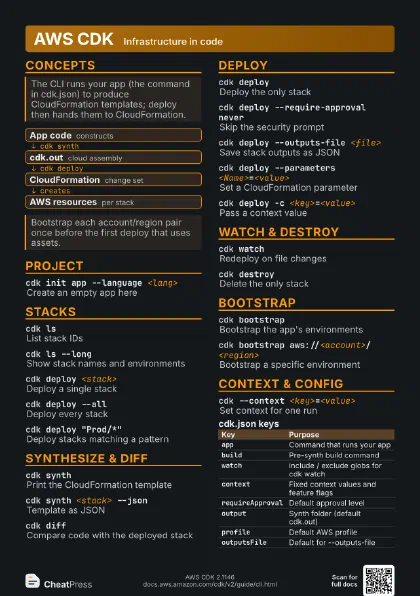
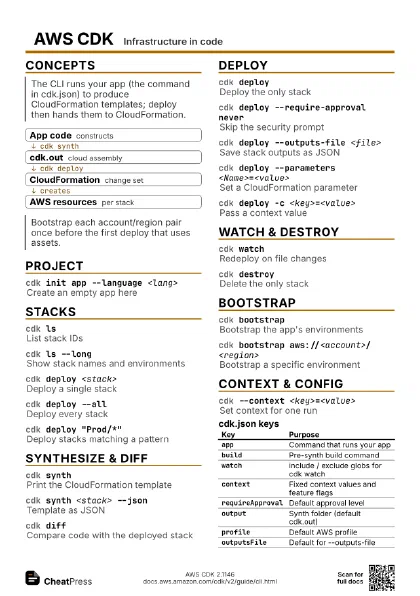
- App code constructs
- cdk.out cloud assembly
- CloudFormation change set
- AWS resources per stack
Project
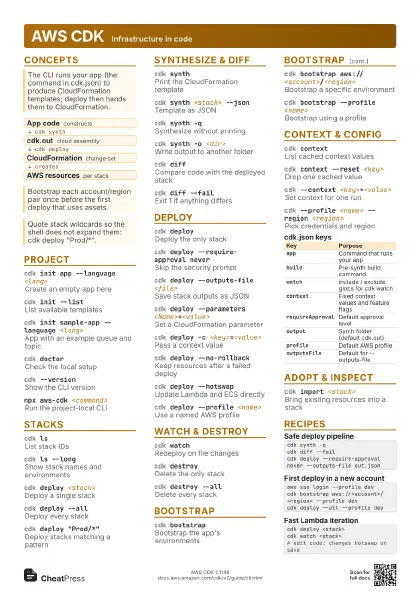
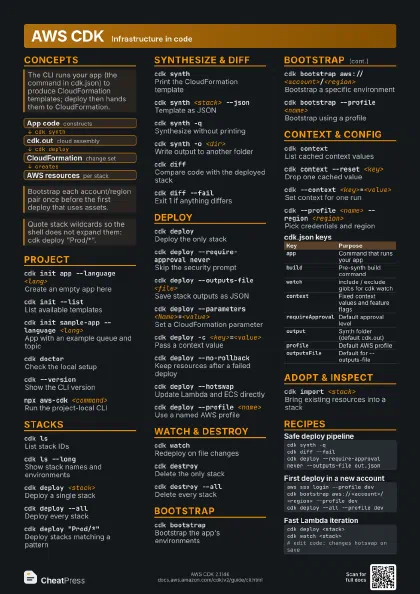
cdk init app --language <lang>
Create an empty app here
Run in an empty directory. Languages include typescript,
python, java, go, csharp.
cdk init --listList available templates
cdk init sample-app --language <lang>
App with an example queue and topic
cdk doctorCheck the local setup
cdk docsOpen the reference docs
cdk --versionShow the CLI version
npx aws-cdk <command>
Run the project-local CLI
Uses the version pinned in package.json instead of a global
install.
Stacks
cdk lsList stack IDs
Add -l for account and region, -d for dependencies.
cdk ls --longShow stack names and environments
cdk ls --show-dependencies
Show stack dependencies
cdk deploy <stack>
Deploy a single stack
cdk deploy --all
Deploy every stack
cdk deploy "Prod/*"
Deploy stacks matching a pattern
? matches one character, * any number, ** a whole hierarchy.
cdk deploy -e <stack>
Skip the stack's dependencies
Synthesize & Diff
cdk synthPrint the CloudFormation template
Needs a stack name when the app has more than one.
cdk synth <stack> --json
Template as JSON
cdk synth -qSynthesize without printing
cdk synth -o <dir>
Write output to another folder
cdk diffCompare code with the deployed stack
cdk diff <stack> --template <file>
Compare with a saved template
cdk diff --security-only
Only show security-relevant changes
cdk diff --failExit 1 if anything differs
Useful as a CI gate; --fail-on broadening narrows it to
security changes.
Deploy
cdk deployDeploy the only stack
cdk deploy --require-approval never
Skip the security prompt
Other values: any-change, broadening (default), destructive.
cdk deploy --outputs-file <file>
Save stack outputs as JSON
cdk deploy --parameters <Name>=<value>
Set a CloudFormation parameter
Repeat the flag; prefix Stack: to target one stack.
cdk deploy -c <key>=<value>
Pass a context value
cdk deploy --no-rollback
Keep resources after a failed deploy
Handy in development; the next deploy resumes from the
failure.
cdk deploy --hotswap
Update Lambda and ECS directly
Dev only. Without a fallback flag it fails on non-swappable
changes; --hotswap-fallback falls back to CloudFormation.
cdk deploy --method prepare-change-set
Create the change set, do not run it
cdk deploy --concurrency <n>
Deploy independent stacks in parallel
cdk deploy -t <key>=<value>
Tag the stack
cdk deploy --profile <name>
Use a named AWS profile
cdk deploy -yAnswer prompts with yes
Watch & Destroy
cdk watchRedeploy on file changes
Uses hotswap by default; add --no-hotswap for full deploys.
Not for production.
cdk deploy --watch
Same as cdk watch
cdk watch --logs
Stream logs while watching
cdk destroyDelete the only stack
cdk destroy --all
Delete every stack
cdk destroy <stack> -f
Delete without confirming
Resources with a retain policy survive the delete.
Bootstrap
cdk bootstrapBootstrap the app's environments
cdk bootstrap aws://<account>/<region>
Bootstrap a specific environment
cdk bootstrap --profile <name>
Bootstrap using a profile
cdk bootstrap --trust <account>
Allow another account to deploy
cdk bootstrap --cloudformation-execution-policies
                    <arn>
Limit what deploys may create
Default grants broad rights; restrict it for shared accounts.
cdk bootstrap --qualifier <name>
Use a custom resource prefix
cdk bootstrap --show-template
Print the bootstrap template
Context & Config
cdk contextList cached context values
cdk context --reset <key>
Drop one cached value
Key may also be its index from the list.
cdk context --clear
Drop all cached values
cdk --context <key>=<value>
Set context for one run
cdk --app "<cmd>" ls
Run with an explicit app command
cdk --profile <name> --region <region>
Pick credentials and region
| Key | Purpose |
|---|---|
app |
Command that runs your app |
build |
Pre-synth build command |
watch |
include / exclude globs for cdk watch |
context |
Fixed context values and feature flags |
requireApproval |
Default approval level |
output |
Synth folder (default cdk.out) |
profile |
Default AWS profile |
outputsFile |
Default for --outputs-file |
Adopt & Inspect
cdk import <stack>
Bring existing resources into a stack
Needs a clean cdk diff and constructs matching the live
resource.
cdk drift <stack>
Detect out-of-band changes
cdk rollback <stack>
Return a failed stack to stable state
cdk migrateGenerate an app from existing resources
cdk metadata <stack>
Show a stack's metadata
cdk noticesList relevant CLI notices
cdk gcClean up unused bootstrap assets
cdk validateCheck templates against policy
Recipes
cdk synth -qcdk diff --failcdk deploy --require-approval never --outputs-file out.jsonaws sso login --profile devcdk bootstrap aws://<account>/<region> --profile devcdk deploy --all --profile devcdk deploy <stack>cdk watch <stack># edit code: changes hotswap on save# cdk.json{ "app": "npx ts-node bin/app.ts", "context": { "stage": "dev" }}# override: cdk deploy -c stage=prod