Cheat
Atuin Shell history, synced
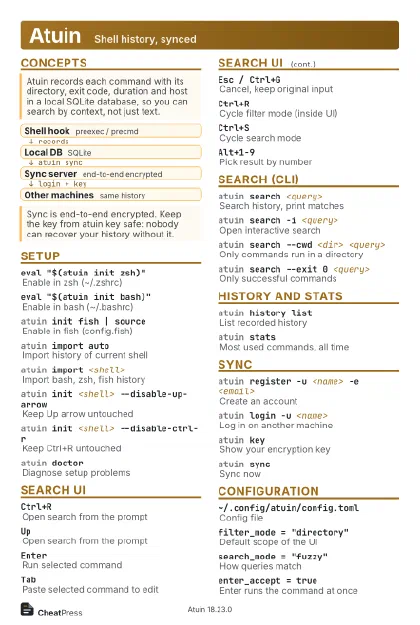 Light · Postcard
102 × 152 mm · PDF
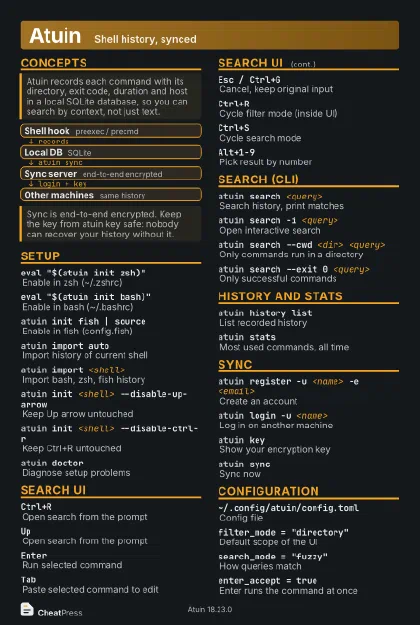 Dark · Postcard
102 × 152 mm · PDF
 Ink saver · Postcard
102 × 152 mm · PDF
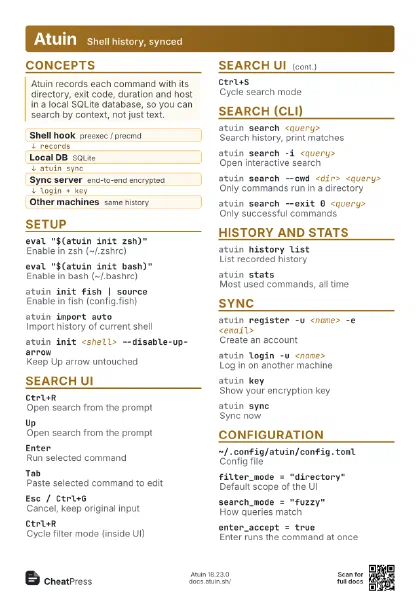
 Light · A4 landscape
297 × 210 mm · PDF
 Dark · A4 landscape
297 × 210 mm · PDF
 Ink saver · A4 landscape
297 × 210 mm · PDF
 Light · A3 landscape
420 × 297 mm · PDF
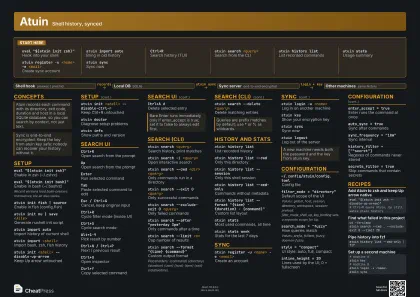 Dark · A3 landscape
420 × 297 mm · PDF
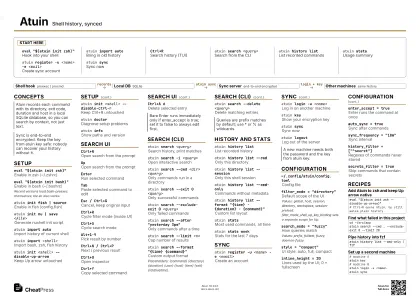 Ink saver · A3 landscape
420 × 297 mm · PDF
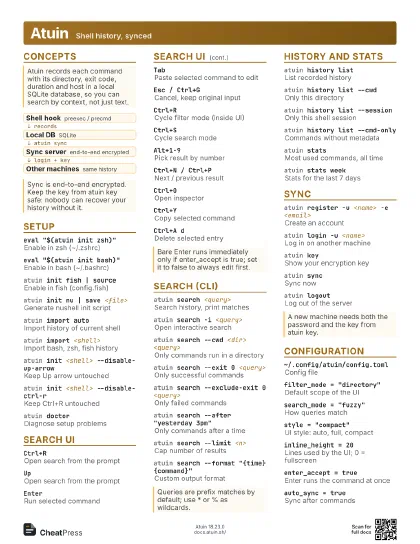
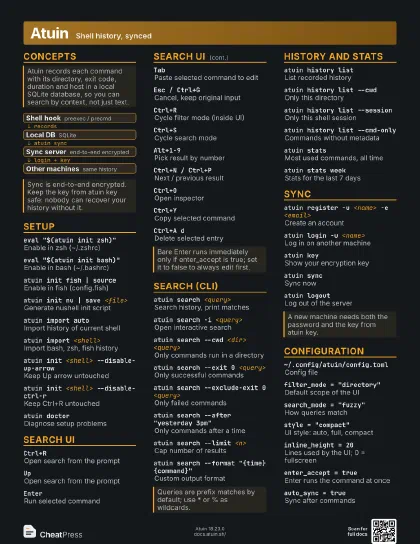
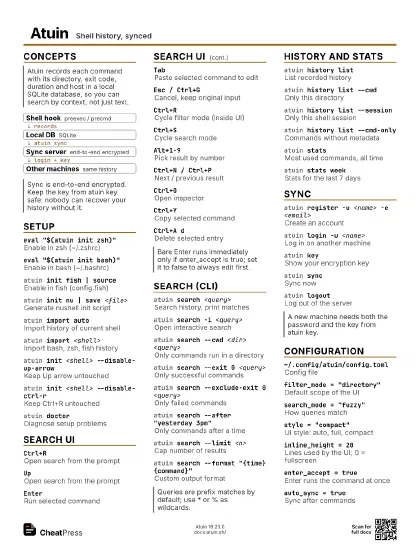
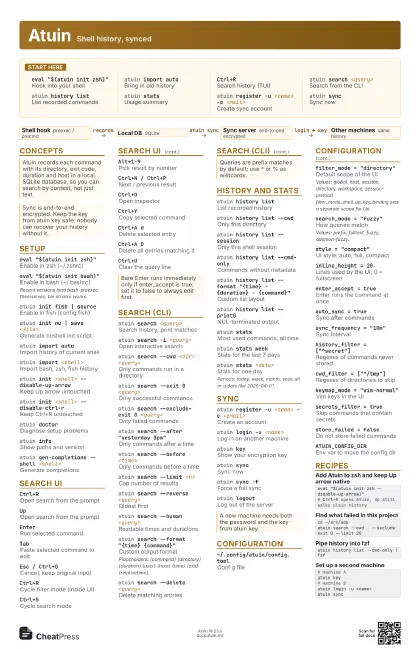
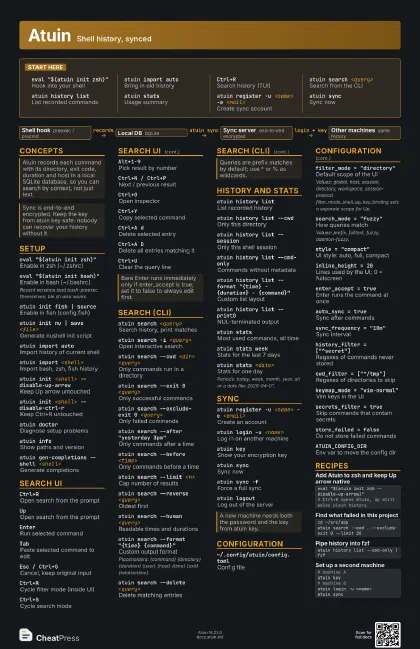
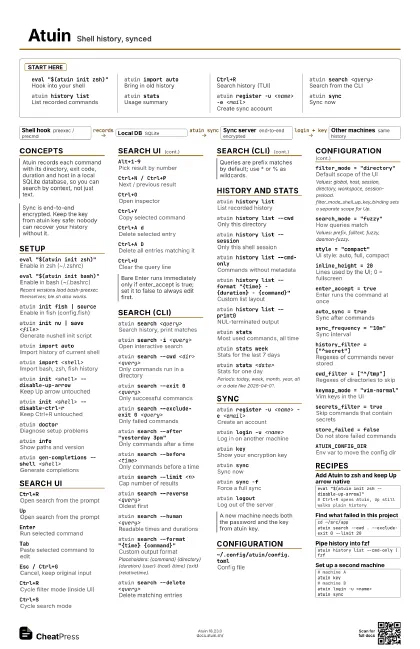
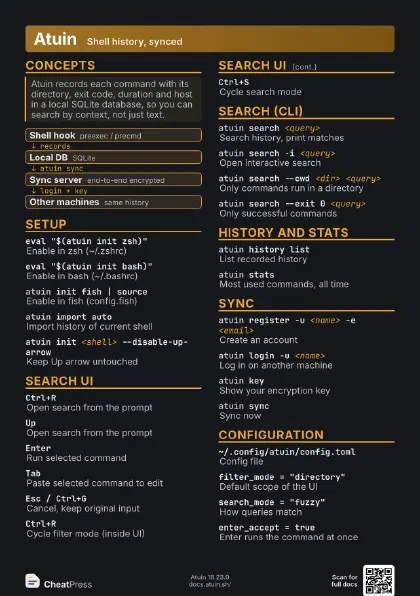
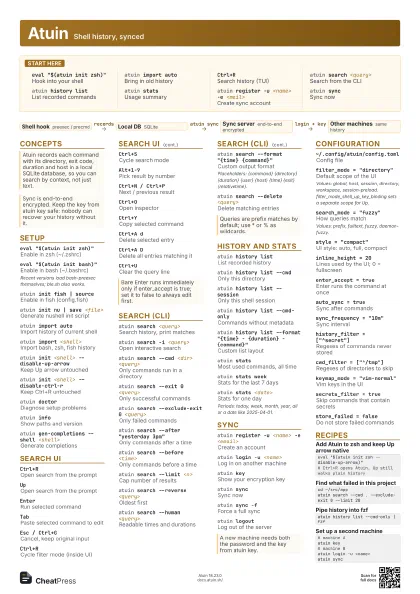
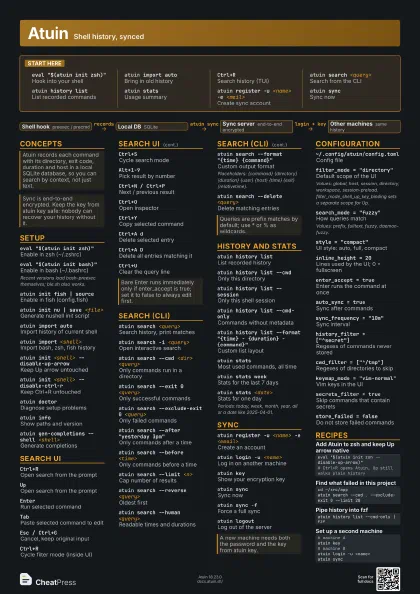
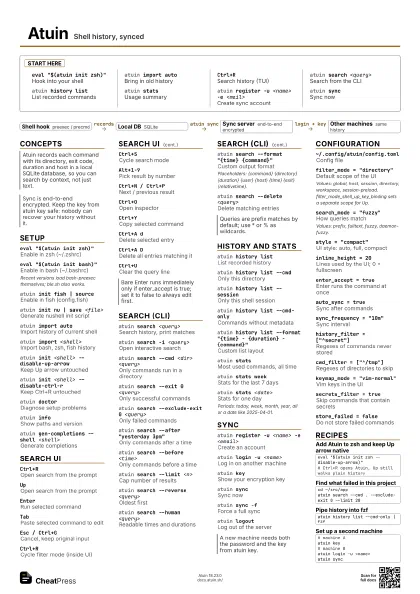
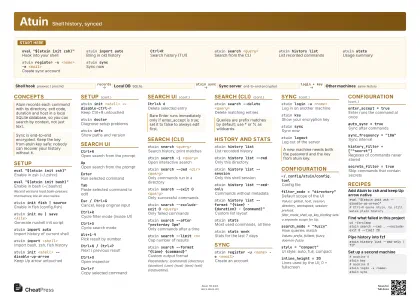
Start here
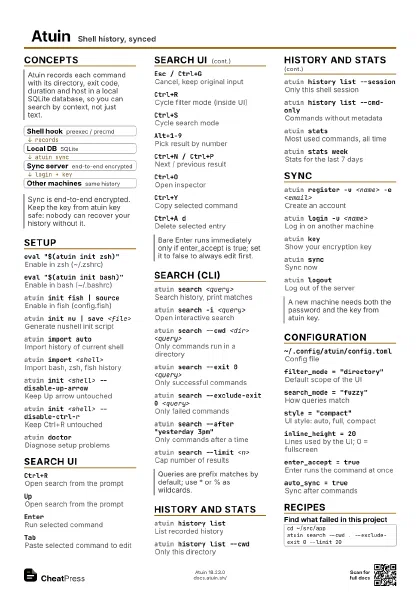
eval "$(atuin init zsh)"
Hook into your shell
atuin import auto
Bring in old history
Ctrl+RSearch history (TUI)
atuin search <query>
Search from the CLI
atuin history list
List recorded commands
atuin statsUsage summary
atuin register -u <name> -e <mail>
Create sync account
atuin syncSync now
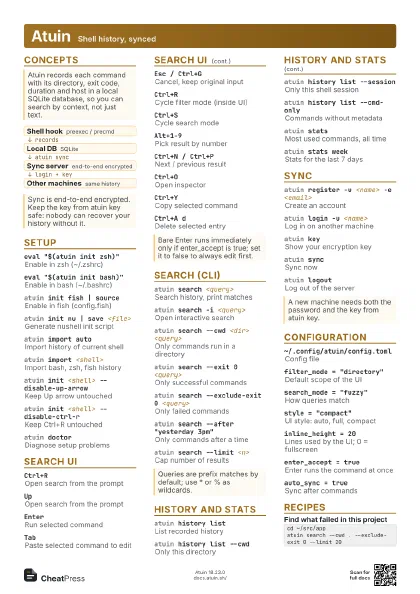
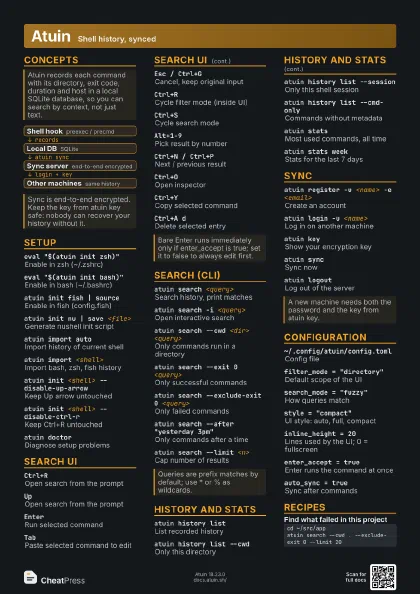
Concepts
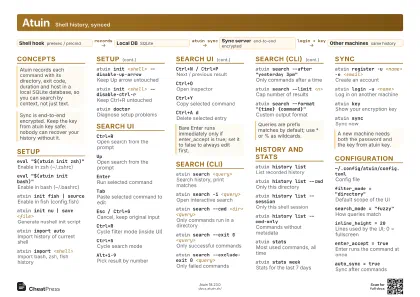
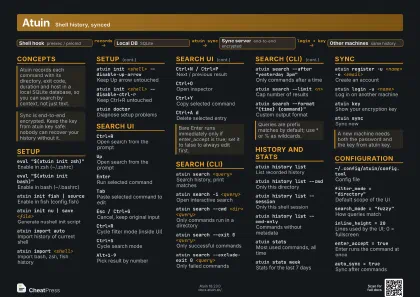
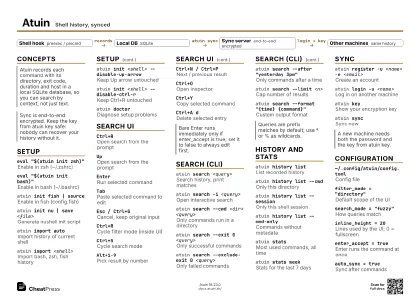
- Shell hook preexec / precmd
- Local DB SQLite
- Sync server end-to-end encrypted
- Other machines same history
Setup
eval "$(atuin init zsh)"
Enable in zsh (~/.zshrc)
eval "$(atuin init bash)"
Enable in bash (~/.bashrc)
Recent versions load bash-preexec themselves; ble.sh also
works.
atuin init fish | source
Enable in fish (config.fish)
atuin init nu | save <file>
Generate nushell init script
atuin import auto
Import history of current shell
atuin import <shell>
Import bash, zsh, fish history
atuin init <shell> --disable-up-arrow
Keep Up arrow untouched
atuin init <shell> --disable-ctrl-r
Keep Ctrl+R untouched
atuin doctorDiagnose setup problems
atuin infoShow paths and version
atuin gen-completions --shell <shell>
Generate completions
Search UI
Ctrl+ROpen search from the prompt
UpOpen search from the prompt
EnterRun selected command
TabPaste selected command to edit
Esc / Ctrl+G
Cancel, keep original input
Ctrl+RCycle filter mode (inside UI)
Ctrl+SCycle search mode
Alt+1-9Pick result by number
Ctrl+N / Ctrl+P
Next / previous result
Ctrl+OOpen inspector
Ctrl+YCopy selected command
Ctrl+A dDelete selected entry
Ctrl+A DDelete all entries matching it
Ctrl+UClear the query line
Search (CLI)
atuin search <query>
Search history, print matches
atuin search -i <query>
Open interactive search
atuin search --cwd <dir> <query>
Only commands run in a directory
atuin search --exit 0 <query>
Only successful commands
atuin search --exclude-exit 0 <query>
Only failed commands
atuin search --after "yesterday 3pm"
Only commands after a time
atuin search --before <time>
Only commands before a time
atuin search --limit <n>
Cap number of results
atuin search --reverse <query>
Oldest first
atuin search --human <query>
Readable times and durations
atuin search --format "{time} {command}"
Custom output format
Placeholders: {command} {directory} {duration} {user} {host}
{time} {exit} {relativetime}.
atuin search --delete <query>
Delete matching entries
History and stats
atuin history list
List recorded history
atuin history list --cwd
Only this directory
atuin history list --session
Only this shell session
atuin history list --cmd-only
Commands without metadata
atuin history list --format "{time} - {duration} -
                    {command}"
Custom list layout
atuin history list --print0
NUL-terminated output
atuin statsMost used commands, all time
atuin stats week
Stats for the last 7 days
atuin stats <date>
Stats for one day
Periods: today, week, month, year, all or a date like
2025-04-01.
Sync
atuin register -u <name> -e <email>
Create an account
atuin login -u <name>
Log in on another machine
atuin keyShow your encryption key
atuin syncSync now
atuin sync -fForce a full sync
atuin logoutLog out of the server
Configuration
~/.config/atuin/config.toml
Config file
filter_mode = "directory"
Default scope of the UI
Values: global, host, session, directory, workspace,
session-preload. filter_mode_shell_up_key_binding sets a
separate scope for Up.
search_mode = "fuzzy"
How queries match
Values: prefix, fulltext, fuzzy, daemon-fuzzy.
style = "compact"
UI style: auto, full, compact
inline_height = 20
Lines used by the UI; 0 = fullscreen
enter_accept = true
Enter runs the command at once
auto_sync = true
Sync after commands
sync_frequency = "10m"
Sync interval
history_filter = ["^secret"]
Regexes of commands never stored
cwd_filter = ["^/tmp"]
Regexes of directories to skip
keymap_mode = "vim-normal"
Vim keys in the UI
secrets_filter = true
Skip commands that contain secrets
store_failed = false
Do not store failed commands
ATUIN_CONFIG_DIR
Env var to move the config dir
Recipes
eval "$(atuin init zsh --disable-up-arrow)"# Ctrl+R opens Atuin, Up still walks plain historycd ~/src/appatuin search --cwd . --exclude-exit 0 --limit 20atuin history list --cmd-only | fzf# machine Aatuin key# machine Batuin login -u <name>atuin sync