Cheat
apk Alpine package manager
 Light · Postcard
102 × 152 mm · PDF
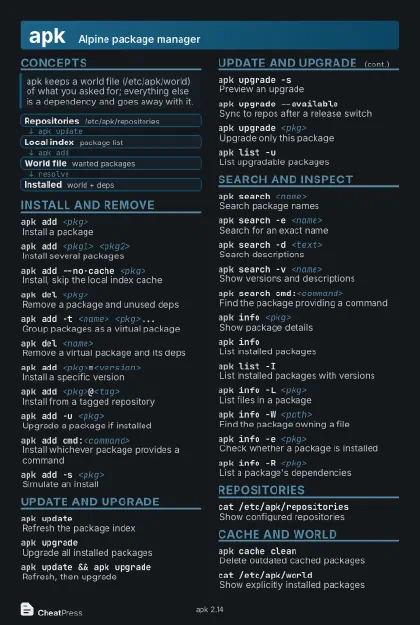 Dark · Postcard
102 × 152 mm · PDF
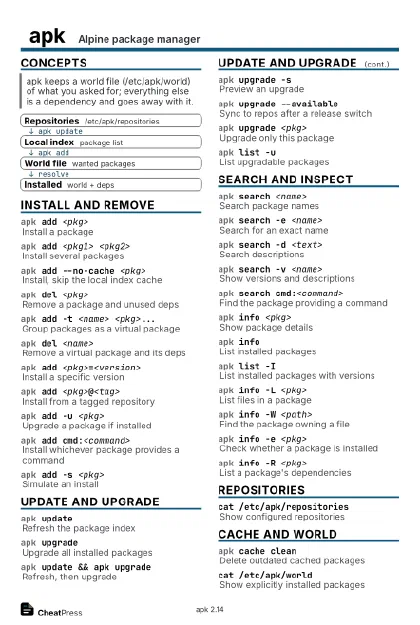 Ink saver · Postcard
102 × 152 mm · PDF
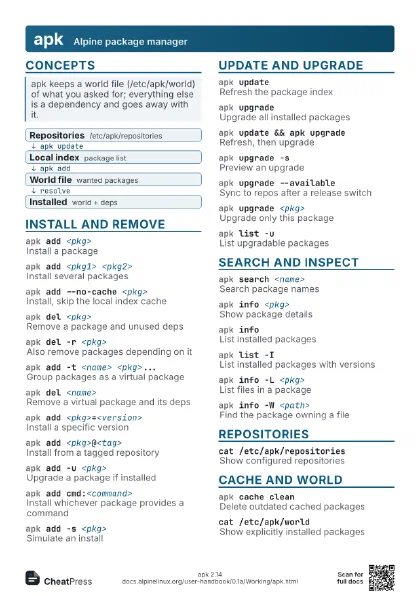
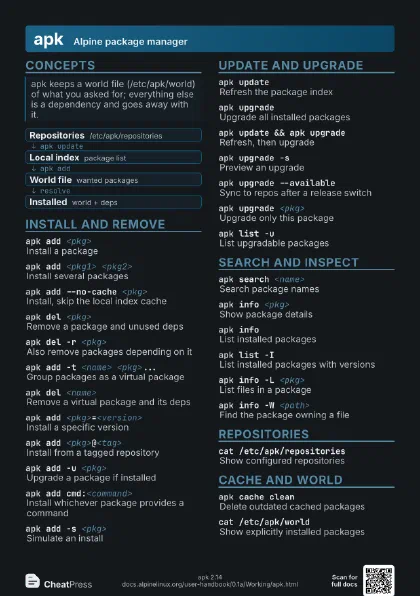
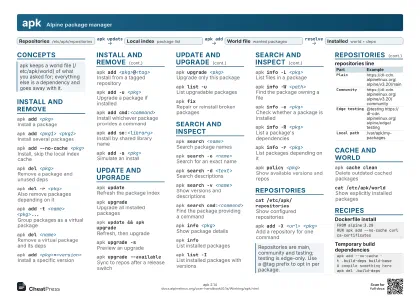 Light · A4 landscape
297 × 210 mm · PDF
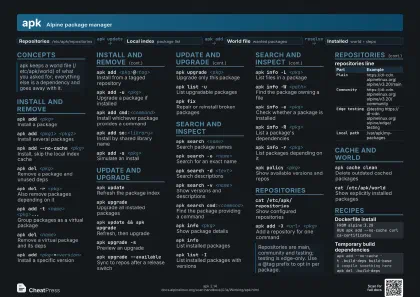 Dark · A4 landscape
297 × 210 mm · PDF
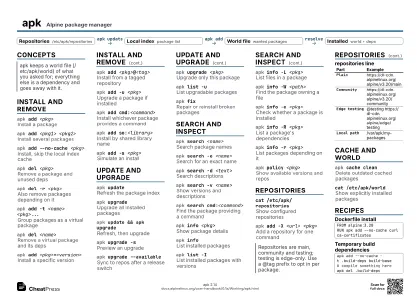 Ink saver · A4 landscape
297 × 210 mm · PDF
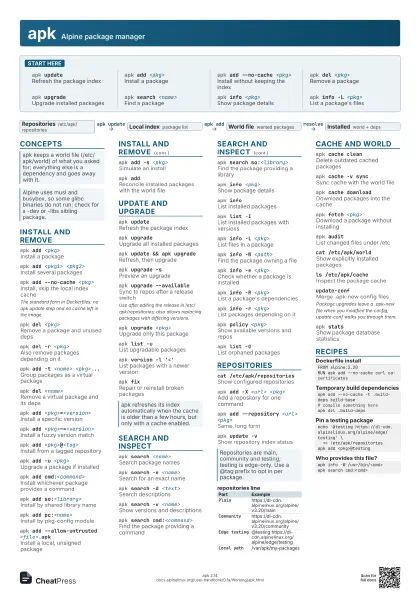

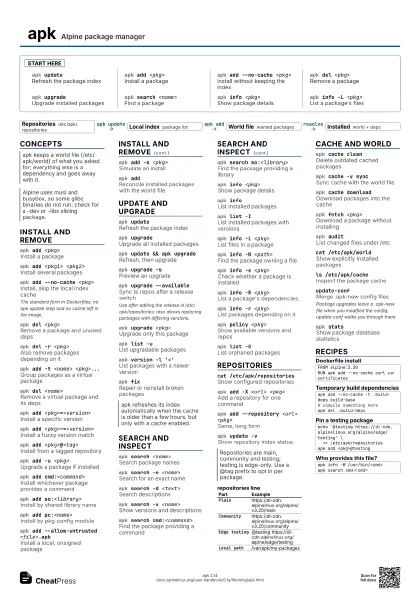
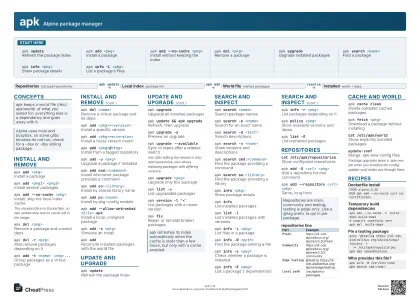 Light · A3 landscape
420 × 297 mm · PDF
 Dark · A3 landscape
420 × 297 mm · PDF
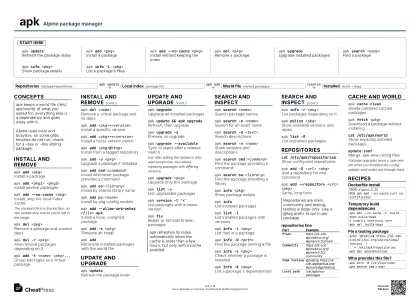 Ink saver · A3 landscape
420 × 297 mm · PDF
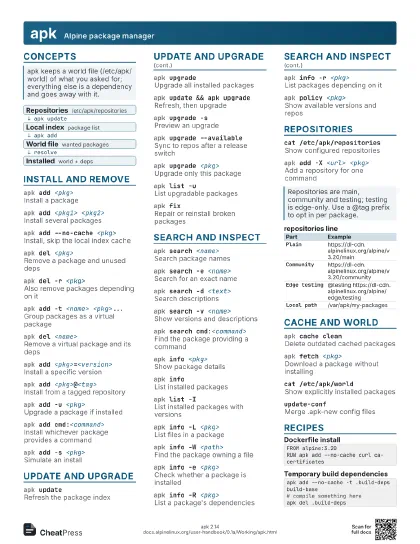
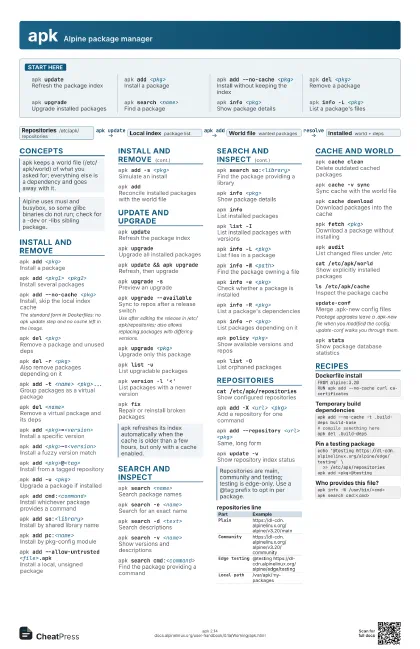

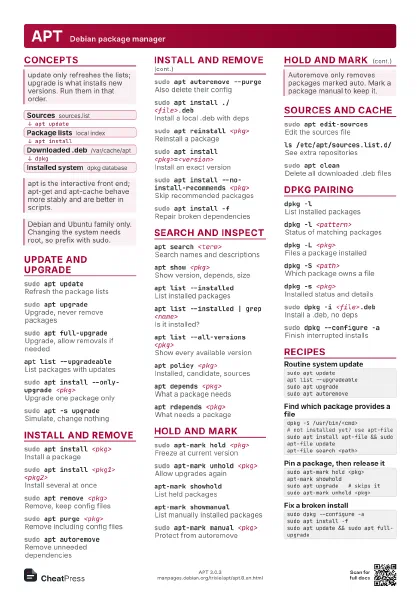
Start here
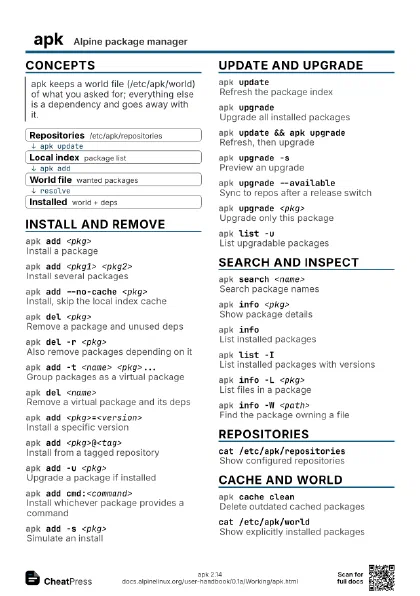
apk updateRefresh the package index
apk add <pkg>
Install a package
apk add --no-cache <pkg>
Install without keeping the index
apk del <pkg>
Remove a package
apk upgradeUpgrade installed packages
apk search <name>
Find a package
apk info <pkg>
Show package details
apk info -L <pkg>
List a package's files
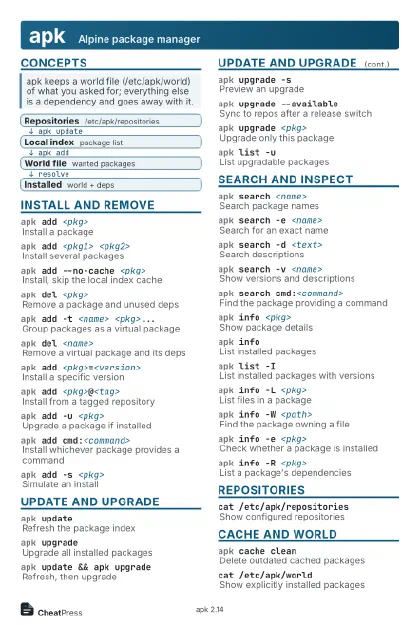
Concepts
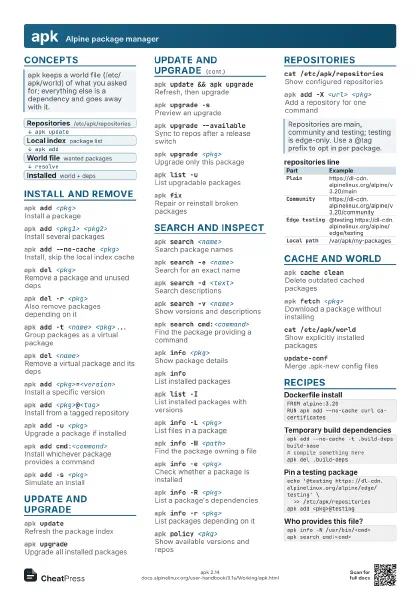
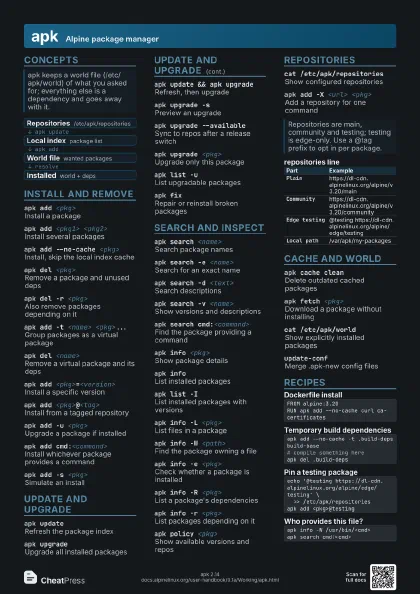
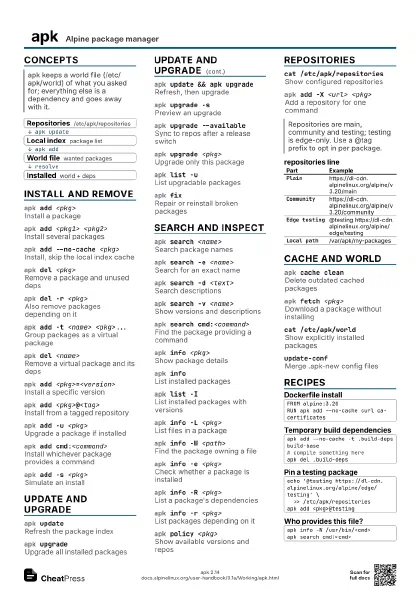
- Repositories /etc/apk/repositories
- Local index package list
- World file wanted packages
- Installed world + deps
Install and remove
apk add <pkg>
Install a package
apk add <pkg1> <pkg2>
Install several packages
apk add --no-cache <pkg>
Install, skip the local index cache
The standard form in Dockerfiles: no apk update step and no
cache left in the image.
apk del <pkg>
Remove a package and unused deps
apk del -r <pkg>
Also remove packages depending on it
apk add -t <name> <pkg>...
Group packages as a virtual package
apk del <name>
Remove a virtual package and its deps
apk add <pkg>=<version>
Install a specific version
apk add <pkg>~=<version>
Install a fuzzy version match
apk add <pkg>@<tag>
Install from a tagged repository
apk add -u <pkg>
Upgrade a package if installed
apk add cmd:<command>
Install whichever package provides a command
apk add so:<library>
Install by shared library name
apk add pc:<name>
Install by pkg-config module
apk add --allow-untrusted <file>.apk
Install a local, unsigned package
apk add -s <pkg>
Simulate an install
apk add
Reconcile installed packages with the world file
Update and upgrade
apk updateRefresh the package index
apk upgradeUpgrade all installed packages
apk update && apk upgrade
Refresh, then upgrade
apk upgrade -sPreview an upgrade
apk upgrade --available
Sync to repos after a release switch
Use after editing the release in /etc/apk/repositories; also
allows replacing packages with differing versions.
apk upgrade <pkg>
Upgrade only this package
apk list -uList upgradable packages
apk version -l '<'
List packages with a newer version
apk fixRepair or reinstall broken packages
Search and inspect
apk search <name>
Search package names
apk search -e <name>
Search for an exact name
apk search -d <text>
Search descriptions
apk search -v <name>
Show versions and descriptions
apk search cmd:<command>
Find the package providing a command
apk search so:<library>
Find the package providing a library
apk info <pkg>
Show package details
apk infoList installed packages
apk list -IList installed packages with versions
apk info -L <pkg>
List files in a package
apk info -W <path>
Find the package owning a file
apk info -e <pkg>
Check whether a package is installed
apk info -R <pkg>
List a package's dependencies
apk info -r <pkg>
List packages depending on it
apk policy <pkg>
Show available versions and repos
apk list -OList orphaned packages
Repositories
cat /etc/apk/repositories
Show configured repositories
apk add -X <url> <pkg>
Add a repository for one command
apk add --repository <url> <pkg>
Same, long form
apk update -vShow repository index status
| Part | Example |
|---|---|
Plain |
https://dl-cdn.alpinelinux.org/alpine/v3.20/main |
Community |
https://dl-cdn.alpinelinux.org/alpine/v3.20/community |
Edge testing |
@testing https://dl-cdn.alpinelinux.org/alpine/edge/testing |
Local path |
/var/apk/my-packages |
Cache and world
apk cache cleanDelete outdated cached packages
apk cache -v sync
Sync cache with the world file
apk cache download
Download packages into the cache
apk fetch <pkg>
Download a package without installing
apk auditList changed files under /etc
cat /etc/apk/world
Show explicitly installed packages
ls /etc/apk/cache
Inspect the package cache
update-confMerge .apk-new config files
Package upgrades leave a .apk-new file when you modified the
config; update-conf walks you through them.
apk statsShow package database statistics
Recipes
FROM alpine:3.20RUN apk add --no-cache curl ca-certificatesapk add --no-cache -t .build-deps build-base# compile something hereapk del .build-depsecho '@testing https://dl-cdn.alpinelinux.org/alpine/edge/testing' \ >> /etc/apk/repositoriesapk add <pkg>@testingapk info -W /usr/bin/<cmd>apk search cmd:<cmd>