Cheat
pacman Arch package manager
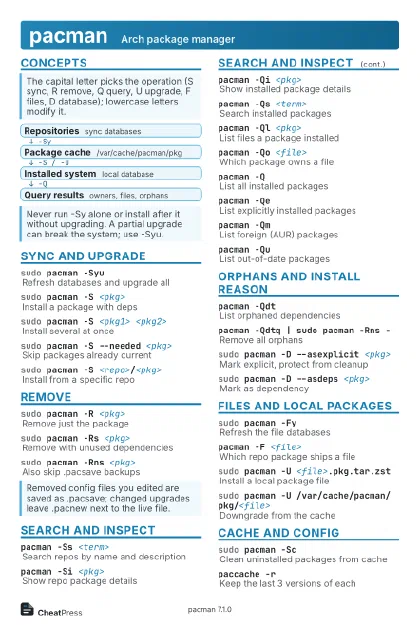 Light · Postcard
102 × 152 mm · PDF
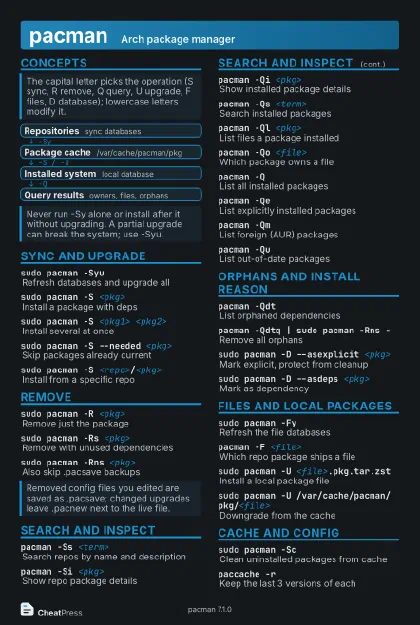 Dark · Postcard
102 × 152 mm · PDF
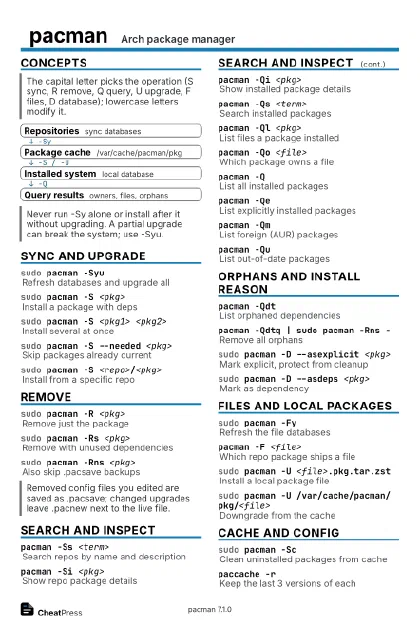 Ink saver · Postcard
102 × 152 mm · PDF
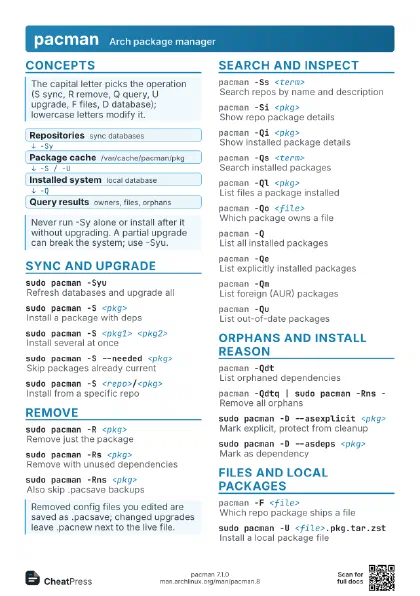
 Light · A4 landscape
297 × 210 mm · PDF
 Dark · A4 landscape
297 × 210 mm · PDF
 Ink saver · A4 landscape
297 × 210 mm · PDF
 Light · A3 landscape
420 × 297 mm · PDF
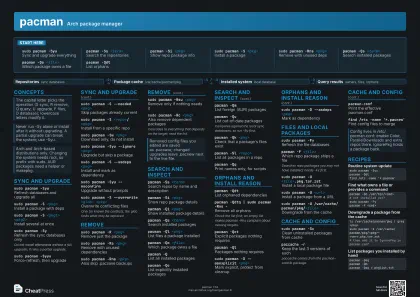 Dark · A3 landscape
420 × 297 mm · PDF
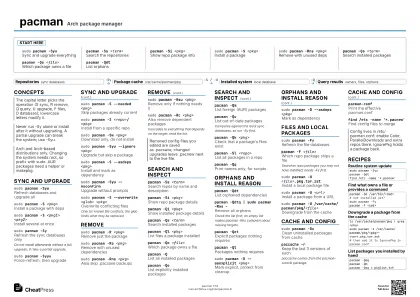 Ink saver · A3 landscape
420 × 297 mm · PDF
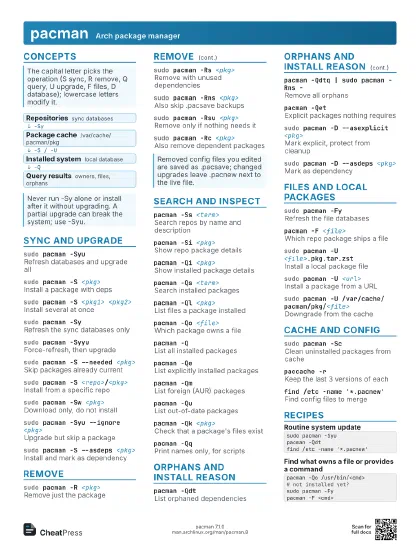
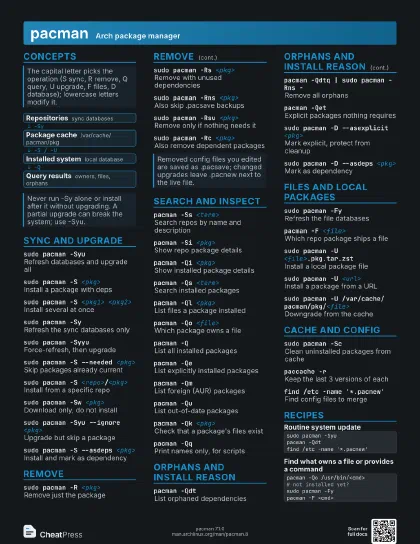
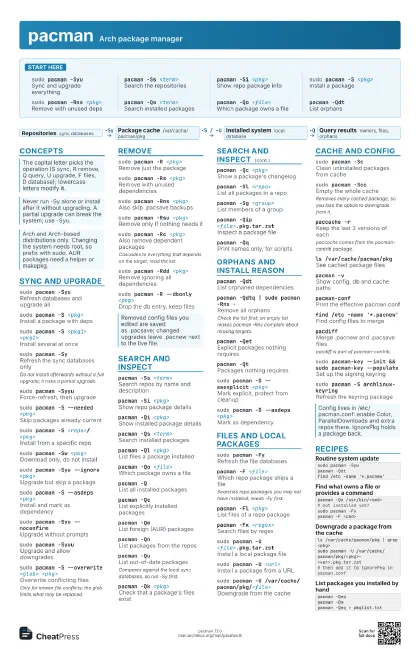
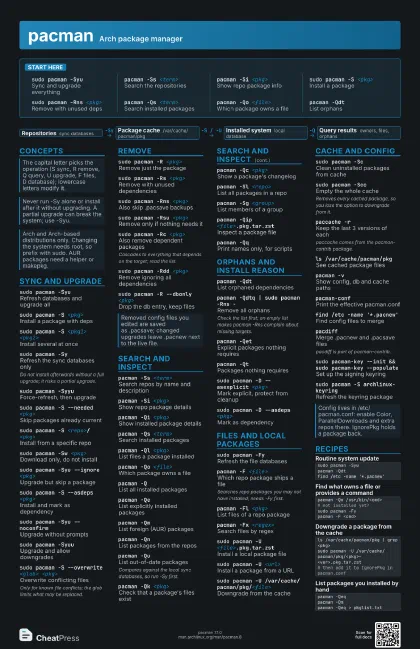
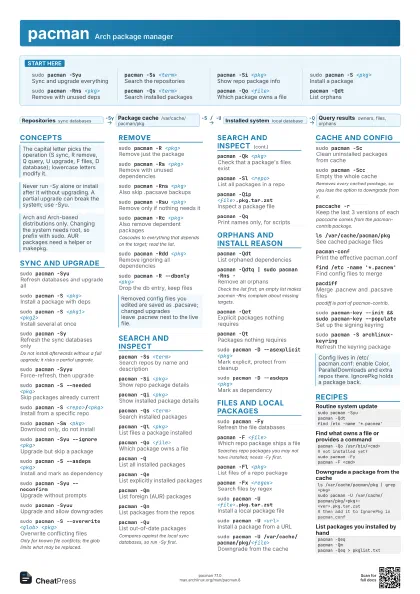
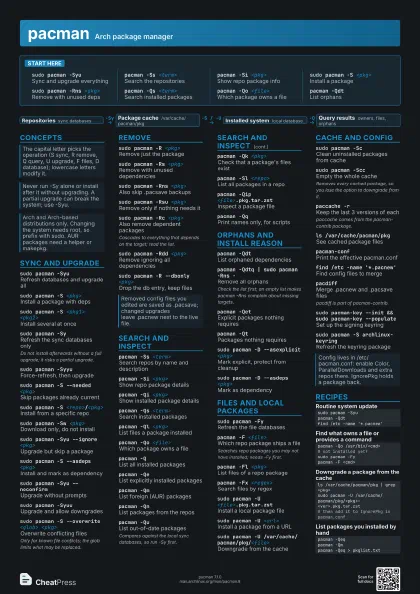
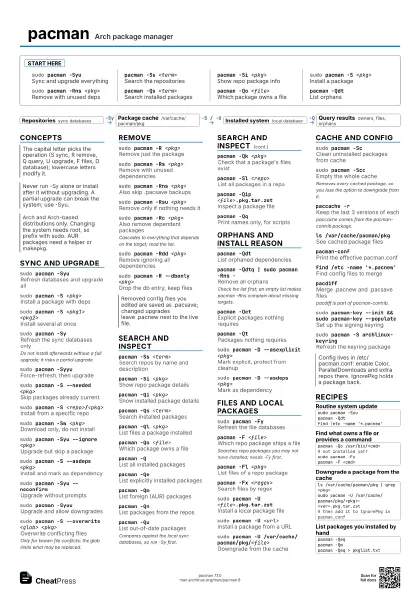
Start here
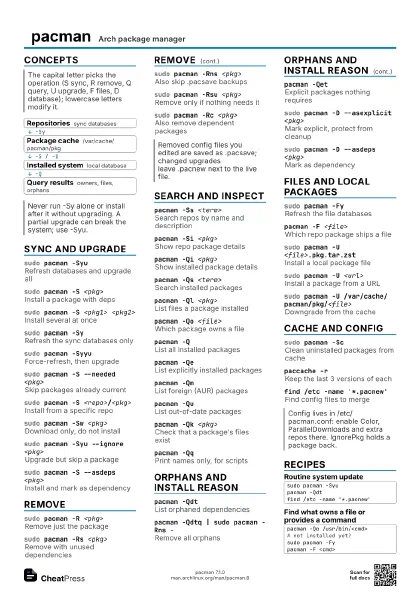
sudo pacman -Syu
Sync and upgrade everything
pacman -Ss <term>
Search the repositories
pacman -Si <pkg>
Show repo package info
sudo pacman -S <pkg>
Install a package
sudo pacman -Rns <pkg>
Remove with unused deps
pacman -Qs <term>
Search installed packages
pacman -Qo <file>
Which package owns a file
pacman -QdtList orphans
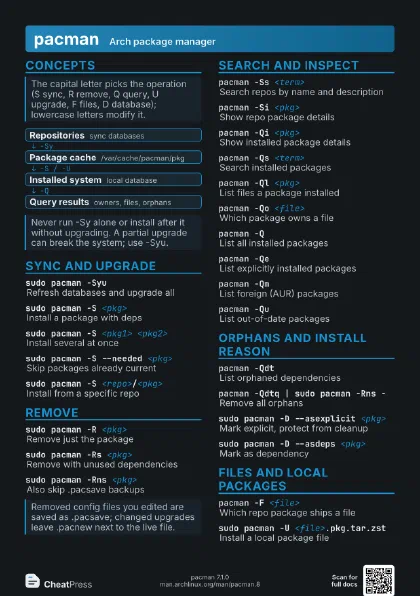
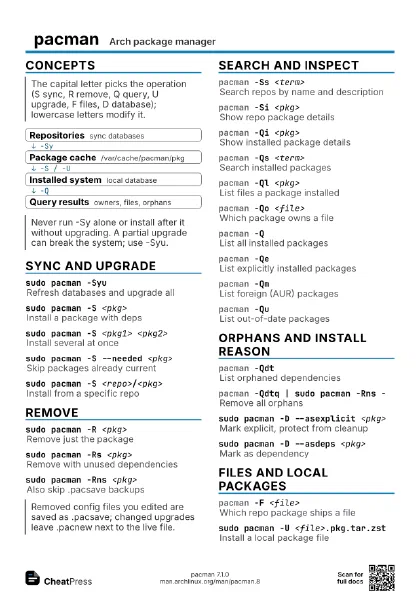
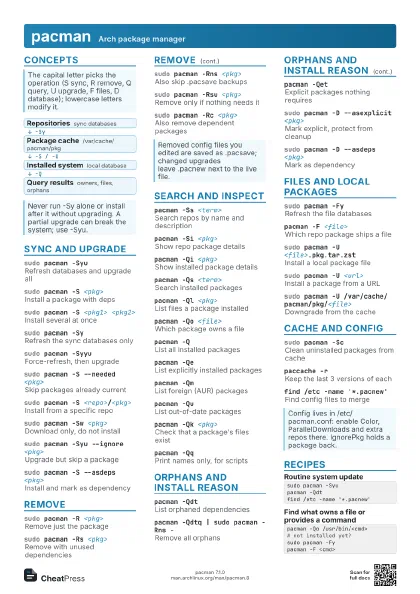
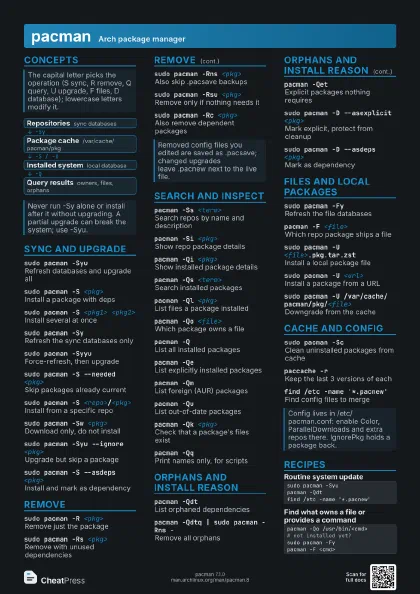
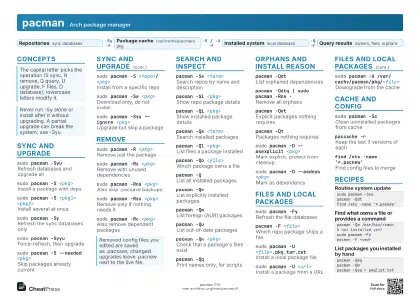
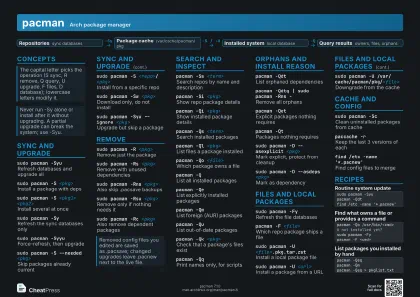
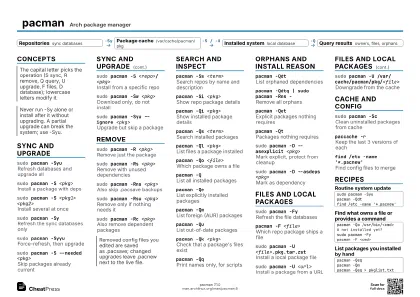
Concepts
- Repositories sync databases
- Package cache /var/cache/pacman/pkg
- Installed system local database
- Query results owners, files, orphans
Sync and upgrade
sudo pacman -Syu
Refresh databases and upgrade all
sudo pacman -S <pkg>
Install a package with deps
sudo pacman -S <pkg1> <pkg2>
Install several at once
sudo pacman -SyRefresh the sync databases only
Do not install afterwards without a full upgrade; it risks a
partial upgrade.
sudo pacman -Syyu
Force-refresh, then upgrade
sudo pacman -S --needed <pkg>
Skip packages already current
sudo pacman -S <repo>/<pkg>
Install from a specific repo
sudo pacman -Sw <pkg>
Download only, do not install
sudo pacman -Syu --ignore <pkg>
Upgrade but skip a package
sudo pacman -S --asdeps <pkg>
Install and mark as dependency
sudo pacman -Syu --noconfirm
Upgrade without prompts
sudo pacman -Syuu
Upgrade and allow downgrades
sudo pacman -S --overwrite <glob> <pkg>
Overwrite conflicting files
Only for known file conflicts; the glob limits what may be
replaced.
Remove
sudo pacman -R <pkg>
Remove just the package
sudo pacman -Rs <pkg>
Remove with unused dependencies
sudo pacman -Rns <pkg>
Also skip .pacsave backups
sudo pacman -Rsu <pkg>
Remove only if nothing needs it
sudo pacman -Rc <pkg>
Also remove dependent packages
Cascades to everything that depends on the target; read the
list.
sudo pacman -Rdd <pkg>
Remove ignoring all dependencies
sudo pacman -R --dbonly <pkg>
Drop the db entry, keep files
Search and inspect
pacman -Ss <term>
Search repos by name and description
pacman -Si <pkg>
Show repo package details
pacman -Qi <pkg>
Show installed package details
pacman -Qs <term>
Search installed packages
pacman -Ql <pkg>
List files a package installed
pacman -Qo <file>
Which package owns a file
pacman -QList all installed packages
pacman -QeList explicitly installed packages
pacman -QmList foreign (AUR) packages
pacman -QnList packages from the repos
pacman -QuList out-of-date packages
Compares against the local sync databases, so run -Sy first.
pacman -Qk <pkg>
Check that a package's files exist
pacman -Qc <pkg>
Show a package's changelog
pacman -Sl <repo>
List all packages in a repo
pacman -Sg <group>
List members of a group
pacman -Qip <file>.pkg.tar.zst
Inspect a package file
pacman -QqPrint names only, for scripts
Orphans and install reason
pacman -QdtList orphaned dependencies
pacman -Qdtq | sudo pacman -Rns -
Remove all orphans
Check the list first; an empty list makes pacman -Rns complain
about missing targets.
pacman -QetExplicit packages nothing requires
pacman -QtPackages nothing requires
sudo pacman -D --asexplicit <pkg>
Mark explicit, protect from cleanup
sudo pacman -D --asdeps <pkg>
Mark as dependency
pacman -DkCheck local database consistency
Files and local packages
sudo pacman -FyRefresh the file databases
pacman -F <file>
Which repo package ships a file
Searches repo packages you may not have installed; needs -Fy
first.
pacman -Fl <pkg>
List files of a repo package
pacman -Fx <regex>
Search files by regex
sudo pacman -U <file>.pkg.tar.zst
Install a local package file
sudo pacman -U <url>
Install a package from a URL
sudo pacman -U /var/cache/pacman/pkg/<file>
Downgrade from the cache
pacman -T <dep>
Print unsatisfied dependencies
Cache and config
sudo pacman -ScClean uninstalled packages from cache
sudo pacman -Scc
Empty the whole cache
Removes every cached package, so you lose the option to
downgrade from it.
paccache -rKeep the last 3 versions of each
paccache comes from the pacman-contrib package.
ls /var/cache/pacman/pkg
See cached package files
pacman -vShow config, db and cache paths
pacman-confPrint the effective pacman.conf
pacman --print --print-format '%n %v' -S
                    <pkg>
Preview targets without acting
find /etc -name '*.pacnew'
Find config files to merge
pacdiffMerge .pacnew and .pacsave files
pacdiff is part of pacman-contrib.
sudo pacman-key --init && sudo pacman-key
                    --populate
Set up the signing keyring
sudo pacman -S archlinux-keyring
Refresh the keyring package
Recipes
sudo pacman -Syupacman -Qdtfind /etc -name '*.pacnew'pacman -Qo /usr/bin/<cmd># not installed yet?sudo pacman -Fypacman -F <cmd>ls /var/cache/pacman/pkg | grep <pkg>sudo pacman -U /var/cache/pacman/pkg/<pkg>-<ver>.pkg.tar.zst# then add it to IgnorePkg in pacman.confpacman -Qeqpacman -Qmpacman -Qeq > pkglist.txt