Cheat
ApacheBench HTTP load tester
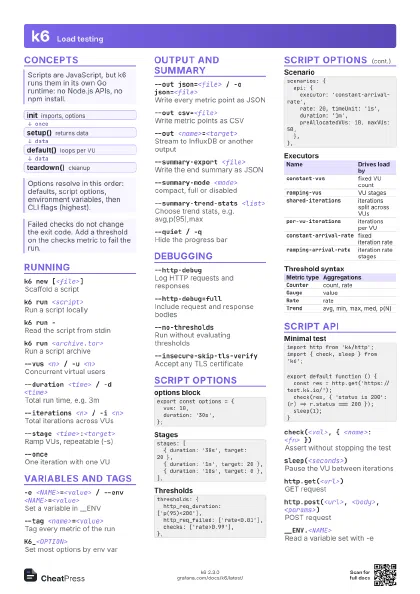
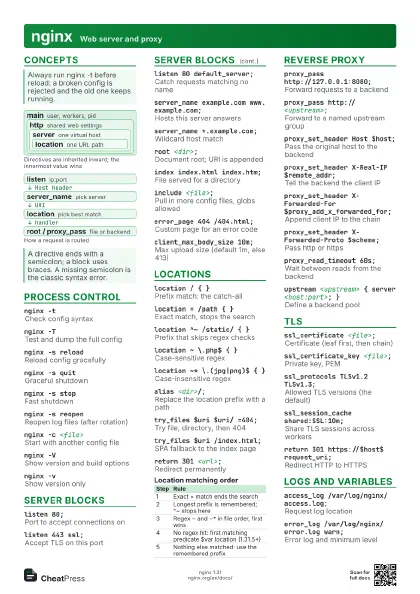
 Light · Postcard
102 × 152 mm · PDF
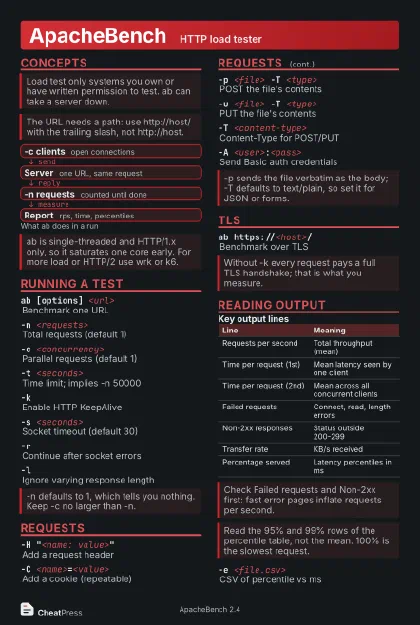 Dark · Postcard
102 × 152 mm · PDF
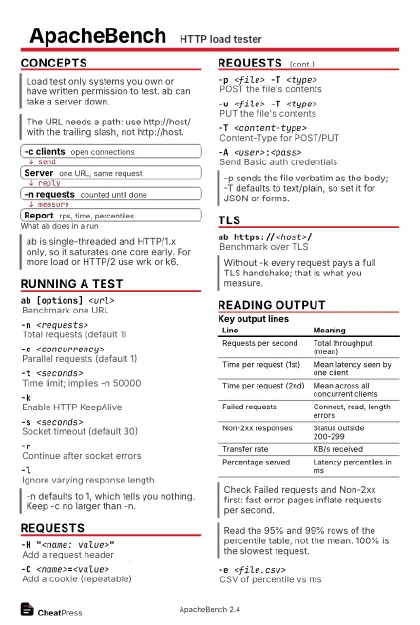 Ink saver · Postcard
102 × 152 mm · PDF
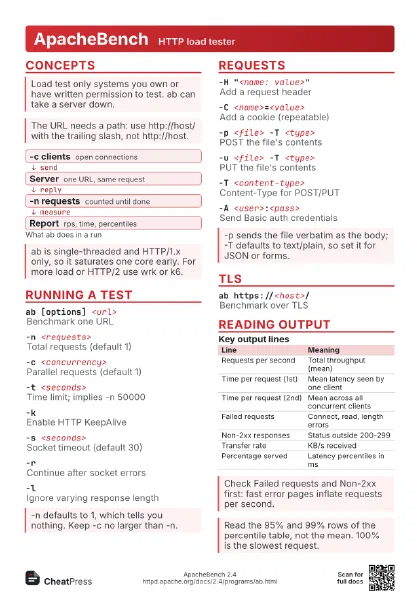
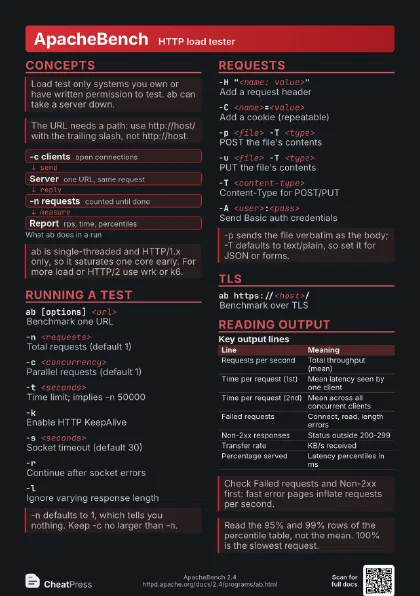
 Light · A4 landscape
297 × 210 mm · PDF
 Dark · A4 landscape
297 × 210 mm · PDF
 Ink saver · A4 landscape
297 × 210 mm · PDF
 Light · A3 landscape
420 × 297 mm · PDF
 Dark · A3 landscape
420 × 297 mm · PDF
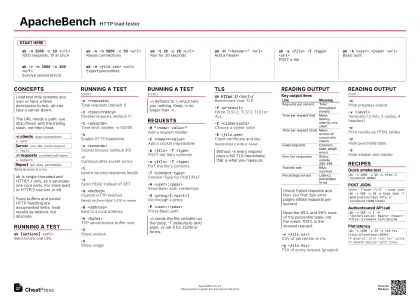 Ink saver · A3 landscape
420 × 297 mm · PDF
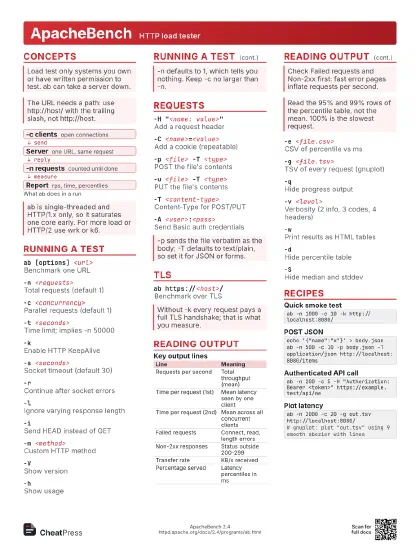
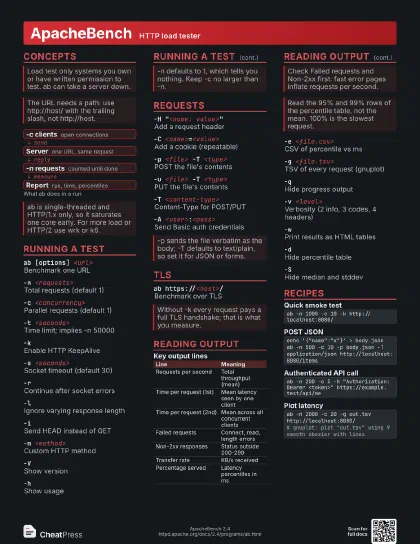
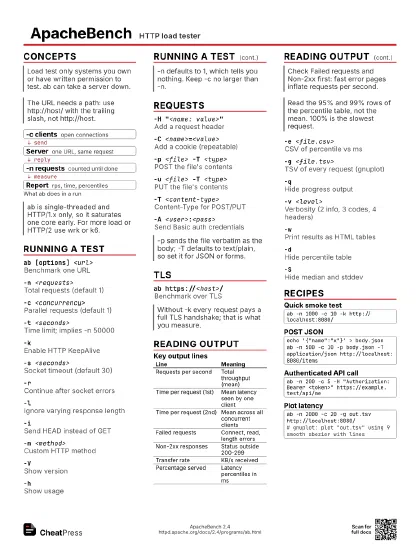
Start here
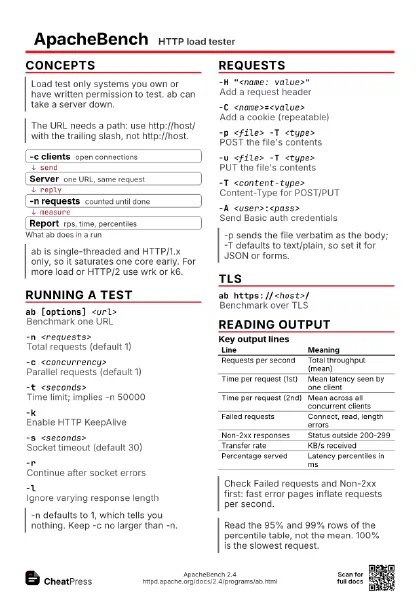
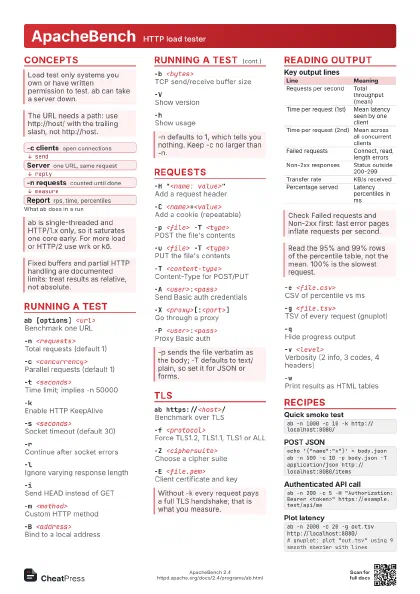
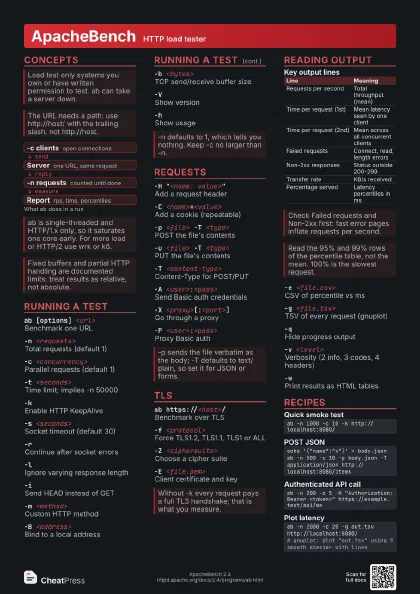
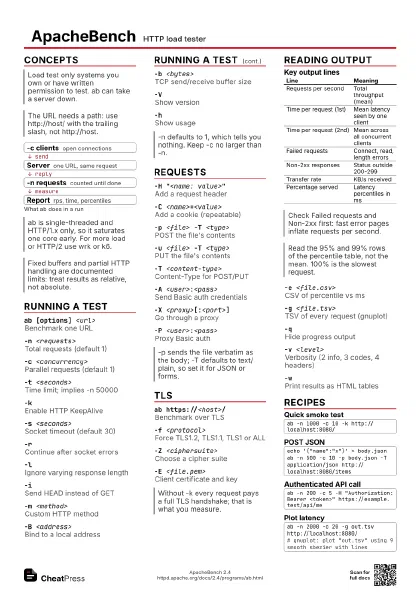
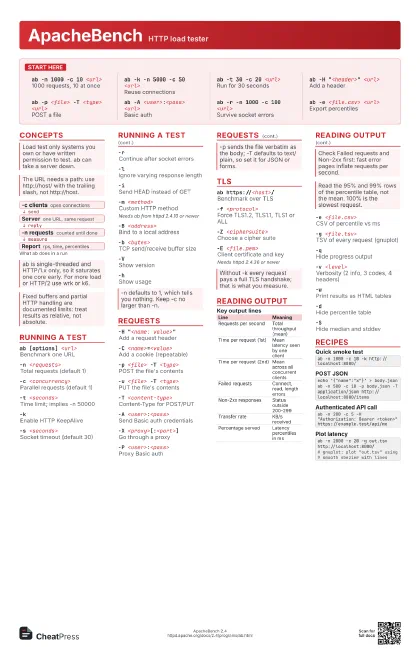
ab -n 1000 -c 10 <url>
1000 requests, 10 at once
ab -k -n 5000 -c 50 <url>
Reuse connections
ab -t 30 -c 20 <url>
Run for 30 seconds
ab -H "<header>" <url>
Add a header
ab -p <file> -T <type> <url>
POST a file
ab -A <user>:<pass> <url>
Basic auth
ab -r -n 1000 -c 100 <url>
Survive socket errors
ab -e <file.csv> <url>
Export percentiles
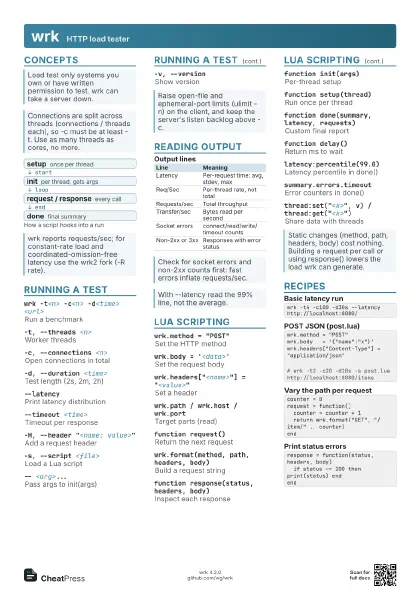
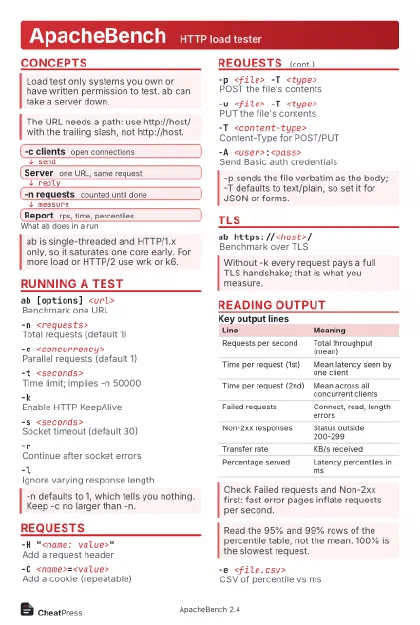
Concepts
- -c clients open connections
- Server one URL, same request
- -n requests counted until done
- Report rps, time, percentiles
Running a test
ab [options] <url>
Benchmark one URL
-n <requests>
Total requests (default 1)
-c <concurrency>
Parallel requests (default 1)
-t <seconds>
Time limit; implies -n 50000
-kEnable HTTP KeepAlive
-s <seconds>
Socket timeout (default 30)
-rContinue after socket errors
-lIgnore varying response length
-iSend HEAD instead of GET
-m <method>
Custom HTTP method
Needs ab from httpd 2.4.10 or newer
-B <address>
Bind to a local address
-b <bytes>
TCP send/receive buffer size
-VShow version
-hShow usage
Requests
-H "<name: value>"
Add a request header
-C <name>=<value>
Add a cookie (repeatable)
-p <file> -T <type>
POST the file's contents
-u <file> -T <type>
PUT the file's contents
-T <content-type>
Content-Type for POST/PUT
-A <user>:<pass>
Send Basic auth credentials
-X <proxy>[:<port>]
Go through a proxy
-P <user>:<pass>
Proxy Basic auth
TLS
ab https://<host>/
Benchmark over TLS
-f <protocol>
Force TLS1.2, TLS1.1, TLS1 or ALL
-Z <ciphersuite>
Choose a cipher suite
-E <file.pem>
Client certificate and key
Needs httpd 2.4.36 or newer
Reading output
| Line | Meaning |
|---|---|
| Requests per second | Total throughput (mean) |
| Time per request (1st) | Mean latency seen by one client |
| Time per request (2nd) | Mean across all concurrent clients |
| Failed requests | Connect, read, length errors |
| Non-2xx responses | Status outside 200-299 |
| Transfer rate | KB/s received |
| Percentage served | Latency percentiles in ms |
-e <file.csv>
CSV of percentile vs ms
-g <file.tsv>
TSV of every request (gnuplot)
-qHide progress output
-v <level>
Verbosity (2 info, 3 codes, 4 headers)
-wPrint results as HTML tables
-dHide percentile table
-SHide median and stddev
Recipes
ab -n 1000 -c 10 -k http://localhost:8080/echo '{"name":"x"}' > body.jsonab -n 500 -c 10 -p body.json -T application/json http://localhost:8080/itemsab -n 200 -c 5 -H "Authorization: Bearer <token>" https://example.test/api/meab -n 2000 -c 20 -g out.tsv http://localhost:8080/# gnuplot: plot "out.tsv" using 9 smooth sbezier with lines