Cheat
Argo CD GitOps for Kubernetes
 Light · Postcard
102 × 152 mm · PDF
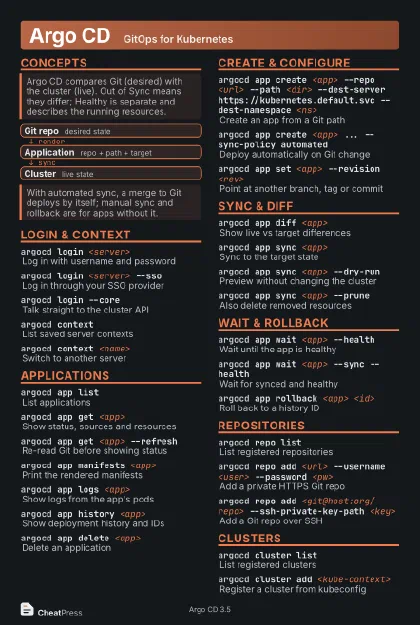 Dark · Postcard
102 × 152 mm · PDF
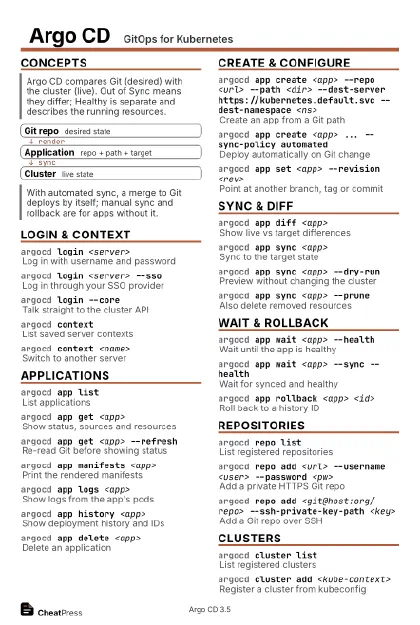 Ink saver · Postcard
102 × 152 mm · PDF
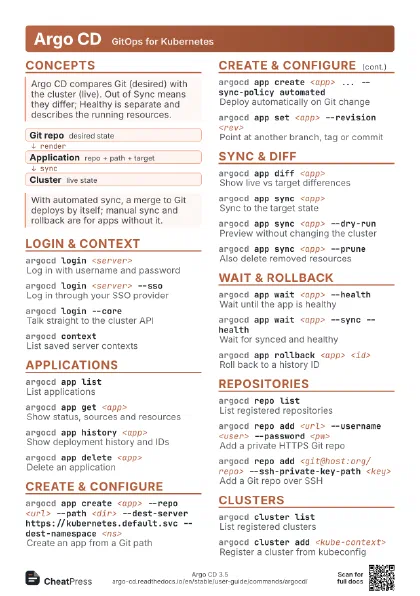
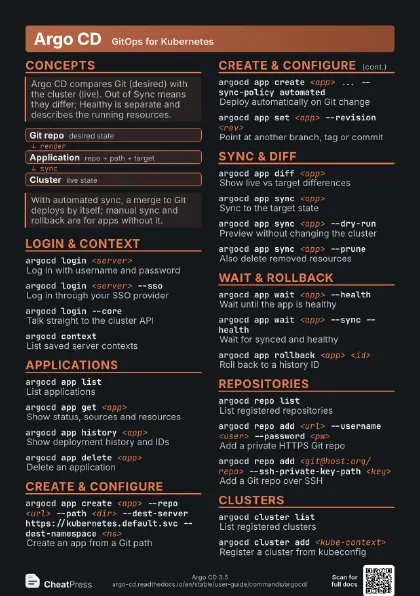
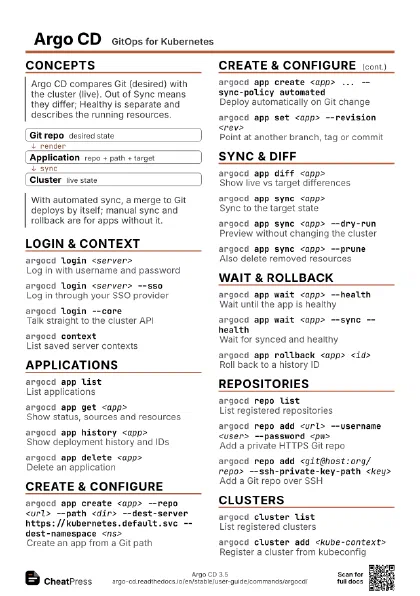
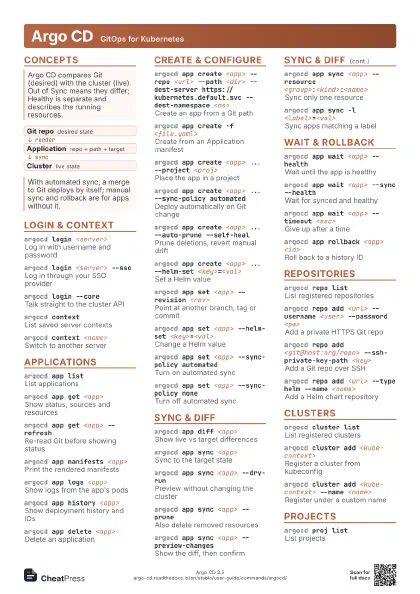
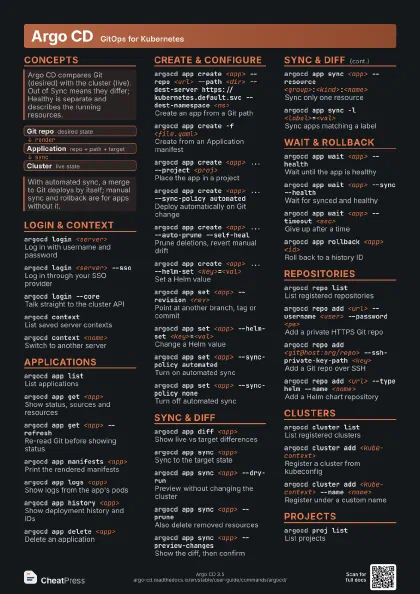
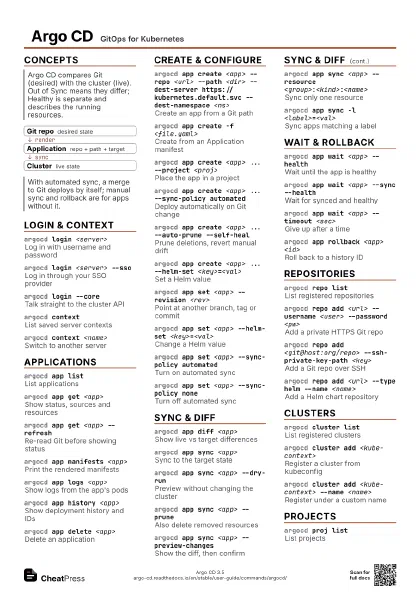
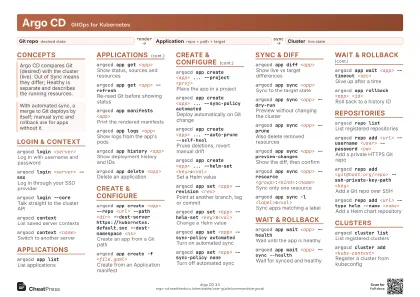 Light · A4 landscape
297 × 210 mm · PDF
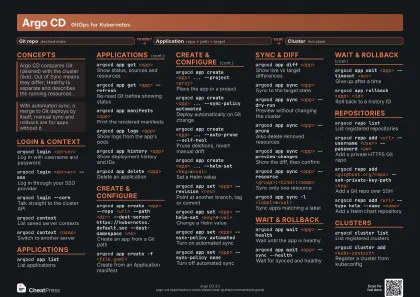 Dark · A4 landscape
297 × 210 mm · PDF
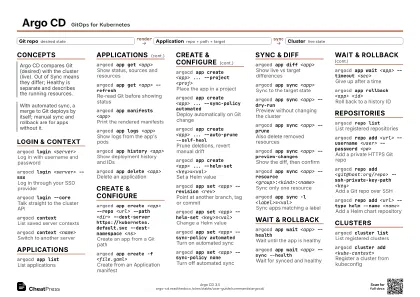 Ink saver · A4 landscape
297 × 210 mm · PDF
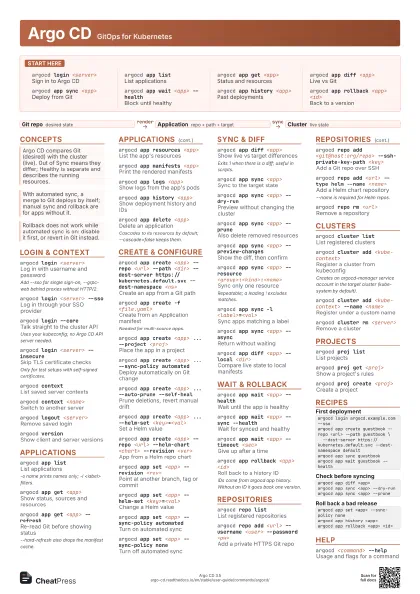
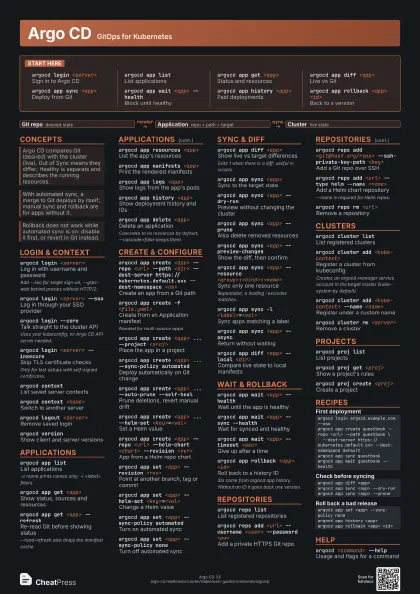
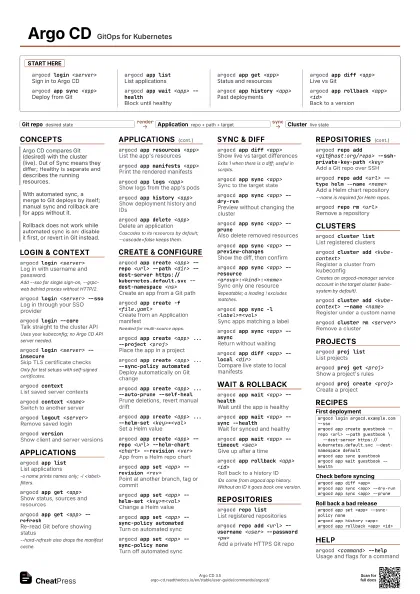
 Light · A3 landscape
420 × 297 mm · PDF
 Dark · A3 landscape
420 × 297 mm · PDF
 Ink saver · A3 landscape
420 × 297 mm · PDF

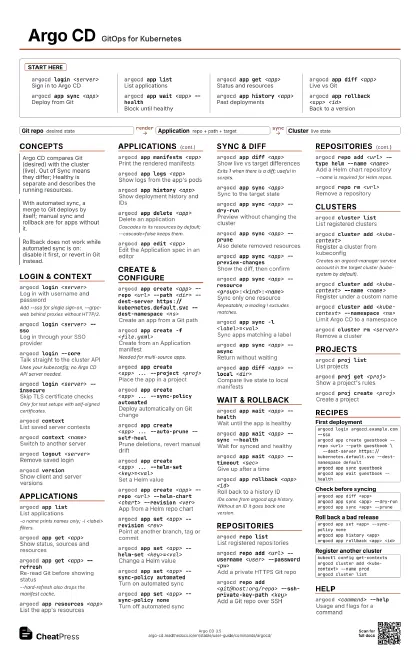
Start here
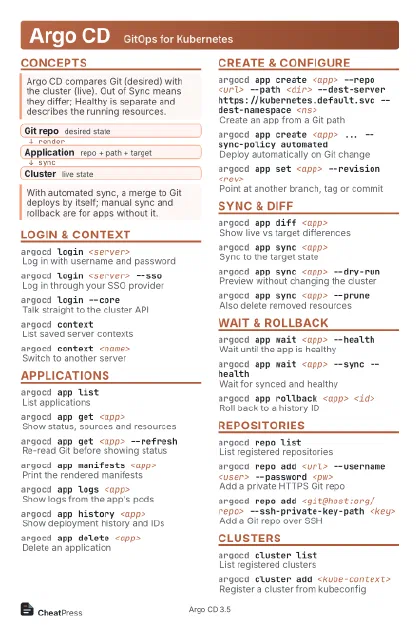
argocd login <server>
Sign in to Argo CD
argocd app listList applications
argocd app get <app>
Status and resources
argocd app diff <app>
Live vs Git
argocd app sync <app>
Deploy from Git
argocd app wait <app> --health
Block until healthy
argocd app history <app>
Past deployments
argocd app rollback <app> <id>
Back to a version
Concepts
- Git repo desired state
- Application repo + path + target
- Cluster live state
Login & Context
argocd login <server>
Log in with username and password
Add --sso for single sign-on, --grpc-web behind proxies
without HTTP/2.
argocd login <server> --sso
Log in through your SSO provider
argocd login --core
Talk straight to the cluster API
Uses your kubeconfig; no Argo CD API server needed.
argocd login <server> --insecure
Skip TLS certificate checks
Only for test setups with self-signed certificates.
argocd contextList saved server contexts
argocd context <name>
Switch to another server
argocd logout <server>
Remove saved login
argocd versionShow client and server versions
Applications
argocd app listList applications
-o name prints names only; -l <label> filters.
argocd app get <app>
Show status, sources and resources
argocd app get <app> --refresh
Re-read Git before showing status
--hard-refresh also drops the manifest cache.
argocd app resources <app>
List the app's resources
argocd app manifests <app>
Print the rendered manifests
argocd app logs <app>
Show logs from the app's pods
argocd app history <app>
Show deployment history and IDs
argocd app delete <app>
Delete an application
Cascades to its resources by default; --cascade=false keeps
them.
argocd app edit <app>
Edit the Application spec in an editor
Create & Configure
argocd app create <app> --repo <url> --path
                    <dir> --dest-server https://kubernetes.default.svc
                    --dest-namespace <ns>
Create an app from a Git path
argocd app create -f <file.yaml>
Create from an Application manifest
Needed for multi-source apps.
argocd app create <app> ... --project
                    <proj>
Place the app in a project
argocd app create <app> ... --sync-policy
                    automated
Deploy automatically on Git change
argocd app create <app> ... --auto-prune
                    --self-heal
Prune deletions, revert manual drift
argocd app create <app> ... --helm-set
                    <key>=<val>
Set a Helm value
argocd app create <app> --repo <url>
                    --helm-chart <chart> --revision <ver>
App from a Helm repo chart
argocd app create <app> ... --kustomize-image
                    <img>
Override an image with Kustomize
argocd app set <app> --revision <rev>
Point at another branch, tag or commit
argocd app set <app> --helm-set
                    <key>=<val>
Change a Helm value
argocd app set <app> --sync-policy automated
Turn on automated sync
argocd app set <app> --sync-policy none
Turn off automated sync
argocd app set <app> --source-position
                    <n>
Target one source of a multi-source app
Positions count from 1.
Sync & Diff
argocd app diff <app>
Show live vs target differences
Exits 1 when there is a diff; useful in scripts.
argocd app sync <app>
Sync to the target state
argocd app sync <app> --dry-run
Preview without changing the cluster
argocd app sync <app> --prune
Also delete removed resources
argocd app sync <app> --preview-changes
Show the diff, then confirm
argocd app sync <app> --resource
                    <group>:<kind>:<name>
Sync only one resource
Repeatable; a leading ! excludes matches.
argocd app sync -l <label>=<val>
Sync apps matching a label
argocd app sync <app> --force
Force apply (replace)
argocd app sync <app> --async
Return without waiting
argocd app sync <app> --apply-out-of-sync-only
Touch only drifted resources
argocd app diff <app> --local <dir>
Compare live state to local manifests
Wait & Rollback
argocd app wait <app> --health
Wait until the app is healthy
argocd app wait <app> --sync --health
Wait for synced and healthy
argocd app wait <app> --timeout <sec>
Give up after a time
argocd app rollback <app> <id>
Roll back to a history ID
IDs come from argocd app history. Without an ID it goes back
one version.
argocd app rollback <app> --prune
Rollback and delete extra resources
Repositories
argocd repo list
List registered repositories
argocd repo add <url> --username <user>
                    --password <pw>
Add a private HTTPS Git repo
argocd repo add <git@host:org/repo>
                    --ssh-private-key-path <key>
Add a Git repo over SSH
argocd repo add <url> --type helm --name
                    <name>
Add a Helm chart repository
--name is required for Helm repos.
argocd repo add <url> --type helm --name <name>
                    --enable-oci
Add a Helm OCI registry
argocd repo rm <url>
Remove a repository
Clusters
argocd cluster list
List registered clusters
argocd cluster add <kube-context>
Register a cluster from kubeconfig
Creates an argocd-manager service account in the target
cluster (kube-system by default).
argocd cluster add <kube-context> --name
                    <name>
Register under a custom name
argocd cluster add <kube-context> --namespace
                    <ns>
Limit Argo CD to a namespace
argocd cluster rm <server>
Remove a cluster
Projects
argocd proj list
List projects
argocd proj get <proj>
Show a project's rules
argocd proj create <proj>
Create a project
argocd proj add-destination <proj> <server>
                    <ns>
Allow another destination
argocd proj add-source <proj> <repo-url>
Allow another source repo
argocd proj delete <proj>
Delete a project
Recipes
argocd login argocd.example.com --ssoargocd app create guestbook --repo <url> --path guestbook \ --dest-server https://kubernetes.default.svc --dest-namespace defaultargocd app sync guestbookargocd app wait guestbook --healthargocd app diff <app>argocd app sync <app> --dry-runargocd app sync <app> --pruneargocd app set <app> --sync-policy noneargocd app history <app>argocd app rollback <app> <id>kubectl config get-contextsargocd cluster add <kube-context> --name prodargocd cluster listHelp
argocd <command> --help
Usage and flags for a command
argocd completion <shell>
Print a shell completion script