Cheat
zypper openSUSE package manager
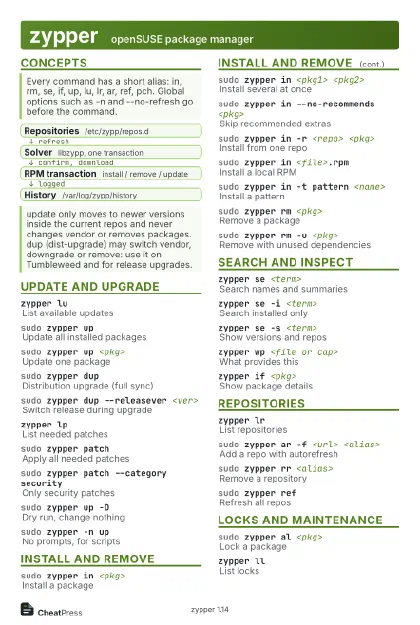 Light · Postcard
102 × 152 mm · PDF
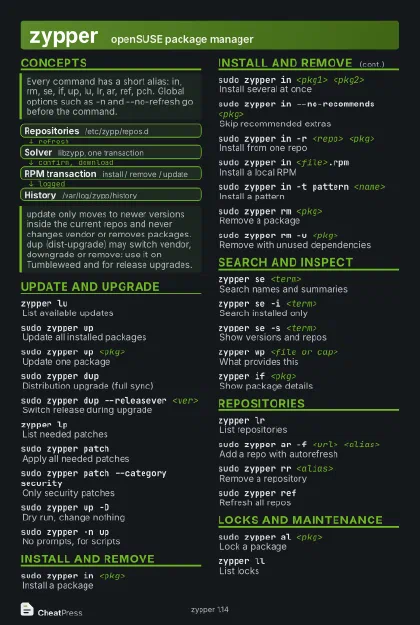 Dark · Postcard
102 × 152 mm · PDF
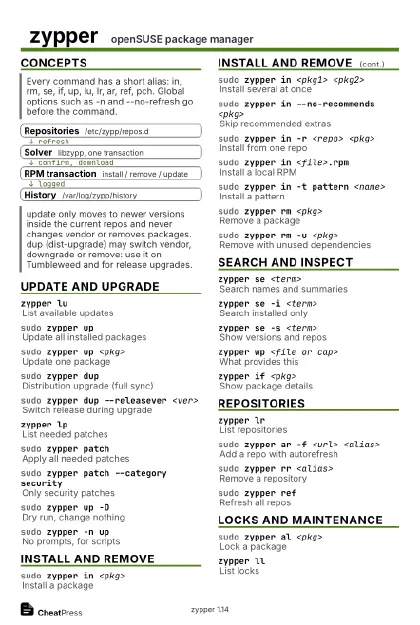 Ink saver · Postcard
102 × 152 mm · PDF
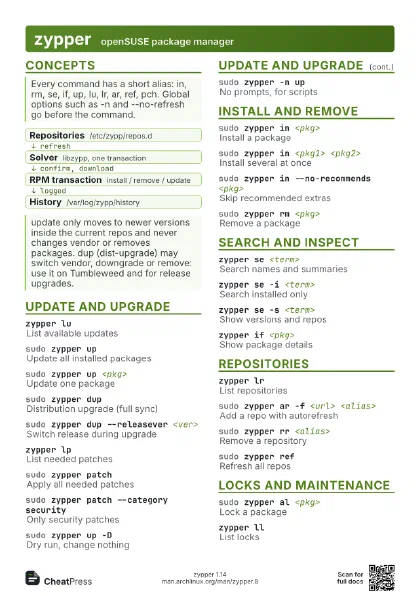
 Light · A4 landscape
297 × 210 mm · PDF
 Dark · A4 landscape
297 × 210 mm · PDF
 Ink saver · A4 landscape
297 × 210 mm · PDF
 Light · A3 landscape
420 × 297 mm · PDF
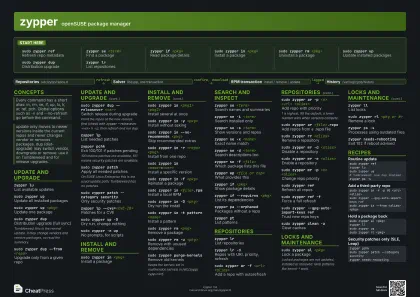 Dark · A3 landscape
420 × 297 mm · PDF
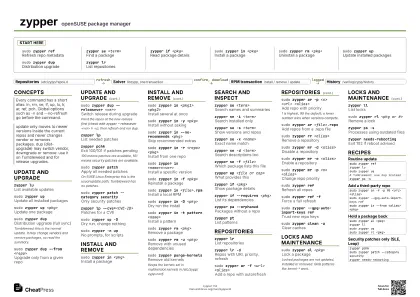 Ink saver · A3 landscape
420 × 297 mm · PDF
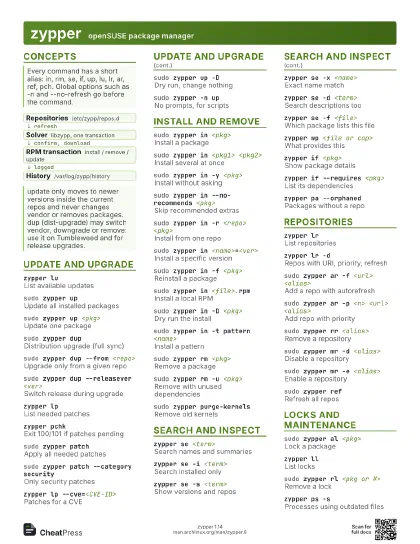
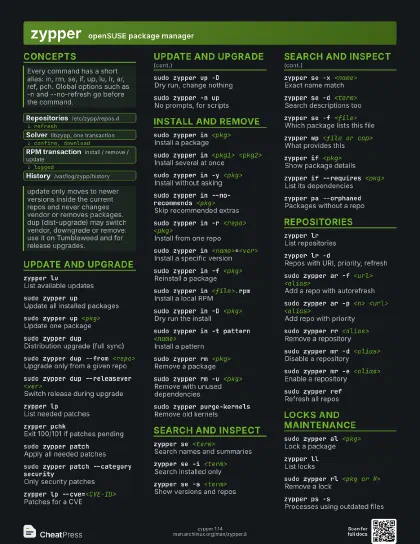
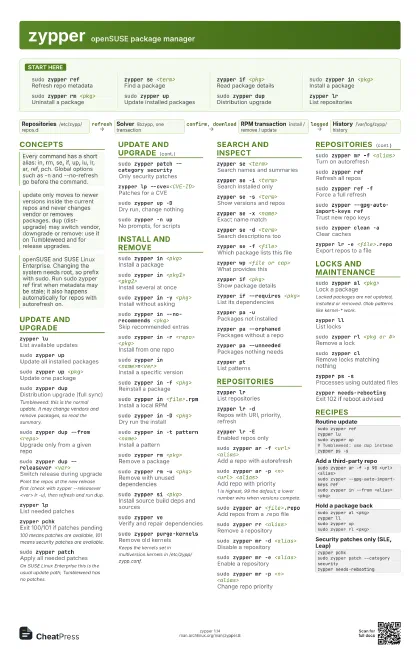
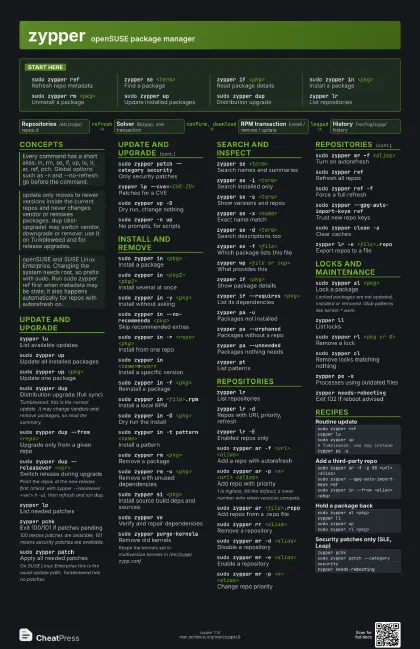
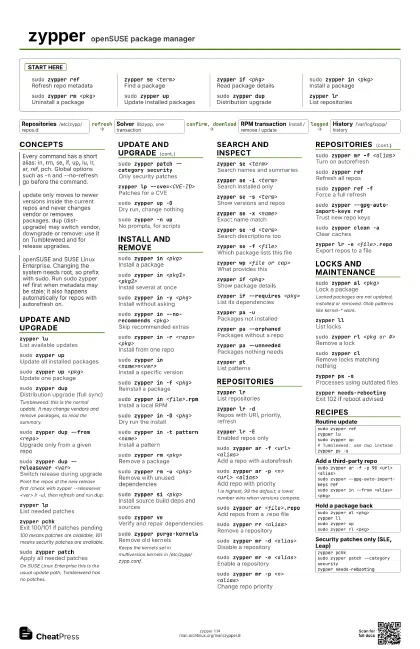
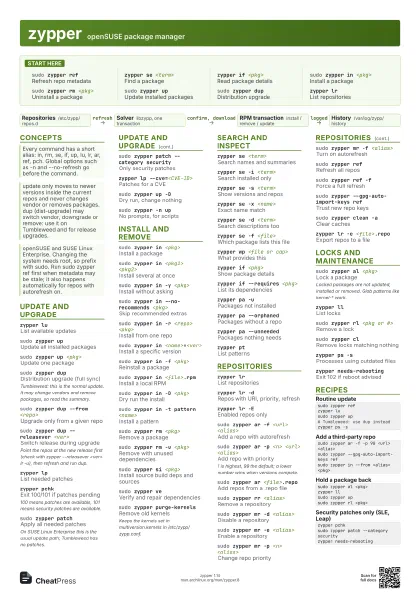
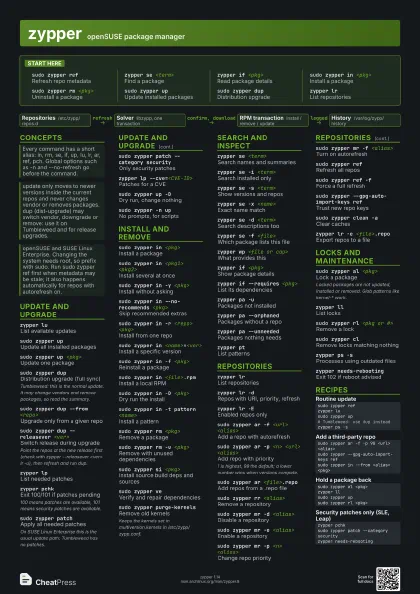
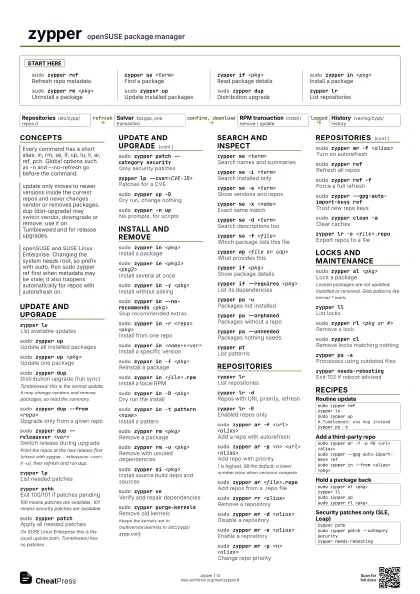
Start here
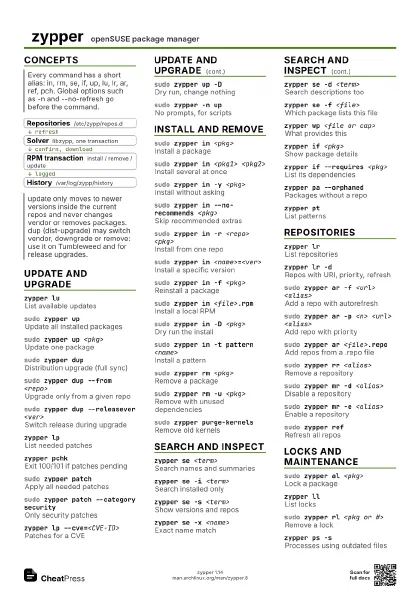
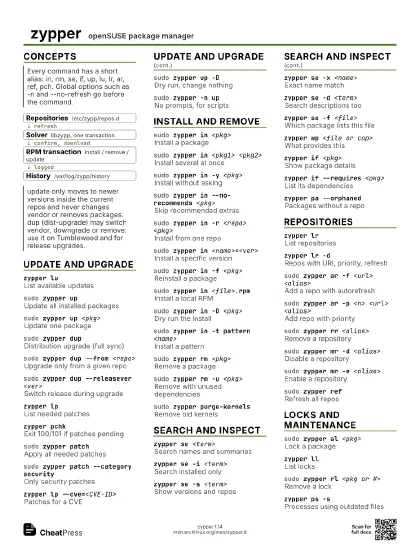
sudo zypper refRefresh repo metadata
zypper se <term>
Find a package
zypper if <pkg>
Read package details
sudo zypper in <pkg>
Install a package
sudo zypper rm <pkg>
Uninstall a package
sudo zypper upUpdate installed packages
sudo zypper dupDistribution upgrade
zypper lrList repositories
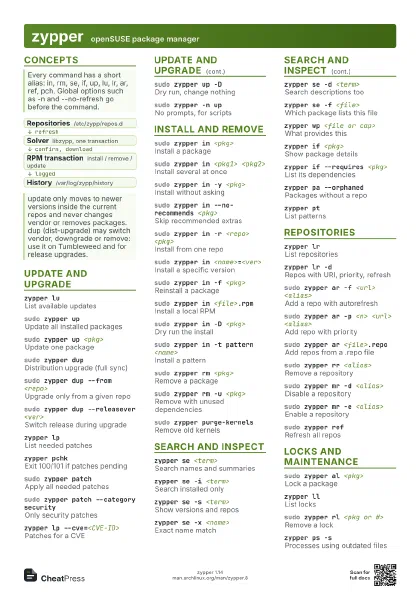
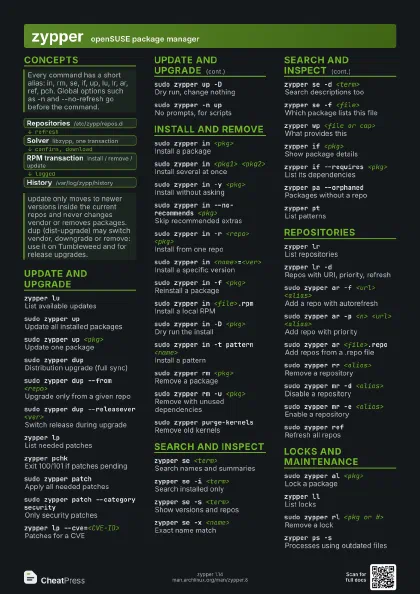
Concepts
- Repositories /etc/zypp/repos.d
- Solver libzypp, one transaction
- RPM transaction install / remove / update
- History /var/log/zypp/history
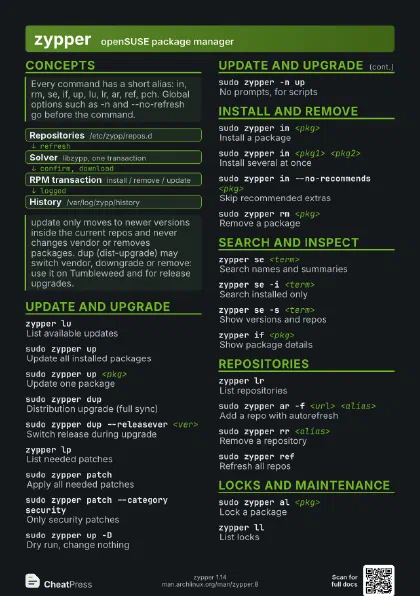
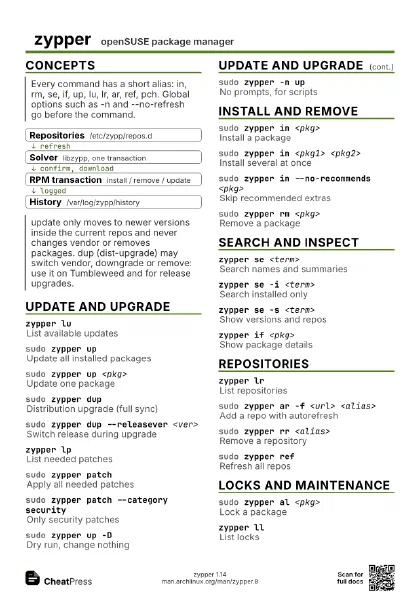
Update and upgrade
zypper luList available updates
sudo zypper upUpdate all installed packages
sudo zypper up <pkg>
Update one package
sudo zypper dupDistribution upgrade (full sync)
Tumbleweed: this is the normal update. It may change vendors
and remove packages, so read the summary.
sudo zypper dup --from <repo>
Upgrade only from a given repo
sudo zypper dup --releasever <ver>
Switch release during upgrade
Point the repos at the new release first (check with zypper
--releasever <ver> lr -u), then refresh and run dup.
zypper lpList needed patches
zypper pchkExit 100/101 if patches pending
100 means patches are available, 101 means security patches
are available.
sudo zypper patch
Apply all needed patches
On SUSE Linux Enterprise this is the usual update path;
Tumbleweed has no patches.
sudo zypper patch --category security
Only security patches
zypper lp --cve=<CVE-ID>
Patches for a CVE
sudo zypper up -D
Dry run, change nothing
sudo zypper -n up
No prompts, for scripts
Install and remove
sudo zypper in <pkg>
Install a package
sudo zypper in <pkg1> <pkg2>
Install several at once
sudo zypper in -y <pkg>
Install without asking
sudo zypper in --no-recommends <pkg>
Skip recommended extras
sudo zypper in -r <repo> <pkg>
Install from one repo
sudo zypper in <name>=<ver>
Install a specific version
sudo zypper in -f <pkg>
Reinstall a package
sudo zypper in <file>.rpm
Install a local RPM
sudo zypper in -D <pkg>
Dry run the install
sudo zypper in -t pattern <name>
Install a pattern
sudo zypper rm <pkg>
Remove a package
sudo zypper rm -u <pkg>
Remove with unused dependencies
sudo zypper si <pkg>
Install source build deps and sources
sudo zypper veVerify and repair dependencies
sudo zypper purge-kernels
Remove old kernels
Keeps the kernels set in multiversion.kernels in
/etc/zypp/zypp.conf.
Search and inspect
zypper se <term>
Search names and summaries
zypper se -i <term>
Search installed only
zypper se -s <term>
Show versions and repos
zypper se -x <name>
Exact name match
zypper se -d <term>
Search descriptions too
zypper se -f <file>
Which package lists this file
zypper wp <file or cap>
What provides this
zypper if <pkg>
Show package details
zypper if --requires <pkg>
List its dependencies
zypper pa -uPackages not installed
zypper pa --orphaned
Packages without a repo
zypper pa --unneeded
Packages nothing needs
zypper ptList patterns
Repositories
zypper lrList repositories
zypper lr -dRepos with URI, priority, refresh
zypper lr -EEnabled repos only
sudo zypper ar -f <url> <alias>
Add a repo with autorefresh
sudo zypper ar -p <n> <url> <alias>
Add repo with priority
1 is highest, 99 the default; a lower number wins when
versions compete.
sudo zypper ar <file>.repo
Add repos from a .repo file
sudo zypper rr <alias>
Remove a repository
sudo zypper mr -d <alias>
Disable a repository
sudo zypper mr -e <alias>
Enable a repository
sudo zypper mr -p <n> <alias>
Change repo priority
sudo zypper mr -f <alias>
Turn on autorefresh
sudo zypper refRefresh all repos
sudo zypper ref -f
Force a full refresh
sudo zypper --gpg-auto-import-keys ref
Trust new repo keys
sudo zypper clean -a
Clear caches
zypper lr -e <file>.repo
Export repos to a file
Locks and maintenance
sudo zypper al <pkg>
Lock a package
Locked packages are not updated, installed or removed. Glob
patterns like kernel-* work.
zypper llList locks
sudo zypper rl <pkg or #>
Remove a lock
sudo zypper clRemove locks matching nothing
zypper ps -sProcesses using outdated files
zypper needs-rebooting
Exit 102 if reboot advised
Recipes
sudo zypper refzypper lusudo zypper up# Tumbleweed: use dup insteadzypper ps -ssudo zypper ar -f -p 90 <url> <alias>sudo zypper --gpg-auto-import-keys refsudo zypper in --from <alias> <pkg>sudo zypper al <pkg>zypper llsudo zypper upsudo zypper rl <pkg>zypper pchksudo zypper patch --category securityzypper needs-rebooting