Cheat
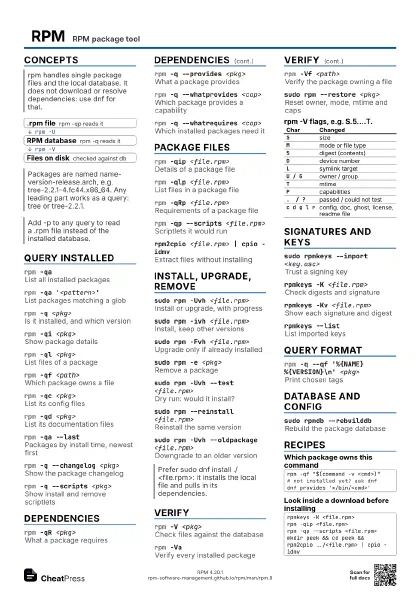
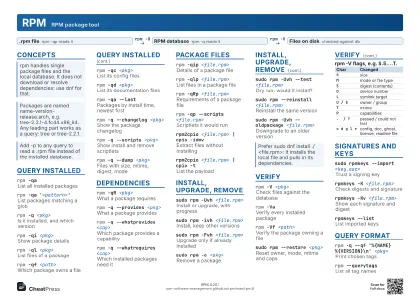
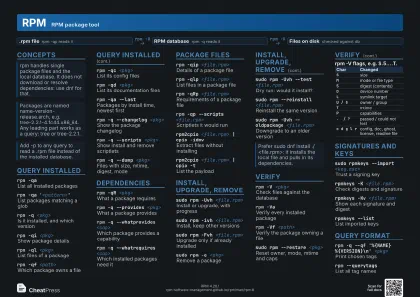
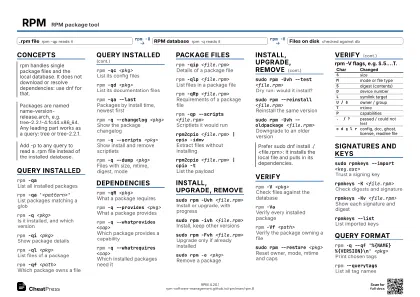
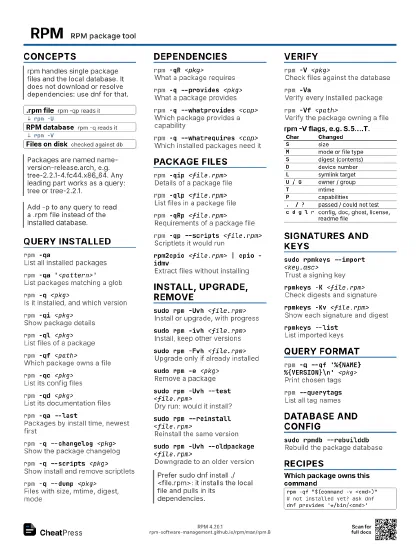
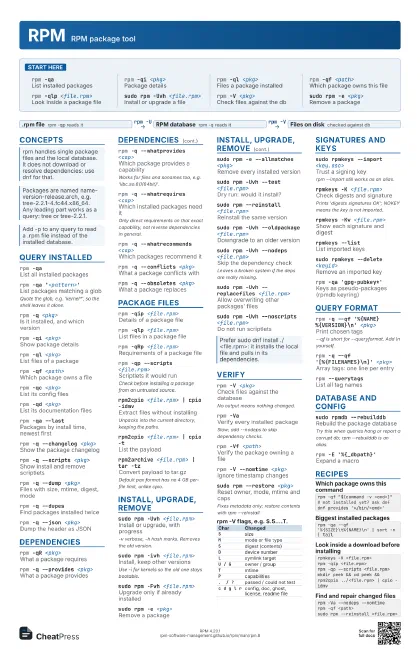
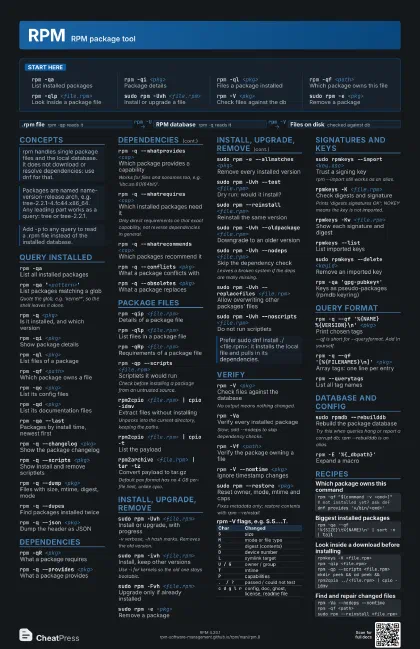
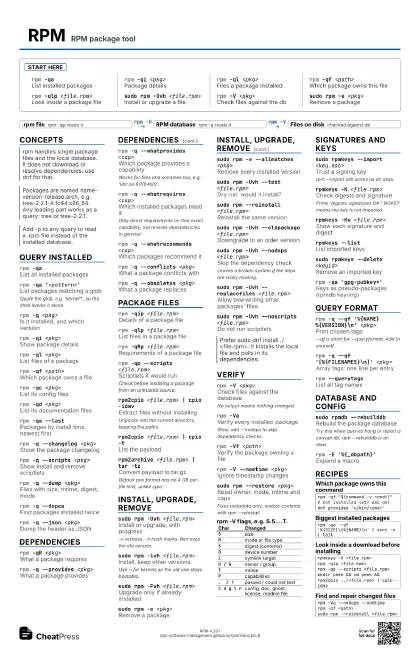
RPM RPM package tool
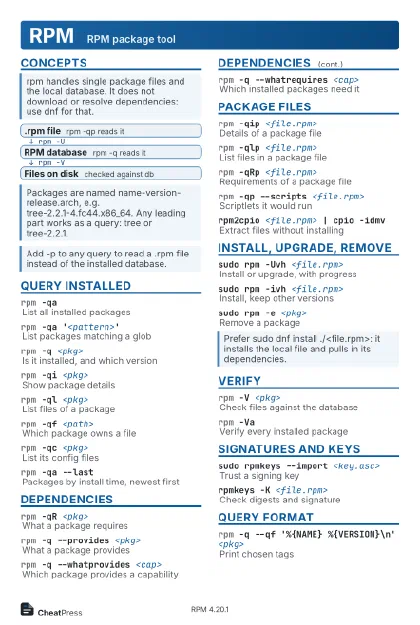 Light · Postcard
102 × 152 mm · PDF
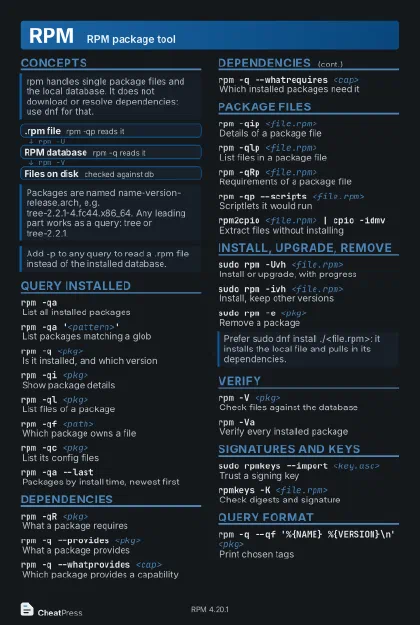 Dark · Postcard
102 × 152 mm · PDF
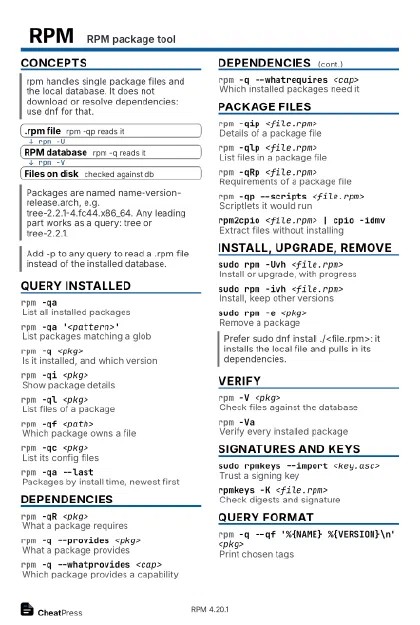 Ink saver · Postcard
102 × 152 mm · PDF
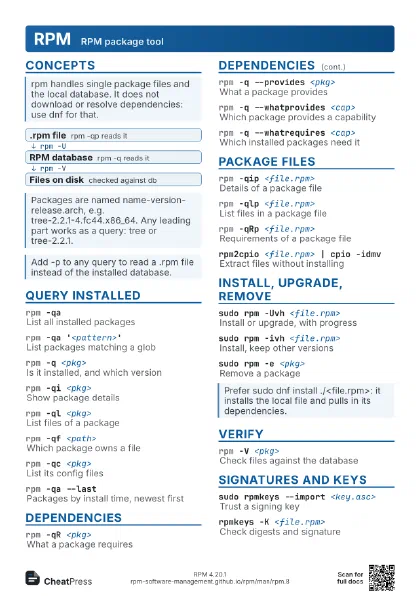
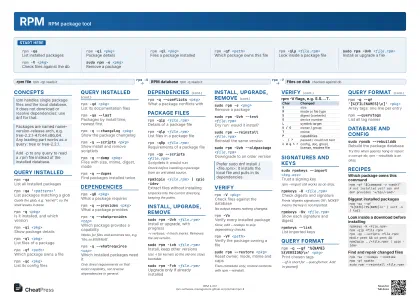
 Light · A4 landscape
297 × 210 mm · PDF
 Dark · A4 landscape
297 × 210 mm · PDF
 Ink saver · A4 landscape
297 × 210 mm · PDF
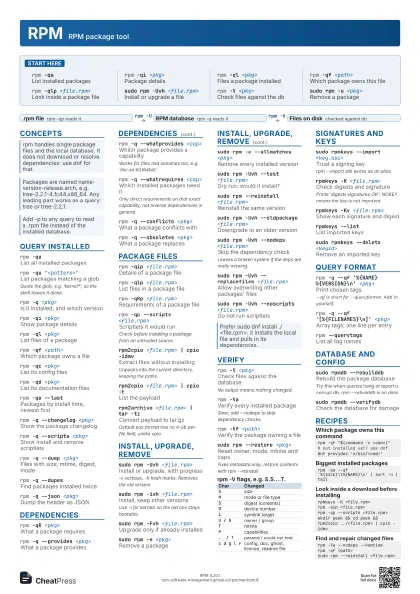
 Light · A3 landscape
420 × 297 mm · PDF
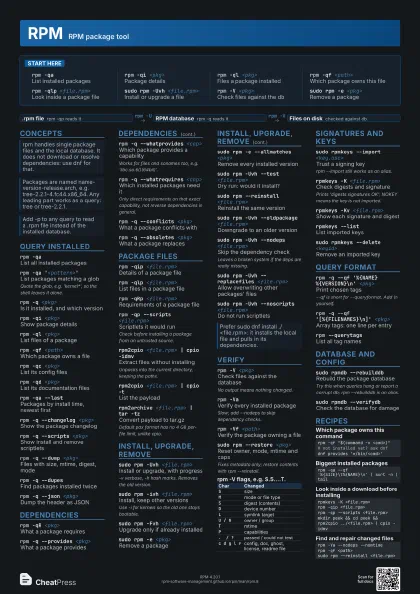
 Dark · A3 landscape
420 × 297 mm · PDF
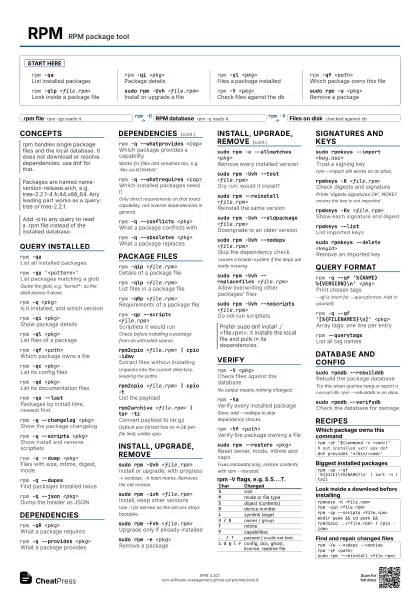
 Ink saver · A3 landscape
420 × 297 mm · PDF
Start here
rpm -qaList installed packages
rpm -qi <pkg>
Package details
rpm -ql <pkg>
Files a package installed
rpm -qf <path>
Which package owns this file
rpm -qlp <file.rpm>
Look inside a package file
sudo rpm -Uvh <file.rpm>
Install or upgrade a file
rpm -V <pkg>
Check files against the db
sudo rpm -e <pkg>
Remove a package
Concepts
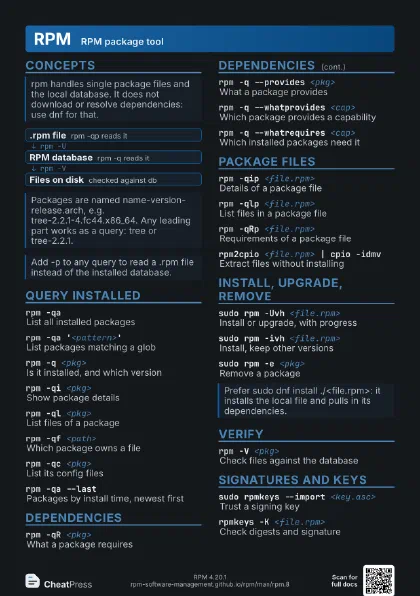
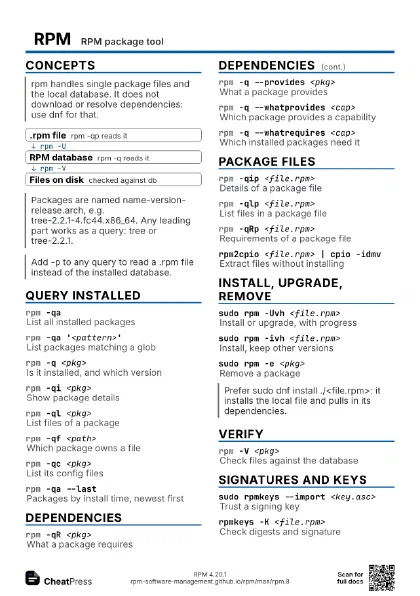
- .rpm file rpm -qp reads it
- RPM database rpm -q reads it
- Files on disk checked against db
Query installed
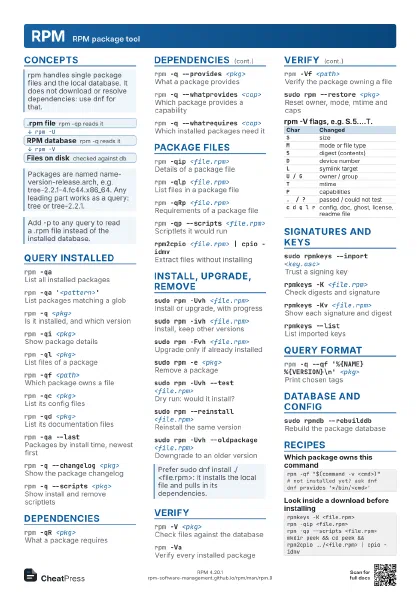
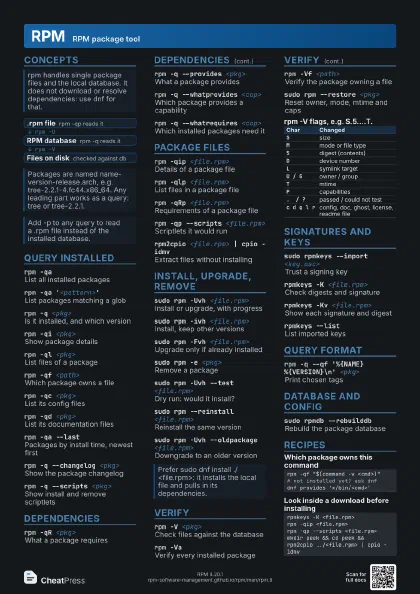
rpm -qaList all installed packages
rpm -qa '<pattern>'
List packages matching a glob
Quote the glob, e.g. 'kernel*', so the shell leaves it
alone.
rpm -q <pkg>
Is it installed, and which version
rpm -qi <pkg>
Show package details
rpm -ql <pkg>
List files of a package
rpm -qf <path>
Which package owns a file
rpm -qc <pkg>
List its config files
rpm -qd <pkg>
List its documentation files
rpm -qa --lastPackages by install time, newest first
rpm -q --changelog <pkg>
Show the package changelog
rpm -q --scripts <pkg>
Show install and remove scriptlets
rpm -q --dump <pkg>
Files with size, mtime, digest, mode
rpm -q --dupesFind packages installed twice
rpm -q --json <pkg>
Dump the header as JSON
Dependencies
rpm -qR <pkg>
What a package requires
rpm -q --provides <pkg>
What a package provides
rpm -q --whatprovides <cap>
Which package provides a capability
Works for files and sonames too, e.g.
'libc.so.6()(64bit)'.
rpm -q --whatrequires <cap>
Which installed packages need it
Only direct requirements on that exact capability, not reverse
dependencies in general.
rpm -q --whatrecommends <cap>
Which packages recommend it
rpm -q --conflicts <pkg>
What a package conflicts with
rpm -q --obsoletes <pkg>
What a package replaces
Package files
rpm -qip <file.rpm>
Details of a package file
rpm -qlp <file.rpm>
List files in a package file
rpm -qRp <file.rpm>
Requirements of a package file
rpm -qp --scripts <file.rpm>
Scriptlets it would run
Check before installing a package from an untrusted source.
rpm2cpio <file.rpm> | cpio -idmv
Extract files without installing
Unpacks into the current directory, keeping the paths.
rpm2cpio <file.rpm> | cpio -t
List the payload
rpm2archive <file.rpm> | tar -tz
Convert payload to tar.gz
Default pax format has no 4 GB per-file limit, unlike cpio.
Install, upgrade, remove
sudo rpm -Uvh <file.rpm>
Install or upgrade, with progress
-v verbose, -h hash marks. Removes the old version.
sudo rpm -ivh <file.rpm>
Install, keep other versions
Use -i for kernels so the old one stays bootable.
sudo rpm -Fvh <file.rpm>
Upgrade only if already installed
sudo rpm -e <pkg>
Remove a package
sudo rpm -e --allmatches <pkg>
Remove every installed version
sudo rpm -Uvh --test <file.rpm>
Dry run: would it install?
sudo rpm --reinstall <file.rpm>
Reinstall the same version
sudo rpm -Uvh --oldpackage <file.rpm>
Downgrade to an older version
sudo rpm -Uvh --nodeps <file.rpm>
Skip the dependency check
Leaves a broken system if the deps are really missing.
sudo rpm -Uvh --replacefiles <file.rpm>
Allow overwriting other packages' files
sudo rpm -Uvh --noscripts <file.rpm>
Do not run scriptlets
sudo rpm -Uvh --excludedocs <file.rpm>
Skip documentation files
sudo rpm -ivh --prefix <dir> <file.rpm>
Relocate a relocatable package
Verify
rpm -V <pkg>
Check files against the database
No output means nothing changed.
rpm -VaVerify every installed package
Slow; add --nodeps to skip dependency checks.
rpm -Vf <path>
Verify the package owning a file
rpm -V --nomtime <pkg>
Ignore timestamp changes
sudo rpm --restore <pkg>
Reset owner, mode, mtime and caps
Fixes metadata only; restore contents with rpm --reinstall.
| Char | Changed |
|---|---|
S |
size |
M |
mode or file type |
5 |
digest (contents) |
D |
device number |
L |
symlink target |
U / G |
owner / group |
T |
mtime |
P |
capabilities |
. / ? |
passed / could not test |
c d g l r |
config, doc, ghost, license, readme file |
Signatures and keys
sudo rpmkeys --import <key.asc>
Trust a signing key
rpm --import still works as an alias.
rpmkeys -K <file.rpm>
Check digests and signature
Prints 'digests signatures OK'; NOKEY means the key is
not imported.
rpmkeys -Kv <file.rpm>
Show each signature and digest
rpmkeys --listList imported keys
sudo rpmkeys --delete <keyid>
Remove an imported key
rpm -qa 'gpg-pubkey*'
Keys as pseudo-packages (rpmdb keyring)
rpm -qp --nosignature <file.rpm>
Query without signature checks
Query format
rpm -q --qf '%{NAME} %{VERSION}\n'
                    <pkg>
Print chosen tags
--qf is short for --queryformat. Add \n yourself.
rpm -q --qf '[%{FILENAMES}\n]' <pkg>
Array tags: one line per entry
rpm -q --qf '%{INSTALLTIME:date}\n'
                    <pkg>
Format a tag as a date
rpm -q --qf '%{SIZE:humansi}\n' <pkg>
Human-readable size
rpm --querytagsList all tag names
rpm -qp --qf '%{NEVRA}\n' <file.rpm>
Full name with epoch and arch
Database and config
sudo rpmdb --rebuilddb
Rebuild the package database
Try this when queries hang or report a corrupt db; rpm
--rebuilddb is an alias.
sudo rpmdb --verifydb
Check the database for damage
rpm -E '%{_dbpath}'
Expand a macro
rpm --showrcShow all config and macros
rpm --root <dir> -qa
Work on another root's database
Recipes
rpm -qf "$(command -v <cmd>)"# not installed yet? ask dnfdnf provides '*/bin/<cmd>'rpm -qa --qf '%{SIZE}\t%{NAME}\n' | sort -n | tailrpmkeys -K <file.rpm>rpm -qip <file.rpm>rpm -qp --scripts <file.rpm>mkdir peek && cd peek && rpm2cpio ../<file.rpm> | cpio -idmvrpm -Va --nodeps --nomtimerpm -qf <path>sudo rpm --reinstall <file.rpm>