Cheat
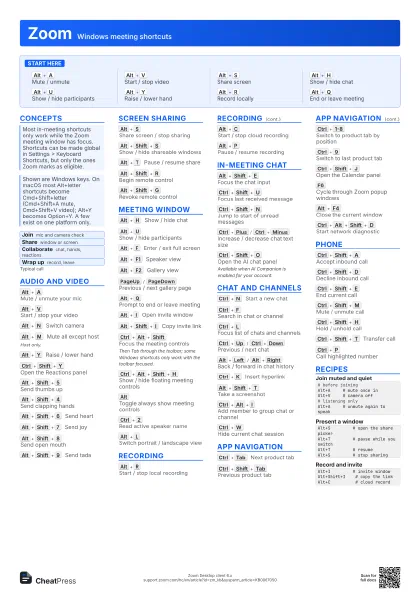
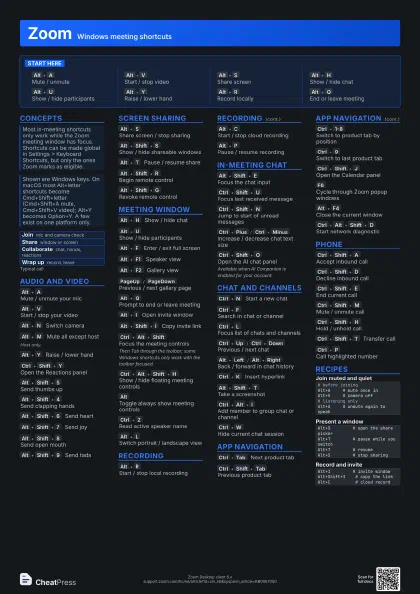
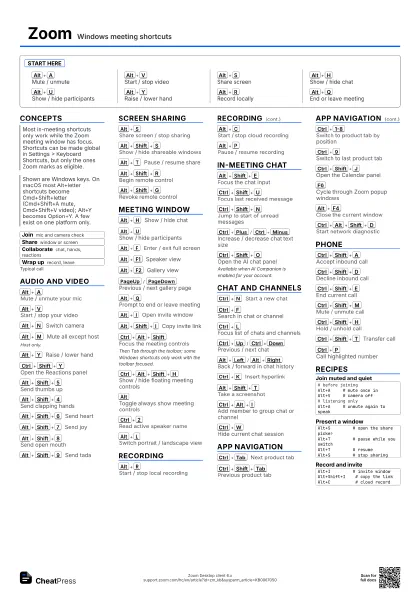
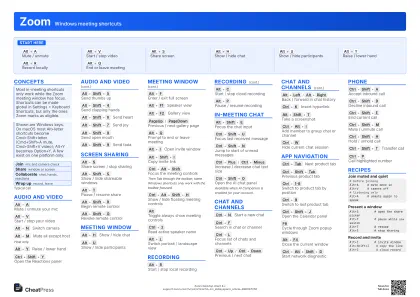
Zoom Windows meeting shortcuts
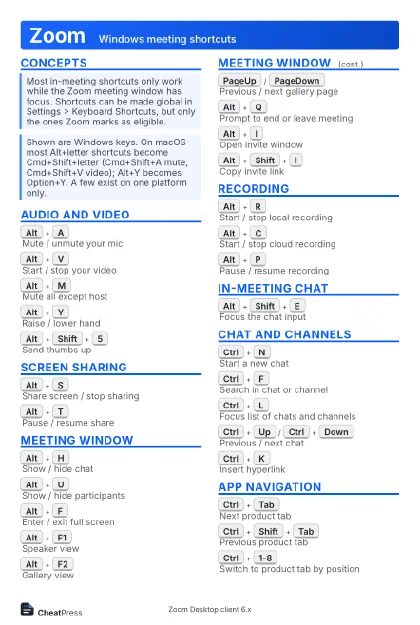 Light · Postcard
102 × 152 mm · PDF
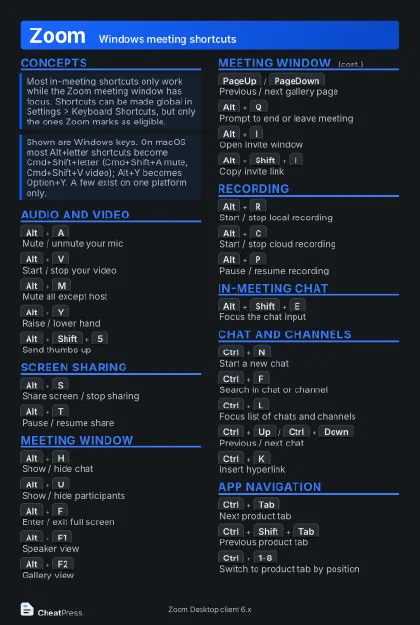 Dark · Postcard
102 × 152 mm · PDF
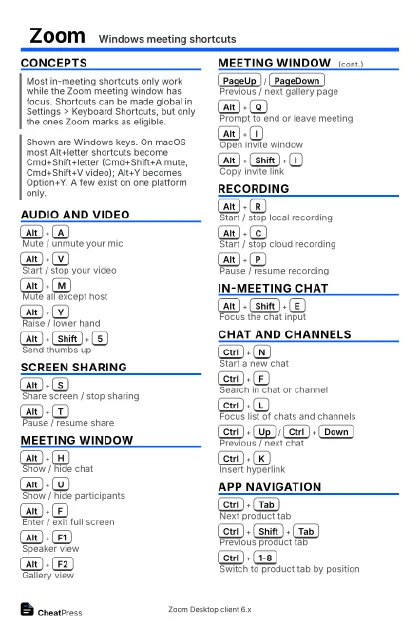 Ink saver · Postcard
102 × 152 mm · PDF
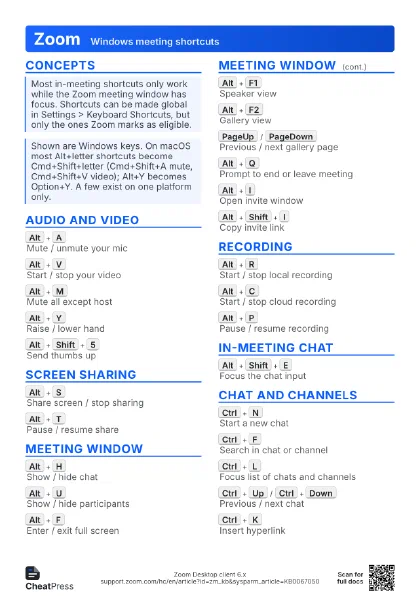
 Light · A4 landscape
297 × 210 mm · PDF
 Dark · A4 landscape
297 × 210 mm · PDF
 Ink saver · A4 landscape
297 × 210 mm · PDF
 Light · A3 landscape
420 × 297 mm · PDF
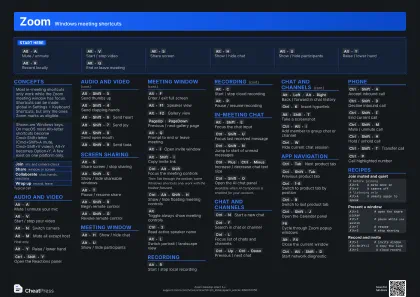 Dark · A3 landscape
420 × 297 mm · PDF
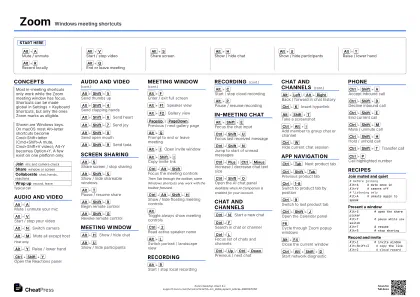 Ink saver · A3 landscape
420 × 297 mm · PDF
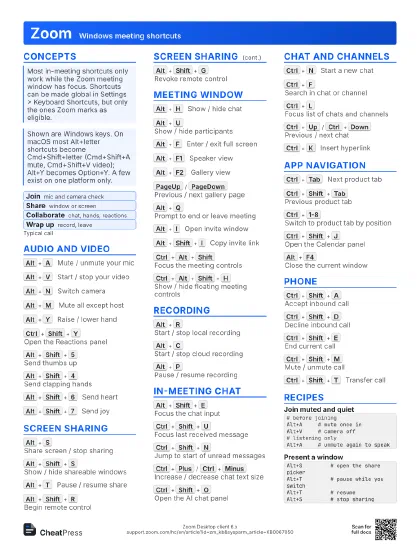
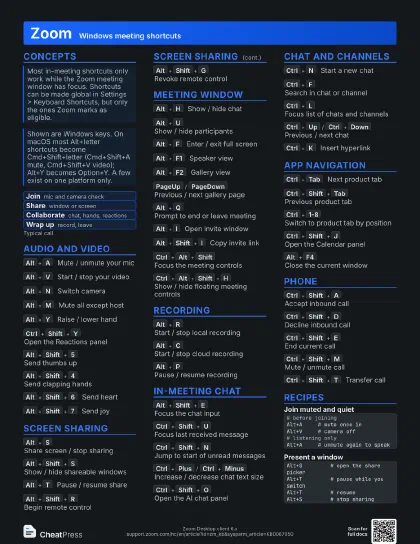
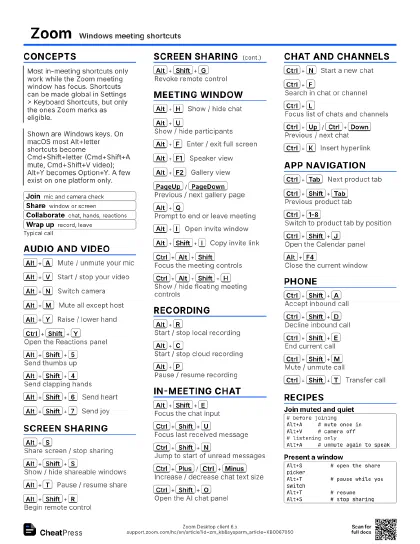
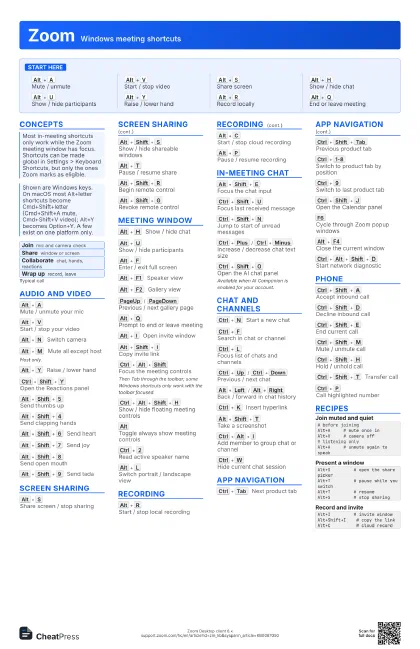
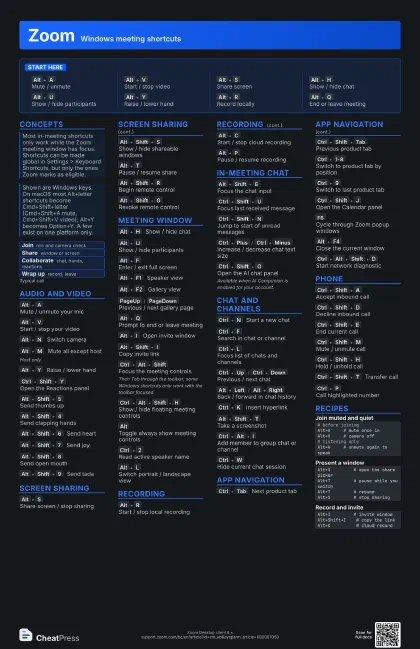
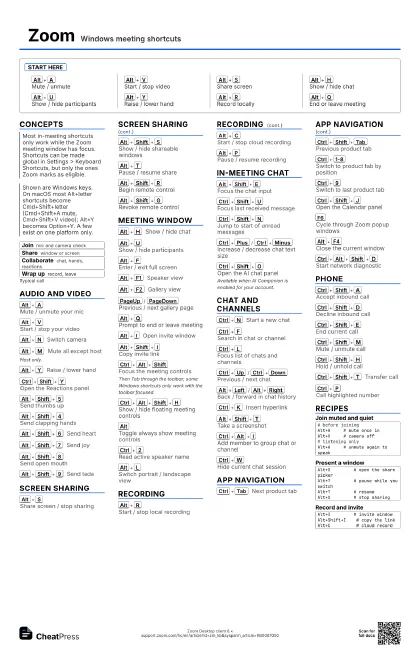
Start here
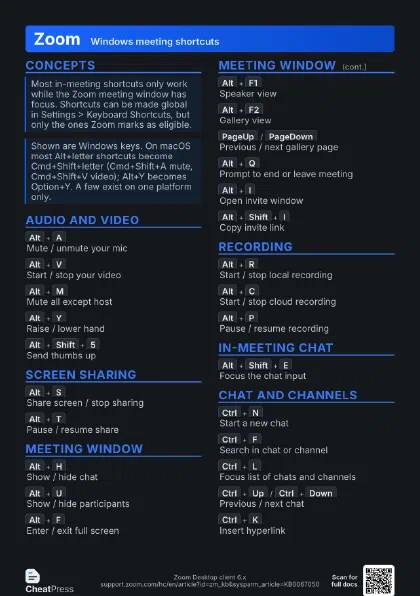
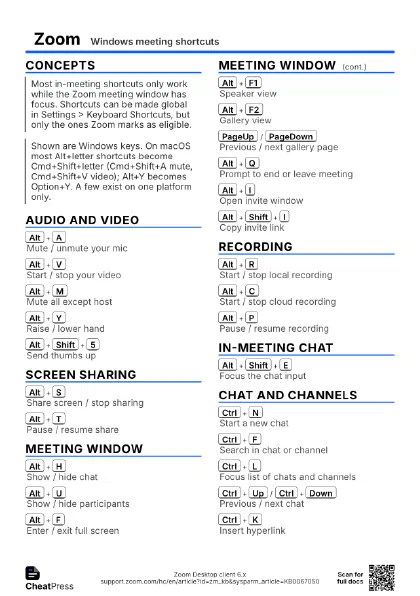
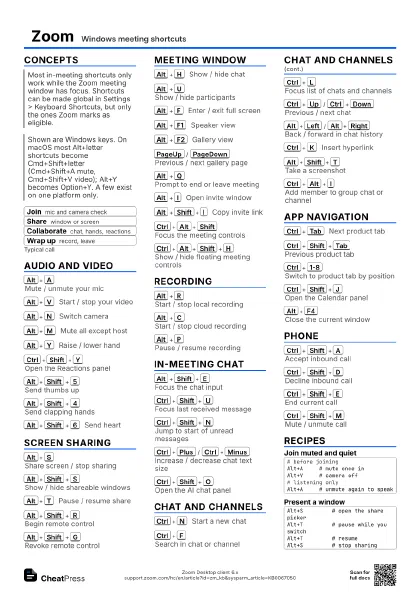
Alt+A
Mute / unmute
Alt+V
Start / stop video
Alt+S
Share screen
Alt+H
Show / hide chat
Alt+U
Show / hide participants
Alt+Y
Raise / lower hand
Alt+R
Record locally
Alt+Q
End or leave meeting
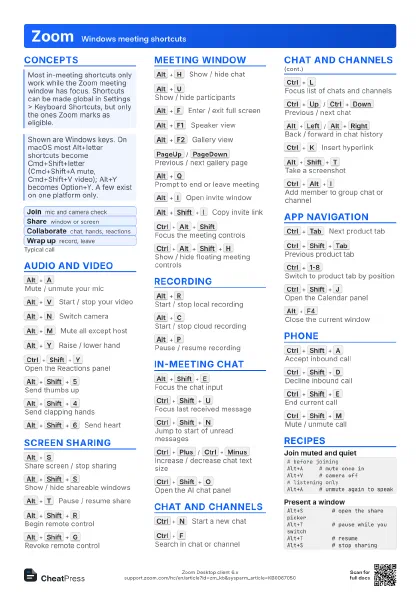
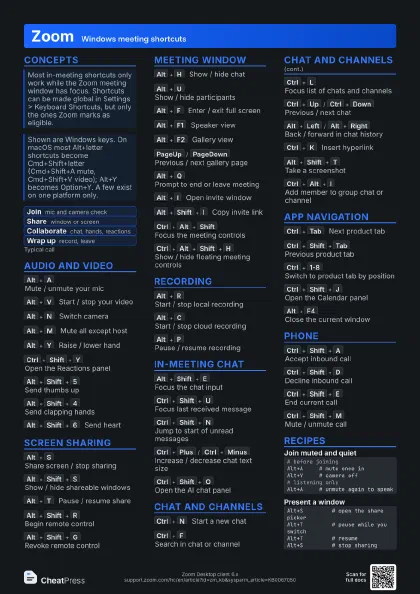
Concepts
- Join mic and camera check
- Share window or screen
- Collaborate chat, hands, reactions
- Wrap up record, leave
Audio and video
Alt+A
Mute / unmute your mic
Alt+V
Start / stop your video
Alt+N
Switch camera
Alt+M
Mute all except host
Host only.
Alt+Y
Raise / lower hand
Ctrl+Shift+Y
Open the Reactions panel
Alt+Shift+5
Send thumbs up
Alt+Shift+4
Send clapping hands
Alt+Shift+6
Send heart
Alt+Shift+7
Send joy
Alt+Shift+8
Send open mouth
Alt+Shift+9
Send tada
Screen sharing
Alt+S
Share screen / stop sharing
Alt+Shift+S
Show / hide shareable windows
Alt+T
Pause / resume share
Alt+Shift+R
Begin remote control
Alt+Shift+G
Revoke remote control
Meeting window
Alt+H
Show / hide chat
Alt+U
Show / hide participants
Alt+F
Enter / exit full screen
Alt+F1
Speaker view
Alt+F2
Gallery view
PageUp
/
PageDown
Previous / next gallery page
Alt+Q
Prompt to end or leave meeting
Alt+I
Open invite window
Alt+Shift+I
Copy invite link
Ctrl+Alt+Shift
Focus the meeting controls
Then Tab through the toolbar; some Windows shortcuts only work
with the toolbar focused.
Ctrl+Alt+Shift+H
Show / hide floating meeting controls
Alt
Toggle always show meeting controls
Ctrl+2
Read active speaker name
Alt+L
Switch portrait / landscape view
Recording
Alt+R
Start / stop local recording
Alt+C
Start / stop cloud recording
Alt+P
Pause / resume recording
In-meeting chat
Alt+Shift+E
Focus the chat input
Ctrl+Shift+U
Focus last received message
Ctrl+Shift+N
Jump to start of unread messages
Ctrl+Plus
/
Ctrl+Minus
Increase / decrease chat text size
Ctrl+Shift+O
Open the AI chat panel
Available when AI Companion is enabled for your account.
Chat and channels
Ctrl+N
Start a new chat
Ctrl+F
Search in chat or channel
Ctrl+L
Focus list of chats and channels
Ctrl+Up
/
Ctrl+Down
Previous / next chat
Alt+Left
/
Alt+Right
Back / forward in chat history
Ctrl+K
Insert hyperlink
Alt+Shift+T
Take a screenshot
Ctrl+Alt+I
Add member to group chat or channel
Ctrl+W
Hide current chat session
App navigation
Ctrl+Tab
Next product tab
Ctrl+Shift+Tab
Previous product tab
Ctrl+1-8
Switch to product tab by position
Ctrl+9
Switch to last product tab
Ctrl+Shift+J
Open the Calendar panel
F6
Cycle through Zoom popup windows
Alt+F4
Close the current window
Ctrl+Alt+Shift+D
Start network diagnostic
Phone
Ctrl+Shift+A
Accept inbound call
Ctrl+Shift+D
Decline inbound call
Ctrl+Shift+E
End current call
Ctrl+Shift+M
Mute / unmute call
Ctrl+Shift+H
Hold / unhold call
Ctrl+Shift+T
Transfer call
Ctrl+P
Call highlighted number
Recipes
# before joiningAlt+A # mute once inAlt+V # camera off# listening onlyAlt+A # unmute again to speakAlt+S # open the share pickerAlt+T # pause while you switchAlt+T # resumeAlt+S # stop sharingAlt+I # invite windowAlt+Shift+I # copy the linkAlt+C # cloud record