Cheat
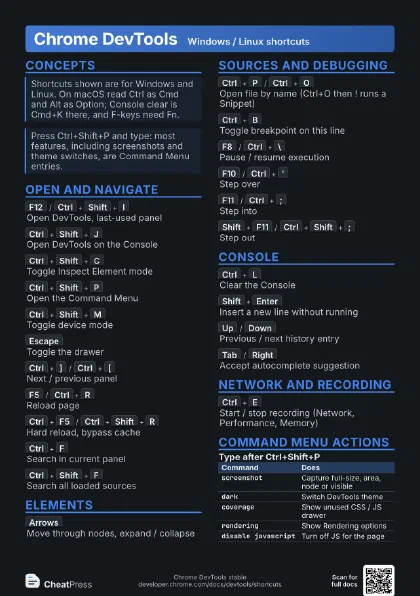
Chrome DevTools Windows / Linux shortcuts
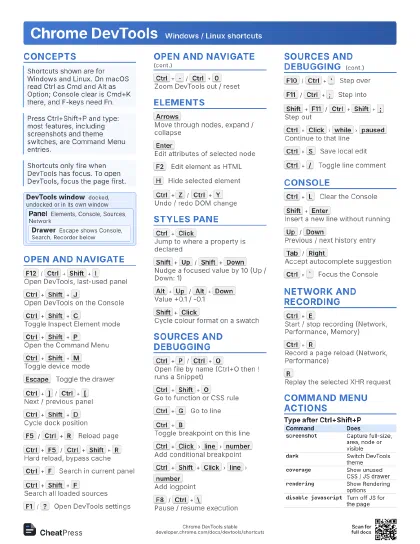
 Light · Postcard
102 × 152 mm · PDF
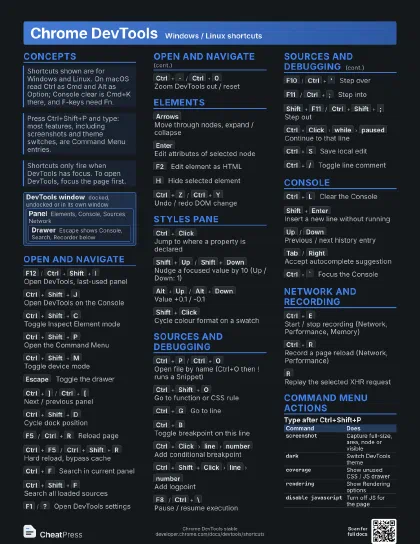
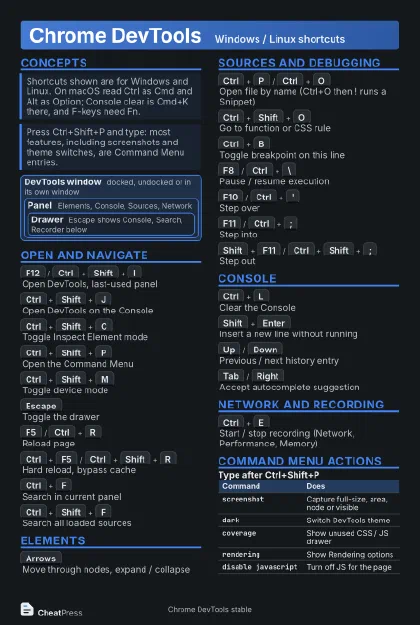 Dark · Postcard
102 × 152 mm · PDF
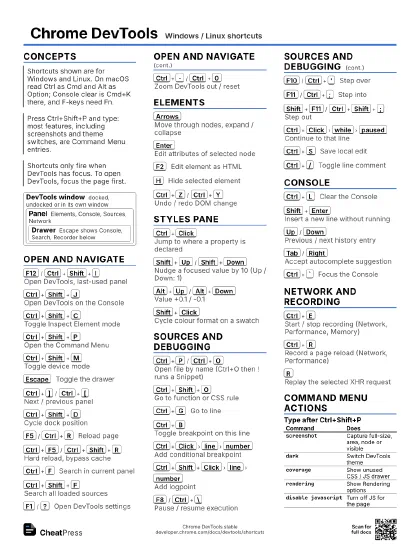
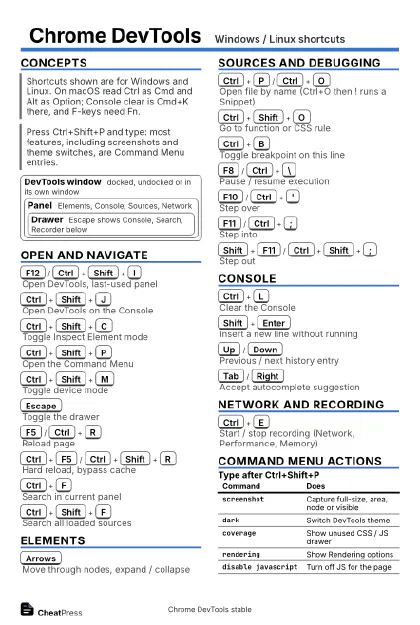 Ink saver · Postcard
102 × 152 mm · PDF
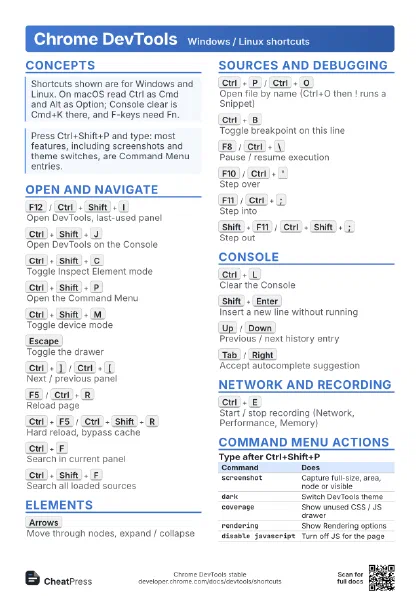
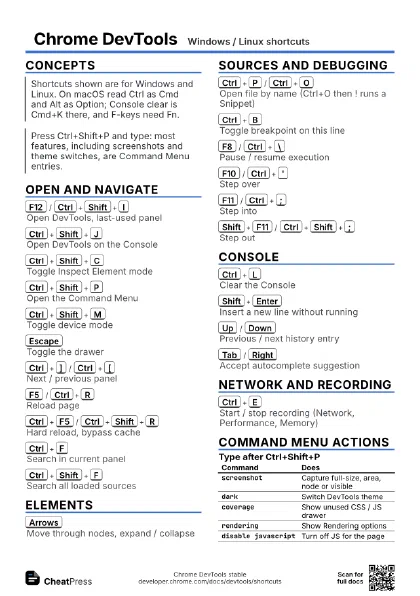
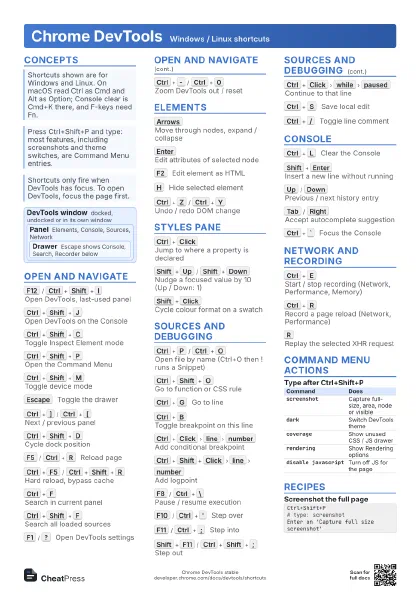
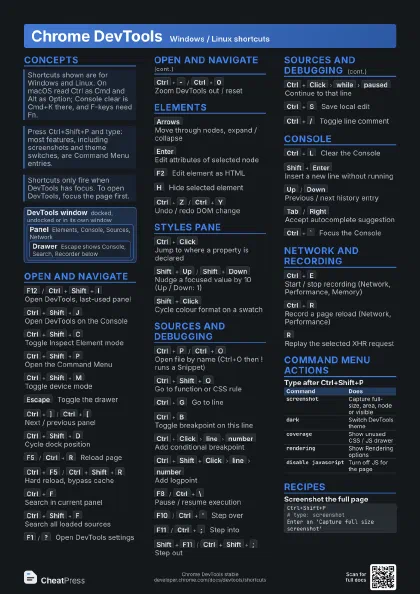
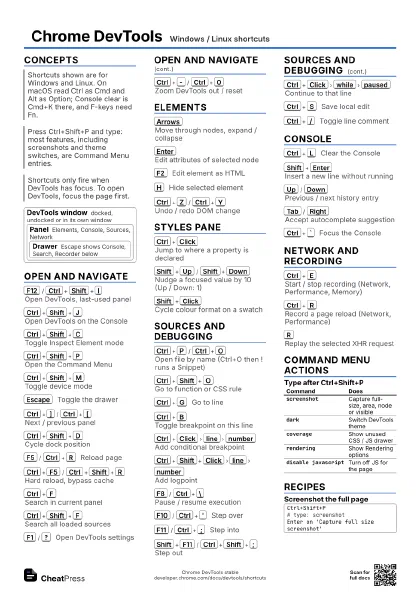
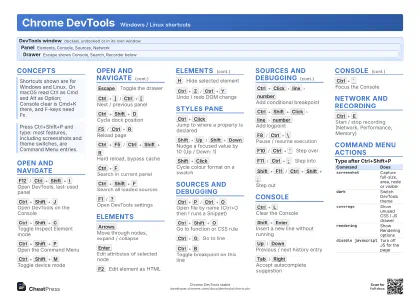 Light · A4 landscape
297 × 210 mm · PDF
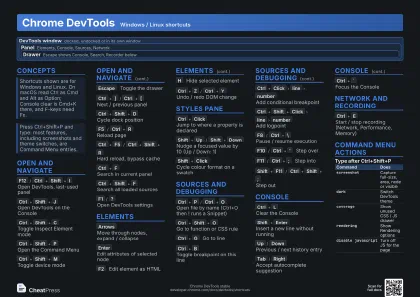 Dark · A4 landscape
297 × 210 mm · PDF
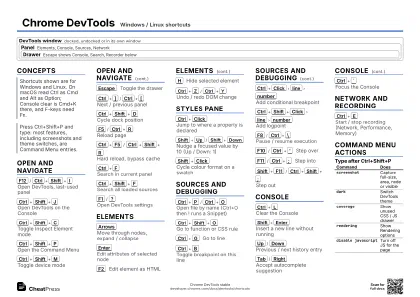 Ink saver · A4 landscape
297 × 210 mm · PDF
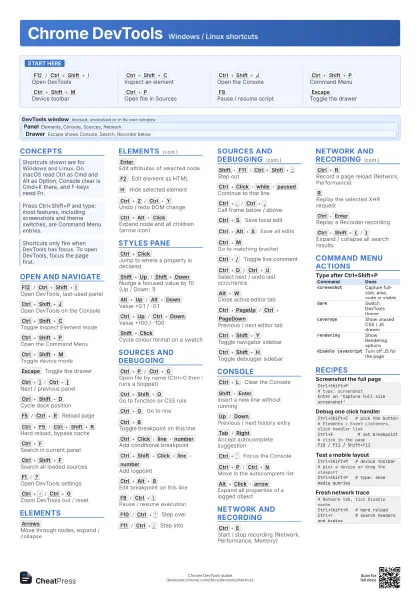
 Light · A3 landscape
420 × 297 mm · PDF
 Dark · A3 landscape
420 × 297 mm · PDF
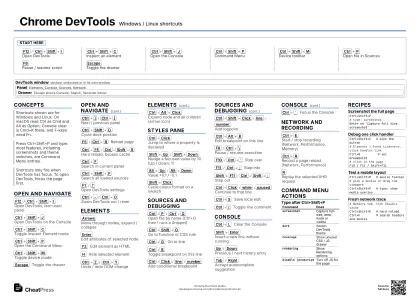 Ink saver · A3 landscape
420 × 297 mm · PDF
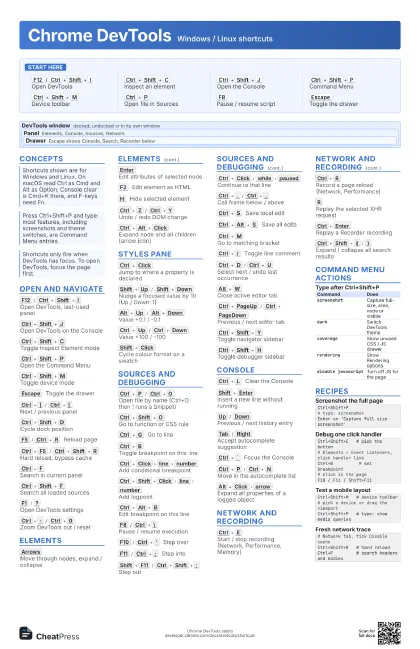
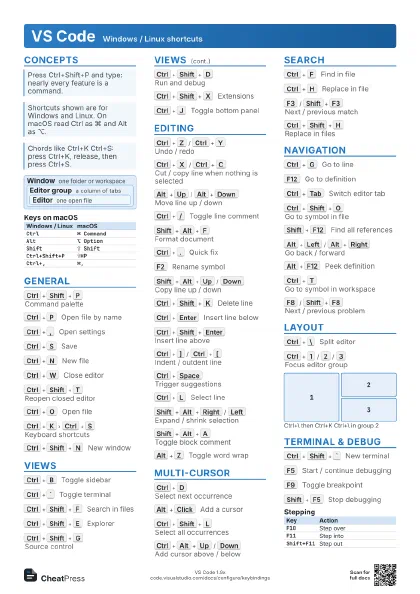
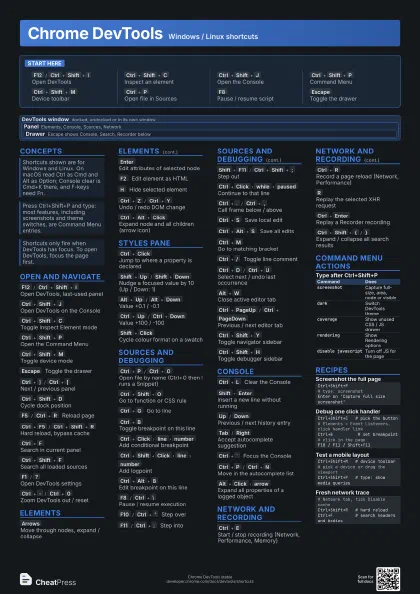
Start here
F12
/
Ctrl+Shift+I
Open DevTools
Ctrl+Shift+C
Inspect an element
Ctrl+Shift+J
Open the Console
Ctrl+Shift+P
Command Menu
Ctrl+Shift+M
Device toolbar
Ctrl+P
Open file in Sources
F8
Pause / resume script
Escape
Toggle the drawer
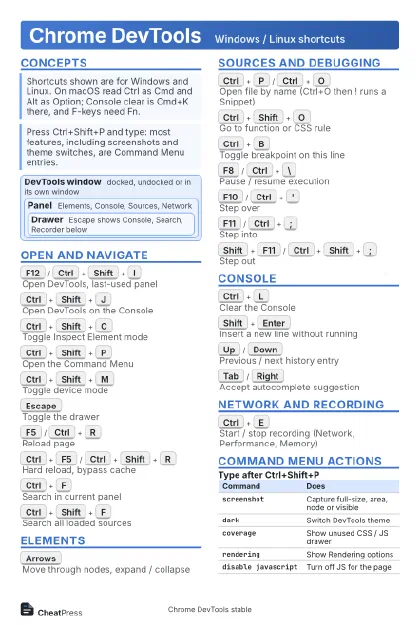
Concepts
DevTools window
docked, undocked or in its own window
Panel
Elements, Console, Sources, Network
Drawer
Escape shows Console, Search, Recorder below
Open and navigate
F12
/
Ctrl+Shift+I
Open DevTools, last-used panel
Ctrl+Shift+J
Open DevTools on the Console
Ctrl+Shift+C
Toggle Inspect Element mode
Ctrl+Shift+P
Open the Command Menu
Ctrl+Shift+M
Toggle device mode
Escape
Toggle the drawer
Ctrl+]
/
Ctrl+[
Next / previous panel
Ctrl+Shift+D
Cycle dock position
F5
/
Ctrl+R
Reload page
Ctrl+F5
/
Ctrl+Shift+R
Hard reload, bypass cache
Ctrl+F
Search in current panel
Ctrl+Shift+F
Search all loaded sources
F1
/
?
Open DevTools settings
Ctrl+-
/
Ctrl+0
Zoom DevTools out / reset
Elements
Arrows
Move through nodes, expand / collapse
Enter
Edit attributes of selected node
F2
Edit element as HTML
H
Hide selected element
Ctrl+Z
/
Ctrl+Y
Undo / redo DOM change
Ctrl+Alt+Click
Expand node and all children (arrow icon)
Styles pane
Ctrl+Click
Jump to where a property is declared
Shift+Up
/
Shift+Down
Nudge a focused value by 10 (Up / Down: 1)
Alt+Up
/
Alt+Down
Value +0.1 / -0.1
Ctrl+Up
/
Ctrl+Down
Value +100 / -100
Shift+Click
Cycle colour format on a swatch
Sources and debugging
Ctrl+P
/
Ctrl+O
Open file by name (Ctrl+O then ! runs a Snippet)
Ctrl+Shift+O
Go to function or CSS rule
Ctrl+G
Go to line
Ctrl+B
Toggle breakpoint on this line
Ctrl+Click
line
number
Add conditional breakpoint
Ctrl+Shift+Click
line
number
Add logpoint
Ctrl+Alt+B
Edit breakpoint on this line
F8
/
Ctrl+\
Pause / resume execution
F10
/
Ctrl+'
Step over
F11
/
Ctrl+;
Step into
Shift+F11
/
Ctrl+Shift+;
Step out
Ctrl+Click
while
paused
Continue to that line
Ctrl+.
/
Ctrl+,
Call frame below / above
Ctrl+S
Save local edit
Ctrl+Alt+S
Save all edits
Ctrl+M
Go to matching bracket
Ctrl+/
Toggle line comment
Ctrl+D
/
Ctrl+U
Select next / undo last occurrence
Alt+W
Close active editor tab
Ctrl+PageUp
/
Ctrl+PageDown
Previous / next editor tab
Ctrl+Shift+Y
Toggle navigator sidebar
Ctrl+Shift+H
Toggle debugger sidebar
Console
Ctrl+L
Clear the Console
Shift+Enter
Insert a new line without running
Up
/
Down
Previous / next history entry
Tab
/
Right
Accept autocomplete suggestion
Ctrl+`
Focus the Console
Ctrl+P
/
Ctrl+N
Move in the autocomplete list
Alt+Click
arrow
Expand all properties of a logged object
Network and recording
Ctrl+E
Start / stop recording (Network, Performance, Memory)
Ctrl+R
Record a page reload (Network, Performance)
R
Replay the selected XHR request
Ctrl+Enter
Replay a Recorder recording
Ctrl+Shift+{
/
}
Expand / collapse all search results
Command Menu actions
| Command | Does |
|---|---|
screenshot |
Capture full-size, area, node or visible |
dark |
Switch DevTools theme |
coverage |
Show unused CSS / JS drawer |
rendering |
Show Rendering options |
disable javascript |
Turn off JS for the page |
Recipes
Ctrl+Shift+P# type: screenshotEnter on 'Capture full size screenshot'Ctrl+Shift+C # pick the button# Elements > Event Listeners, click handler linkCtrl+B # set breakpoint# click in the pageF10 / F11 / Shift+F11Ctrl+Shift+M # device toolbar# pick a device or drag the viewportCtrl+Shift+P # type: show media queries# Network tab, tick Disable cacheCtrl+Shift+R # hard reloadCtrl+F # search headers and bodies