Cheat
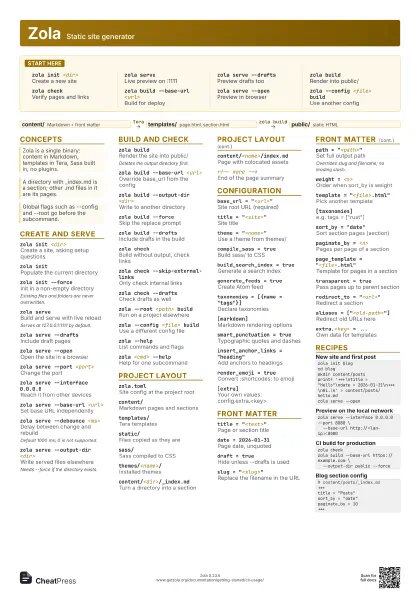
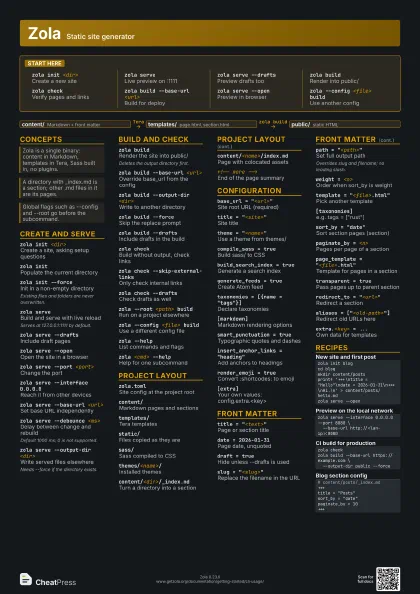
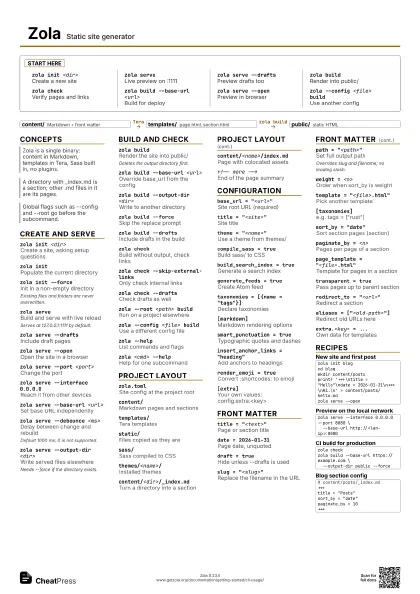
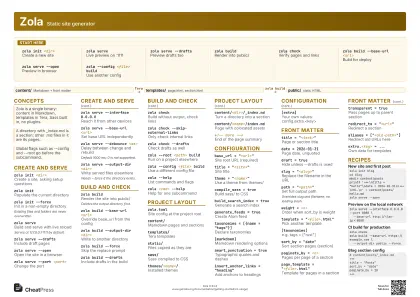
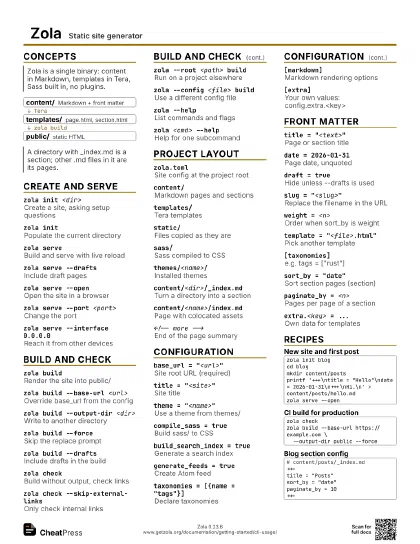
Zola Static site generator
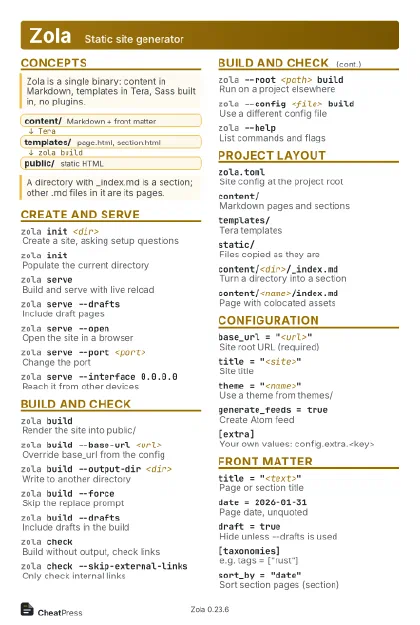 Light · Postcard
102 × 152 mm · PDF
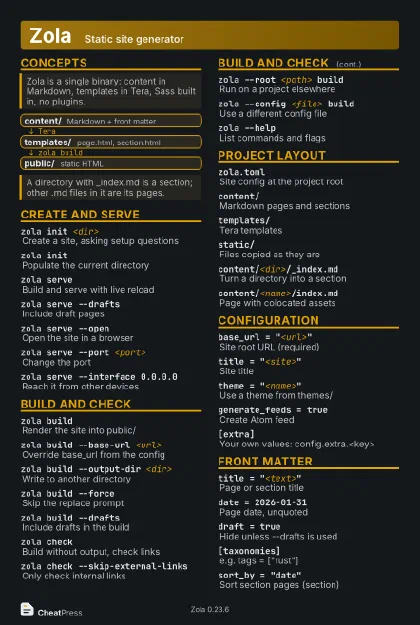 Dark · Postcard
102 × 152 mm · PDF
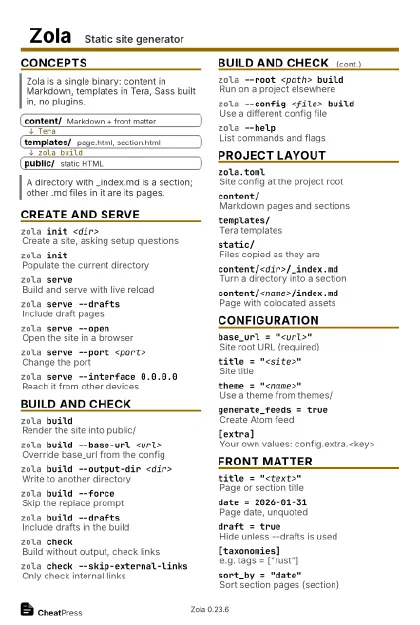 Ink saver · Postcard
102 × 152 mm · PDF
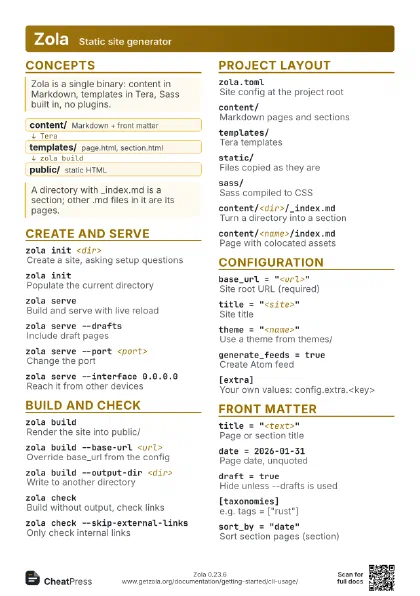
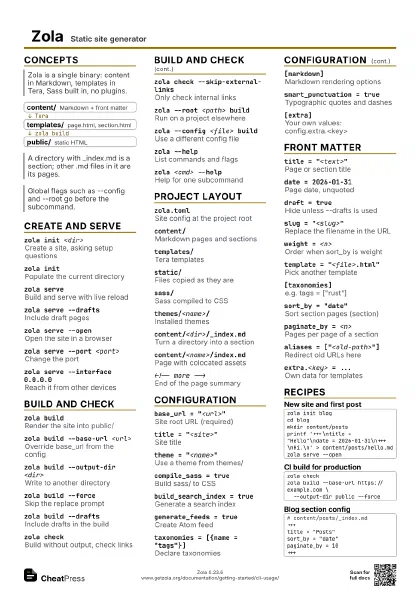
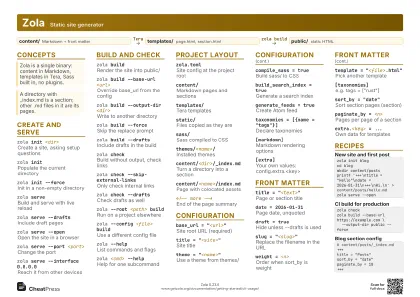 Light · A4 landscape
297 × 210 mm · PDF
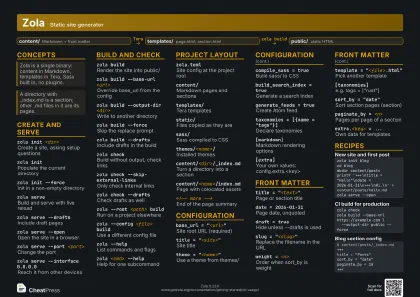 Dark · A4 landscape
297 × 210 mm · PDF
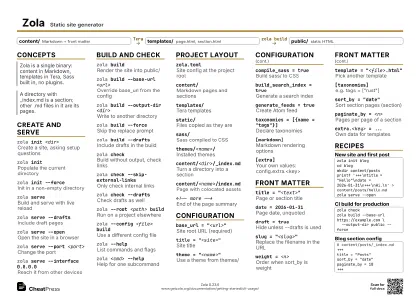 Ink saver · A4 landscape
297 × 210 mm · PDF
 Light · A3 landscape
420 × 297 mm · PDF
 Dark · A3 landscape
420 × 297 mm · PDF
 Ink saver · A3 landscape
420 × 297 mm · PDF
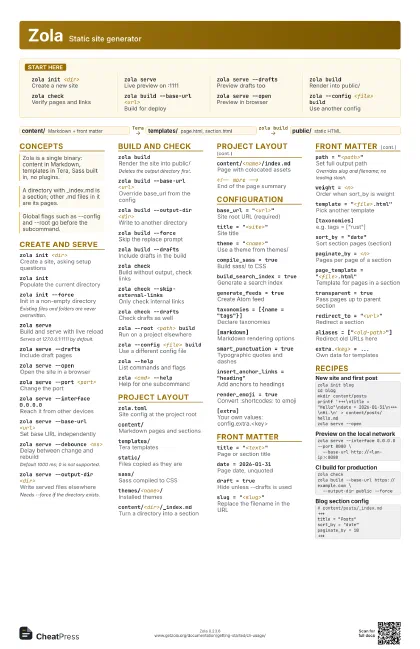
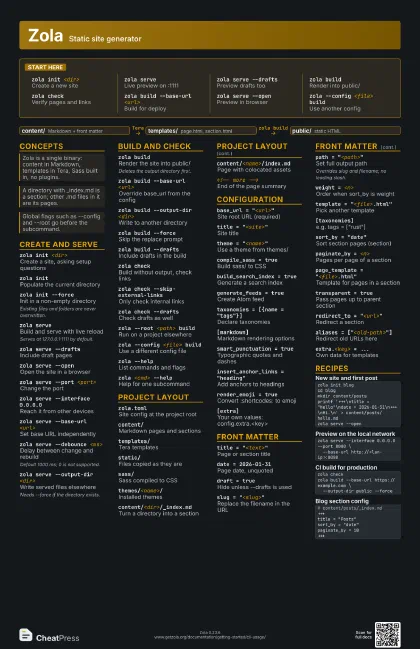
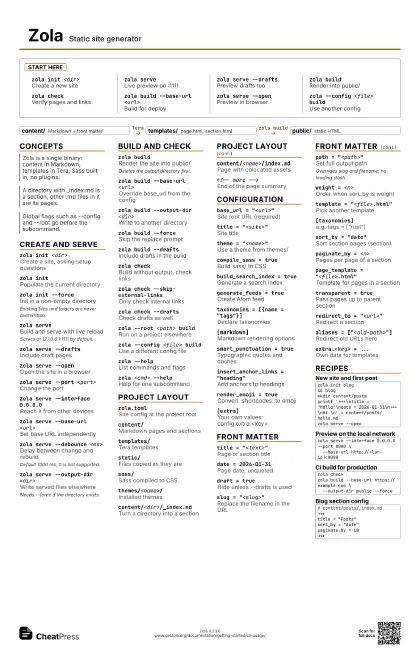
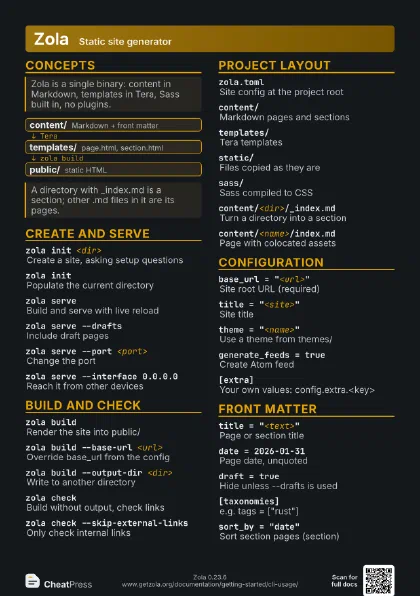
Start here
zola init <dir>
Create a new site
zola serveLive preview on :1111
zola serve --drafts
Preview drafts too
zola buildRender into public/
zola checkVerify pages and links
zola build --base-url <url>
Build for deploy
zola serve --open
Preview in browser
zola --config <file> build
Use another config
Concepts
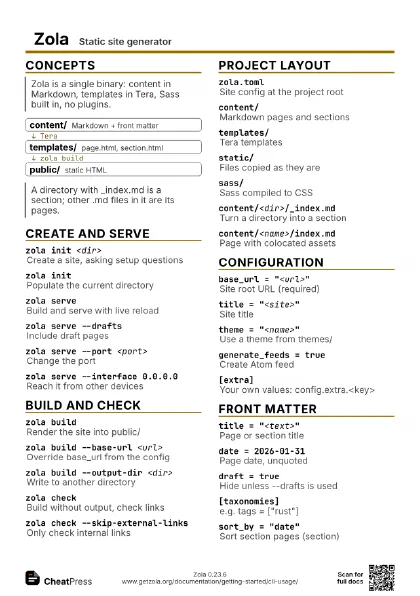
- content/ Markdown + front matter
- templates/ page.html, section.html
- public/ static HTML
Create and serve
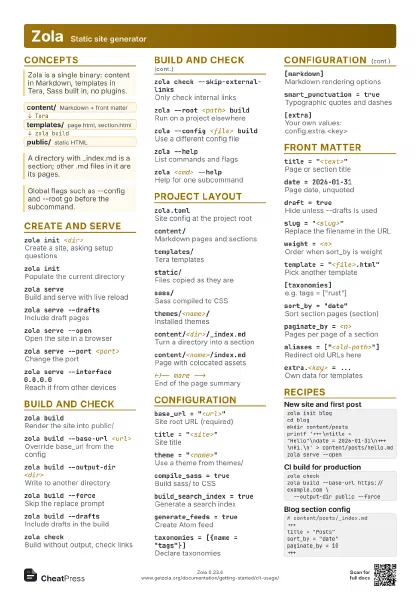
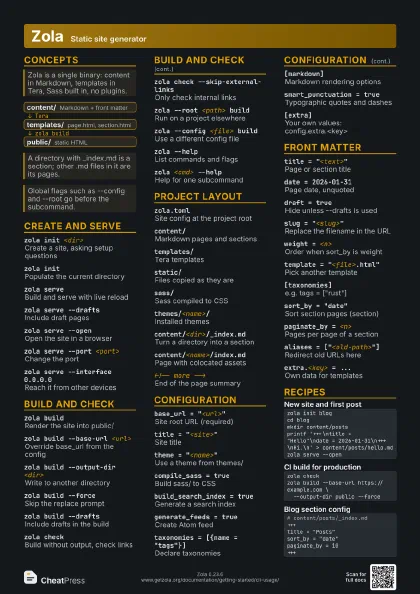
zola init <dir>
Create a site, asking setup questions
zola initPopulate the current directory
zola init --force
Init in a non-empty directory
Existing files and folders are never overwritten.
zola serveBuild and serve with live reload
Serves at 127.0.0.1:1111 by default.
zola serve --drafts
Include draft pages
zola serve --open
Open the site in a browser
zola serve --port <port>
Change the port
zola serve --interface 0.0.0.0
Reach it from other devices
zola serve --base-url <url>
Set base URL independently
zola serve --debounce <ms>
Delay between change and rebuild
Default 1000 ms; 0 is not supported.
zola serve --output-dir <dir>
Write served files elsewhere
Needs --force if the directory exists.
Build and check
zola buildRender the site into public/
Deletes the output directory first.
zola build --base-url <url>
Override base_url from the config
zola build --output-dir <dir>
Write to another directory
zola build --force
Skip the replace prompt
zola build --drafts
Include drafts in the build
zola checkBuild without output, check links
zola check --skip-external-links
Only check internal links
zola check --drafts
Check drafts as well
zola --root <path> build
Run on a project elsewhere
zola --config <file> build
Use a different config file
zola --helpList commands and flags
zola <cmd> --help
Help for one subcommand
Project layout
zola.tomlSite config at the project root
content/Markdown pages and sections
templates/Tera templates
static/Files copied as they are
sass/Sass compiled to CSS
themes/<name>/
Installed themes
content/<dir>/_index.md
Turn a directory into a section
content/<name>/index.md
Page with colocated assets
<!-- more -->
End of the page summary
Configuration
base_url = "<url>"
Site root URL (required)
title = "<site>"
Site title
theme = "<name>"
Use a theme from themes/
compile_sass = true
Build sass/ to CSS
build_search_index = true
Generate a search index
generate_feeds = true
Create Atom feed
taxonomies = [{name = "tags"}]
Declare taxonomies
[markdown]Markdown rendering options
smart_punctuation = true
Typographic quotes and dashes
insert_anchor_links = "heading"
Add anchors to headings
render_emoji = true
Convert :shortcodes: to emoji
[extra]
Your own values: config.extra.<key>
Front matter
title = "<text>"
Page or section title
date = 2026-01-31
Page date, unquoted
draft = trueHide unless --drafts is used
slug = "<slug>"
Replace the filename in the URL
path = "<path>"
Set full output path
Overrides slug and filename; no leading slash.
weight = <n>
Order when sort_by is weight
template = "<file>.html"
Pick another template
[taxonomies]e.g. tags = ["rust"]
sort_by = "date"
Sort section pages (section)
paginate_by = <n>
Pages per page of a section
page_template = "<file>.html"
Template for pages in a section
transparent = true
Pass pages up to parent section
redirect_to = "<url>"
Redirect a section
aliases = ["<old-path>"]
Redirect old URLs here
extra.<key> = ...
Own data for templates
Recipes
zola init blogcd blogmkdir content/postsprintf '+++\ntitle = "Hello"\ndate = 2026-01-31\n+++\nHi.\n' > content/posts/hello.mdzola serve --openzola serve --interface 0.0.0.0 --port 8080 \ --base-url http://<lan-ip>:8080zola checkzola build --base-url https://example.com \ --output-dir public --force# content/posts/_index.md+++title = "Posts"sort_by = "date"paginate_by = 10+++