Cheat
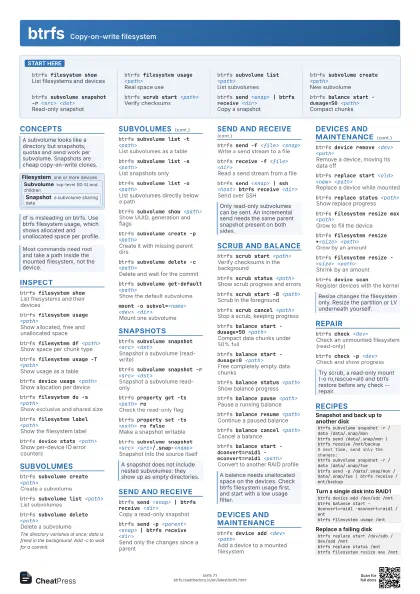
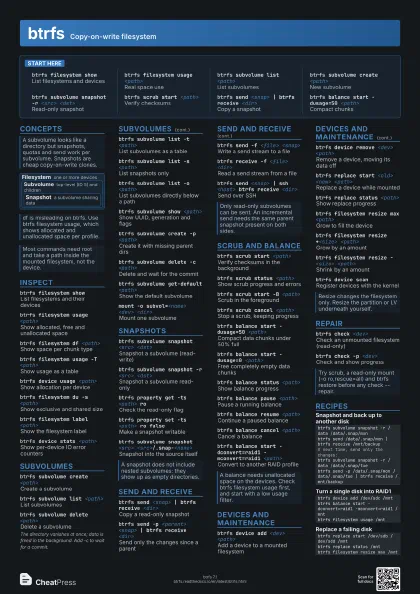
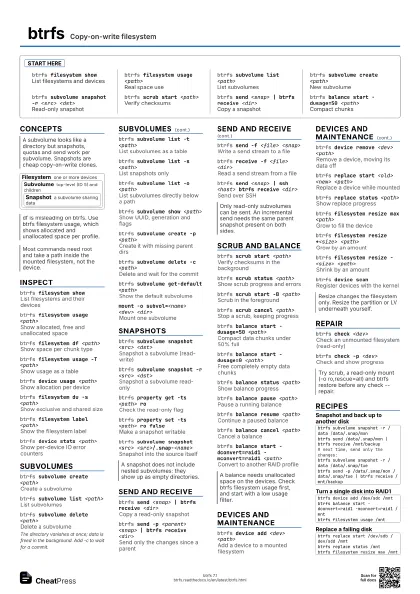
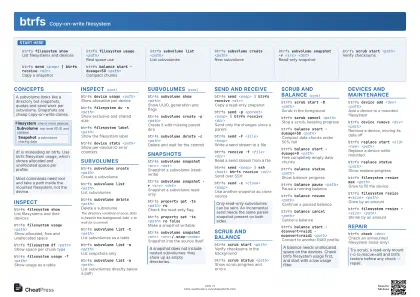
btrfs Copy-on-write filesystem
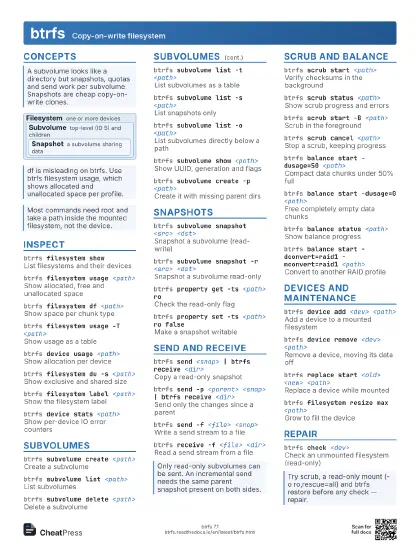
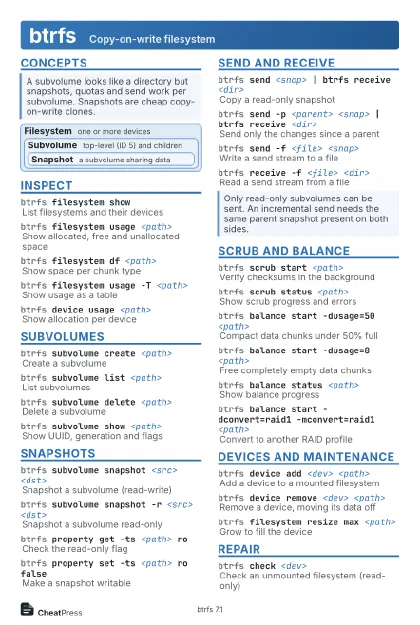 Light · Postcard
102 × 152 mm · PDF
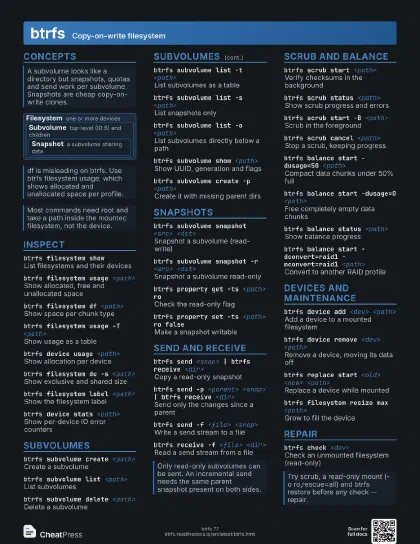
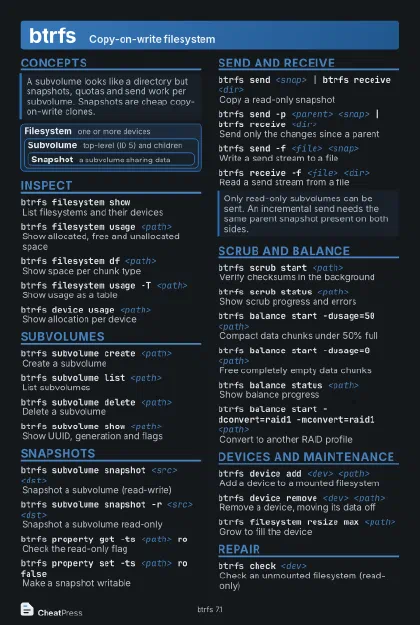 Dark · Postcard
102 × 152 mm · PDF
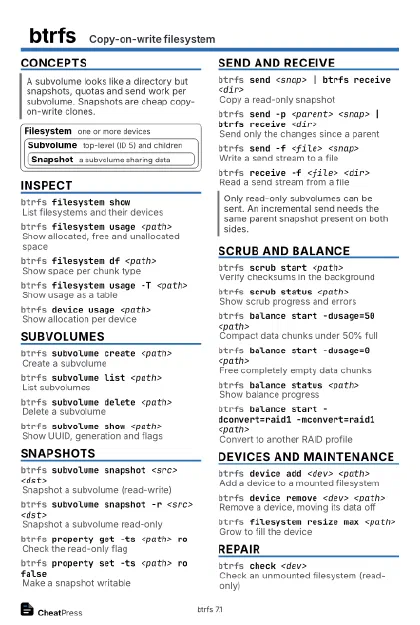 Ink saver · Postcard
102 × 152 mm · PDF
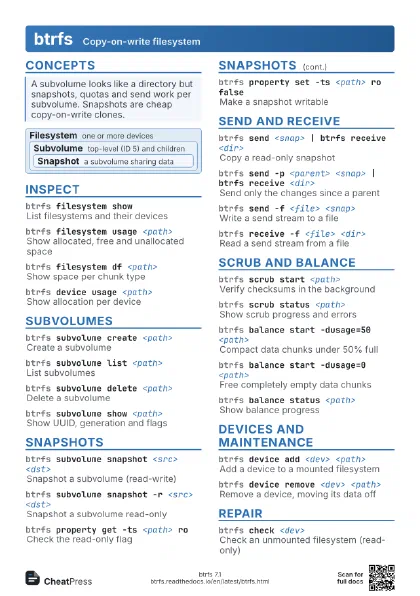
 Light · A4 landscape
297 × 210 mm · PDF
 Dark · A4 landscape
297 × 210 mm · PDF
 Ink saver · A4 landscape
297 × 210 mm · PDF
 Light · A3 landscape
420 × 297 mm · PDF
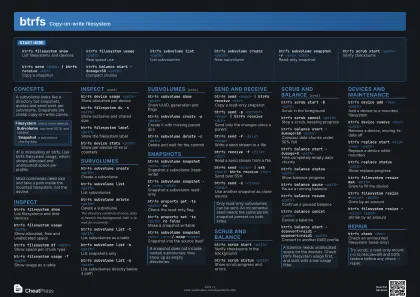 Dark · A3 landscape
420 × 297 mm · PDF
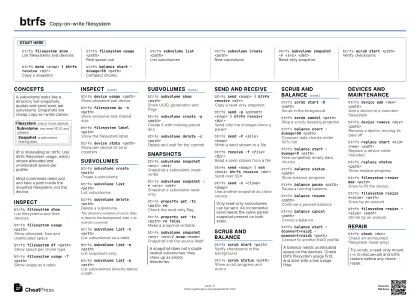 Ink saver · A3 landscape
420 × 297 mm · PDF
Start here
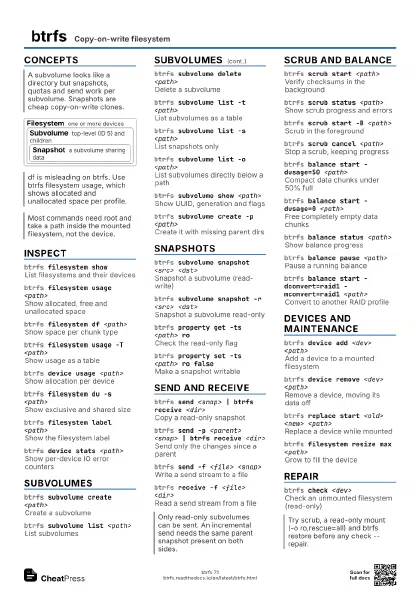
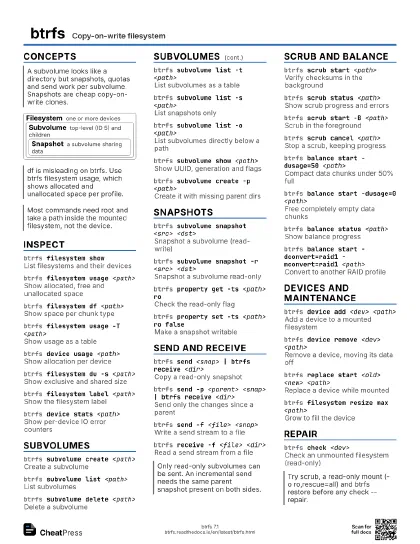
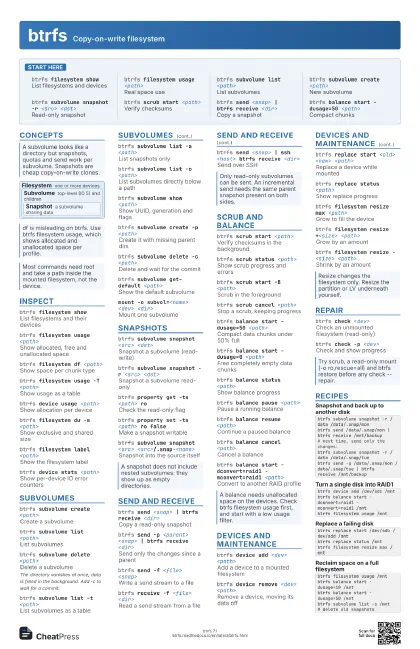
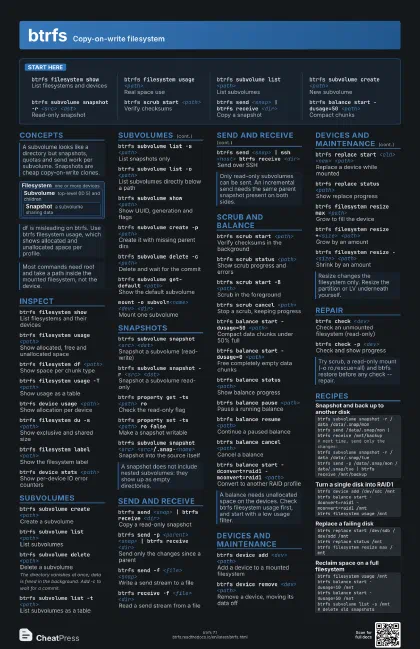
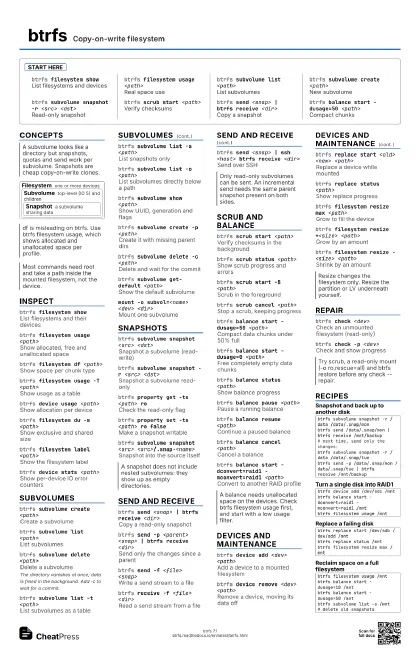
btrfs filesystem show
List filesystems and devices
btrfs filesystem usage <path>
Real space use
btrfs subvolume list <path>
List subvolumes
btrfs subvolume create <path>
New subvolume
btrfs subvolume snapshot -r <src> <dst>
Read-only snapshot
btrfs scrub start <path>
Verify checksums
btrfs send <snap> | btrfs receive <dir>
Copy a snapshot
btrfs balance start -dusage=50 <path>
Compact chunks
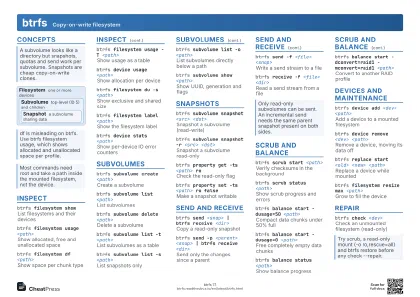
Concepts
Filesystem one or more devices
Subvolume
top-level (ID 5) and children
Snapshot
a subvolume sharing data
Inspect
btrfs filesystem show
List filesystems and their devices
btrfs filesystem usage <path>
Show allocated, free and unallocated space
btrfs filesystem df <path>
Show space per chunk type
btrfs filesystem usage -T <path>
Show usage as a table
btrfs device usage <path>
Show allocation per device
btrfs filesystem du -s <path>
Show exclusive and shared size
btrfs filesystem label <path>
Show the filesystem label
btrfs filesystem label <path> <label>
Set the filesystem label
btrfs device stats <path>
Show per-device IO error counters
btrfs device stats -c <path>
Exit non-zero if any counter is set
btrfs filesystem sync <path>
Flush and start cleaning deleted subvolumes
Subvolumes
btrfs subvolume create <path>
Create a subvolume
btrfs subvolume list <path>
List subvolumes
btrfs subvolume delete <path>
Delete a subvolume
The directory vanishes at once; data is freed in the
background. Add -c to wait for a commit.
btrfs subvolume list -t <path>
List subvolumes as a table
btrfs subvolume list -s <path>
List snapshots only
btrfs subvolume list -o <path>
List subvolumes directly below a path
btrfs subvolume show <path>
Show UUID, generation and flags
btrfs subvolume create -p <path>
Create it with missing parent dirs
btrfs subvolume delete -c <path>
Delete and wait for the commit
btrfs subvolume delete -R <path>
Delete nested subvolumes too
Needs root or the user_subvol_rm_allowed mount option; not
atomic.
btrfs subvolume get-default <path>
Show the default subvolume
btrfs subvolume set-default <id> <path>
Mount this subvolume by default
Takes effect on the next mount.
btrfs subvolume sync <path>
Wait until deleted subvolumes are gone
btrfs subvolume find-new <path> <gen>
List files changed since a generation
mount -o subvol=<name> <dev> <dir>
Mount one subvolume
Snapshots
btrfs subvolume snapshot <src> <dst>
Snapshot a subvolume (read-write)
btrfs subvolume snapshot -r <src> <dst>
Snapshot a subvolume read-only
btrfs property get -ts <path> ro
Check the read-only flag
btrfs property set -ts <path> ro false
Make a snapshot writable
btrfs subvolume snapshot <src>
                    <src>/.snap-<name>
Snapshot into the source itself
Send and receive
btrfs send <snap> | btrfs receive <dir>
Copy a read-only snapshot
btrfs send -p <parent> <snap> | btrfs receive
                    <dir>
Send only the changes since a parent
btrfs send -f <file> <snap>
Write a send stream to a file
btrfs receive -f <file> <dir>
Read a send stream from a file
btrfs send <snap> | ssh <host> btrfs receive
                    <dir>
Send over SSH
btrfs send -c <clone> <snap>
Use another snapshot as clone source
btrfs send --compressed-data <snap>
Send data still compressed
btrfs send --no-data <snap>
Send metadata only (not restorable)
btrfs receive --dump
Print the operations in a stream
Scrub and balance
btrfs scrub start <path>
Verify checksums in the background
btrfs scrub status <path>
Show scrub progress and errors
btrfs scrub start -B <path>
Scrub in the foreground
btrfs scrub cancel <path>
Stop a scrub, keeping progress
btrfs scrub resume <path>
Continue a cancelled scrub
btrfs scrub start -r <path>
Scrub without repairing
btrfs scrub status -d <path>
Show scrub results per device
btrfs balance start -dusage=50 <path>
Compact data chunks under 50% full
btrfs balance start -dusage=0 <path>
Free completely empty data chunks
btrfs balance status <path>
Show balance progress
btrfs balance pause <path>
Pause a running balance
btrfs balance resume <path>
Continue a paused balance
btrfs balance cancel <path>
Cancel a balance
btrfs balance start -dconvert=raid1 -mconvert=raid1
                    <path>
Convert to another RAID profile
btrfs balance start -dconvert=raid1,soft <path>
Skip chunks already converted
btrfs balance start --background <path>
Run a balance in the background
Devices and maintenance
btrfs device add <dev> <path>
Add a device to a mounted filesystem
btrfs device remove <dev> <path>
Remove a device, moving its data off
btrfs replace start <old> <new>
                    <path>
Replace a device while mounted
btrfs replace status <path>
Show replace progress
btrfs filesystem resize max <path>
Grow to fill the device
btrfs filesystem resize +<size>
                    <path>
Grow by an amount
btrfs filesystem resize -<size> <path>
Shrink by an amount
btrfs device scan
Register devices with the kernel
btrfs device add -f <dev> <path>
Overwrite an existing filesystem on the device
btrfs replace start -r <old> <new>
                    <path>
Avoid reading from a failing source
btrfs replace cancel <path>
Cancel a running replace
btrfs filesystem resize <devid>:max
                    <path>
Grow a single device by ID
btrfs filesystem defragment -r <path>
Defragment files recursively
Breaks reflinks, so snapshot-shared data is duplicated and
space use grows.
btrfs filesystem defragment -r -czstd <path>
Defragment and compress with zstd
btrfs property set <file> compression zstd
Compress new writes for a file or dir
btrfs filesystem mkswapfile -s <size>
                    <file>
Create a swapfile
Repair
btrfs check <dev>
Check an unmounted filesystem (read-only)
btrfs check -p <dev>
Check and show progress
btrfs check --check-data-csum <dev>
Verify data checksums offline
btrfs restore <dev> <dir>
Copy files off a damaged filesystem
btrfs rescue super-recover <dev>
Restore a damaged superblock
btrfs rescue zero-log <dev>
Clear a broken log tree
btrfs check --repair <dev>
Attempt repairs (last resort)
Back up first with btrfs restore or an image. Only run it when
advised; never on a mounted filesystem.
Recipes
btrfs subvolume snapshot -r /data /data/.snap/monbtrfs send /data/.snap/mon | btrfs receive /mnt/backup# next time, send only the changes:btrfs subvolume snapshot -r /data /data/.snap/tuebtrfs send -p /data/.snap/mon /data/.snap/tue | btrfs receive /mnt/backupbtrfs device add /dev/sdc /mntbtrfs balance start -dconvert=raid1 -mconvert=raid1 /mntbtrfs filesystem usage /mntbtrfs replace start /dev/sdb /dev/sdd /mntbtrfs replace status /mntbtrfs filesystem resize max /mntbtrfs filesystem usage /mntbtrfs balance start -dusage=10 /mntbtrfs balance start -dusage=50 /mntbtrfs subvolume list -s /mnt # delete old snapshots