Cheat
Yarn Node package manager
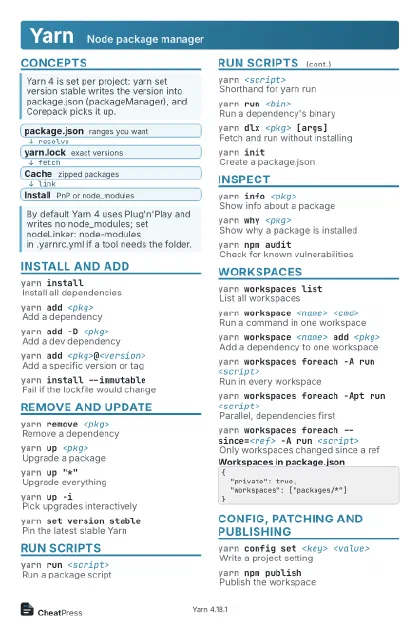 Light · Postcard
102 × 152 mm · PDF
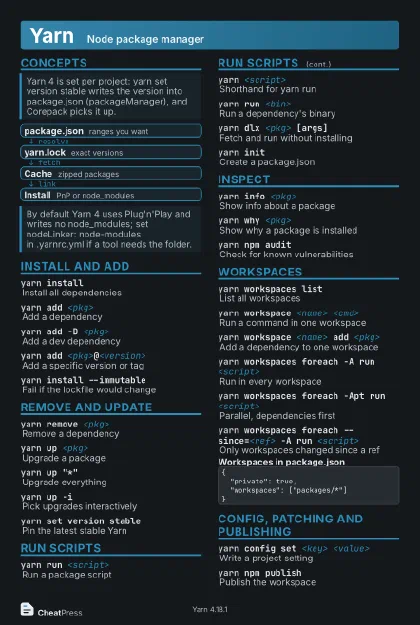 Dark · Postcard
102 × 152 mm · PDF
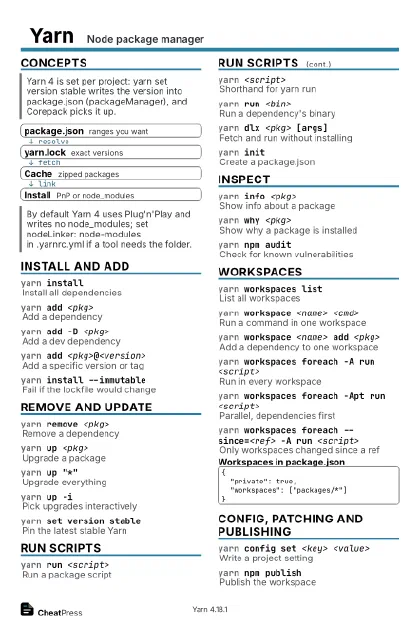 Ink saver · Postcard
102 × 152 mm · PDF
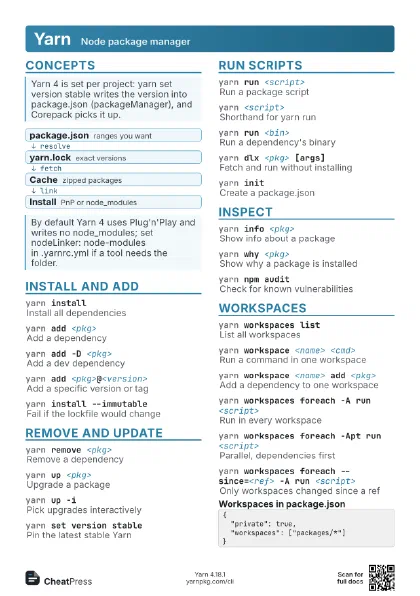
 Light · A4 landscape
297 × 210 mm · PDF
 Dark · A4 landscape
297 × 210 mm · PDF
 Ink saver · A4 landscape
297 × 210 mm · PDF
 Light · A3 landscape
420 × 297 mm · PDF
 Dark · A3 landscape
420 × 297 mm · PDF
 Ink saver · A3 landscape
420 × 297 mm · PDF
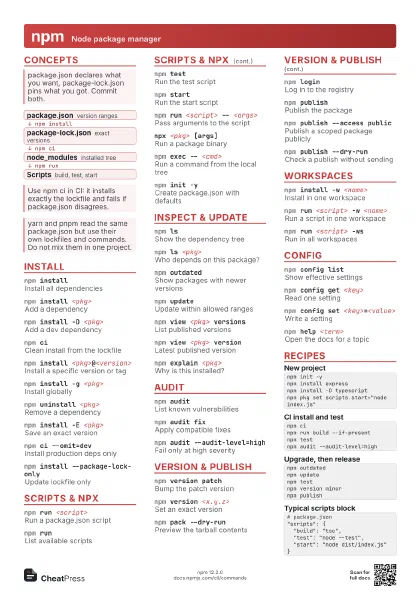
Start here
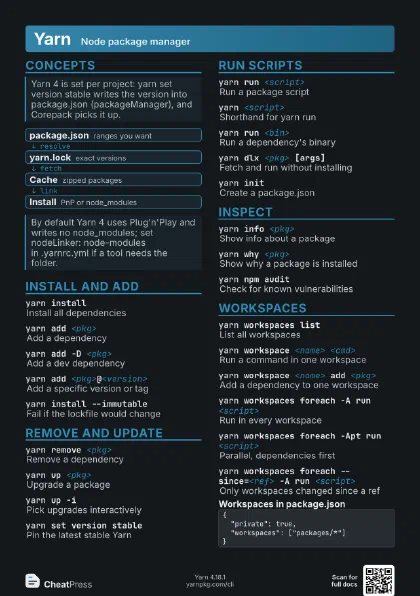
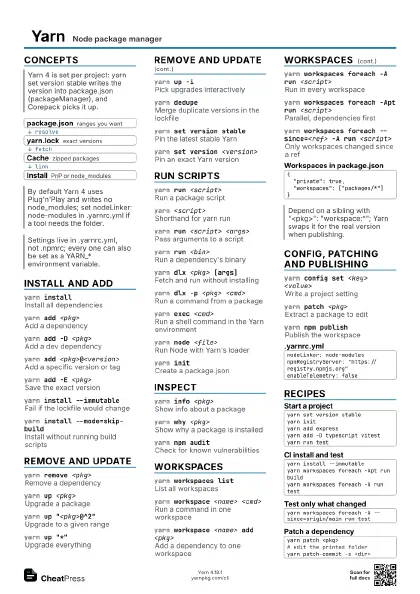
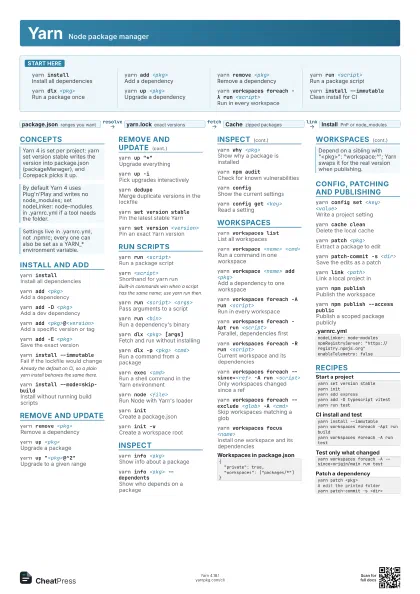
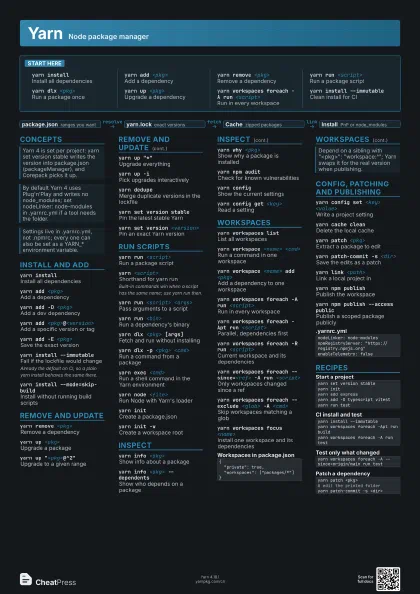
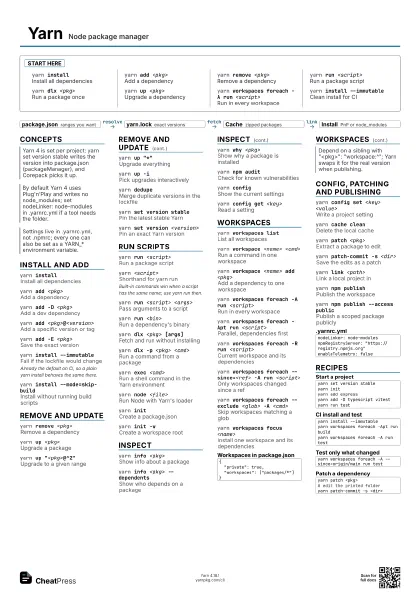
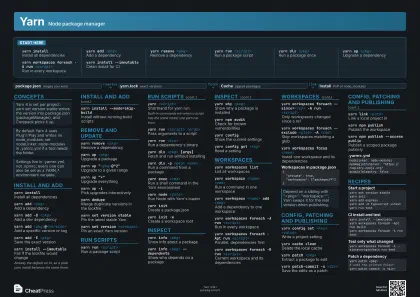
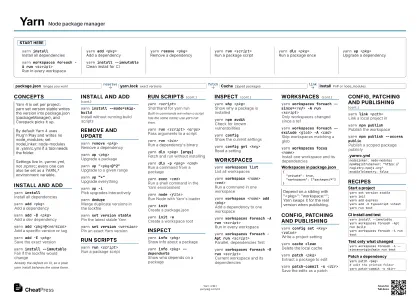
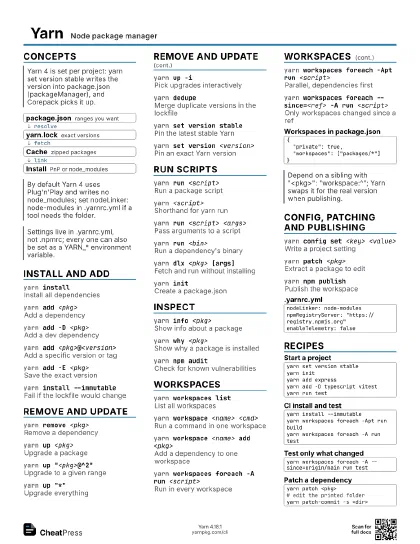
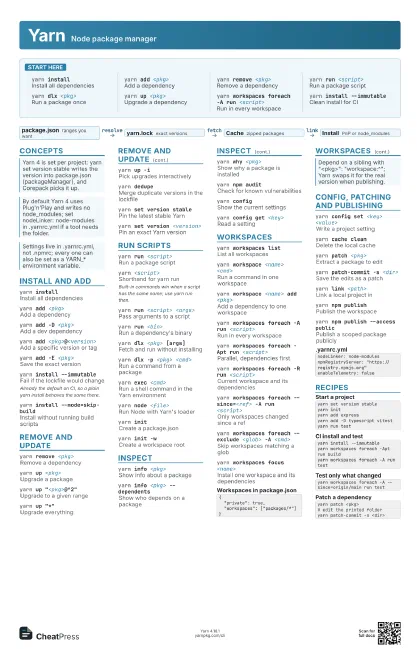
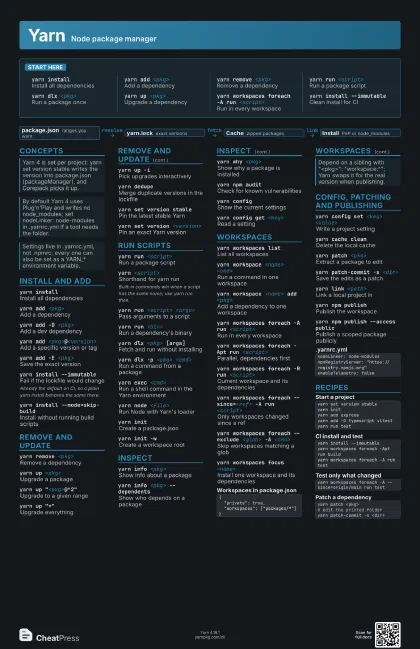
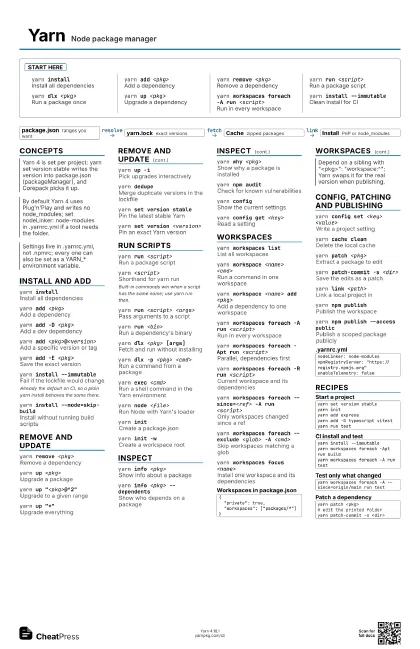
yarn installInstall all dependencies
yarn add <pkg>
Add a dependency
yarn remove <pkg>
Remove a dependency
yarn run <script>
Run a package script
yarn dlx <pkg>
Run a package once
yarn up <pkg>
Upgrade a dependency
yarn workspaces foreach -A run <script>
Run in every workspace
yarn install --immutable
Clean install for CI
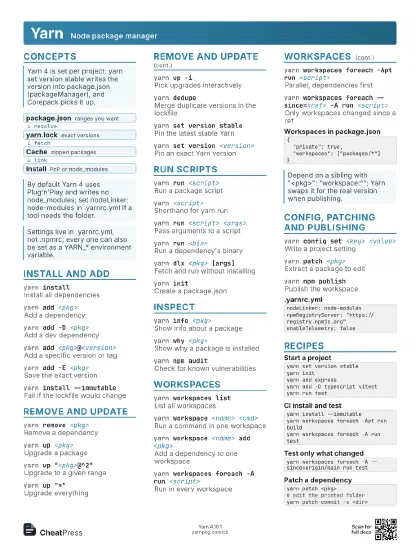
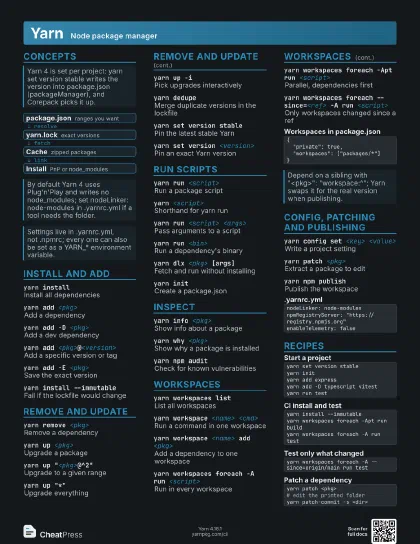
Concepts
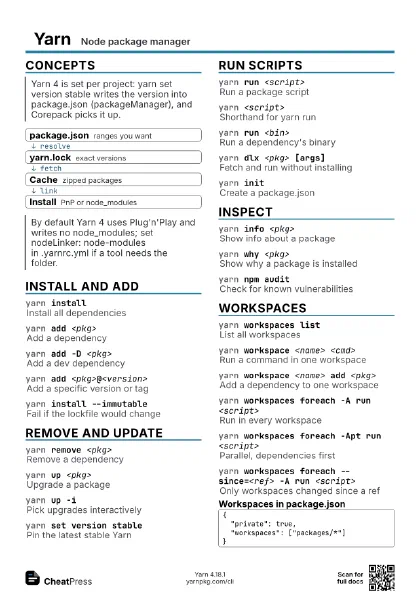
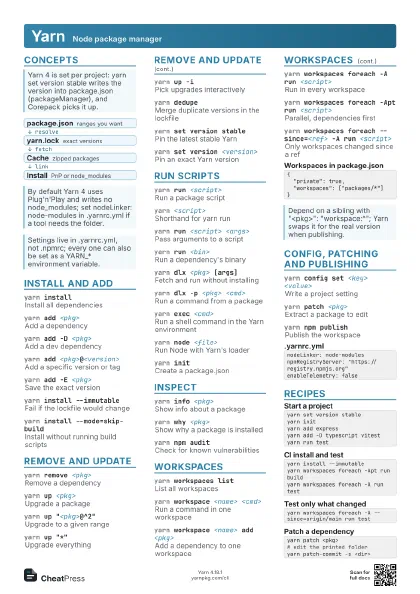
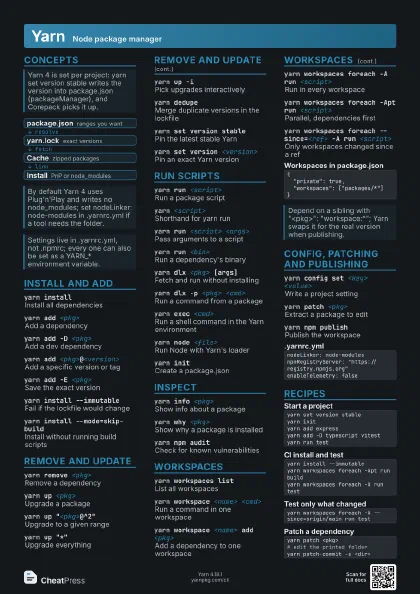
- package.json ranges you want
- yarn.lock exact versions
- Cache zipped packages
- Install PnP or node_modules
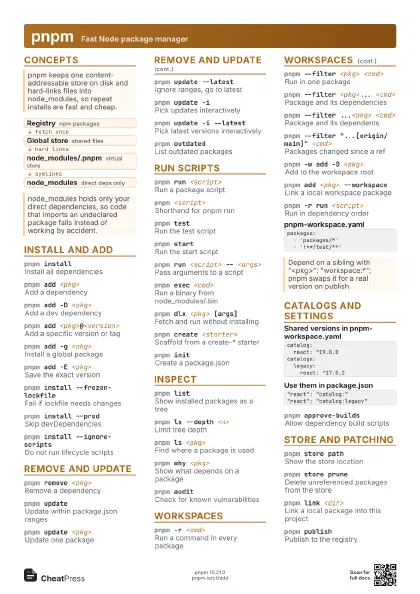
Install and add
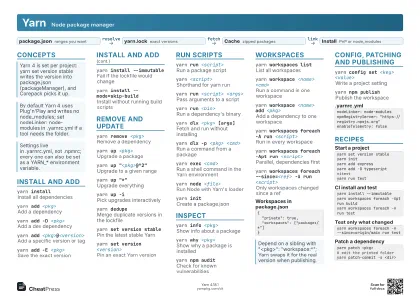
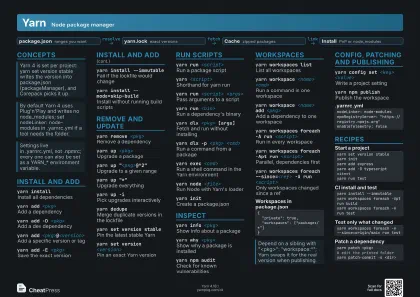
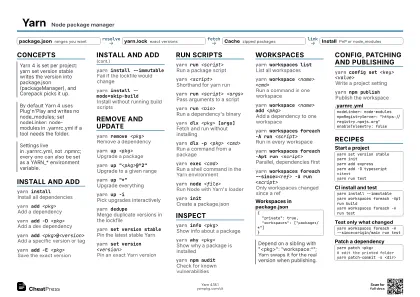
yarn installInstall all dependencies
yarn add <pkg>
Add a dependency
yarn add -D <pkg>
Add a dev dependency
yarn add <pkg>@<version>
Add a specific version or tag
yarn add -E <pkg>
Save the exact version
yarn install --immutable
Fail if the lockfile would change
Already the default on CI, so a plain yarn install behaves the
same there.
yarn install --mode=skip-build
Install without running build scripts
Remove and update
yarn remove <pkg>
Remove a dependency
yarn up <pkg>
Upgrade a package
yarn up "<pkg>@^2"
Upgrade to a given range
yarn up "*"
Upgrade everything
yarn up -iPick upgrades interactively
yarn dedupeMerge duplicate versions in the lockfile
yarn set version stable
Pin the latest stable Yarn
yarn set version <version>
Pin an exact Yarn version
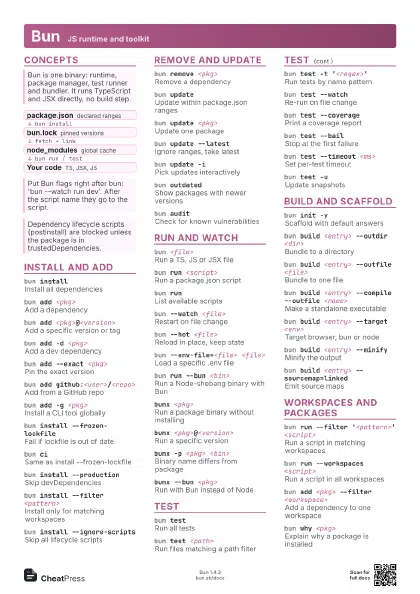
Run scripts
yarn run <script>
Run a package script
yarn <script>
Shorthand for yarn run
Built-in commands win when a script has the same name; use
yarn run then.
yarn run <script> <args>
Pass arguments to a script
yarn run <bin>
Run a dependency's binary
yarn dlx <pkg> [args]
Fetch and run without installing
yarn dlx -p <pkg> <cmd>
Run a command from a package
yarn exec <cmd>
Run a shell command in the Yarn environment
yarn node <file>
Run Node with Yarn's loader
yarn initCreate a package.json
yarn init -wCreate a workspace root
Inspect
yarn info <pkg>
Show info about a package
yarn info <pkg> --dependents
Show who depends on a package
yarn why <pkg>
Show why a package is installed
yarn npm auditCheck for known vulnerabilities
yarn configShow the current settings
yarn config get <key>
Read a setting
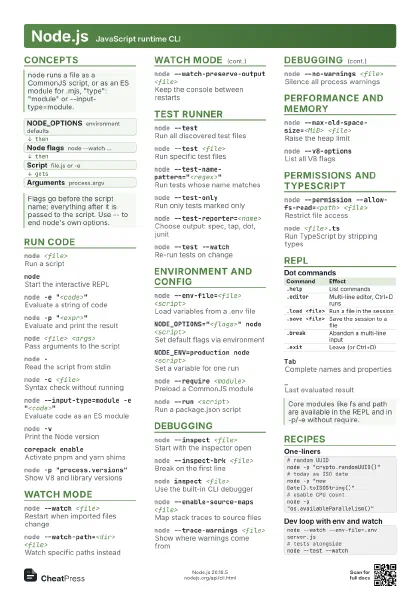
Workspaces
yarn workspaces list
List all workspaces
yarn workspace <name> <cmd>
Run a command in one workspace
yarn workspace <name> add <pkg>
Add a dependency to one workspace
yarn workspaces foreach -A run <script>
Run in every workspace
yarn workspaces foreach -Apt run <script>
Parallel, dependencies first
yarn workspaces foreach -R run <script>
Current workspace and its dependencies
yarn workspaces foreach --since=<ref> -A run
                    <script>
Only workspaces changed since a ref
yarn workspaces foreach --exclude <glob> -A
                    <cmd>
Skip workspaces matching a glob
yarn workspaces focus <name>
Install one workspace and its dependencies
{ "private": true, "workspaces": ["packages/*"]}Config, patching and publishing
yarn config set <key> <value>
Write a project setting
yarn cache clean
Delete the local cache
yarn patch <pkg>
Extract a package to edit
yarn patch-commit -s <dir>
Save the edits as a patch
yarn link <path>
Link a local project in
yarn npm publish
Publish the workspace
yarn npm publish --access public
Publish a scoped package publicly
nodeLinker: node-modulesnpmRegistryServer: "https://registry.npmjs.org"enableTelemetry: falseRecipes
yarn set version stableyarn inityarn add expressyarn add -D typescript vitestyarn run testyarn install --immutableyarn workspaces foreach -Apt run buildyarn workspaces foreach -A run testyarn workspaces foreach -A --since=origin/main run testyarn patch <pkg># edit the printed folderyarn patch-commit -s <dir>