Cheat
Zig Compiler and build system
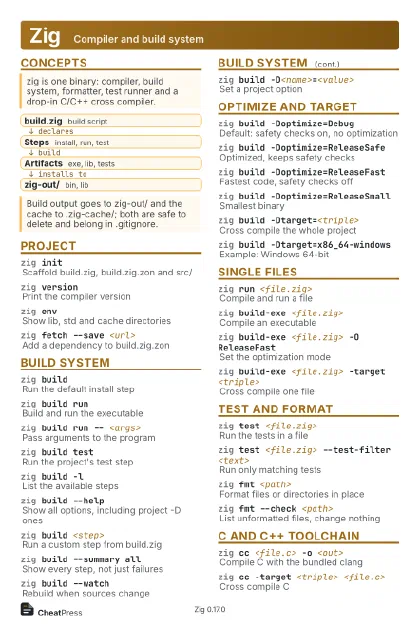 Light · Postcard
102 × 152 mm · PDF
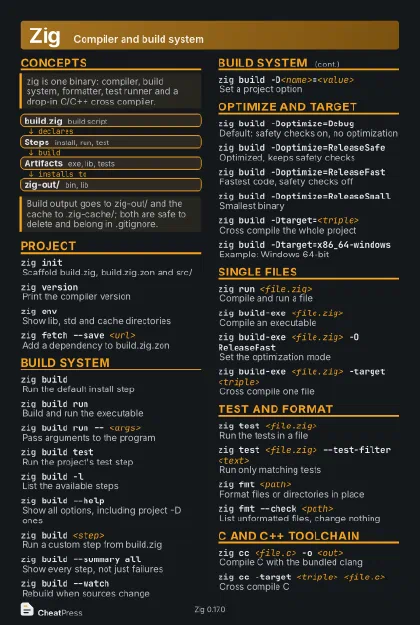 Dark · Postcard
102 × 152 mm · PDF
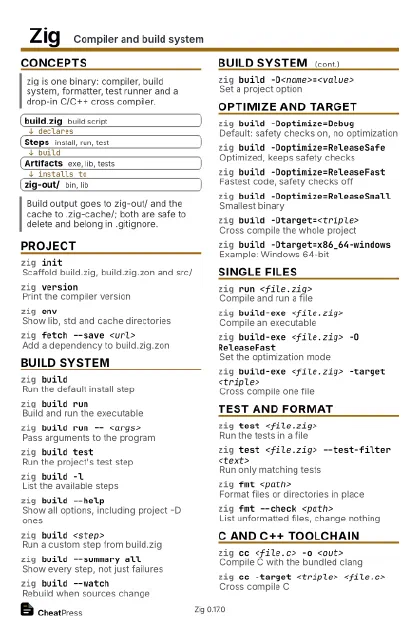 Ink saver · Postcard
102 × 152 mm · PDF
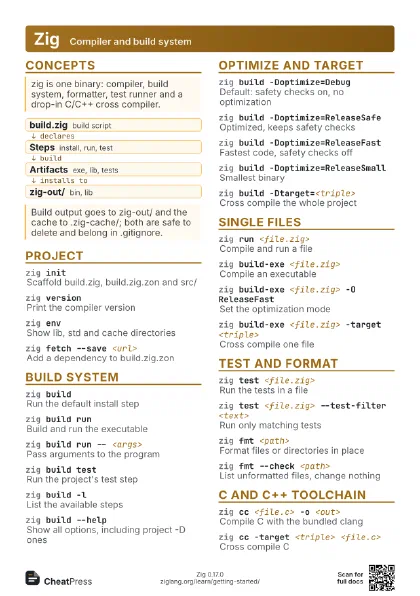
 Light · A4 landscape
297 × 210 mm · PDF
 Dark · A4 landscape
297 × 210 mm · PDF
 Ink saver · A4 landscape
297 × 210 mm · PDF
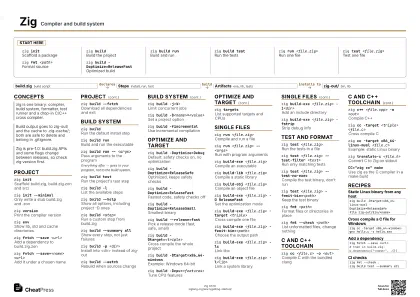
 Light · A3 landscape
420 × 297 mm · PDF
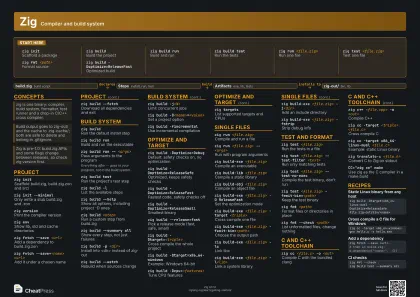 Dark · A3 landscape
420 × 297 mm · PDF
 Ink saver · A3 landscape
420 × 297 mm · PDF
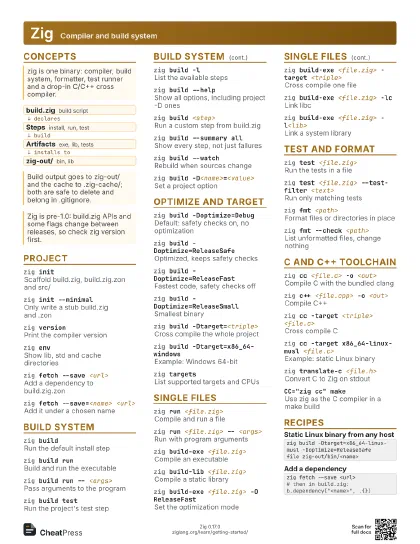
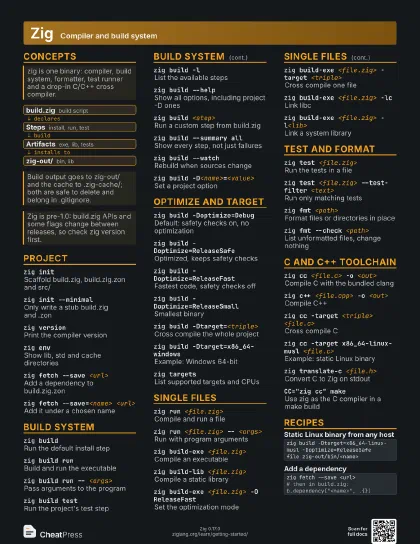
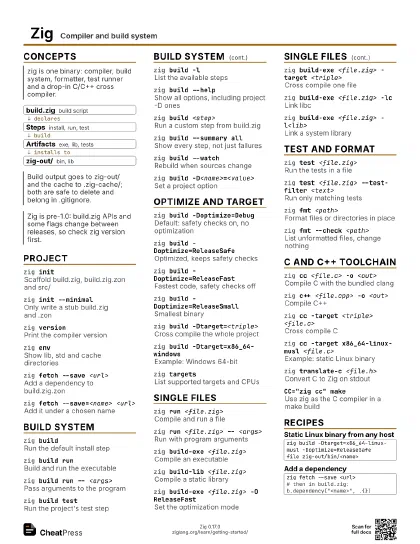
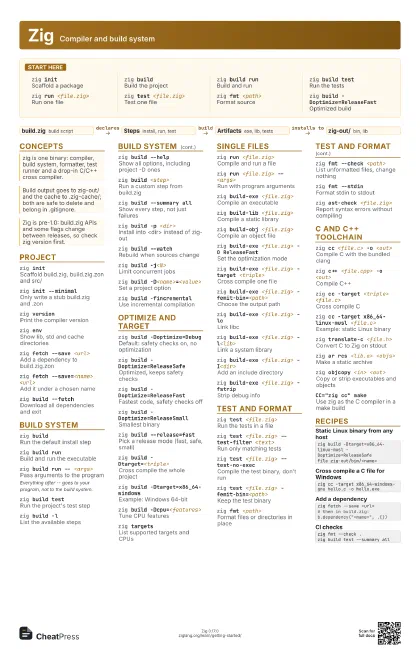
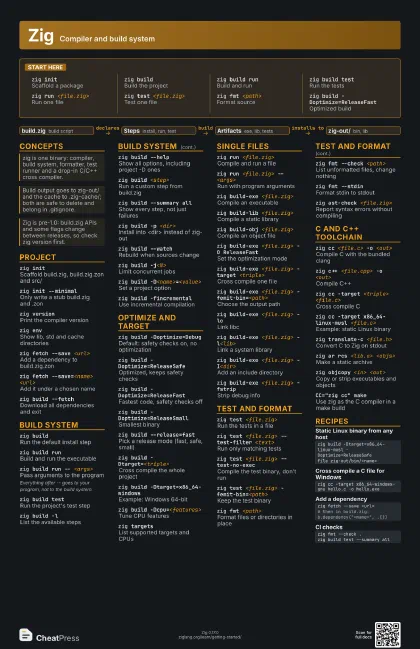
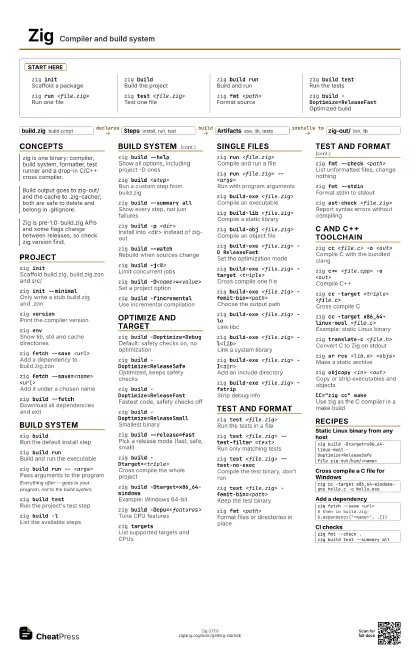
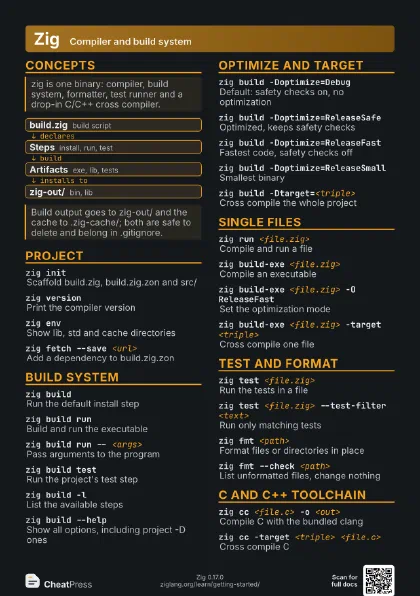
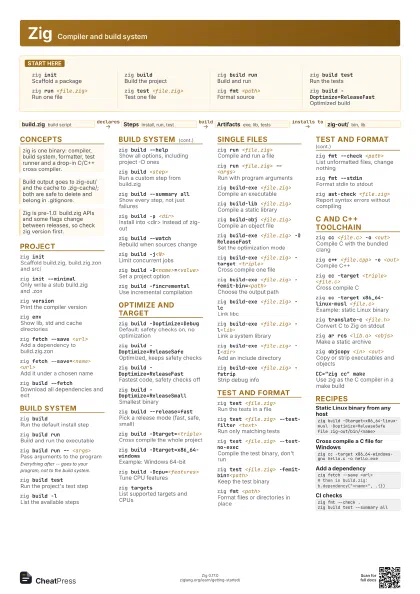
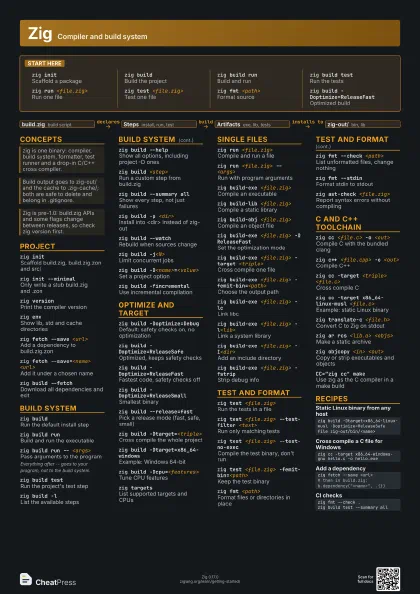
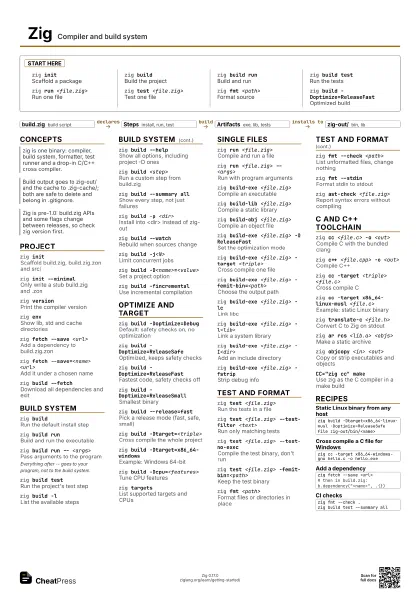
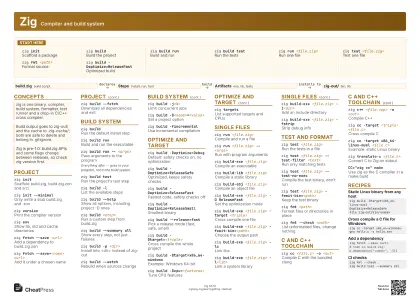
Start here
zig initScaffold a package
zig buildBuild the project
zig build runBuild and run
zig build testRun the tests
zig run <file.zig>
Run one file
zig test <file.zig>
Test one file
zig fmt <path>
Format source
zig build -Doptimize=ReleaseFast
Optimized build
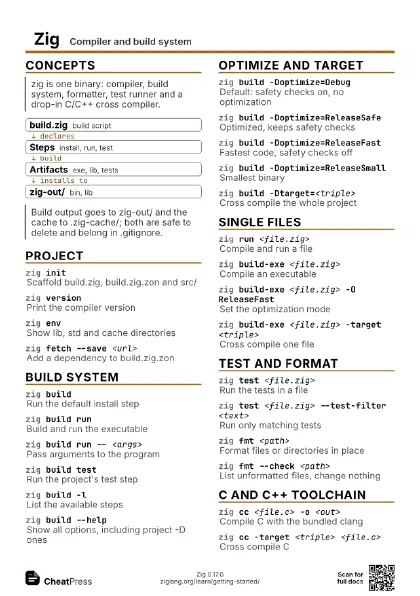
Concepts
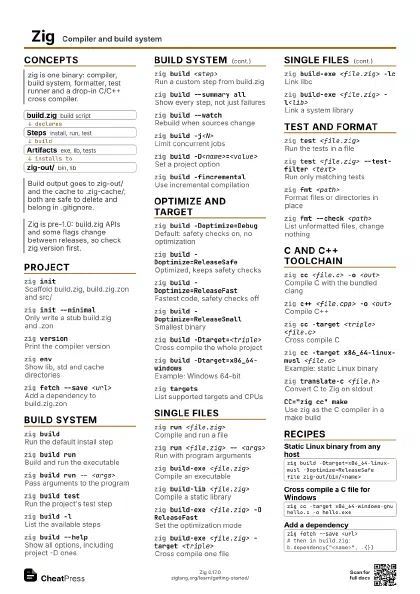
- build.zig build script
- Steps install, run, test
- Artifacts exe, lib, tests
- zig-out/ bin, lib
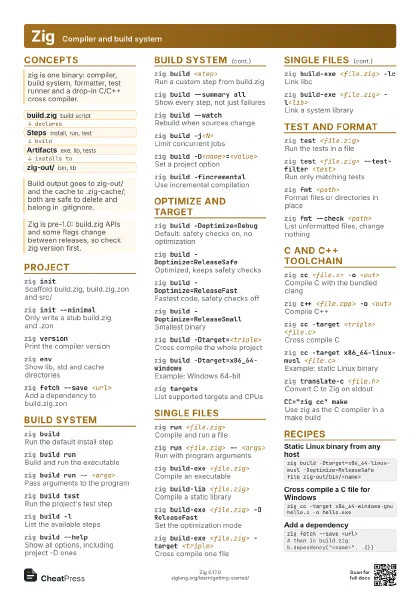
Project
zig init
Scaffold build.zig, build.zig.zon and src/
zig init --minimal
Only write a stub build.zig and .zon
zig versionPrint the compiler version
zig envShow lib, std and cache directories
zig fetch --save <url>
Add a dependency to build.zig.zon
zig fetch --save=<name> <url>
Add it under a chosen name
zig build --fetch
Download all dependencies and exit
Build system
zig buildRun the default install step
zig build runBuild and run the executable
zig build run -- <args>
Pass arguments to the program
Everything after -- goes to your program, not to the build
system.
zig build testRun the project's test step
zig build -lList the available steps
zig build --help
Show all options, including project -D ones
zig build <step>
Run a custom step from build.zig
zig build --summary all
Show every step, not just failures
zig build -p <dir>
Install into <dir> instead of zig-out
zig build --watch
Rebuild when sources change
zig build -j<N>
Limit concurrent jobs
zig build -D<name>=<value>
Set a project option
zig build -fincremental
Use incremental compilation
Optimize and target
zig build -Doptimize=Debug
Default: safety checks on, no optimization
zig build -Doptimize=ReleaseSafe
Optimized, keeps safety checks
zig build -Doptimize=ReleaseFast
Fastest code, safety checks off
zig build -Doptimize=ReleaseSmall
Smallest binary
zig build --release=fast
Pick a release mode (fast, safe, small)
zig build -Dtarget=<triple>
Cross compile the whole project
zig build -Dtarget=x86_64-windows
Example: Windows 64-bit
zig build -Dcpu=<features>
Tune CPU features
zig targetsList supported targets and CPUs
Single files
zig run <file.zig>
Compile and run a file
zig run <file.zig> -- <args>
Run with program arguments
zig build-exe <file.zig>
Compile an executable
zig build-lib <file.zig>
Compile a static library
zig build-obj <file.zig>
Compile an object file
zig build-exe <file.zig> -O ReleaseFast
Set the optimization mode
zig build-exe <file.zig> -target <triple>
Cross compile one file
zig build-exe <file.zig>
                    -femit-bin=<path>
Choose the output path
zig build-exe <file.zig> -lc
Link libc
zig build-exe <file.zig> -l<lib>
Link a system library
zig build-exe <file.zig> -I<dir>
Add an include directory
zig build-exe <file.zig> -fstrip
Strip debug info
Test and format
zig test <file.zig>
Run the tests in a file
zig test <file.zig> --test-filter <text>
Run only matching tests
zig test <file.zig> --test-no-exec
Compile the test binary, don't run
zig test <file.zig> -femit-bin=<path>
Keep the test binary
zig fmt <path>
Format files or directories in place
zig fmt --check <path>
List unformatted files, change nothing
zig fmt --stdinFormat stdin to stdout
zig ast-check <file.zig>
Report syntax errors without compiling
C and C++ toolchain
zig cc <file.c> -o <out>
Compile C with the bundled clang
zig c++ <file.cpp> -o <out>
Compile C++
zig cc -target <triple> <file.c>
Cross compile C
zig cc -target x86_64-linux-musl <file.c>
Example: static Linux binary
zig translate-c <file.h>
Convert C to Zig on stdout
zig ar rcs <lib.a> <objs>
Make a static archive
zig objcopy <in> <out>
Copy or strip executables and objects
CC="zig cc" make
Use zig as the C compiler in a make build
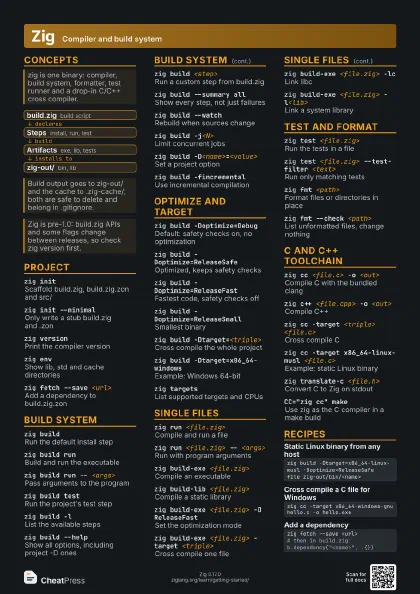
Recipes
zig build -Dtarget=x86_64-linux-musl -Doptimize=ReleaseSafefile zig-out/bin/<name>zig cc -target x86_64-windows-gnu hello.c -o hello.exezig fetch --save <url># then in build.zig: b.dependency("<name>", .{})zig fmt --check .zig build test --summary all