Cheat
xh Friendly HTTP client
 Light · Postcard
102 × 152 mm · PDF
 Dark · Postcard
102 × 152 mm · PDF
 Ink saver · Postcard
102 × 152 mm · PDF
 Light · A4 landscape
297 × 210 mm · PDF
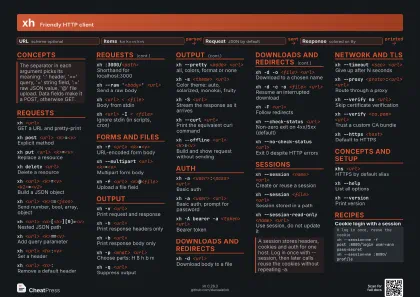 Dark · A4 landscape
297 × 210 mm · PDF
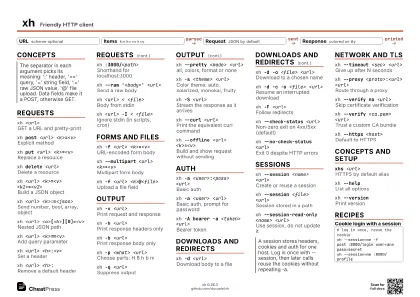 Ink saver · A4 landscape
297 × 210 mm · PDF


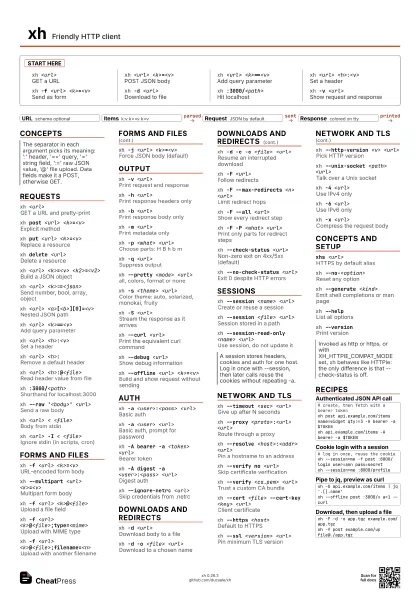
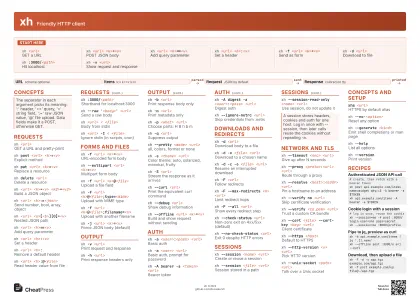 Light · A3 landscape
420 × 297 mm · PDF
 Dark · A3 landscape
420 × 297 mm · PDF
 Ink saver · A3 landscape
420 × 297 mm · PDF
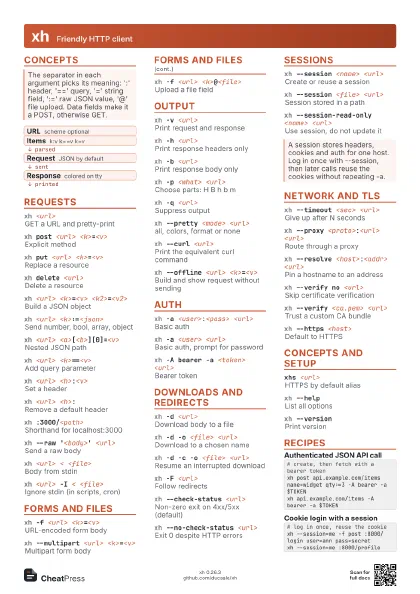
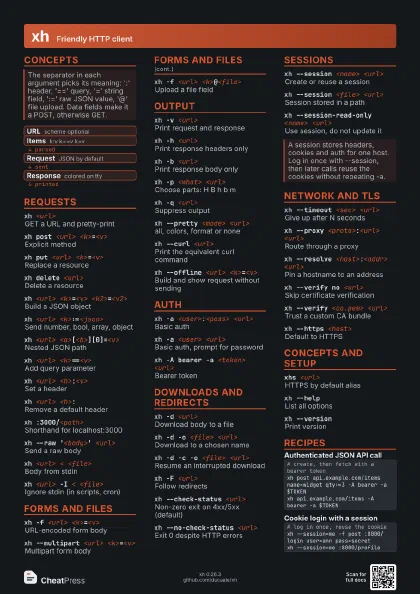
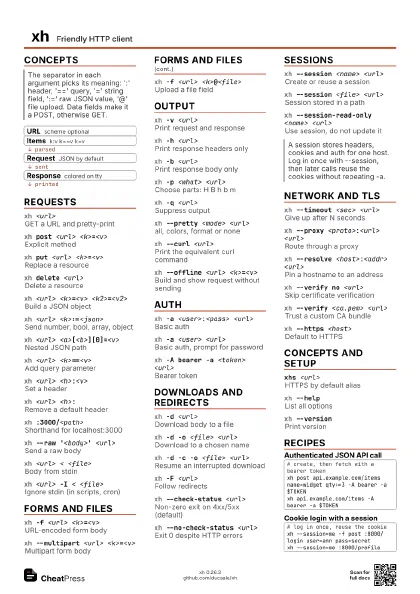
Start here
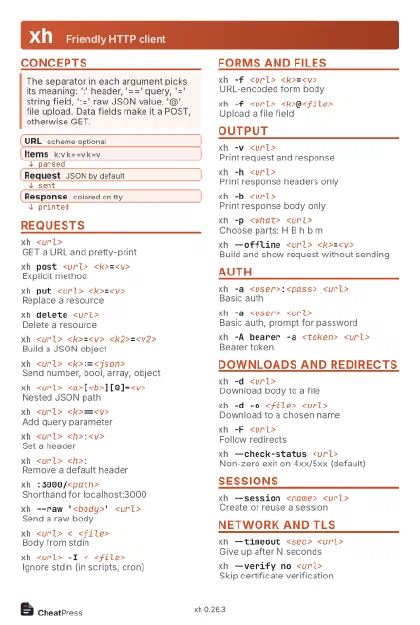
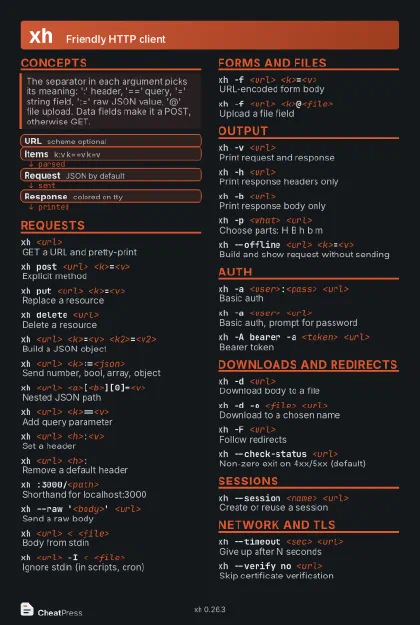
xh <url>GET a URL
xh <url> <k>=<v>
POST JSON body
xh <url> <k>==<v>
Add query parameter
xh <url> <h>:<v>
Set a header
xh -f <url> <k>=<v>
Send as form
xh -d <url>
Download to file
xh :3000/<path>
Hit localhost
xh -v <url>
Show request and response
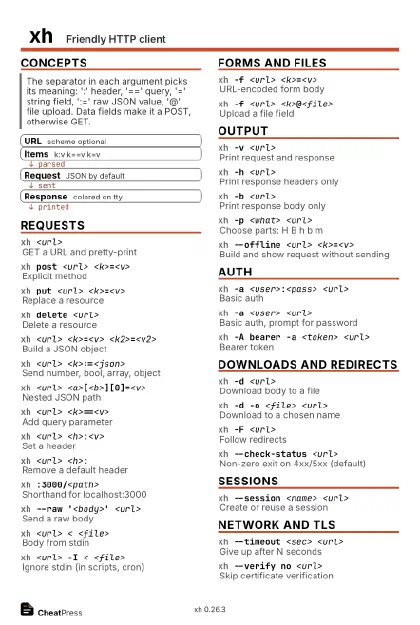
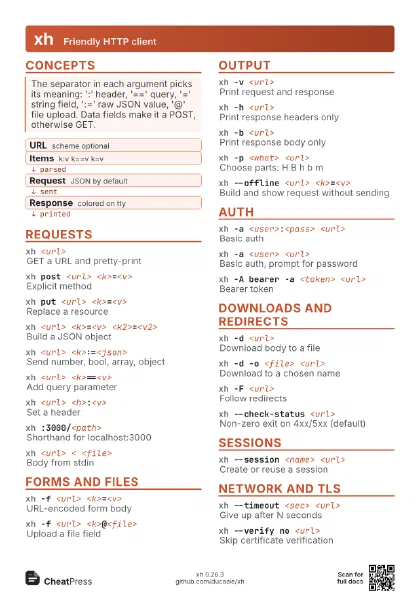
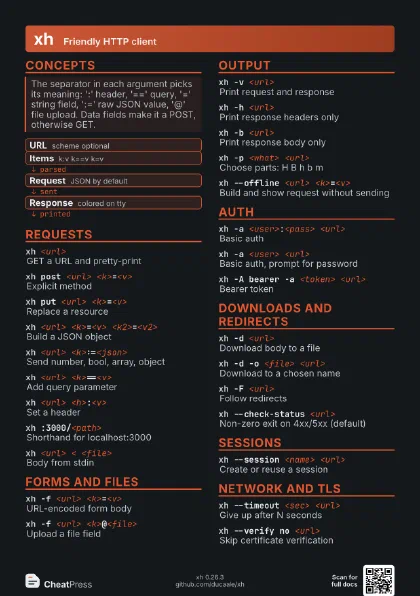
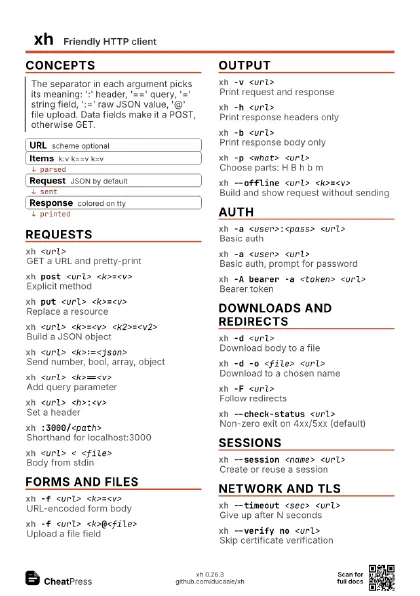
Concepts
- URL scheme optional
- Items k:v k==v k=v
- Request JSON by default
- Response colored on tty
Requests
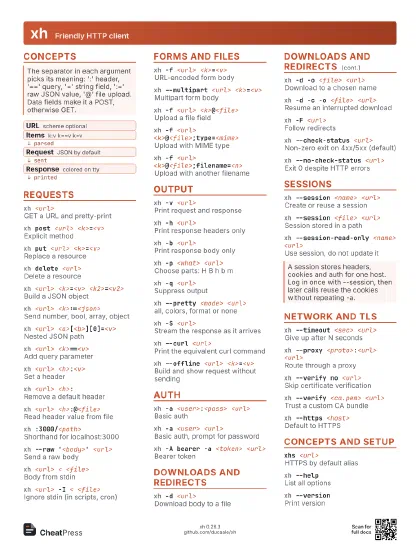
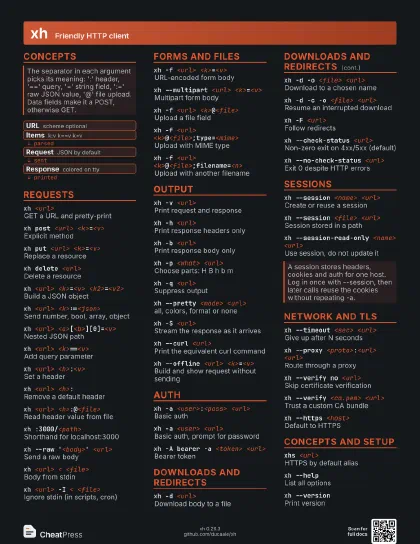
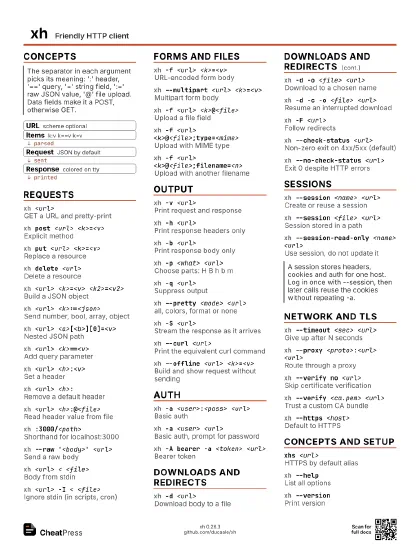
xh <url>GET a URL and pretty-print
xh post <url> <k>=<v>
Explicit method
xh put <url> <k>=<v>
Replace a resource
xh delete <url>
Delete a resource
xh <url> <k>=<v>
                    <k2>=<v2>
Build a JSON object
xh <url> <k>:=<json>
Send number, bool, array, object
xh <url> <a>[<b>][0]=<v>
Nested JSON path
xh <url> <k>==<v>
Add query parameter
xh <url> <h>:<v>
Set a header
xh <url> <h>:
Remove a default header
xh <url> <h>:@<file>
Read header value from file
xh :3000/<path>
Shorthand for localhost:3000
xh --raw '<body>' <url>
Send a raw body
xh <url> < <file>
Body from stdin
xh <url> -I < <file>
Ignore stdin (in scripts, cron)
Forms and files
xh -f <url> <k>=<v>
URL-encoded form body
xh --multipart <url> <k>=<v>
Multipart form body
xh -f <url> <k>@<file>
Upload a file field
xh -f <url>
                    <k>@<file>;type=<mime>
Upload with MIME type
xh -f <url>
                    <k>@<file>;filename=<n>
Upload with another filename
xh -j <url> <k>=<v>
Force JSON body (default)
Output
xh -v <url>
Print request and response
xh -h <url>
Print response headers only
xh -b <url>
Print response body only
xh -m <url>
Print metadata only
xh -p <what> <url>
Choose parts: H B h b m
xh -q <url>
Suppress output
xh --pretty <mode> <url>
all, colors, format or none
xh -s <theme> <url>
Color theme: auto, solarized, monokai, fruity
xh -S <url>
Stream the response as it arrives
xh --curl <url>
Print the equivalent curl command
xh --debug <url>
Show debug information
xh --offline <url> <k>=<v>
Build and show request without sending
Auth
xh -a <user>:<pass> <url>
Basic auth
xh -a <user> <url>
Basic auth, prompt for password
xh -A bearer -a <token> <url>
Bearer token
xh -A digest -a <user>:<pass> <url>
Digest auth
xh --ignore-netrc <url>
Skip credentials from .netrc
Downloads and redirects
xh -d <url>
Download body to a file
xh -d -o <file> <url>
Download to a chosen name
xh -d -c -o <file> <url>
Resume an interrupted download
xh -F <url>
Follow redirects
xh -F --max-redirects <n> <url>
Limit redirect hops
xh -F --all <url>
Show every redirect step
xh -F -P <what> <url>
Print only parts for redirect steps
xh --check-status <url>
Non-zero exit on 4xx/5xx (default)
xh --no-check-status <url>
Exit 0 despite HTTP errors
Sessions
xh --session <name> <url>
Create or reuse a session
xh --session <file> <url>
Session stored in a path
xh --session-read-only <name> <url>
Use session, do not update it
Network and TLS
xh --timeout <sec> <url>
Give up after N seconds
xh --proxy <proto>:<url> <url>
Route through a proxy
xh --resolve <host>:<addr> <url>
Pin a hostname to an address
xh --verify no <url>
Skip certificate verification
xh --verify <ca.pem> <url>
Trust a custom CA bundle
xh --cert <file> --cert-key <key>
                    <url>
Client certificate
xh --https <host>
Default to HTTPS
xh --ssl <version> <url>
Pin minimum TLS version
xh --http-version <v> <url>
Pick HTTP version
xh --unix-socket <path> <url>
Talk over a Unix socket
xh -4 <url>
Use IPv4 only
xh -6 <url>
Use IPv6 only
xh -x <url>
Compress the request body
Concepts and setup
xhs <url>HTTPS by default alias
xh --no-<option>
Reset any option
xh --generate <kind>
Emit shell completions or man page
xh --helpList all options
xh --versionPrint version
Recipes
# create, then fetch with a bearer tokenxh post api.example.com/items name=widget qty:=3 -A bearer -a $TOKENxh api.example.com/items -A bearer -a $TOKEN# log in once, reuse the cookiexh --session=me -f post :8000/login user=ann pass=secretxh --session=me :8000/profilexh -b api.example.com/items | jq '.[].name'xh --offline post :3000/x a=1 --curlxh -F -d -o app.tgz example.com/app.tgzxh -f post example.com/up file@./app.tgz