Cheat
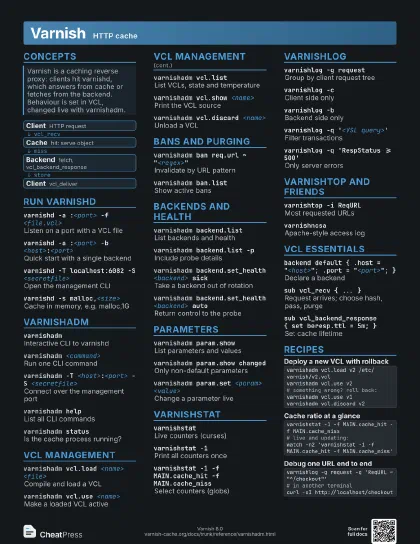
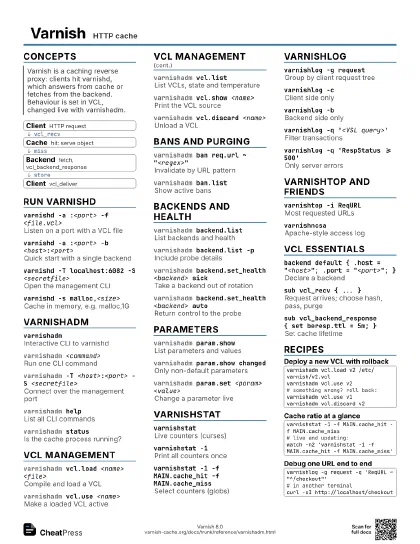
Varnish HTTP cache
 Light · Postcard
102 × 152 mm · PDF
 Dark · Postcard
102 × 152 mm · PDF
 Ink saver · Postcard
102 × 152 mm · PDF
 Light · A4 landscape
297 × 210 mm · PDF
 Dark · A4 landscape
297 × 210 mm · PDF
 Ink saver · A4 landscape
297 × 210 mm · PDF
 Light · A3 landscape
420 × 297 mm · PDF
 Dark · A3 landscape
420 × 297 mm · PDF
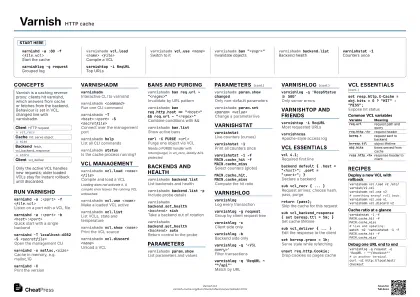 Ink saver · A3 landscape
420 × 297 mm · PDF
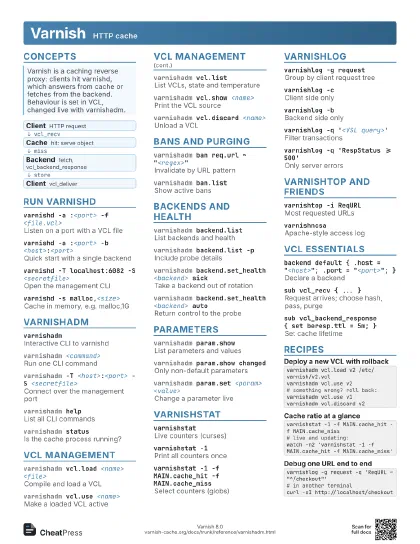
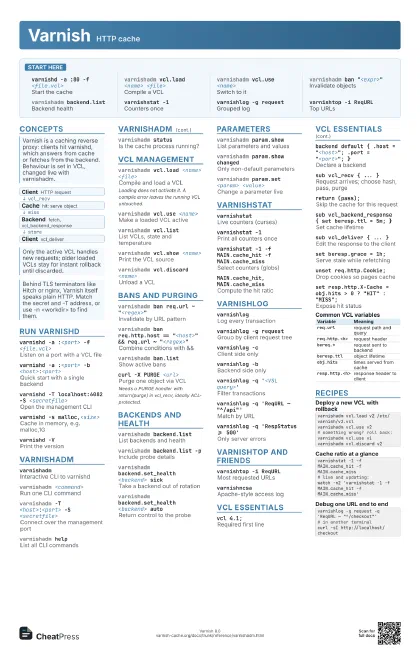
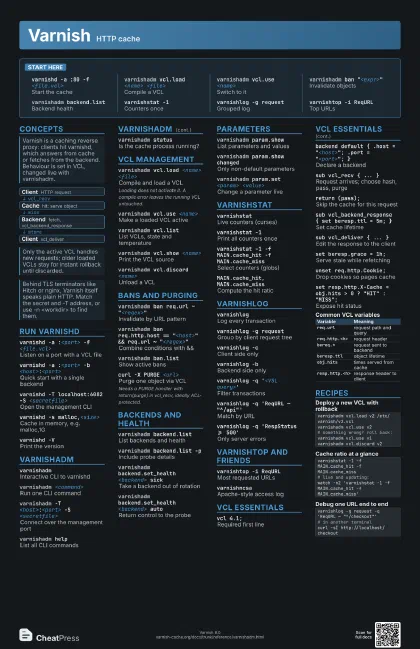
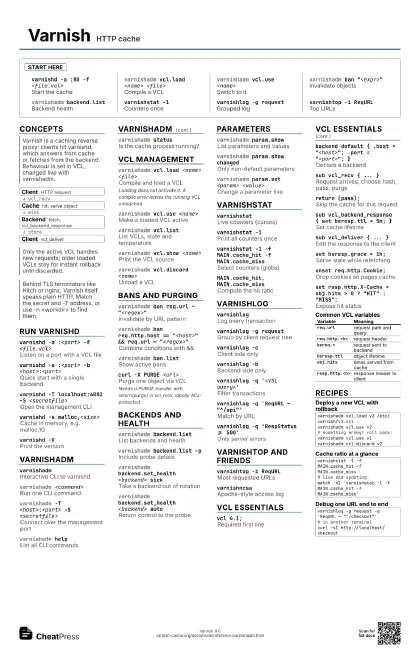
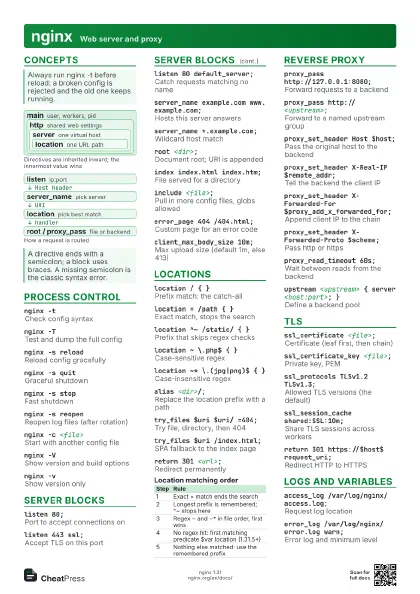
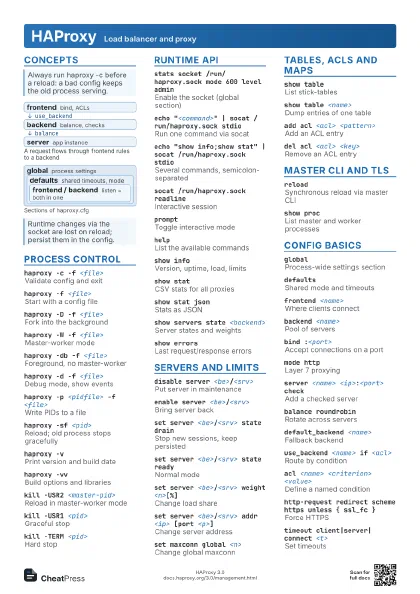
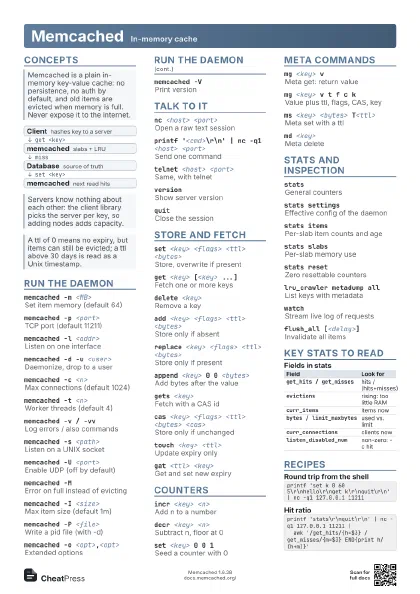
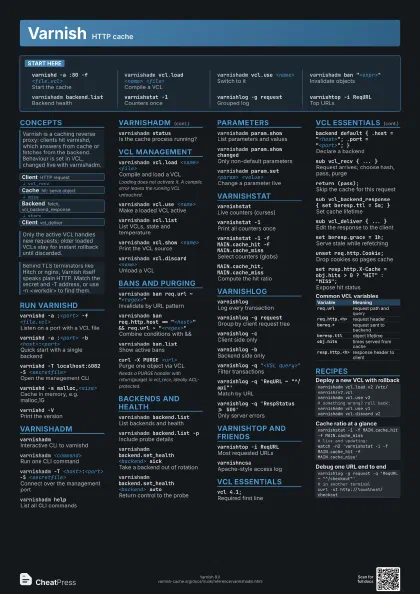
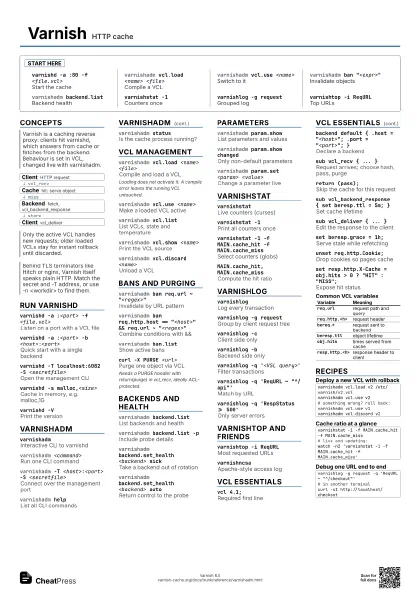
Start here
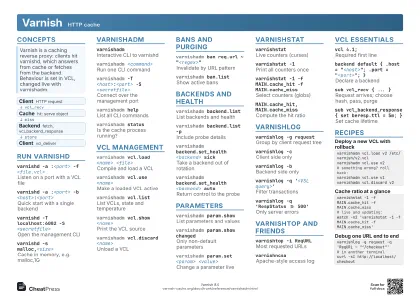
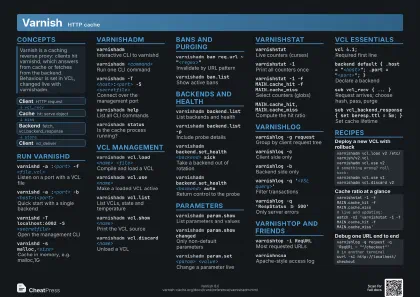
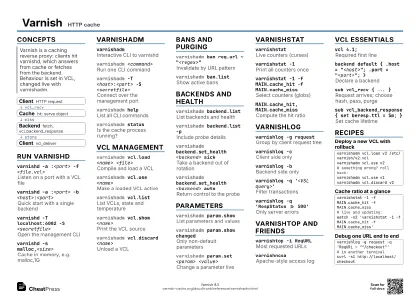
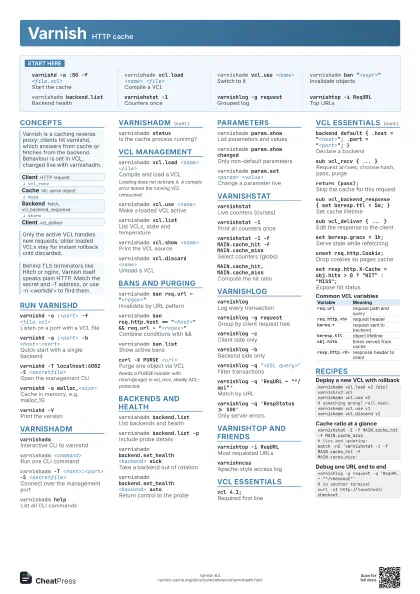
varnishd -a :80 -f <file.vcl>
Start the cache
varnishadm vcl.load <name> <file>
Compile a VCL
varnishadm vcl.use <name>
Switch to it
varnishadm ban "<expr>"
Invalidate objects
varnishadm backend.list
Backend health
varnishstat -1Counters once
varnishlog -g request
Grouped log
varnishtop -i ReqURL
Top URLs
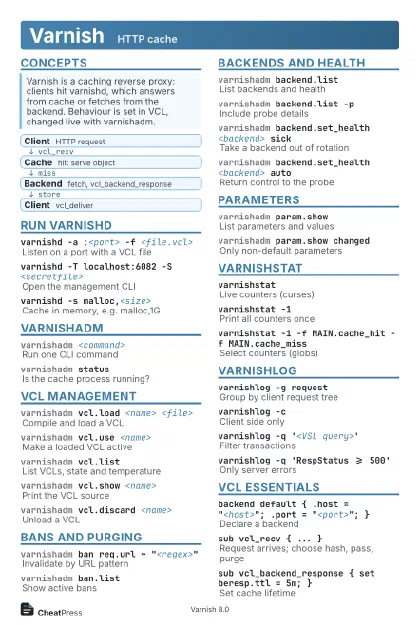
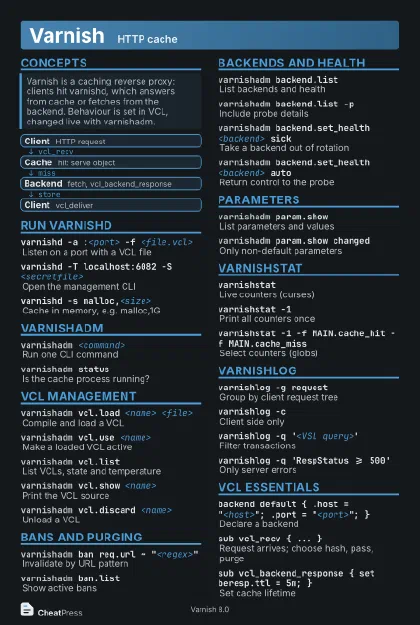
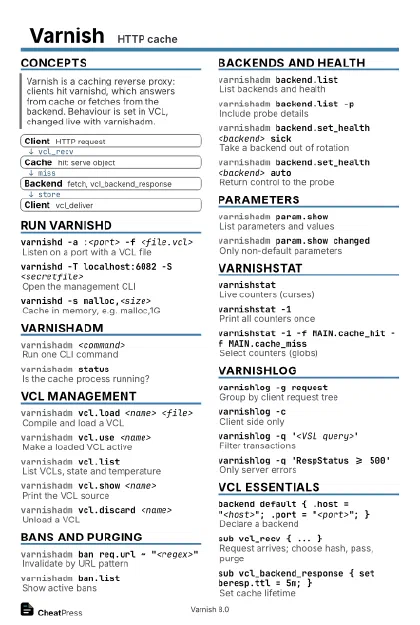
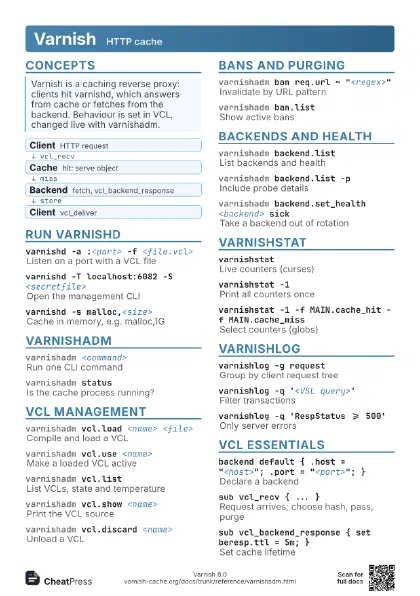
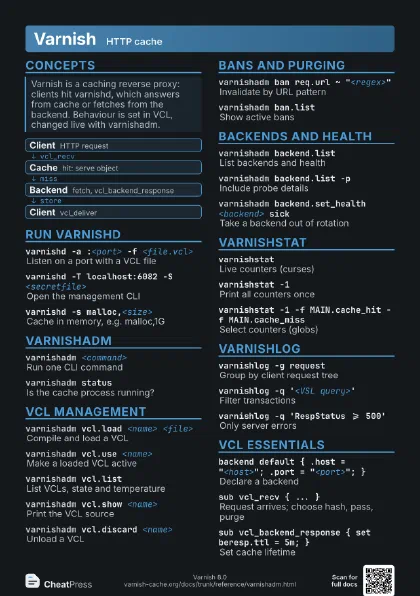
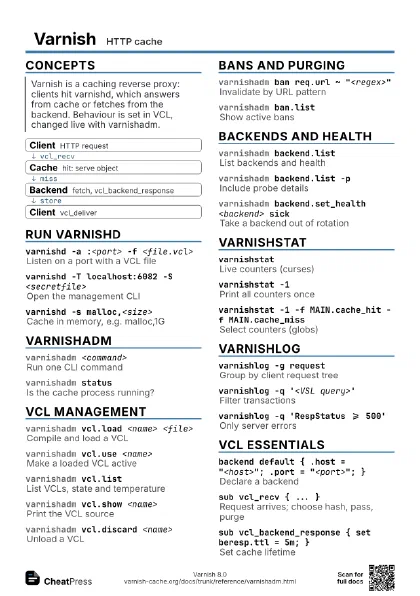
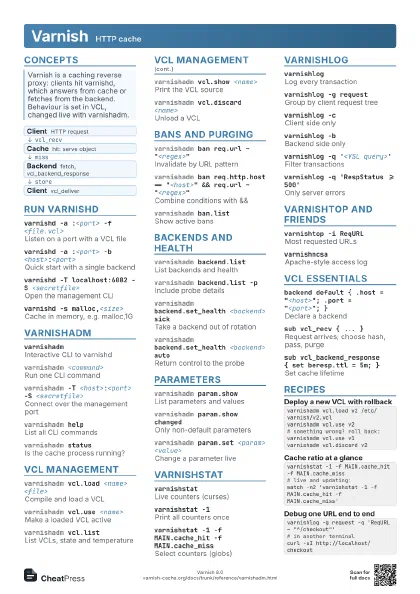
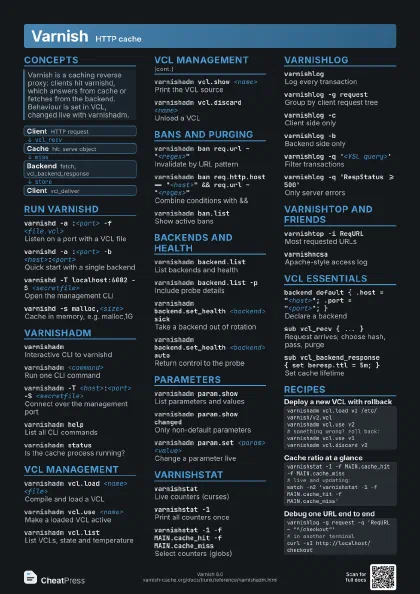
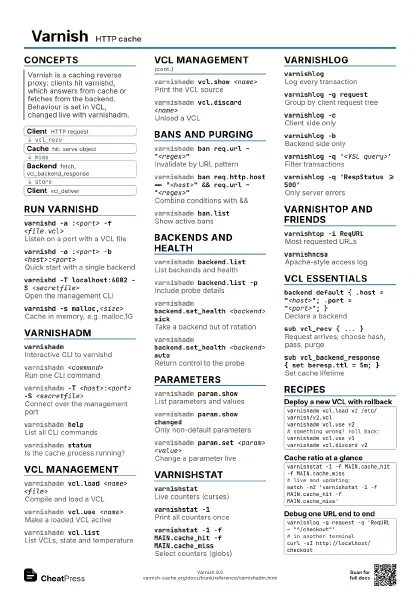
Concepts
- Client HTTP request
- Cache hit: serve object
- Backend fetch, vcl_backend_response
- Client vcl_deliver
Run varnishd
varnishd -a :<port> -f <file.vcl>
Listen on a port with a VCL file
varnishd -a :<port> -b
                    <host>:<port>
Quick start with a single backend
varnishd -T localhost:6082 -S <secretfile>
Open the management CLI
varnishd -s malloc,<size>
Cache in memory, e.g. malloc,1G
varnishd -VPrint the version
varnishadm
varnishadmInteractive CLI to varnishd
varnishadm <command>
Run one CLI command
varnishadm -T <host>:<port> -S
                    <secretfile>
Connect over the management port
varnishadm helpList all CLI commands
varnishadm status
Is the cache process running?
VCL management
varnishadm vcl.load <name> <file>
Compile and load a VCL
Loading does not activate it. A compile error leaves the
running VCL untouched.
varnishadm vcl.use <name>
Make a loaded VCL active
varnishadm vcl.list
List VCLs, state and temperature
varnishadm vcl.show <name>
Print the VCL source
varnishadm vcl.discard <name>
Unload a VCL
Bans and purging
varnishadm ban req.url ~ "<regex>"
Invalidate by URL pattern
varnishadm ban req.http.host == "<host>"
                    && req.url ~ "<regex>"
Combine conditions with &&
varnishadm ban.list
Show active bans
curl -X PURGE <url>
Purge one object via VCL
Needs a PURGE handler with return(purge) in vcl_recv, ideally
ACL-protected.
Backends and health
varnishadm backend.list
List backends and health
varnishadm backend.list -p
Include probe details
varnishadm backend.set_health <backend> sick
Take a backend out of rotation
varnishadm backend.set_health <backend> auto
Return control to the probe
Parameters
varnishadm param.show
List parameters and values
varnishadm param.show changed
Only non-default parameters
varnishadm param.set <param> <value>
Change a parameter live
varnishstat
varnishstatLive counters (curses)
varnishstat -1Print all counters once
varnishstat -1 -f MAIN.cache_hit -f MAIN.cache_miss
Select counters (globs)
MAIN.cache_hit, MAIN.cache_miss
Compute the hit ratio
varnishlog
varnishlogLog every transaction
varnishlog -g request
Group by client request tree
varnishlog -cClient side only
varnishlog -bBackend side only
varnishlog -q '<VSL query>'
Filter transactions
varnishlog -q 'ReqURL ~ "^/api"'
Match by URL
varnishlog -q 'RespStatus >= 500'
Only server errors
varnishtop and friends
varnishtop -i ReqURL
Most requested URLs
varnishncsaApache-style access log
VCL essentials
vcl 4.1;Required first line
backend default { .host = "<host>"; .port =
                    "<port>"; }
Declare a backend
sub vcl_recv { ... }
Request arrives; choose hash, pass, purge
return (pass);Skip the cache for this request
sub vcl_backend_response { set beresp.ttl = 5m; }
Set cache lifetime
sub vcl_deliver { ... }
Edit the response to the client
set beresp.grace = 1h;
Serve stale while refetching
unset req.http.Cookie;
Drop cookies so pages cache
set resp.http.X-Cache = obj.hits > 0 ? "HIT" :
                    "MISS";
Expose hit status
| Variable | Meaning |
|---|---|
req.url |
request path and query |
req.http.<h> |
request header |
bereq.* |
request sent to backend |
beresp.ttl |
object lifetime |
obj.hits |
times served from cache |
resp.http.<h> |
response header to client |
Recipes
varnishadm vcl.load v2 /etc/varnish/v2.vclvarnishadm vcl.use v2# something wrong? roll back:varnishadm vcl.use v1varnishadm vcl.discard v2varnishstat -1 -f MAIN.cache_hit -f MAIN.cache_miss# live and updating:watch -n2 'varnishstat -1 -f MAIN.cache_hit -f MAIN.cache_miss'varnishlog -g request -q 'ReqURL ~ "^/checkout"'# in another terminalcurl -sI http://localhost/checkout