Cheat
Typst Markup typesetting
 Light · Postcard
102 × 152 mm · PDF
 Dark · Postcard
102 × 152 mm · PDF
 Ink saver · Postcard
102 × 152 mm · PDF
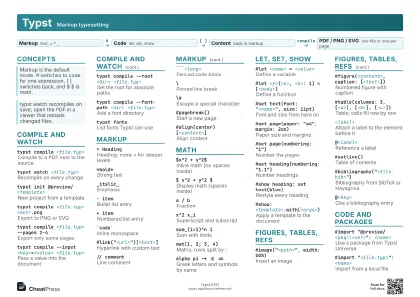 Light · A4 landscape
297 × 210 mm · PDF
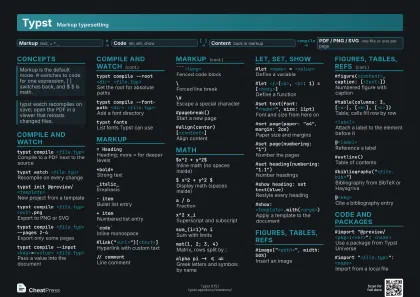 Dark · A4 landscape
297 × 210 mm · PDF
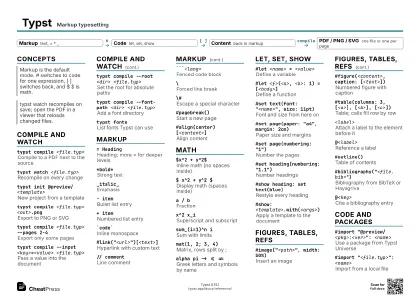 Ink saver · A4 landscape
297 × 210 mm · PDF
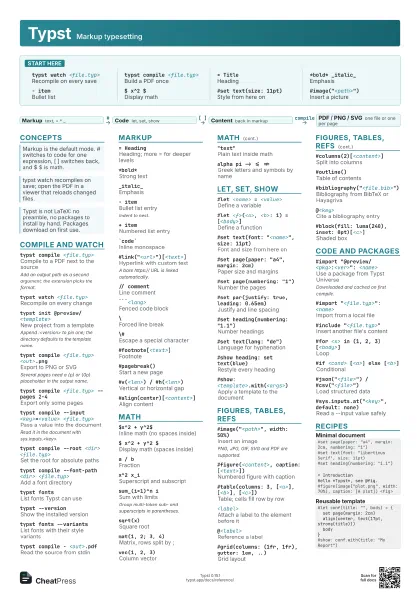
 Light · A3 landscape
420 × 297 mm · PDF
 Dark · A3 landscape
420 × 297 mm · PDF
 Ink saver · A3 landscape
420 × 297 mm · PDF
Start here
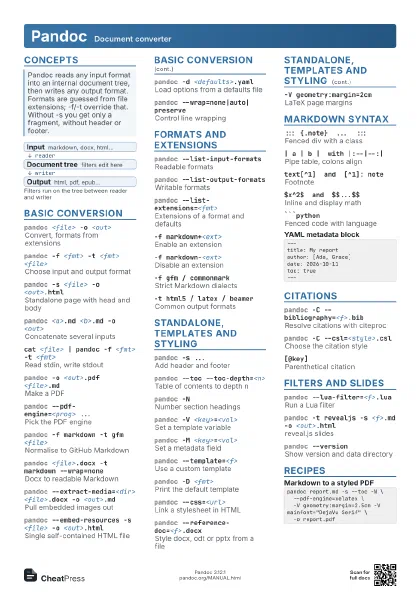
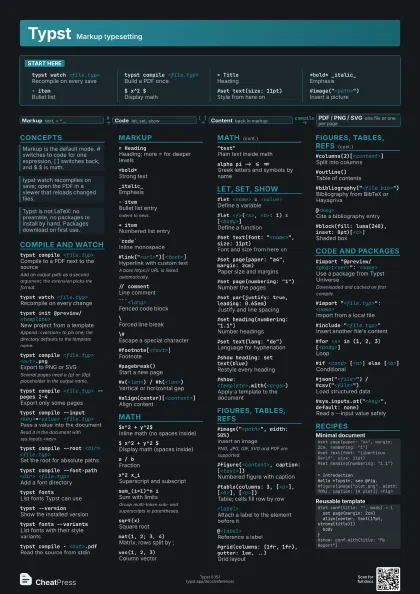
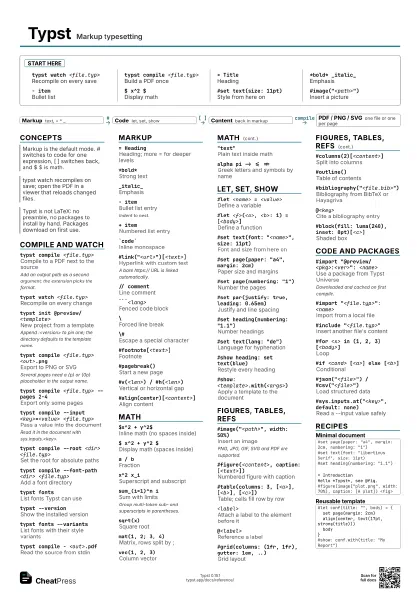
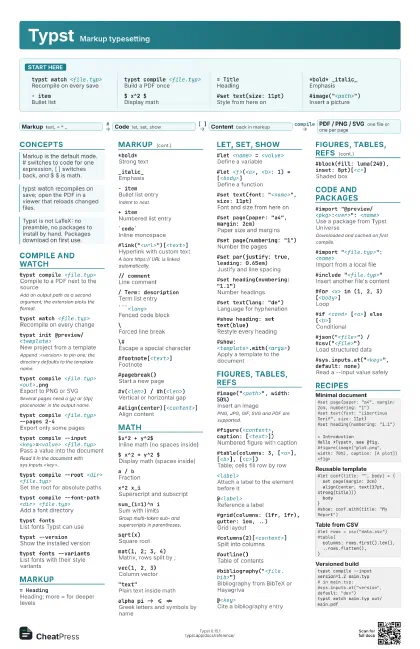
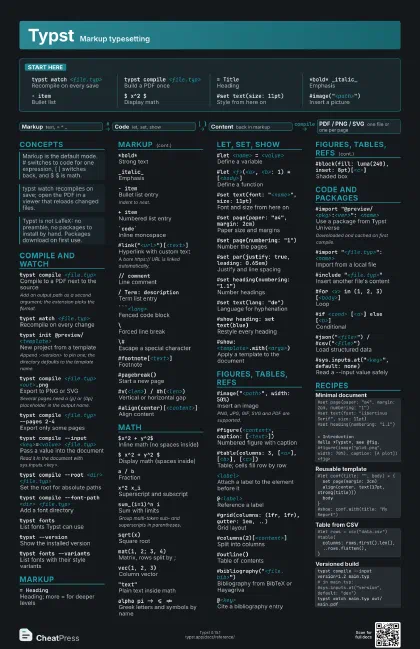
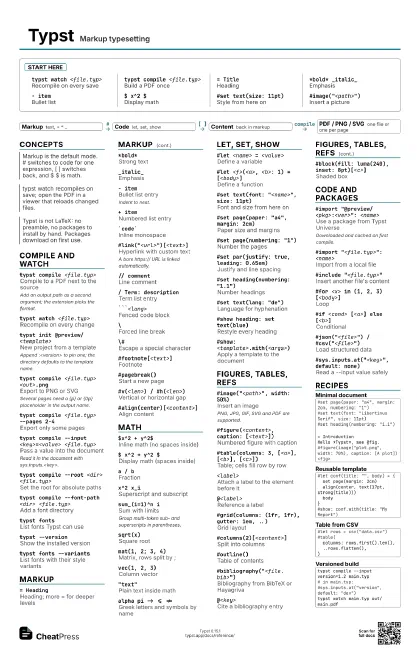
typst watch <file.typ>
Recompile on every save
typst compile <file.typ>
Build a PDF once
= TitleHeading
*bold* _italic_Emphasis
- itemBullet list
$ x^2 $Display math
#set text(size: 11pt)
Style from here on
#image("<path>")
Insert a picture
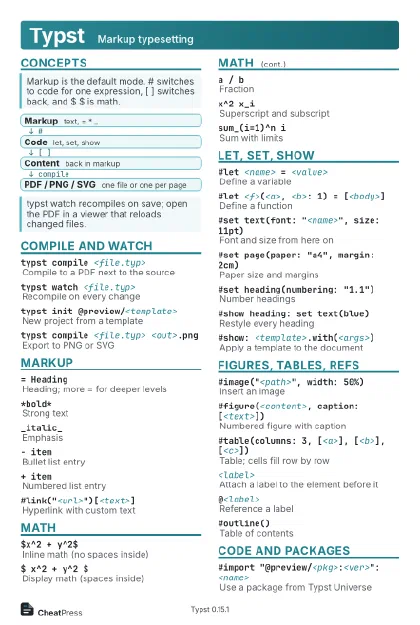
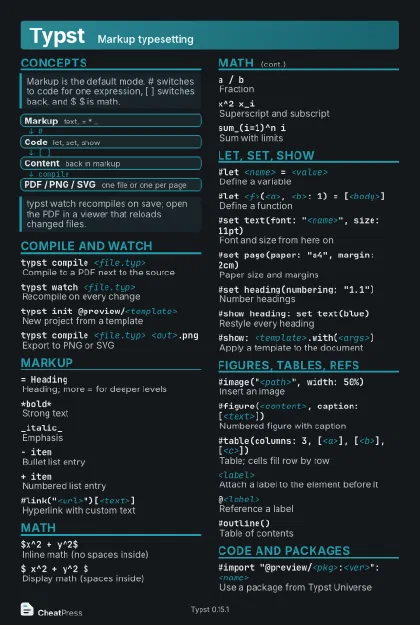
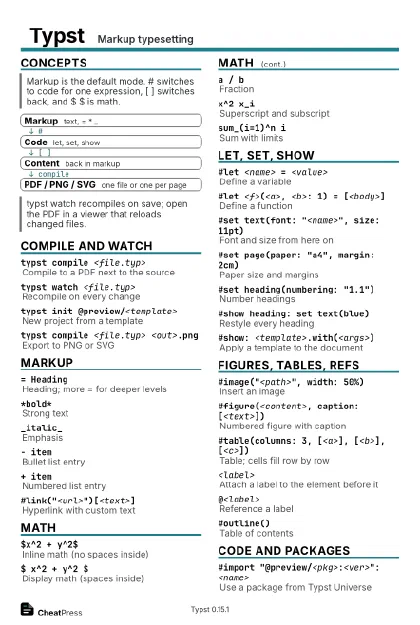
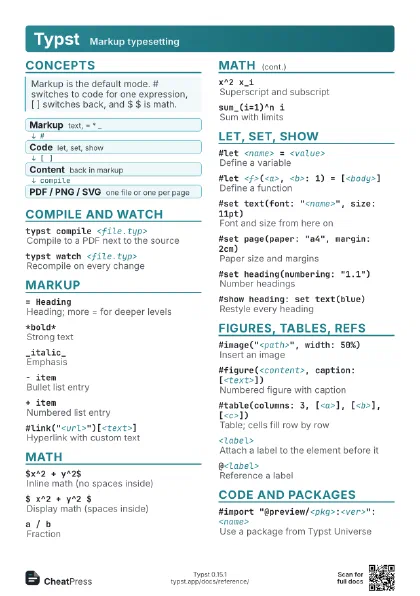
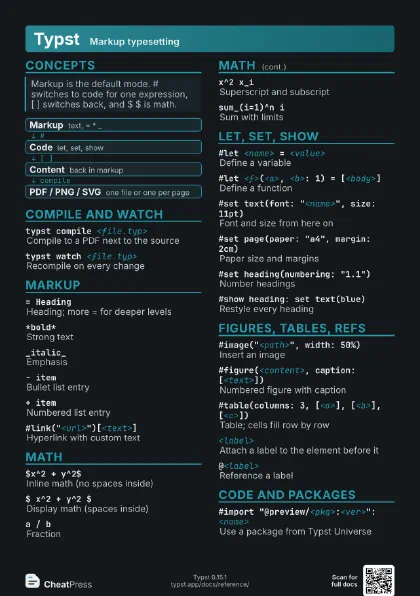
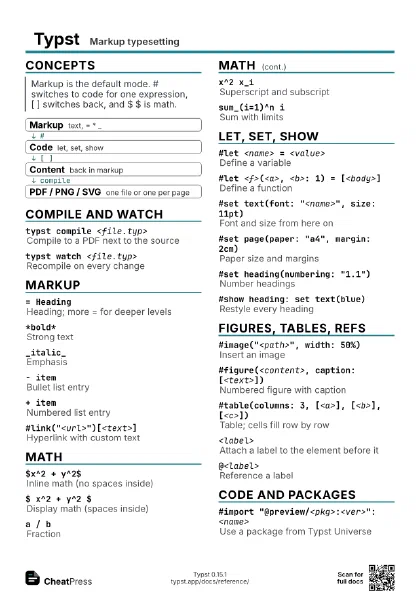
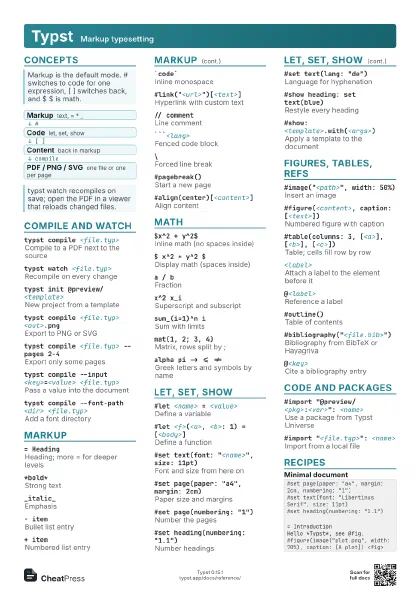
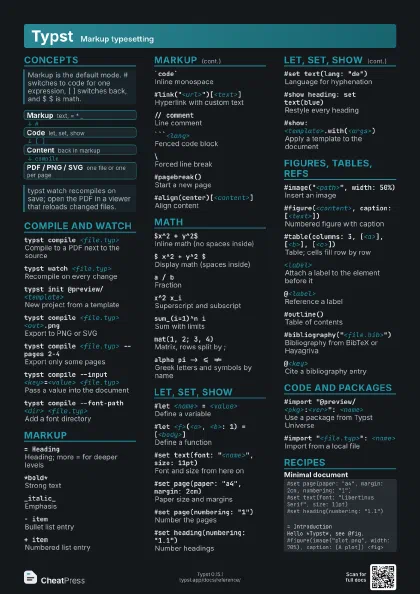
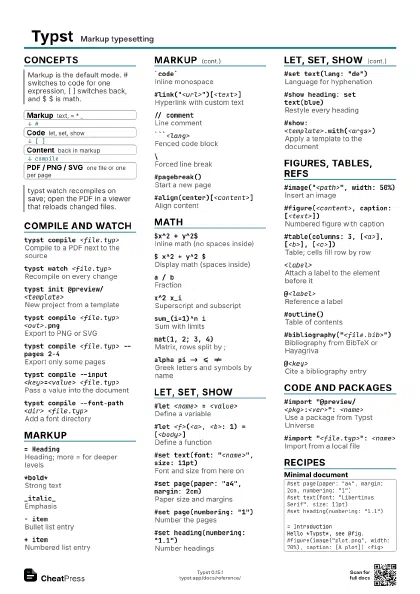
Concepts
- Markup text, = * _
- Code let, set, show
- Content back in markup
- PDF / PNG / SVG one file or one per page
Compile and watch
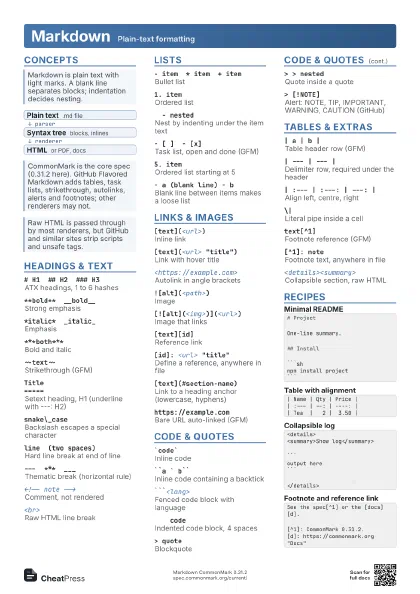
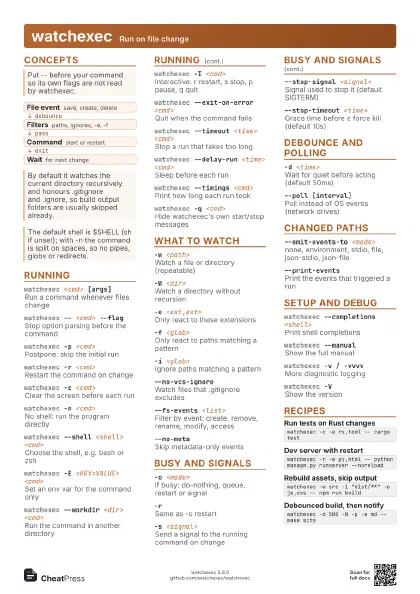
typst compile <file.typ>
Compile to a PDF next to the source
Add an output path as a second argument; the extension picks
the format.
typst watch <file.typ>
Recompile on every change
typst init @preview/<template>
New project from a template
Append :<version> to pin one; the directory defaults to
the template name.
typst compile <file.typ> <out>.png
Export to PNG or SVG
Several pages need a {p} or {0p} placeholder in the output
name.
typst compile <file.typ> --pages 2-4
Export only some pages
typst compile --input <key>=<value>
                    <file.typ>
Pass a value into the document
Read it in the document with sys.inputs.<key>.
typst compile --root <dir> <file.typ>
Set the root for absolute paths
typst compile --font-path <dir>
                    <file.typ>
Add a font directory
typst fontsList fonts Typst can use
typst --versionShow the installed version
typst fonts --variants
List fonts with their style variants
typst compile - <out>.pdf
Read the source from stdin
typst compile --ppi <n> <file.typ>
                    <out>.png
PNG resolution (default 144)
typst compile --pdf-standard a-2b <file.typ>
Archival PDF/A output
typst compile --deps <file> --deps-format make
                    <file.typ>
Write a dependency list for make
typst eval '<expr>' --in
                    <file.typ>
Evaluate code in the document's context
Replaces the deprecated typst query; query(<label>)
returns labelled elements as JSON.
typst updateUpdate the typst binary itself
Markup
= HeadingHeading; more = for deeper levels
*bold*Strong text
_italic_Emphasis
- itemBullet list entry
Indent to nest.
+ itemNumbered list entry
`code`Inline monospace
#link("<url>")[<text>]
Hyperlink with custom text
A bare https:// URL is linked automatically.
// commentLine comment
/ Term: description
Term list entry
```<lang>Fenced code block
\Forced line break
\#Escape a special character
#footnote[<text>]
Footnote
#pagebreak()Start a new page
#v(<len>) / #h(<len>)
Vertical or horizontal gap
#align(center)[<content>]
Align content
/* comment */Block comment
~Non-breaking space
---Em dash
#lorem(<n>)
Placeholder text of n words
Math
$x^2 + y^2$Inline math (no spaces inside)
$ x^2 + y^2 $
Display math (spaces inside)
a / bFraction
x^2 x_iSuperscript and subscript
sum_(i=1)^n iSum with limits
Group multi-token sub- and superscripts in parentheses.
sqrt(x)Square root
mat(1, 2; 3, 4)Matrix, rows split by ;
vec(1, 2, 3)Column vector
"text"Plain text inside math
alpha pi -> <= !=
Greek letters and symbols by name
integral_0^1 f(x) dif x
Integral
cases(x "if" a, y "else")
Piecewise definition
arrow.r.doubleSymbol variant via dotted modifier
$ ... $ <eq:main>
Label an equation for @eq:main
Let, set, show
#let <name> = <value>
Define a variable
#let <f>(<a>, <b>: 1) =
                    [<body>]
Define a function
#set text(font: "<name>", size: 11pt)
Font and size from here on
#set page(paper: "a4", margin: 2cm)
Paper size and margins
#set page(numbering: "1")
Number the pages
#set par(justify: true, leading: 0.65em)
Justify and line spacing
#set heading(numbering: "1.1")
Number headings
#set text(lang: "de")
Language for hyphenation
#show heading: set text(blue)
Restyle every heading
#show: <template>.with(<args>)
Apply a template to the document
#set document(title: "<t>", author:
                    "<a>")
PDF metadata
#show "<word>": it => <expr>
Rewrite every match of a text
#show regex("<re>"): set text(red)
Style text by regex
#show heading.where(level: 1): it => <expr>
Rule for a subset
#set text(fill: rgb("#<hex>"))
Colour from a hex value
Figures, tables, refs
#image("<path>", width: 50%)
Insert an image
PNG, JPG, GIF, SVG and PDF are supported.
#figure(<content>, caption: [<text>])
Numbered figure with caption
#table(columns: 3, [<a>], [<b>],
                    [<c>])
Table; cells fill row by row
<label>Attach a label to the element before it
@<label>Reference a label
#grid(columns: (1fr, 1fr), gutter: 1em, ..)
Grid layout
#columns(2)[<content>]
Split into columns
#outline()Table of contents
#bibliography("<file.bib>")
Bibliography from BibTeX or Hayagriva
@<key>Cite a bibliography entry
#block(fill: luma(240), inset: 8pt)[<c>]
Shaded box
#table.header([<a>], [<b>])
Header row repeated on each page
#table.cell(colspan: 2)[<c>]
Cell spanning columns
#context counter(page).display()
Current page number
Context-dependent values need #context.
#set page(footer: context [..])
Page footer
Code and packages
#import "@preview/<pkg>:<ver>":
                    <name>
Use a package from Typst Universe
Downloaded and cached on first compile.
#import "<file.typ>": <name>
Import from a local file
#include "<file.typ>"
Insert another file's content
#for <x> in (1, 2, 3) [<body>]
Loop
#if <cond> [<a>] else [<b>]
Conditional
#(<a> + <b>)
Evaluate an expression
#{ <stmt>; <stmt> }
Code block with several statements
#let (<a>, <b>) = (1, 2)
Destructuring
(<k>: <v>)
Dictionary literal
#read("<file>")
Read a file as a string
#json("<file>") /
                    #csv("<file>")
Load structured data
#sys.inputs.at("<key>", default: none)
Read a --input value safely
#datetime.today().display()
Today's date
Recipes
#set page(paper: "a4", margin: 2cm, numbering: "1")#set text(font: "Libertinus Serif", size: 11pt)#set heading(numbering: "1.1")= IntroductionHello *Typst*, see @fig.#figure(image("plot.png", width: 70%), caption: [A plot]) <fig>#let conf(title: "", body) = { set page(margin: 2cm) align(center, text(17pt, strong(title))) body}#show: conf.with(title: "My Report")#let rows = csv("data.csv")#table( columns: rows.first().len(), ..rows.flatten(),)typst compile --input version=1.2 main.typ# in main.typ: #sys.inputs.at("version", default: "dev")typst watch main.typ out/main.pdf