Cheat
usql Universal SQL CLI
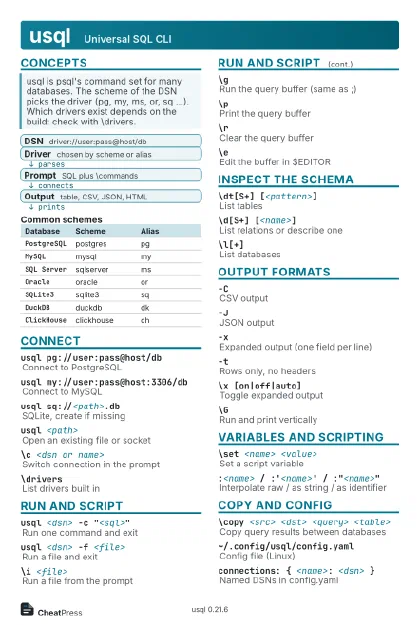 Light · Postcard
102 × 152 mm · PDF
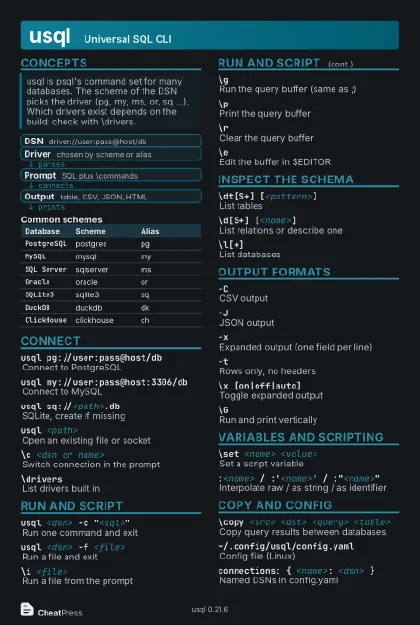 Dark · Postcard
102 × 152 mm · PDF
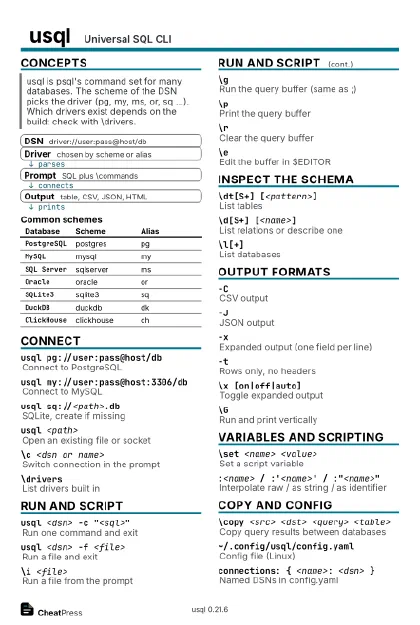 Ink saver · Postcard
102 × 152 mm · PDF
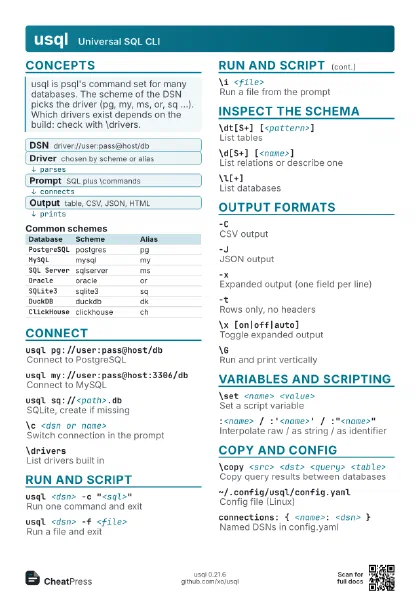
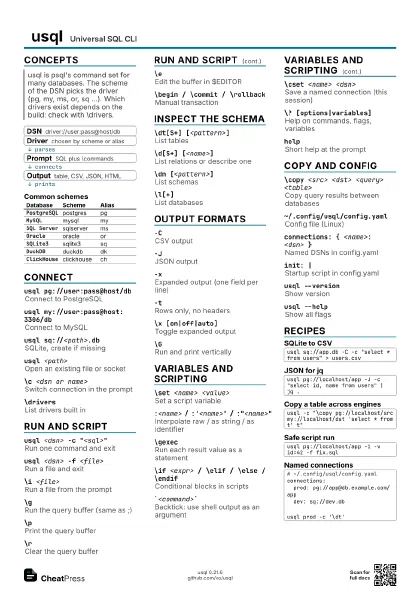
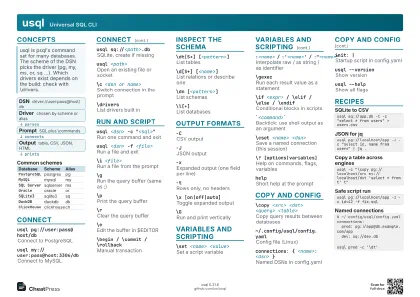 Light · A4 landscape
297 × 210 mm · PDF
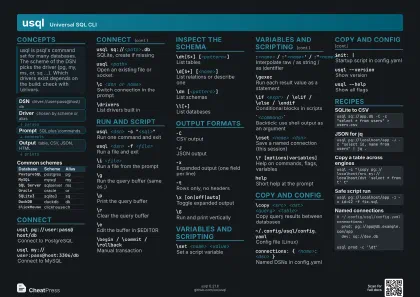 Dark · A4 landscape
297 × 210 mm · PDF
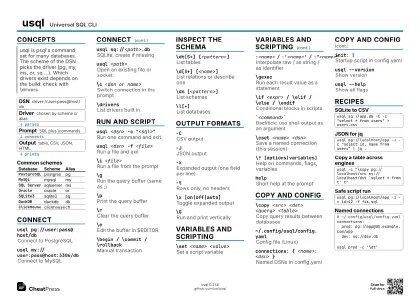 Ink saver · A4 landscape
297 × 210 mm · PDF
 Light · A3 landscape
420 × 297 mm · PDF
 Dark · A3 landscape
420 × 297 mm · PDF
 Ink saver · A3 landscape
420 × 297 mm · PDF
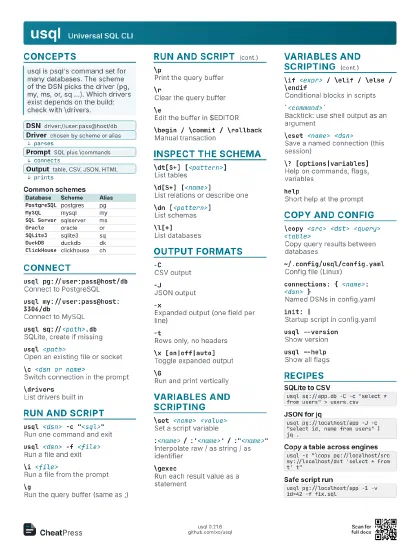
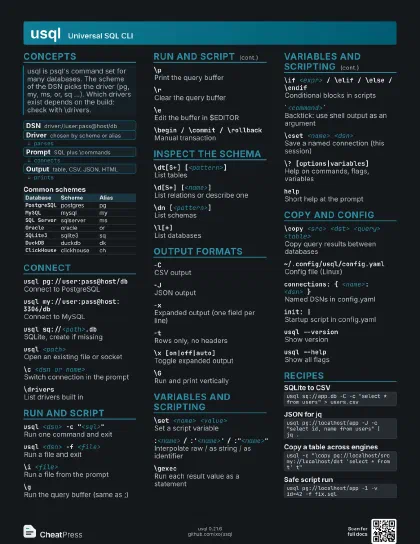
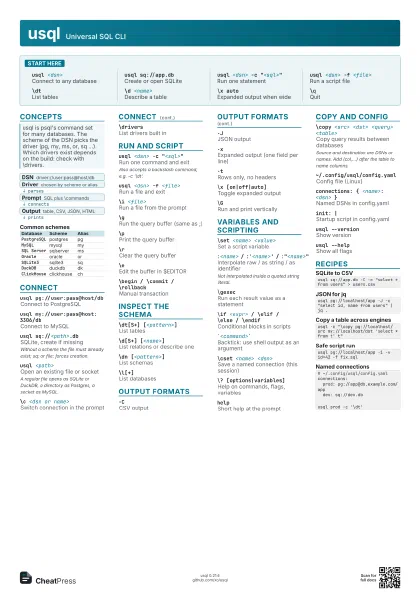
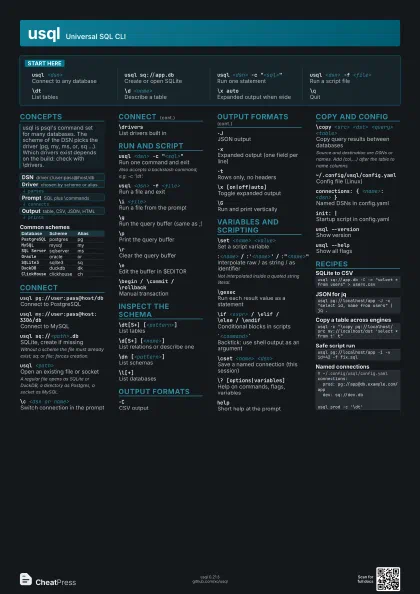
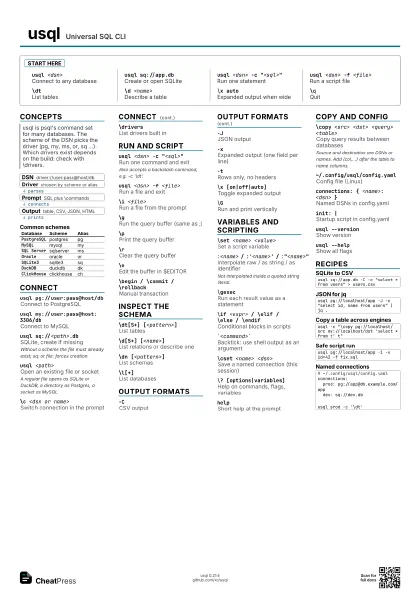
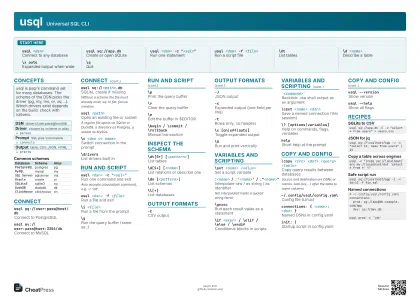
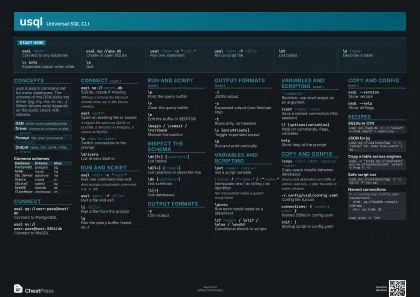
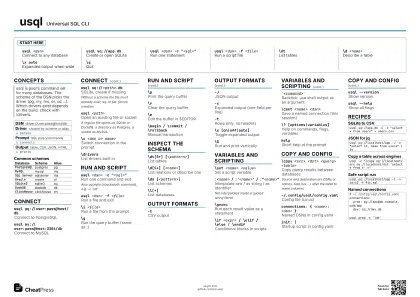
Start here
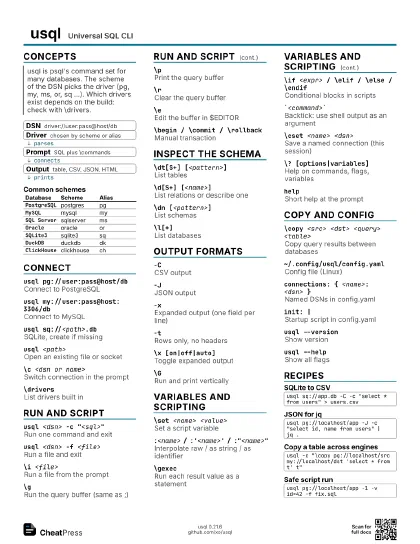
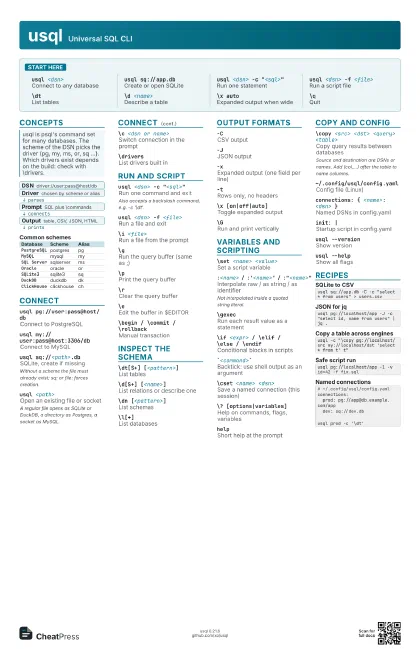
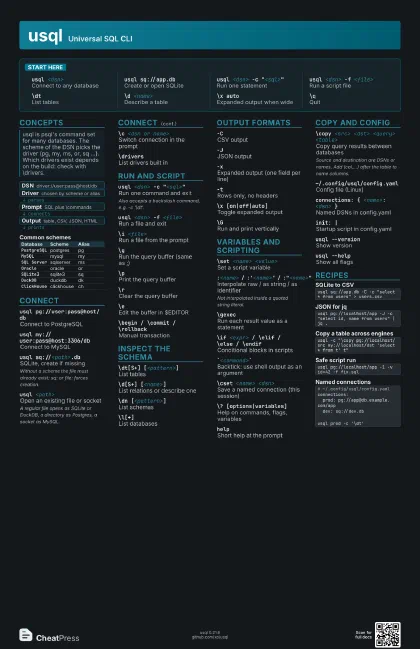
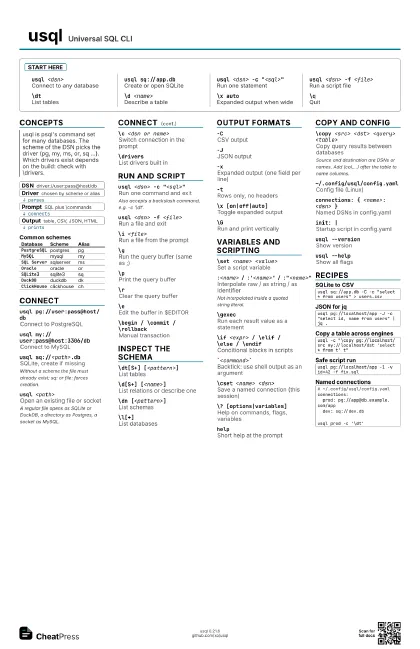
usql <dsn>
Connect to any database
usql sq://app.db
Create or open SQLite
usql <dsn> -c "<sql>"
Run one statement
usql <dsn> -f <file>
Run a script file
\dtList tables
\d <name>Describe a table
\x autoExpanded output when wide
\qQuit
Concepts
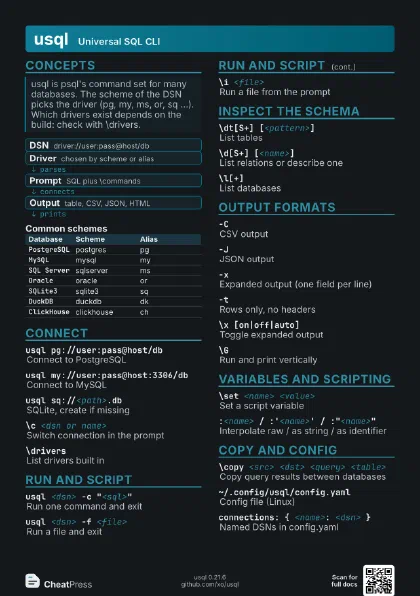
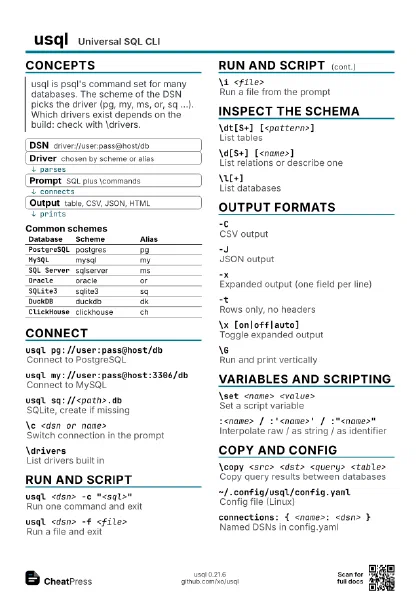
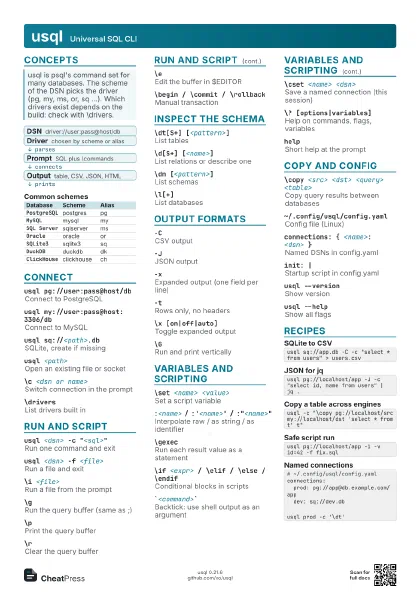
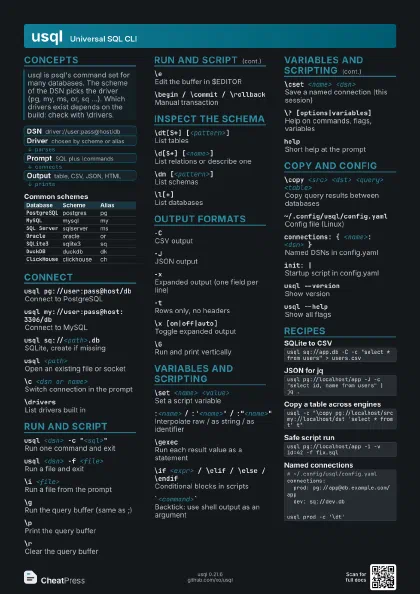
- DSN driver://user:pass@host/db
- Driver chosen by scheme or alias
- Prompt SQL plus \commands
- Output table, CSV, JSON, HTML
| Database | Scheme | Alias |
|---|---|---|
PostgreSQL |
postgres | pg |
MySQL |
mysql | my |
SQL Server |
sqlserver | ms |
Oracle |
oracle | or |
SQLite3 |
sqlite3 | sq |
DuckDB |
duckdb | dk |
ClickHouse |
clickhouse | ch |
Connect
usql pg://user:pass@host/db
Connect to PostgreSQL
usql my://user:pass@host:3306/db
Connect to MySQL
usql sq://<path>.db
SQLite, create if missing
Without a scheme the file must already exist; sq: or file:
forces creation.
usql <path>
Open an existing file or socket
A regular file opens as SQLite or DuckDB, a directory as
Postgres, a socket as MySQL.
\c <dsn or name>
Switch connection in the prompt
\driversList drivers built in
Run and script
usql <dsn> -c "<sql>"
Run one command and exit
Also accepts a backslash command, e.g. -c '\dt'.
usql <dsn> -f <file>
Run a file and exit
\i <file>Run a file from the prompt
\gRun the query buffer (same as ;)
\pPrint the query buffer
\rClear the query buffer
\eEdit the buffer in $EDITOR
\begin / \commit / \rollback
Manual transaction
Inspect the schema
\dt[S+] [<pattern>]
List tables
\d[S+] [<name>]
List relations or describe one
\dn [<pattern>]
List schemas
\l[+]List databases
Output formats
-CCSV output
-JJSON output
-xExpanded output (one field per line)
-tRows only, no headers
\x [on|off|auto]
Toggle expanded output
\GRun and print vertically
Variables and scripting
\set <name> <value>
Set a script variable
:<name> / :'<name>' /
                    :"<name>"
Interpolate raw / as string / as identifier
Not interpolated inside a quoted string literal.
\gexecRun each result value as a statement
\if <expr> / \elif / \else / \endif
Conditional blocks in scripts
`<command>`
Backtick: use shell output as an argument
\cset <name> <dsn>
Save a named connection (this session)
\? [options|variables]
Help on commands, flags, variables
helpShort help at the prompt
Copy and config
\copy <src> <dst> <query>
                    <table>
Copy query results between databases
Source and destination are DSNs or names. Add (col,...) after
the table to name columns.
~/.config/usql/config.yaml
Config file (Linux)
connections: { <name>: <dsn> }
Named DSNs in config.yaml
init: |Startup script in config.yaml
usql --versionShow version
usql --helpShow all flags
Recipes
usql sq://app.db -C -c "select * from users" > users.csvusql pg://localhost/app -J -c "select id, name from users" | jq .usql -c "\copy pg://localhost/src my://localhost/dst 'select * from t' t"usql pg://localhost/app -1 -v id=42 -f fix.sql# ~/.config/usql/config.yamlconnections: prod: pg://app@db.example.com/app dev: sq://dev.dbusql prod -c '\dt'