Cheat
GNU Screen Terminal multiplexer
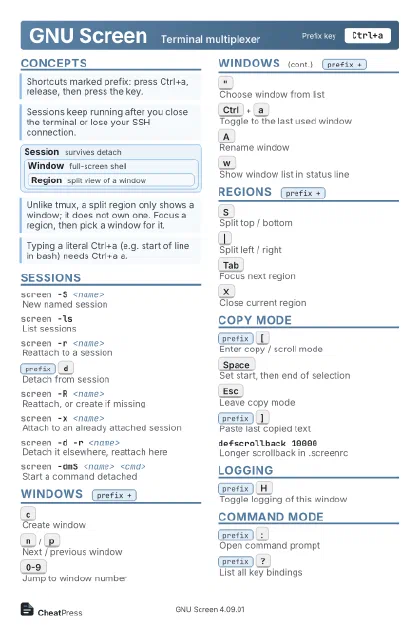 Light · Postcard
102 × 152 mm · PDF
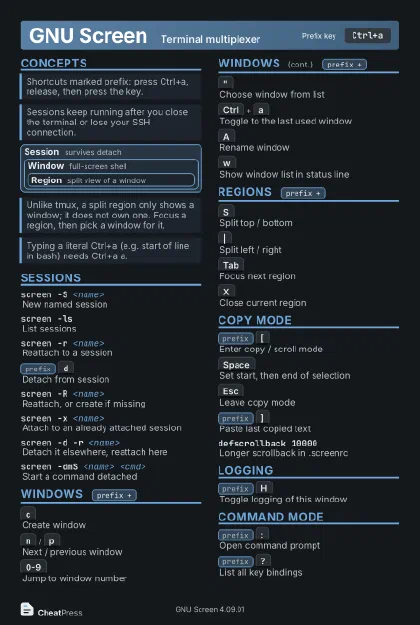 Dark · Postcard
102 × 152 mm · PDF
 Ink saver · Postcard
102 × 152 mm · PDF
 Light · A4 landscape
297 × 210 mm · PDF
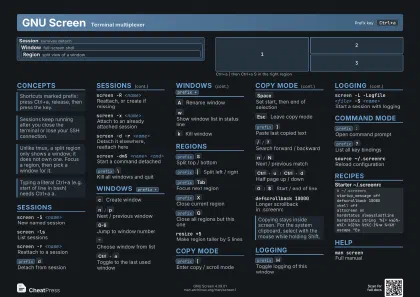 Dark · A4 landscape
297 × 210 mm · PDF
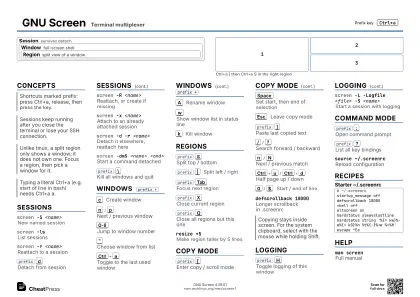 Ink saver · A4 landscape
297 × 210 mm · PDF
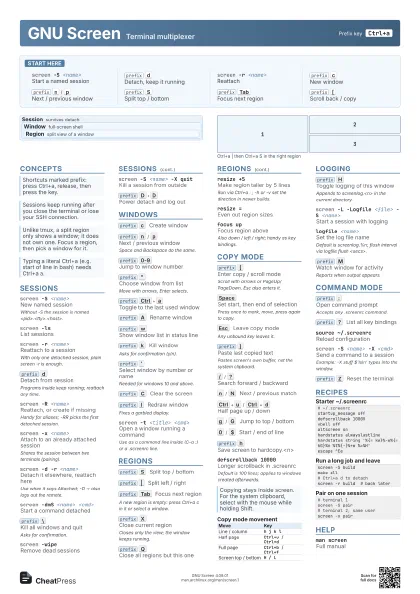
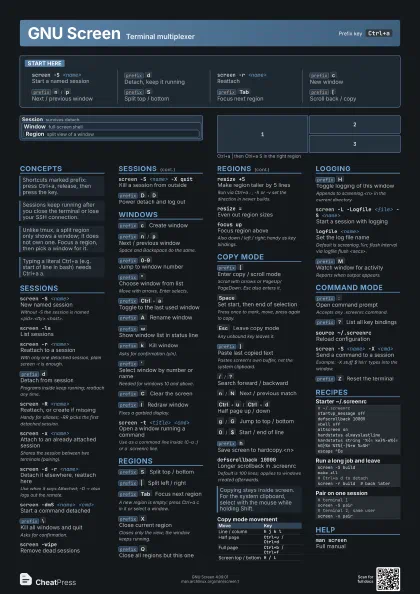
 Light · A3 landscape
420 × 297 mm · PDF
 Dark · A3 landscape
420 × 297 mm · PDF
 Ink saver · A3 landscape
420 × 297 mm · PDF
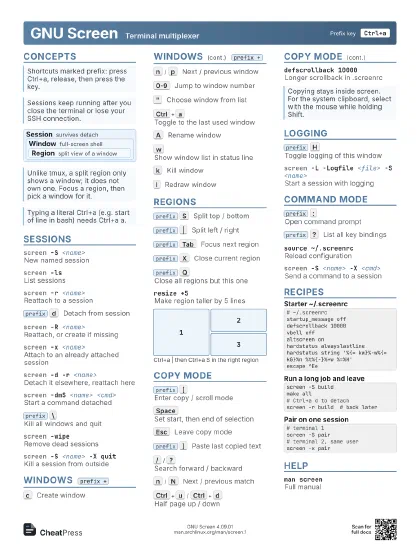
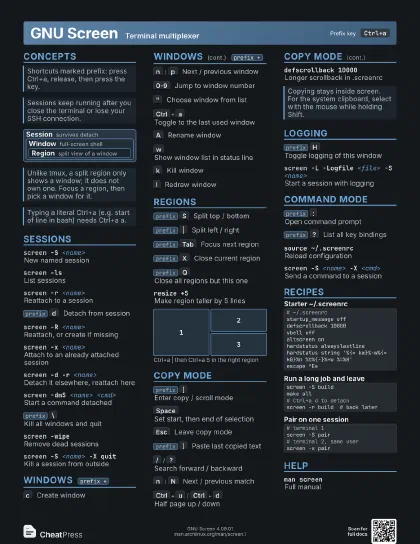
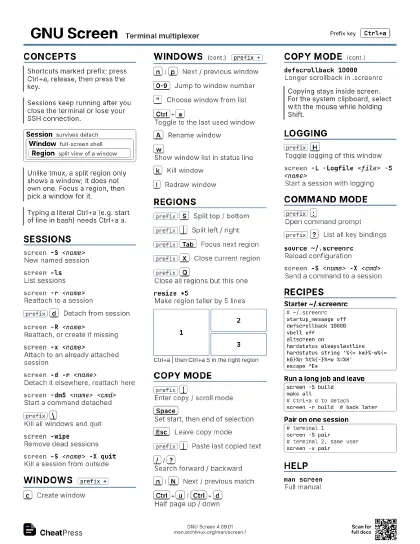
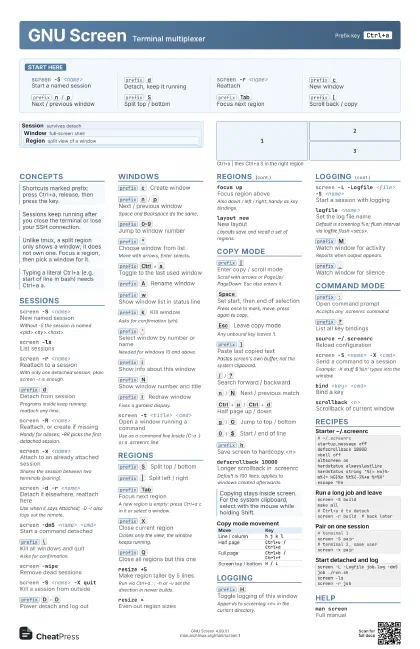
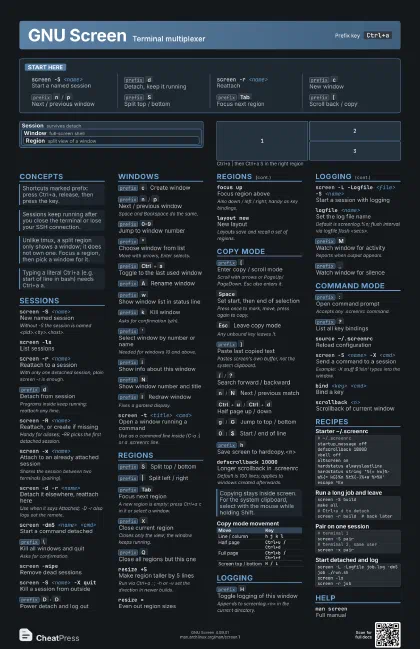
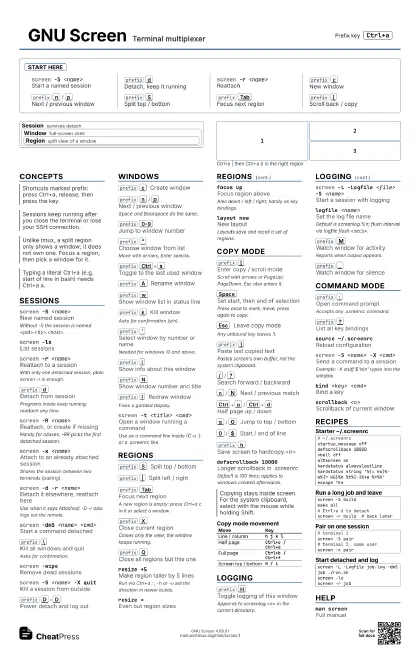
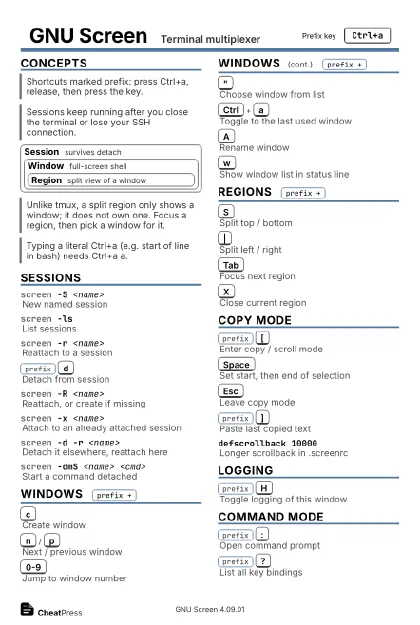
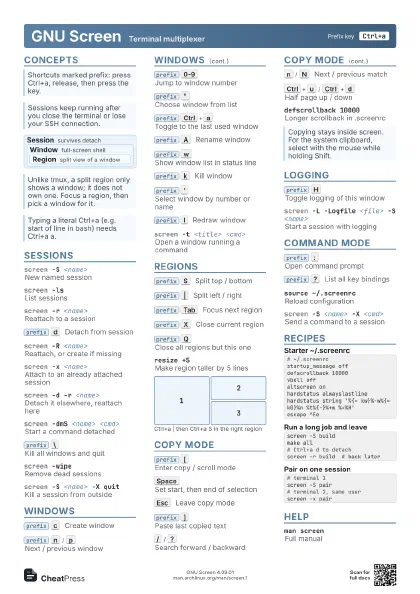
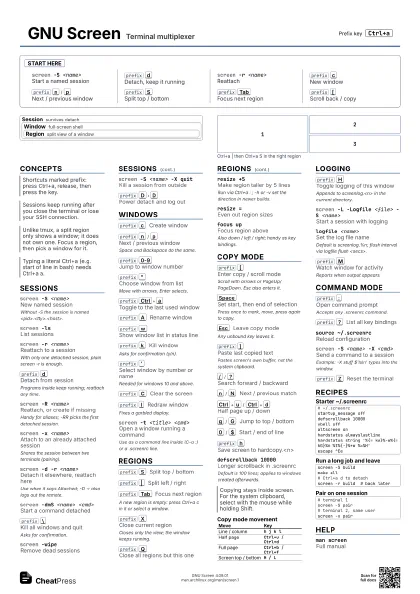
Start here
screen -S <name>
Start a named session
prefix
d
Detach, keep it running
screen -r <name>
Reattach
prefix
c
New window
prefix
n
/
p
Next / previous window
prefix
S
Split top / bottom
prefix
Tab
Focus next region
prefix
[
Scroll back / copy
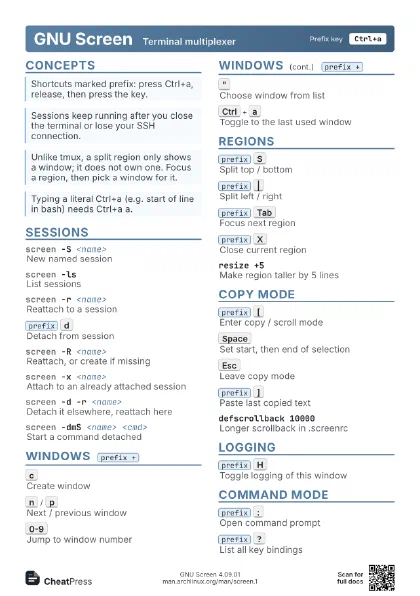
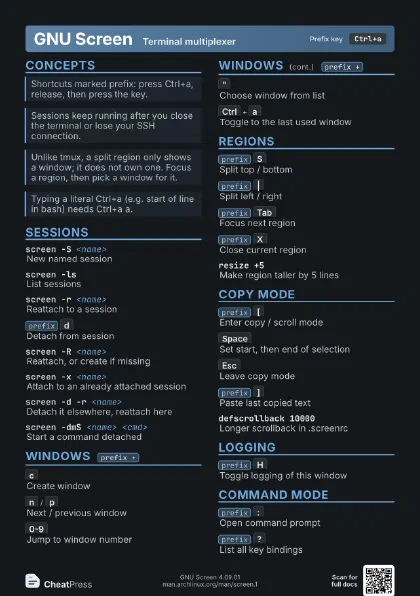
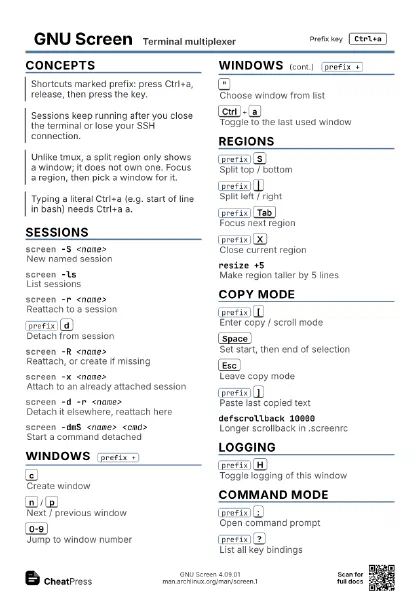
Concepts
Session survives detach
Window full-screen shell
Region
split view of a window
Sessions
screen -S <name>
New named session
Without -S the session is named
<pid>.<tty>.<host>.
screen -lsList sessions
screen -r <name>
Reattach to a session
With only one detached session, plain screen -r is enough.
prefix
d
Detach from session
Programs inside keep running; reattach any time.
screen -R <name>
Reattach, or create if missing
Handy for aliases; -RR picks the first detached session.
screen -x <name>
Attach to an already attached session
Shares the session between two terminals (pairing).
screen -d -r <name>
Detach it elsewhere, reattach here
Use when it says Attached; -D -r also logs out the remote.
screen -dmS <name> <cmd>
Start a command detached
prefix
\
Kill all windows and quit
Asks for confirmation.
screen -wipeRemove dead sessions
screen -S <name> -X quit
Kill a session from outside
prefix
D
D
Power detach and log out
Windows
prefix
c
Create window
prefix
n
/
p
Next / previous window
Space and Backspace do the same.
prefix
0-9
Jump to window number
prefix
"
Choose window from list
Move with arrows, Enter selects.
prefix
Ctrl+a
Toggle to the last used window
prefix
A
Rename window
prefix
w
Show window list in status line
prefix
k
Kill window
Asks for confirmation (y/n).
prefix
'
Select window by number or name
Needed for windows 10 and above.
prefix
i
Show info about this window
prefix
N
Show window number and title
prefix
C
Clear the screen
prefix
l
Redraw window
Fixes a garbled display.
screen -t <title> <cmd>
Open a window running a command
Use as a command line inside (C-a :) or a .screenrc line.
number <n>
Renumber current window
Regions
prefix
S
Split top / bottom
prefix
|
Split left / right
prefix
Tab
Focus next region
A new region is empty: press Ctrl+a c in it or select a
window.
prefix
X
Close current region
Closes only the view; the window keeps running.
prefix
Q
Close all regions but this one
resize +5Make region taller by 5 lines
Run via Ctrl+a : ; -h or -v set the direction in newer
builds.
resize =Even out region sizes
focus upFocus region above
Also down / left / right; handy as key bindings.
layout newNew layout
Layouts save and recall a set of regions.
1
2
3
Copy Mode
prefix
[
Enter copy / scroll mode
Scroll with arrows or PageUp/PageDown. Esc also enters it.
Space
Set start, then end of selection
Press once to mark, move, press again to copy.
Esc
Leave copy mode
Any unbound key leaves it.
prefix
]
Paste last copied text
Pastes screen's own buffer, not the system clipboard.
/
/
?
Search forward / backward
n
/
N
Next / previous match
Ctrl+u
/
Ctrl+d
Half page up / down
g
/
G
Jump to top / bottom
0
/
$
Start / end of line
w
/
b
Next / previous word
c
/
C
Set left / right column of block
For rectangular selections.
prefix
>
/
<
Write / read the paste buffer file
Default file is /tmp/screen-exchange.
prefix
h
Save screen to hardcopy.<n>
defscrollback 10000
Longer scrollback in .screenrc
Default is 100 lines; applies to windows created afterwards.
| Move | Key |
|---|---|
| Line / column | h j k l |
| Half page | Ctrl+u / Ctrl+d |
| Full page | Ctrl+b / Ctrl+f |
| Screen top / bottom | H / L |
Logging
prefix
H
Toggle logging of this window
Appends to screenlog.<n> in the current directory.
screen -L -Logfile <file> -S <name>
Start a session with logging
logfile <name>
Set the log file name
Default is screenlog.%n; flush interval via logfile flush
<secs>.
logtstamp onAdd timestamps to the log
prefix
M
Watch window for activity
Reports when output appears.
prefix
_
Watch window for silence
Command Mode
prefix
:
Open command prompt
Accepts any .screenrc command.
prefix
?
List all key bindings
source ~/.screenrc
Reload configuration
screen -S <name> -X <cmd>
Send a command to a session
Example: -X stuff $'ls\n' types into the window.
bind <key> <cmd>
Bind a key
scrollback <n>
Scrollback of current window
prefix
Z
Reset the terminal
prefix
x
Lock the terminal
Needs the user password.
prefix
v
Show version
prefix
Ctrl+g
Toggle visual bell
screen -vShow version
Recipes
# ~/.screenrcstartup_message offdefscrollback 10000vbell offaltscreen onhardstatus alwayslastlinehardstatus string '%{= kw}%-w%{= kG}%n %t%{-}%+w %=%H'escape ^Eescreen -S buildmake all# Ctrl+a d to detachscreen -r build # back later# terminal 1screen -S pair# terminal 2, same userscreen -x pairscreen -L -Logfile job.log -dmS job ./run.shscreen -lsscreen -r jobHelp
man screenFull manual
screen -hShow option summary