Cheat
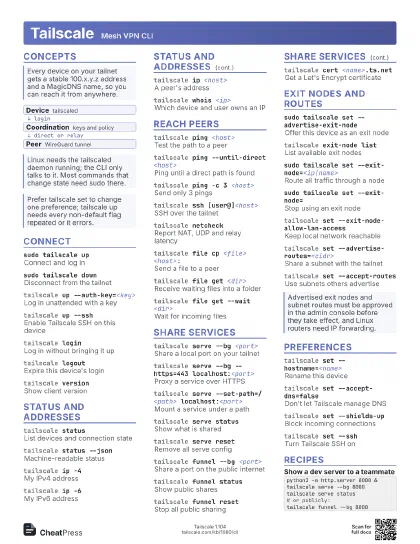
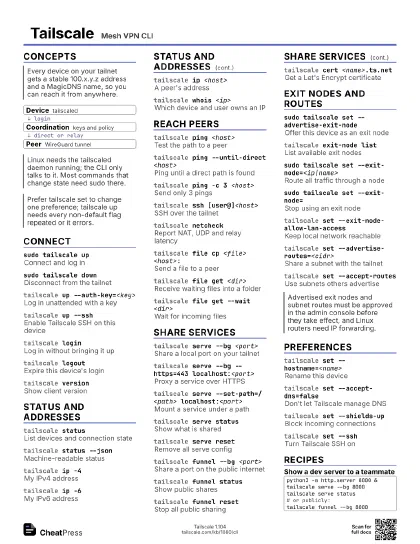
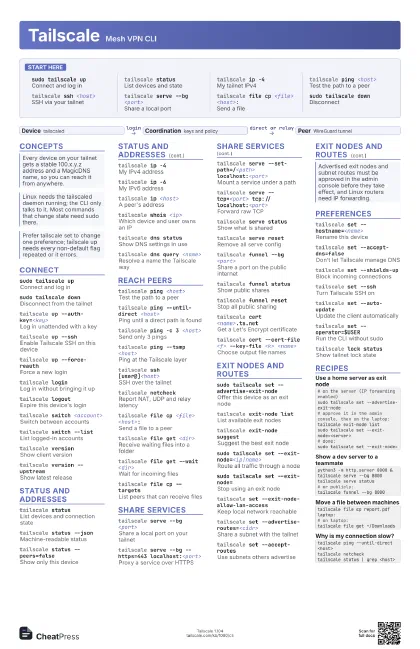
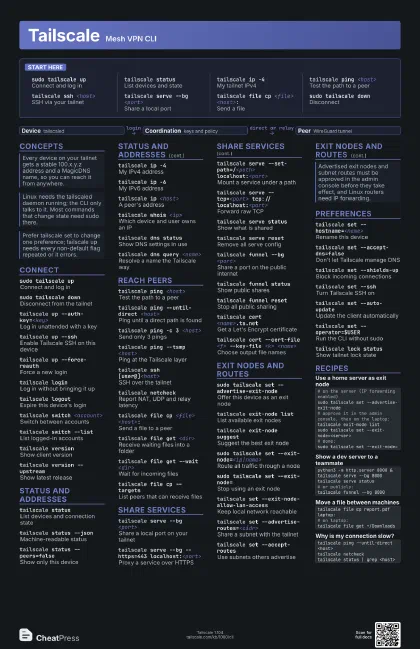
Tailscale Mesh VPN CLI
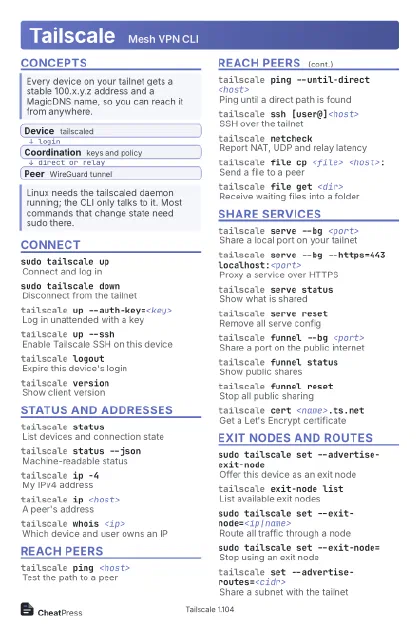 Light · Postcard
102 × 152 mm · PDF
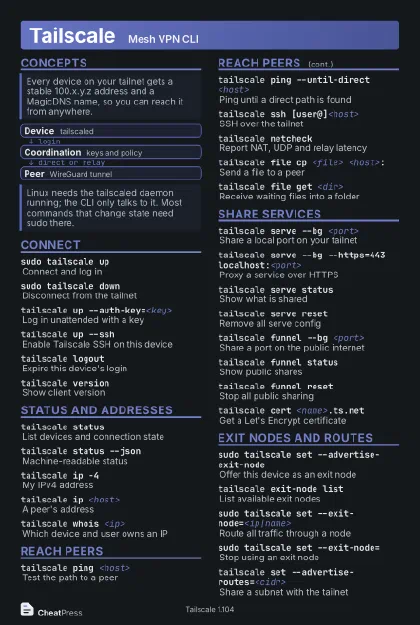 Dark · Postcard
102 × 152 mm · PDF
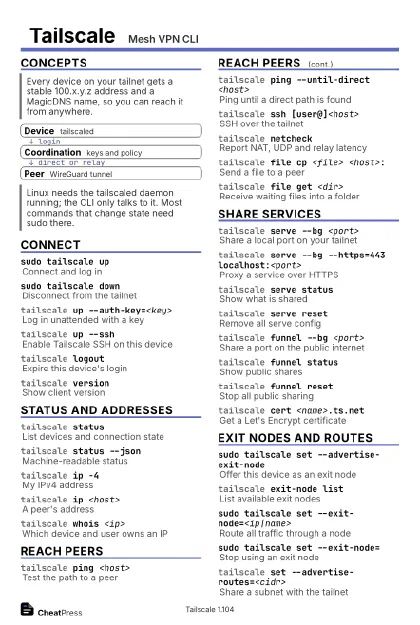 Ink saver · Postcard
102 × 152 mm · PDF
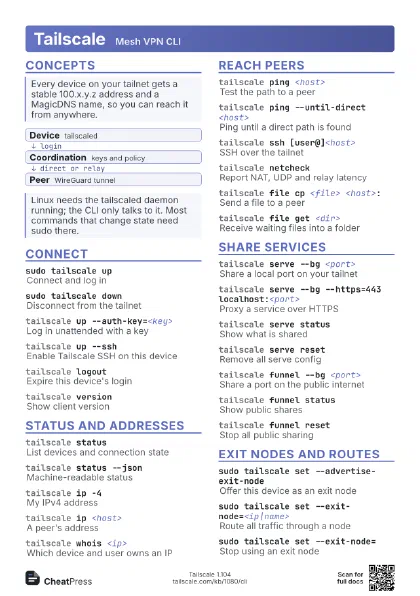
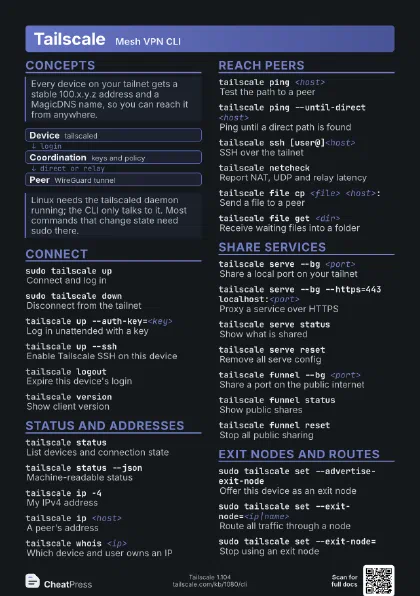
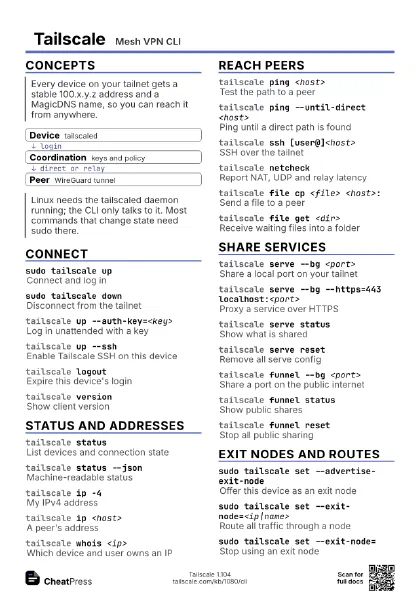
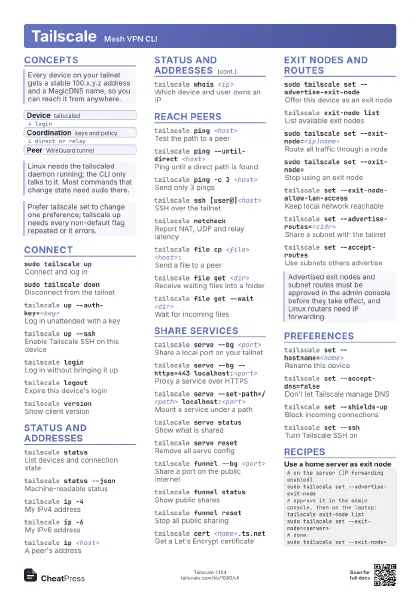
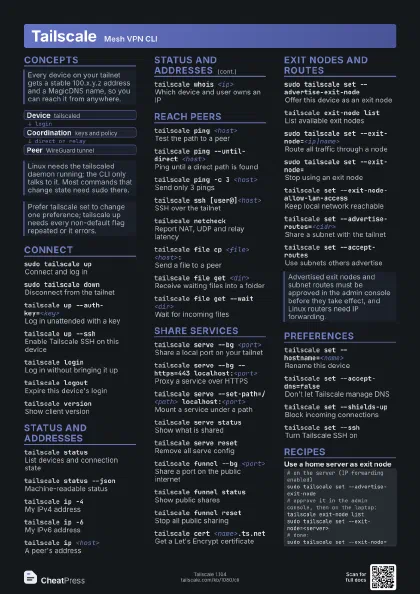
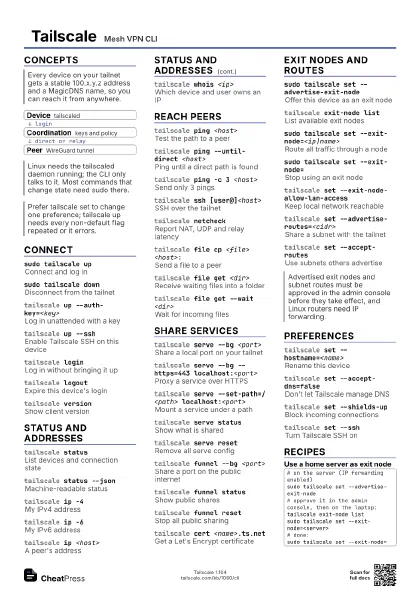
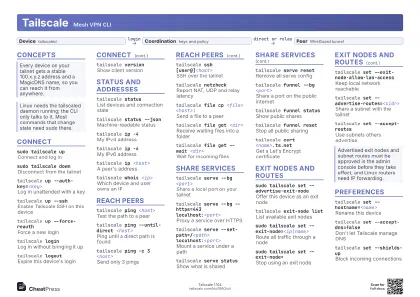 Light · A4 landscape
297 × 210 mm · PDF
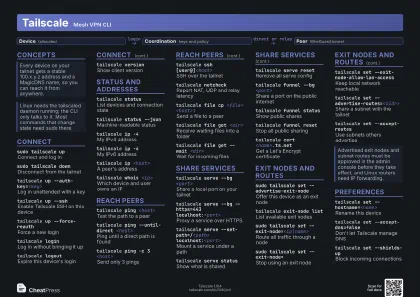 Dark · A4 landscape
297 × 210 mm · PDF
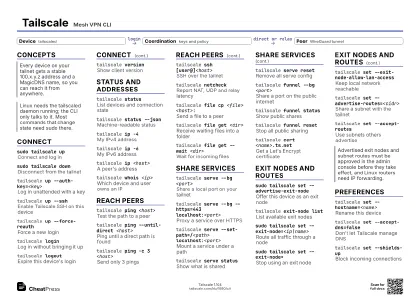 Ink saver · A4 landscape
297 × 210 mm · PDF
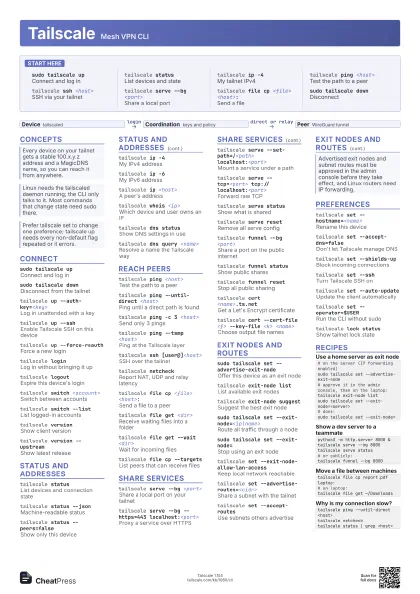
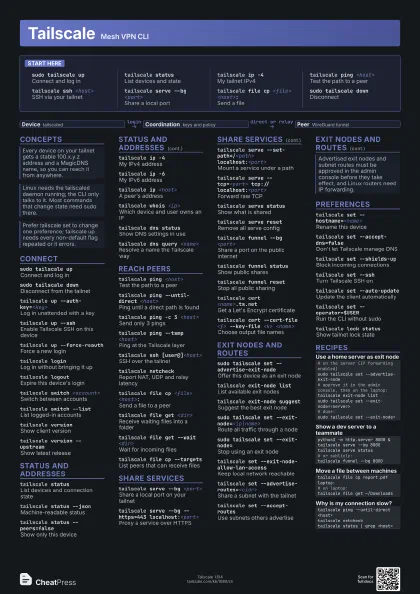
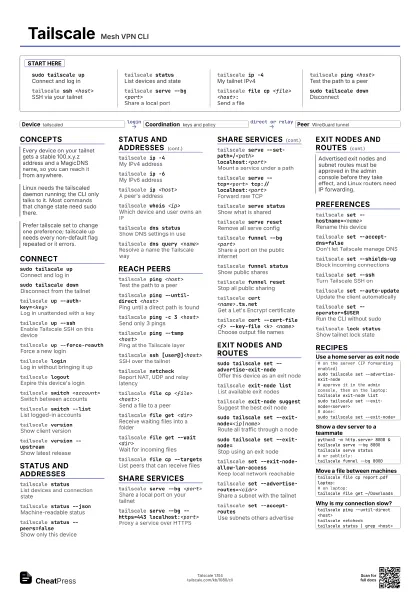
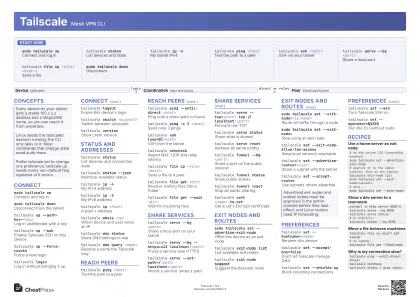 Light · A3 landscape
420 × 297 mm · PDF
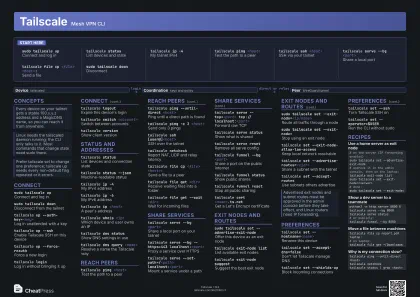 Dark · A3 landscape
420 × 297 mm · PDF
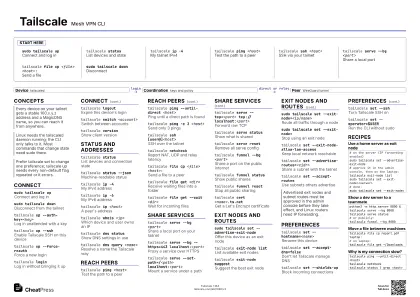 Ink saver · A3 landscape
420 × 297 mm · PDF

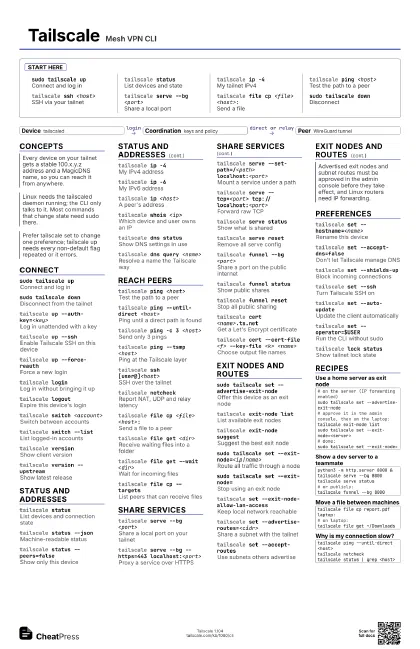
Start here
sudo tailscale up
Connect and log in
tailscale status
List devices and state
tailscale ip -4My tailnet IPv4
tailscale ping <host>
Test the path to a peer
tailscale ssh <host>
SSH via your tailnet
tailscale serve --bg <port>
Share a local port
tailscale file cp <file> <host>:
Send a file
sudo tailscale down
Disconnect
Concepts
- Device tailscaled
- Coordination keys and policy
- Peer WireGuard tunnel
Connect
sudo tailscale up
Connect and log in
sudo tailscale down
Disconnect from the tailnet
tailscale up --auth-key=<key>
Log in unattended with a key
tailscale up --ssh
Enable Tailscale SSH on this device
tailscale up --force-reauth
Force a new login
tailscale loginLog in without bringing it up
tailscale logout
Expire this device's login
tailscale switch <account>
Switch between accounts
tailscale switch --list
List logged-in accounts
tailscale version
Show client version
tailscale version --upstream
Show latest release
Status and addresses
tailscale status
List devices and connection state
tailscale status --json
Machine-readable status
tailscale status --peers=false
Show only this device
tailscale ip -4My IPv4 address
tailscale ip -6My IPv6 address
tailscale ip <host>
A peer's address
tailscale whois <ip>
Which device and user owns an IP
tailscale dns status
Show DNS settings in use
tailscale dns query <name>
Resolve a name the Tailscale way
Reach peers
tailscale ping <host>
Test the path to a peer
tailscale ping --until-direct <host>
Ping until a direct path is found
tailscale ping -c 3 <host>
Send only 3 pings
tailscale ping --tsmp <host>
Ping at the Tailscale layer
tailscale ssh [user@]<host>
SSH over the tailnet
tailscale netcheck
Report NAT, UDP and relay latency
tailscale file cp <file> <host>:
Send a file to a peer
tailscale file get <dir>
Receive waiting files into a folder
tailscale file get --wait <dir>
Wait for incoming files
tailscale file cp --targets
List peers that can receive files
Share services
tailscale serve --bg <port>
Share a local port on your tailnet
tailscale serve --bg --https=443
                    localhost:<port>
Proxy a service over HTTPS
tailscale serve --set-path=/<path>
                    localhost:<port>
Mount a service under a path
tailscale serve --tcp=<port>
                    tcp://localhost:<port>
Forward raw TCP
tailscale serve status
Show what is shared
tailscale serve reset
Remove all serve config
tailscale funnel --bg <port>
Share a port on the public internet
tailscale funnel status
Show public shares
tailscale funnel reset
Stop all public sharing
tailscale cert <name>.ts.net
Get a Let's Encrypt certificate
tailscale cert --cert-file <f> --key-file <k>
                    <name>
Choose output file names
Exit nodes and routes
sudo tailscale set --advertise-exit-node
Offer this device as an exit node
tailscale exit-node list
List available exit nodes
tailscale exit-node suggest
Suggest the best exit node
sudo tailscale set --exit-node=<ip|name>
Route all traffic through a node
sudo tailscale set --exit-node=
Stop using an exit node
tailscale set --exit-node-allow-lan-access
Keep local network reachable
tailscale set --advertise-routes=<cidr>
Share a subnet with the tailnet
tailscale set --accept-routes
Use subnets others advertise
Preferences
tailscale set --hostname=<name>
Rename this device
tailscale set --accept-dns=false
Don't let Tailscale manage DNS
tailscale set --shields-up
Block incoming connections
tailscale set --ssh
Turn Tailscale SSH on
tailscale set --auto-update
Update the client automatically
tailscale set --operator=$USER
Run the CLI without sudo
tailscale lock status
Show tailnet lock state
Recipes
# on the server (IP forwarding enabled)sudo tailscale set --advertise-exit-node# approve it in the admin console, then on the laptop:tailscale exit-node listsudo tailscale set --exit-node=<server># done:sudo tailscale set --exit-node=python3 -m http.server 8000 &tailscale serve --bg 8000tailscale serve status# or publicly:tailscale funnel --bg 8000tailscale file cp report.pdf laptop:# on laptop:tailscale file get ~/Downloadstailscale ping --until-direct <host>tailscale netchecktailscale status | grep <host>