Cheat
sort, uniq, cut and tr Slice and count text
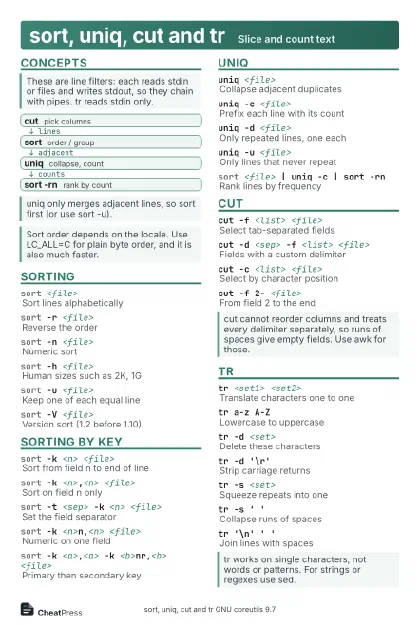 Light · Postcard
102 × 152 mm · PDF
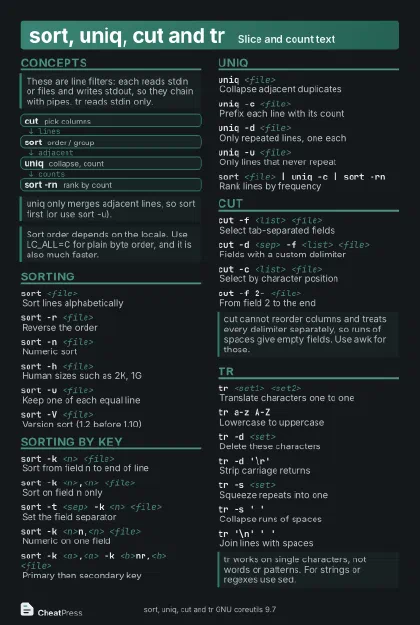 Dark · Postcard
102 × 152 mm · PDF
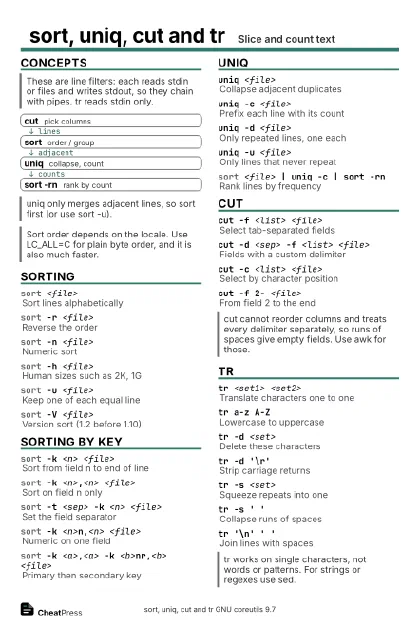 Ink saver · Postcard
102 × 152 mm · PDF
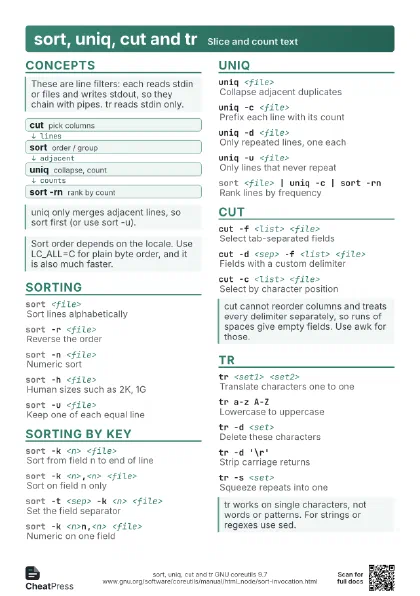
 Light · A4 landscape
297 × 210 mm · PDF
 Dark · A4 landscape
297 × 210 mm · PDF
 Ink saver · A4 landscape
297 × 210 mm · PDF
 Light · A3 landscape
420 × 297 mm · PDF
 Dark · A3 landscape
420 × 297 mm · PDF
 Ink saver · A3 landscape
420 × 297 mm · PDF
Start here
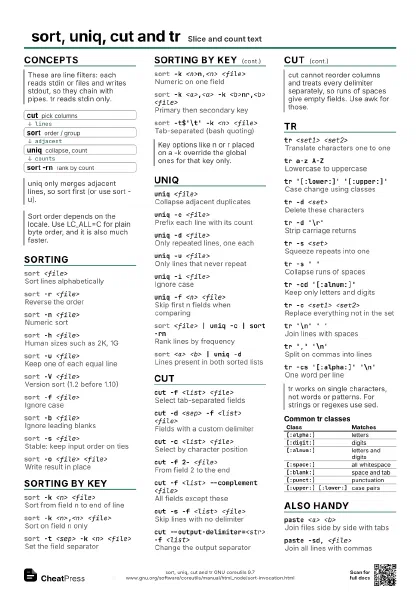
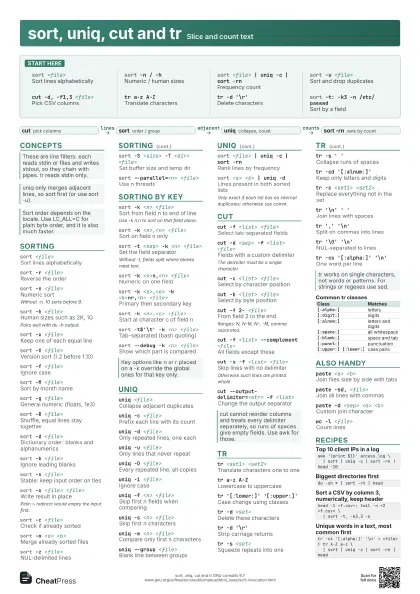
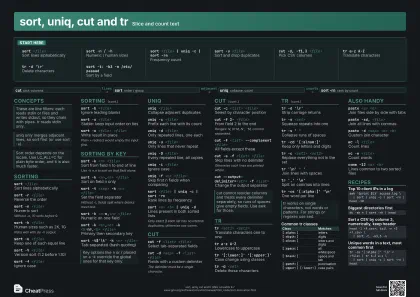
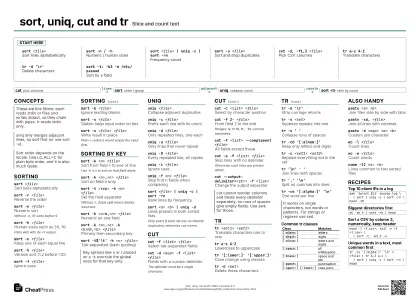
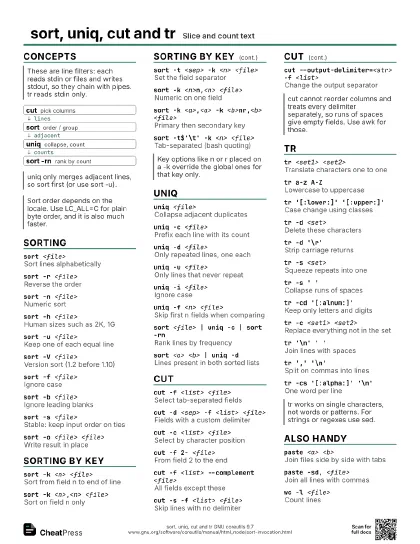
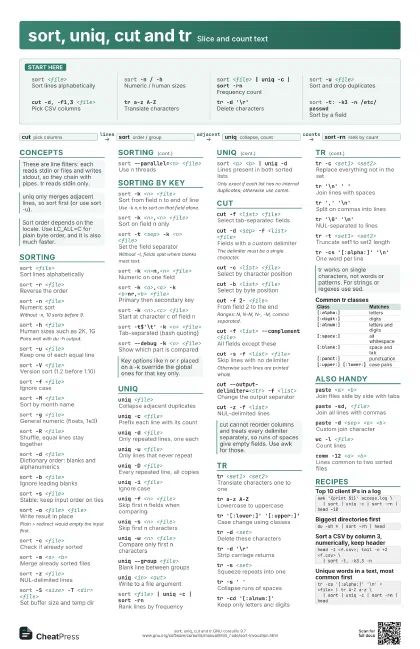
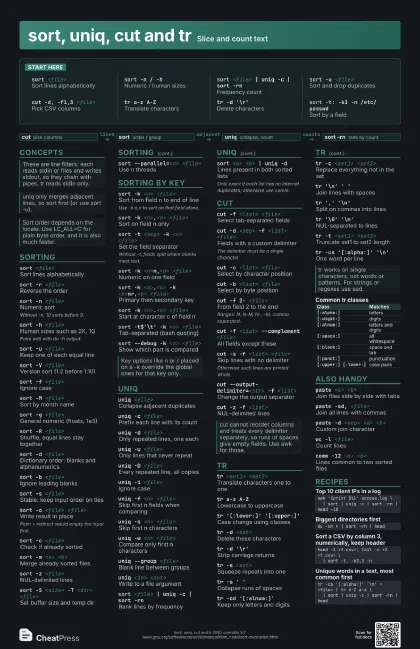
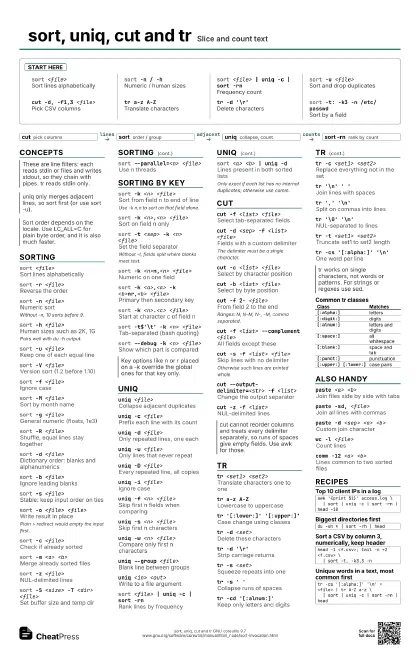
sort <file>
Sort lines alphabetically
sort -n / -hNumeric / human sizes
sort <file> | uniq -c | sort -rn
Frequency count
sort -u <file>
Sort and drop duplicates
cut -d, -f1,3 <file>
Pick CSV columns
tr a-z A-ZTranslate characters
tr -d '\r'
Delete characters
sort -t: -k3 -n /etc/passwd
Sort by a field
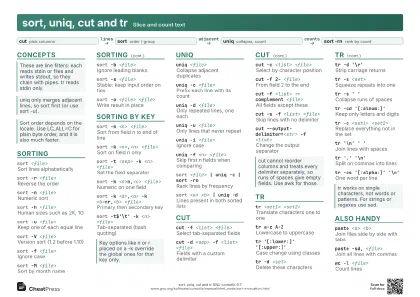
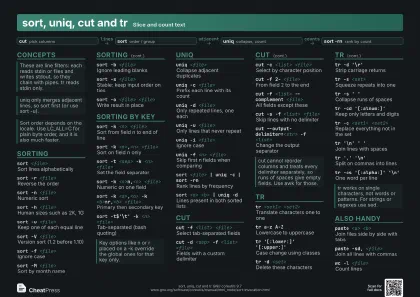
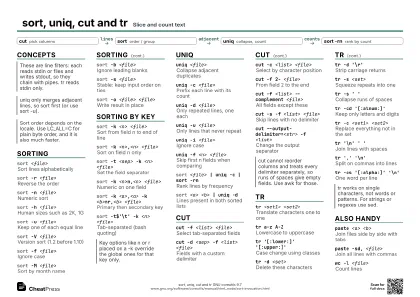
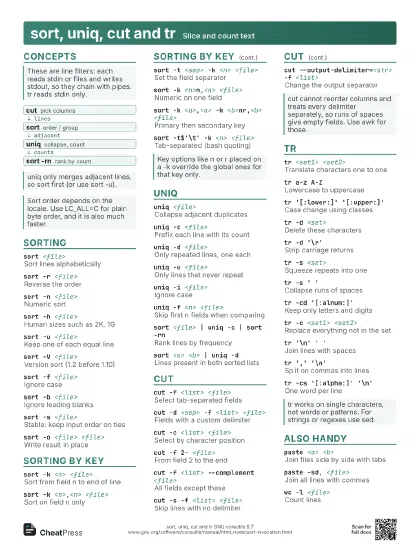
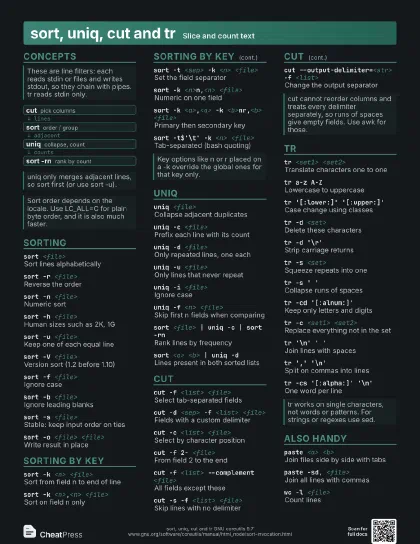
Concepts
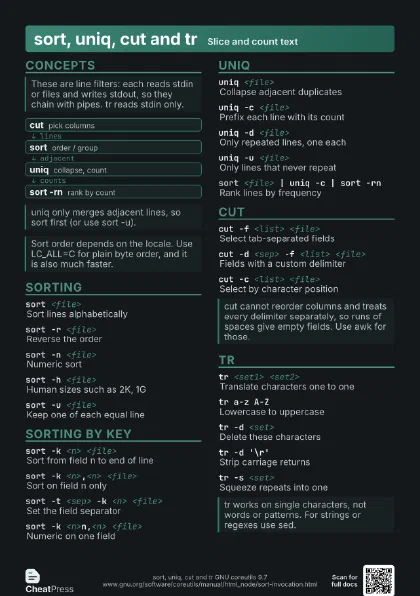
- cut pick columns
- sort order / group
- uniq collapse, count
- sort -rn rank by count
Sorting
sort <file>
Sort lines alphabetically
sort -r <file>
Reverse the order
sort -n <file>
Numeric sort
Without -n, 10 sorts before 9.
sort -h <file>
Human sizes such as 2K, 1G
Pairs well with du -h output.
sort -u <file>
Keep one of each equal line
sort -V <file>
Version sort (1.2 before 1.10)
sort -f <file>
Ignore case
sort -M <file>
Sort by month name
sort -g <file>
General numeric (floats, 1e3)
sort -R <file>
Shuffle, equal lines stay together
sort -d <file>
Dictionary order: blanks and alphanumerics
sort -b <file>
Ignore leading blanks
sort -s <file>
Stable: keep input order on ties
sort -o <file> <file>
Write result in place
Plain > redirect would empty the input first.
sort -c <file>
Check if already sorted
sort -m <a> <b>
Merge already sorted files
sort -z <file>
NUL-delimited lines
sort -S <size> -T <dir> <file>
Set buffer size and temp dir
sort --parallel=<n> <file>
Use n threads
Sorting by key
sort -k <n> <file>
Sort from field n to end of line
Use -k n,n to sort on that field alone.
sort -k <n>,<n> <file>
Sort on field n only
sort -t <sep> -k <n> <file>
Set the field separator
Without -t, fields split where blanks meet text.
sort -k <n>n,<n> <file>
Numeric on one field
sort -k <a>,<a> -k <b>nr,<b>
                    <file>
Primary then secondary key
sort -k <n>.<c> <file>
Start at character c of field n
sort -t$'\t' -k <n> <file>
Tab-separated (bash quoting)
sort --debug -k <n> <file>
Show which part is compared
uniq
uniq <file>
Collapse adjacent duplicates
uniq -c <file>
Prefix each line with its count
uniq -d <file>
Only repeated lines, one each
uniq -u <file>
Only lines that never repeat
uniq -D <file>
Every repeated line, all copies
uniq -i <file>
Ignore case
uniq -f <n> <file>
Skip first n fields when comparing
uniq -s <n> <file>
Skip first n characters
uniq -w <n> <file>
Compare only first n characters
uniq --group <file>
Blank line between groups
uniq <in> <out>
Write to a file argument
sort <file> | uniq -c | sort -rn
Rank lines by frequency
sort <a> <b> | uniq -d
Lines present in both sorted lists
Only exact if each list has no internal duplicates; otherwise
use comm.
cut
cut -f <list> <file>
Select tab-separated fields
cut -d <sep> -f <list> <file>
Fields with a custom delimiter
The delimiter must be a single character.
cut -c <list> <file>
Select by character position
cut -b <list> <file>
Select by byte position
cut -f 2- <file>
From field 2 to the end
Ranges: N, N-M, N-, -M, comma separated.
cut -f <list> --complement <file>
All fields except these
cut -s -f <list> <file>
Skip lines with no delimiter
Otherwise such lines are printed whole.
cut --output-delimiter=<str> -f <list>
Change the output separator
cut -z -f <list>
NUL-delimited lines
tr
tr <set1> <set2>
Translate characters one to one
tr a-z A-ZLowercase to uppercase
tr '[:lower:]' '[:upper:]'
Case change using classes
tr -d <set>
Delete these characters
tr -d '\r'
Strip carriage returns
tr -s <set>
Squeeze repeats into one
tr -s ' '
Collapse runs of spaces
tr -cd '[:alnum:]'
Keep only letters and digits
tr -c <set1> <set2>
Replace everything not in the set
tr '\n' ' '
Join lines with spaces
tr ',' '\n'
Split on commas into lines
tr '\0' '\n'
NUL-separated to lines
tr -t <set1> <set2>
Truncate set1 to set2 length
tr -cs '[:alpha:]' '\n'
One word per line
| Class | Matches |
|---|---|
[:alpha:] |
letters |
[:digit:] |
digits |
[:alnum:] |
letters and digits |
[:space:] |
all whitespace |
[:blank:] |
space and tab |
[:punct:] |
punctuation |
[:upper:] [:lower:] |
case pairs |
Also handy
paste <a> <b>
Join files side by side with tabs
paste -sd, <file>
Join all lines with commas
paste -d <sep> <a> <b>
Custom join character
wc -l <file>
Count lines
wc -w <file>
Count words
comm -12 <a> <b>
Lines common to two sorted files
Recipes
awk '{print $1}' access.log \ | sort | uniq -c | sort -rn | head -10du -sh * | sort -rh | headhead -1 <f.csv>; tail -n +2 <f.csv> \ | sort -t, -k3,3 -ntr -cs '[:alpha:]' '\n' < <file> | tr A-Z a-z \ | sort | uniq -c | sort -rn | head