Cheat
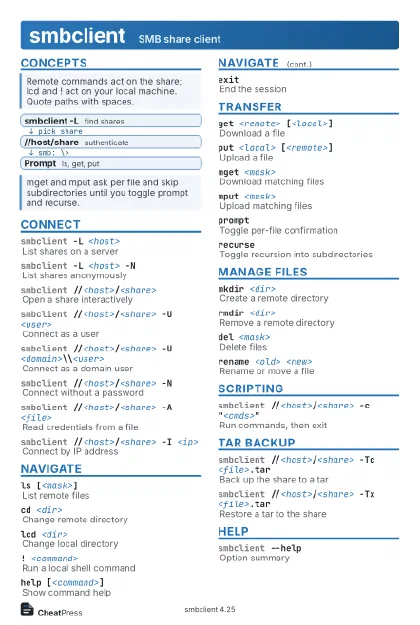
smbclient SMB share client
 Light · Postcard
102 × 152 mm · PDF
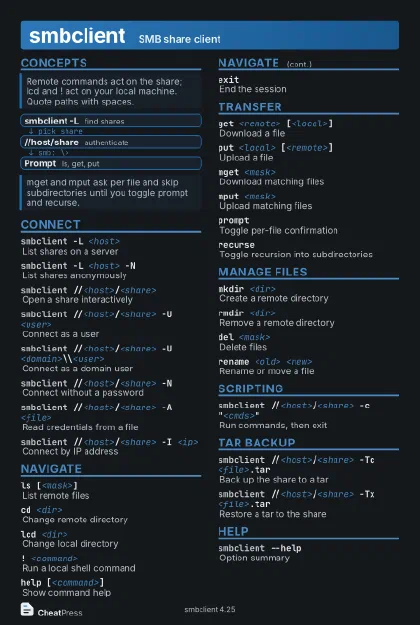 Dark · Postcard
102 × 152 mm · PDF
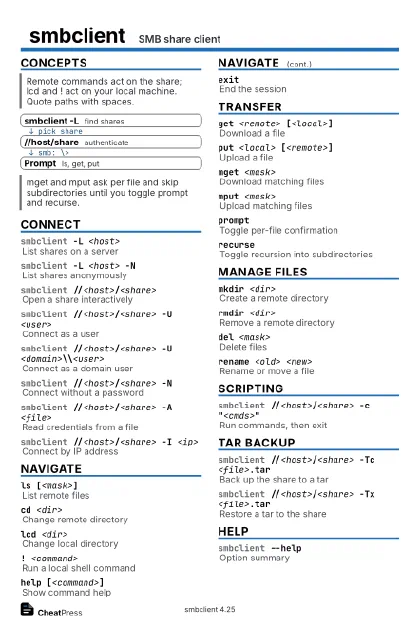 Ink saver · Postcard
102 × 152 mm · PDF
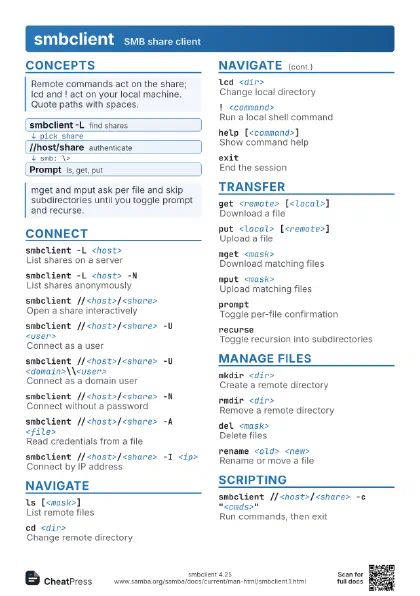
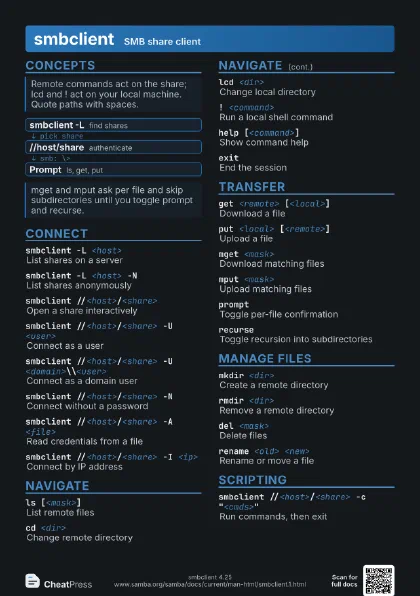
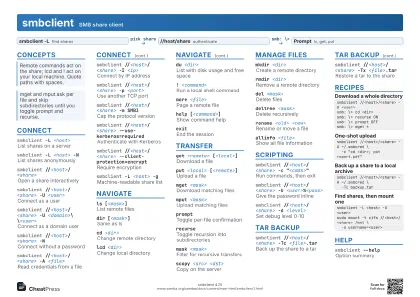 Light · A4 landscape
297 × 210 mm · PDF
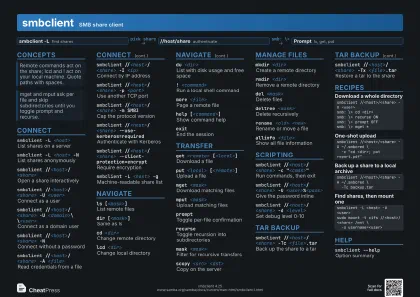 Dark · A4 landscape
297 × 210 mm · PDF
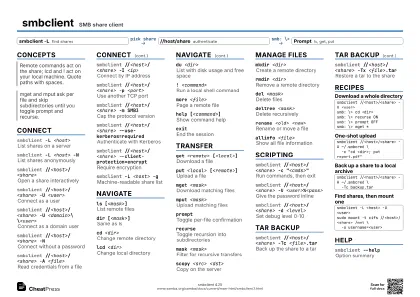 Ink saver · A4 landscape
297 × 210 mm · PDF
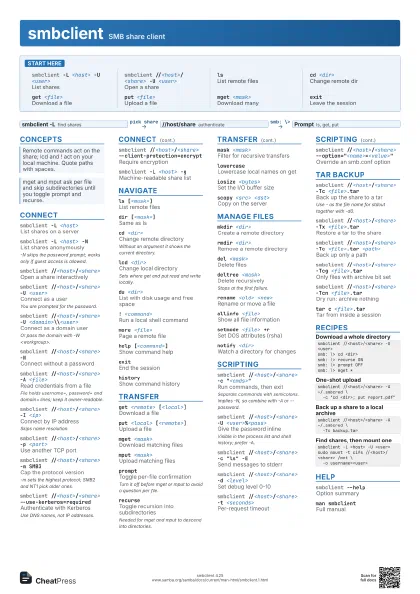
 Light · A3 landscape
420 × 297 mm · PDF
 Dark · A3 landscape
420 × 297 mm · PDF
 Ink saver · A3 landscape
420 × 297 mm · PDF
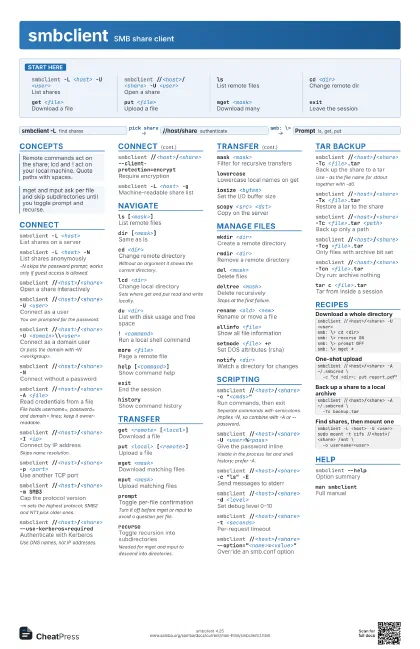
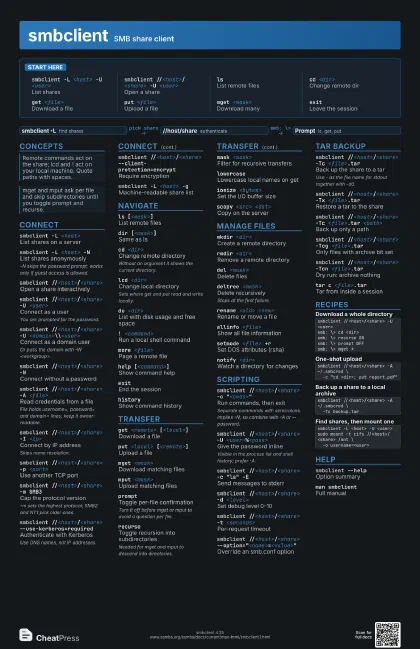
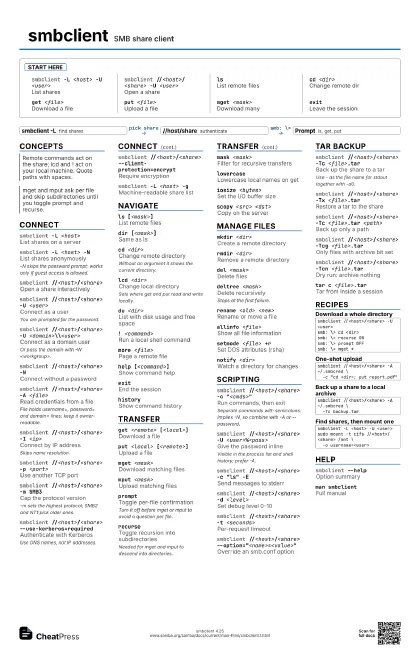
Start here
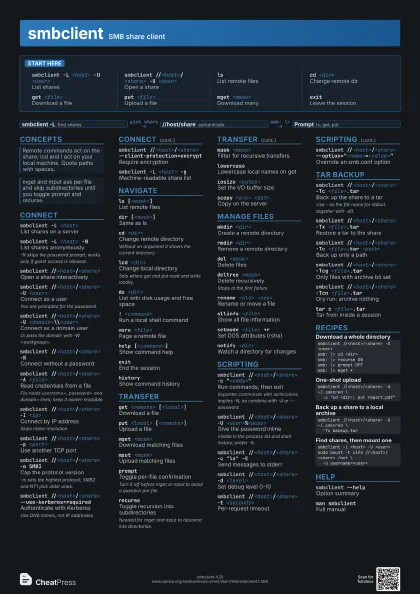
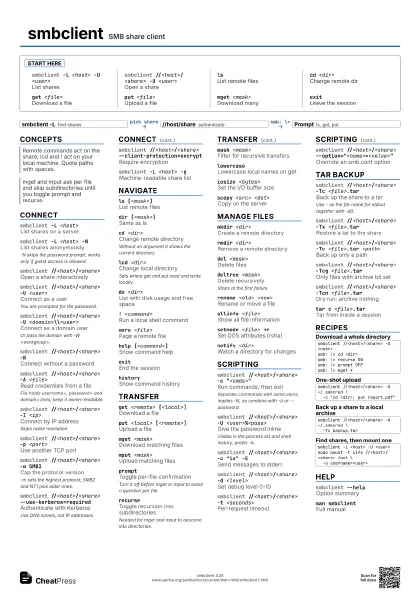
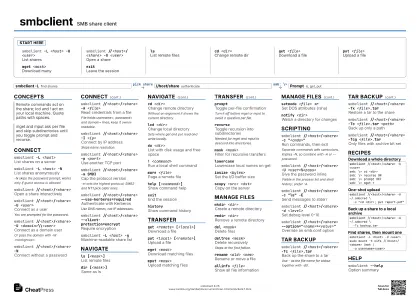
smbclient -L <host> -U <user>
List shares
smbclient //<host>/<share> -U
                    <user>
Open a share
lsList remote files
cd <dir>Change remote dir
get <file>
Download a file
put <file>
Upload a file
mget <mask>
Download many
exitLeave the session
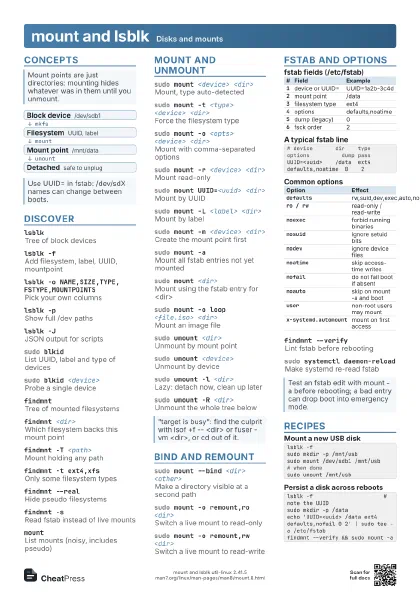
Concepts
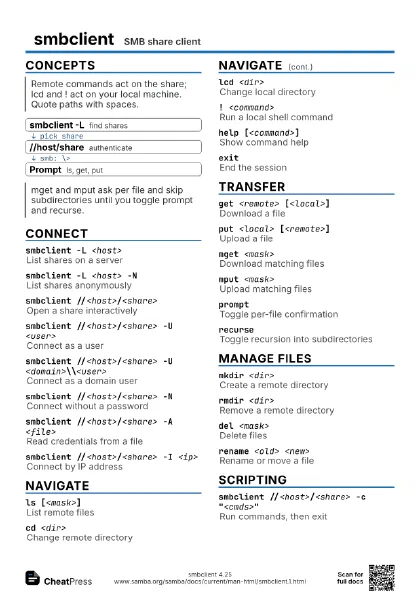
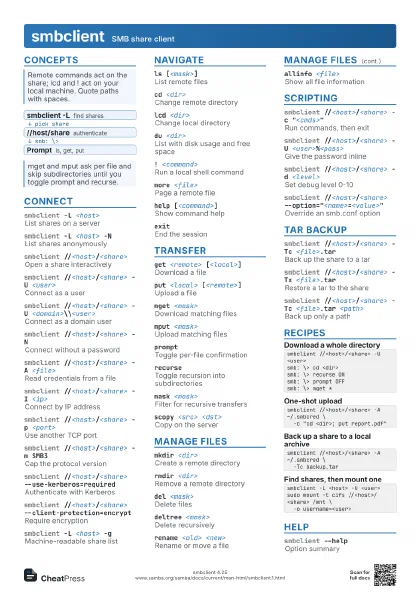
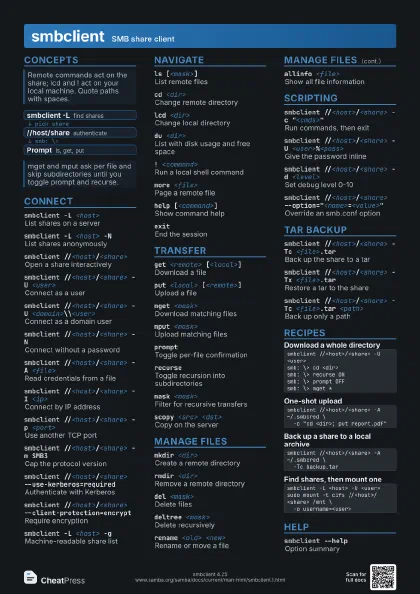
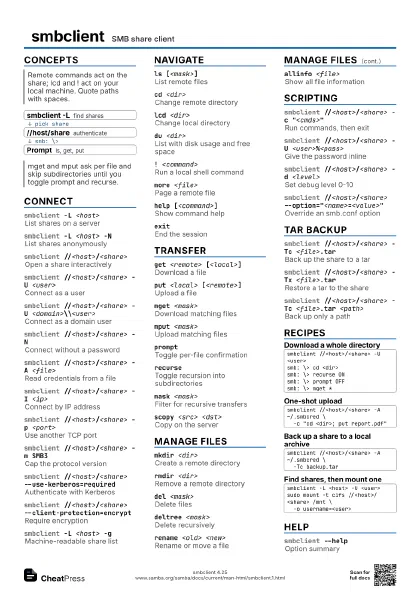
- smbclient -L find shares
- //host/share authenticate
- Prompt ls, get, put
Connect
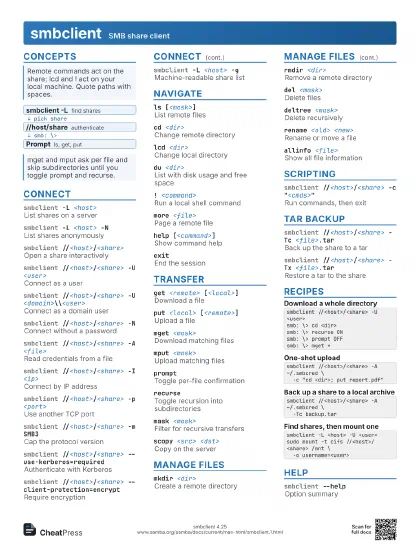
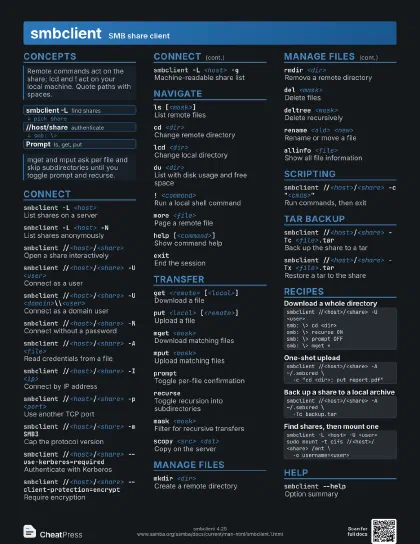
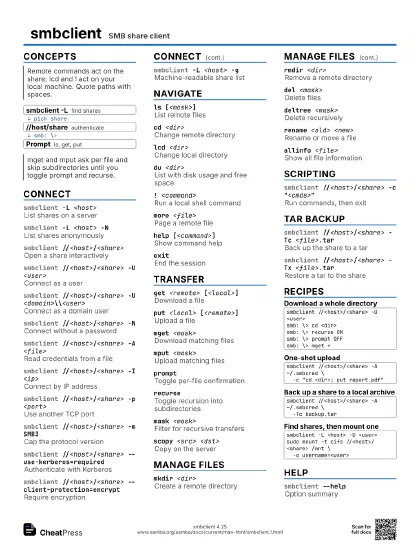
smbclient -L <host>
List shares on a server
smbclient -L <host> -N
List shares anonymously
-N skips the password prompt; works only if guest access is
allowed.
smbclient //<host>/<share>
Open a share interactively
smbclient //<host>/<share> -U
                    <user>
Connect as a user
You are prompted for the password.
smbclient //<host>/<share> -U
                    <domain>\\<user>
Connect as a domain user
Or pass the domain with -W <workgroup>.
smbclient //<host>/<share> -N
Connect without a password
smbclient //<host>/<share> -A
                    <file>
Read credentials from a file
File holds username=, password= and domain= lines; keep it
owner-readable.
smbclient //<host>/<share> -I <ip>
Connect by IP address
Skips name resolution.
smbclient //<host>/<share> -p
                    <port>
Use another TCP port
smbclient //<host>/<share> -m SMB3
Cap the protocol version
-m sets the highest protocol; SMB2 and NT1 pick older ones.
smbclient //<host>/<share>
                    --use-kerberos=required
Authenticate with Kerberos
Use DNS names, not IP addresses.
smbclient //<host>/<share>
                    --client-protection=encrypt
Require encryption
smbclient -L <host> -g
Machine-readable share list
Navigate
ls [<mask>]
List remote files
dir [<mask>]
Same as ls
cd <dir>Change remote directory
Without an argument it shows the current directory.
lcd <dir>Change local directory
Sets where get and put read and write locally.
du <dir>List with disk usage and free space
! <command>
Run a local shell command
more <file>
Page a remote file
help [<command>]
Show command help
exitEnd the session
historyShow command history
Transfer
get <remote> [<local>]
Download a file
put <local> [<remote>]
Upload a file
mget <mask>
Download matching files
mput <mask>
Upload matching files
promptToggle per-file confirmation
Turn it off before mget or mput to avoid a question per file.
recurseToggle recursion into subdirectories
Needed for mget and mput to descend into directories.
mask <mask>
Filter for recursive transfers
lowercaseLowercase local names on get
iosize <bytes>
Set the I/O buffer size
scopy <src> <dst>
Copy on the server
Manage files
mkdir <dir>
Create a remote directory
rmdir <dir>
Remove a remote directory
del <mask>
Delete files
deltree <mask>
Delete recursively
Stops at the first failure.
rename <old> <new>
Rename or move a file
allinfo <file>
Show all file information
setmode <file> +r
Set DOS attributes (rsha)
notify <dir>
Watch a directory for changes
Scripting
smbclient //<host>/<share> -c
                    "<cmds>"
Run commands, then exit
Separate commands with semicolons. Implies -N, so combine with
-A or --password.
smbclient //<host>/<share> -U
                    <user>%<pass>
Give the password inline
Visible in the process list and shell history; prefer -A.
smbclient //<host>/<share> -c "ls"
                    -E
Send messages to stderr
smbclient //<host>/<share> -d
                    <level>
Set debug level 0-10
smbclient //<host>/<share> -t
                    <seconds>
Per-request timeout
smbclient //<host>/<share>
                    --option="<name>=<value>"
Override an smb.conf option
Tar backup
smbclient //<host>/<share> -Tc
                    <file>.tar
Back up the share to a tar
Use - as the file name for stdout together with -d0.
smbclient //<host>/<share> -Tx
                    <file>.tar
Restore a tar to the share
smbclient //<host>/<share> -Tc <file>.tar
                    <path>
Back up only a path
smbclient //<host>/<share> -Tcg
                    <file>.tar
Only files with archive bit set
smbclient //<host>/<share> -Tcn
                    <file>.tar
Dry run: archive nothing
tar c <file>.tar
Tar from inside a session
Recipes
smbclient //<host>/<share> -U <user>smb: \> cd <dir>smb: \> recurse ONsmb: \> prompt OFFsmb: \> mget *smbclient //<host>/<share> -A ~/.smbcred \ -c "cd <dir>; put report.pdf"smbclient //<host>/<share> -A ~/.smbcred \ -Tc backup.tarsmbclient -L <host> -U <user>sudo mount -t cifs //<host>/<share> /mnt \ -o username=<user>Help
smbclient --help
Option summary
man smbclientFull manual