Cheat
smartctl Disk health check
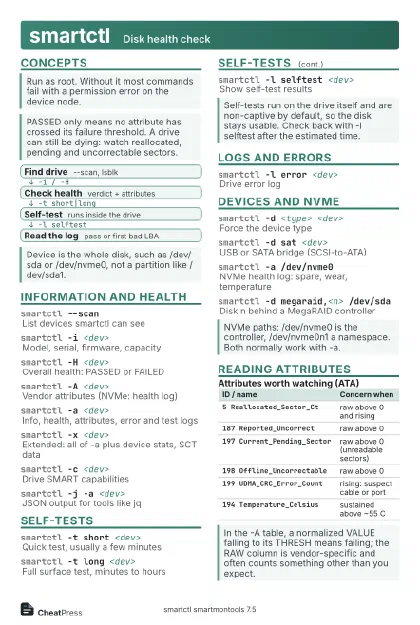 Light · Postcard
102 × 152 mm · PDF
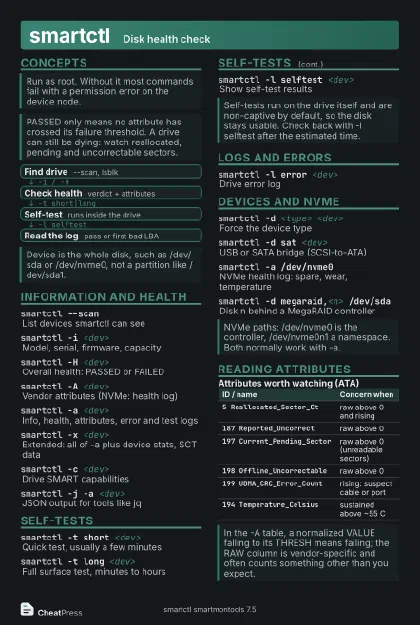 Dark · Postcard
102 × 152 mm · PDF
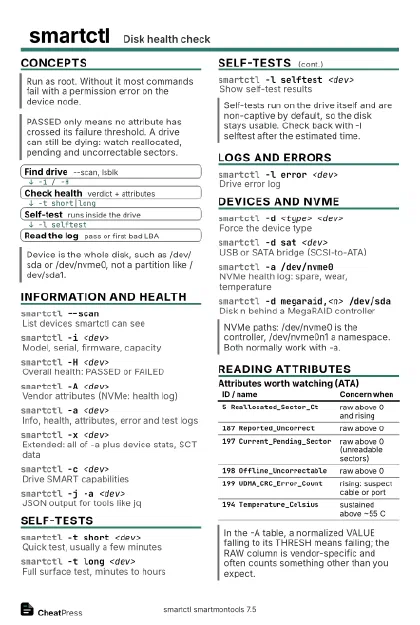 Ink saver · Postcard
102 × 152 mm · PDF
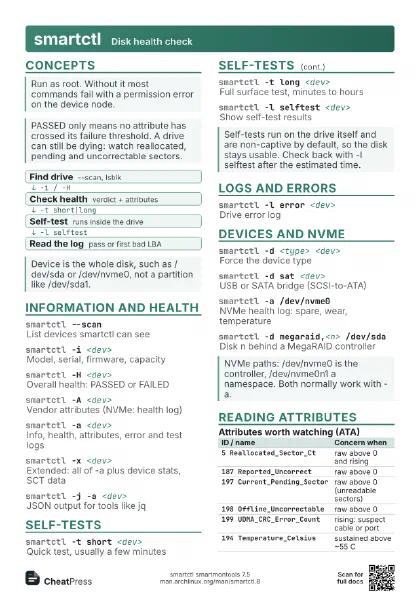
 Light · A4 landscape
297 × 210 mm · PDF
 Dark · A4 landscape
297 × 210 mm · PDF
 Ink saver · A4 landscape
297 × 210 mm · PDF
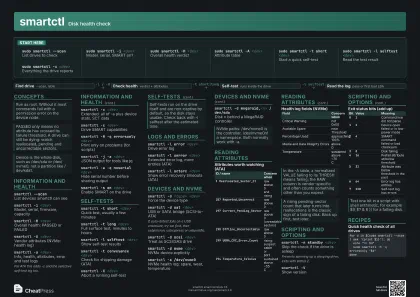
 Light · A3 landscape
420 × 297 mm · PDF
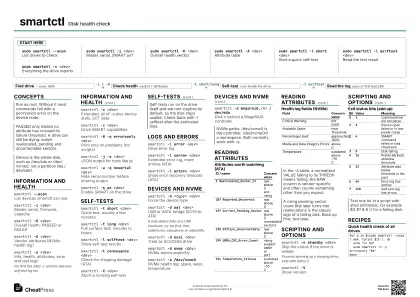
 Dark · A3 landscape
420 × 297 mm · PDF
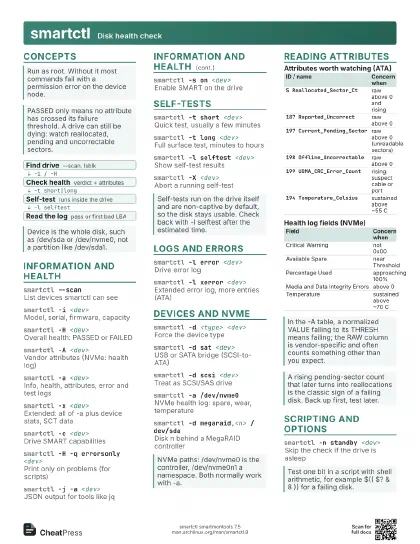
 Ink saver · A3 landscape
420 × 297 mm · PDF
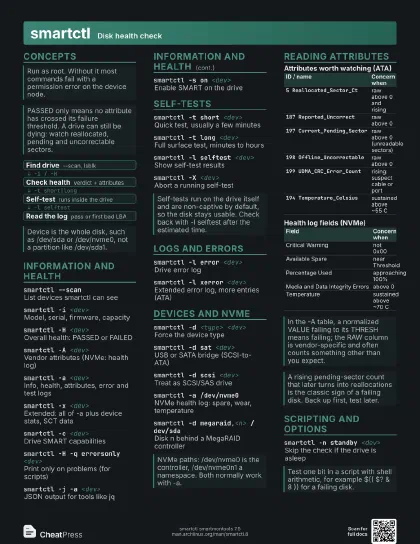
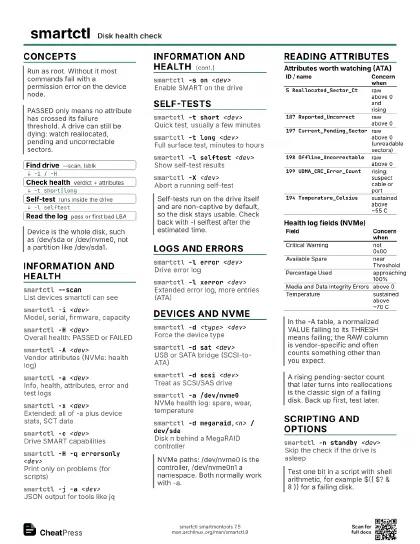
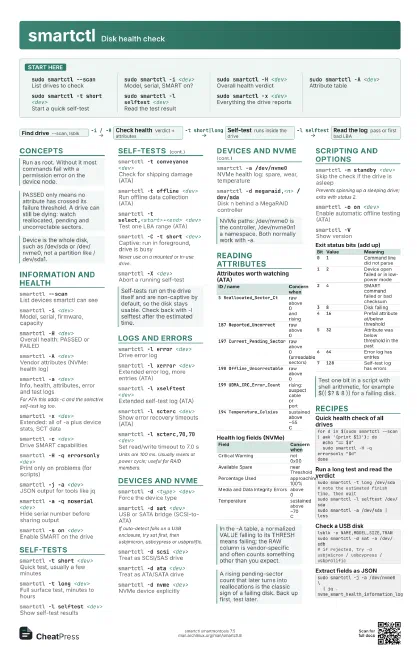
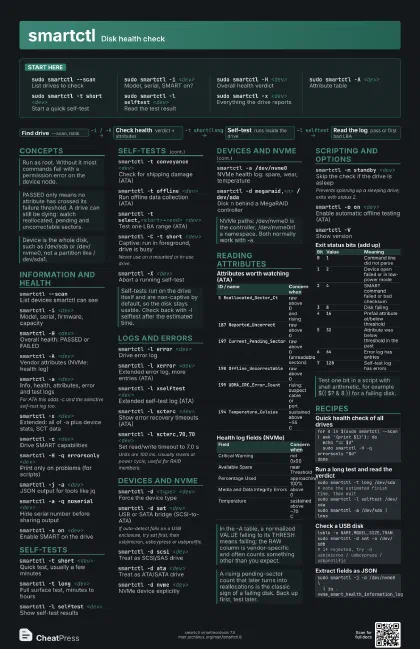
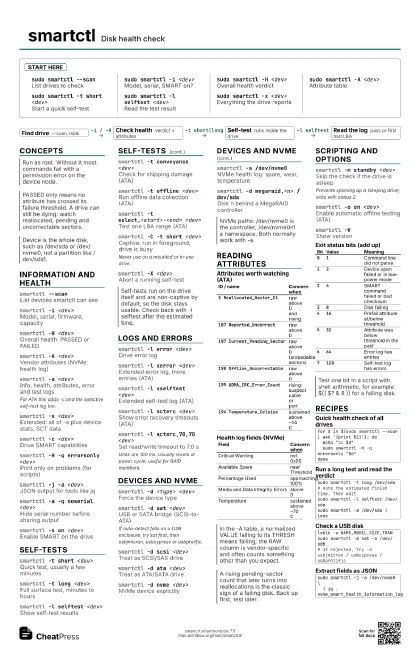
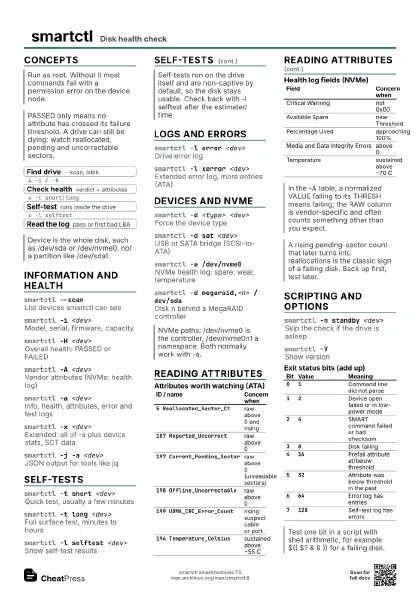
Start here
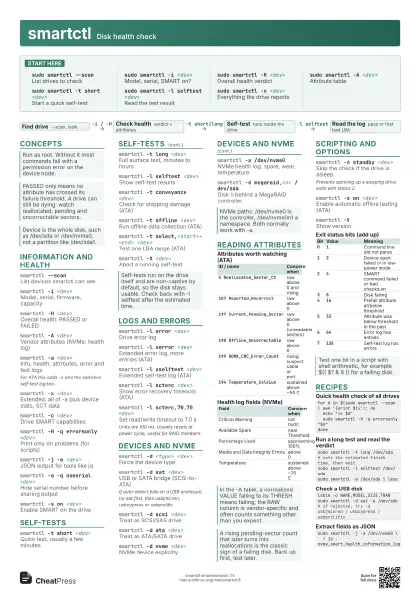
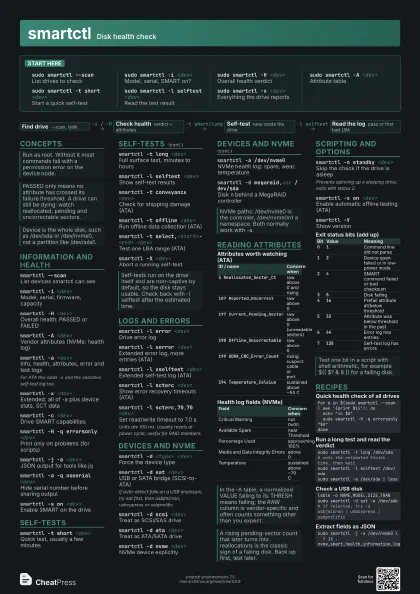
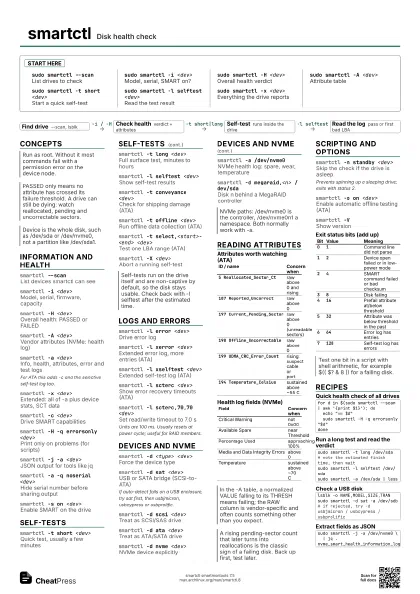
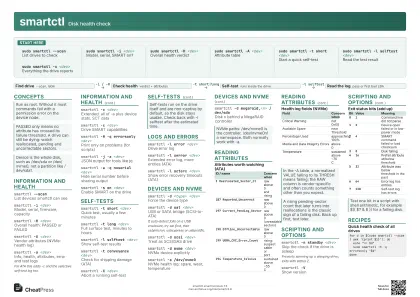
sudo smartctl --scan
List drives to check
sudo smartctl -i <dev>
Model, serial, SMART on?
sudo smartctl -H <dev>
Overall health verdict
sudo smartctl -A <dev>
Attribute table
sudo smartctl -t short <dev>
Start a quick self-test
sudo smartctl -l selftest <dev>
Read the test result
sudo smartctl -x <dev>
Everything the drive reports
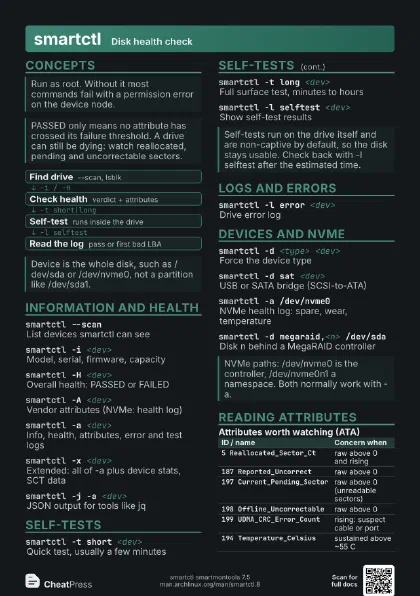
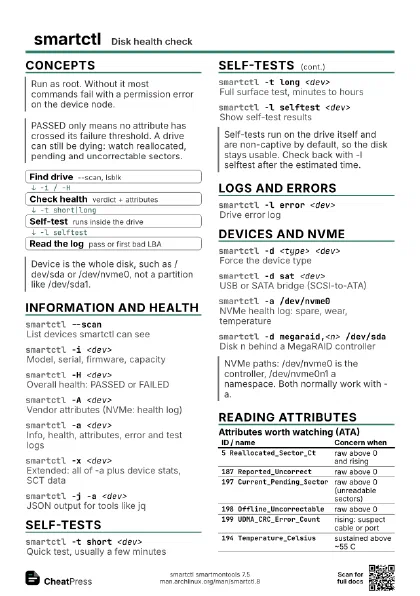
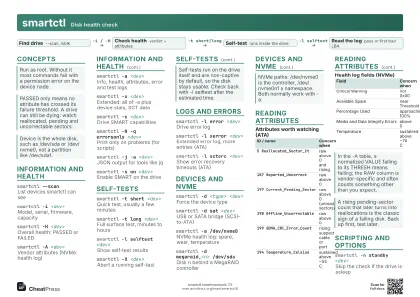
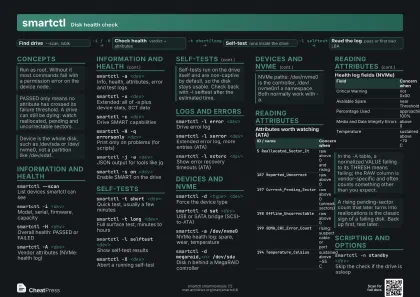
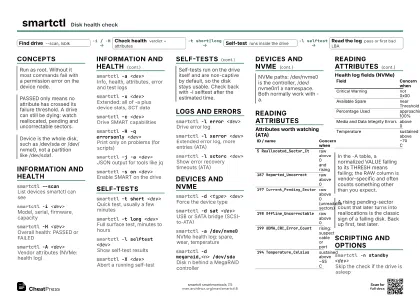
Concepts
- Find drive --scan, lsblk
- Check health verdict + attributes
- Self-test runs inside the drive
- Read the log pass or first bad LBA
Information and health
smartctl --scanList devices smartctl can see
smartctl -i <dev>
Model, serial, firmware, capacity
smartctl -H <dev>
Overall health: PASSED or FAILED
smartctl -A <dev>
Vendor attributes (NVMe: health log)
smartctl -a <dev>
Info, health, attributes, error and test logs
For ATA this adds -c and the selective self-test log too.
smartctl -x <dev>
Extended: all of -a plus device stats, SCT data
smartctl -c <dev>
Drive SMART capabilities
smartctl -H -q errorsonly <dev>
Print only on problems (for scripts)
smartctl -j -a <dev>
JSON output for tools like jq
smartctl -a -q noserial <dev>
Hide serial number before sharing output
smartctl -s on <dev>
Enable SMART on the drive
Self-tests
smartctl -t short <dev>
Quick test, usually a few minutes
smartctl -t long <dev>
Full surface test, minutes to hours
smartctl -l selftest <dev>
Show self-test results
smartctl -t conveyance <dev>
Check for shipping damage (ATA)
smartctl -t offline <dev>
Run offline data collection (ATA)
smartctl -t select,<start>-<end>
                    <dev>
Test one LBA range (ATA)
smartctl -C -t short <dev>
Captive: run in foreground, drive is busy
Never use on a mounted or in-use drive.
smartctl -X <dev>
Abort a running self-test
Logs and errors
smartctl -l error <dev>
Drive error log
smartctl -l xerror <dev>
Extended error log, more entries (ATA)
smartctl -l xselftest <dev>
Extended self-test log (ATA)
smartctl -l error,<n> <dev>
Show n error entries (NVMe)
smartctl -l scterc <dev>
Show error recovery timeouts (ATA)
smartctl -l scterc,70,70 <dev>
Set read/write timeout to 7.0 s
Units are 100 ms. Usually resets at power cycle; useful for
RAID members.
smartctl -l scttemp <dev>
Temperature stats and limits (ATA)
smartctl -l devstat <dev>
Device statistics: writes, wear (ATA)
Devices and NVMe
smartctl -d <type> <dev>
Force the device type
smartctl -d sat <dev>
USB or SATA bridge (SCSI-to-ATA)
If auto-detect fails on a USB enclosure, try sat first, then
usbjmicron, usbcypress or usbprolific.
smartctl -d scsi <dev>
Treat as SCSI/SAS drive
smartctl -d ata <dev>
Treat as ATA/SATA drive
smartctl -d nvme <dev>
NVMe device explicitly
smartctl -a /dev/nvme0
NVMe health log: spare, wear, temperature
smartctl -d megaraid,<n> /dev/sda
Disk n behind a MegaRAID controller
smartctl -d sntjmicron <dev>
USB-to-NVMe bridge, JMicron
smartctl -d sntrealtek <dev>
USB-to-NVMe bridge, Realtek
smartctl -d sntasmedia <dev>
USB-to-NVMe bridge, ASMedia
Reading attributes
| ID / name | Concern when |
|---|---|
5 Reallocated_Sector_Ct |
raw above 0 and rising |
187 Reported_Uncorrect |
raw above 0 |
197 Current_Pending_Sector |
raw above 0 (unreadable sectors) |
198 Offline_Uncorrectable |
raw above 0 |
199 UDMA_CRC_Error_Count |
rising: suspect cable or port |
194 Temperature_Celsius |
sustained above ~55 C |
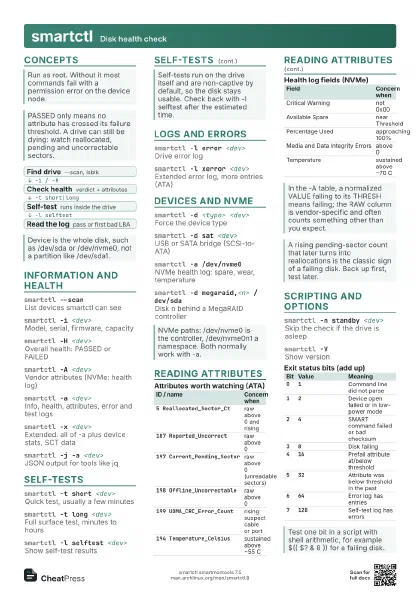
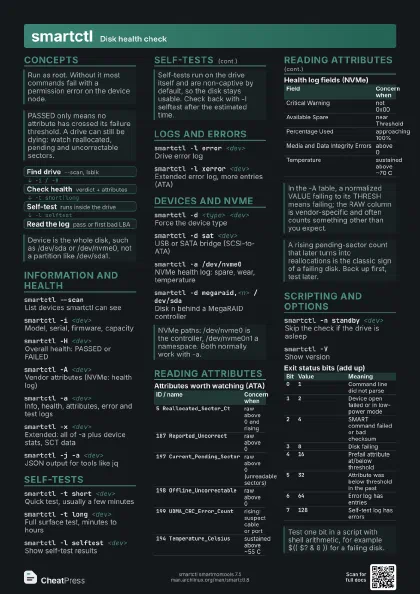
| Field | Concern when |
|---|---|
| Critical Warning | not 0x00 |
| Available Spare | near Threshold |
| Percentage Used | approaching 100% |
| Media and Data Integrity Errors | above 0 |
| Temperature | sustained above ~70 C |
Scripting and options
smartctl -n standby <dev>
Skip the check if the drive is asleep
Prevents spinning up a sleeping drive; exits with status 2.
smartctl -o on <dev>
Enable automatic offline testing (ATA)
smartctl -s wcache,off <dev>
Disable the drive write cache
smartctl -g all <dev>
Show drive settings (cache, APM, ...)
smartctl -VShow version
| Bit | Value | Meaning |
|---|---|---|
0 |
1 |
Command line did not parse |
1 |
2 |
Device open failed or in low-power mode |
2 |
4 |
SMART command failed or bad checksum |
3 |
8 |
Disk failing |
4 |
16 |
Prefail attribute at/below threshold |
5 |
32 |
Attribute was below threshold in the past |
6 |
64 |
Error log has entries |
7 |
128 |
Self-test log has errors |
Recipes
for d in $(sudo smartctl --scan | awk '{print $1}'); do echo "== $d" sudo smartctl -H -q errorsonly "$d"donesudo smartctl -t long /dev/sda# note the estimated finish time, then waitsudo smartctl -l selftest /dev/sdasudo smartctl -a /dev/sda | lesslsblk -o NAME,MODEL,SIZE,TRANsudo smartctl -d sat -a /dev/sdb# if rejected, try -d usbjmicron / usbcypress / usbprolificsudo smartctl -j -a /dev/nvme0 \ | jq .nvme_smart_health_information_log