Cheat
nvme-cli NVMe drive management
 Light · Postcard
102 × 152 mm · PDF
 Dark · Postcard
102 × 152 mm · PDF
 Ink saver · Postcard
102 × 152 mm · PDF
 Light · A4 landscape
297 × 210 mm · PDF
 Dark · A4 landscape
297 × 210 mm · PDF
 Ink saver · A4 landscape
297 × 210 mm · PDF
 Light · A3 landscape
420 × 297 mm · PDF
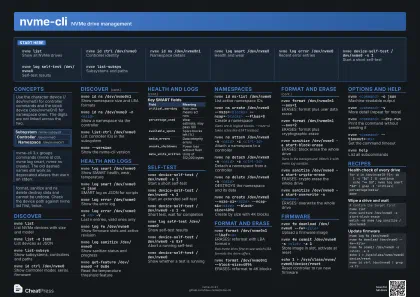 Dark · A3 landscape
420 × 297 mm · PDF
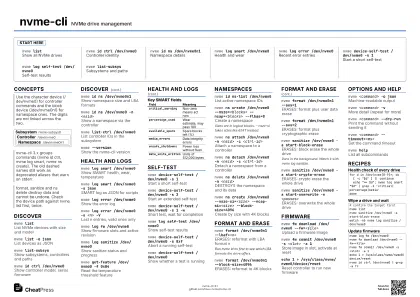 Ink saver · A3 landscape
420 × 297 mm · PDF
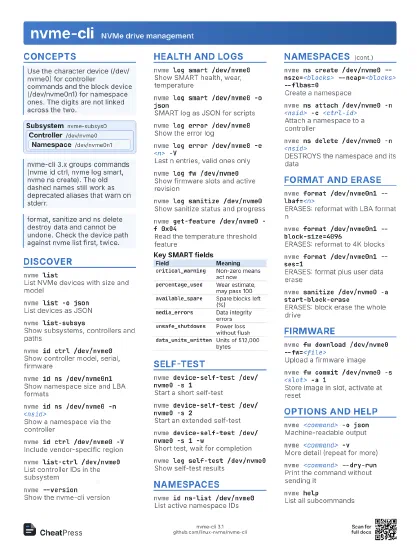
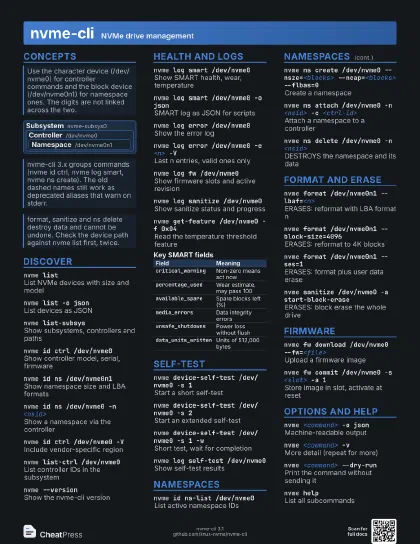
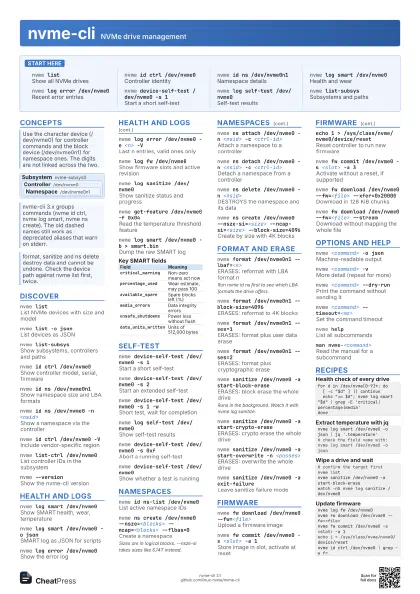
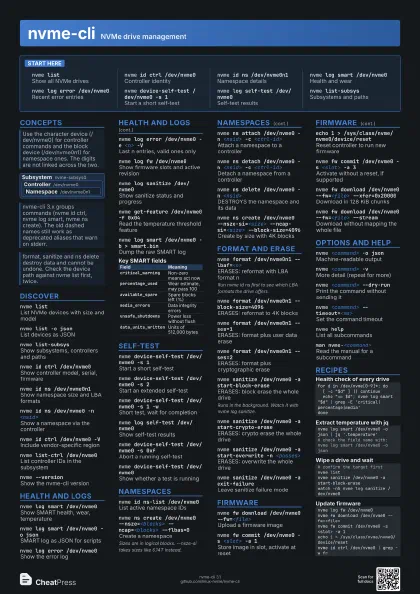
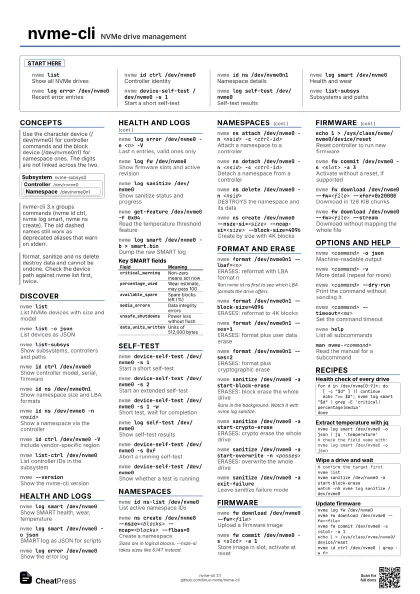
Start here
nvme listShow all NVMe drives
nvme id ctrl /dev/nvme0
Controller identity
nvme id ns /dev/nvme0n1
Namespace details
nvme log smart /dev/nvme0
Health and wear
nvme log error /dev/nvme0
Recent error entries
nvme device-self-test /dev/nvme0 -s 1
Start a short self-test
nvme log self-test /dev/nvme0
Self-test results
nvme list-subsys
Subsystems and paths
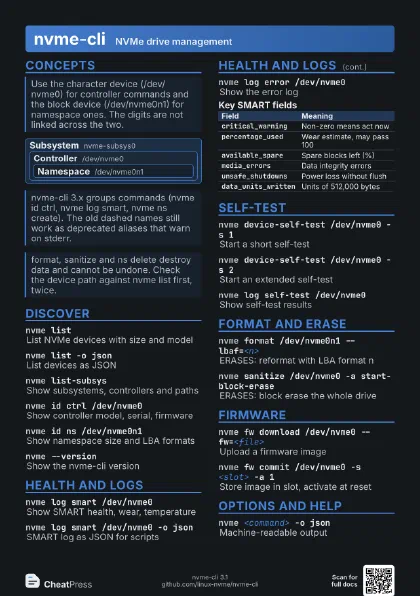
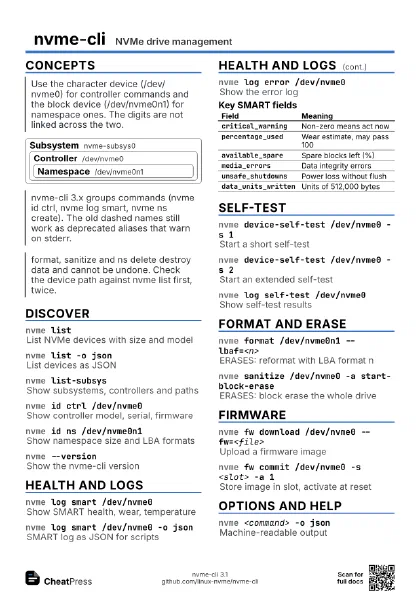
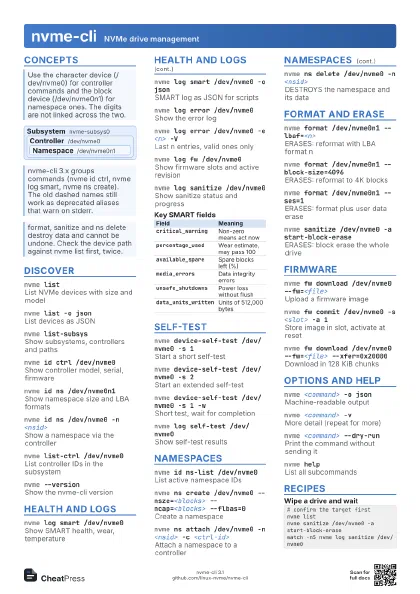
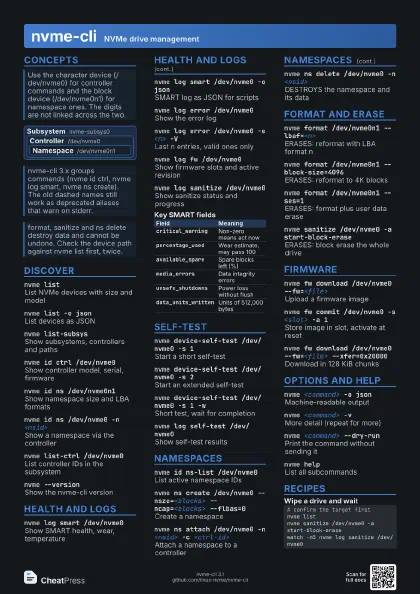
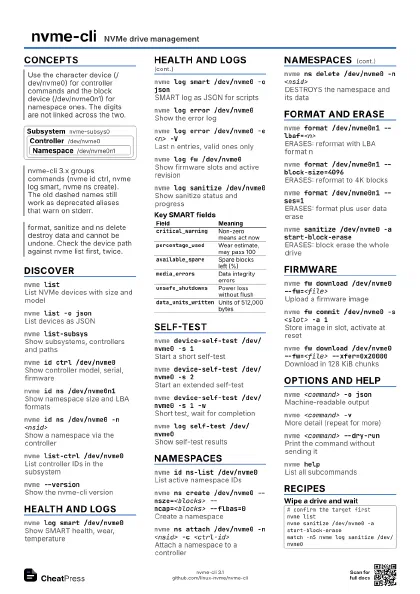
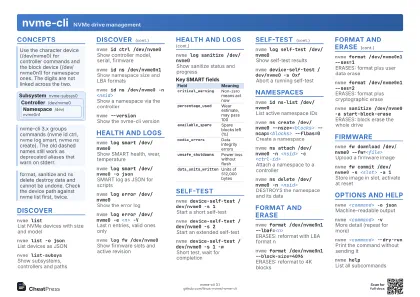
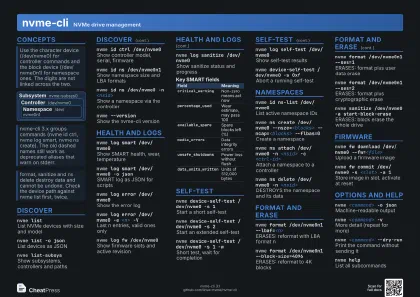
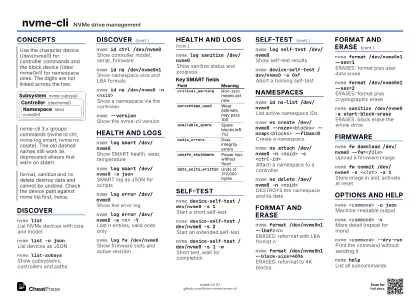
Concepts
Subsystem nvme-subsys0
Controller /dev/nvme0
Namespace /dev/nvme0n1
Discover
nvme listList NVMe devices with size and model
nvme list -o json
List devices as JSON
nvme list-subsys
Show subsystems, controllers and paths
nvme id ctrl /dev/nvme0
Show controller model, serial, firmware
nvme id ns /dev/nvme0n1
Show namespace size and LBA formats
nvme id ns /dev/nvme0 -n <nsid>
Show a namespace via the controller
nvme id ctrl /dev/nvme0 -V
Include vendor-specific region
nvme list-ctrl /dev/nvme0
List controller IDs in the subsystem
nvme --versionShow the nvme-cli version
Health and logs
nvme log smart /dev/nvme0
Show SMART health, wear, temperature
nvme log smart /dev/nvme0 -o json
SMART log as JSON for scripts
nvme log error /dev/nvme0
Show the error log
nvme log error /dev/nvme0 -e <n> -V
Last n entries, valid ones only
nvme log fw /dev/nvme0
Show firmware slots and active revision
nvme log sanitize /dev/nvme0
Show sanitize status and progress
nvme get-feature /dev/nvme0 -f 0x04
Read the temperature threshold feature
nvme log smart /dev/nvme0 -b > smart.bin
Dump the raw SMART log
| Field | Meaning |
|---|---|
critical_warning |
Non-zero means act now |
percentage_used |
Wear estimate, may pass 100 |
available_spare |
Spare blocks left (%) |
media_errors |
Data integrity errors |
unsafe_shutdowns |
Power loss without flush |
data_units_written |
Units of 512,000 bytes |
Self-test
nvme device-self-test /dev/nvme0 -s 1
Start a short self-test
nvme device-self-test /dev/nvme0 -s 2
Start an extended self-test
nvme device-self-test /dev/nvme0 -s 1 -w
Short test, wait for completion
nvme log self-test /dev/nvme0
Show self-test results
nvme device-self-test /dev/nvme0 -s 0xf
Abort a running self-test
nvme device-self-test /dev/nvme0
Show whether a test is running
Namespaces
nvme id ns-list /dev/nvme0
List active namespace IDs
nvme ns create /dev/nvme0 --nsze=<blocks>
                    --ncap=<blocks> --flbas=0
Create a namespace
Sizes are in logical blocks. --nsze-si takes sizes like 6.14T
instead.
nvme ns attach /dev/nvme0 -n <nsid> -c
                    <ctrl-id>
Attach a namespace to a controller
nvme ns detach /dev/nvme0 -n <nsid> -c
                    <ctrl-id>
Detach a namespace from a controller
nvme ns delete /dev/nvme0 -n <nsid>
DESTROYS the namespace and its data
nvme ns create /dev/nvme0 --nsze-si=<size>
                    --ncap-si=<size> --block-size=4096
Create by size with 4K blocks
Format and erase
nvme format /dev/nvme0n1 --lbaf=<n>
ERASES: reformat with LBA format n
Run nvme id ns first to see which LBA formats the drive
offers.
nvme format /dev/nvme0n1 --block-size=4096
ERASES: reformat to 4K blocks
nvme format /dev/nvme0n1 --ses=1
ERASES: format plus user data erase
nvme format /dev/nvme0n1 --ses=2
ERASES: format plus cryptographic erase
nvme sanitize /dev/nvme0 -a start-block-erase
ERASES: block erase the whole drive
Runs in the background. Watch it with nvme log sanitize.
nvme sanitize /dev/nvme0 -a start-crypto-erase
ERASES: crypto erase the whole drive
nvme sanitize /dev/nvme0 -a start-overwrite -n
                    <passes>
ERASES: overwrite the whole drive
nvme sanitize /dev/nvme0 -a exit-failure
Leave sanitize failure mode
Firmware
nvme fw download /dev/nvme0 --fw=<file>
Upload a firmware image
nvme fw commit /dev/nvme0 -s <slot> -a 1
Store image in slot, activate at reset
echo 1 > /sys/class/nvme/nvme0/device/reset
Reset controller to run new firmware
nvme fw commit /dev/nvme0 -s <slot> -a 3
Activate without a reset, if supported
nvme fw download /dev/nvme0 --fw=<file>
                    --xfer=0x20000
Download in 128 KiB chunks
nvme fw download /dev/nvme0 --fw=<file>
                    --stream
Download without mapping the whole file
Options and help
nvme <command> -o json
Machine-readable output
nvme <command> -v
More detail (repeat for more)
nvme <command> --dry-run
Print the command without sending it
nvme <command> --timeout=<ms>
Set the command timeout
nvme helpList all subcommands
man nvme-<command>
Read the manual for a subcommand
Recipes
for d in /dev/nvme[0-9]*; do [ -c "$d" ] || continue echo "== $d"; nvme log smart "$d" | grep -E 'critical|percentage|media'donenvme log smart /dev/nvme0 -o json | jq '.temperature'# check the field name with: nvme log smart /dev/nvme0 -o json# confirm the target firstnvme listnvme sanitize /dev/nvme0 -a start-block-erasewatch -n5 nvme log sanitize /dev/nvme0nvme log fw /dev/nvme0nvme fw download /dev/nvme0 --fw=<file>nvme fw commit /dev/nvme0 -s <slot> -a 1echo 1 > /sys/class/nvme/nvme0/device/resetnvme id ctrl /dev/nvme0 | grep -w fr