Cheat
sd Simple find and replace
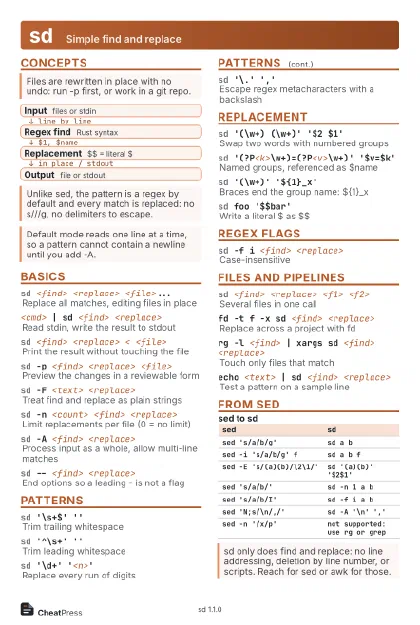 Light · Postcard
102 × 152 mm · PDF
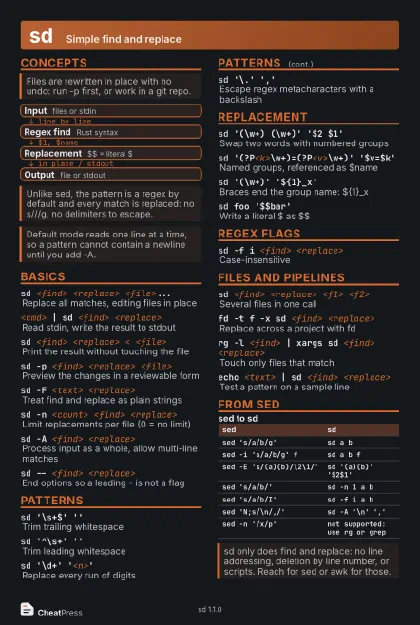 Dark · Postcard
102 × 152 mm · PDF
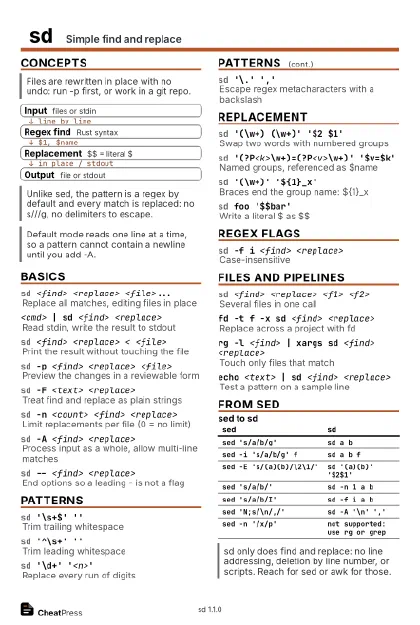 Ink saver · Postcard
102 × 152 mm · PDF
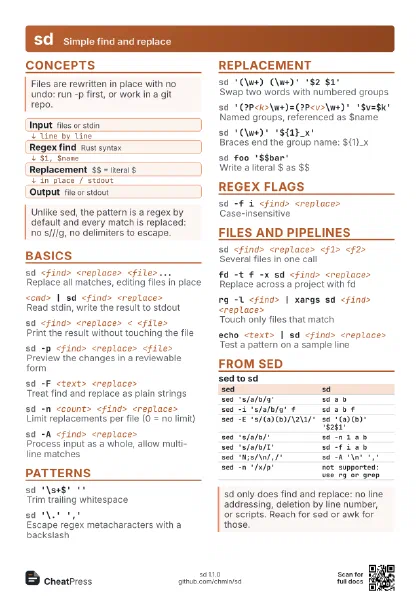
 Light · A4 landscape
297 × 210 mm · PDF
 Dark · A4 landscape
297 × 210 mm · PDF
 Ink saver · A4 landscape
297 × 210 mm · PDF
 Light · A3 landscape
420 × 297 mm · PDF
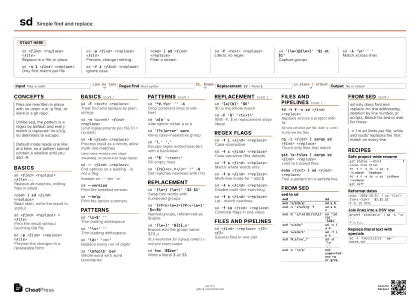
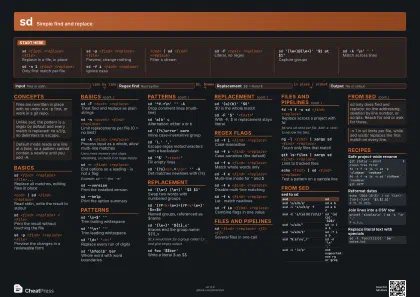 Dark · A3 landscape
420 × 297 mm · PDF
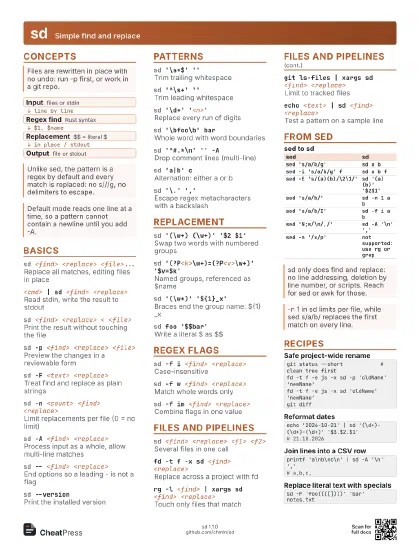
 Ink saver · A3 landscape
420 × 297 mm · PDF
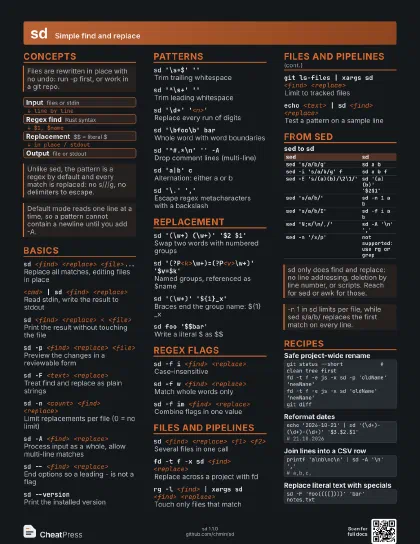
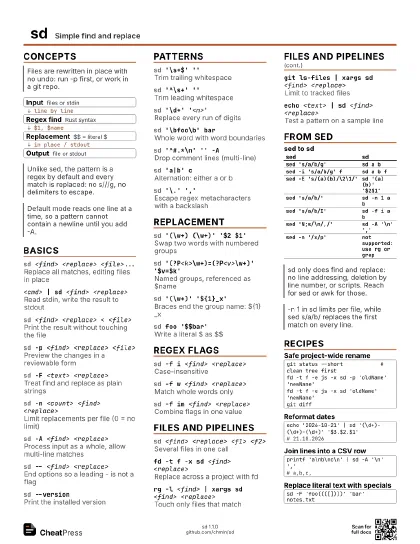
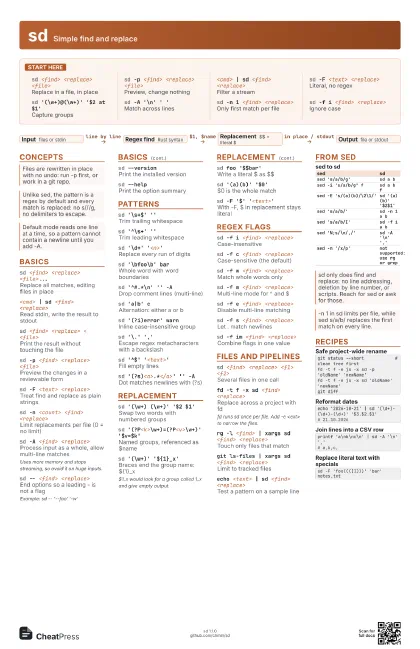
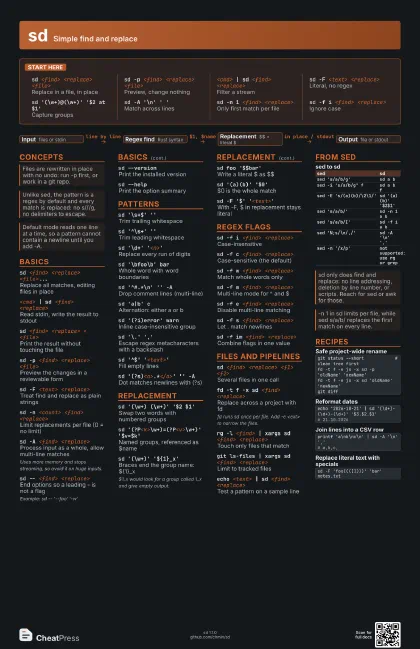
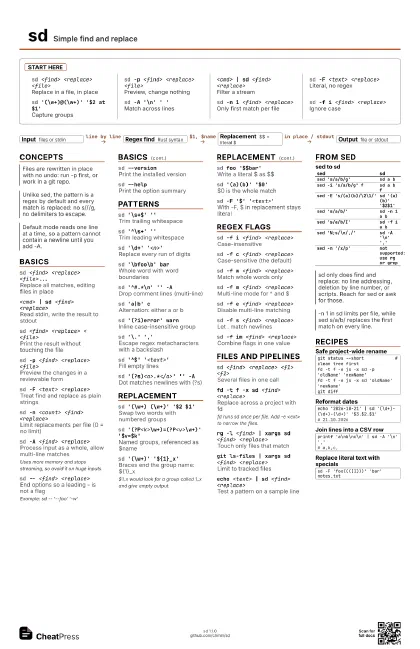
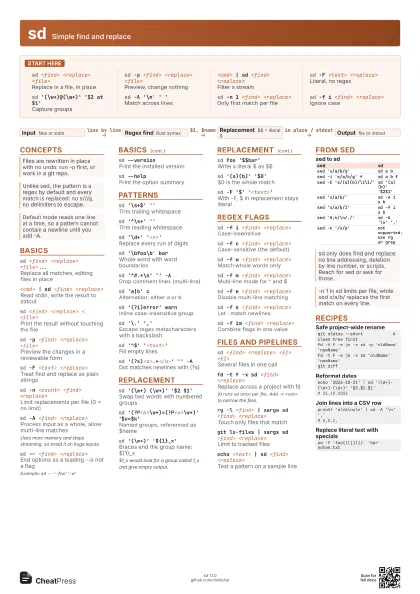
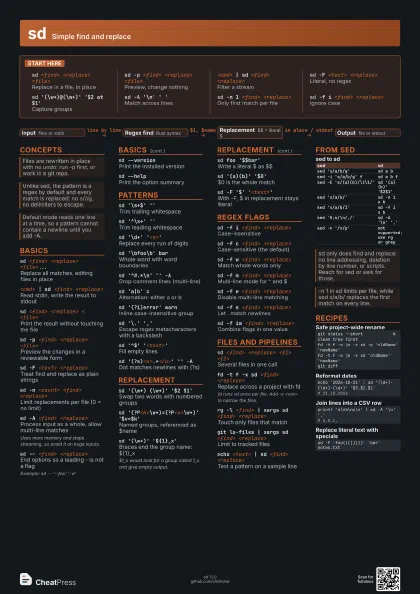
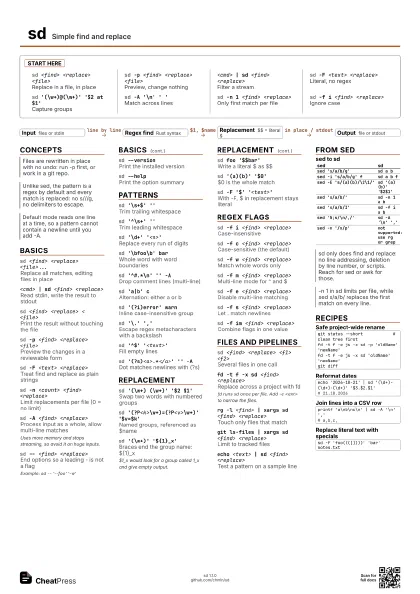
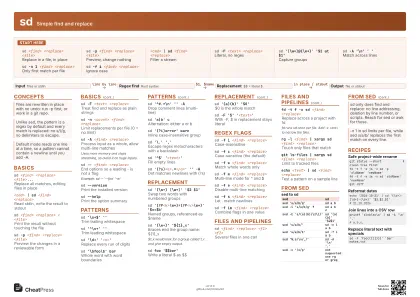
Start here
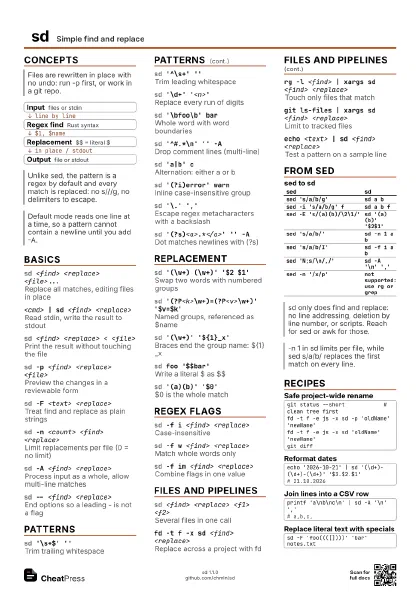
sd <find> <replace> <file>
Replace in a file, in place
sd -p <find> <replace> <file>
Preview, change nothing
<cmd> | sd <find> <replace>
Filter a stream
sd -F <text> <replace>
Literal, no regex
sd '(\w+)@(\w+)' '$2 at $1'
Capture groups
sd -A '\n' ' '
Match across lines
sd -n 1 <find> <replace>
Only first match per file
sd -f i <find> <replace>
Ignore case
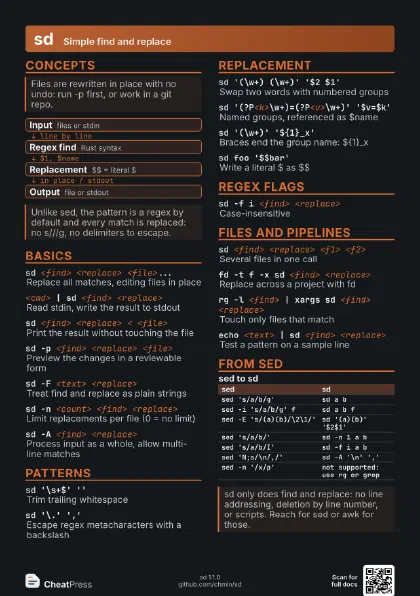
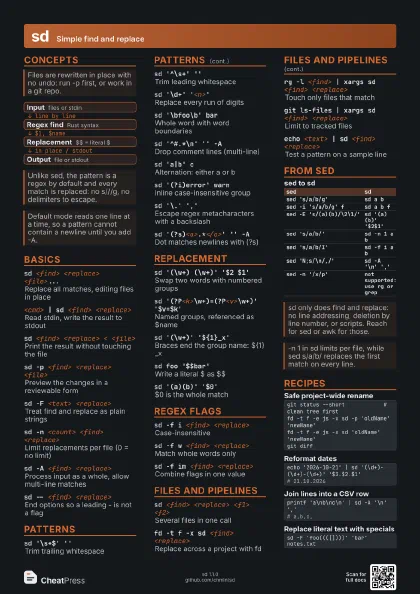
Concepts
- Input files or stdin
- Regex find Rust syntax
- Replacement $$ = literal $
- Output file or stdout
Basics
sd <find> <replace> <file>...
Replace all matches, editing files in place
<cmd> | sd <find> <replace>
Read stdin, write the result to stdout
sd <find> <replace> < <file>
Print the result without touching the file
sd -p <find> <replace> <file>
Preview the changes in a reviewable form
sd -F <text> <replace>
Treat find and replace as plain strings
sd -n <count> <find> <replace>
Limit replacements per file (0 = no limit)
sd -A <find> <replace>
Process input as a whole, allow multi-line matches
Uses more memory and stops streaming, so avoid it on huge
inputs.
sd -- <find> <replace>
End options so a leading - is not a flag
Example: sd -- '--foo' '-w'
sd --versionPrint the installed version
sd --helpPrint the option summary
Patterns
sd '\s+$' ''
Trim trailing whitespace
sd '^\s+' ''
Trim leading whitespace
sd '\d+' '<n>'
Replace every run of digits
sd '\bfoo\b' bar
Whole word with word boundaries
sd '^#.*\n' '' -A
Drop comment lines (multi-line)
sd 'a|b' c
Alternation: either a or b
sd '(?i)error' warn
Inline case-insensitive group
sd '\.' ','
Escape regex metacharacters with a backslash
sd '^$' '<text>'
Fill empty lines
sd '(?s)<a>.*</a>' '' -A
Dot matches newlines with (?s)
Replacement
sd '(\w+) (\w+)' '$2 $1'
Swap two words with numbered groups
sd '(?P<k>\w+)=(?P<v>\w+)'
                    '$v=$k'
Named groups, referenced as $name
sd '(\w+)' '${1}_x'
Braces end the group name: ${1}_x
$1_x would look for a group called 1_x and give empty output.
sd foo '$$bar'
Write a literal $ as $$
sd '(a)(b)' '$0'
$0 is the whole match
sd -F '$' '<text>'
With -F, $ in replacement stays literal
Regex flags
sd -f i <find> <replace>
Case-insensitive
sd -f c <find> <replace>
Case-sensitive (the default)
sd -f w <find> <replace>
Match whole words only
sd -f m <find> <replace>
Multi-line mode for ^ and $
sd -f e <find> <replace>
Disable multi-line matching
sd -f s <find> <replace>
Let . match newlines
sd -f im <find> <replace>
Combine flags in one value
Files and pipelines
sd <find> <replace> <f1> <f2>
Several files in one call
fd -t f -x sd <find> <replace>
Replace across a project with fd
fd runs sd once per file. Add -e <ext> to narrow the
files.
rg -l <find> | xargs sd <find>
                    <replace>
Touch only files that match
git ls-files | xargs sd <find> <replace>
Limit to tracked files
echo <text> | sd <find> <replace>
Test a pattern on a sample line
From sed
| sed | sd |
|---|---|
sed 's/a/b/g' |
sd a b |
sed -i 's/a/b/g' f |
sd a b f |
sed -E 's/(a)(b)/\2\1/' |
sd '(a)(b)' '$2$1' |
sed 's/a/b/' |
sd -n 1 a b |
sed 's/a/b/I' |
sd -f i a b |
sed 'N;s/\n/,/' |
sd -A '\n' ',' |
sed -n '/x/p' |
not supported: use rg or grep |
Recipes
git status --short # clean tree firstfd -t f -e js -x sd -p 'oldName' 'newName'fd -t f -e js -x sd 'oldName' 'newName'git diffecho '2026-10-21' | sd '(\d+)-(\d+)-(\d+)' '$3.$2.$1'# 21.10.2026printf 'a\nb\nc\n' | sd -A '\n' ','# a,b,c,sd -F 'foo((([])))' 'bar' notes.txt