Cheat
rofi Launcher and menu
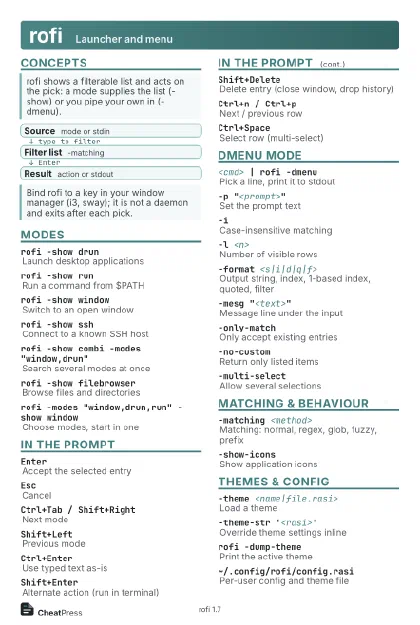 Light · Postcard
102 × 152 mm · PDF
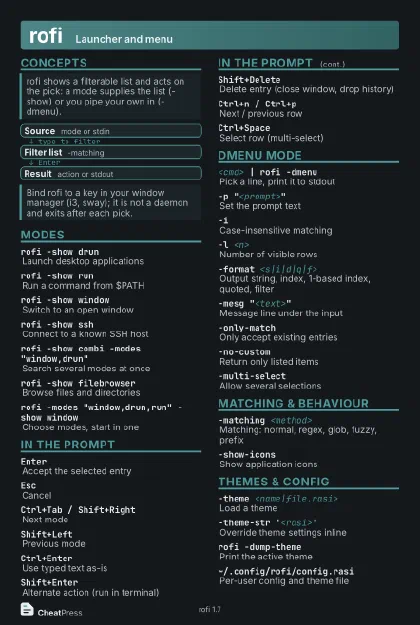 Dark · Postcard
102 × 152 mm · PDF
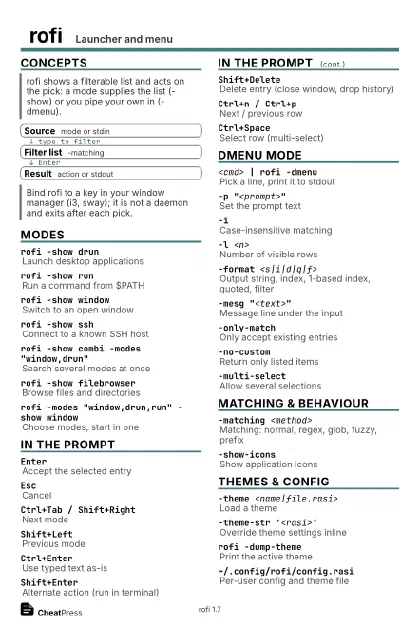 Ink saver · Postcard
102 × 152 mm · PDF
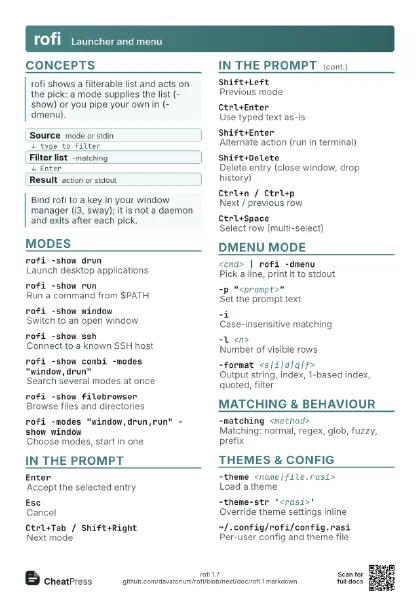
 Light · A4 landscape
297 × 210 mm · PDF
 Dark · A4 landscape
297 × 210 mm · PDF
 Ink saver · A4 landscape
297 × 210 mm · PDF
 Light · A3 landscape
420 × 297 mm · PDF
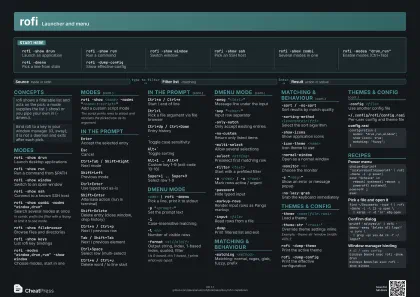 Dark · A3 landscape
420 × 297 mm · PDF
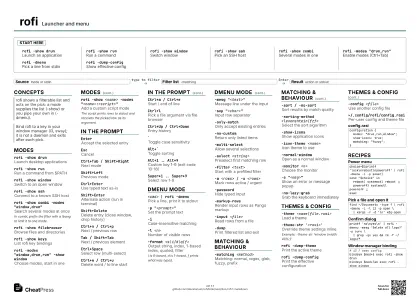 Ink saver · A3 landscape
420 × 297 mm · PDF
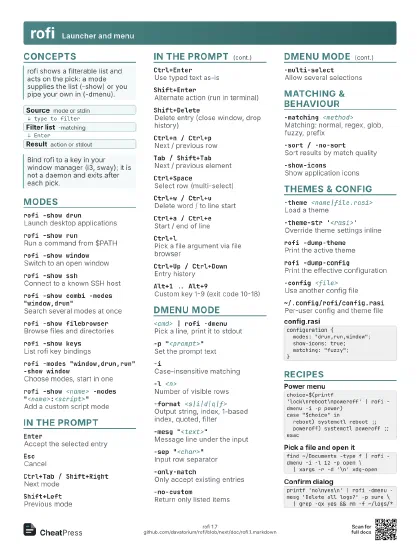
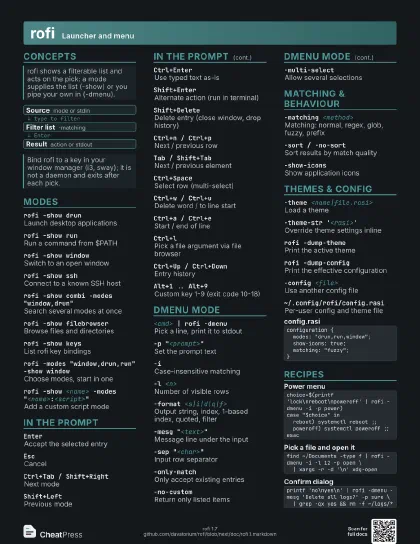
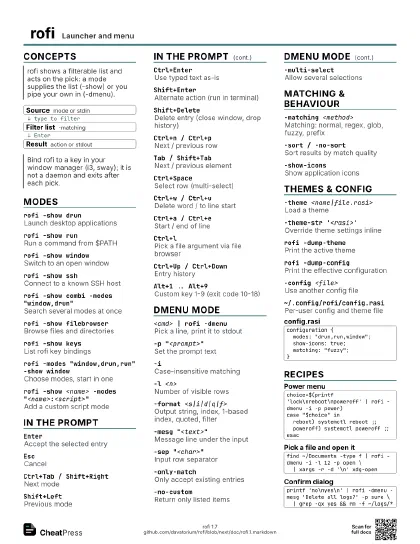
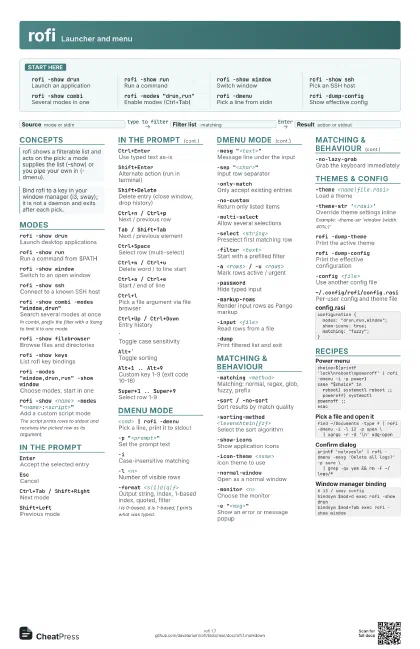
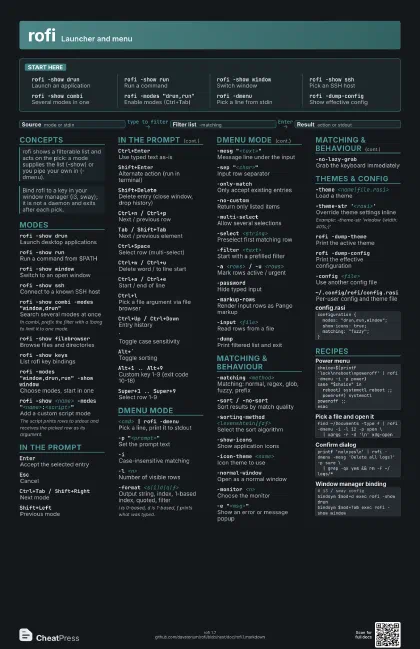
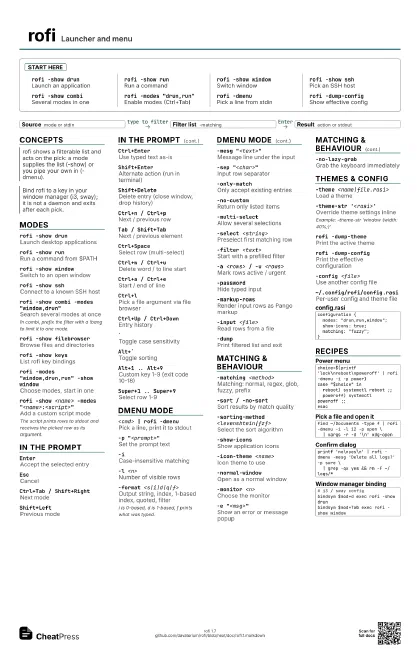
Start here
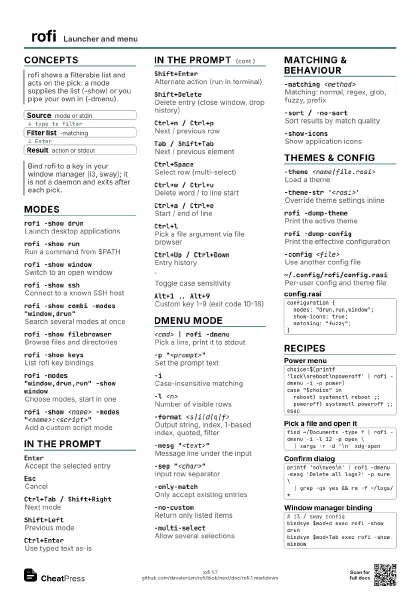
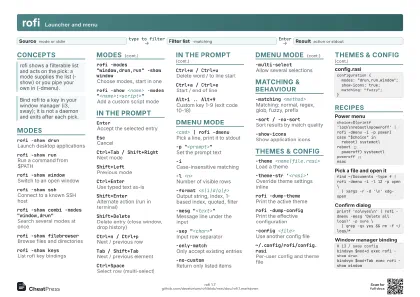
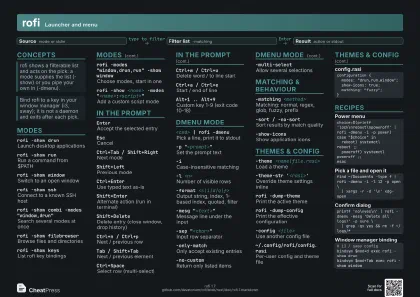
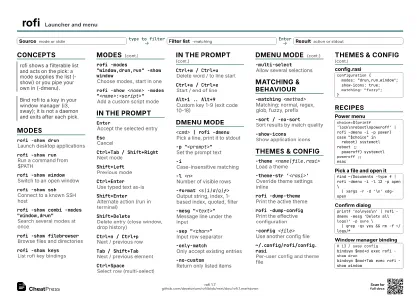
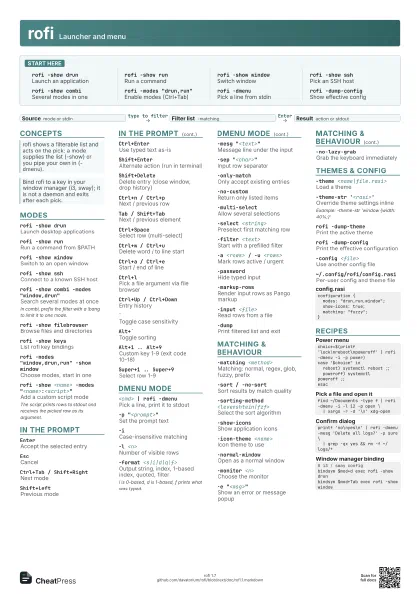
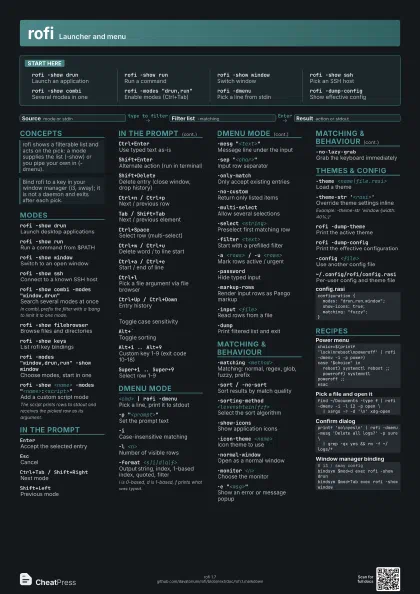
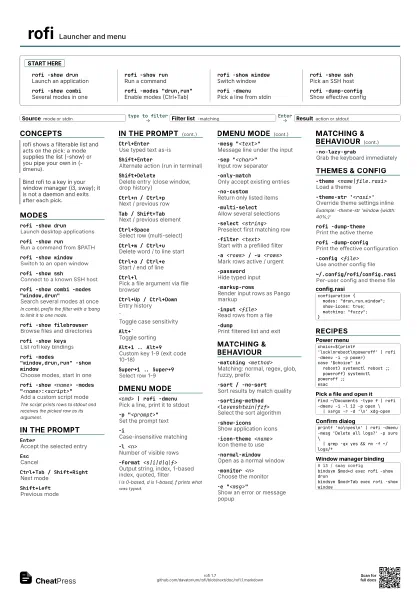
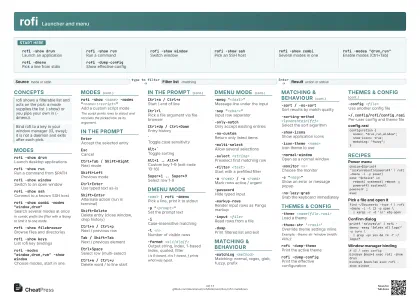
rofi -show drunLaunch an application
rofi -show runRun a command
rofi -show window
Switch window
rofi -show sshPick an SSH host
rofi -show combi
Several modes in one
rofi -modes "drun,run"
Enable modes (Ctrl+Tab)
rofi -dmenuPick a line from stdin
rofi -dump-config
Show effective config
Concepts
- Source mode or stdin
- Filter list -matching
- Result action or stdout
Modes
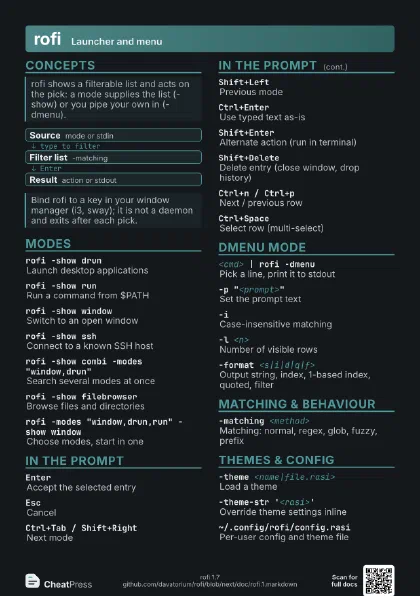
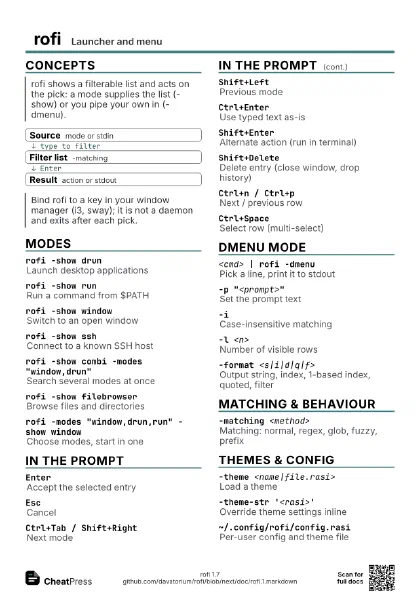
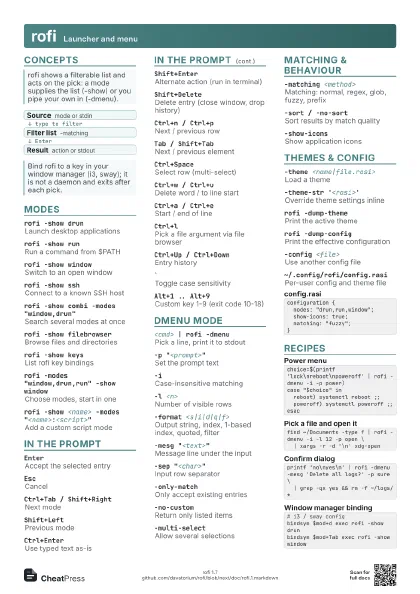
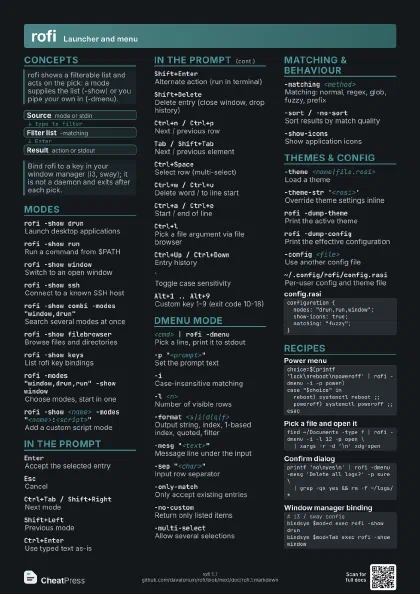
rofi -show drunLaunch desktop applications
rofi -show runRun a command from $PATH
rofi -show window
Switch to an open window
rofi -show sshConnect to a known SSH host
rofi -show combi -modes "window,drun"
Search several modes at once
In combi, prefix the filter with a !bang to limit it to one
mode.
rofi -show filebrowser
Browse files and directories
rofi -show keysList rofi key bindings
rofi -modes "window,drun,run" -show window
Choose modes, start in one
rofi -show <name> -modes
                    "<name>:<script>"
Add a custom script mode
The script prints rows to stdout and receives the picked row
as its argument.
In the prompt
EnterAccept the selected entry
EscCancel
Ctrl+Tab / Shift+Right
Next mode
Shift+LeftPrevious mode
Ctrl+EnterUse typed text as-is
Shift+EnterAlternate action (run in terminal)
Shift+Delete
Delete entry (close window, drop history)
Ctrl+n / Ctrl+p
Next / previous row
Tab / Shift+Tab
Next / previous element
Ctrl+SpaceSelect row (multi-select)
Ctrl+w / Ctrl+u
Delete word / to line start
Ctrl+a / Ctrl+e
Start / end of line
Ctrl+lPick a file argument via file browser
Ctrl+Up / Ctrl+Down
Entry history
`Toggle case sensitivity
Alt+`Toggle sorting
Alt+1 .. Alt+9
Custom key 1-9 (exit code 10-18)
Super+1 .. Super+9
Select row 1-9
dmenu mode
<cmd> | rofi -dmenu
Pick a line, print it to stdout
-p "<prompt>"
Set the prompt text
-iCase-insensitive matching
-l <n>Number of visible rows
-format <s|i|d|q|f>
Output string, index, 1-based index, quoted, filter
i is 0-based, d is 1-based, f prints what was typed.
-mesg "<text>"
Message line under the input
-sep "<char>"
Input row separator
-only-matchOnly accept existing entries
-no-customReturn only listed items
-multi-selectAllow several selections
-select <string>
Preselect first matching row
-filter <text>
Start with a prefilled filter
-a <rows> / -u <rows>
Mark rows active / urgent
-passwordHide typed input
-markup-rowsRender input rows as Pango markup
-input <file>
Read rows from a file
-dumpPrint filtered list and exit
Matching & behaviour
-matching <method>
Matching: normal, regex, glob, fuzzy, prefix
-sort / -no-sort
Sort results by match quality
-sorting-method <levenshtein|fzf>
Select the sort algorithm
-show-iconsShow application icons
-icon-theme <name>
Icon theme to use
-normal-windowOpen as a normal window
-monitor <n>
Choose the monitor
-e "<msg>"
Show an error or message popup
-no-lazy-grabGrab the keyboard immediately
Themes & config
-theme <name|file.rasi>
Load a theme
-theme-str '<rasi>'
Override theme settings inline
Example: -theme-str 'window {width: 40%;}'
rofi -dump-theme
Print the active theme
rofi -dump-config
Print the effective configuration
-config <file>
Use another config file
~/.config/rofi/config.rasi
Per-user config and theme file
configuration { modes: "drun,run,window"; show-icons: true; matching: "fuzzy";}Recipes
choice=$(printf 'lock\nreboot\npoweroff' | rofi -dmenu -i -p power)case "$choice" in reboot) systemctl reboot ;; poweroff) systemctl poweroff ;;esacfind ~/Documents -type f | rofi -dmenu -i -l 12 -p open \ | xargs -r -d '\n' xdg-openprintf 'no\nyes\n' | rofi -dmenu -mesg 'Delete all logs?' -p sure \ | grep -qx yes && rm -f ~/logs/*# i3 / sway configbindsym $mod+d exec rofi -show drunbindsym $mod+Tab exec rofi -show window