Cheat
Pulumi Infrastructure as code
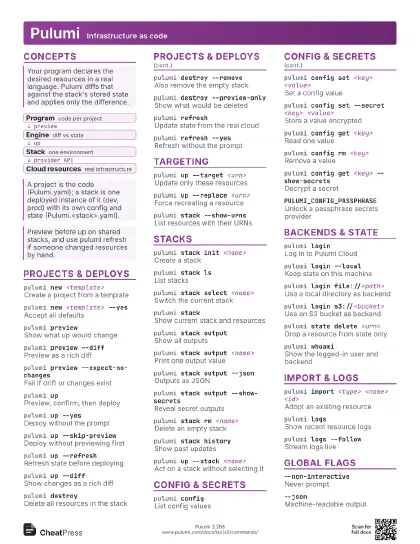
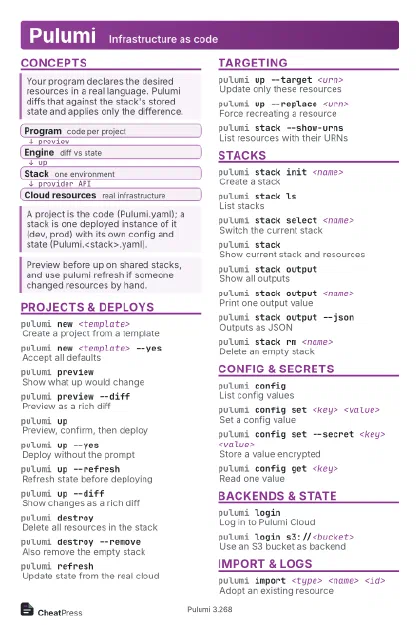 Light · Postcard
102 × 152 mm · PDF
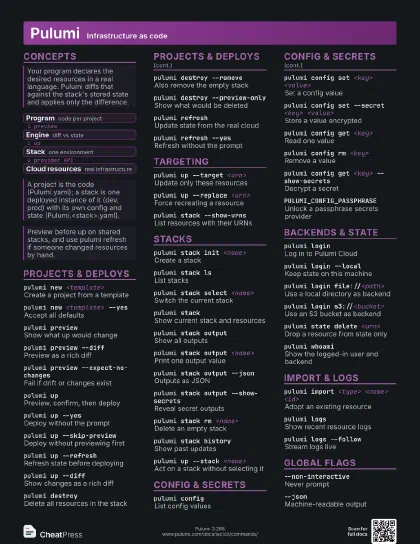
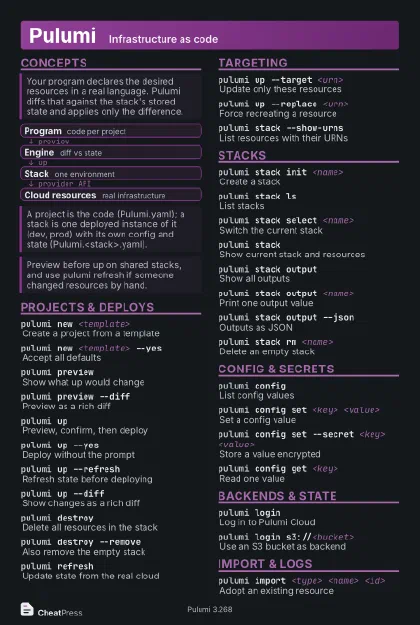 Dark · Postcard
102 × 152 mm · PDF
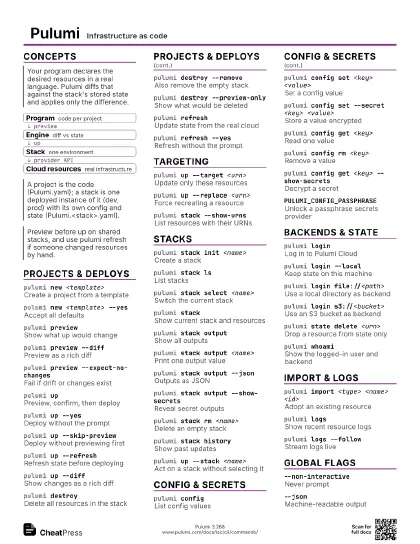
 Ink saver · Postcard
102 × 152 mm · PDF
 Light · A4 landscape
297 × 210 mm · PDF
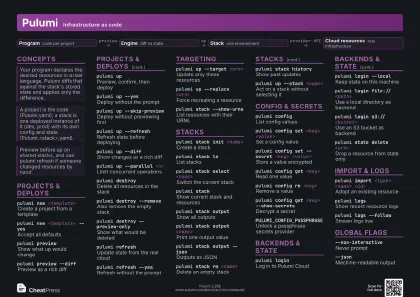 Dark · A4 landscape
297 × 210 mm · PDF
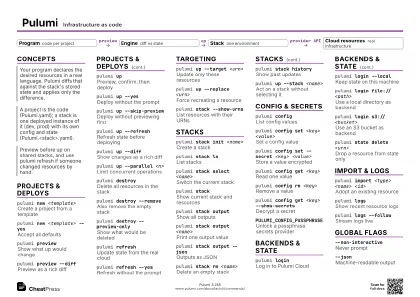 Ink saver · A4 landscape
297 × 210 mm · PDF
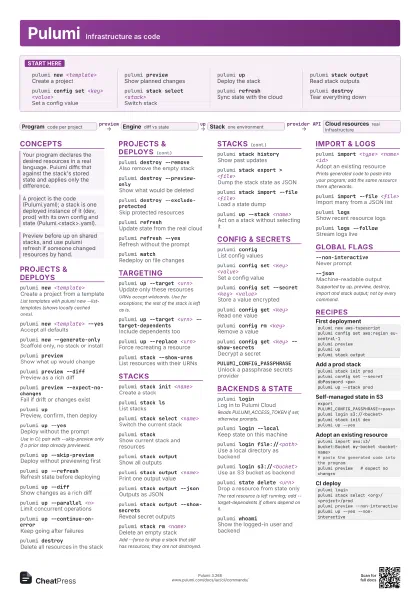
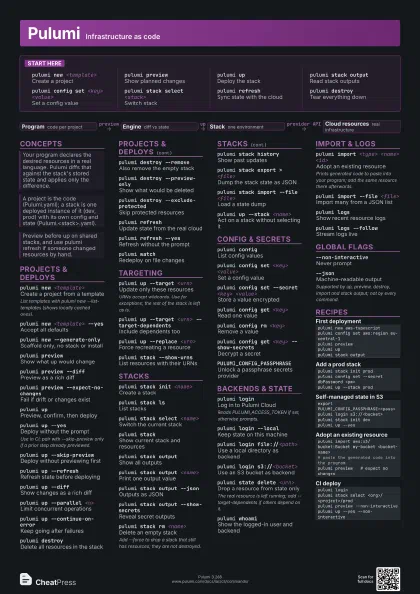
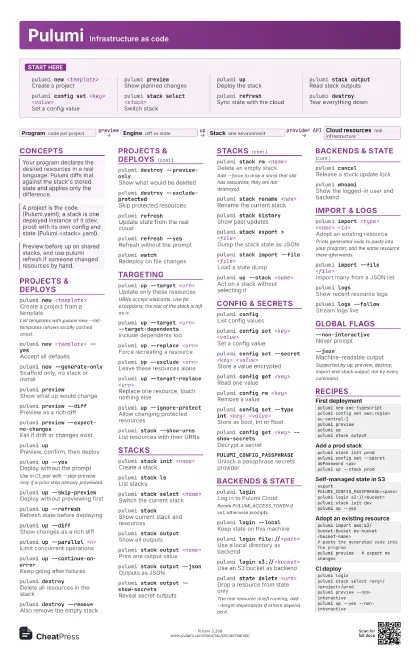
 Light · A3 landscape
420 × 297 mm · PDF
 Dark · A3 landscape
420 × 297 mm · PDF
 Ink saver · A3 landscape
420 × 297 mm · PDF
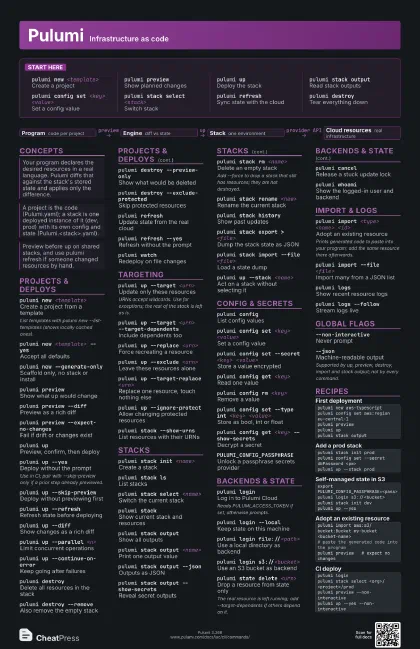
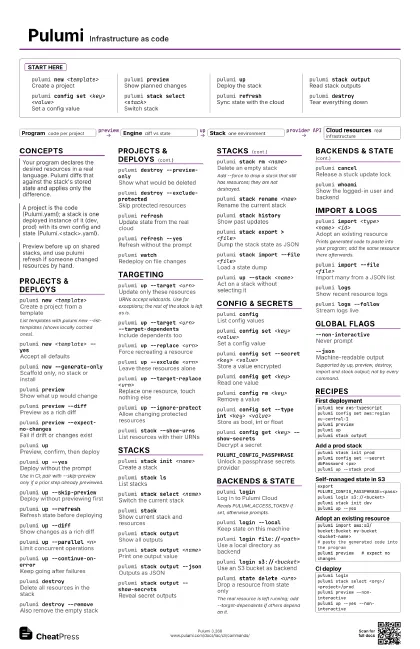
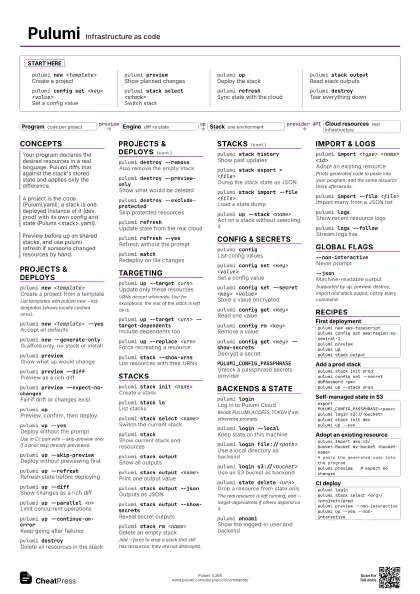
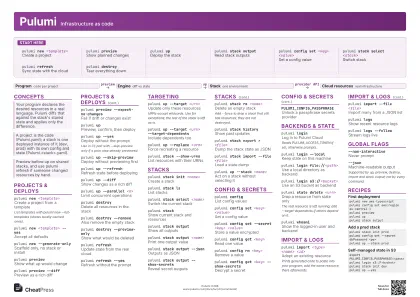
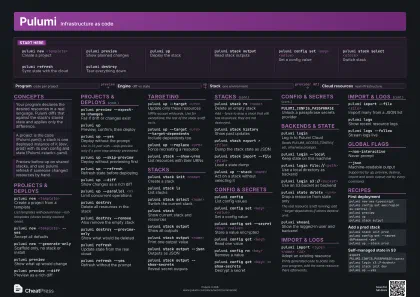
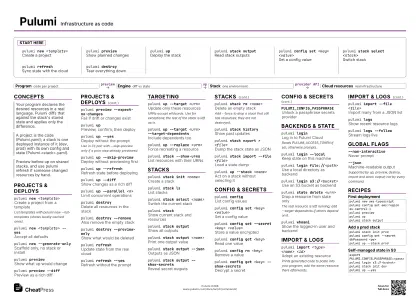
Start here
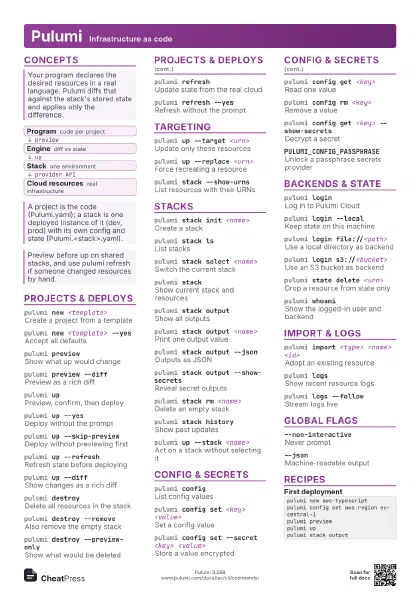
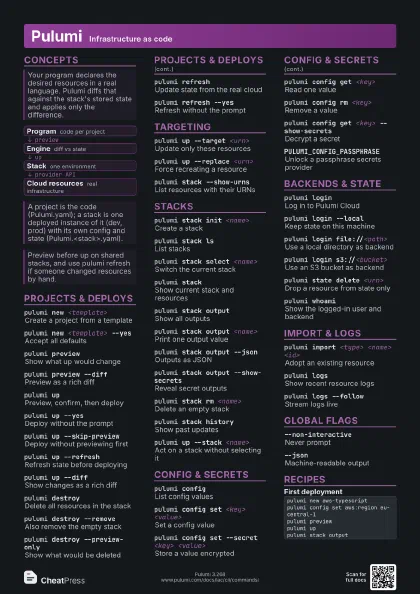
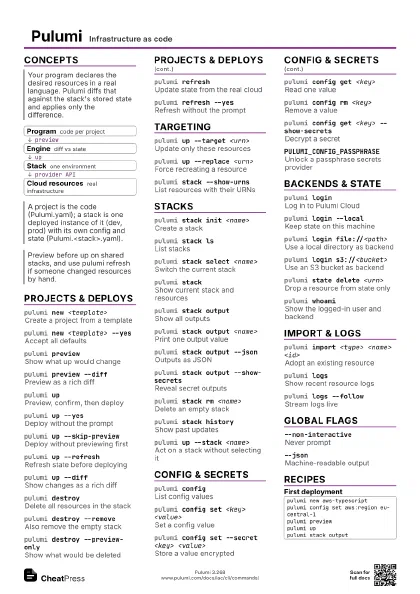
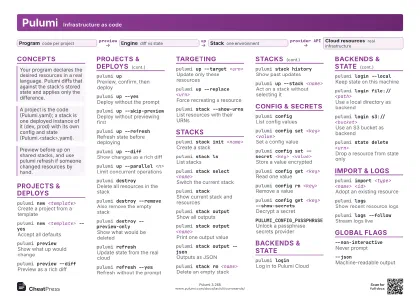
pulumi new <template>
Create a project
pulumi previewShow planned changes
pulumi upDeploy the stack
pulumi stack output
Read stack outputs
pulumi config set <key> <value>
Set a config value
pulumi stack select <stack>
Switch stack
pulumi refreshSync state with the cloud
pulumi destroyTear everything down
Concepts
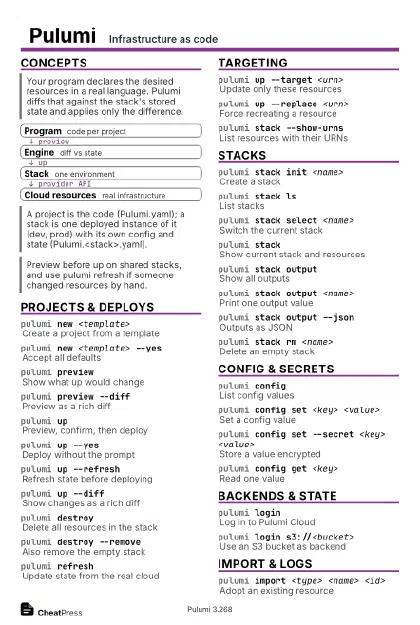
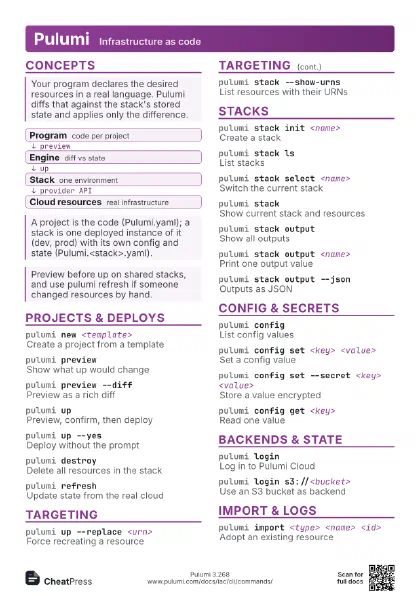
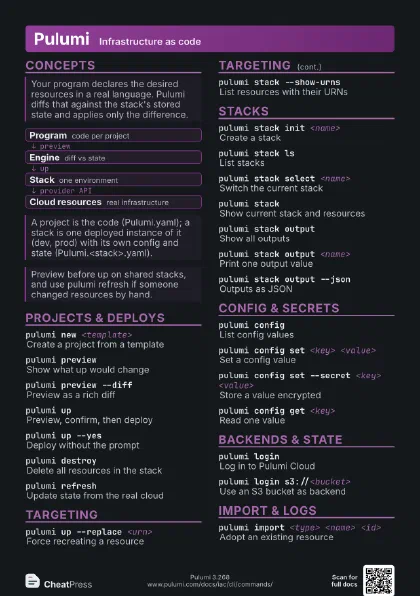
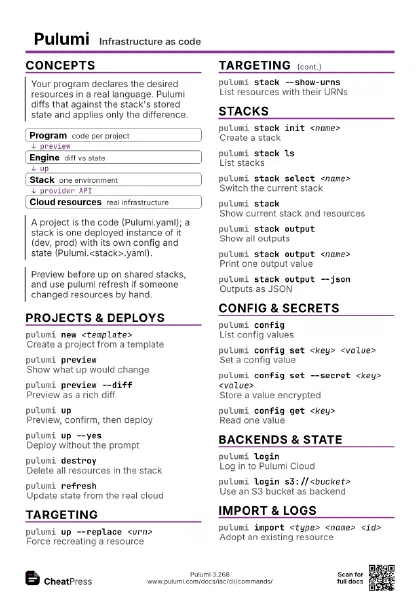
- Program code per project
- Engine diff vs state
- Stack one environment
- Cloud resources real infrastructure
Projects & deploys
pulumi new <template>
Create a project from a template
List templates with pulumi new --list-templates (shows locally
cached ones).
pulumi new <template> --yes
Accept all defaults
pulumi new --generate-only
Scaffold only, no stack or install
pulumi previewShow what up would change
pulumi preview --diff
Preview as a rich diff
pulumi preview --expect-no-changes
Fail if drift or changes exist
pulumi upPreview, confirm, then deploy
pulumi up --yesDeploy without the prompt
Use in CI; pair with --skip-preview only if a prior step
already previewed.
pulumi up --skip-preview
Deploy without previewing first
pulumi up --refresh
Refresh state before deploying
pulumi up --diff
Show changes as a rich diff
pulumi up --message <text>
Attach a note to the update
pulumi up --parallel <n>
Limit concurrent operations
pulumi up --continue-on-error
Keep going after failures
pulumi destroyDelete all resources in the stack
pulumi destroy --remove
Also remove the empty stack
pulumi destroy --preview-only
Show what would be deleted
pulumi destroy --exclude-protected
Skip protected resources
pulumi refreshUpdate state from the real cloud
pulumi refresh --yes
Refresh without the prompt
pulumi watchRedeploy on file changes
Targeting
pulumi up --target <urn>
Update only these resources
URNs accept wildcards. Use for exceptions; the rest of the
stack is left as is.
pulumi up --target <urn> --target-dependents
Include dependents too
pulumi up --replace <urn>
Force recreating a resource
pulumi up --exclude <urn>
Leave these resources alone
pulumi up --target-replace <urn>
Replace one resource, touch nothing else
pulumi up --ignore-protect
Allow changing protected resources
pulumi stack --show-urns
List resources with their URNs
Stacks
pulumi stack init <name>
Create a stack
pulumi stack lsList stacks
pulumi stack select <name>
Switch the current stack
pulumi stackShow current stack and resources
pulumi stack output
Show all outputs
pulumi stack output <name>
Print one output value
pulumi stack output --json
Outputs as JSON
pulumi stack output --show-secrets
Reveal secret outputs
pulumi stack rm <name>
Delete an empty stack
Add --force to drop a stack that still has resources; they are
not destroyed.
pulumi stack rename <new>
Rename the current stack
pulumi stack history
Show past updates
pulumi stack export > <file>
Dump the stack state as JSON
pulumi stack import --file <file>
Load a state dump
pulumi stack tag set <name> <value>
Set a stack tag
pulumi stack graph <file>
Write the dependency graph
pulumi up --stack <name>
Act on a stack without selecting it
Config & secrets
pulumi configList config values
pulumi config set <key> <value>
Set a config value
pulumi config set --secret <key> <value>
Store a value encrypted
pulumi config get <key>
Read one value
pulumi config rm <key>
Remove a value
pulumi config set <key> --path <value>
Set a nested map/list key
Use with dotted keys such as outer.inner or list[0].
pulumi config set --type int <key>
                    <value>
Store as bool, int or float
pulumi config get <key> --show-secrets
Decrypt a secret
pulumi up --config <key>=<value>
Override config for one run
PULUMI_CONFIG_PASSPHRASE
Unlock a passphrase secrets provider
pulumi stack change-secrets-provider <url>
Switch the secrets provider
Backends & state
pulumi loginLog in to Pulumi Cloud
Reads PULUMI_ACCESS_TOKEN if set, otherwise prompts.
pulumi login --local
Keep state on this machine
pulumi login file://<path>
Use a local directory as backend
pulumi login s3://<bucket>
Use an S3 bucket as backend
pulumi login gs://<bucket>
Use a GCS bucket as backend
pulumi login azblob://<container>
Use Azure Blob as backend
PULUMI_BACKEND_URL=<url>
Choose the backend via environment
pulumi state delete <urn>
Drop a resource from state only
The real resource is left running; add --target-dependents if
others depend on it.
pulumi state rename <urn> <name>
Rename a resource in state
pulumi state unprotect <urn>
Clear a resource's protect flag
pulumi state move --source <s> --dest <d>
                    <urn>
Move resources between stacks
pulumi state repair
Fix an invalid state file
pulumi cancelRelease a stuck update lock
pulumi whoamiShow the logged-in user and backend
pulumi logoutLog out of the backend
Import & logs
pulumi import <type> <name> <id>
Adopt an existing resource
Prints generated code to paste into your program; add the same
resource there afterwards.
pulumi import --file <file>
Import many from a JSON list
pulumi import --out <file>
Write generated code to a file
pulumi import --protect=false
Do not mark imports as protected
pulumi import --preview-only
Show the import without doing it
pulumi logsShow recent resource logs
pulumi logs --follow
Stream logs live
pulumi logs --since <duration>
Limit to recent logs
pulumi logs --resource <name>
Filter to one resource
Global flags
--cwd <dir>
Run as if started in <dir>
--non-interactive
Never prompt
--jsonMachine-readable output
Supported by up, preview, destroy, import and stack output;
not by every command.
--color neverDisable colour
--verbose <n>
Raise log verbosity
Combine with --logtostderr to see logs on the terminal.
--logtostderrSend logs to stderr
--show-secretsPrint secret values
Recipes
pulumi new aws-typescriptpulumi config set aws:region eu-central-1pulumi previewpulumi uppulumi stack outputpulumi stack init prodpulumi config set --secret dbPassword <pw>pulumi up --stack prodexport PULUMI_CONFIG_PASSPHRASE=<pass>pulumi login s3://<bucket>pulumi stack init devpulumi up --yespulumi import aws:s3/bucket:Bucket my-bucket <bucket-name># paste the generated code into the programpulumi preview # expect no changespulumi loginpulumi stack select <org>/<project>/prodpulumi preview --non-interactivepulumi up --yes --non-interactive