Cheat
1Password CLI Secrets from the shell
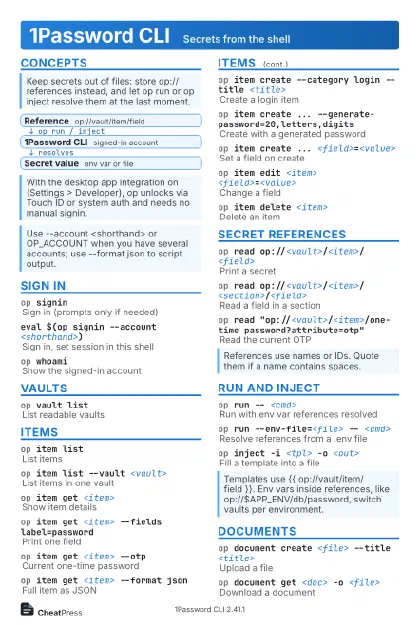 Light · Postcard
102 × 152 mm · PDF
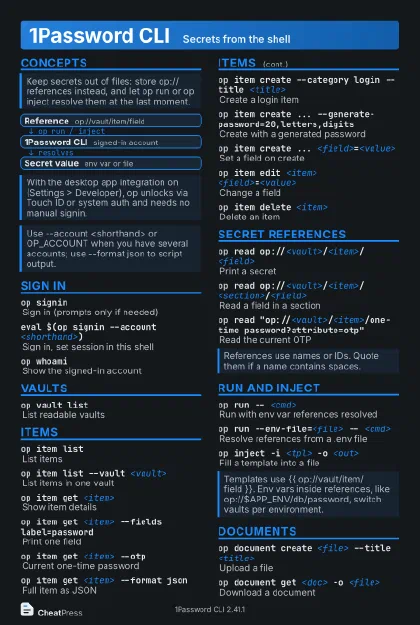 Dark · Postcard
102 × 152 mm · PDF
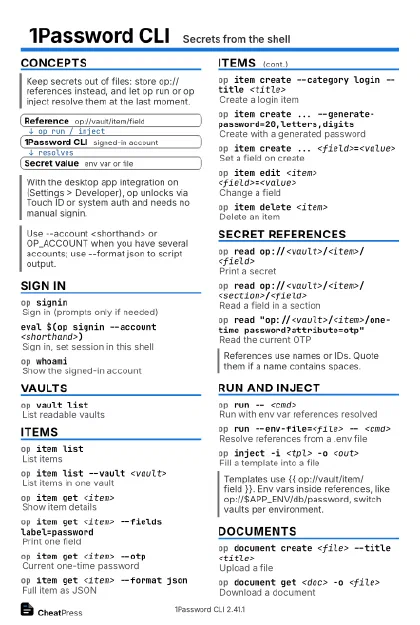 Ink saver · Postcard
102 × 152 mm · PDF
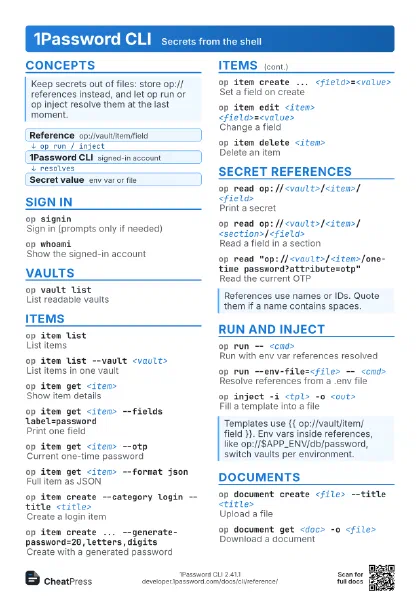
 Light · A4 landscape
297 × 210 mm · PDF
 Dark · A4 landscape
297 × 210 mm · PDF
 Ink saver · A4 landscape
297 × 210 mm · PDF
 Light · A3 landscape
420 × 297 mm · PDF
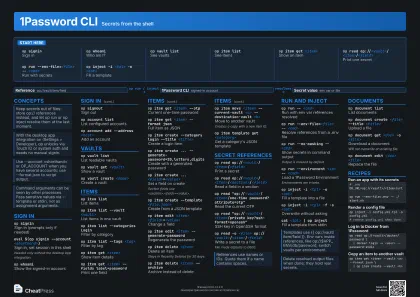 Dark · A3 landscape
420 × 297 mm · PDF
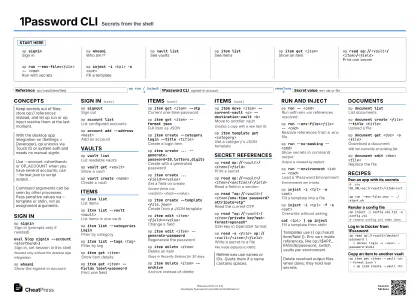 Ink saver · A3 landscape
420 × 297 mm · PDF
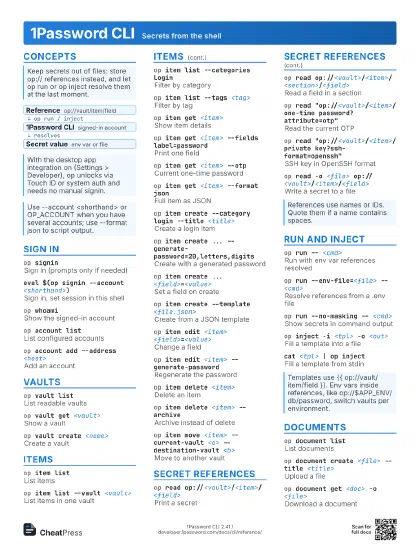
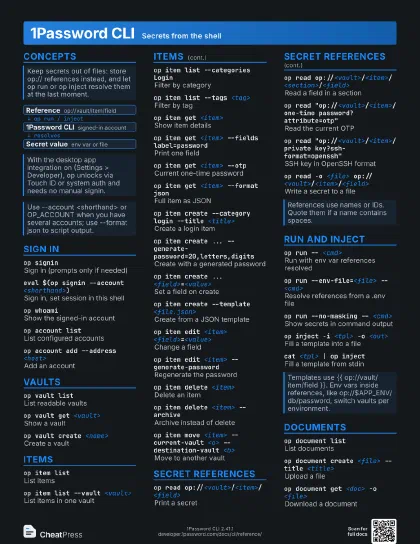
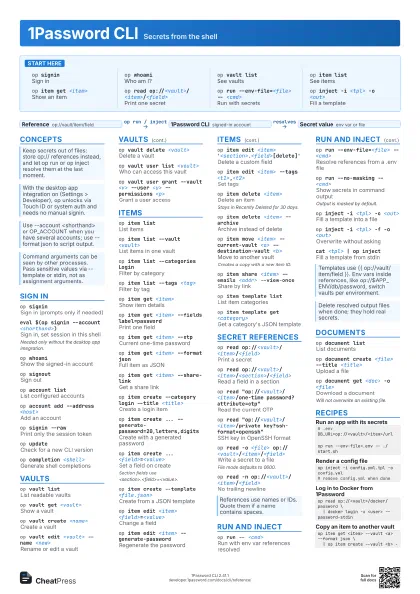
Start here
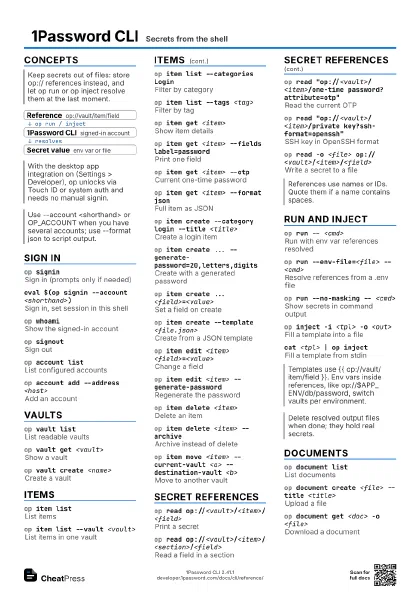
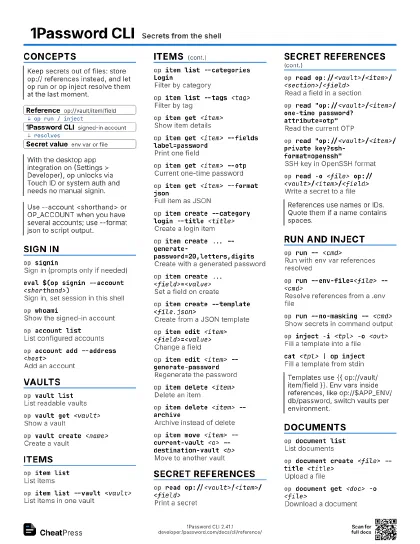
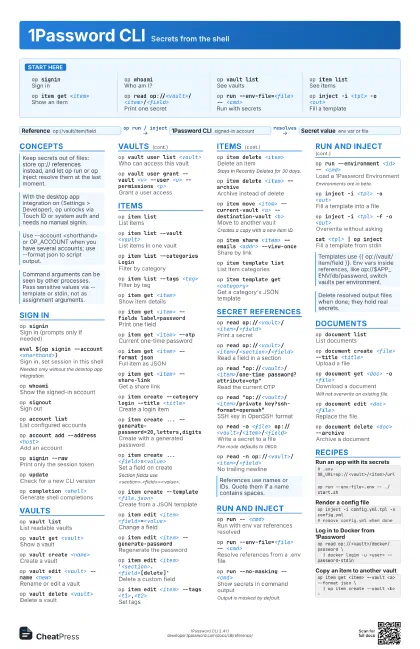
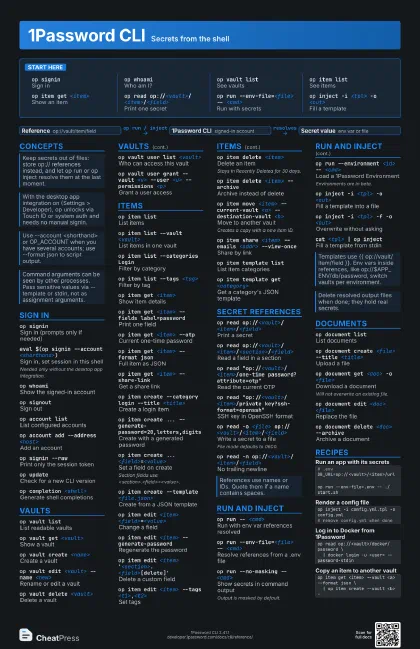
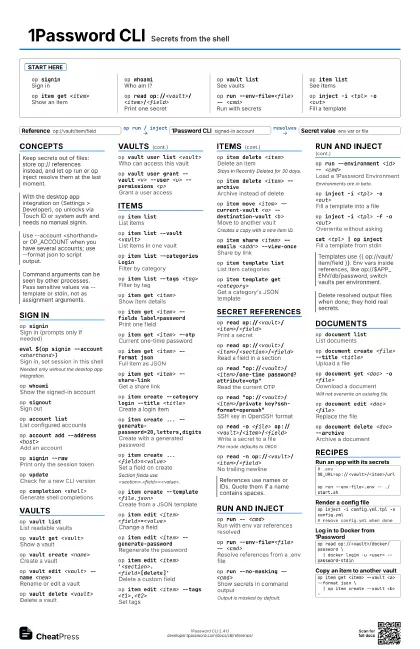
op signinSign in
op whoamiWho am I?
op vault listSee vaults
op item listSee items
op item get <item>
Show an item
op read op://<vault>/<item>/<field>
Print one secret
op run --env-file=<file> -- <cmd>
Run with secrets
op inject -i <tpl> -o <out>
Fill a template
Concepts
- Reference op://vault/item/field
- 1Password CLI signed-in account
- Secret value env var or file
Sign in
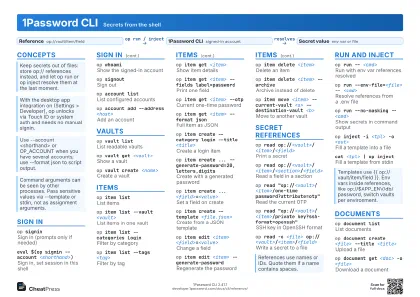
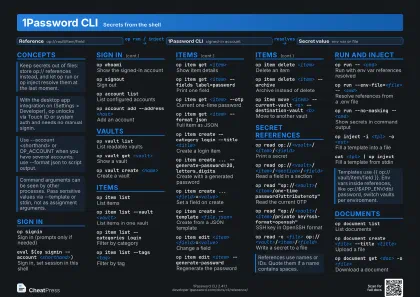
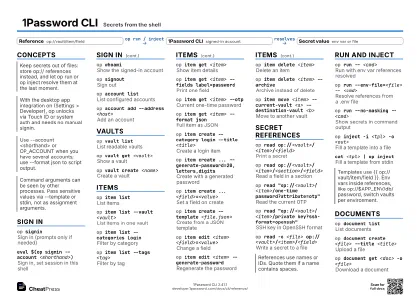
op signinSign in (prompts only if needed)
eval $(op signin --account <shorthand>)
Sign in, set session in this shell
Needed only without the desktop app integration.
op whoamiShow the signed-in account
op signoutSign out
op account listList configured accounts
op account add --address <host>
Add an account
op signin --rawPrint only the session token
op updateCheck for a new CLI version
op completion <shell>
Generate shell completions
Vaults
op vault listList readable vaults
op vault get <vault>
Show a vault
op vault create <name>
Create a vault
op vault edit <vault> --name <new>
Rename or edit a vault
op vault delete <vault>
Delete a vault
op vault user list <vault>
Who can access this vault
op vault user grant --vault <v> --user <u>
                    --permissions <p>
Grant a user access
op vault group revoke --vault <v> --group
                    <g>
Remove a group's access
Items
op item listList items
op item list --vault <vault>
List items in one vault
op item list --categories Login
Filter by category
op item list --tags <tag>
Filter by tag
op item get <item>
Show item details
op item get <item> --fields label=password
Print one field
op item get <item> --otp
Current one-time password
op item get <item> --format json
Full item as JSON
op item get <item> --share-link
Get a share link
op item create --category login --title <title>
Create a login item
op item create ...
                    --generate-password=20,letters,digits
Create with a generated password
op item create ... <field>=<value>
Set a field on create
Section fields use
<section>.<field>=<value>.
op item create --template <file.json>
Create from a JSON template
op item edit <item> <field>=<value>
Change a field
op item edit <item> --generate-password
Regenerate the password
op item edit <item>
                    '<section>.<field>[delete]'
Delete a custom field
op item edit <item> --tags
                    <t1>,<t2>
Set tags
op item delete <item>
Delete an item
Stays in Recently Deleted for 30 days.
op item delete <item> --archive
Archive instead of delete
op item move <item> --current-vault <a>
                    --destination-vault <b>
Move to another vault
Creates a copy with a new item ID.
op item share <item> --emails <addr>
                    --view-once
Share by link
op item template list
List item categories
op item template get <category>
Get a category's JSON template
Secret references
op read op://<vault>/<item>/<field>
Print a secret
op read
                    op://<vault>/<item>/<section>/<field>
Read a field in a section
op read "op://<vault>/<item>/one-time
                    password?attribute=otp"
Read the current OTP
op read "op://<vault>/<item>/private
                    key?ssh-format=openssh"
SSH key in OpenSSH format
op read -o <file>
                    op://<vault>/<item>/<field>
Write a secret to a file
File mode defaults to 0600.
op read -n
                    op://<vault>/<item>/<field>
No trailing newline
Run and inject
op run -- <cmd>
Run with env var references resolved
op run --env-file=<file> -- <cmd>
Resolve references from a .env file
op run --no-masking -- <cmd>
Show secrets in command output
Output is masked by default.
op run --environment <id> -- <cmd>
Load a 1Password Environment
Environments are in beta.
op inject -i <tpl> -o <out>
Fill a template into a file
op inject -i <tpl> -f -o <out>
Overwrite without asking
op inject --file-mode 0640 -i <tpl> -o
                    <out>
Set output permissions
cat <tpl> | op inject
Fill a template from stdin
Documents
op document list
List documents
op document create <file> --title <title>
Upload a file
op document get <doc> -o <file>
Download a document
Will not overwrite an existing file.
op document edit <doc> <file>
Replace the file
op document delete <doc> --archive
Archive a document
Recipes
# .envDB_URL=op://<vault>/<item>/urlop run --env-file=.env -- ./start.shop inject -i config.yml.tpl -o config.yml# remove config.yml when doneop read op://<vault>/docker/password \ | docker login -u <user> --password-stdinop item get <item> --vault <a> --format json \ | op item create --vault <b> -