Cheat
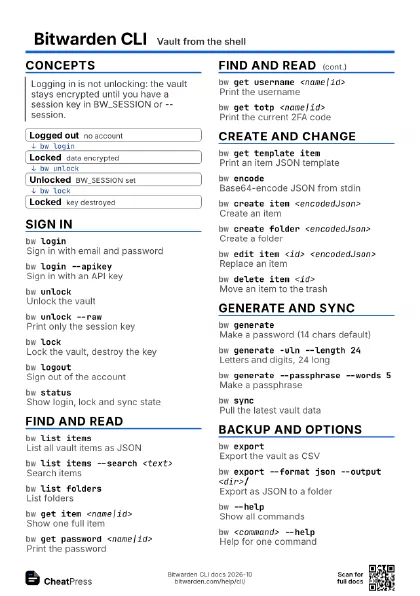
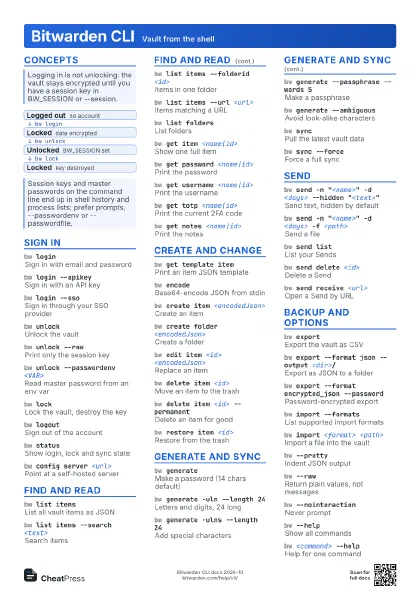
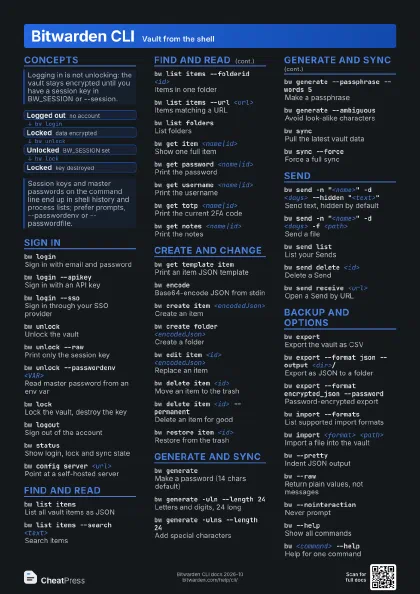
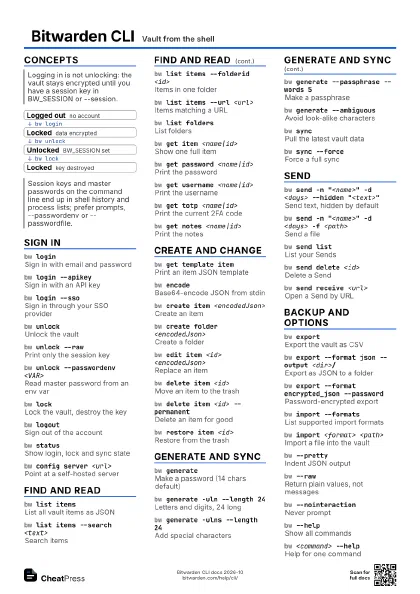
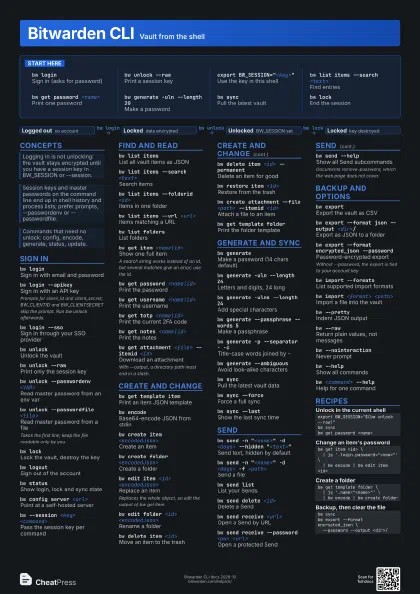
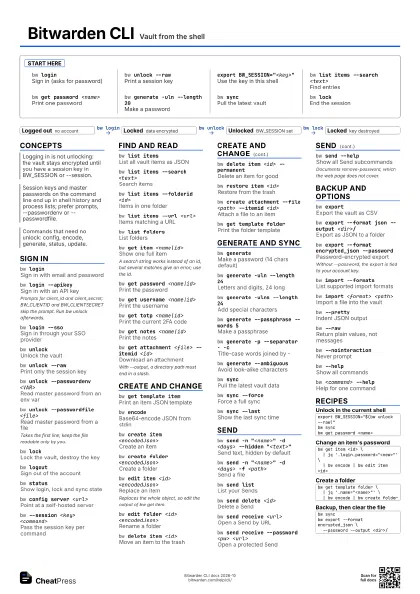
Bitwarden CLI Vault from the shell
 Light · Postcard
102 × 152 mm · PDF
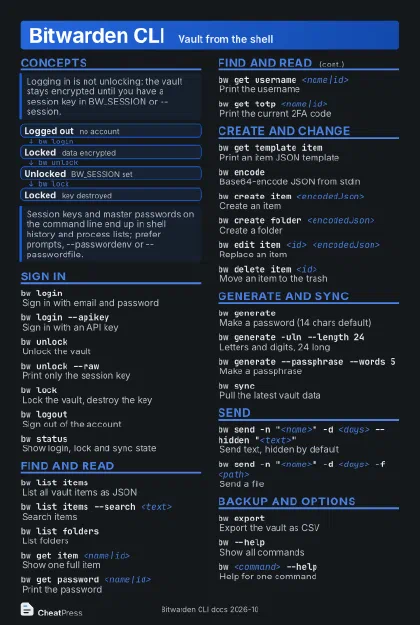 Dark · Postcard
102 × 152 mm · PDF
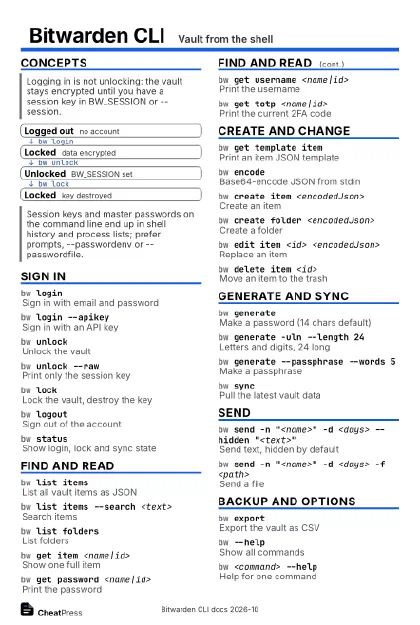 Ink saver · Postcard
102 × 152 mm · PDF
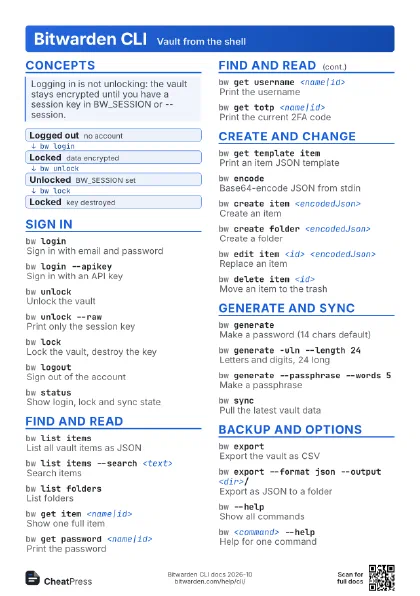
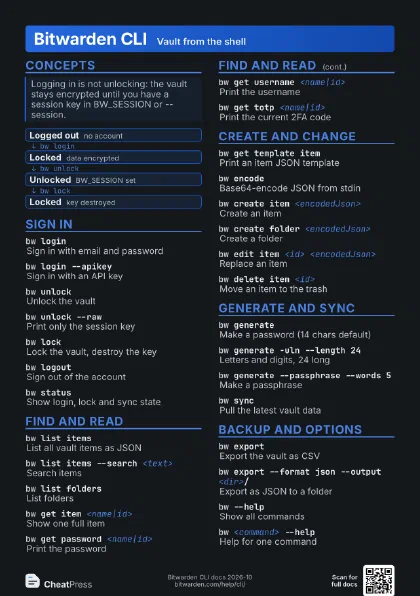
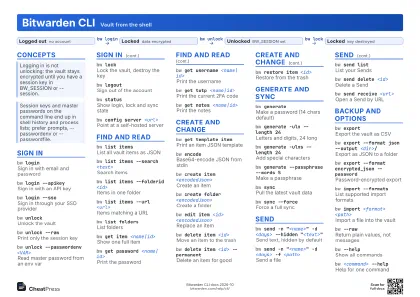 Light · A4 landscape
297 × 210 mm · PDF
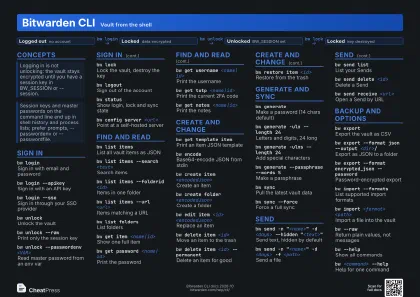 Dark · A4 landscape
297 × 210 mm · PDF
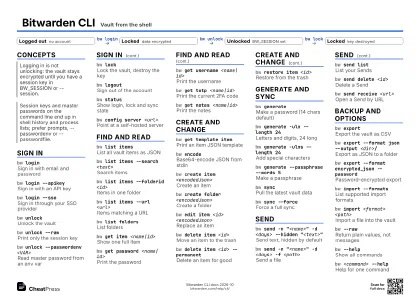 Ink saver · A4 landscape
297 × 210 mm · PDF
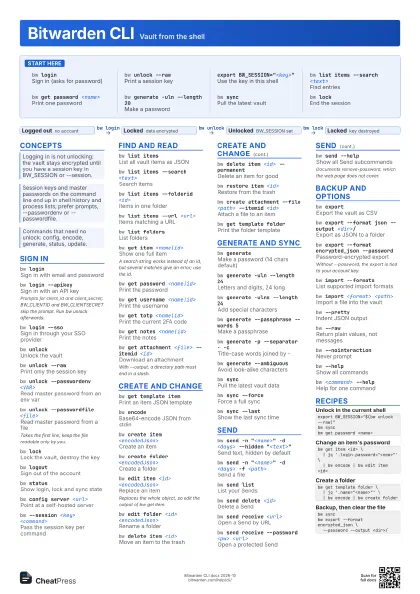
 Light · A3 landscape
420 × 297 mm · PDF
 Dark · A3 landscape
420 × 297 mm · PDF
 Ink saver · A3 landscape
420 × 297 mm · PDF
Start here
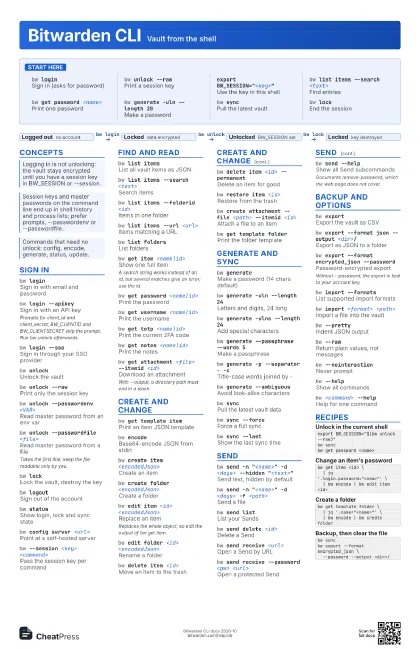
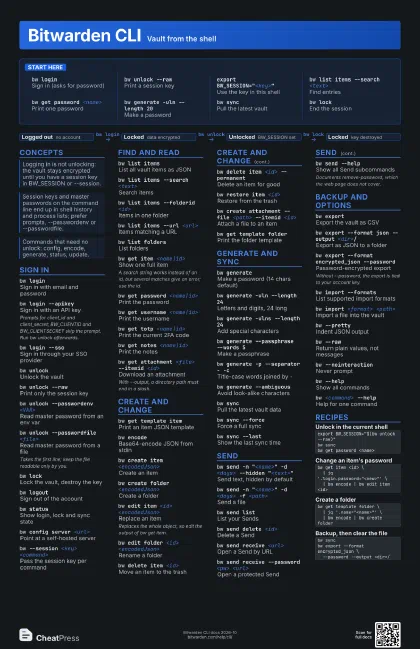
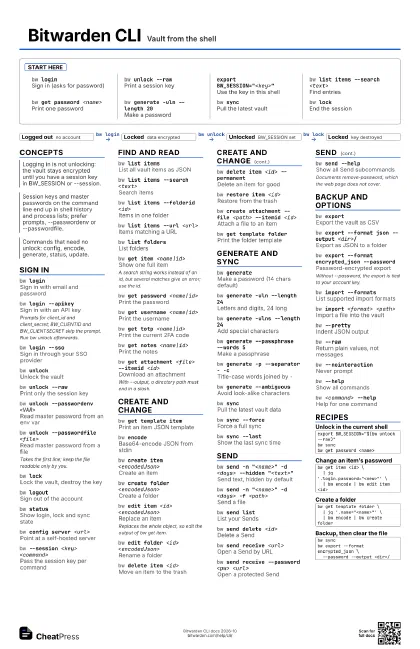
bw loginSign in (asks for password)
bw unlock --rawPrint a session key
export BW_SESSION="<key>"
Use the key in this shell
bw list items --search <text>
Find entries
bw get password <name>
Print one password
bw generate -uln --length 20
Make a password
bw syncPull the latest vault
bw lockEnd the session
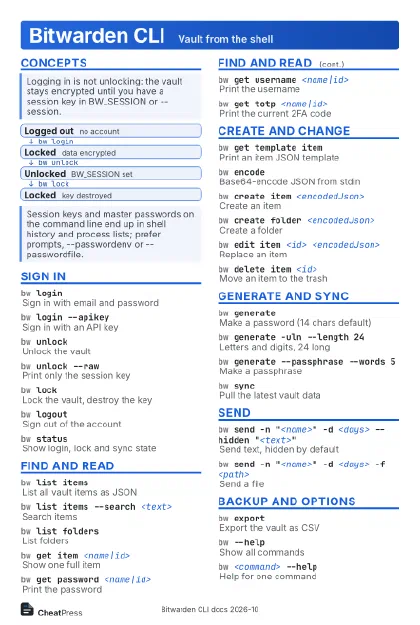
Concepts
- Logged out no account
- Locked data encrypted
- Unlocked BW_SESSION set
- Locked key destroyed
Sign in
bw loginSign in with email and password
bw login --apikey
Sign in with an API key
Prompts for client_id and client_secret; BW_CLIENTID and
BW_CLIENTSECRET skip the prompt. Run bw unlock afterwards.
bw login --ssoSign in through your SSO provider
bw unlockUnlock the vault
bw unlock --rawPrint only the session key
bw unlock --passwordenv <VAR>
Read master password from an env var
bw unlock --passwordfile <file>
Read master password from a file
Takes the first line; keep the file readable only by you.
bw lockLock the vault, destroy the key
bw logoutSign out of the account
bw statusShow login, lock and sync state
bw config server <url>
Point at a self-hosted server
bw --session <key> <command>
Pass the session key per command
Find and read
bw list itemsList all vault items as JSON
bw list items --search <text>
Search items
bw list items --folderid <id>
Items in one folder
bw list items --url <url>
Items matching a URL
bw list foldersList folders
bw get item <name|id>
Show one full item
A search string works instead of an id, but several matches
give an error; use the id.
bw get password <name|id>
Print the password
bw get username <name|id>
Print the username
bw get totp <name|id>
Print the current 2FA code
bw get notes <name|id>
Print the notes
bw get attachment <file> --itemid <id>
Download an attachment
With --output, a directory path must end in a slash.
Create and change
bw get template item
Print an item JSON template
bw encodeBase64-encode JSON from stdin
bw create item <encodedJson>
Create an item
bw create folder <encodedJson>
Create a folder
bw edit item <id> <encodedJson>
Replace an item
Replaces the whole object, so edit the output of bw get item.
bw edit folder <id> <encodedJson>
Rename a folder
bw delete item <id>
Move an item to the trash
bw delete item <id> --permanent
Delete an item for good
bw restore item <id>
Restore from the trash
bw create attachment --file <path> --itemid
                    <id>
Attach a file to an item
bw get template folder
Print the folder template
Generate and sync
bw generateMake a password (14 chars default)
bw generate -uln --length 24
Letters and digits, 24 long
bw generate -ulns --length 24
Add special characters
bw generate --passphrase --words 5
Make a passphrase
bw generate -p --separator - -c
Title-case words joined by -
bw generate --ambiguous
Avoid look-alike characters
bw syncPull the latest vault data
bw sync --forceForce a full sync
bw sync --lastShow the last sync time
Send
bw send -n "<name>" -d <days> --hidden
                    "<text>"
Send text, hidden by default
bw send -n "<name>" -d <days> -f
                    <path>
Send a file
bw send listList your Sends
bw send delete <id>
Delete a Send
bw send receive <url>
Open a Send by URL
bw send receive --password <pw> <url>
Open a protected Send
bw send --helpShow all Send subcommands
Documents remove-password, which the web page does not cover.
Backup and options
bw exportExport the vault as CSV
bw export --format json --output <dir>/
Export as JSON to a folder
bw export --format encrypted_json --password
Password-encrypted export
Without --password, the export is tied to your account key.
bw import --formats
List supported import formats
bw import <format> <path>
Import a file into the vault
bw --prettyIndent JSON output
bw --rawReturn plain values, not messages
bw --nointeraction
Never prompt
bw --helpShow all commands
bw <command> --help
Help for one command
Recipes
export BW_SESSION="$(bw unlock --raw)"bw syncbw get password <name>bw get item <id> \ | jq '.login.password="<new>"' \ | bw encode | bw edit item <id>bw get template folder \ | jq '.name="<name>"' \ | bw encode | bw create folderbw syncbw export --format encrypted_json \ --password --output <dir>/