Cheat
KeePassXC Password manager
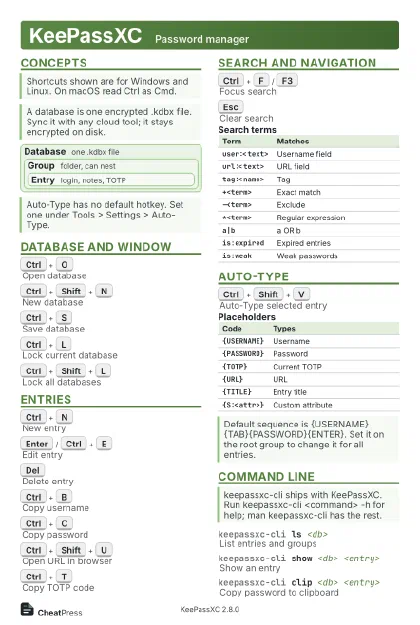 Light · Postcard
102 × 152 mm · PDF
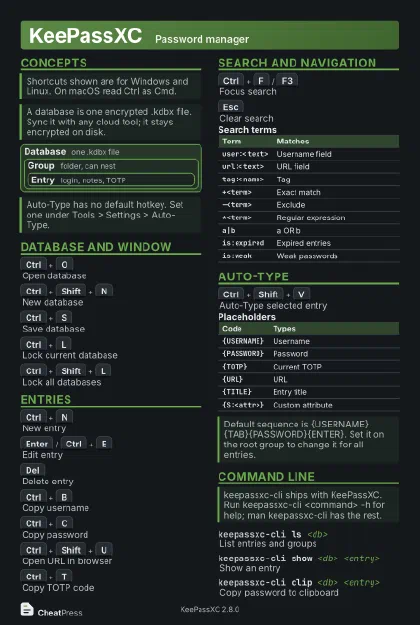 Dark · Postcard
102 × 152 mm · PDF
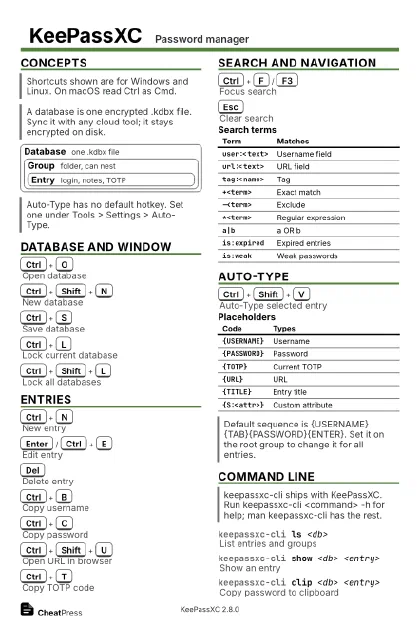 Ink saver · Postcard
102 × 152 mm · PDF
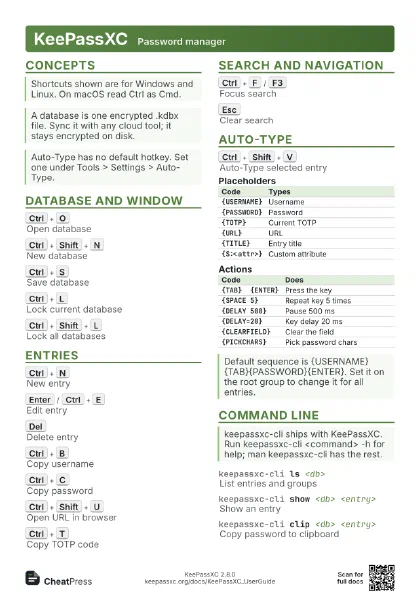
 Light · A4 landscape
297 × 210 mm · PDF
 Dark · A4 landscape
297 × 210 mm · PDF
 Ink saver · A4 landscape
297 × 210 mm · PDF
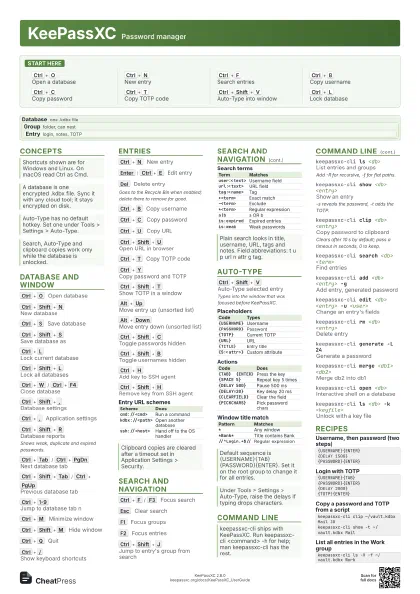
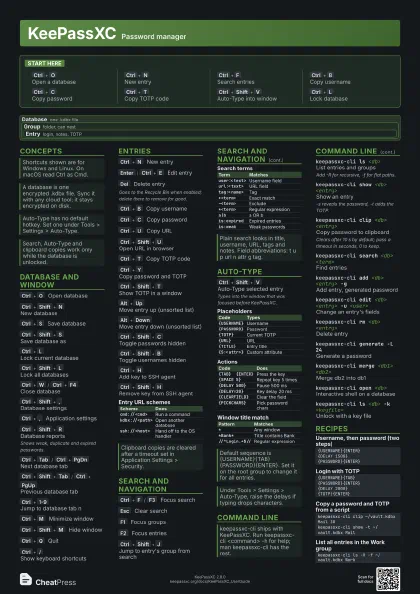
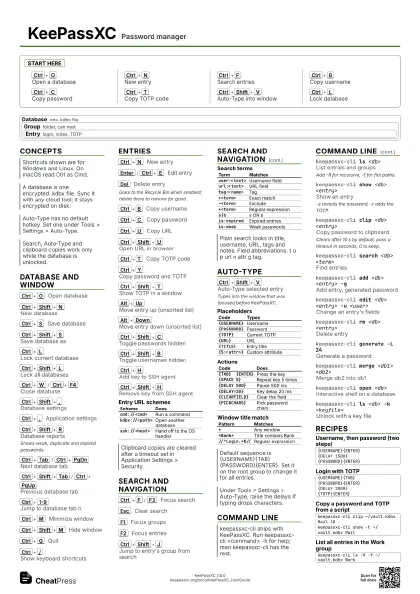
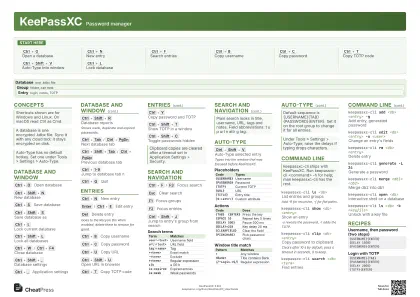 Light · A3 landscape
420 × 297 mm · PDF
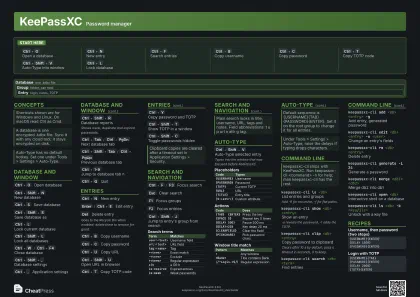 Dark · A3 landscape
420 × 297 mm · PDF
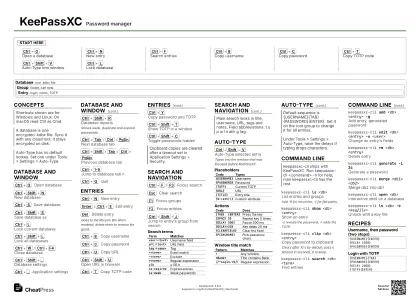 Ink saver · A3 landscape
420 × 297 mm · PDF
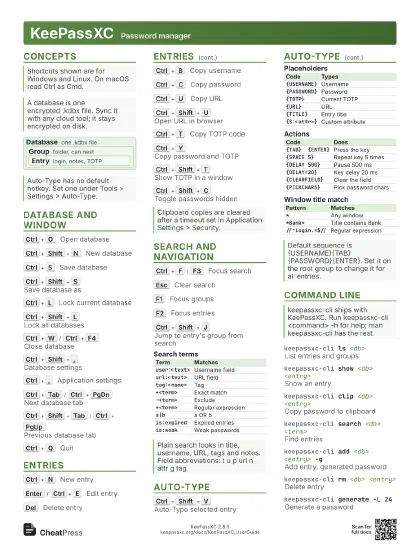
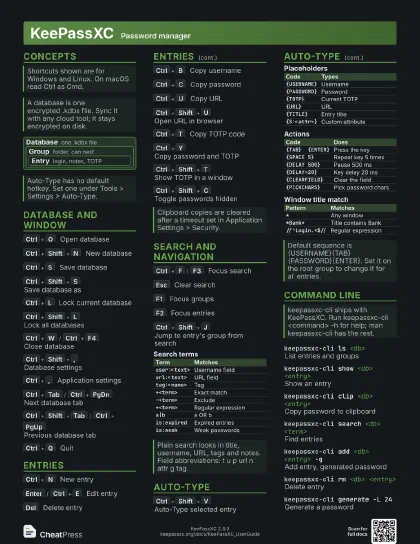
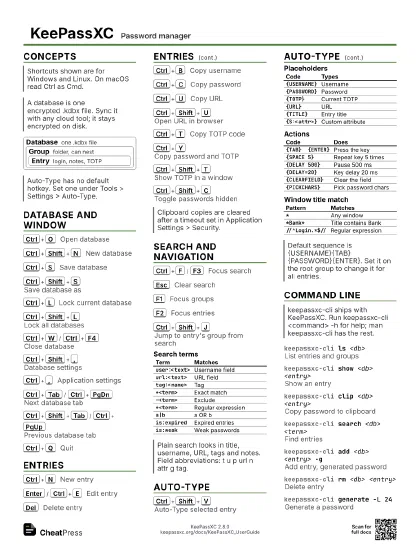
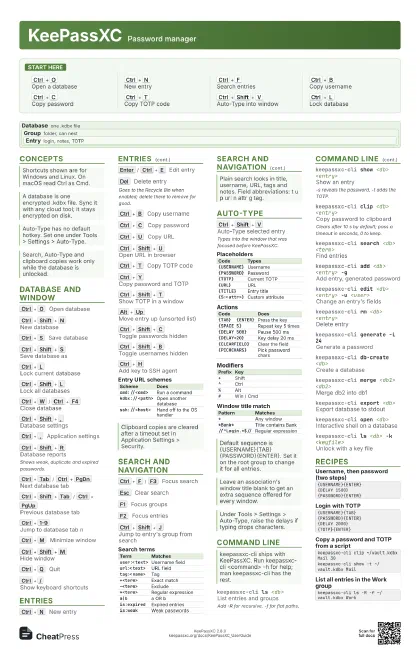
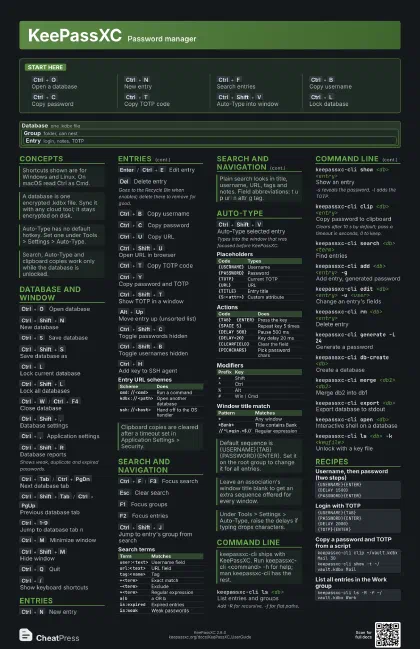
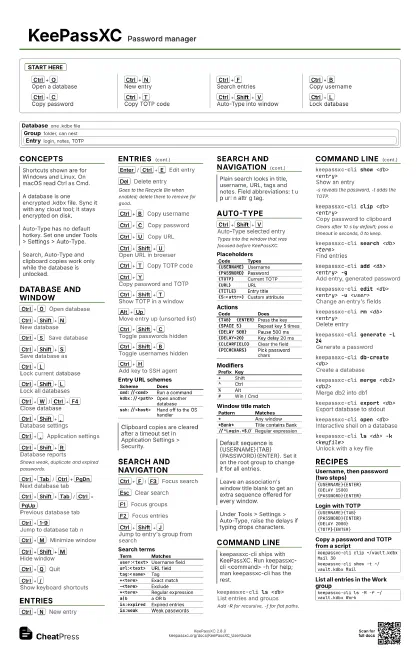
Start here
Ctrl+O
Open a database
Ctrl+N
New entry
Ctrl+F
Search entries
Ctrl+B
Copy username
Ctrl+C
Copy password
Ctrl+T
Copy TOTP code
Ctrl+Shift+V
Auto-Type into window
Ctrl+L
Lock database
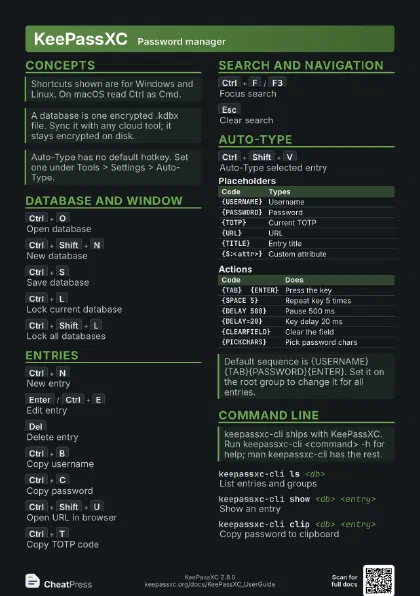
Concepts
Database one .kdbx file
Group folder, can nest
Entry login, notes, TOTP
Database and window
Ctrl+O
Open database
Ctrl+Shift+N
New database
Ctrl+S
Save database
Ctrl+Shift+S
Save database as
Ctrl+L
Lock current database
Ctrl+Shift+L
Lock all databases
Ctrl+W
/
Ctrl+F4
Close database
Ctrl+Shift+,
Database settings
Ctrl+,
Application settings
Ctrl+Shift+R
Database reports
Shows weak, duplicate and expired passwords.
Ctrl+Tab
/
Ctrl+PgDn
Next database tab
Ctrl+Shift+Tab
/
Ctrl+PgUp
Previous database tab
Ctrl+1-9
Jump to database tab n
Ctrl+M
Minimize window
Ctrl+Shift+M
Hide window
Ctrl+Q
Quit
Ctrl+/
Show keyboard shortcuts
Entries
Ctrl+N
New entry
Enter
/
Ctrl+E
Edit entry
Del
Delete entry
Goes to the Recycle Bin when enabled; delete there to remove
for good.
Ctrl+B
Copy username
Ctrl+C
Copy password
Ctrl+U
Copy URL
Ctrl+Shift+U
Open URL in browser
Ctrl+T
Copy TOTP code
Ctrl+Y
Copy password and TOTP
Ctrl+Shift+T
Show TOTP in a window
Alt+Up
Move entry up (unsorted list)
Alt+Down
Move entry down (unsorted list)
Ctrl+Shift+C
Toggle passwords hidden
Ctrl+Shift+B
Toggle usernames hidden
Ctrl+H
Add key to SSH agent
Ctrl+Shift+H
Remove key from SSH agent
| Scheme | Does |
|---|---|
cmd://<cmd> |
Run a command |
kdbx://<path> |
Open another database |
ssh://<host> |
Hand off to the OS handler |
Search and navigation
Ctrl+F
/
F3
Focus search
Esc
Clear search
F1
Focus groups
F2
Focus entries
Ctrl+Shift+J
Jump to entry's group from search
Ctrl+Down
Sort groups A-Z
Ctrl+Up
Sort groups Z-A
| Term | Matches |
|---|---|
user:<text> |
Username field |
url:<text> |
URL field |
tag:<name> |
Tag |
+<term> |
Exact match |
-<term> |
Exclude |
*<term> |
Regular expression |
a|b |
a OR b |
is:expired |
Expired entries |
is:weak |
Weak passwords |
Auto-Type
Ctrl+Shift+V
Auto-Type selected entry
Types into the window that was focused before KeePassXC.
| Code | Types |
|---|---|
{USERNAME} |
Username |
{PASSWORD} |
Password |
{TOTP} |
Current TOTP |
{URL} |
URL |
{TITLE} |
Entry title |
{S:<attr>} |
Custom attribute |
| Code | Does |
|---|---|
{TAB} {ENTER} |
Press the key |
{SPACE 5} |
Repeat key 5 times |
{DELAY 500} |
Pause 500 ms |
{DELAY=20} |
Key delay 20 ms |
{CLEARFIELD} |
Clear the field |
{PICKCHARS} |
Pick password chars |
| Prefix | Key |
|---|---|
+ |
Shift |
^ |
Ctrl |
% |
Alt |
# |
Win / Cmd |
| Pattern | Matches |
|---|---|
* |
Any window |
*Bank* |
Title contains Bank |
//^Login.*$// |
Regular expression |
Command line
keepassxc-cli ls <db>
List entries and groups
Add -R for recursive, -f for flat paths.
keepassxc-cli show <db> <entry>
Show an entry
-s reveals the password, -t adds the TOTP.
keepassxc-cli clip <db> <entry>
Copy password to clipboard
Clears after 10 s by default; pass a timeout in seconds, 0 to
keep.
keepassxc-cli search <db> <term>
Find entries
keepassxc-cli add <db> <entry> -g
Add entry, generated password
keepassxc-cli edit <db> <entry> -u
                    <user>
Change an entry's fields
keepassxc-cli rm <db> <entry>
Delete entry
keepassxc-cli generate -L 24
Generate a password
keepassxc-cli db-create <db>
Create a database
keepassxc-cli merge <db1> <db2>
Merge db2 into db1
keepassxc-cli export <db>
Export database to stdout
keepassxc-cli analyze <db>
Check for weak or breached passwords
keepassxc-cli open <db>
Interactive shell on a database
keepassxc-cli ls <db> -k <keyfile>
Unlock with a key file
keepassxc-cli ls <db> -y <slot>
Unlock with a YubiKey
Recipes
{USERNAME}{ENTER}{DELAY 1500}{PASSWORD}{ENTER}{USERNAME}{TAB}{PASSWORD}{ENTER}{DELAY 2000}{TOTP}{ENTER}keepassxc-cli clip ~/vault.kdbx Mail 30keepassxc-cli show -t ~/vault.kdbx Mailkeepassxc-cli ls -R -f ~/vault.kdbx Work