Cheat
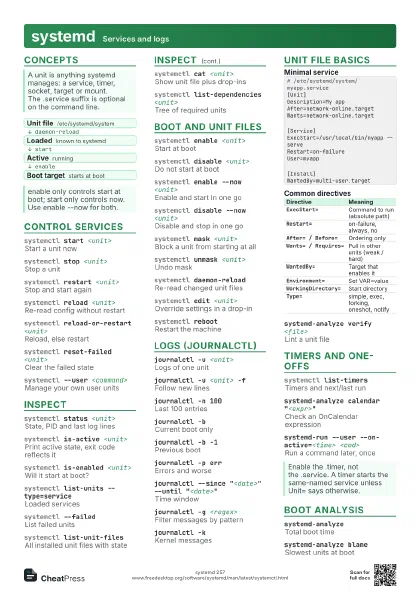
Ollama Run LLMs locally
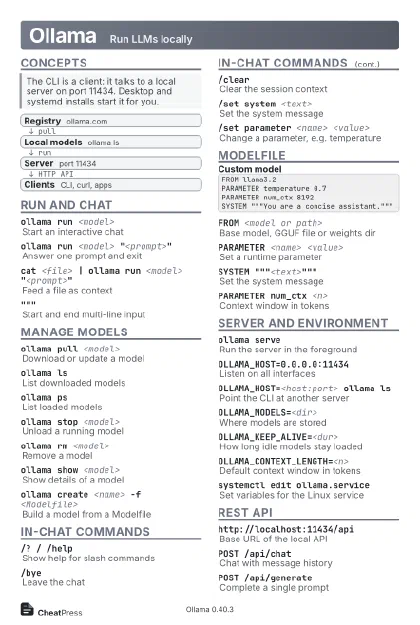 Light · Postcard
102 × 152 mm · PDF
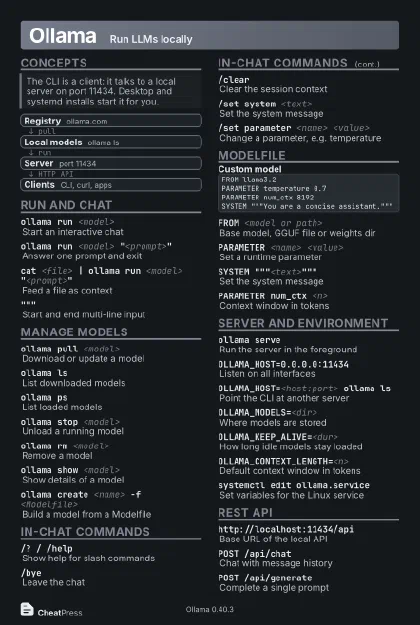 Dark · Postcard
102 × 152 mm · PDF
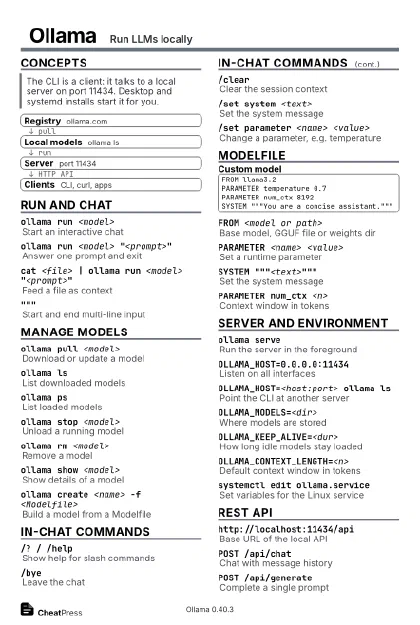 Ink saver · Postcard
102 × 152 mm · PDF
 Light · A4 landscape
297 × 210 mm · PDF
 Dark · A4 landscape
297 × 210 mm · PDF
 Ink saver · A4 landscape
297 × 210 mm · PDF
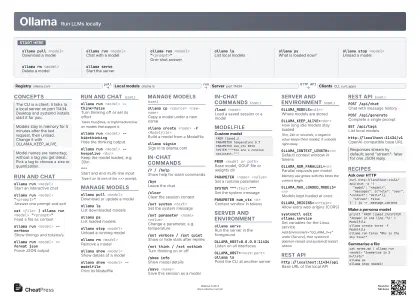 Light · A3 landscape
420 × 297 mm · PDF
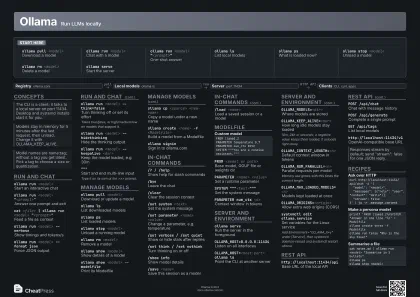 Dark · A3 landscape
420 × 297 mm · PDF
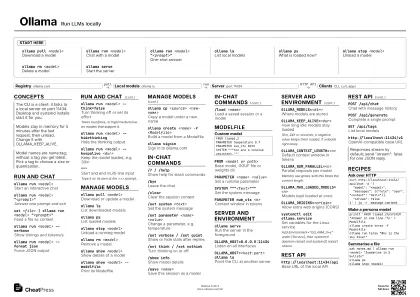 Ink saver · A3 landscape
420 × 297 mm · PDF
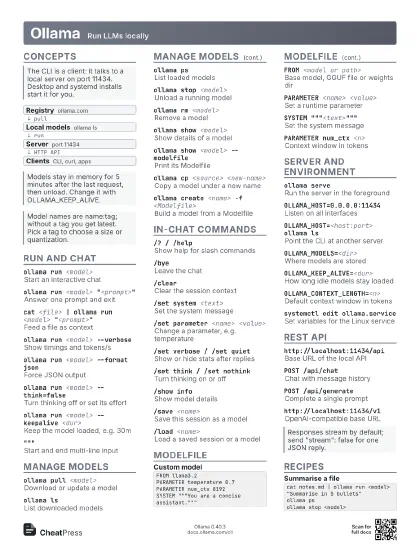
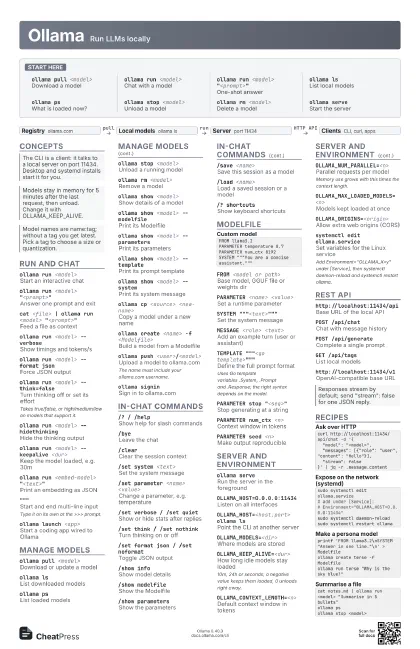
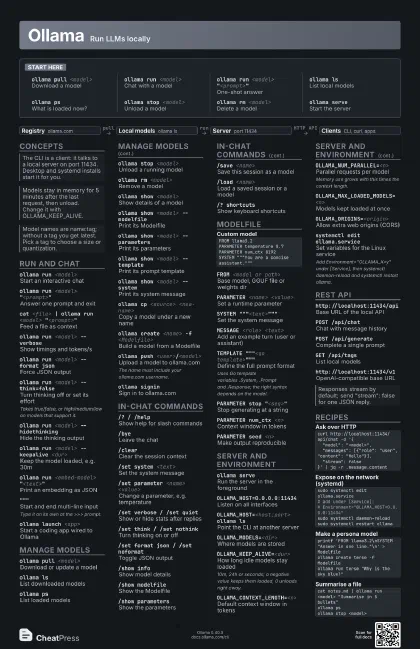
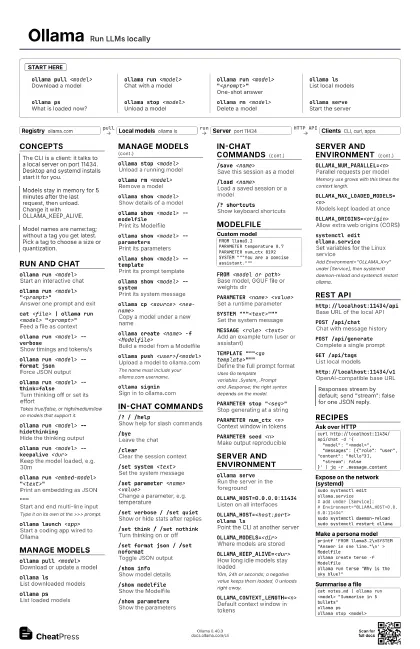
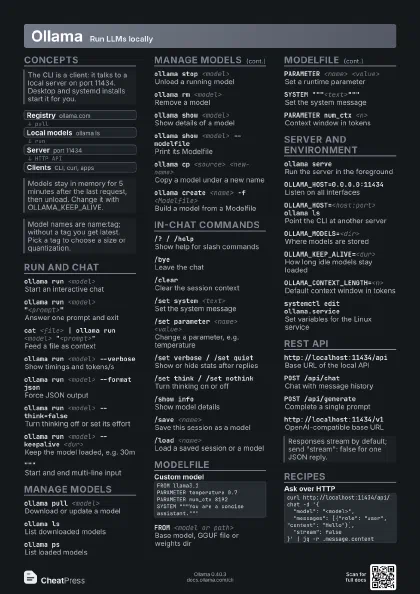
Start here
ollama pull <model>
Download a model
ollama run <model>
Chat with a model
ollama run <model> "<prompt>"
One-shot answer
ollama lsList local models
ollama psWhat is loaded now?
ollama stop <model>
Unload a model
ollama rm <model>
Delete a model
ollama serveStart the server
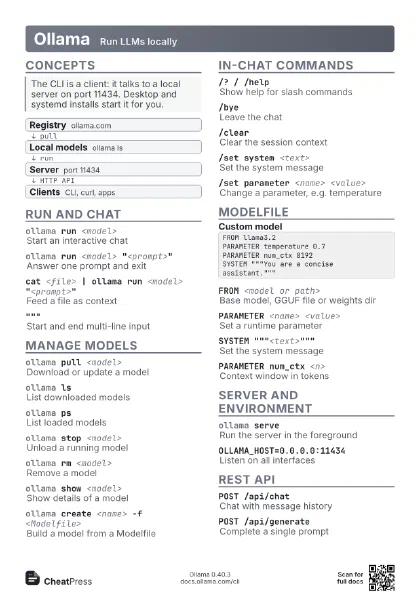
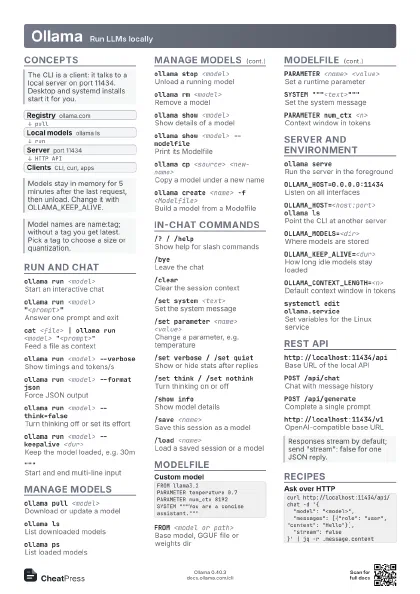
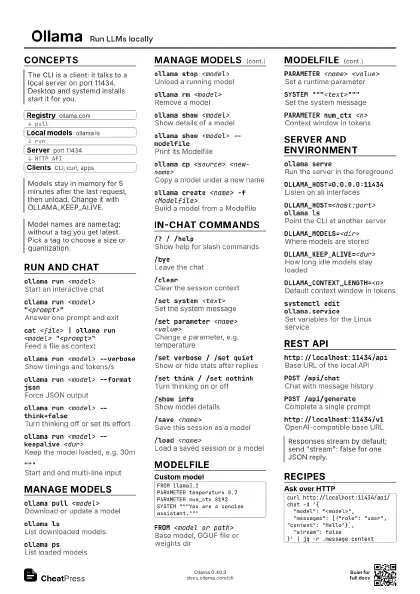
Concepts
- Registry ollama.com
- Local models ollama ls
- Server port 11434
- Clients CLI, curl, apps
Run and chat
ollama run <model>
Start an interactive chat
ollama run <model> "<prompt>"
Answer one prompt and exit
cat <file> | ollama run <model>
                    "<prompt>"
Feed a file as context
ollama run <model> --verbose
Show timings and tokens/s
ollama run <model> --format json
Force JSON output
ollama run <model> --think=false
Turn thinking off or set its effort
Takes true/false, or high/medium/low on models that support
it.
ollama run <model> --hidethinking
Hide the thinking output
ollama run <model> --keepalive <dur>
Keep the model loaded, e.g. 30m
ollama run <embed-model> "<text>"
Print an embedding as JSON
"""Start and end multi-line input
Type it on its own at the >>> prompt.
ollama launch <app>
Start a coding app wired to Ollama
Manage models
ollama pull <model>
Download or update a model
ollama lsList downloaded models
ollama psList loaded models
ollama stop <model>
Unload a running model
ollama rm <model>
Remove a model
ollama show <model>
Show details of a model
ollama show <model> --modelfile
Print its Modelfile
ollama show <model> --parameters
Print its parameters
ollama show <model> --template
Print its prompt template
ollama show <model> --system
Print its system message
ollama show <model> --license
Print its license
ollama cp <source> <new-name>
Copy a model under a new name
ollama create <name> -f <Modelfile>
Build a model from a Modelfile
ollama push <user>/<model>
Upload a model to ollama.com
The name must include your ollama.com username.
ollama signinSign in to ollama.com
ollama signoutSign out
In-chat commands
/? / /helpShow help for slash commands
/byeLeave the chat
/clearClear the session context
/set system <text>
Set the system message
/set parameter <name> <value>
Change a parameter, e.g. temperature
/set verbose / /set quiet
Show or hide stats after replies
/set think / /set nothink
Turn thinking on or off
/set format json / /set noformat
Toggle JSON output
/set wordwrap / /set nowordwrap
Toggle word wrap
/show infoShow model details
/show modelfileShow the Modelfile
/show parameters
Show the parameters
/save <name>
Save this session as a model
/load <name>
Load a saved session or a model
/? shortcutsShow keyboard shortcuts
Modelfile
FROM llama3.2PARAMETER temperature 0.7PARAMETER num_ctx 8192SYSTEM """You are a concise assistant."""FROM <model or path>
Base model, GGUF file or weights dir
PARAMETER <name> <value>
Set a runtime parameter
SYSTEM """<text>"""
Set the system message
MESSAGE <role> <text>
Add an example turn (user or assistant)
TEMPLATE """<go
                    template>"""
Define the full prompt format
Uses Go template variables .System, .Prompt and .Response; the
right syntax depends on the model.
PARAMETER stop "<seq>"
Stop generating at a string
PARAMETER num_ctx <n>
Context window in tokens
PARAMETER num_predict <n>
Max tokens to generate (-1 = no limit)
PARAMETER seed <n>
Make output reproducible
PARAMETER top_k / top_p / min_p <n>
Sampling diversity
PARAMETER repeat_penalty <n>
Discourage repetition
LICENSE """<text>"""
Attach a license
Server and environment
ollama serveRun the server in the foreground
OLLAMA_HOST=0.0.0.0:11434
Listen on all interfaces
OLLAMA_HOST=<host:port> ollama ls
Point the CLI at another server
OLLAMA_MODELS=<dir>
Where models are stored
OLLAMA_KEEP_ALIVE=<dur>
How long idle models stay loaded
10m, 24h or seconds; a negative value keeps them loaded, 0
unloads right away.
OLLAMA_CONTEXT_LENGTH=<n>
Default context window in tokens
OLLAMA_NUM_PARALLEL=<n>
Parallel requests per model
Memory use grows with this times the context length.
OLLAMA_MAX_LOADED_MODELS=<n>
Models kept loaded at once
OLLAMA_MAX_QUEUE=<n>
Queued requests before 503 errors
OLLAMA_ORIGINS=<origin>
Allow extra web origins (CORS)
OLLAMA_FLASH_ATTENTION=1
Force flash attention on
OLLAMA_KV_CACHE_TYPE=q8_0
Shrink the K/V cache (f16, q8_0, q4_0)
OLLAMA_NO_CLOUD=1
Turn off cloud features
systemctl edit ollama.service
Set variables for the Linux service
Add Environment="OLLAMA_X=y" under [Service], then
systemctl daemon-reload and systemctl restart ollama.
journalctl -u ollama -f
Follow the service log
REST API
http://localhost:11434/api
Base URL of the local API
POST /api/chatChat with message history
POST /api/generate
Complete a single prompt
POST /api/embedCreate embeddings
GET /api/tagsList local models
GET /api/psList running models
POST /api/showShow model details
POST /api/pullDownload a model
http://localhost:11434/v1
OpenAI-compatible base URL
Recipes
curl http://localhost:11434/api/chat -d '{ "model": "<model>", "messages": [{"role": "user", "content": "Hello"}], "stream": false}' | jq -r .message.contentsudo systemctl edit ollama.service# add under [Service]:# Environment="OLLAMA_HOST=0.0.0.0:11434"sudo systemctl daemon-reloadsudo systemctl restart ollamaprintf 'FROM llama3.2\nSYSTEM "Answer in one line."\n' > Modelfileollama create terse -f Modelfileollama run terse "Why is the sky blue?"cat notes.md | ollama run <model> "Summarise in 5 bullets"ollama psollama stop <model>