Cheat
nodemon Restart on file change
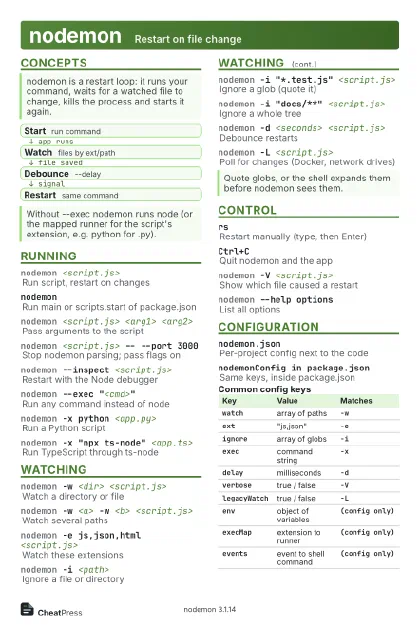 Light · Postcard
102 × 152 mm · PDF
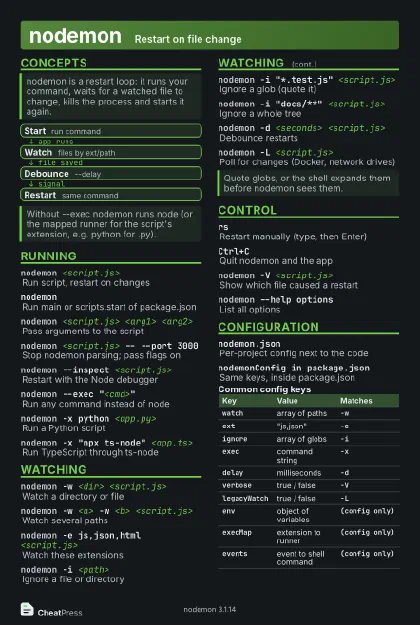 Dark · Postcard
102 × 152 mm · PDF
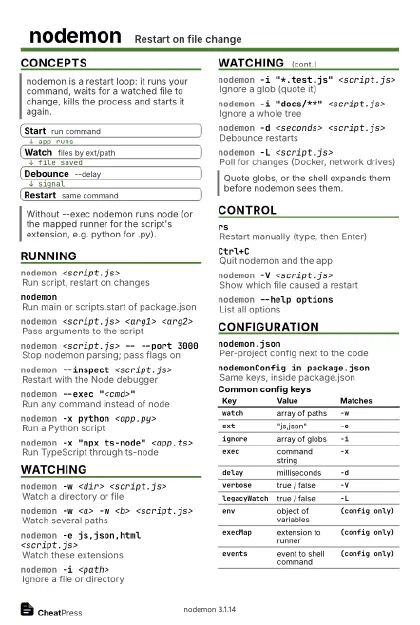 Ink saver · Postcard
102 × 152 mm · PDF
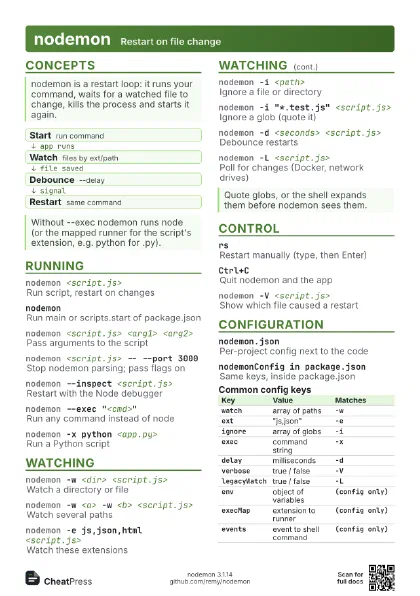
 Light · A4 landscape
297 × 210 mm · PDF
 Dark · A4 landscape
297 × 210 mm · PDF
 Ink saver · A4 landscape
297 × 210 mm · PDF

 Light · A3 landscape
420 × 297 mm · PDF
 Dark · A3 landscape
420 × 297 mm · PDF
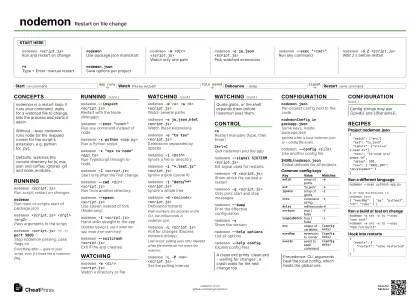 Ink saver · A3 landscape
420 × 297 mm · PDF
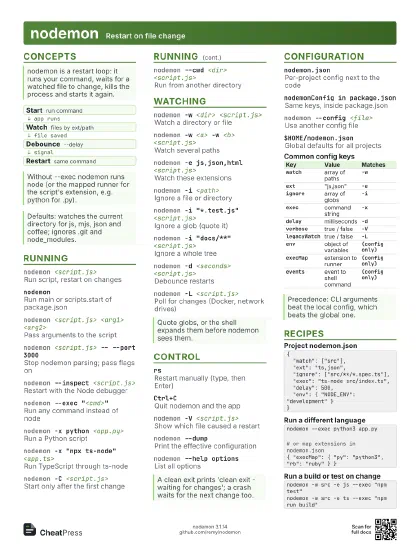
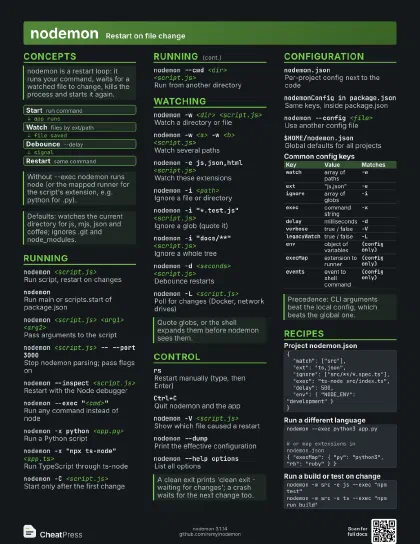
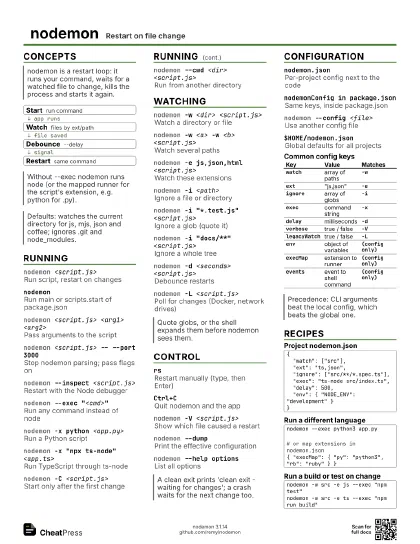
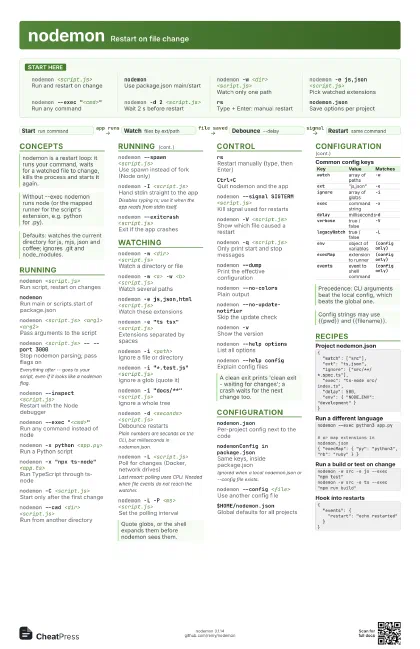
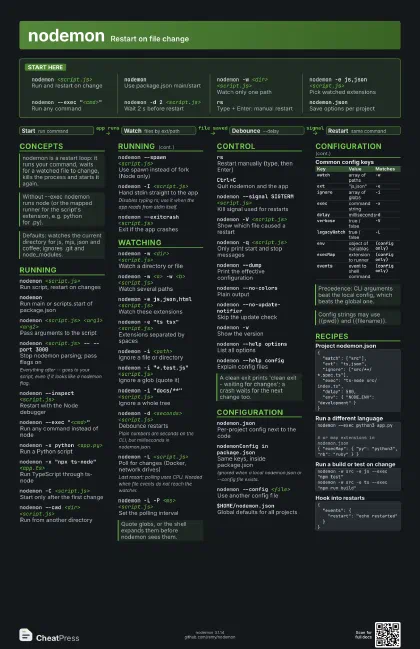
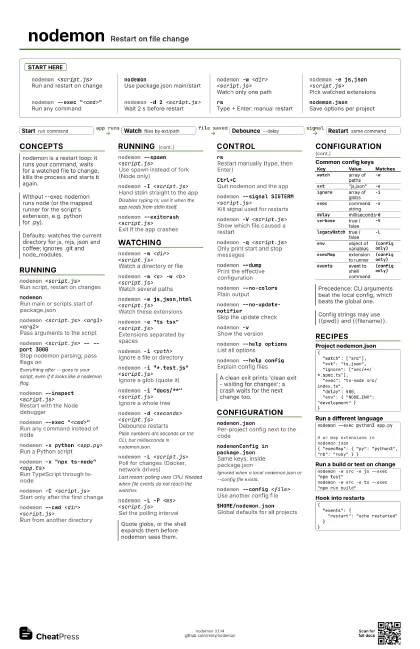
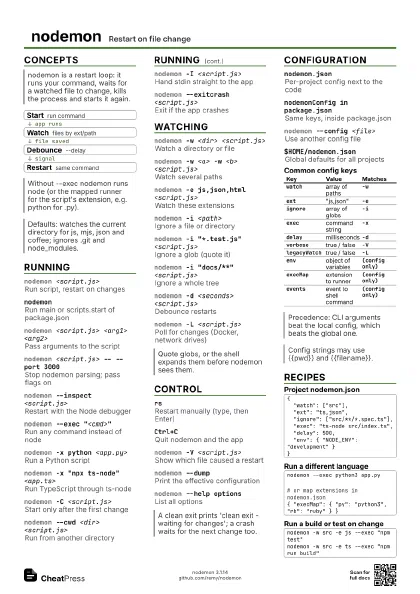
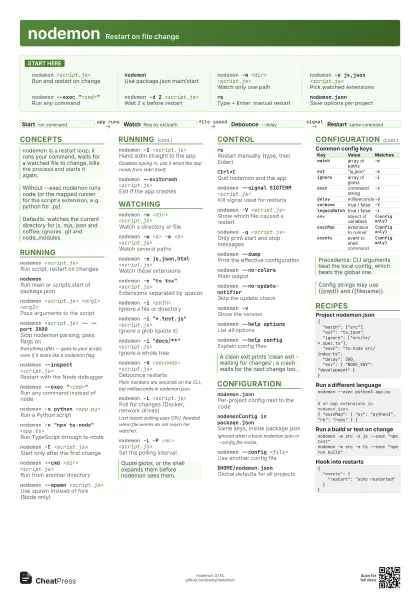
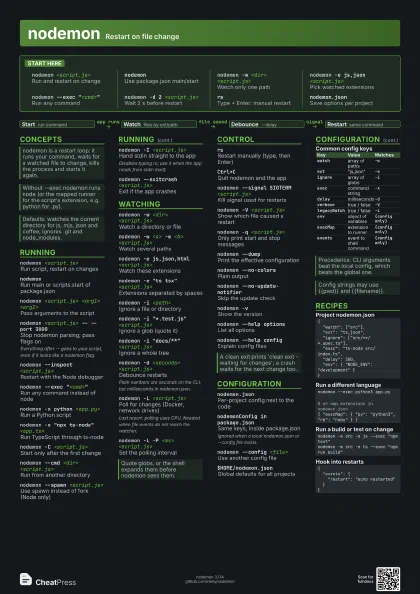
Start here
nodemon <script.js>
Run and restart on change
nodemonUse package.json main/start
nodemon -w <dir> <script.js>
Watch only one path
nodemon -e js,json <script.js>
Pick watched extensions
nodemon --exec "<cmd>"
Run any command
nodemon -d 2 <script.js>
Wait 2 s before restart
rsType + Enter: manual restart
nodemon.jsonSave options per project
Concepts
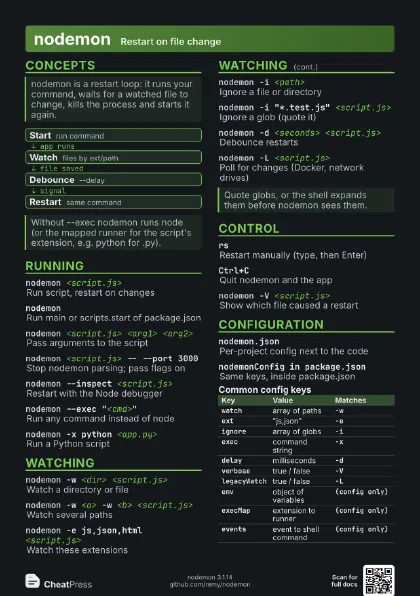
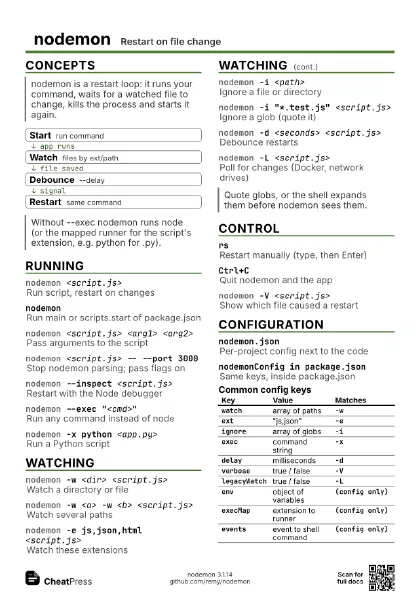
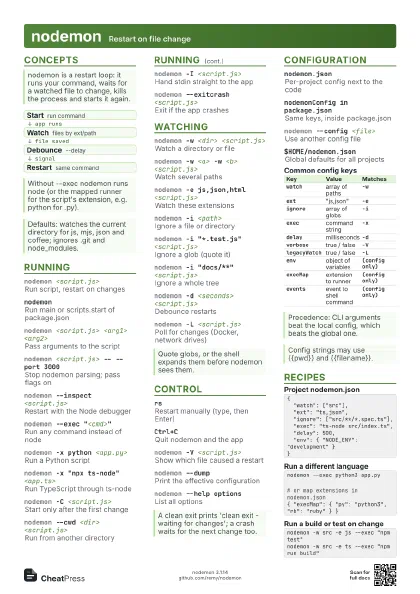
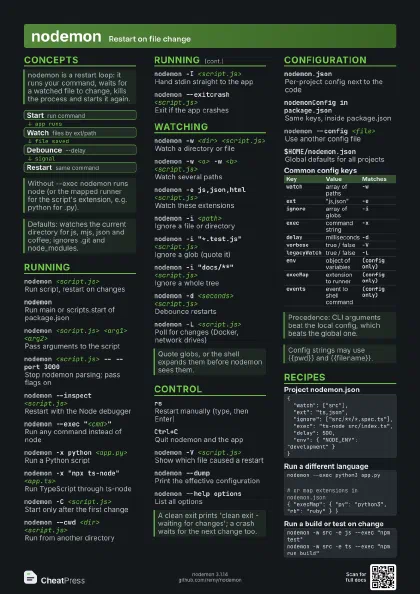
- Start run command
- Watch files by ext/path
- Debounce --delay
- Restart same command
Running
nodemon <script.js>
Run script, restart on changes
nodemon
Run main or scripts.start of package.json
nodemon <script.js> <arg1> <arg2>
Pass arguments to the script
nodemon <script.js> -- --port 3000
Stop nodemon parsing; pass flags on
Everything after -- goes to your script, even if it looks like
a nodemon flag.
nodemon --inspect <script.js>
Restart with the Node debugger
nodemon --exec "<cmd>"
Run any command instead of node
nodemon -x python <app.py>
Run a Python script
nodemon -x "npx ts-node" <app.ts>
Run TypeScript through ts-node
nodemon -C <script.js>
Start only after the first change
nodemon --cwd <dir> <script.js>
Run from another directory
nodemon --spawn <script.js>
Use spawn instead of fork (Node only)
nodemon -I <script.js>
Hand stdin straight to the app
Disables typing rs; use it when the app reads from stdin
itself.
nodemon --exitcrash <script.js>
Exit if the app crashes
Watching
nodemon -w <dir> <script.js>
Watch a directory or file
nodemon -w <a> -w <b> <script.js>
Watch several paths
nodemon -e js,json,html <script.js>
Watch these extensions
nodemon -e "ts tsx" <script.js>
Extensions separated by spaces
nodemon -i <path>
Ignore a file or directory
nodemon -i "*.test.js" <script.js>
Ignore a glob (quote it)
nodemon -i "docs/**" <script.js>
Ignore a whole tree
nodemon -d <seconds> <script.js>
Debounce restarts
Plain numbers are seconds on the CLI, but milliseconds in
nodemon.json.
nodemon -L <script.js>
Poll for changes (Docker, network drives)
Last resort: polling uses CPU. Needed when file events do not
reach the watcher.
nodemon -L -P <ms> <script.js>
Set the polling interval
Control
rsRestart manually (type, then Enter)
Ctrl+CQuit nodemon and the app
nodemon --signal SIGTERM <script.js>
Kill signal used for restarts
nodemon -V <script.js>
Show which file caused a restart
nodemon -q <script.js>
Only print start and stop messages
nodemon --dumpPrint the effective configuration
nodemon --no-colors
Plain output
nodemon --no-update-notifier
Skip the update check
nodemon -vShow the version
nodemon --help options
List all options
nodemon --help config
Explain config files
Configuration
nodemon.jsonPer-project config next to the code
nodemonConfig in package.json
Same keys, inside package.json
Ignored when a local nodemon.json or --config file exists.
nodemon --config <file>
Use another config file
$HOME/nodemon.json
Global defaults for all projects
| Key | Value | Matches |
|---|---|---|
watch |
array of paths | -w |
ext |
"js,json" | -e |
ignore |
array of globs | -i |
exec |
command string | -x |
delay |
milliseconds | -d |
verbose |
true / false | -V |
legacyWatch |
true / false | -L |
env |
object of variables | (config only) |
execMap |
extension to runner | (config only) |
events |
event to shell command | (config only) |
Recipes
{ "watch": ["src"], "ext": "ts,json", "ignore": ["src/**/*.spec.ts"], "exec": "ts-node src/index.ts", "delay": 500, "env": { "NODE_ENV": "development" }}nodemon --exec python3 app.py# or map extensions in nodemon.json{ "execMap": { "py": "python3", "rb": "ruby" } }nodemon -w src -e js --exec "npm test"nodemon -w src -e ts --exec "npm run build"{ "events": { "restart": "echo restarted" }}