Cheat
ngrok Public tunnels
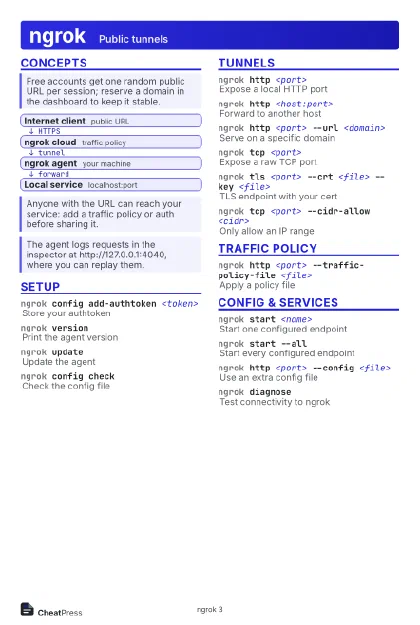 Light · Postcard
102 × 152 mm · PDF
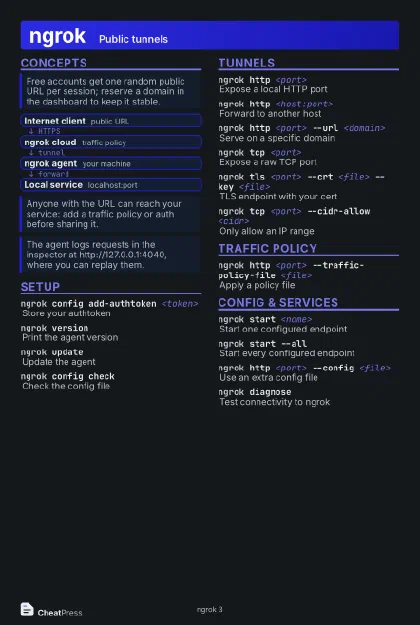 Dark · Postcard
102 × 152 mm · PDF
 Ink saver · Postcard
102 × 152 mm · PDF
 Light · A4 landscape
297 × 210 mm · PDF
 Dark · A4 landscape
297 × 210 mm · PDF
 Ink saver · A4 landscape
297 × 210 mm · PDF
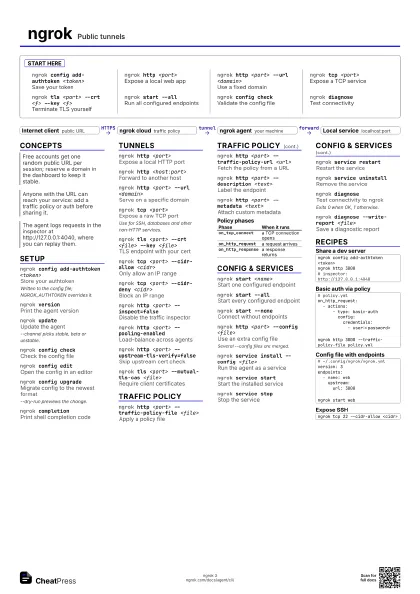
 Light · A3 landscape
420 × 297 mm · PDF
 Dark · A3 landscape
420 × 297 mm · PDF
 Ink saver · A3 landscape
420 × 297 mm · PDF
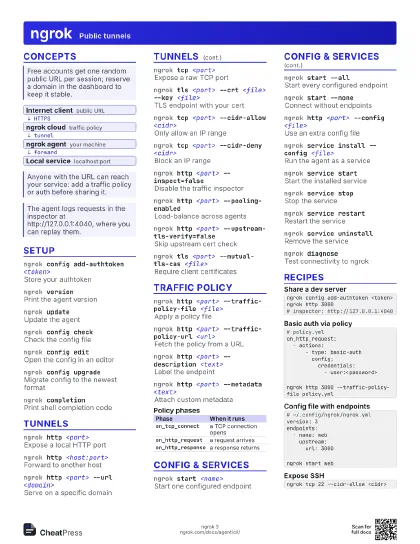
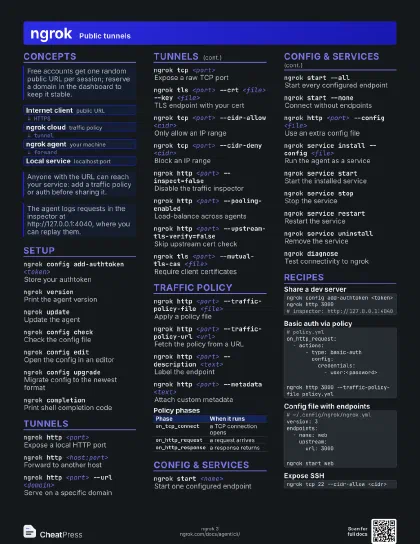
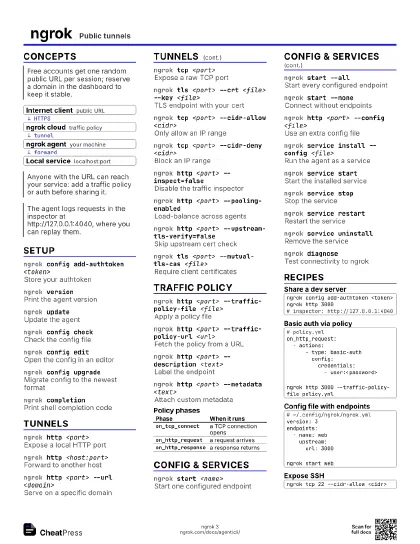
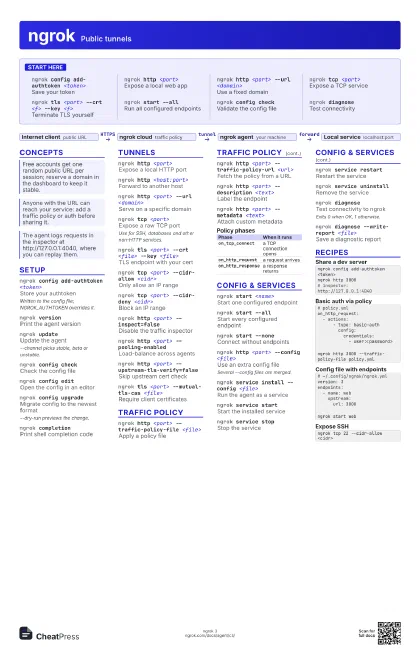
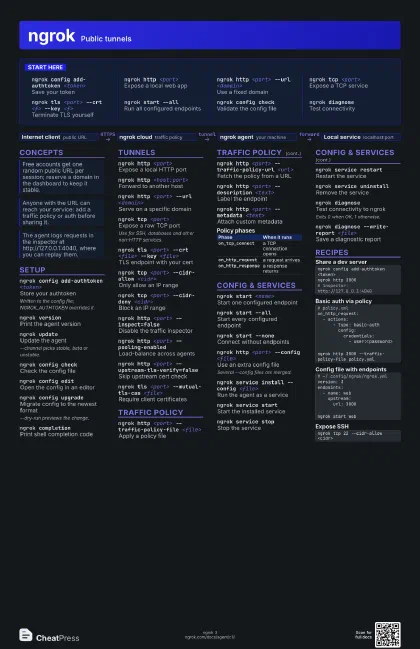
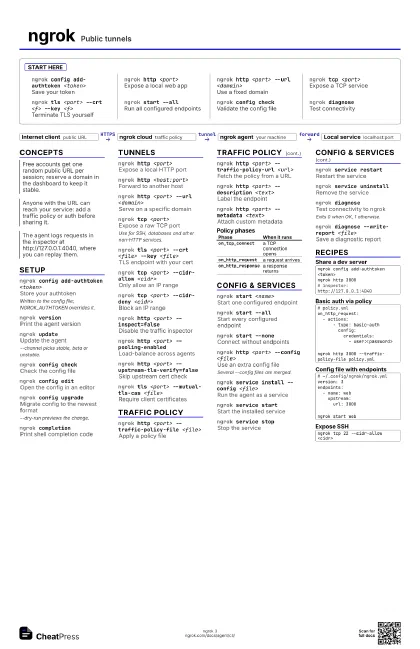
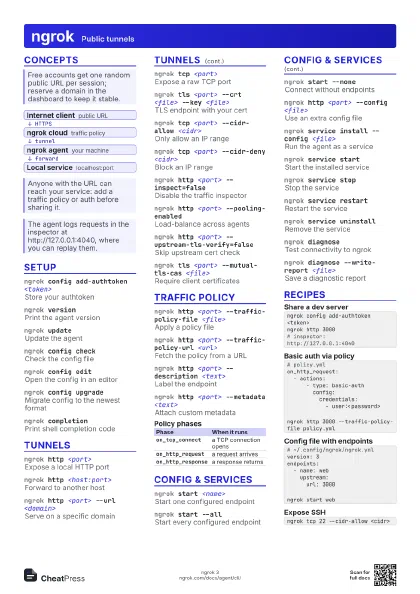
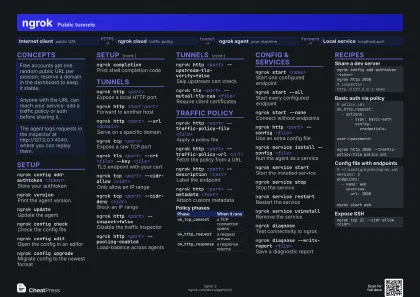
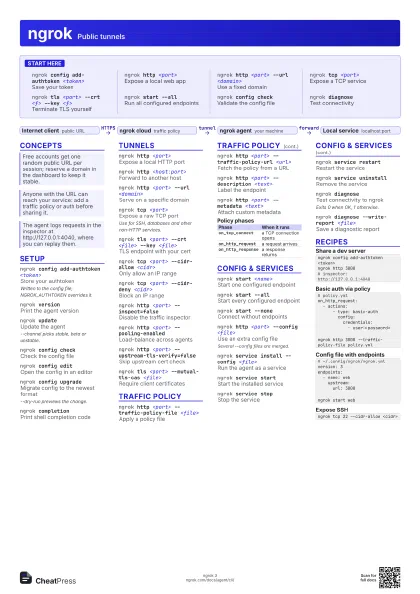
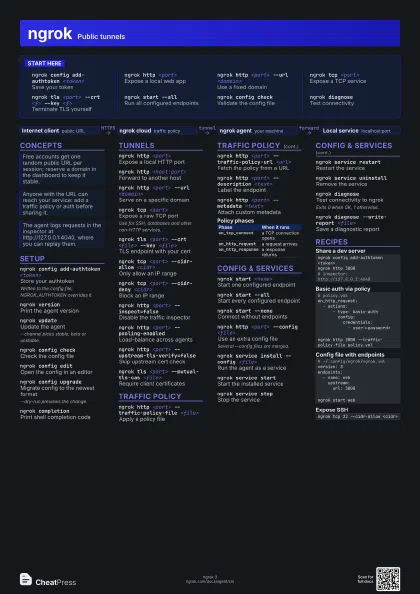
Start here
ngrok config add-authtoken <token>
Save your token
ngrok http <port>
Expose a local web app
ngrok http <port> --url <domain>
Use a fixed domain
ngrok tcp <port>
Expose a TCP service
ngrok tls <port> --crt <f> --key
                    <f>
Terminate TLS yourself
ngrok start --all
Run all configured endpoints
ngrok config check
Validate the config file
ngrok diagnoseTest connectivity
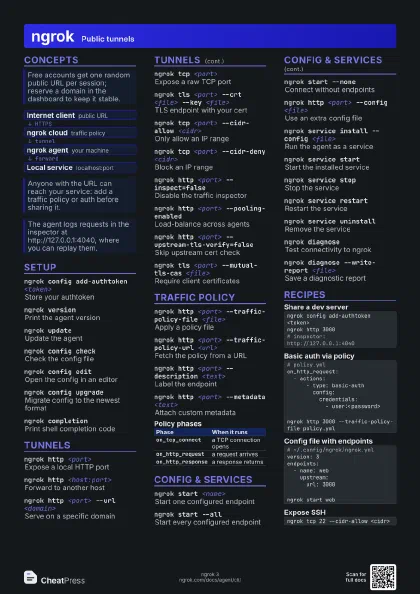
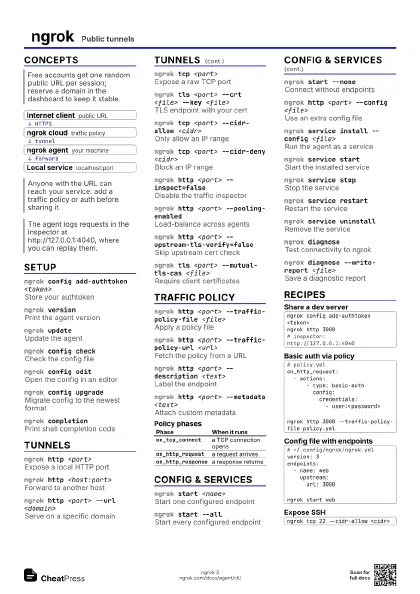
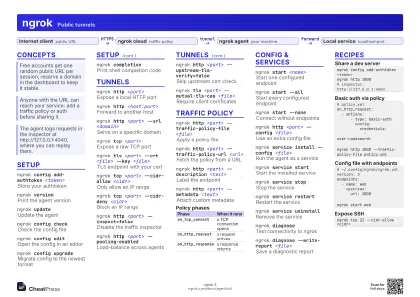
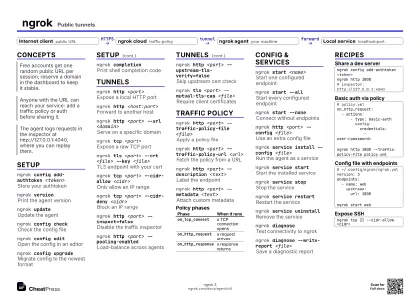
Concepts
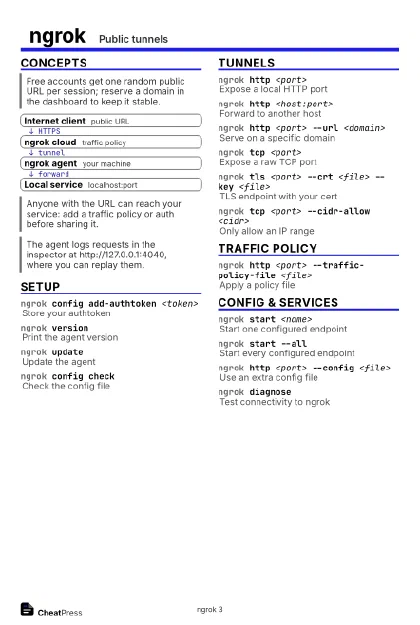
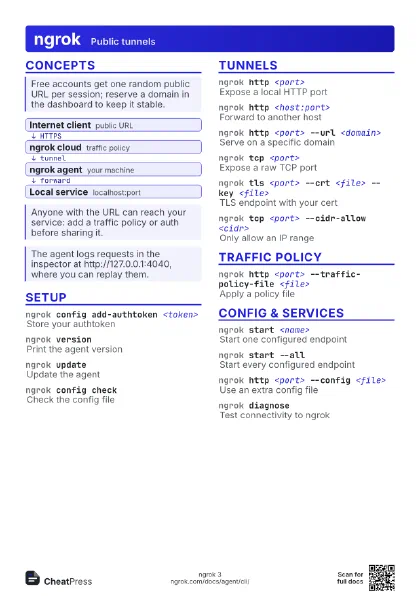
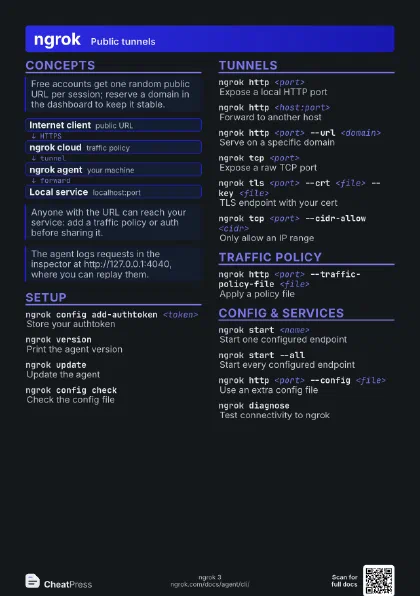
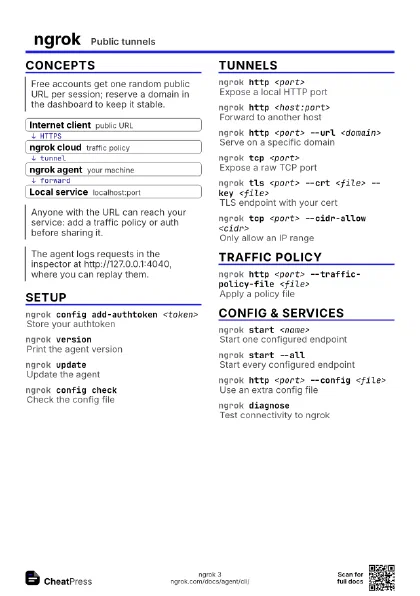
- Internet client public URL
- ngrok cloud traffic policy
- ngrok agent your machine
- Local service localhost:port
Setup
ngrok config add-authtoken <token>
Store your authtoken
Written to the config file; NGROK_AUTHTOKEN overrides it.
ngrok versionPrint the agent version
ngrok updateUpdate the agent
--channel picks stable, beta or unstable.
ngrok config check
Check the config file
ngrok config edit
Open the config in an editor
ngrok config upgrade
Migrate config to the newest format
--dry-run previews the change.
ngrok completion
Print shell completion code
Tunnels
ngrok http <port>
Expose a local HTTP port
ngrok http <host:port>
Forward to another host
ngrok http <port> --url <domain>
Serve on a specific domain
ngrok tcp <port>
Expose a raw TCP port
Use for SSH, databases and other non-HTTP services.
ngrok tls <port> --crt <file> --key
                    <file>
TLS endpoint with your cert
ngrok tcp <port> --cidr-allow <cidr>
Only allow an IP range
ngrok tcp <port> --cidr-deny <cidr>
Block an IP range
ngrok http <port> --inspect=false
Disable the traffic inspector
ngrok http <port> --pooling-enabled
Load-balance across agents
ngrok http <port> --upstream-tls-verify=false
Skip upstream cert check
ngrok tls <port> --mutual-tls-cas <file>
Require client certificates
Traffic policy
ngrok http <port> --traffic-policy-file
                    <file>
Apply a policy file
ngrok http <port> --traffic-policy-url
                    <url>
Fetch the policy from a URL
ngrok http <port> --description <text>
Label the endpoint
ngrok http <port> --metadata <text>
Attach custom metadata
| Phase | When it runs |
|---|---|
on_tcp_connect |
a TCP connection opens |
on_http_request |
a request arrives |
on_http_response |
a response returns |
Config & services
ngrok start <name>
Start one configured endpoint
ngrok start --all
Start every configured endpoint
ngrok start --none
Connect without endpoints
ngrok http <port> --config <file>
Use an extra config file
Several --config files are merged.
ngrok service install --config <file>
Run the agent as a service
ngrok service start
Start the installed service
ngrok service stop
Stop the service
ngrok service restart
Restart the service
ngrok service uninstall
Remove the service
ngrok diagnoseTest connectivity to ngrok
Exits 0 when OK, 1 otherwise.
ngrok diagnose --write-report <file>
Save a diagnostic report
Recipes
ngrok config add-authtoken <token>ngrok http 3000# inspector: http://127.0.0.1:4040# policy.ymlon_http_request: - actions: - type: basic-auth config: credentials: - user:<password>ngrok http 3000 --traffic-policy-file policy.yml# ~/.config/ngrok/ngrok.ymlversion: 3endpoints: - name: web upstream: url: 3000ngrok start webngrok tcp 22 --cidr-allow <cidr>