Cheat
LibreOffice Calc Windows / Linux shortcuts
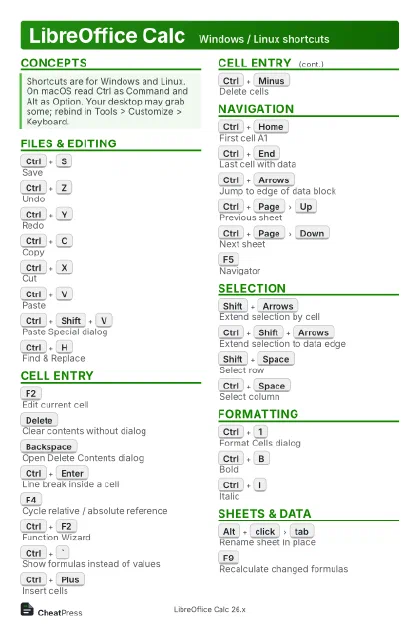 Light · Postcard
102 × 152 mm · PDF
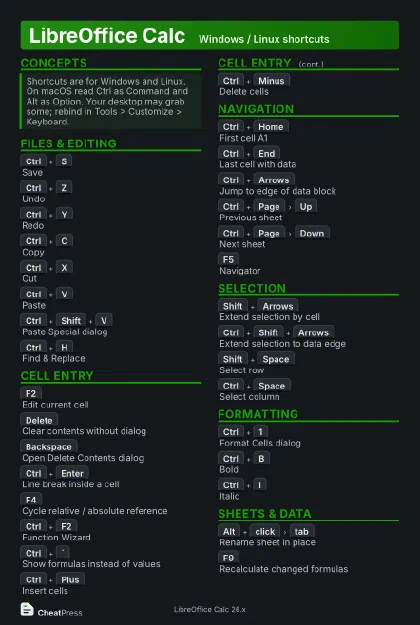 Dark · Postcard
102 × 152 mm · PDF
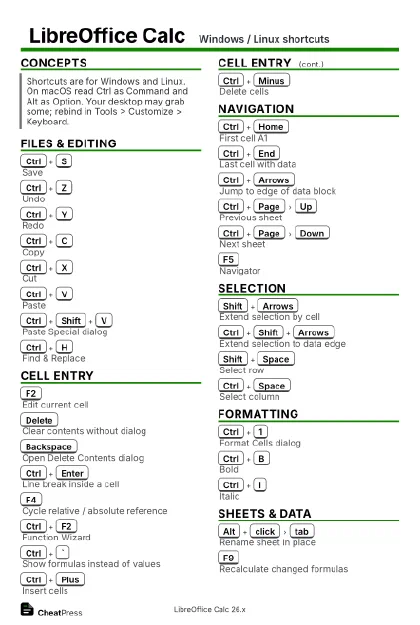 Ink saver · Postcard
102 × 152 mm · PDF
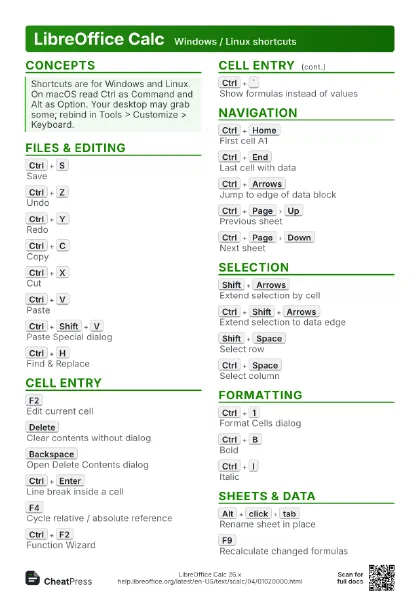
 Light · A4 landscape
297 × 210 mm · PDF
 Dark · A4 landscape
297 × 210 mm · PDF
 Ink saver · A4 landscape
297 × 210 mm · PDF
 Light · A3 landscape
420 × 297 mm · PDF
 Dark · A3 landscape
420 × 297 mm · PDF
 Ink saver · A3 landscape
420 × 297 mm · PDF
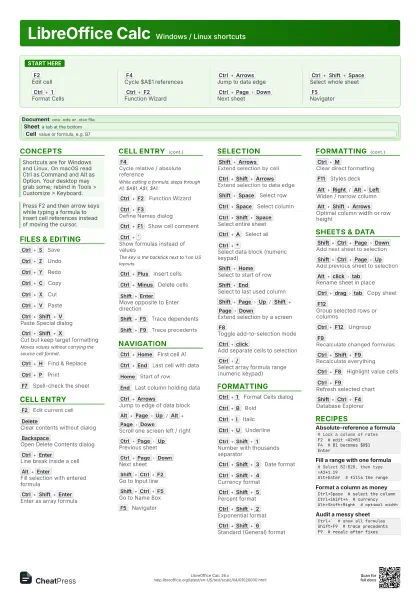
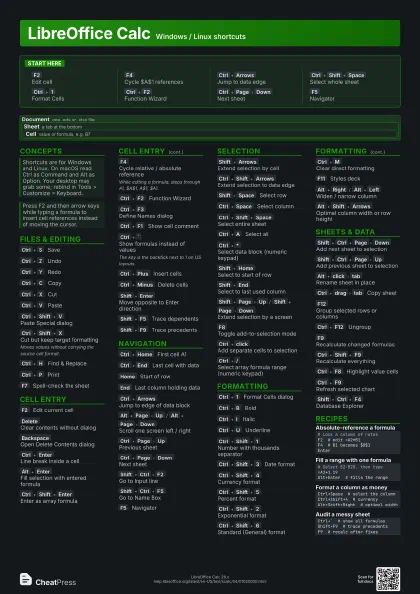
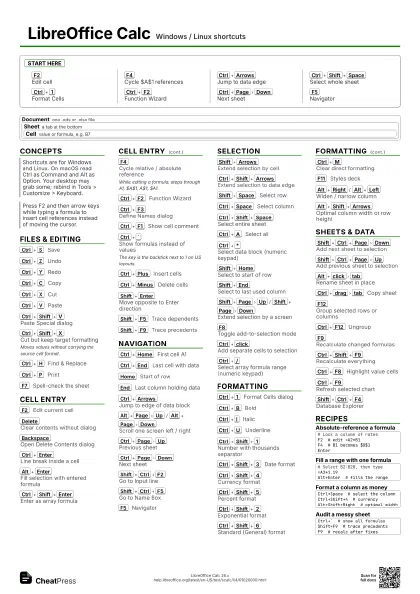
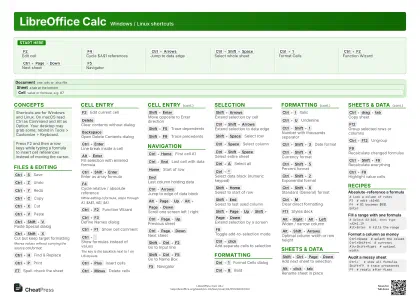
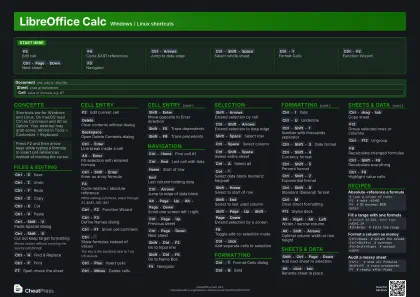
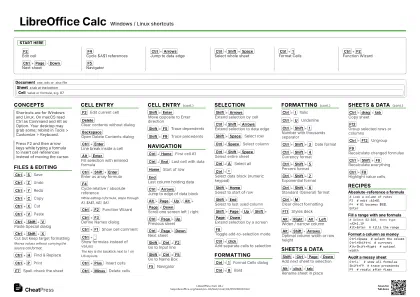
Start here
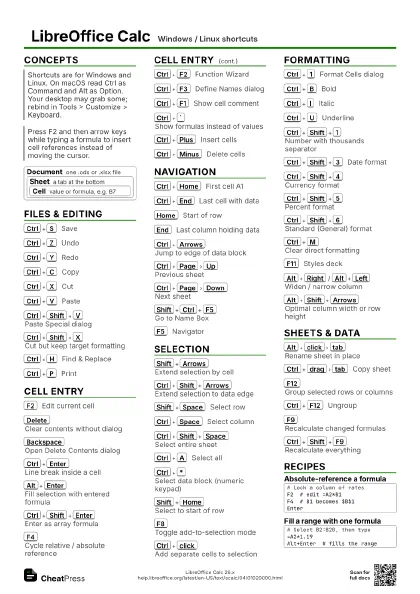
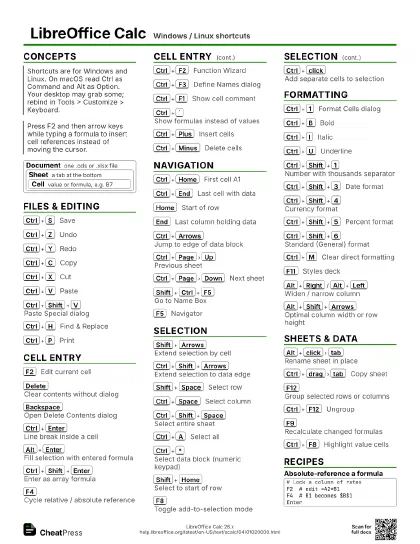
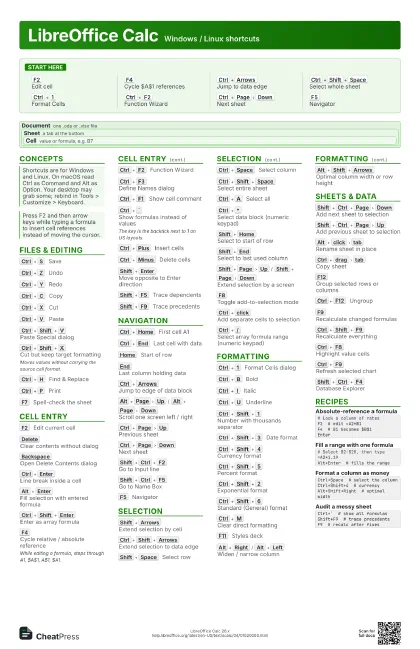
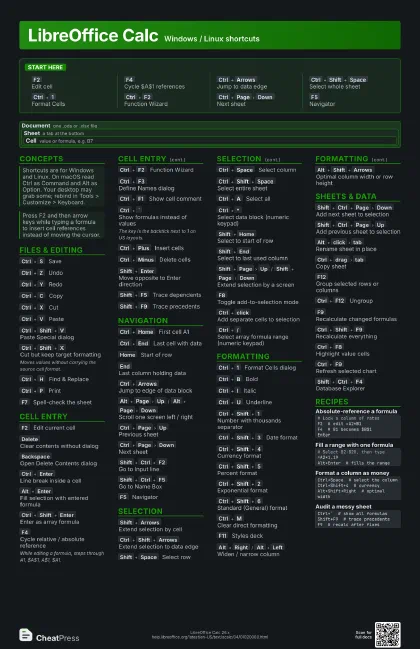
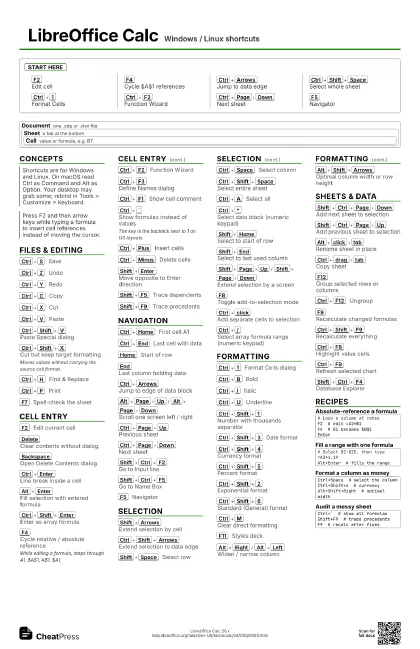
F2
Edit cell
F4
Cycle $A$1 references
Ctrl+Arrows
Jump to data edge
Ctrl+Shift+Space
Select whole sheet
Ctrl+1
Format Cells
Ctrl+F2
Function Wizard
Ctrl+Page
Down
Next sheet
F5
Navigator
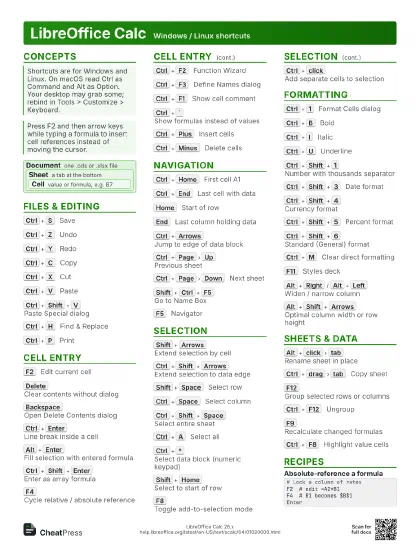
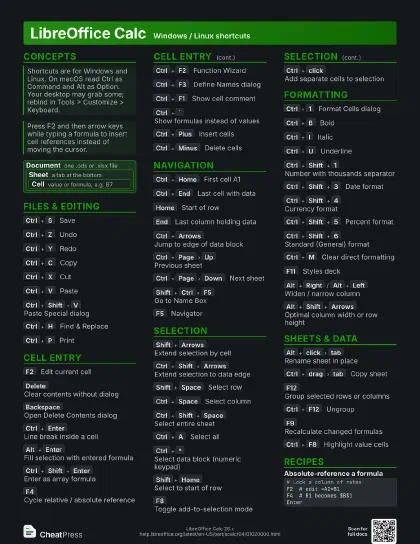
Concepts
Document
one .ods or .xlsx file
Sheet a tab at the bottom
Cell
value or formula, e.g. B7
Files & Editing
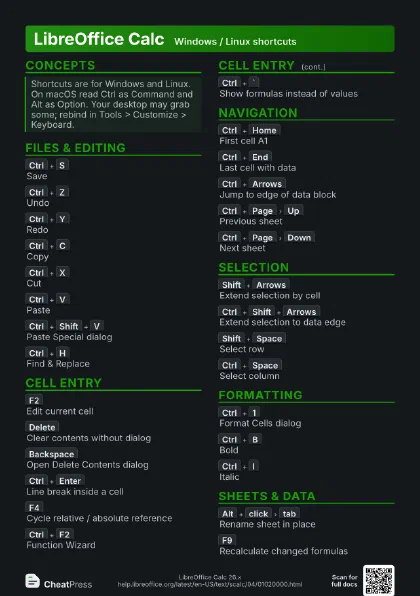
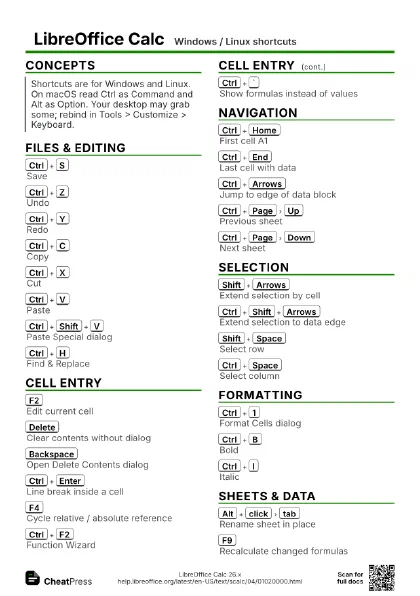
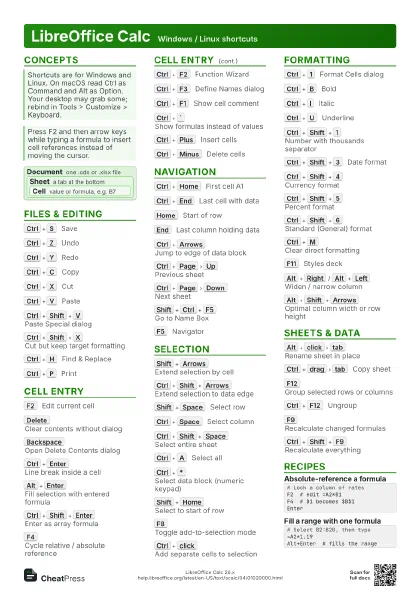
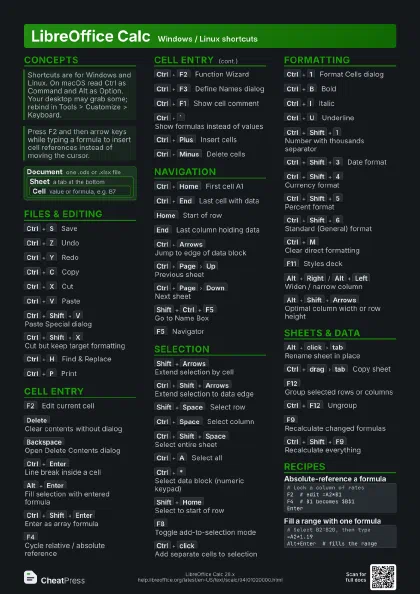
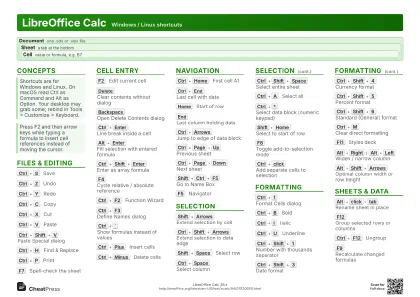
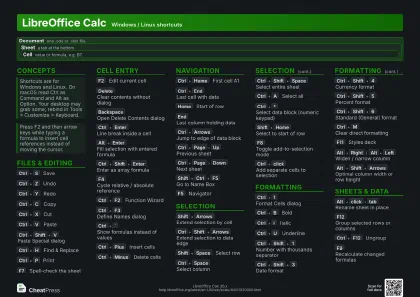
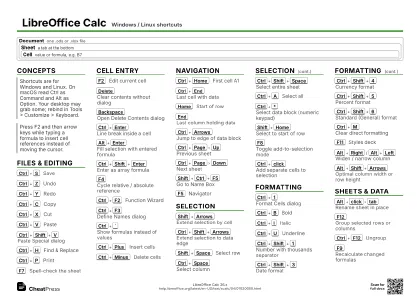
Ctrl+S
Save
Ctrl+Z
Undo
Ctrl+Y
Redo
Ctrl+C
Copy
Ctrl+X
Cut
Ctrl+V
Paste
Ctrl+Shift+V
Paste Special dialog
Ctrl+Shift+X
Cut but keep target formatting
Moves values without carrying the source cell format.
Ctrl+H
Find & Replace
Ctrl+P
Print
F7
Spell-check the sheet
Cell Entry
F2
Edit current cell
Delete
Clear contents without dialog
Backspace
Open Delete Contents dialog
Ctrl+Enter
Line break inside a cell
Alt+Enter
Fill selection with entered formula
Ctrl+Shift+Enter
Enter as array formula
F4
Cycle relative / absolute reference
While editing a formula, steps through A1, $A$1, A$1, $A1.
Ctrl+F2
Function Wizard
Ctrl+F3
Define Names dialog
Ctrl+F1
Show cell comment
Ctrl+`
Show formulas instead of values
The key is the backtick next to 1 on US layouts.
Ctrl+Plus
Insert cells
Ctrl+Minus
Delete cells
Shift+Enter
Move opposite to Enter direction
Shift+F5
Trace dependents
Shift+F9
Trace precedents
Navigation
Ctrl+Home
First cell A1
Ctrl+End
Last cell with data
Home
Start of row
End
Last column holding data
Ctrl+Arrows
Jump to edge of data block
Alt+Page
Up
/
Alt+Page
Down
Scroll one screen left / right
Ctrl+Page
Up
Previous sheet
Ctrl+Page
Down
Next sheet
Shift+Ctrl+F2
Go to Input line
Shift+Ctrl+F5
Go to Name Box
F5
Navigator
Selection
Shift+Arrows
Extend selection by cell
Ctrl+Shift+Arrows
Extend selection to data edge
Shift+Space
Select row
Ctrl+Space
Select column
Ctrl+Shift+Space
Select entire sheet
Ctrl+A
Select all
Ctrl+*
Select data block (numeric keypad)
Shift+Home
Select to start of row
Shift+End
Select to last used column
Shift+Page
Up
/
Shift+Page
Down
Extend selection by a screen
F8
Toggle add-to-selection mode
Ctrl+click
Add separate cells to selection
Ctrl+/
Select array formula range (numeric keypad)
Formatting
Ctrl+1
Format Cells dialog
Ctrl+B
Bold
Ctrl+I
Italic
Ctrl+U
Underline
Ctrl+Shift+1
Number with thousands separator
Ctrl+Shift+3
Date format
Ctrl+Shift+4
Currency format
Ctrl+Shift+5
Percent format
Ctrl+Shift+2
Exponential format
Ctrl+Shift+6
Standard (General) format
Ctrl+M
Clear direct formatting
F11
Styles deck
Alt+Right
/
Alt+Left
Widen / narrow column
Alt+Shift+Arrows
Optimal column width or row height
Sheets & Data
Shift+Ctrl+Page
Down
Add next sheet to selection
Shift+Ctrl+Page
Up
Add previous sheet to selection
Alt+click
tab
Rename sheet in place
Ctrl+drag
tab
Copy sheet
F12
Group selected rows or columns
Ctrl+F12
Ungroup
F9
Recalculate changed formulas
Ctrl+Shift+F9
Recalculate everything
Ctrl+F8
Highlight value cells
Ctrl+F9
Refresh selected chart
Shift+Ctrl+F4
Database Explorer
Recipes
# Lock a column of ratesF2 # edit =A2*B1F4 # B1 becomes $B$1Enter# Select B2:B20, then type=A2*1.19Alt+Enter # fills the rangeCtrl+Space # select the columnCtrl+Shift+4 # currencyAlt+Shift+Right # optimal widthCtrl+` # show all formulasShift+F9 # trace precedentsF9 # recalc after fixes