Cheat
lazydocker Terminal UI for Docker
 Light · Postcard
102 × 152 mm · PDF
 Dark · Postcard
102 × 152 mm · PDF
 Ink saver · Postcard
102 × 152 mm · PDF
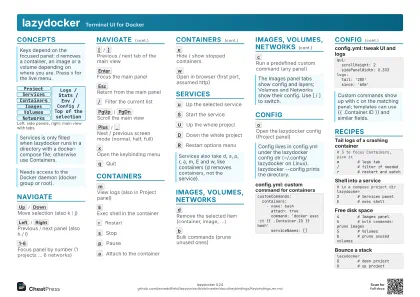 Light · A4 landscape
297 × 210 mm · PDF
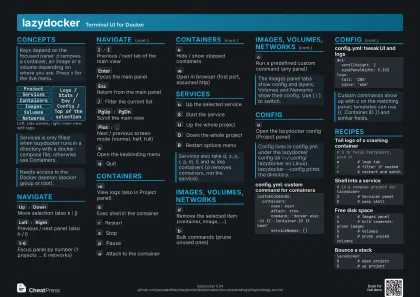 Dark · A4 landscape
297 × 210 mm · PDF
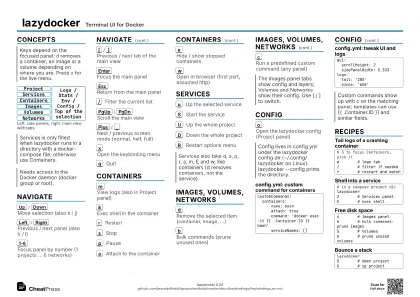 Ink saver · A4 landscape
297 × 210 mm · PDF
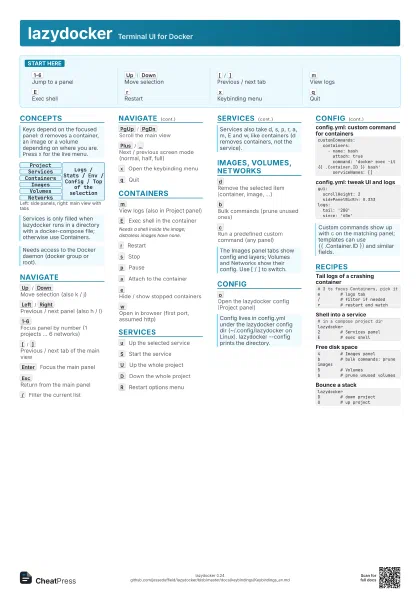
 Light · A3 landscape
420 × 297 mm · PDF
 Dark · A3 landscape
420 × 297 mm · PDF
 Ink saver · A3 landscape
420 × 297 mm · PDF
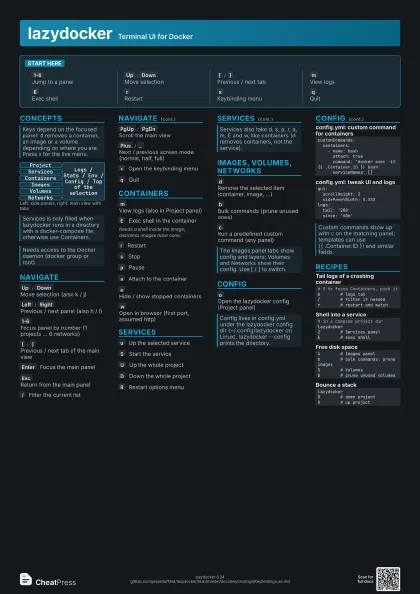
Start here
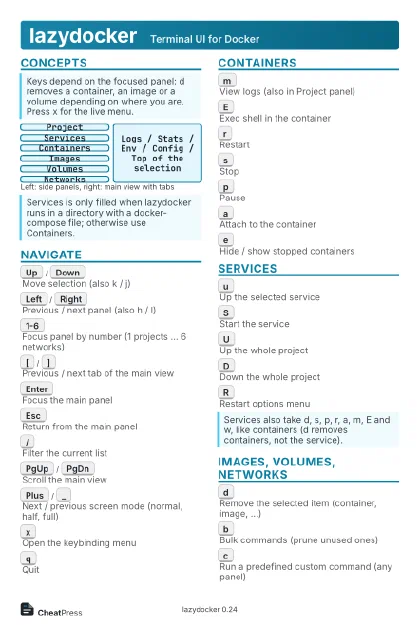
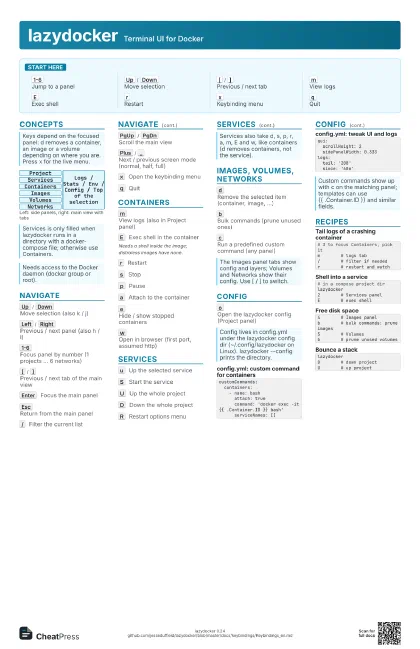
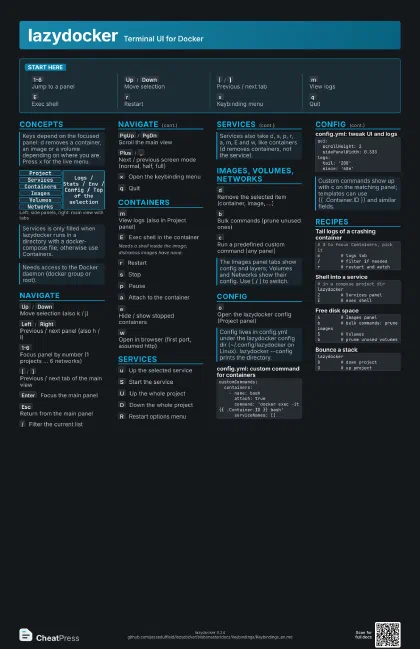
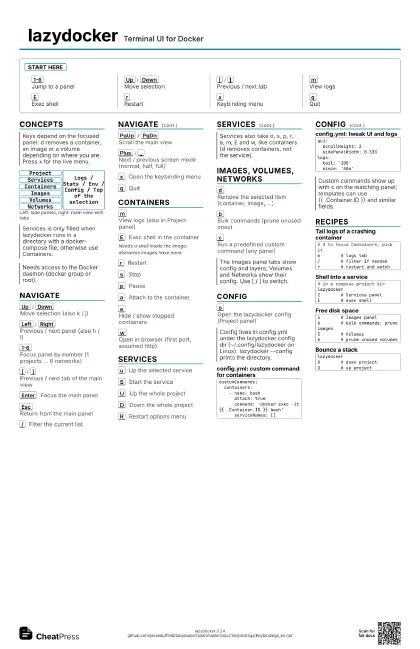
1-6
Jump to a panel
Up
/
Down
Move selection
[
/
]
Previous / next tab
m
View logs
E
Exec shell
r
Restart
x
Keybinding menu
q
Quit
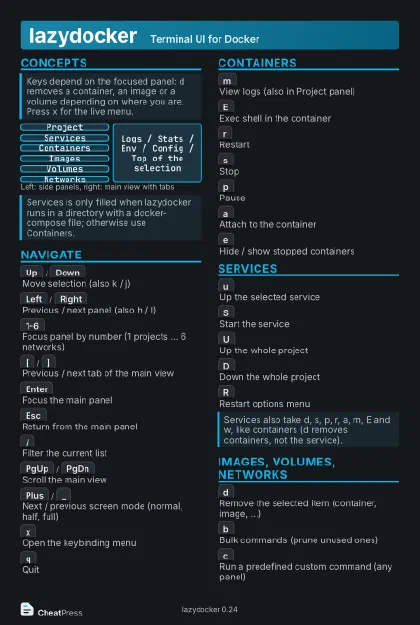
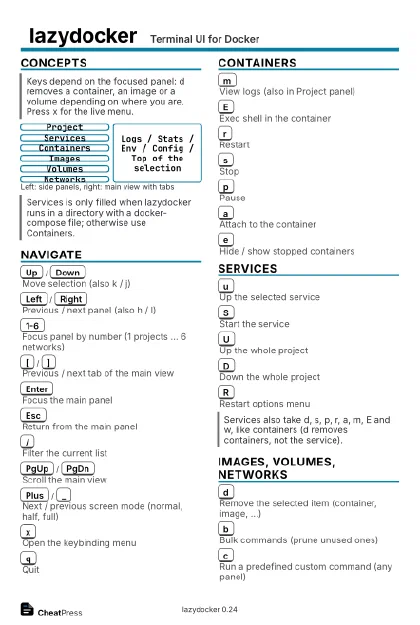
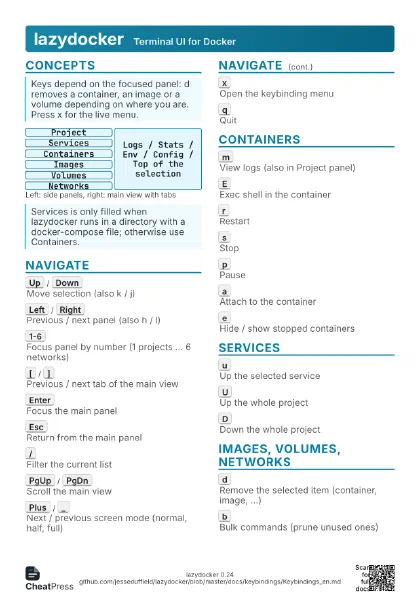
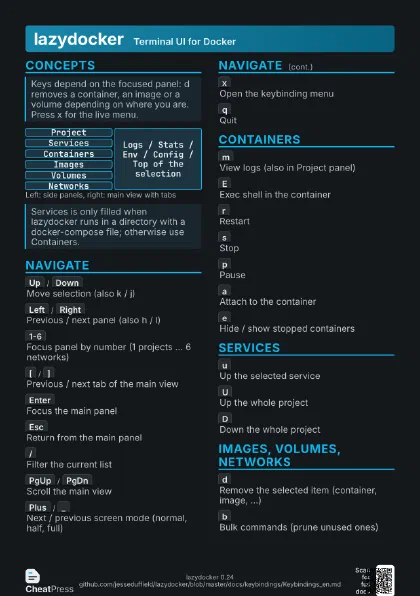
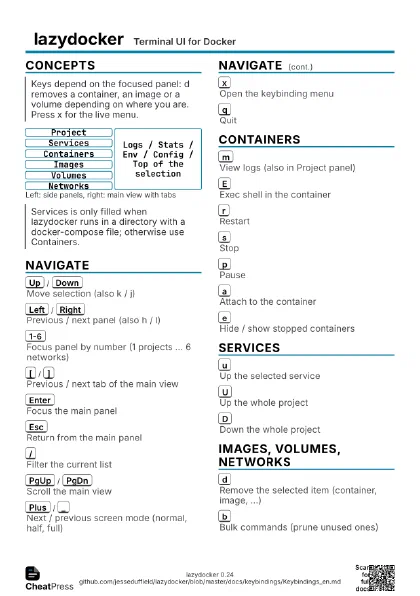
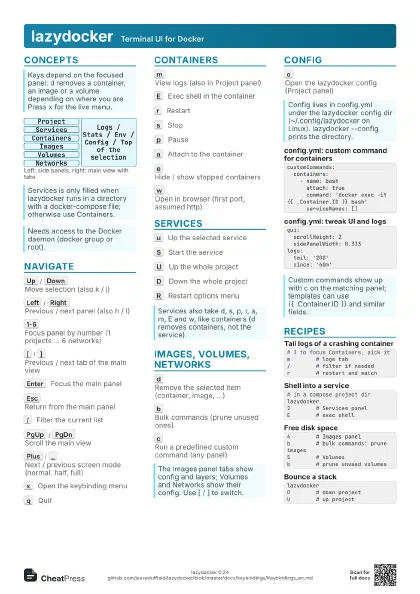
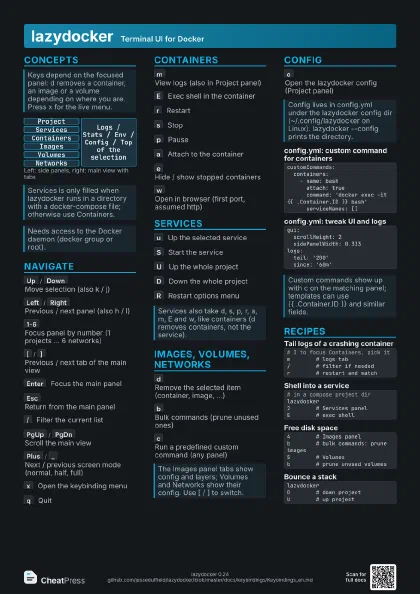
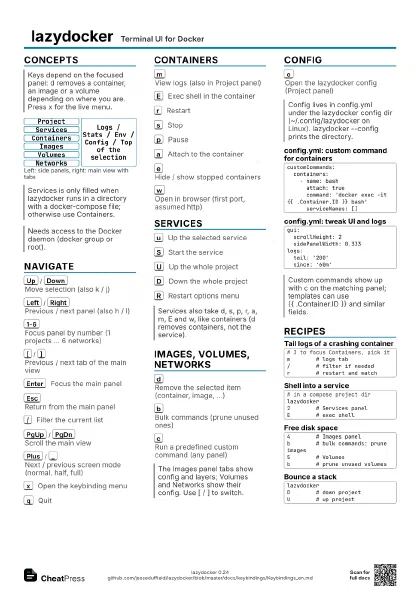
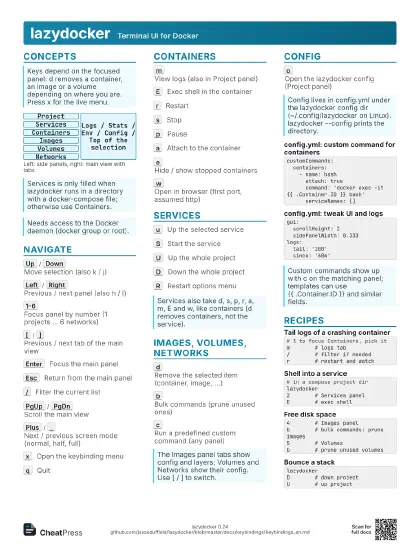
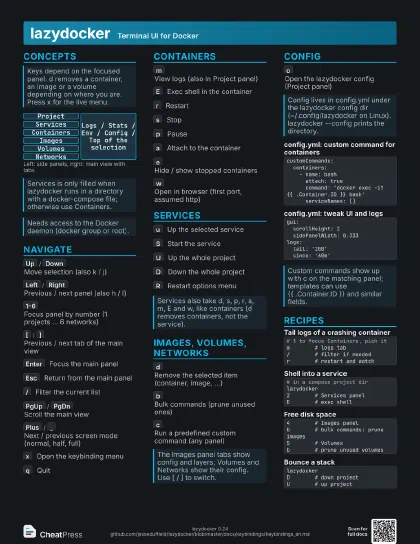
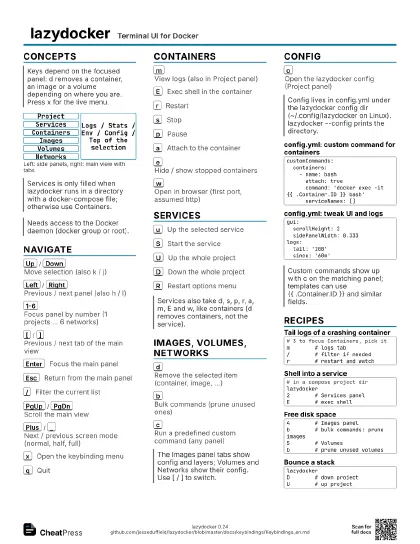
Concepts
Project
Services
Containers
Images
Volumes
Networks
Logs / Stats / Env / Config / Top of the selection
Navigate
Up
/
Down
Move selection (also k / j)
Left
/
Right
Previous / next panel (also h / l)
1-6
Focus panel by number (1 projects ... 6 networks)
[
/
]
Previous / next tab of the main view
Enter
Focus the main panel
Esc
Return from the main panel
/
Filter the current list
PgUp
/
PgDn
Scroll the main view
Plus
/
_
Next / previous screen mode (normal, half, full)
x
Open the keybinding menu
q
Quit
Containers
m
View logs (also in Project panel)
E
Exec shell in the container
Needs a shell inside the image; distroless images have none.
r
Restart
s
Stop
p
Pause
a
Attach to the container
e
Hide / show stopped containers
w
Open in browser (first port, assumed http)
Services
u
Up the selected service
S
Start the service
U
Up the whole project
D
Down the whole project
R
Restart options menu
Images, volumes, networks
d
Remove the selected item (container, image, ...)
b
Bulk commands (prune unused ones)
c
Run a predefined custom command (any panel)
Config
o
Open the lazydocker config (Project panel)
customCommands: containers: - name: bash attach: true command: 'docker exec -it {{ .Container.ID }} bash' serviceNames: []gui: scrollHeight: 2 sidePanelWidth: 0.333logs: tail: '200' since: '60m'Recipes
# 3 to focus Containers, pick itm # logs tab/ # filter if neededr # restart and watch# in a compose project dirlazydocker2 # Services panelE # exec shell4 # Images panelb # bulk commands: prune images5 # Volumesb # prune unused volumeslazydockerD # down projectU # up project