Cheat
lazygit Terminal UI for git
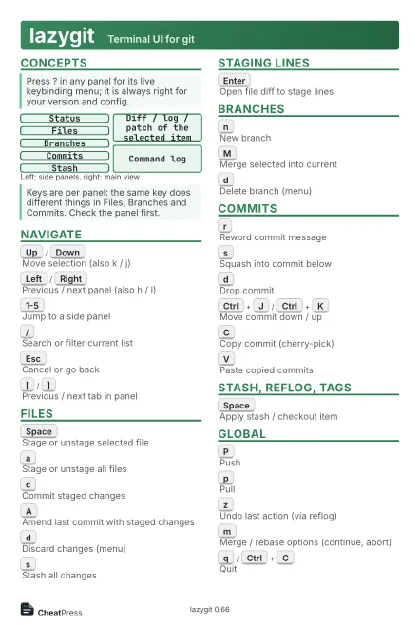 Light · Postcard
102 × 152 mm · PDF
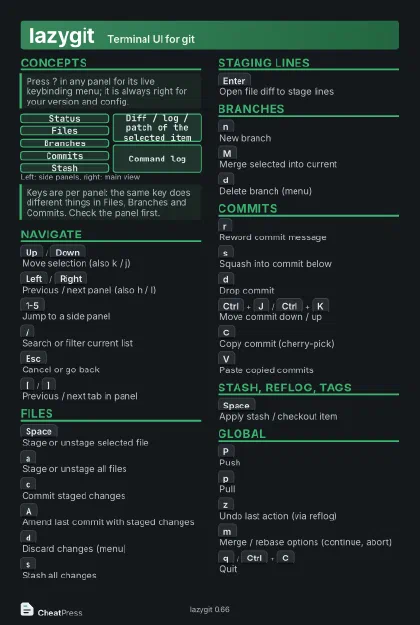 Dark · Postcard
102 × 152 mm · PDF
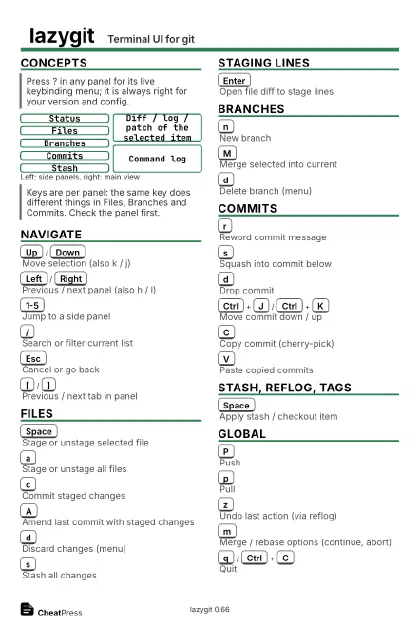 Ink saver · Postcard
102 × 152 mm · PDF
 Light · A4 landscape
297 × 210 mm · PDF
 Dark · A4 landscape
297 × 210 mm · PDF
 Ink saver · A4 landscape
297 × 210 mm · PDF
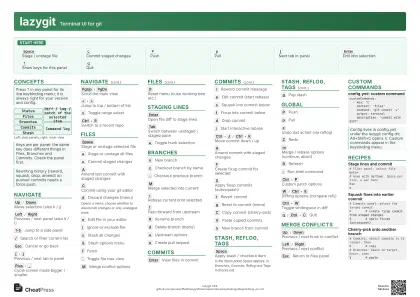 Light · A3 landscape
420 × 297 mm · PDF
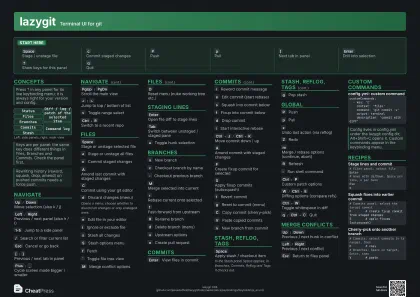 Dark · A3 landscape
420 × 297 mm · PDF
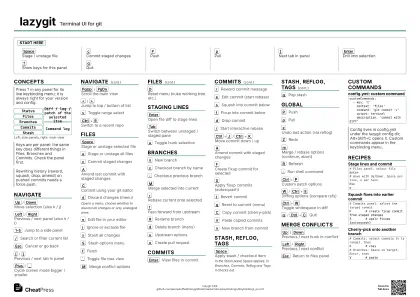 Ink saver · A3 landscape
420 × 297 mm · PDF
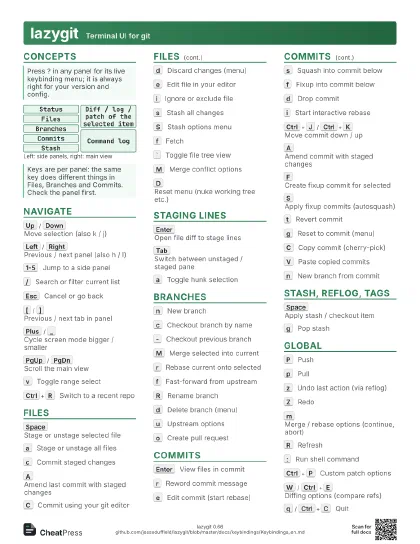
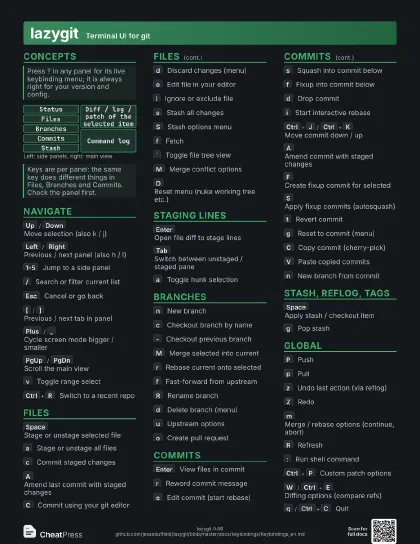
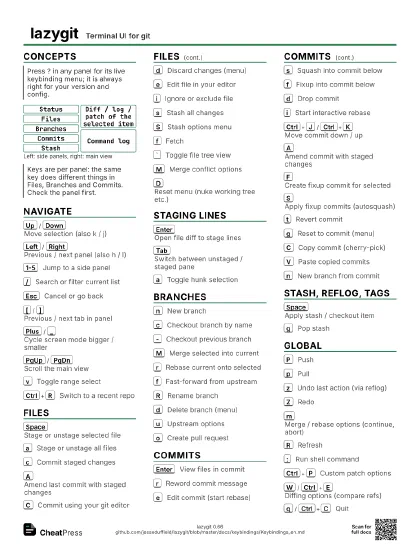
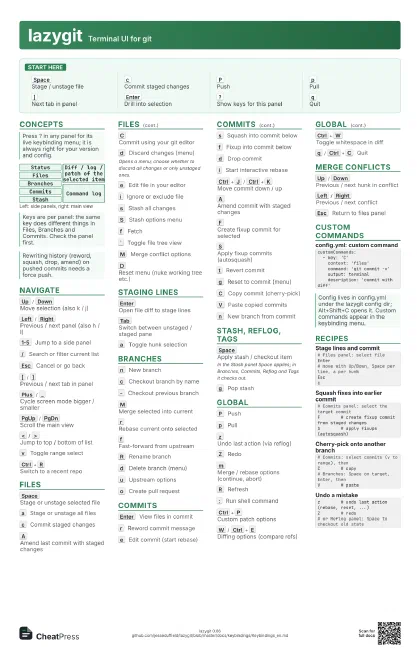
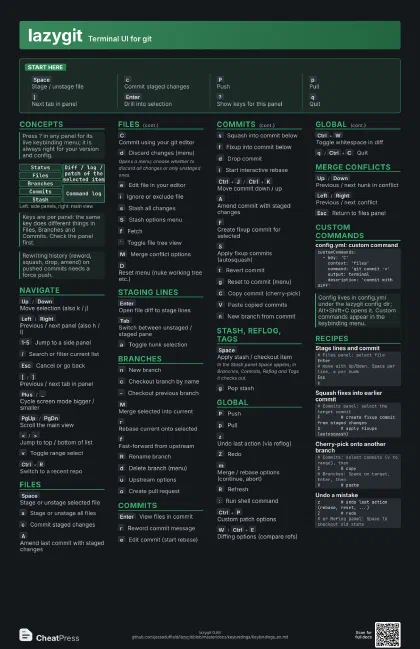
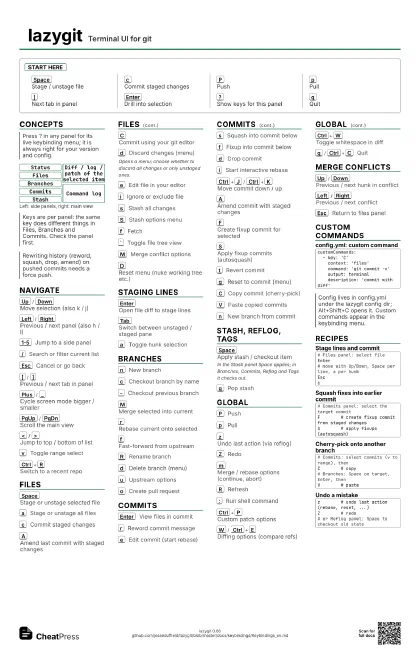
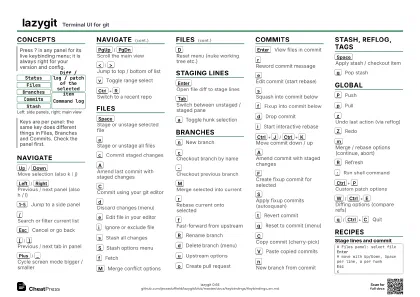
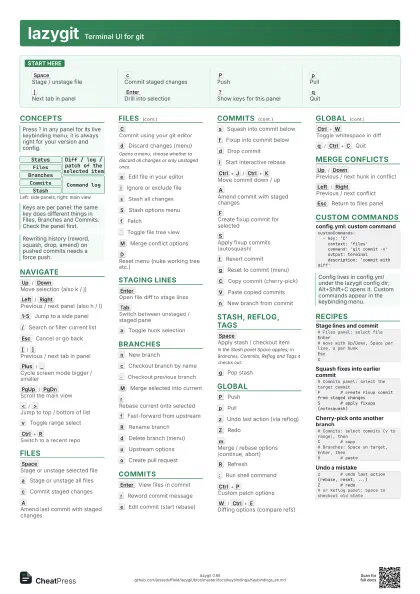
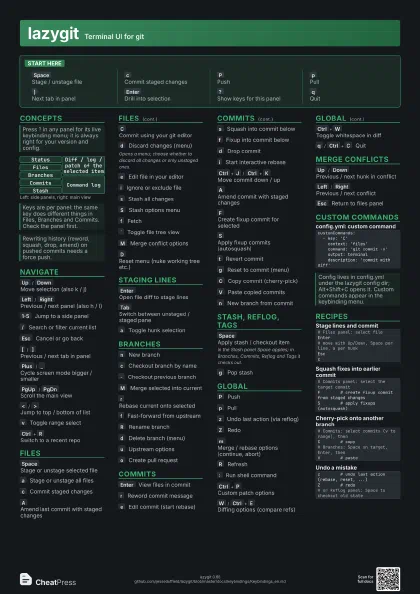
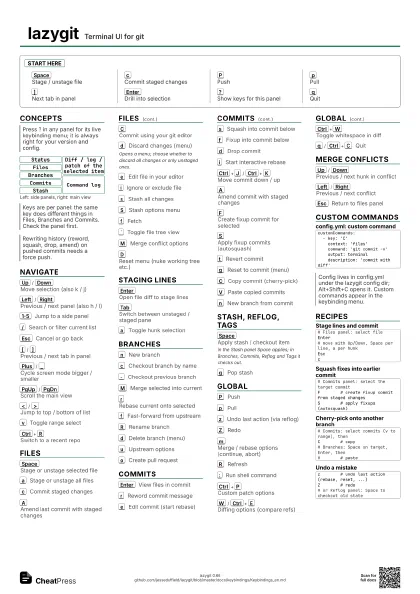
Start here
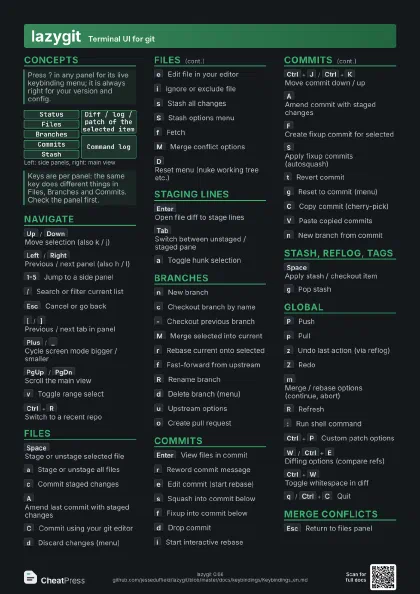
Space
Stage / unstage file
c
Commit staged changes
P
Push
p
Pull
]
Next tab in panel
Enter
Drill into selection
?
Show keys for this panel
q
Quit
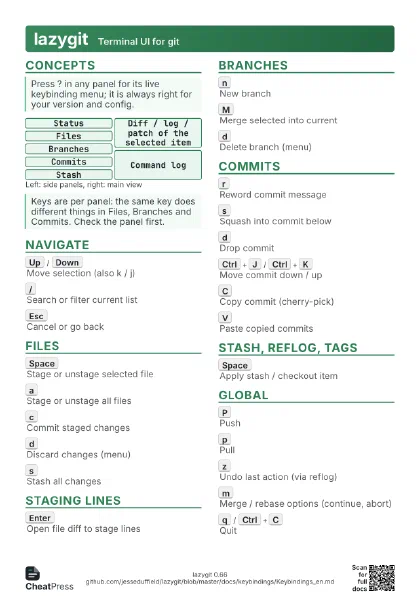
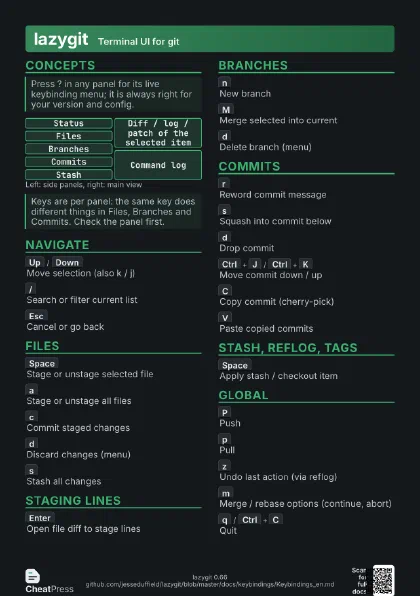
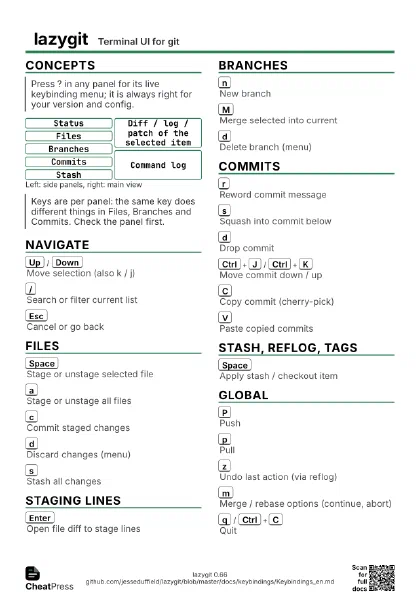
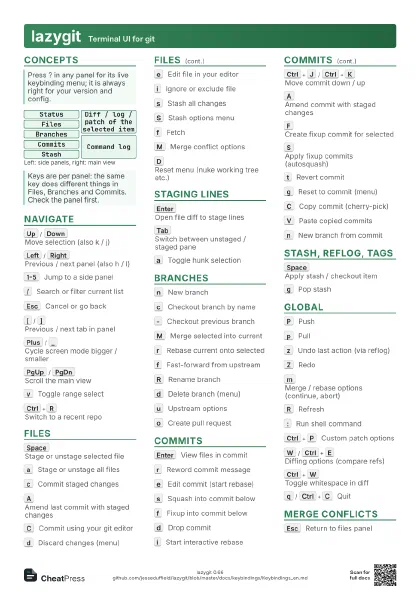
Concepts
Status
Files
Branches
Commits
Stash
Diff / log / patch of the selected item
Command log
Navigate
Up
/
Down
Move selection (also k / j)
Left
/
Right
Previous / next panel (also h / l)
1-5
Jump to a side panel
/
Search or filter current list
Esc
Cancel or go back
[
/
]
Previous / next tab in panel
Plus
/
_
Cycle screen mode bigger / smaller
PgUp
/
PgDn
Scroll the main view
<
/
>
Jump to top / bottom of list
v
Toggle range select
Ctrl+R
Switch to a recent repo
Files
Space
Stage or unstage selected file
a
Stage or unstage all files
c
Commit staged changes
A
Amend last commit with staged changes
C
Commit using your git editor
d
Discard changes (menu)
Opens a menu; choose whether to discard all changes or only
unstaged ones.
e
Edit file in your editor
i
Ignore or exclude file
s
Stash all changes
S
Stash options menu
f
Fetch
`
Toggle file tree view
M
Merge conflict options
D
Reset menu (nuke working tree etc.)
Staging lines
Enter
Open file diff to stage lines
Tab
Switch between unstaged / staged pane
a
Toggle hunk selection
Branches
n
New branch
c
Checkout branch by name
-
Checkout previous branch
M
Merge selected into current
r
Rebase current onto selected
f
Fast-forward from upstream
R
Rename branch
d
Delete branch (menu)
u
Upstream options
o
Create pull request
Commits
Enter
View files in commit
r
Reword commit message
e
Edit commit (start rebase)
s
Squash into commit below
f
Fixup into commit below
d
Drop commit
i
Start interactive rebase
Ctrl+J
/
Ctrl+K
Move commit down / up
A
Amend commit with staged changes
F
Create fixup commit for selected
S
Apply fixup commits (autosquash)
t
Revert commit
g
Reset to commit (menu)
C
Copy commit (cherry-pick)
V
Paste copied commits
n
New branch from commit
Stash, Reflog, Tags
Space
Apply stash / checkout item
In the Stash panel Space applies; in Branches, Commits, Reflog
and Tags it checks out.
g
Pop stash
Global
P
Push
p
Pull
z
Undo last action (via reflog)
Z
Redo
m
Merge / rebase options (continue, abort)
R
Refresh
:
Run shell command
Ctrl+P
Custom patch options
W
/
Ctrl+E
Diffing options (compare refs)
Ctrl+W
Toggle whitespace in diff
q
/
Ctrl+C
Quit
Merge conflicts
Up
/
Down
Previous / next hunk in conflict
Left
/
Right
Previous / next conflict
Esc
Return to files panel
Custom commands
customCommands: - key: 'C' context: 'files' command: 'git commit -v' output: terminal description: 'commit with diff'Recipes
# Files panel: select fileEnter# move with Up/Down, Space per line, a per hunkEscc# Commits panel: select the target commitF # create fixup commit from staged changesS # apply fixups (autosquash)# Commits: select commits (v to range), thenC # copy# Branches: Space on target, Enter, thenV # pastez # undo last action (rebase, reset, ...)Z # redo# or Reflog panel: Space to checkout old state